
Brisk Teaching Review 2026 - AI for Educators
Verified Sep 22, 2026 by Tooliverse Editorial
Brisk turns any doc, PDF, video, or webpage into lessons, quizzes, and personalized feedback without leaving your browser. Trusted in 10,000+ districts, it's the AI co-teacher that actually gets your workflow.
How to Change Level and Translate Text in Seconds with Brisk | Get Started with Brisk Teaching
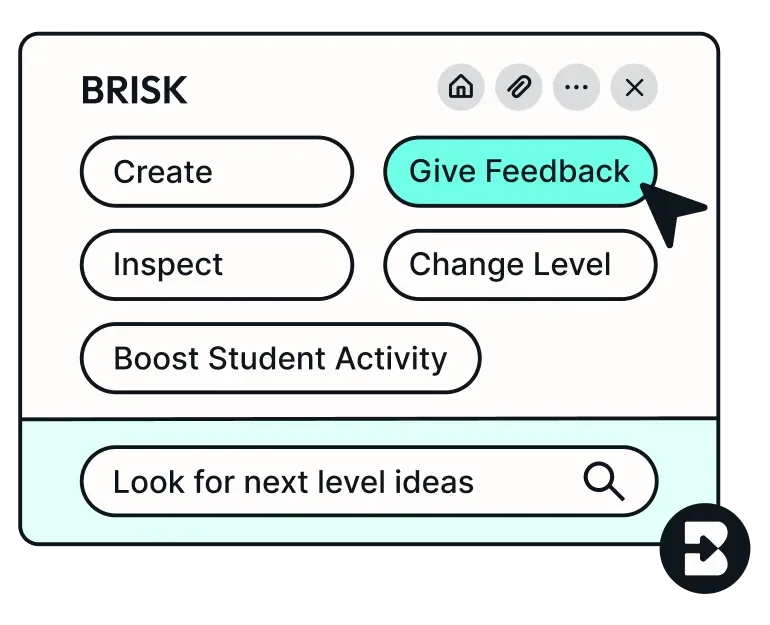
Streamline teaching workflows and discover new lesson ideas instantly.
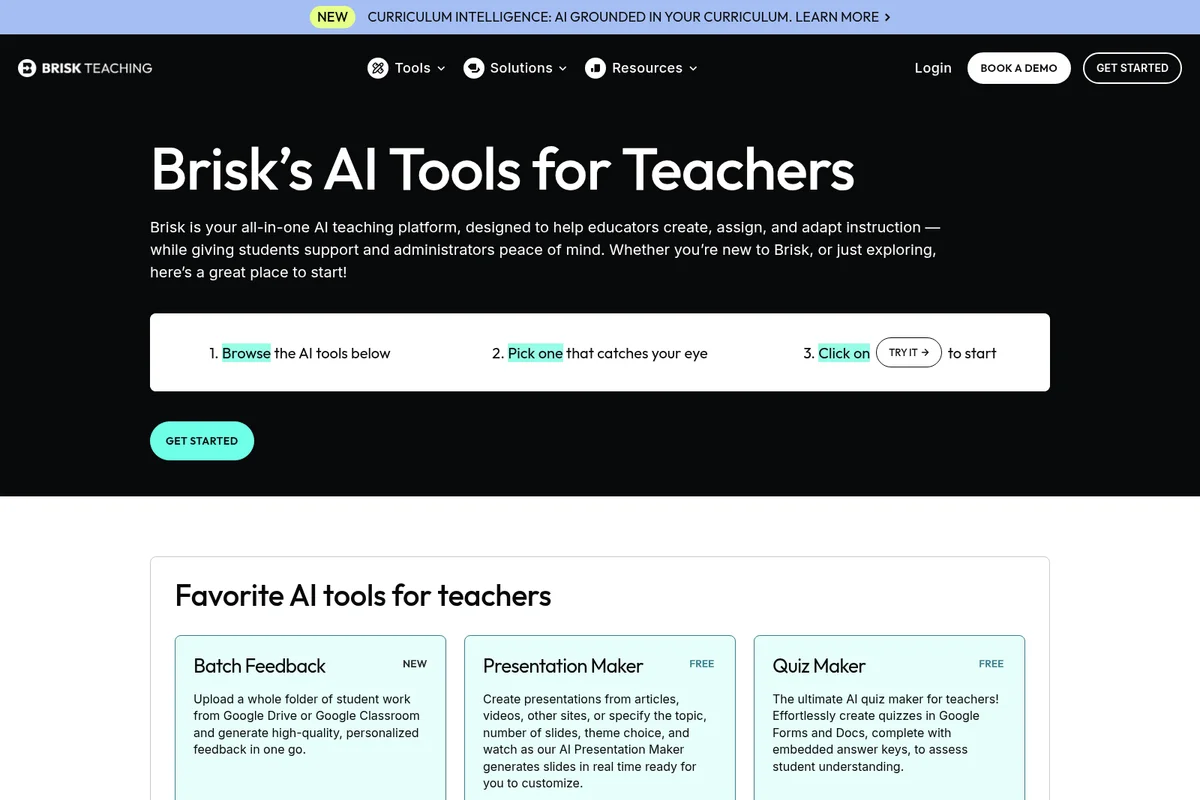
Discover Brisk Teaching's powerful AI tools, including Batch Feedback and Presentation Maker.
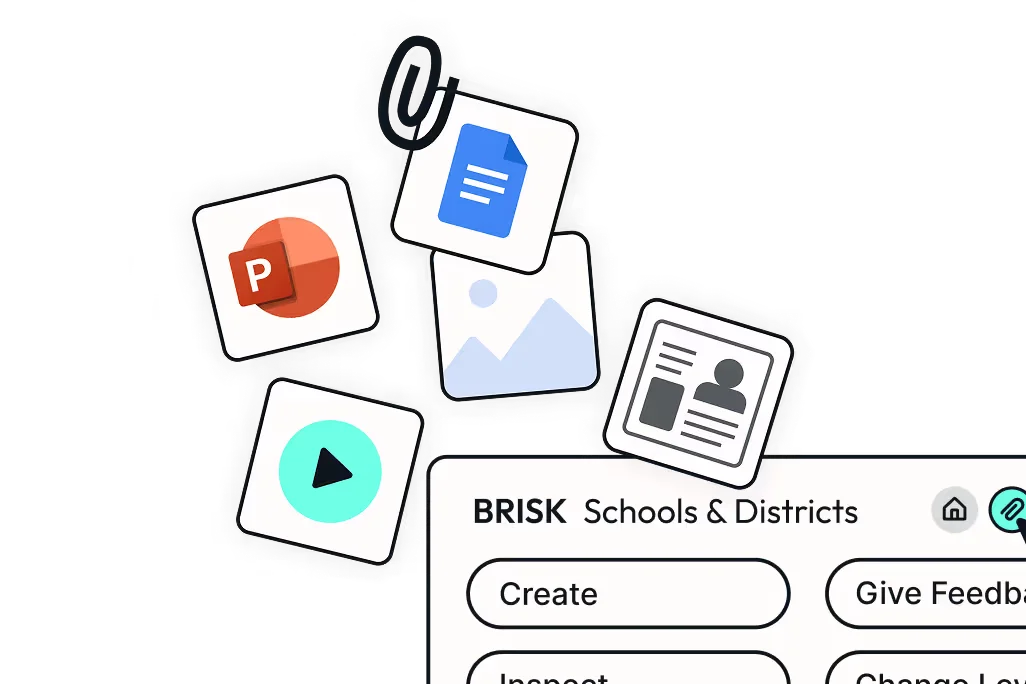
Streamline content creation, management, and feedback for schools and districts.
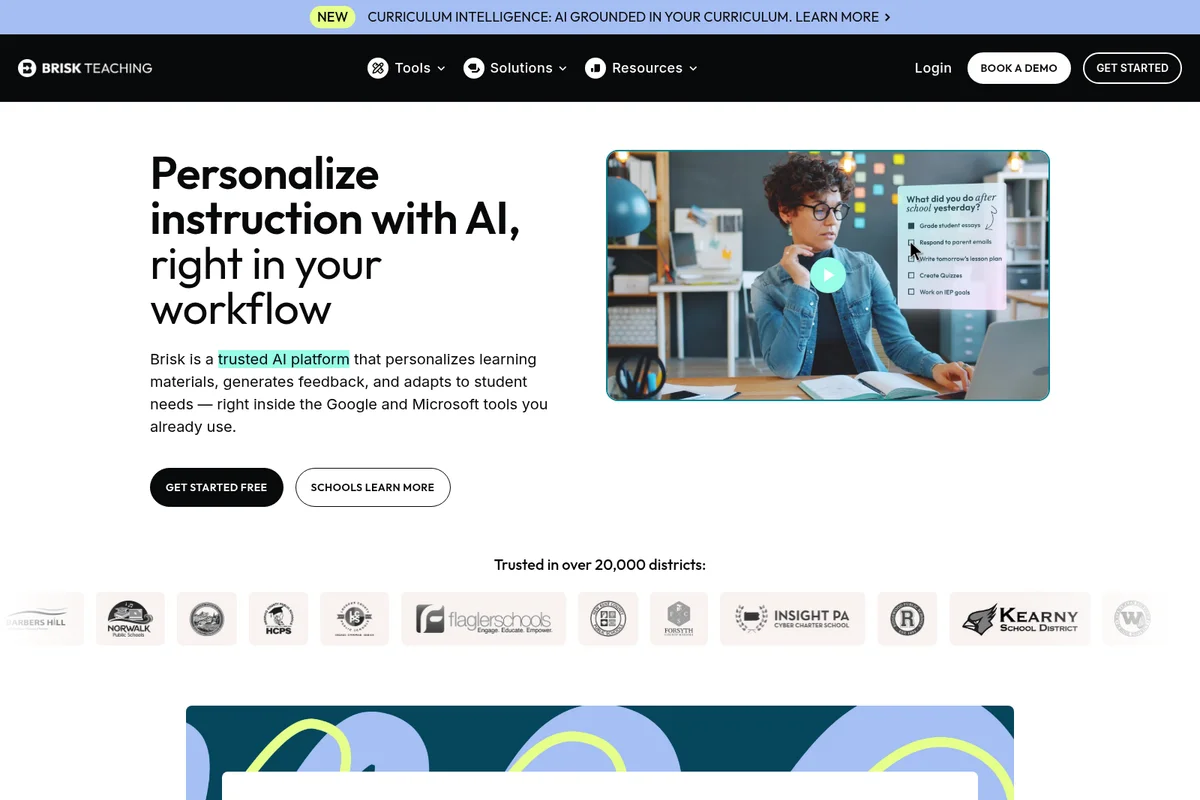
AI streamlines teacher workflows by helping manage tasks and lesson planning.
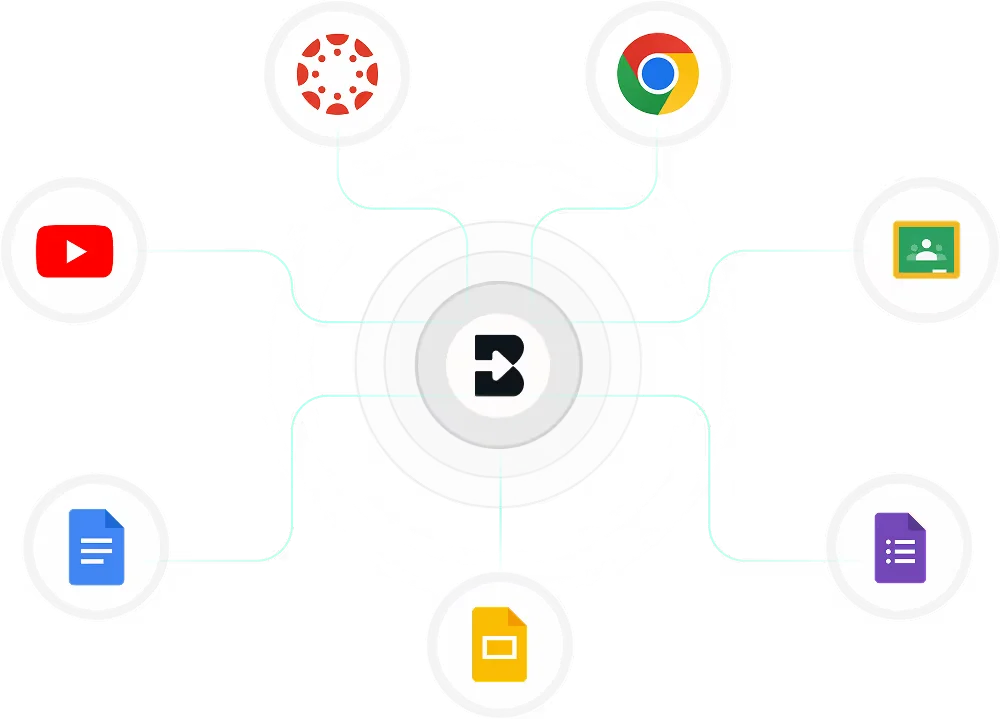
Seamlessly connect Brisk Teaching with your favorite educational tools and Google apps.
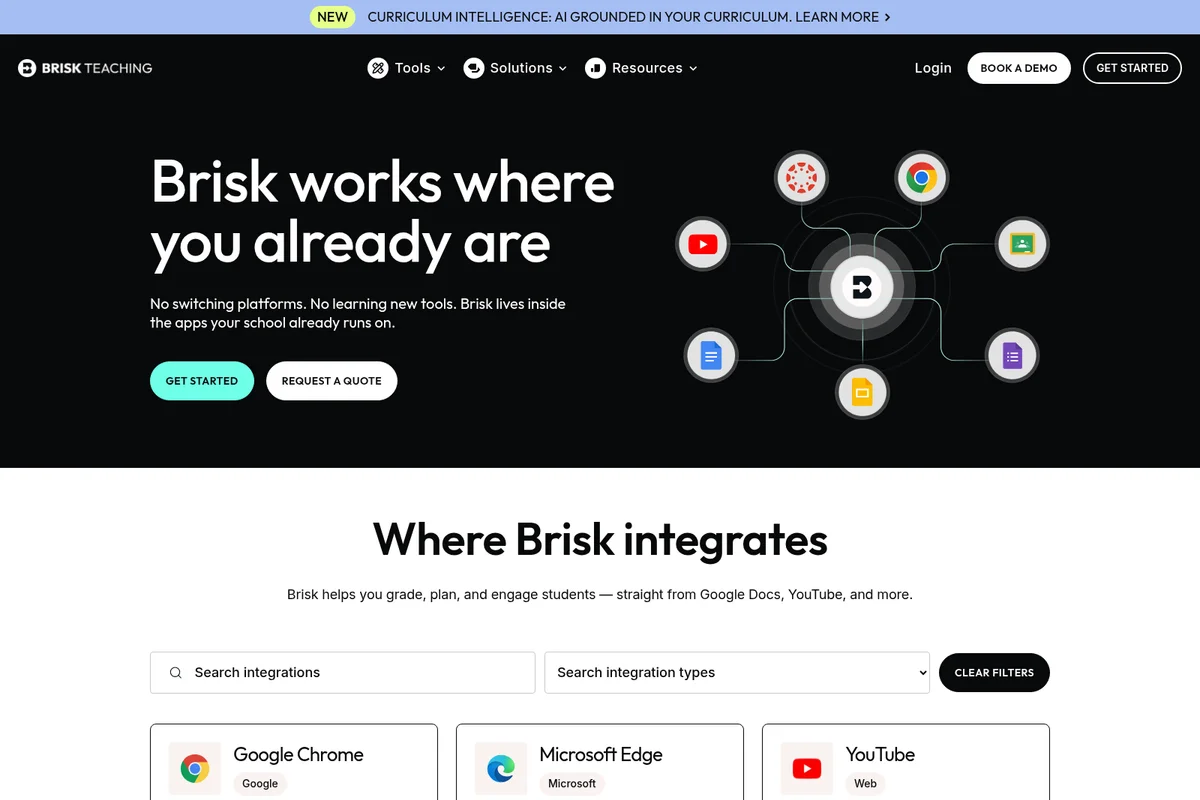
See how Brisk seamlessly integrates with your favorite classroom apps.
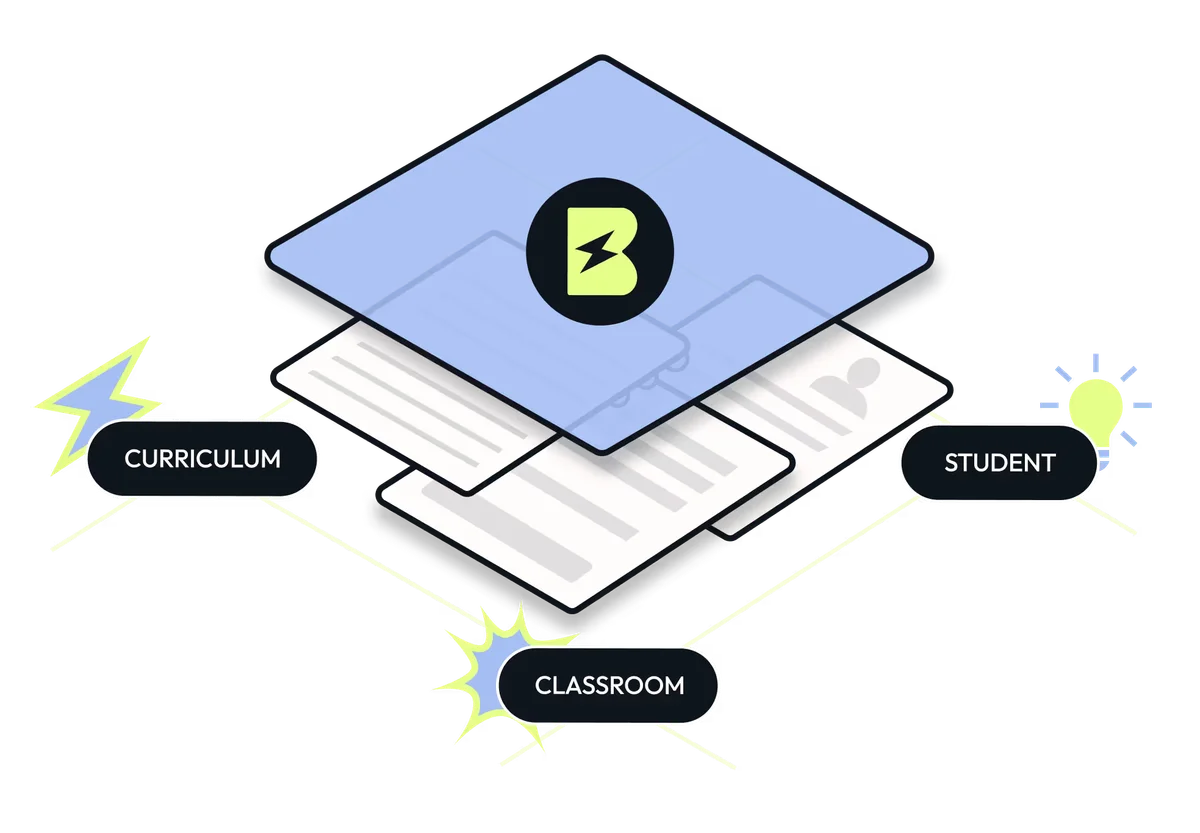
Brisk Teaching: Unifying curriculum, student engagement, and classroom management.
Brisk Teaching Review: Tooliverse Consensus




Based on 1k+ verified reviews across 4 platforms,
combined with Tooliverse's expert analysis
Brisk Teaching turns Google Docs, Slides, and PDFs into an AI grading and planning surface, meeting teachers exactly where their work already happens instead of adding another tab to manage. Reviewers consistently praise how fast it produces personalized writing feedback and standards-aligned rubrics, and how naturally it slots into Canvas and Google Classroom. The tradeoff shows up in its AI writing detection tool, which can misread legitimate student work, and in premium pricing that stings for solo teachers.
Bottom line: A top-tier classroom co-pilot that turns hours of grading and lesson planning into minutes, though its AI detection tool needs human double-checking before trusting any flag.
Brisk Teaching | Key Specs
- Platforms
- Web, Chrome Extension, Microsoft Edge Extension
- Pricing Model
- Freemium (Free + custom-priced Educator Pro and district plans) See plans
- Privacy/Data Use
- Does not sell or store student work content; FERPA/COPPA compliant
- Security
- SOC 2 compliant (Oct 2025), custom data privacy agreements available See details
Wins
- •Generates personalized feedback on student writing directly within Google Docsmentioned in 342 reviews
- •Adjusts reading levels of online articles to match student needs instantlymentioned in 285 reviews
- •Creates comprehensive lesson plans and rubrics aligned with specific standardsmentioned in 214 reviews
Watch-Outs
- •AI writing detection tool can produce false positives on student workmentioned in 92 reviews
- •Premium features require a paid subscription that may be costly for individualsmentioned in 74 reviews
- •Occasional formatting glitches when exporting generated content to Google Slidesmentioned in 56 reviews
Brisk Teaching Features 2026
Browser Extension AI Layer
Works directly inside Google Docs, Slides, Word, PowerPoint, PDFs, YouTube, webpages, and images — no copying, pasting, or switching tabs required.
Inspect Writing
Replays a student's full writing process in Google Docs with timestamps, showing what was typed, edited, deleted, or pasted in, to support academic integrity checks.
Brisk Boost for Students
Turns any online resource into a safe, teacher-controlled interactive learning experience with 14 activity types; adapts in real time to student responses.
Brisk Intelligence (Curriculum Intelligence)
Grounds every lesson, assessment, and resource in a district's specific adopted curriculum, pacing guide, and scope & sequence before teachers even begin.
Brisk Teaching User Reviews
Selected Reviews
"Finally, an AI tool that actually helps with the "paperwork" side of teaching. The IEP goal generator is surprisingly thorough and saves me so much mental energy."
"I use the leveling tool daily for my differentiated reading groups. It takes a complex news article and makes it accessible for my 3rd graders in seconds."
"The feedback is good, but sometimes it sounds a bit too "AI". I always have to go through and add my own voice so the kids know it's me."
More from the Community
"Brisk has completely changed how I give feedback. I can now provide detailed, actionable comments on 30 essays in the time it used to take for five."
"The integration with Google Docs is seamless. I don't have to switch tabs or copy-paste."
"The rubric generator is a game changer. I can align it to state standards and it builds a clear, fair grading scale that I can import to Canvas."
"It's a solid tool, but the AI detection feature is very unreliable. It flagged a student's handwritten-then-typed essay as 80% AI. Use with caution."
"Brisk is the best edtech tool I've found in years. It solves real problems."
"Brisk has completely changed how I give feedback. I can now provide detailed, actionable comments on 30 essays in the time it used to take for five."
"The integration with Google Docs is seamless. I don't have to switch tabs or copy-paste."
"The rubric generator is a game changer. I can align it to state standards and it builds a clear, fair grading scale that I can import to Canvas."
"It's a solid tool, but the AI detection feature is very unreliable. It flagged a student's handwritten-then-typed essay as 80% AI. Use with caution."
"Brisk is the best edtech tool I've found in years. It solves real problems."
"I love the "Brisk It" button. It's so convenient to summarize or create a quiz instantly."
"The free version is great, but the jump to the paid tier is a bit steep for an individual teacher's budget. I wish there was a middle ground."
"I was skeptical at first, but the way it handles citations and source-checking is impressive. It helps me teach students how to use AI responsibly."
"Customer support is very responsive. I had an issue with the extension not loading in Chrome, and they helped me fix it within an hour."
"I love the "Brisk It" button. It's so convenient to summarize or create a quiz instantly."
"The free version is great, but the jump to the paid tier is a bit steep for an individual teacher's budget. I wish there was a middle ground."
"I was skeptical at first, but the way it handles citations and source-checking is impressive. It helps me teach students how to use AI responsibly."
"Customer support is very responsive. I had an issue with the extension not loading in Chrome, and they helped me fix it within an hour."
Brisk Teaching Pricing 2026
Most individual teachers should just use the Free Forever plan: it's genuinely capable, with 20+ tools and unlimited students, and every new account gets a 14-day taste of premium features first. Educator Pro adds the faster Turbo model and unlimited daily usage, but it's quote-based, so budget-conscious teachers should test the free tier's limits before inquiring. Districts should skip straight to a pilot conversation for Premium or Intelligence.
Brisk Teaching In-Depth Review 2026

Brisk is a free Chrome and Edge extension, plus a web platform, that layers AI directly onto Google Docs, Slides, Word, PowerPoint, PDFs, webpages, and even YouTube videos. It also plugs into Canvas, Schoology, Blackboard, and Google Classroom. Instead of copying a student's essay into a separate chatbot, teachers work right where the writing already lives, and that single design choice shapes almost everything else about how the tool feels to use.
What It's Like Day-to-Day
The core loop is feedback, and it's where Brisk earns its reputation. Open a student's Google Doc, choose a style like Glow & Grow or Rubric Criteria, and comments populate in seconds, in a tone that reads like a teacher rather than a chatbot. One Chrome Web Store reviewer summed up the shift bluntly: Brisk let them "provide detailed, actionable comments on 30 essays in the time it used to take for five." That kind of throughput doesn't just save hours, it changes what's actually possible in a single grading session.
Brisk Teaching Security & Compliance
Verified Compliance
- SOC 2 (compliant as of October 2025)
Security Features
- Custom data privacy agreements (Premium/Intelligence)
Privacy Commitments
- 95% Common Sense Privacy Rating, among the highest for education AI tools
- FERPA and COPPA compliant
- GDPR aligned
- Does not sell student data, ever
- Does not store underlying student work content (e.g., essay text)
Brisk Teaching: Frequently Asked Questions (FAQs)
Is Brisk Teaching free for teachers?
Yes, Brisk is a completely free Chrome and Edge extension and web platform. The Free Forever Plan includes 20+ essential AI-powered tools, and new sign-ups also get 14 days of complimentary access to the Schools & Districts Premium plan before automatically transitioning to Free Forever.
What are Brisk's paid plans and how much do they cost?
Brisk offers Educator Pro for individual teachers and a Schools & Districts plan (Premium and Intelligence tiers) for institutional purchase; pricing for the Schools & Districts plans is custom and based on total student enrollment, available by contacting Brisk directly.
Do you offer pilot periods or trials?
Yes, Brisk offers pilot periods so district teams can evaluate the platform before committing; a customer success representative works with the district to structure a pilot fitting their timeline and goals.
Why does Brisk use per-student pricing if it's a teacher-facing tool?
Brisk prices per student because most districts and schools already allocate resources on a per-student basis, so this model matches existing budgeting and ensures every teacher in a building gets access rather than only select departments.
Brisk Teaching Integrations
| Google Docs | Google Slides | Google Forms |
| Google Classroom | Microsoft Word | Microsoft PowerPoint |
| Microsoft Edge | Canvas | Schoology |
| Blackboard | Turnitin | YouTube |
| OneDrive |
Brisk Teaching: Verified Data Sheet
| # | Label | Data Point |
|---|---|---|
| [1] | Brisk Teaching Consensus: 9.44/10 | Brisk Teaching is one of the highest-rated AI education tools in the Tooliverse index, with a consensus score of 9.44/10 across 1,767 verified reviews. |
| [2] | What is Brisk Teaching | Brisk Teaching is a browser extension and AI education platform, trusted in 10,000+ districts, that layers AI directly into Google Docs, Slides, PDFs, and YouTube to generate lessons and feedback. It holds a 95% Common Sense Privacy Rating and became SOC 2 compliant in October 2025, with free and district-priced plans. |
| [3] | Tooliverse Consensus on Brisk Teaching | Brisk Teaching turns Google Docs, Slides, and PDFs into an AI grading and planning surface, meeting teachers exactly where their work already happens instead of adding another tab to manage. Reviewers consistently praise how fast it produces personalized writing feedback and standards-aligned rubrics, and how naturally it slots into Canvas and Google Classroom. The tradeoff shows up in its AI writing detection tool, which can misread legitimate student work, and in premium pricing that stings for solo teachers. |
| [4] | Brisk Teaching Verdict | Brisk Teaching bottom line: A top-tier classroom co-pilot that turns hours of grading and lesson planning into minutes, though its AI detection tool needs human double-checking before trusting any flag. |
| [5] | Free (Educator Free Forever): Free | Brisk Teaching offers a Free (Educator Free Forever) tier with 20+ essential AI-powered tools and a Chrome & Edge extension, making its core features accessible at no cost. |
| [6] | Standards-aligned lesson plans and rubrics | Brisk Teaching creates comprehensive lesson plans and rubrics aligned with specific academic standards, a strength noted in 214 user reviews. |
| [7] | Seamless Google Classroom and Canvas integration | Brisk Teaching integrates directly into existing workflows like Google Classroom and Canvas, an experience praised in 198 user reviews for eliminating tab-switching and copy-pasting. |
| [8] | Cuts administrative workload via automation | Brisk Teaching saves teachers significant administrative time through AI-powered automation, a benefit reported in 176 user reviews. |
| [9] | In-doc personalized writing feedback | Brisk Teaching generates personalized feedback on student writing directly inside Google Docs, a capability cited by 342 user reviews as one of its most valued features. |
| [10] | AI detection can misflag student writing | Brisk Teaching's AI writing detection tool can produce false positives on student work, an issue flagged in 92 user reports. |
| [11] | Needs browser permissions and stable internet | Brisk Teaching requires specific browser permissions and a stable internet connection to function, a technical dependency mentioned in 32 user reports. |
| [12] | SOC 2 (compliant as of October 2025) | Brisk Teaching holds SOC 2 (compliant as of October 2025) certification. |
| [13] | Enterprise: Custom data privacy agreements (Premium/Intelligence) | Brisk Teaching provides enterprise security with Custom data privacy agreements (Premium/Intelligence). |
| [14] | Cuts essay feedback time 6x | Brisk Teaching lets teachers grade dramatically faster, with one Chrome Web Store reviewer noting they can "provide detailed, actionable comments on 30 essays in the time it used to take for five." |
Best Brisk Teaching Alternatives

MagicSchool
AI built for K-12 that gives teachers their time back and keeps students safe.
Eduaide.AI
Turn your standards and curriculum into classroom-ready lessons, worksheets, and assessments in minutes.
Curipod
Teacher-led writing lessons where every student reads, writes, and discusses together — not alone on a screen.