
Framer Review 2026 - No-Code Site Builder
Verified Jun 11, 2026 by Tooliverse Editorial
Framer turns design into live websites without code handoffs. Designers ship updates daily using AI-powered tools, a built-in CMS, and fast hosting—trusted by Perplexity, Miro, and thousands of startups.
Framer Creators: How Asia Gawron went From Newbie to Expert in 1 Year
How to Learn Framer Fast (and Start Earning From It Passively) in 2026

Earn points on rent and discover benefits in your neighborhood.
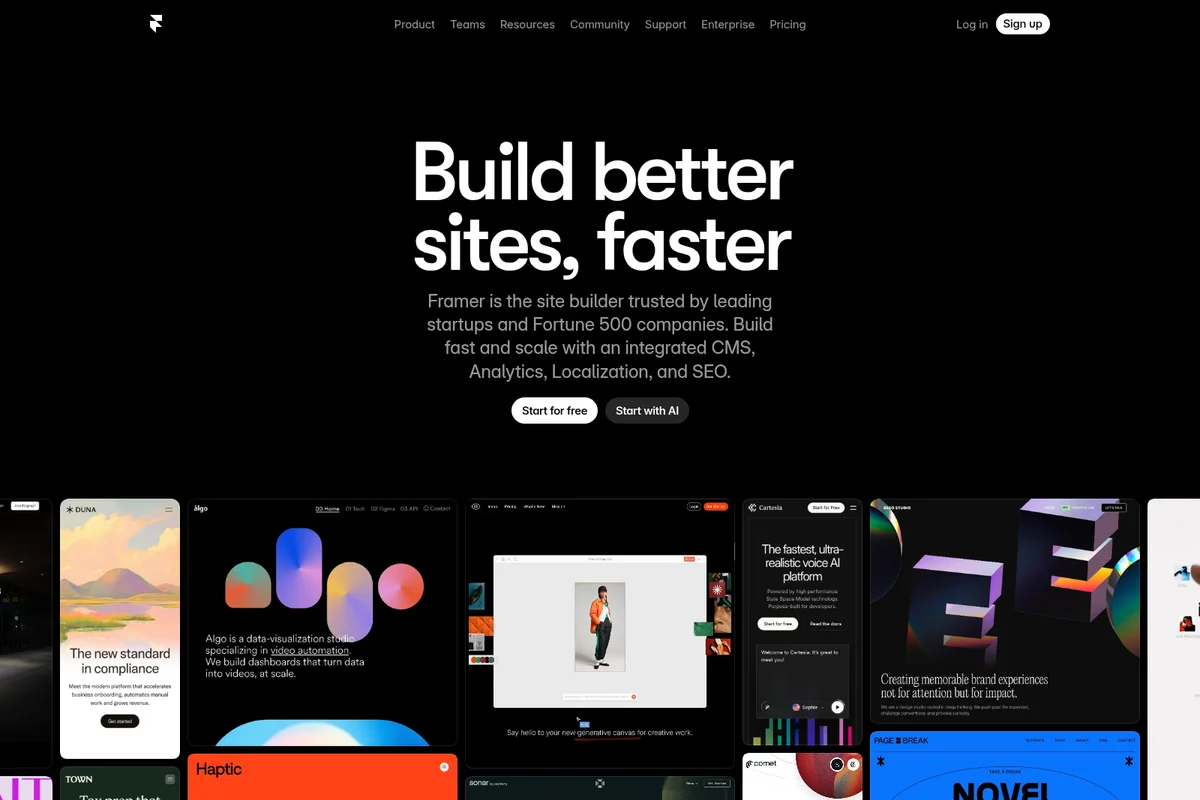
Build faster, high-performing websites with Framer's AI-powered site builder.
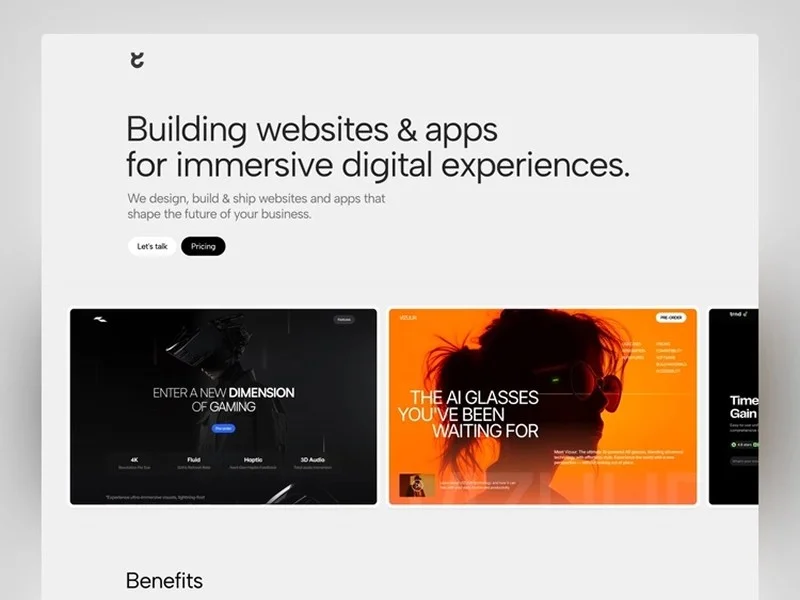
Build immersive websites & apps that shape the future of your business.
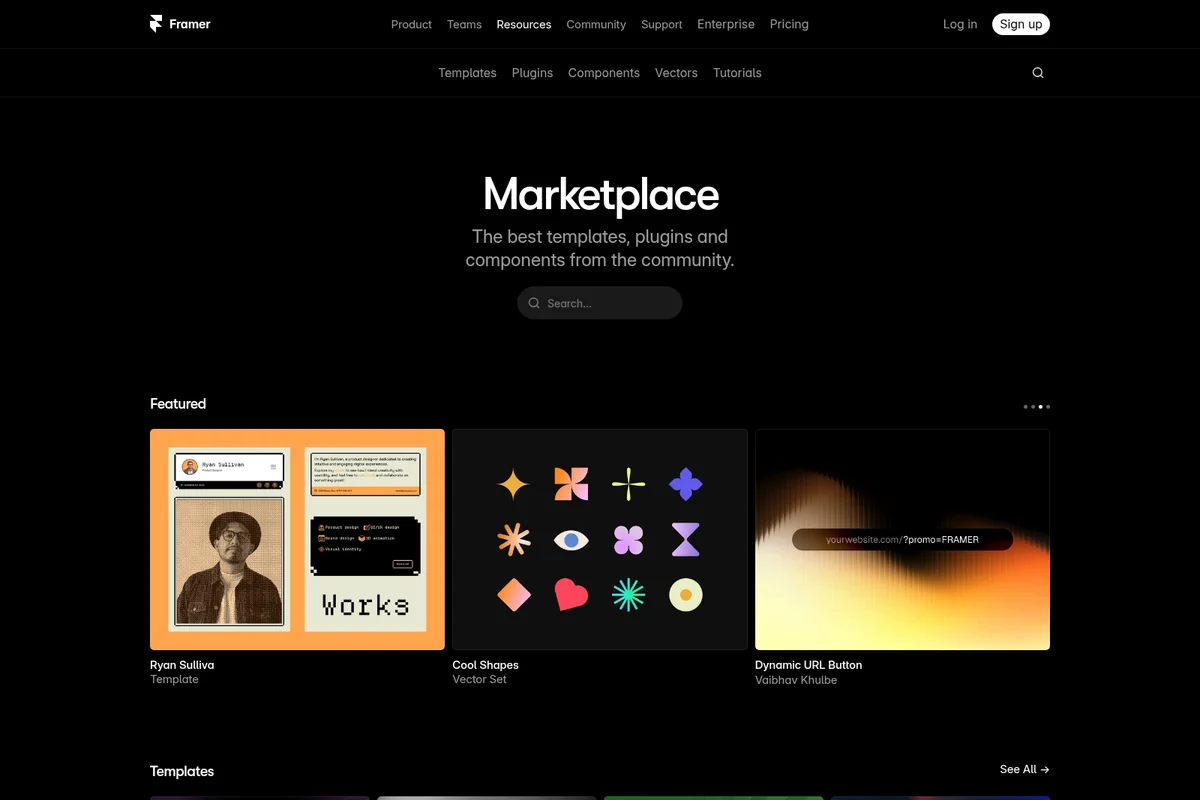
Explore community-created templates, plugins, and components.
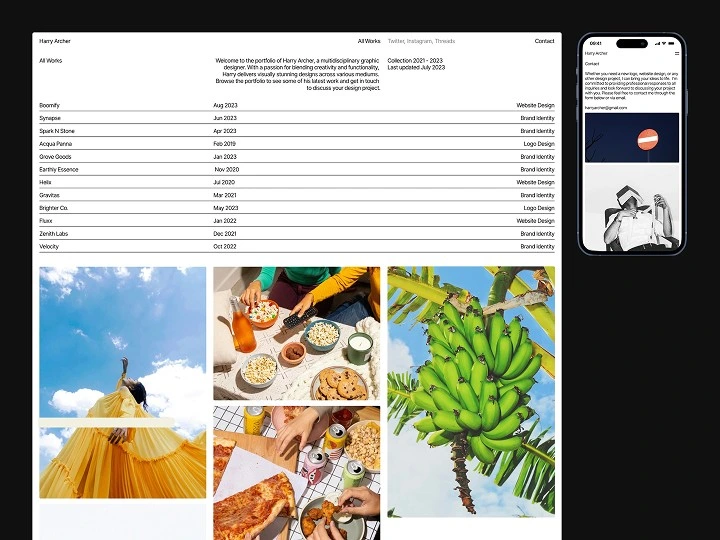
Showcase professional portfolio websites built with Framer, highlighting responsive design.
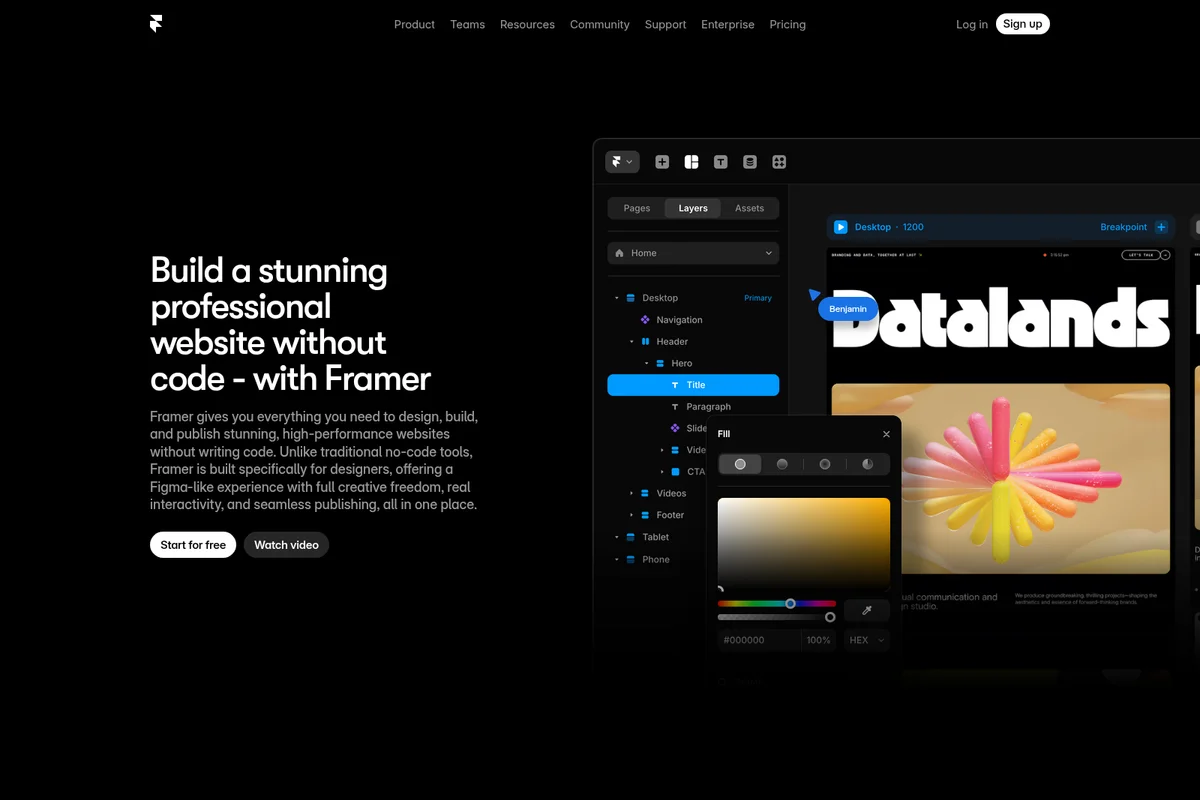
Visually design and publish high-performance websites without writing code.
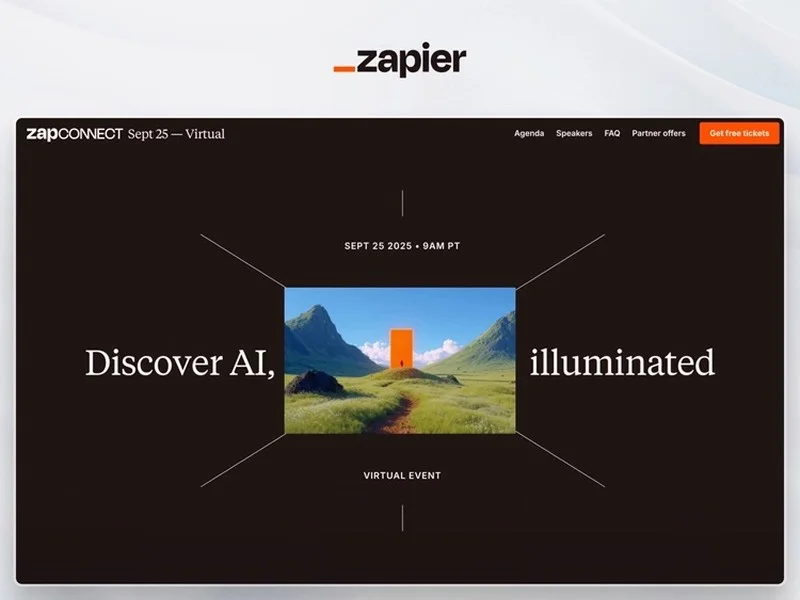
Showcasing a compelling virtual event landing page built with Framer.
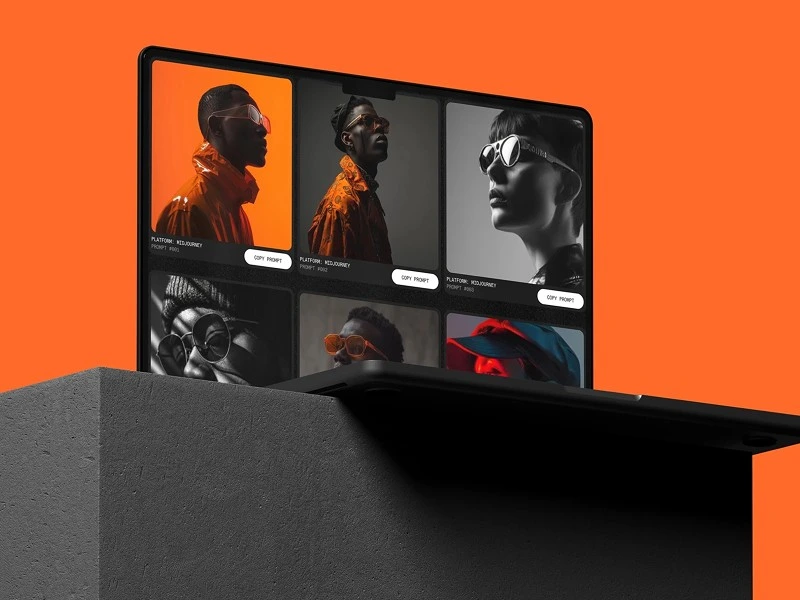
Showcase AI-generated art with direct access to creation prompts.
Framer Review: Tooliverse Consensus





Based on 1k+ verified reviews across 5 platforms,
combined with Tooliverse's expert analysis
Framer collapses the design-to-production cycle into a single workflow, letting designers publish high-performance, interactive websites directly from a Figma-like canvas without developer handoffs. The seamless Figma import, professional-grade animation tools, and automatic performance optimization make it a top-tier choice for agencies and startups shipping marketing sites at speed. The learning curve for responsive layouts is steeper than expected, and the CMS caps at 40 collections even on premium tiers, limiting teams with complex content needs. Per-seat editor costs and usage-based add-ons can push monthly bills well beyond base pricing for growing teams.
Bottom line: A leading design-to-production platform that empowers designers to ship polished, performant websites without code, though the pricing complexity and CMS limitations require careful evaluation for content-heavy or team-based workflows.
Framer | Key Specs
Wins
- •Imports Figma designs seamlessly to eliminate the need for manual rebuildingmentioned in 342 reviews
- •Empowers designers to create high-fidelity animations that feel professional and polishedmentioned in 289 reviews
- •Utilizes AI to generate layouts and copy for rapid site prototypingmentioned in 215 reviews
Watch-Outs
- •Implements a complex pricing structure that can become expensive for teamsmentioned in 156 reviews
- •Presents a steep learning curve for mastering advanced responsive layout controlsmentioned in 142 reviews
- •Offers limited CMS functionality compared to more robust database-driven buildersmentioned in 118 reviews
Framer Features 2026
AI Wireframer
Generate complete site layouts and advanced components in seconds using AI, eliminating the blank canvas problem and accelerating initial design phases.
A/B Testing & Funnels
Run up to 5 A/B tests simultaneously with built-in funnel tracking and event analytics via the Convert add-on.
Built-in CMS
Manage and update content effortlessly with relational collections, supporting up to 40,000 items on Scale plan. Keep sites fresh without touching code.
Live Collaboration
Real-time collaboration on canvas or direct on-page editing with roles and permissions. Updates are seamless and handoff-free across teams.
Framer User Reviews
Selected Reviews
"Finally a tool that respects the designer's intent without code bloat. It's the first time I've felt in control of the output."
"The Figma to Framer plugin is a literal godsend for my workflow. I can design in Figma and have a live site in minutes."
"Powerful but the pricing tiers are getting confusing for freelancers. $20 per editor seat is a bit much for small teams."
More from the Community
"Framer AI helps me wireframe landing pages in minutes. It's not perfect, but it gets me 80% of the way there instantly."
"Great for marketing sites, but the CMS can be a bit finicky when dealing with complex relationships."
"The interaction design tools are miles ahead of Webflow. You can create truly unique experiences without touching code."
"The mobile app is okay for viewing but I wish I could do minor edits on the go. It feels very limited right now."
"Site speed is impressive for a no-code tool. My lighthouse scores are consistently in the 90s without any manual tuning."
"Framer AI helps me wireframe landing pages in minutes. It's not perfect, but it gets me 80% of the way there instantly."
"Great for marketing sites, but the CMS can be a bit finicky when dealing with complex relationships."
"The interaction design tools are miles ahead of Webflow. You can create truly unique experiences without touching code."
"The mobile app is okay for viewing but I wish I could do minor edits on the go. It feels very limited right now."
"Site speed is impressive for a no-code tool. My lighthouse scores are consistently in the 90s without any manual tuning."
"Learning curve is steep if you aren't familiar with auto-layout. Stacks and Grids take some time to master properly."
"The new localization features made our global launch so much easier. Translating CMS content is now a breeze."
"Best-in-class prototyping that actually feels like a real website. Clients are always impressed by the fidelity and speed."
"Customer support was surprisingly fast when my domain wouldn't connect, though I've heard mixed things from others."
"Learning curve is steep if you aren't familiar with auto-layout. Stacks and Grids take some time to master properly."
"The new localization features made our global launch so much easier. Translating CMS content is now a breeze."
"Best-in-class prototyping that actually feels like a real website. Clients are always impressed by the fidelity and speed."
"Customer support was surprisingly fast when my domain wouldn't connect, though I've heard mixed things from others."
Framer Pricing 2026
View SourceBasic at $10/month billed annually is the entry point most freelancers and small studios need: custom domain, AI tools, and hosting that handles typical marketing sites. Pro at $30/month is where agencies and startups should land—staging environments, relational CMS, and 150-page capacity cover serious client work without the overkill of Scale. The catch is editor seats: each additional team member costs $20/month, so a five-person team on Pro is actually $130/month before add-ons. Budget accordingly if you're building a collaborative workflow.
Framer In-Depth Review 2026

This no-code website builder runs on a canvas interface that feels like Figma but outputs real, performant websites. It works across desktop and mobile browsers, with a dedicated plugin that imports Figma designs directly and converts them to editable Framer projects. The platform handles hosting, optimization, and deployment automatically, so you're building and publishing in the same environment. Companies like Perplexity and Miro use it to run their marketing sites without developer handoffs.
What It's Like Day-to-Day
The Figma import is where the workflow advantage becomes tangible. You design in Figma as usual, hit import, and your layouts arrive in Framer with styles and structure intact. No rebuilding text boxes or recreating color systems. From there, you're adding interactions and animations that would normally require a front-end developer: scroll-triggered reveals, hover states with spring physics, page transitions that feel native. One Product Hunt reviewer called it "a literal godsend for my workflow" after moving from design to live site in minutes instead of weeks.
The AI wireframer handles the blank-canvas problem better than expected.
Framer: Frequently Asked Questions (FAQs)
What's included in the Free plan?
The Free plan includes access to 10 CMS collections, 1,000 pages, 5 MB file uploads, and one free locale to try. This makes it easy to explore Framer, use it as a design tool, or create templates. To connect a custom domain, you'll need to upgrade to a paid plan. Workspaces without a subscription also support collaboration with up to three editors.
Which plan is right for me?
The Free plan is ideal for non-commercial use. The Basic plan caters to students, freelancers, and small studios. The Pro and Scale plans are designed for teams at agencies, startups, and scale-ups who run their full marketing stack on Framer. The Enterprise plan is tailored towards teams that need custom limits, annual billing, and dedicated support.
How are extra editors billed?
Editors are billed per seat and can be added to your workspace or projects at any time. Framer will notify you when an editor is added to your billing, and you will be charged within 24 hours.
What happens if I go over a limit?
When you reach certain limits, Framer will ask you to upgrade your plan. For other limits like bandwidth, Framer allows you to exceed your limit for one month. You'll receive a notification via email so you can upgrade your plan accordingly.
Framer Integrations
| Notion | Google Sheets | Unsplash |
| Figma | Recraft | Lummi |
Framer: Verified Data Sheet
| # | Label | Data Point |
|---|---|---|
| [1] | Framer Consensus: 8.75/10 | Framer is a highly-rated tool among AI design tools in the Tooliverse index, with a consensus score of 8.75/10 across 1,200 verified reviews. |
| [2] | What is Framer | Framer, operated by Framer B.V., is a no-code website builder trusted by Perplexity, Miro, and Fortune 500 companies. The platform enables designers to build, publish, and update production websites without developer handoffs, with pricing starting at $10/month. |
| [3] | Tooliverse Consensus on Framer | Framer collapses the design-to-production cycle into a single workflow, letting designers publish high-performance, interactive websites directly from a Figma-like canvas without developer handoffs. The seamless Figma import, professional-grade animation tools, and automatic performance optimization make it a top-tier choice for agencies and startups shipping marketing sites at speed. The learning curve for responsive layouts is steeper than expected, and the CMS caps at 40 collections even on premium tiers, limiting teams with complex content needs. Per-seat editor costs and usage-based add-ons can push monthly bills well beyond base pricing for growing teams. |
| [4] | Framer Verdict | Framer bottom line: A leading design-to-production platform that empowers designers to ship polished, performant websites without code, though the pricing complexity and CMS limitations require careful evaluation for content-heavy or team-based workflows. |
| [5] | Free: Free | Framer provides a functional Free tier with 10 CMS collections, 1,000 pages, making AI tools accessible at no cost. |
| [6] | Seamless Figma import eliminates rebuilding | Framer imports Figma designs seamlessly through a dedicated plugin, eliminating manual rebuilding and enabling designers to move from design canvas to live website in minutes, validated by 342 user reviews. |
| [7] | Professional animations without code | Framer empowers designers to create high-fidelity animations and interactions that feel professional and polished without writing code, a capability highlighted in 289 user reviews as superior to competing platforms. |
| [8] | AI generates layouts and copy instantly | Framer utilizes AI to generate complete site layouts and copy for rapid prototyping, accelerating initial design phases from blank canvas to functional wireframe in seconds, according to 215 user reviews. |
| [9] | 90+ Lighthouse scores automatically | Framer maintains exceptional site performance with automatic optimization and global CDN hosting, consistently delivering Google Lighthouse scores in the 90s without manual tuning, validated by 198 user reviews. |
| [10] | Pro: $30/mo (annual) | Framer B.V.'s Pro empowers users with Staging and instant rollback for $30/month billed annually, significantly expanding on the free tier's capabilities. |
| [11] | Complex pricing, costly for teams | Framer implements a complex pricing structure with per-seat editor costs at $20/month and usage-based add-ons that can become expensive for growing teams, a concern raised in 156 user reviews. |
| [12] | Steep curve for responsive layouts | Framer presents a steep learning curve for mastering advanced responsive layout controls like Stacks and Grids, particularly for designers unfamiliar with auto-layout concepts, according to 142 user reviews. |
| [13] | Figma to live site in minutes | Framer "is a literal godsend for my workflow" enabling designers to move from Figma design to live site in minutes, according to a verified Product Hunt reviewer. |
Best Framer Alternatives
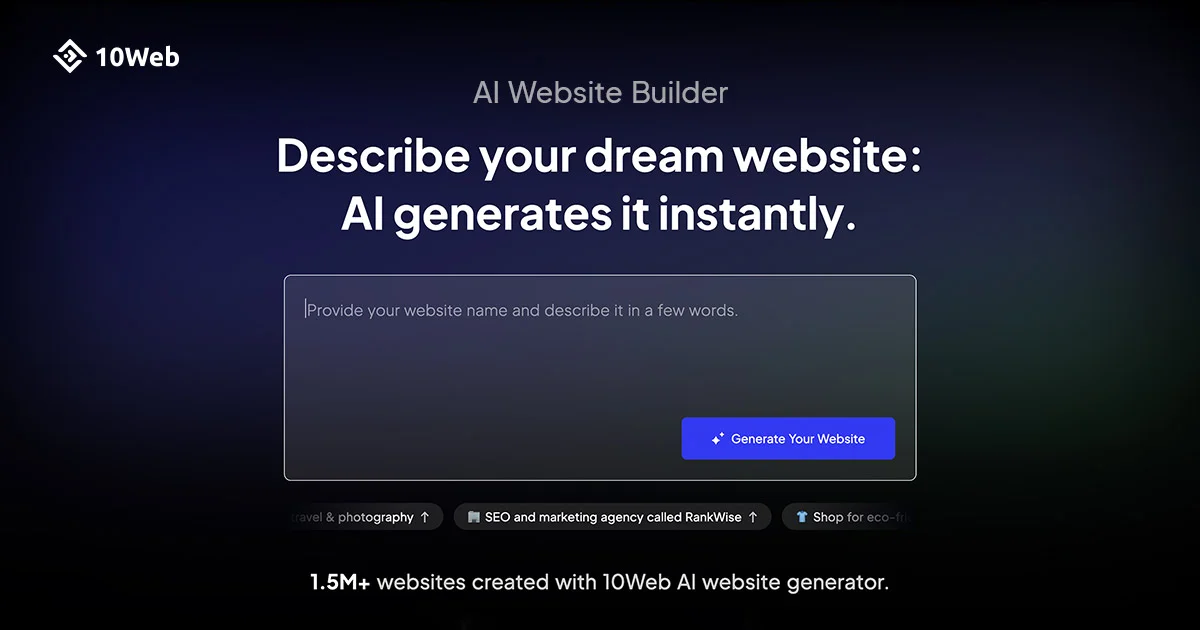
10Web
Turn any idea into a production-ready website with AI agents that plan, build, and manage everything for you.
Figma
Turn big ideas into real products—design, prototype, and collaborate in one powerful platform.
Wix AI
Build professional websites without limits using AI-powered design and business tools.