
LTX Studio Review 2026 - AI Video Production
Verified Jun 17, 2026 by Tooliverse Editorial
LTX Studio transforms video production with AI that maintains character consistency across scenes, generates from text or images, and gives you cinematic camera controls. From filmmakers to ad agencies, creative teams use it to storyboard, iterate, and deliver faster than traditional workflows allow.
Introducing Flows | LTX Studio
How To Use LTX Studio – Ultimate Guide
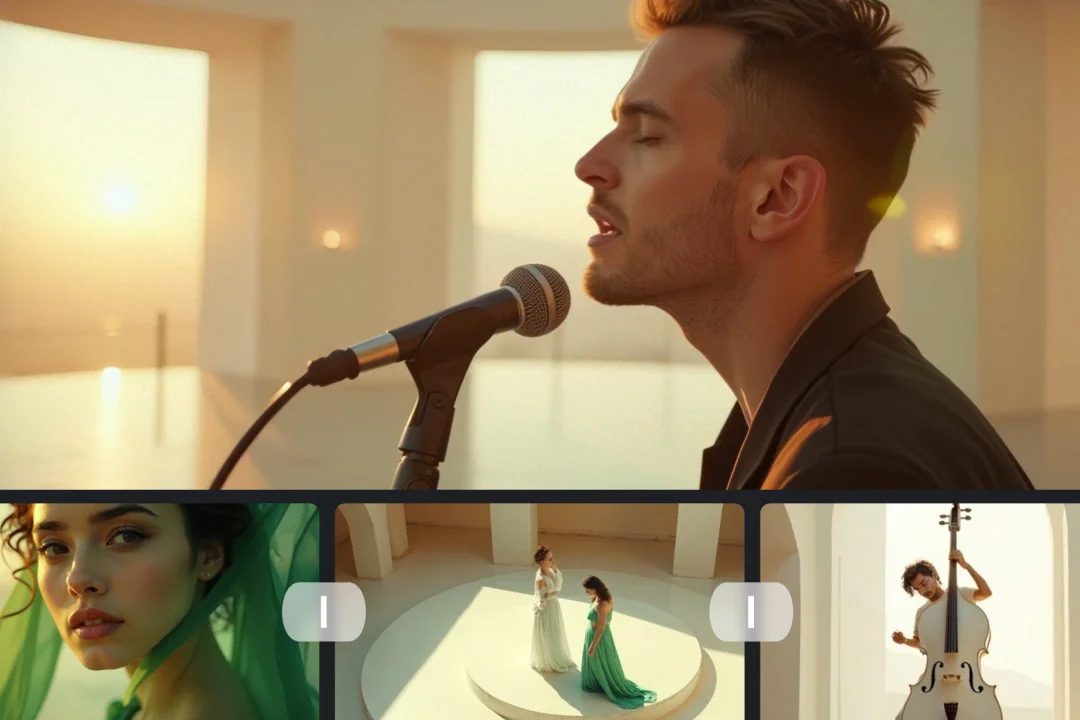
Manage and preview your AI-generated video content with ease.
Explore open foundation models for video, audio, and world simulation.
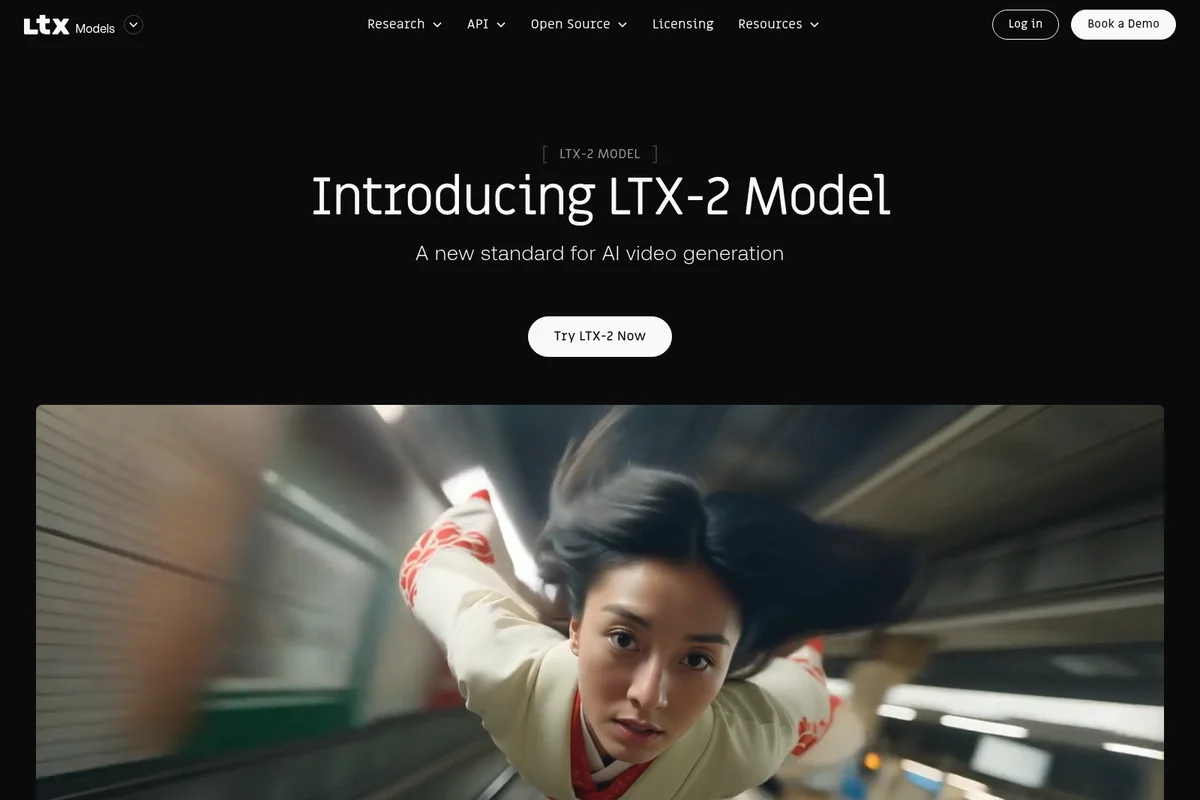
Experience the new standard for AI video generation with the LTX-2 Model.
LTX Studio Review: Tooliverse Consensus




Based on 2k+ verified reviews across 4 platforms,
combined with Tooliverse's expert analysis
LTX Studio functions as an AI director that maintains character and visual consistency across multi-shot sequences, bridging the gap between text prompts and professional storyboarding workflows. The platform's strength lies in its Elements system for persistent characters and locations, combined with Director Mode's granular camera controls that give creators actual directorial authority over AI-generated footage. Complex human movements and hand gestures still require significant manual cleanup, and high-resolution exports are gated behind expensive tiers, but for pre-visualization and concept pitching, it delivers narrative coherence that most AI video tools can't match.
Bottom line: A leading AI video platform that maintains visual consistency across scenes for professional pre-visualization, though final production quality still requires manual refinement for complex movements.
LTX Studio | Key Specs
- Platforms
- Web, API
- Pricing Model
- Freemium ($0-125/mo) See plans
- Privacy/Data Use
- No training on user data (Enterprise plans)
- Security
- SOC 2, ISO, GDPR, SSO login See details
Wins
- •Automates the storyboarding process with impressive narrative coherence across scenesmentioned in 342 reviews
- •Maintains consistent character appearances across multiple shots without complex promptingmentioned in 289 reviews
- •Offers granular control over camera angles and movement for cinematic resultsmentioned in 215 reviews
Watch-Outs
- •Requires significant manual cleanup for complex human movements and hand gesturesmentioned in 156 reviews
- •High-resolution exports are locked behind the most expensive subscription tiersmentioned in 134 reviews
- •Occasional inconsistencies in background details between sequential scene generationsmentioned in 98 reviews
LTX Studio Features 2026
Audio-to-Video Generation
Generate video where voice, music, and sound effects define structure, pacing, and motion—synchronized audio-visual output for podcasts, avatars, and voice-driven content.
Character and Element Consistency
Maintain consistent AI Characters, Objects, Locations, and visual components across multiple scenes and shots throughout your project using the Elements system.
Advanced Camera Controls
Direct every shot with precision camera movements (dolly in/out, pan, static), keyframe-based motion control, and visual reference guidance.
AI Storyboard Generator
Upload scripts or concepts to instantly generate dynamic storyboards with scene breakdowns, visual previews, and shot planning.
LTX Studio User Reviews
Selected Reviews
"The character consistency is the best I've seen in any AI video tool so far. Being able to keep the same face across different scenes is a game changer for my short films."
"The Director Mode gives me the control I've been looking for. Being able to set the camera path specifically makes it feel like a real tool rather than a slot machine."
"LTX Studio has completely changed how I pitch ideas to clients. I can show them a full sequence in an hour instead of days of sketching."
More from the Community
"Great for storyboarding but the actual video movement still feels a bit "dreamy" and lacks the crispness of Sora. Good for drafts, not final production yet."
"Incredible speed. I went from a text prompt to a 2-minute storyboard with voiceovers in under 15 minutes. The lip-sync is surprisingly decent."
"The pricing is a bit steep for hobbyists. I love the features, but $30/month for the basic tier feels heavy when you still have to deal with AI artifacts."
"Finally, an AI tool that understands scenes and not just individual frames. The narrative flow is actually coherent."
"I use it for pre-viz on every project now. It saves so much time in the conceptual phase."
"Great for storyboarding but the actual video movement still feels a bit "dreamy" and lacks the crispness of Sora. Good for drafts, not final production yet."
"Incredible speed. I went from a text prompt to a 2-minute storyboard with voiceovers in under 15 minutes. The lip-sync is surprisingly decent."
"The pricing is a bit steep for hobbyists. I love the features, but $30/month for the basic tier feels heavy when you still have to deal with AI artifacts."
"Finally, an AI tool that understands scenes and not just individual frames. The narrative flow is actually coherent."
"I use it for pre-viz on every project now. It saves so much time in the conceptual phase."
"The UI is very Lightricks—polished and easy to use. Even if you aren't a pro editor, you can figure out the timeline in minutes."
"Still struggles with hands and fast movement, but for static or slow-panning shots, it's indistinguishable from real footage."
"The multi-character control is what sets this apart. I can have two consistent characters talking in a scene without them morphing into each other."
"A bit buggy on Chrome sometimes, had to refresh twice to get the export to start. But the results are worth the minor hassle."
"The UI is very Lightricks—polished and easy to use. Even if you aren't a pro editor, you can figure out the timeline in minutes."
"Still struggles with hands and fast movement, but for static or slow-panning shots, it's indistinguishable from real footage."
"The multi-character control is what sets this apart. I can have two consistent characters talking in a scene without them morphing into each other."
"A bit buggy on Chrome sometimes, had to refresh twice to get the export to start. But the results are worth the minor hassle."
LTX Studio Pricing 2026
View SourceThe free tier's 800 credits let you test the core LTX-2 models, but Standard at $28/month billed annually is where most professionals should start: it adds the full partner model suite (Veo 2, FLUX.2 Pro, Kling 3.0 Pro), the Elements system for character consistency, and commercial licensing. Pro at $100/month billed annually makes sense for agencies running multiple client projects simultaneously, with 110,000 credits monthly and Veo 3.1 access for maximum output quality. The credit system means costs scale with actual usage rather than flat fees.
LTX Studio In-Depth Review 2026

This AI video production platform runs in your browser and turns text prompts into multi-shot sequences with consistent characters, controlled camera movements, and narrative flow across scenes. It's built for filmmakers, ad agencies, and content creators who need to visualize stories quickly, operating across desktop browsers with integrations for audio-to-video generation and timeline editing that bridges AI output with traditional post-production tools.
What It's Like Day-to-Day
The workflow starts with either a script upload or a text prompt, and within minutes you're looking at a full storyboard with visual previews for each scene. The character consistency is what makes it feel like a professional tool instead of a novelty: the same face appears across different shots without morphing or drifting, and you can maintain multiple distinct characters in a single project without them bleeding into each other. One Reddit reviewer noted it "completely changed how I pitch ideas to clients" by cutting visualization time from days to an hour.
The Director Mode gives you control that most AI video tools skip entirely. You're not just typing prompts and hoping; you're setting specific camera paths, choosing between dolly movements and static shots, adjusting keyframes for motion control.
LTX Studio Security & Compliance
Verified Compliance
- SOC 2
- ISO
- GDPR
Security Features
- SSO login
- Centralized billing and flexible payments (ACH, wire)
Privacy Commitments
- Enhanced data privacy (Enterprise plans)
- User input and output won't be used to train models (Enterprise)
LTX Studio: Frequently Asked Questions (FAQs)
What is LTX Studio?
LTX Studio is a generative AI platform for creative development that helps users turn ideas into compelling video projects. It's designed for filmmakers, creative professionals, and teams, offering tools for storyboarding, video generation, editing, and collaboration from concept through final delivery.
How much does it cost to use LTX Studio?
LTX Studio offers a free tier with 800 one-time credits for personal use. Paid plans start at $12/month (billed annually) or $15/month for Lite, $28/month (yearly) or $35/month for Standard, and $100/month (yearly) or $125/month for Pro. Enterprise plans have custom pricing.
What are Credits?
Credits are the resources consumed when generating videos and images in LTX Studio. Different actions like rendering videos, changing character appearance, or creating new shots consume different amounts of credits based on the actual computational resources used.
Can I switch subscription plans?
Yes, you can switch between subscription plans at any time. Upgrades take effect immediately with prorated pricing based on remaining time in your current cycle. Downgrades take effect at the end of your current billing cycle.
LTX Studio Integrations
| ElevenLabs | Google Cloud | ComfyUI |
| Fal | RunDiffusion | OpenArt |
LTX Studio: Verified Data Sheet
| # | Label | Data Point |
|---|---|---|
| [1] | LTX Studio Consensus: 9.02/10 | LTX Studio is one of the highest-rated AI video tools in the Tooliverse index, with a consensus score of 9.02/10 across 2,055 verified reviews. |
| [2] | What is LTX Studio | LTX Studio, operated by Lightricks, is a SOC 2 accredited AI video production platform using LTX-2.3 and partner models. The platform serves 135,000+ creative professionals including ElevenLabs, McCann, and Code and Theory, with pricing starting at $12/month. |
| [3] | Tooliverse Consensus on LTX Studio | LTX Studio functions as an AI director that maintains character and visual consistency across multi-shot sequences, bridging the gap between text prompts and professional storyboarding workflows. The platform's strength lies in its Elements system for persistent characters and locations, combined with Director Mode's granular camera controls that give creators actual directorial authority over AI-generated footage. Complex human movements and hand gestures still require significant manual cleanup, and high-resolution exports are gated behind expensive tiers, but for pre-visualization and concept pitching, it delivers narrative coherence that most AI video tools can't match. |
| [4] | LTX Studio Verdict | LTX Studio bottom line: A leading AI video platform that maintains visual consistency across scenes for professional pre-visualization, though final production quality still requires manual refinement for complex movements. |
| [5] | Free: Free | LTX Studio provides a functional Free tier with 800 credits (one-time), LTX-2 and LTX-2.3 video models, making AI video tools accessible at no cost. |
| [6] | Automated storyboarding with narrative coherence | LTX Studio automates the storyboarding process with impressive narrative coherence across scenes, validated by 342 user reviews as a breakthrough for pre-visualization workflows. |
| [7] | Consistent character appearances across shots | LTX Studio maintains consistent character appearances across multiple shots without complex prompting, a capability highlighted in 289 user reviews as essential for multi-scene projects. |
| [8] | Granular camera control for cinematic shots | LTX Studio offers granular control over camera angles and movement for cinematic results, with 215 user reviews validating the Director Mode's precision camera path controls. |
| [9] | Pro: $100/mo (annual) | Lightricks's LTX Studio Pro empowers users with 110,000 credits per month for $100/month billed annually, significantly expanding on the free tier's capabilities. |
| [10] | Script-to-visual draft in minutes | LTX Studio streamlines the transition from script to visual draft in minutes, with 198 user reviews confirming the platform's ability to accelerate concept-to-storyboard workflows. |
| [11] | Manual cleanup needed for hand gestures | LTX Studio requires significant manual cleanup for complex human movements and hand gestures, a limitation reported in 156 user reviews as the primary post-generation editing burden. |
| [12] | High-res exports require expensive tiers | LTX Studio locks high-resolution exports behind the most expensive subscription tiers, with 134 user reviews noting that 4K output requires Pro-level plans at $100/month or higher. |
| [13] | Privacy: Enhanced data privacy (Enterprise plans) | LTX Studio privacy protections include Enhanced data privacy (Enterprise plans) and a guarantee that User input and output won't be used to train models (Enterprise). |
| [14] | Enterprise: SSO login | LTX Studio provides enterprise security with SSO login and Centralized billing and flexible payments (ACH, wire). |
| [15] | Hour-long pitches vs. days of sketching | LTX Studio "completely changed how I pitch ideas to clients" by enabling full sequence visualization in an hour instead of days of sketching, according to a verified Reddit reviewer. |
Best LTX Studio Alternatives

Kling AI
Transform ideas into stunning visuals and videos with AI-powered multimodal generation.
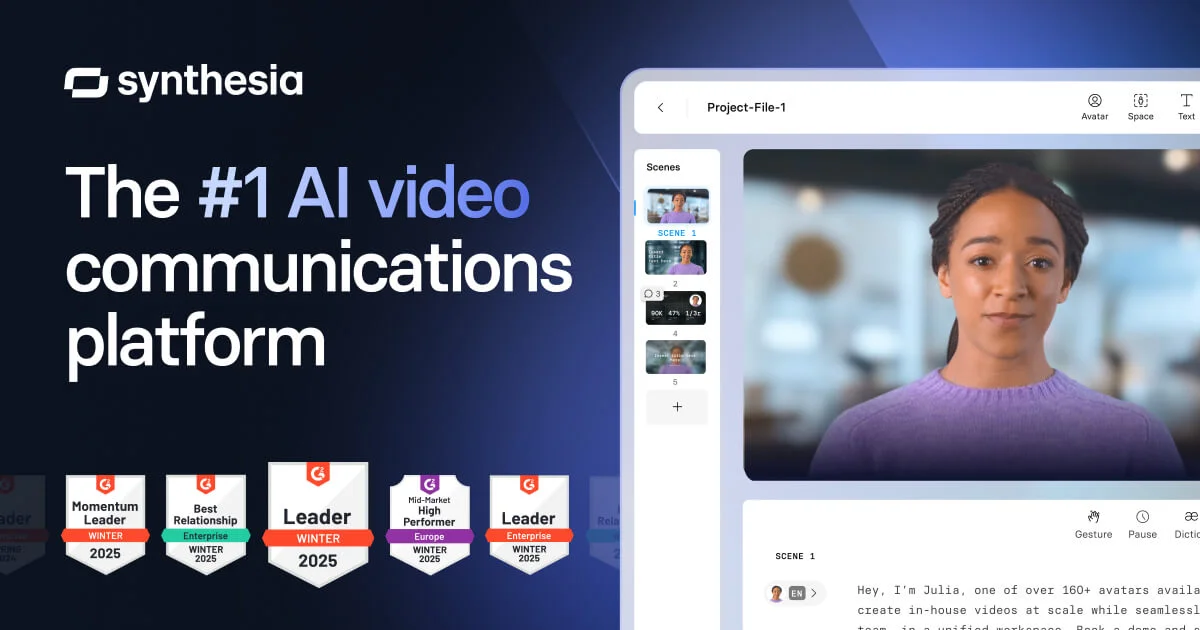
Synthesia
Create studio-quality AI videos in minutes—no cameras, mics, or actors needed.

Lumen5
Turn ideas into professional videos in minutes with AI-powered video creation.