
Pika Review 2026 - AI Video Platform
Verified Jun 18, 2026 by Tooliverse Editorial
Pika transforms photos and text into mind-bending AI videos—melt it, squish it, cake-ify it with one tap. From viral TikTok effects to professional 1080p productions, creators use Pika's reality-warping tools like Pikaffects, Pikatwists, and Pikaframes to make impossible videos possible.
Introducing Pika Powers
How To Use Pika Labs Text to Video | Beginner Step by Step Tutorial
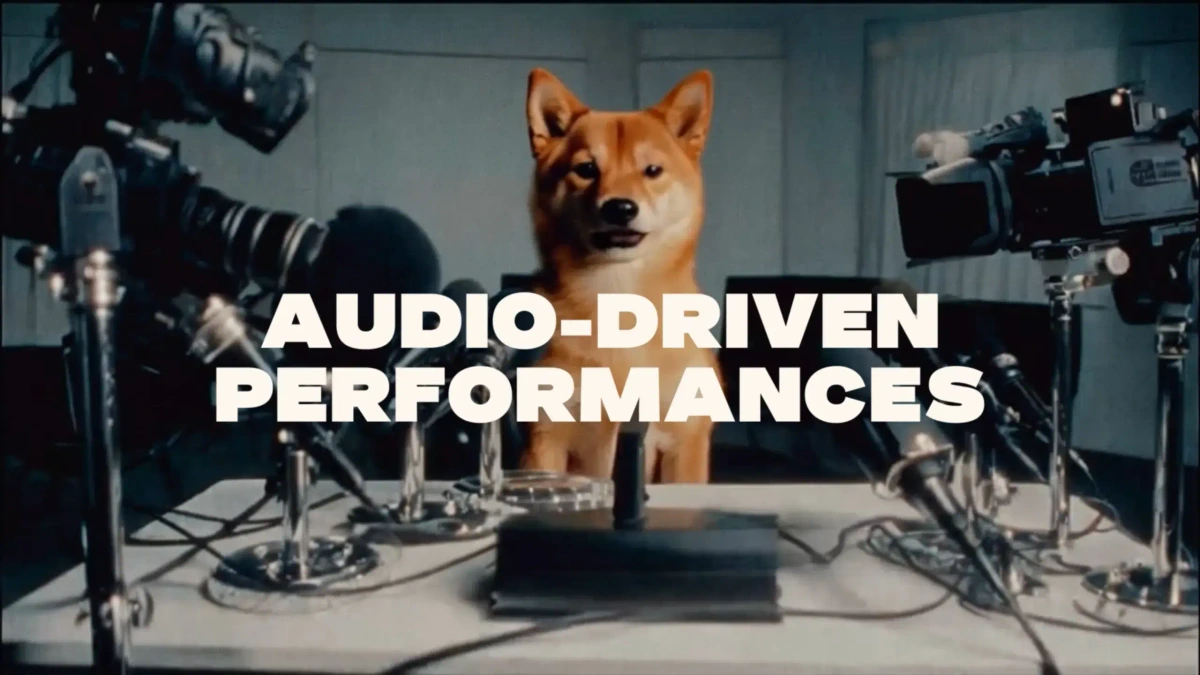
Create engaging, lifelike audio-driven performances from any subject.
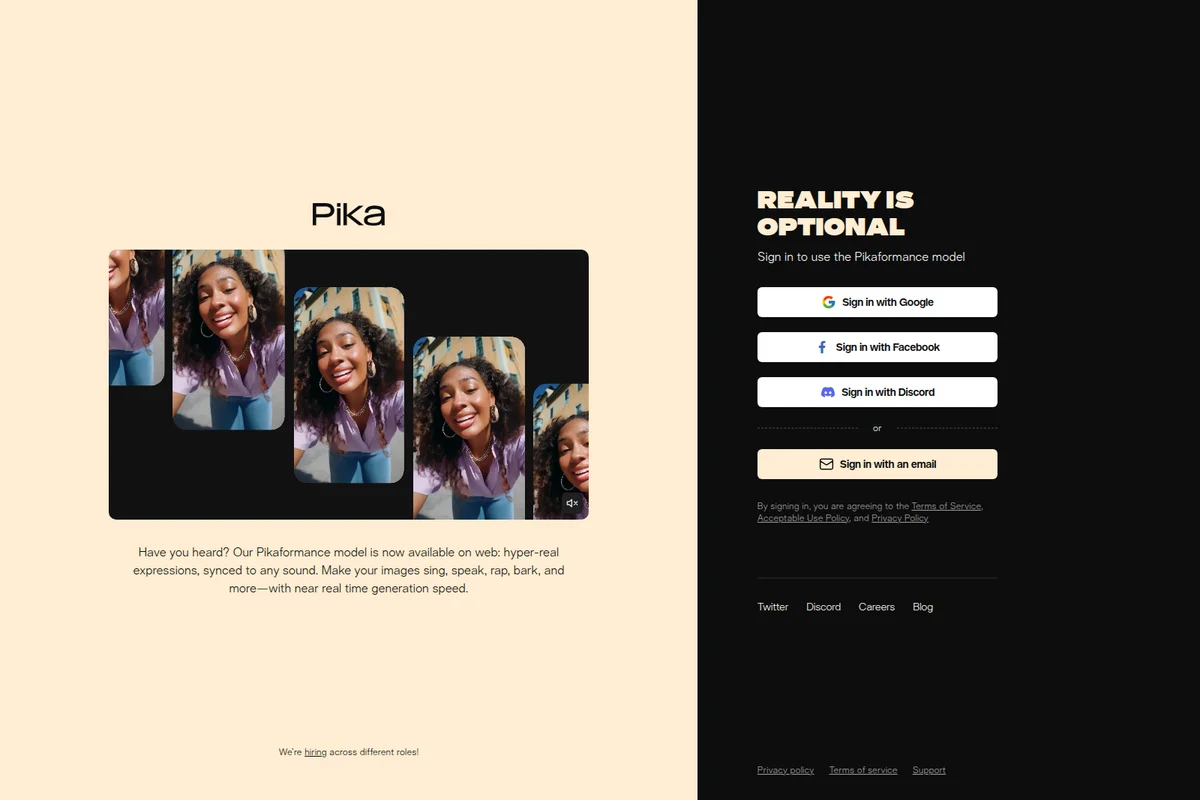
Make images sing, speak, rap, bark, and express hyper-real emotions using the Pikaformance model.
Pika Review: Tooliverse Consensus



Based on 1k+ verified reviews across 3 platforms,
combined with Tooliverse's expert analysis
Pika delivers physics-defying video effects and audio-reactive generation that would require specialized VFX skills through an interface accessible to non-professionals, making it a capable entry point for social creators and experimental filmmakers. The Pikaffects animations and lip-sync accuracy stand out for speed and creative range, though the credit system creates friction for high-volume iteration and motion quality degrades noticeably in complex human movement scenes. It excels at punchy, playful content where creative experimentation matters more than photorealistic precision.
Bottom line: A capable AI video generator built for creators who value speed and creative experimentation, though the credit economics and motion limitations make it better suited for social content than client work requiring iteration.
Pika | Key Specs
- Platforms
- Web, iOS, API
- Pricing Model
- Freemium ($0-76/mo) See plans
- Privacy/Data Use
- Videos may be featured publicly on Templates page (after Nov 2024)
- Integrations
- Fal.ai, Claude
Wins
- •Pikaffects physics-based animations like crushing and melting are incredibly creativementioned in 184 reviews
- •Lip-sync feature delivers highly accurate character dialogue with minimal setupmentioned in 142 reviews
- •Sound-to-Video generation adds immersive depth by automatically syncing audiomentioned in 126 reviews
Watch-Outs
- •Credit system is expensive and confusing for high-volume creatorsmentioned in 84 reviews
- •Motion can sometimes look rubbery or unnatural in complex human scenesmentioned in 76 reviews
- •Free tier restricts usage to a very limited monthly credit allowancementioned in 62 reviews
Pika Features 2026
Pikaffects
One-tap reality-bending video effects that transform photos into videos with physics-defying transformations like melting, exploding, inflating, squishing, cake-ifying, and crushing. Available for image-to-video (15 credits) and video-to-video (18 credits) at 720p resolution.
Pikaframes
Upload first and last frame as still images to generate videos up to 25 seconds that defy reality and expectations. Choose generation length from 5-25 seconds for ultimate control. Introduced in Pika 2.2 model with 720p and 1080p output options.
Pikatwists
Video-to-video feature that changes the action of any character or object in your video while maintaining the integrity of the original video. Enter a prompt to modify behavior without losing the original context. Available in Turbo (720p, 60 credits) and Pro (1080p, 80 credits) models.
Pikadditions
Add anyone or anything to any existing video while preserving the original video and sound. Insert surprising objects, people, or fantastical elements into video scenes. Upload video and optional image reference to swap specific elements into your footage.
Pika User Reviews
Selected Reviews
"Pika 2.5 is a huge step up for character consistency. It's finally usable for short storytelling without the character changing every frame."
"Sound-to-video is a game changer. Not having to hunt for foley saves me so much time in post-production for my TikTok ads."
"The 'Pikaffects' are cool but sometimes the video quality drops significantly when applying them to high-res images, which is frustrating."
More from the Community
"The new crushing effect is mind-blowing. I've never seen an AI handle physics this well for social media clips."
"Lip-sync is the best in class right now, though it still requires a very clear face shot to work perfectly every time."
"I love the creative freedom, but the credit system feels a bit restrictive for experimental users who need to iterate multiple times."
"Great for short, punchy clips, but the AI still struggles with complex human movements like walking or dancing without looking rubbery."
"Fast rendering times compared to other platforms, which is essential when you're on a deadline for a client project."
"The new crushing effect is mind-blowing. I've never seen an AI handle physics this well for social media clips."
"Lip-sync is the best in class right now, though it still requires a very clear face shot to work perfectly every time."
"I love the creative freedom, but the credit system feels a bit restrictive for experimental users who need to iterate multiple times."
"Great for short, punchy clips, but the AI still struggles with complex human movements like walking or dancing without looking rubbery."
"Fast rendering times compared to other platforms, which is essential when you're on a deadline for a client project."
"The web interface is much better than the old Discord bot. It feels like a real creative suite now with organized folders."
"Sometimes the generations look a bit too 'AI-smooth' and lose the texture of the original image, making it look plastic."
"I paste the prompt and get a working clip in seconds. Only downside is it occasionally suggests weird physics that don't make sense."
"Helpful but the free tier feels too limited now. Constant upgrade prompts break my flow when I'm just trying to test an idea."
"The web interface is much better than the old Discord bot. It feels like a real creative suite now with organized folders."
"Sometimes the generations look a bit too 'AI-smooth' and lose the texture of the original image, making it look plastic."
"I paste the prompt and get a working clip in seconds. Only downside is it occasionally suggests weird physics that don't make sense."
"Helpful but the free tier feels too limited now. Constant upgrade prompts break my flow when I'm just trying to test an idea."
Pika Pricing 2026
View SourceThe free tier's 80 credits and 480p cap work for testing, but Standard at $8 monthly is where most creators land: 700 credits and full 1080p output across all models. That's roughly 10-100 finished clips depending on which features you use, enough for consistent social posting without breaking budget. Pro at $28 monthly is the commercial-use threshold, necessary if client work or monetized content is in the mix. The credit costs vary wildly by model and resolution, so budget carefully.
Pika In-Depth Review 2026

The AI video generator runs entirely in your browser, with proprietary models trained from scratch by published AI scientists. It handles everything from text-to-video and image-to-video to physics-defying Pikaffects that make objects melt, explode, or inflate on command. The platform works on desktop and mobile through a native iOS app, with an API available through Fal.ai for developers who need programmatic access.
What It's Like Day-to-Day
The interface feels less like traditional video editing software and more like a creative playground. You upload an image, select a Pikaffect like "crush" or "cake-ify," and watch the AI generate a 5-second clip that would take a VFX artist hours to produce manually. The physics simulations are the standout: objects compress, liquify, and shatter with weight and momentum that reads as intentional creative choice instead of AI artifact. One Reddit reviewer called the Sound-to-Video feature "a game changer" that eliminates the need to hunt for foley, saving significant time in post-production for TikTok ads.
The lip-sync tool delivers the accuracy that matters for character-driven content.
Pika Security & Compliance
Privacy Commitments
- Videos created after November 29, 2024 may be featured publicly on Templates page (not private by default)
- Private mode plans coming soon
Pika: Frequently Asked Questions (FAQs)
What is Pika?
Pika is a video generation platform and app that allows you to create mindblowing, social-first content using AI. It's designed to bring your wildest dreams and weirdest content ideas to life through a combination of Pikaffects, Pikascenes, image-to-video, and text-to-video features.
How does monthly video pricing work?
Monthly video pricing is based on credits per plan. Basic (free) gives 80 credits/month, Standard gives 700, Pro gives 2,300, and Fancy gives 6,000. On paid plans, you can purchase additional credits that never expire.
How many credits do videos cost to generate?
Credit costs vary by model and feature. Turbo model: 5-60 credits. Pro mode: 20-80 credits. Model 1.5: 15 credits. Model 2.1: 35-60 credits. Model 2.2: 6-100 credits depending on resolution (720p/1080p) and duration (5s/10s). Specific features like Pikatwists cost 60-80 credits.
Can I use the content I made in Pika for commercial purposes?
Yes, if you have a Pro or Fancy subscription, whatever you create using Pika can be used commercially or non-commercially. Basic and Standard subscriptions cannot use content for commercial purposes.
Pika Integrations
| Fal.ai | Claude |
Pika: Verified Data Sheet
| # | Label | Data Point |
|---|---|---|
| [1] | Pika Consensus: 7.18/10 | Pika is a well-reviewed tool among AI video tools in the Tooliverse index, with a consensus score of 7.18/10 across 1,595 verified reviews. |
| [2] | What is Pika | Pika, operated by Pika Labs, is an AI video generation platform with proprietary models trained from scratch by published AI scientists. The platform offers unique reality-bending effects like Pikaffects and Pikaframes, with pricing starting at $8/month for 700 credits. |
| [3] | Tooliverse Consensus on Pika | Pika delivers physics-defying video effects and audio-reactive generation that would require specialized VFX skills through an interface accessible to non-professionals, making it a capable entry point for social creators and experimental filmmakers. The Pikaffects animations and lip-sync accuracy stand out for speed and creative range, though the credit system creates friction for high-volume iteration and motion quality degrades noticeably in complex human movement scenes. It excels at punchy, playful content where creative experimentation matters more than photorealistic precision. |
| [4] | Pika Verdict | Pika bottom line: A capable AI video generator built for creators who value speed and creative experimentation, though the credit economics and motion limitations make it better suited for social content than client work requiring iteration. |
| [5] | Free (Basic): Free | Pika offers a Free (Basic) tier with 80 monthly video credits and access to Pika 2.5 at 480p resolution, making AI video generation accessible at no cost. |
| [6] | Physics-based Pikaffects animations | Pika's Pikaffects physics-based animations deliver reality-bending transformations like crushing, melting, and exploding with creative precision validated by 184 user reviews. |
| [7] | Accurate lip-sync with minimal setup | Pika's lip-sync feature produces highly accurate character dialogue with minimal setup requirements, recognized as best-in-class by 142 user reviews. |
| [8] | Sound-to-Video automatic sync | Pika's Sound-to-Video generation automatically syncs audio to create immersive visual depth, eliminating manual foley work according to 126 user reviews. |
| [9] | Pro: $28/mo (annual) | Pika's Pro tier provides 2,300 monthly video credits for $28/month billed annually, adding commercial usage rights and significantly expanding creative capacity beyond the free tier. |
| [10] | Intuitive web interface for non-pros | Pika's web interface makes high-end video generation accessible to non-professionals through intuitive controls and organized project management, validated by 115 user reviews. |
| [11] | Credit system expensive for iteration | Pika's credit system proves expensive and confusing for high-volume creators who need to iterate frequently, reported by 84 user reviews. |
| [12] | Motion looks rubbery in complex scenes | Pika's motion rendering can appear rubbery or unnatural in complex human movement scenes like walking or dancing, according to 76 user reports. |
| [13] | Privacy: Videos created after November 29, 2024 may be featured publicly on Templates page (not private by default) | Pika privacy protections include Videos created after November 29, 2024 may be featured publicly on Templates page (not private by default) and Private mode plans coming soon. |
| [14] | Best-in-class lip-sync with caveats | A verified Product Hunt reviewer noted that Pika's lip-sync is "the best in class right now, though it still requires a very clear face shot to work perfectly every time." |
Best Pika Alternatives

PixVerse
Turn ideas into cinematic video with AI that understands motion, texture, and storytelling.

Kling AI
Transform ideas into stunning visuals and videos with AI-powered multimodal generation.

Luma Dream Machine
Transform ideas into finished creative work with AI agents that handle video, image, and audio production.