
Planable Review 2026 - Team Collaboration Tool
Verified Jun 18, 2026 by Tooliverse Editorial
Planable turns scattered social media workflows into one collaborative workspace—agencies and brands use it to create, review, approve, and schedule content across 9 platforms without endless email threads or version chaos.
How to schedule Instagram posts in Planable
Planable Tutorial and Review (2026)
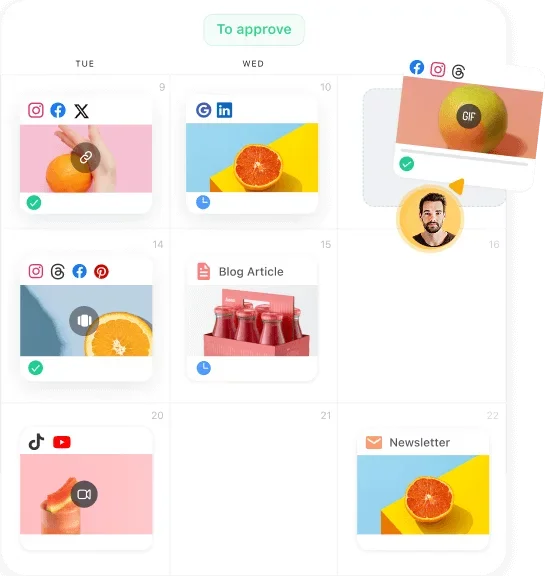
Visually plan and manage all your social media content on an intuitive calendar.
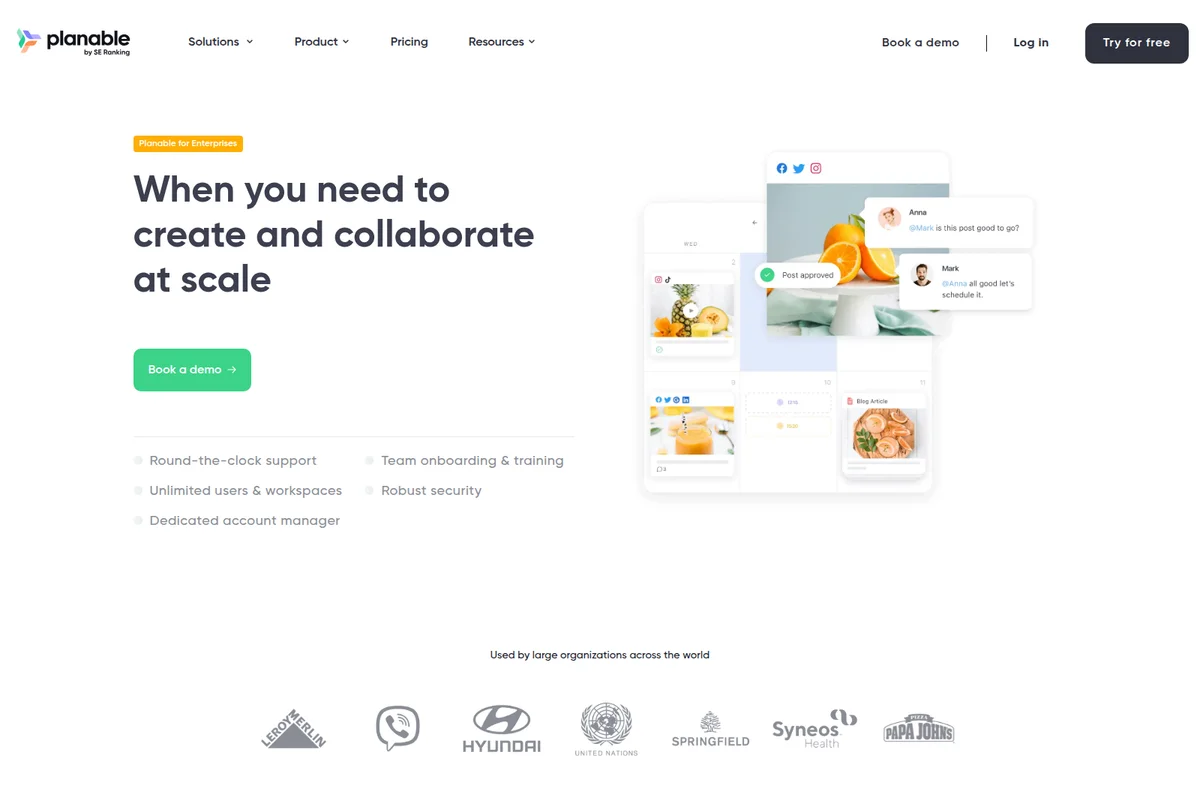
Streamline content creation and approval workflows with team collaboration.

Streamline content creation with AI suggestions and seamless team collaboration.
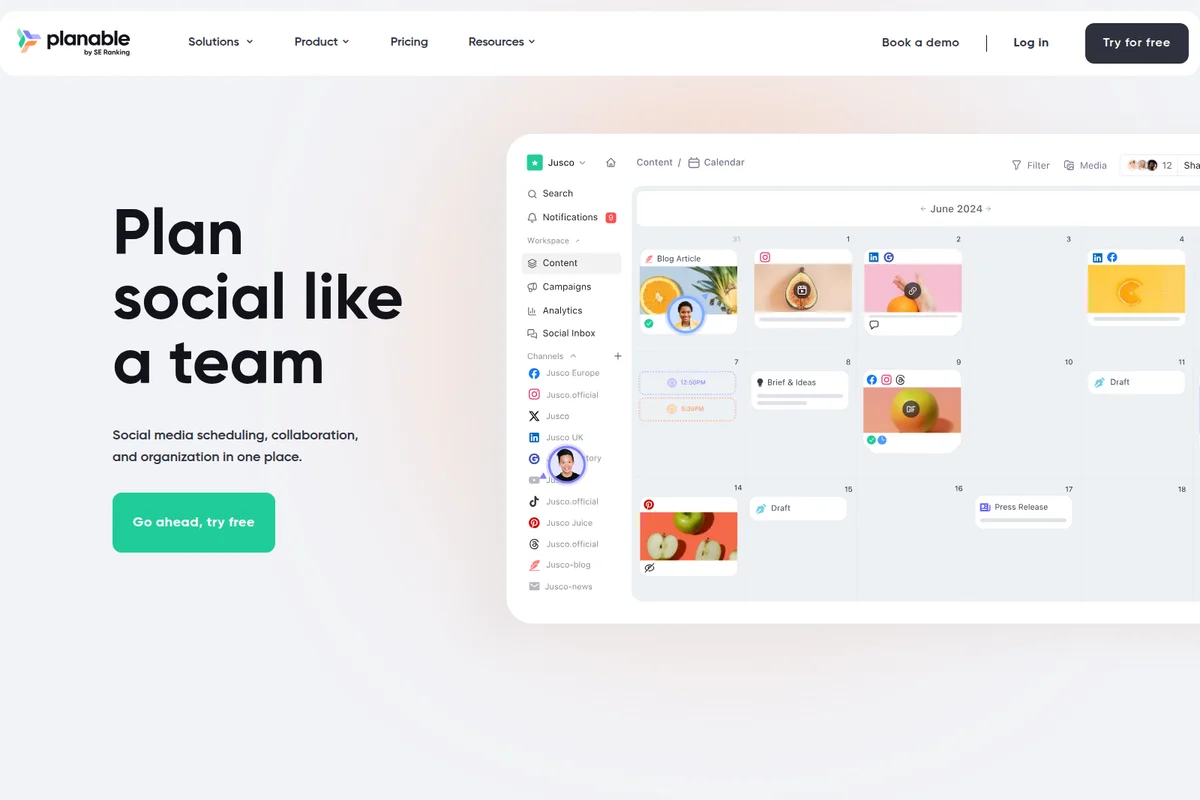
Plan, schedule, and collaborate on social media content across all channels.
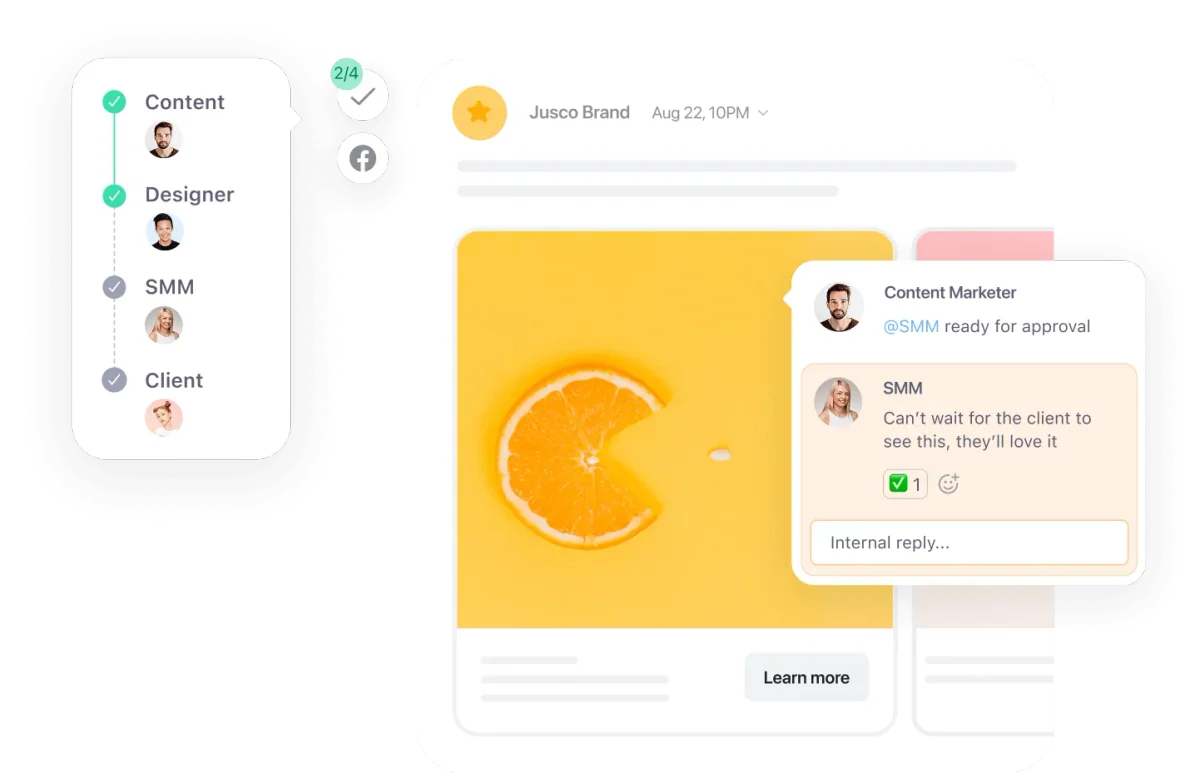
Streamline content approval with clear workflows and integrated feedback.
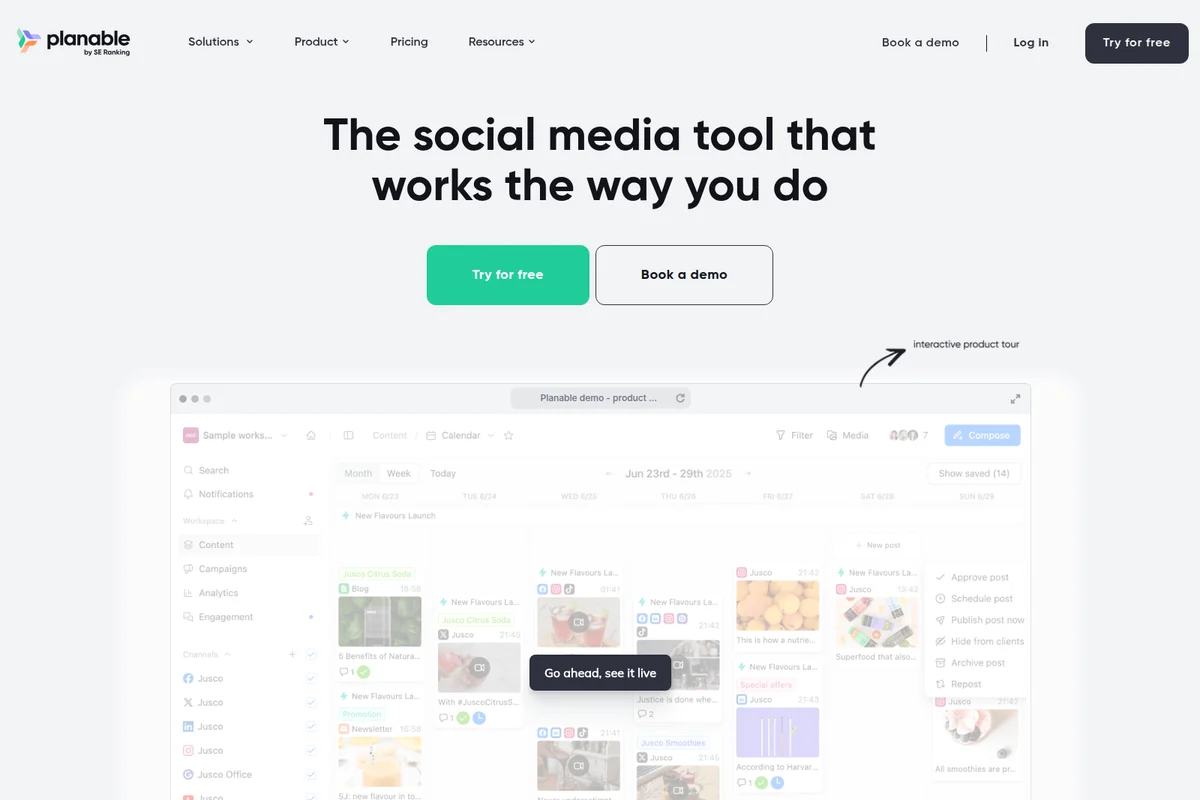
Visualize, plan, and approve all your social media content effortlessly.
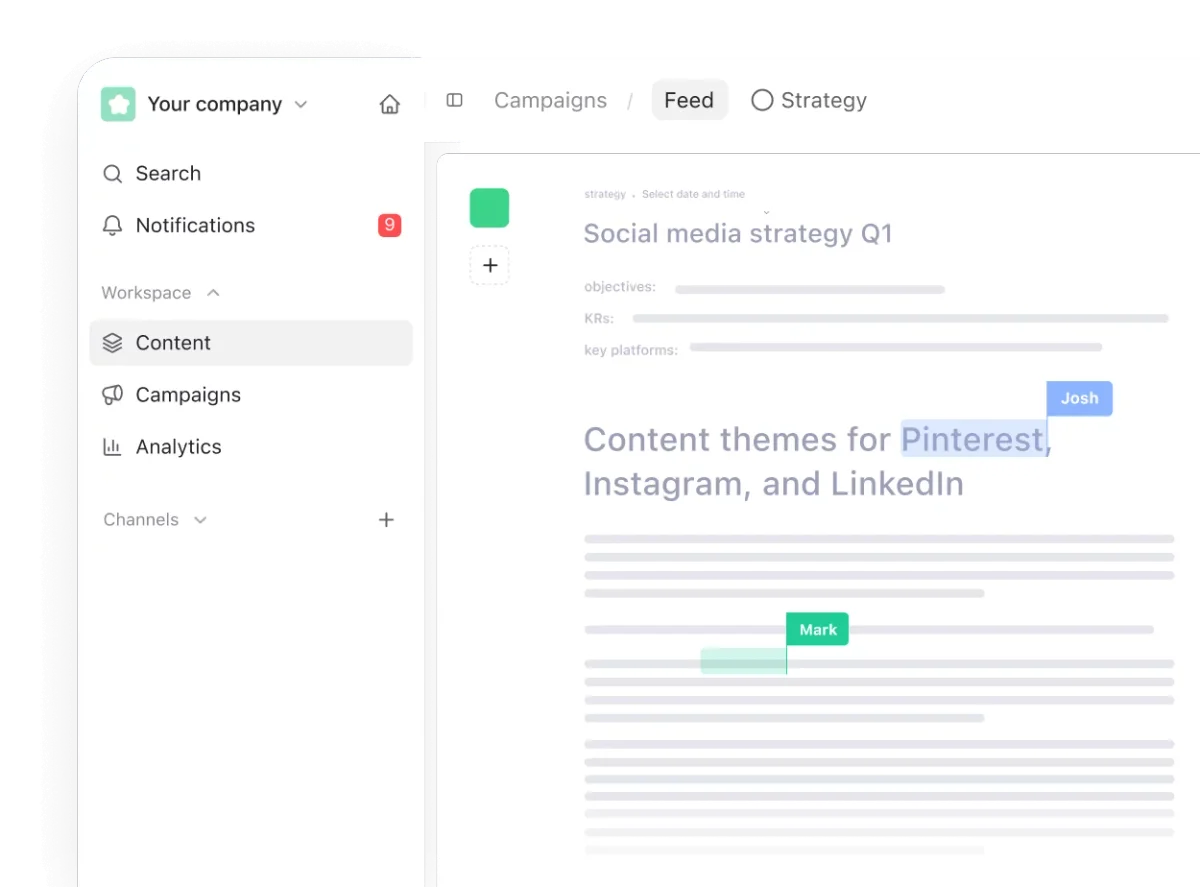
Plan social media content strategies and collaborate with your team in real time.
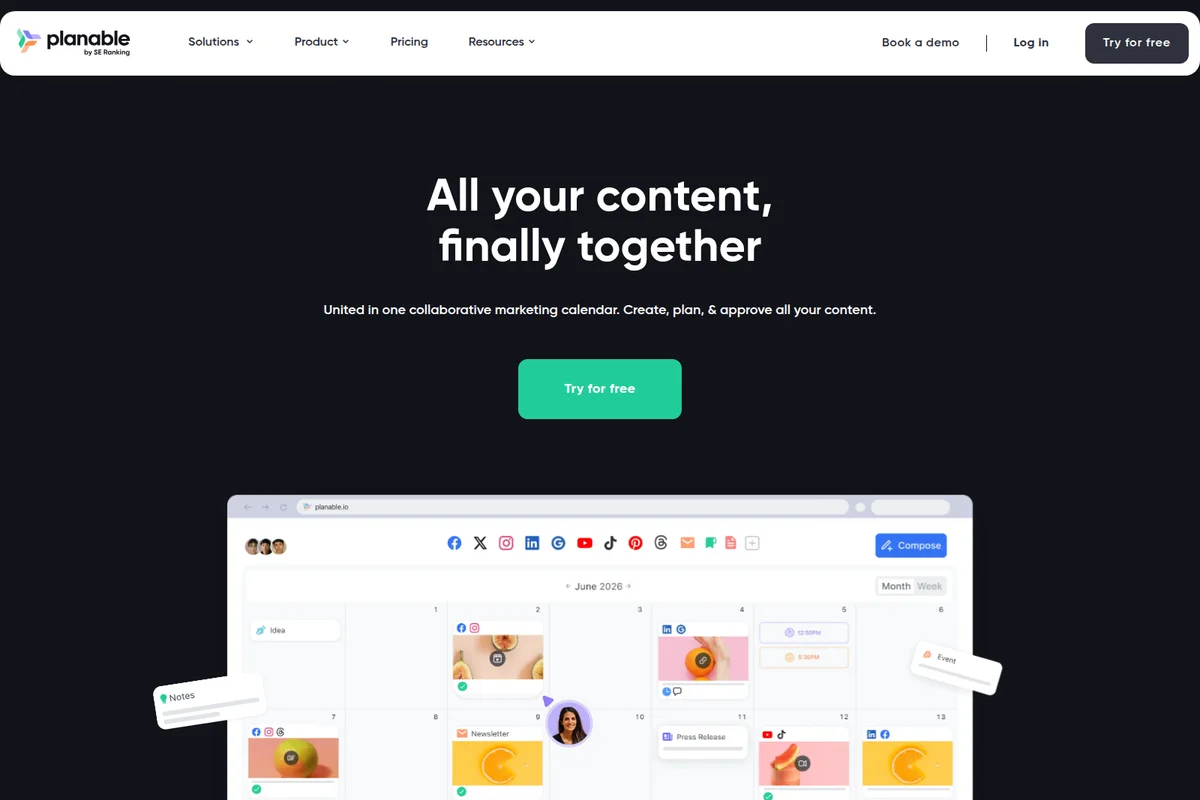
Plan, create, and approve all your content in one collaborative calendar.
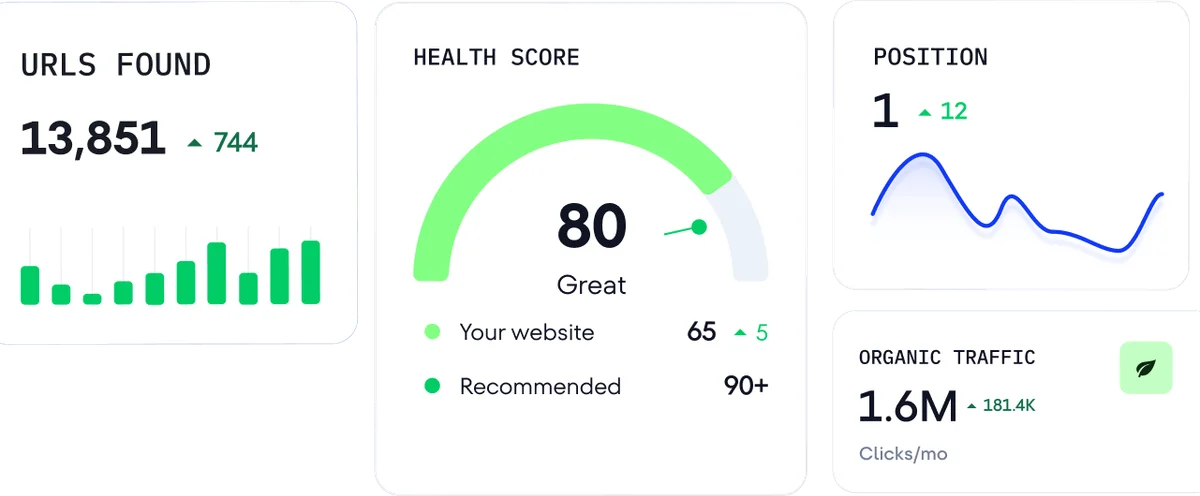
Track key SEO metrics like URLs, health score, and organic traffic.
Planable Review: Tooliverse Consensus





Based on 320 verified reviews across 5 platforms,
combined with Tooliverse's expert analysis
Planable functions as a visual-first collaboration hub that actually bridges the gap between content creation and client approval, with platform-native previews and multi-level workflows that eliminate version control chaos. The workspace model with unlimited users makes it especially strong for agencies juggling multiple clients, though the mobile app lacks desktop feature parity and built-in analytics remain basic without the paid add-on. Teams consistently report that the visual calendar and approval trails save hours of email back-and-forth, making it a strong choice for client-facing work where stakeholder sign-off is non-negotiable.
Bottom line: A strong social media management platform for teams where approval workflows matter more than advanced analytics, delivering visual clarity and collaboration depth that justifies the per-workspace pricing.
Planable | Key Specs
- Platforms
- Web, iOS, Android
- Pricing Model
- Freemium ($0-49/workspace/month) See plans
- Privacy/Data Use
- GDPR compliant, does not sell customer data
- Security
- SSO integration (Enterprise), data encryption, daily backups See details
Wins
- •Provides a highly visual calendar view that simplifies complex content planningmentioned in 92 reviews
- •Streamlines team collaboration with a seamless multi-level approval workflowmentioned in 84 reviews
- •Supports a wide range of platforms including Instagram, TikTok, and LinkedInmentioned in 76 reviews
Watch-Outs
- •Mobile application lacks the full feature set available on the desktop versionmentioned in 42 reviews
- •Occasional API connection stutters specifically with Instagram business accountsmentioned in 31 reviews
- •Subscription pricing tiers can be prohibitive for solo freelancers or small teamsmentioned in 28 reviews
Planable Features 2026
Multi-level Approval Workflows
Customize approval flows from none required to multi-step approvals involving team, clients, legal, and stakeholders. Clear approval trails prevent publishing mistakes and keep everyone accountable.
Universal Content Calendar
Plan and approve any content type—social posts, blog posts, newsletters, ads—in one unified calendar. Full visibility across all marketing channels without switching tools.
Internal Posts & Comments
Keep work-in-progress drafts and team feedback private. Share final versions with clients only when ready, avoiding messy version names like 'final-final-v3'.
Workspace-Based Organization
Dedicated workspaces per brand or client with separate teams, approval flows, labels, campaigns, and media libraries. Keeps client work private and organized.
Planable User Reviews
Selected Reviews
"The visual calendar is a game changer for our agency. Being able to show clients exactly how their feed will look before it goes live has saved us hours of back-and-forth emails."
"The new AI features for caption generation are surprisingly helpful and save a lot of time during the drafting phase."
"Solid tool for scheduling, but I wish the analytics were more robust. We still have to use other tools for deep reporting."
More from the Community
"Planable makes social media collaboration so much easier. The approval workflow is seamless."
"Love the drag and drop feature. It's very intuitive."
"Great for teams, but the mobile app is a bit clunky compared to the web version. It needs more features."
"The preview feature is the best in the market. It actually looks like the real post."
"Instagram grid view is perfect for planning aesthetics."

"Planable makes social media collaboration so much easier. The approval workflow is seamless."
"Love the drag and drop feature. It's very intuitive."
"Great for teams, but the mobile app is a bit clunky compared to the web version. It needs more features."
"The preview feature is the best in the market. It actually looks like the real post."
"Instagram grid view is perfect for planning aesthetics."
"We've tried many tools, but Planable's collaboration features are unmatched for client-facing work."
"Easy to use and set up. The UI is clean and modern."
"Support is responsive and helpful when we had issues with our LinkedIn connection."
"A bit expensive for a freelancer, but the time saved on approvals makes it worth it for larger projects."
"We've tried many tools, but Planable's collaboration features are unmatched for client-facing work."
"Easy to use and set up. The UI is clean and modern."
"Support is responsive and helpful when we had issues with our LinkedIn connection."
"A bit expensive for a freelancer, but the time saved on approvals makes it worth it for larger projects."
Planable Pricing 2026
View SourceThe $33 monthly Basic tier covers most small agencies with 60 posts and 4 social pages per workspace, but Pro at $49 is where the platform shows its full hand: 150 posts, 10 pages, and the Instagram grid planner that clients actually care about. Each workspace is billed separately, so if you manage 5 clients, you're paying for 5 workspaces. The Analytics add-on at $14 per workspace adds cross-channel reporting that the base tiers lack, worth considering if clients expect performance data alongside scheduling.
Planable In-Depth Review 2026

This collaboration-first social media management platform supports 9 social platforms including Instagram, TikTok, LinkedIn, and YouTube, with workspace-based organization that keeps each client's content, approvals, and team members completely separate. The platform runs on desktop and mobile, with real-time collaboration features that treat approval workflows as the foundation rather than an afterthought.
What It's Like Day-to-Day
The visual calendar is where Planable makes its case. You see your entire content pipeline across platforms in one view, with drag-and-drop scheduling that actually works the way you'd expect. Posts appear as platform-native previews, so when you show a client their Instagram grid or LinkedIn feed, they're looking at exactly what will go live. As one G2 reviewer put it, the visual calendar is "a game changer for our agency" that shows clients exactly how their feed will look before it goes live, saving hours of back-and-forth emails.
The approval system scales from simple optional sign-off to multi-level workflows involving team leads, clients, legal, and executives.
Planable Security & Compliance
Security Features
- SSO integration
- Data encryption and daily backups
Privacy Commitments
- GDPR compliant
- Does not sell customer data
Planable: Frequently Asked Questions (FAQs)
What is a workspace in Planable?
A workspace is where your team creates, reviews, approves, and schedules content for a specific brand or client. It keeps everything for that brand in one place, including social media pages, campaigns, collaborators, and shared assets. Workspaces let you separate clients and brands, keep collaboration private, and customize workflows so each client relationship runs the way you need.
How many workspaces do I need?
Planable recommends one workspace per brand or client. If you manage 5 clients, you need 5 workspaces. If one brand operates across 3 regions with separate teams, you need 3 workspaces.
How do the 50 free posts work?
Planable has a free trial that gives you 50 created posts total, with no credit card required. The trial has no time limit, and it's designed to let you test Planable with real workflows before upgrading. The 50 posts don't reset monthly. Once they're used, you'll need to upgrade to keep publishing. During the free trial, you don't have access to X (Twitter) publishing.
What does the Enterprise plan include?
Planable's Enterprise plan includes everything on the Pro plan, plus: unlimited social media platforms and posts, multi-level approval workflows, all content viewing options (feed, calendar, grid, and list), unlimited labels and campaigns, 100 GB storage for media assets, SSO integration, dedicated account manager, personalized onboarding, priority support, 24 months of published posts storage, and custom pricing based on your team's setup. Analytics and Social inbox add-ons are available.
Planable Integrations
| Canva | Slack | Zapier |
| X (Twitter) | YouTube | TikTok |
| Google Business Profile | Threads |
Planable: Verified Data Sheet
| # | Label | Data Point |
|---|---|---|
| [1] | Planable Consensus: 8.27/10 | Planable is a highly-rated tool among AI marketing tools in the Tooliverse index, with a consensus score of 8.27/10 across 320 verified reviews. |
| [2] | What is Planable | Planable is a collaboration-first social media management platform serving 7,500+ teams worldwide including Warner Music, KFC, and Mastercard. The platform supports 9 social platforms with workspace-based organization, multi-level approvals, and unified content calendars, with pricing starting at $33/workspace/month. |
| [3] | Tooliverse Consensus on Planable | Planable functions as a visual-first collaboration hub that actually bridges the gap between content creation and client approval, with platform-native previews and multi-level workflows that eliminate version control chaos. The workspace model with unlimited users makes it especially strong for agencies juggling multiple clients, though the mobile app lacks desktop feature parity and built-in analytics remain basic without the paid add-on. Teams consistently report that the visual calendar and approval trails save hours of email back-and-forth, making it a strong choice for client-facing work where stakeholder sign-off is non-negotiable. |
| [4] | Planable Verdict | Planable bottom line: A strong social media management platform for teams where approval workflows matter more than advanced analytics, delivering visual clarity and collaboration depth that justifies the per-workspace pricing. |
| [5] | Free Trial: Free | Planable provides a functional Free Trial tier with 50 posts total (no time limit) and no credit card required, making social media management accessible at no cost. |
| [6] | Visual calendar simplifies planning | Planable provides a highly visual calendar view that simplifies complex content planning across multiple brands and platforms, validated as a game-changer by 92 user reviews. |
| [7] | Multi-level approval workflows | Planable streamlines team collaboration with a seamless multi-level approval workflow that supports None, Optional, Required, and custom multi-step approvals, validated by 84 user reviews. |
| [8] | 9 social platforms supported | Planable supports content scheduling for 9 social platforms including Facebook, Instagram, LinkedIn, X (Twitter), YouTube, TikTok, Pinterest, Google Business Profile, and Threads, validated by 76 user reviews. |
| [9] | Accurate WYSIWYG post previews | Planable offers accurate platform-native post previews that show exactly how content will appear before publishing, eliminating approval uncertainty according to 68 user reviews. |
| [10] | Pro: $49/workspace/month | SE Ranking's Planable Pro empowers users with 150 posts per workspace per month for just $49/workspace monthly, significantly expanding on the free tier's capabilities. |
| [11] | Mobile app has limited features | Planable's mobile application lacks the full feature set available on the desktop version, a limitation noted in 42 user reports. |
| [12] | Instagram API occasional stutters | Planable may experience occasional API connection stutters specifically with Instagram business accounts, according to 31 user reports. |
| [13] | Privacy: GDPR compliant | Planable privacy protections include GDPR compliant and Does not sell customer data. |
| [14] | Enterprise: SSO integration | Planable provides enterprise security with SSO integration and Data encryption and daily backups. |
| [15] | Visual calendar saves approval time | Planable's visual calendar is "a game changer for our agency" that shows clients exactly how their feed will look before it goes live, saving hours of back-and-forth emails, according to a verified G2 reviewer. |
Best Planable Alternatives
ContentStudio
Unified social media management platform for scheduling, analytics, and team collaboration across all major networks.

SocialBee
Stay active across all your social media channels with AI-assisted scheduling, publishing, and engagement.
Buffer
Share consistently without the chaos—your social media workspace for planning, publishing, and growing your presence.