
Recraft Review 2026 - Design-Forward AI Images
Verified Jun 18, 2026 by Tooliverse Editorial
Recraft turns text prompts into polished visuals—photorealistic images, editable vectors, logos, and mockups—using frontier AI models like Recraft V4. Designers at Netflix, HubSpot, and Asana use it to skip stock libraries and generate brand-ready assets instantly.
Session 1: Getting Started with Recraft Studio
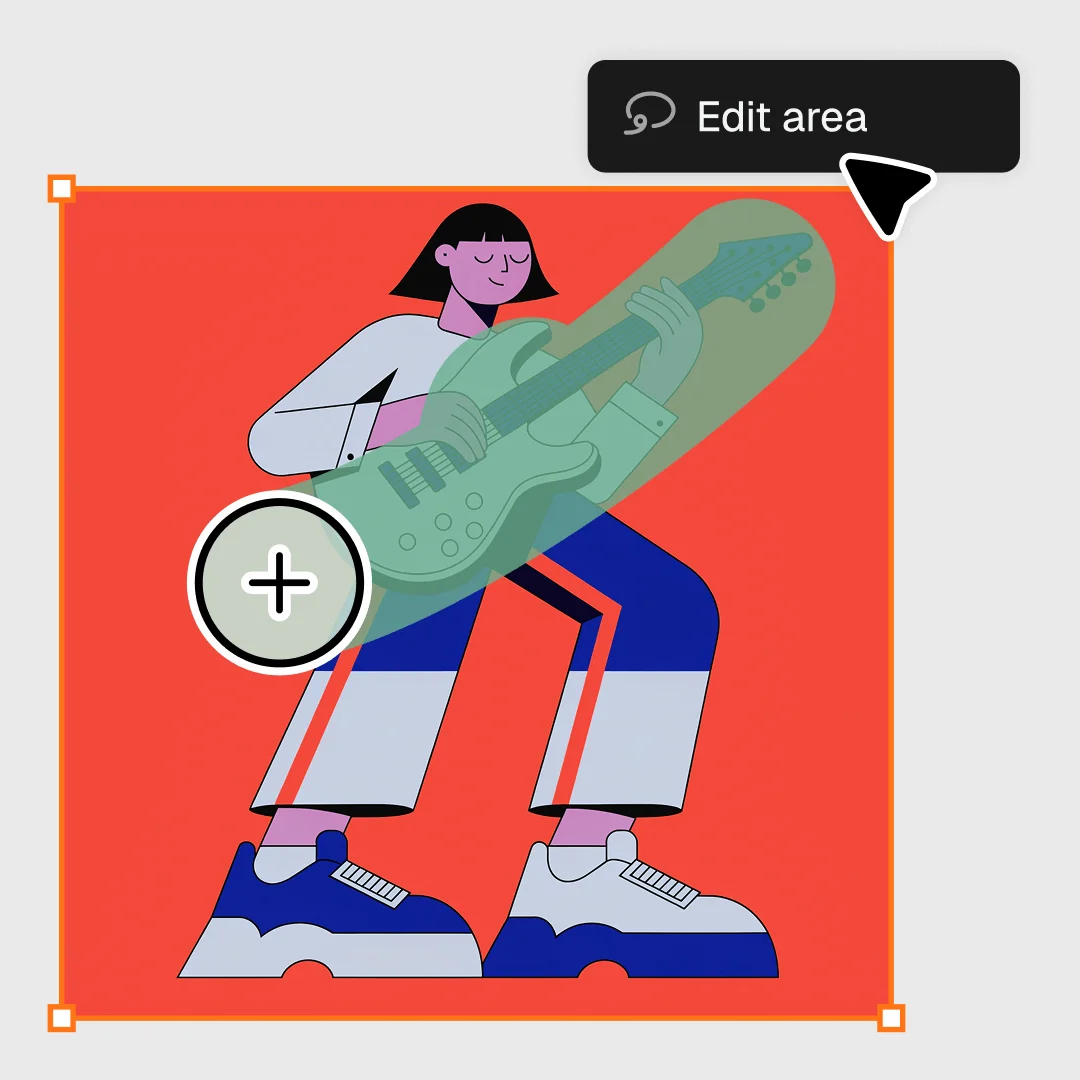
Precisely select and edit specific areas of your designs with intuitive tools.
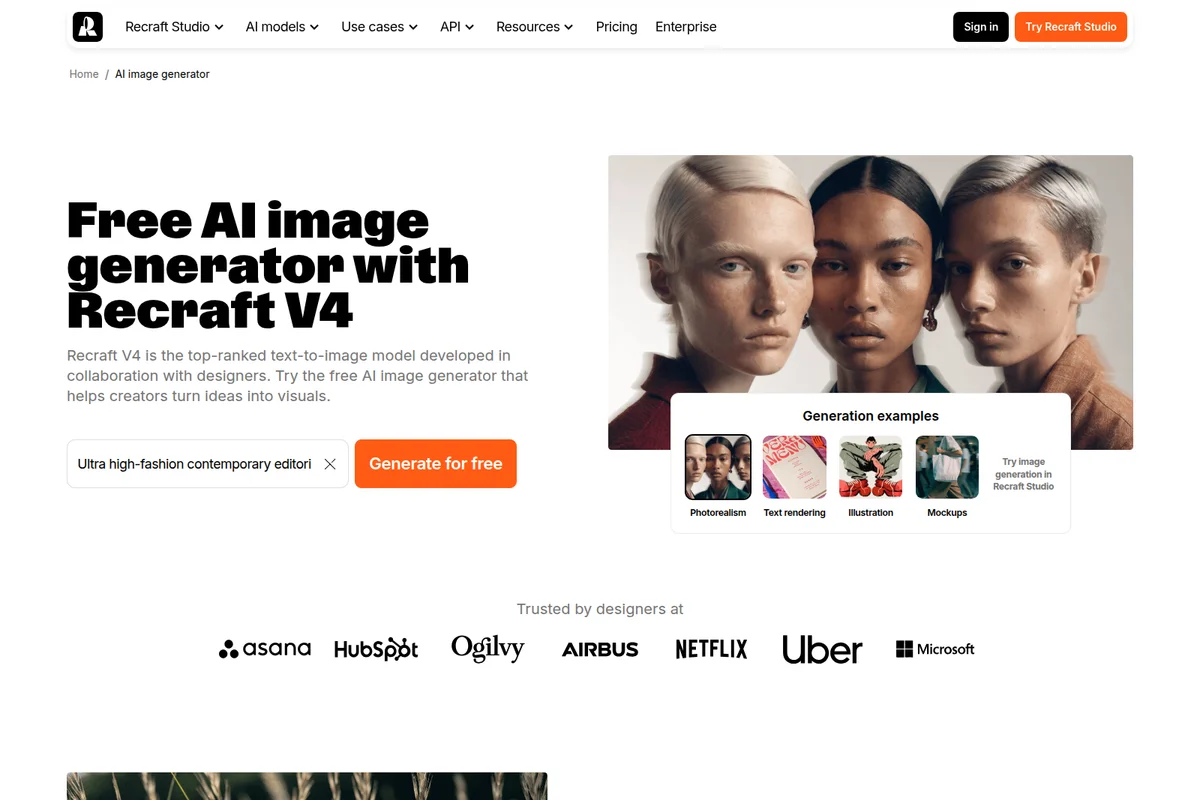
Generate stunning AI images in various styles and formats from text prompts.
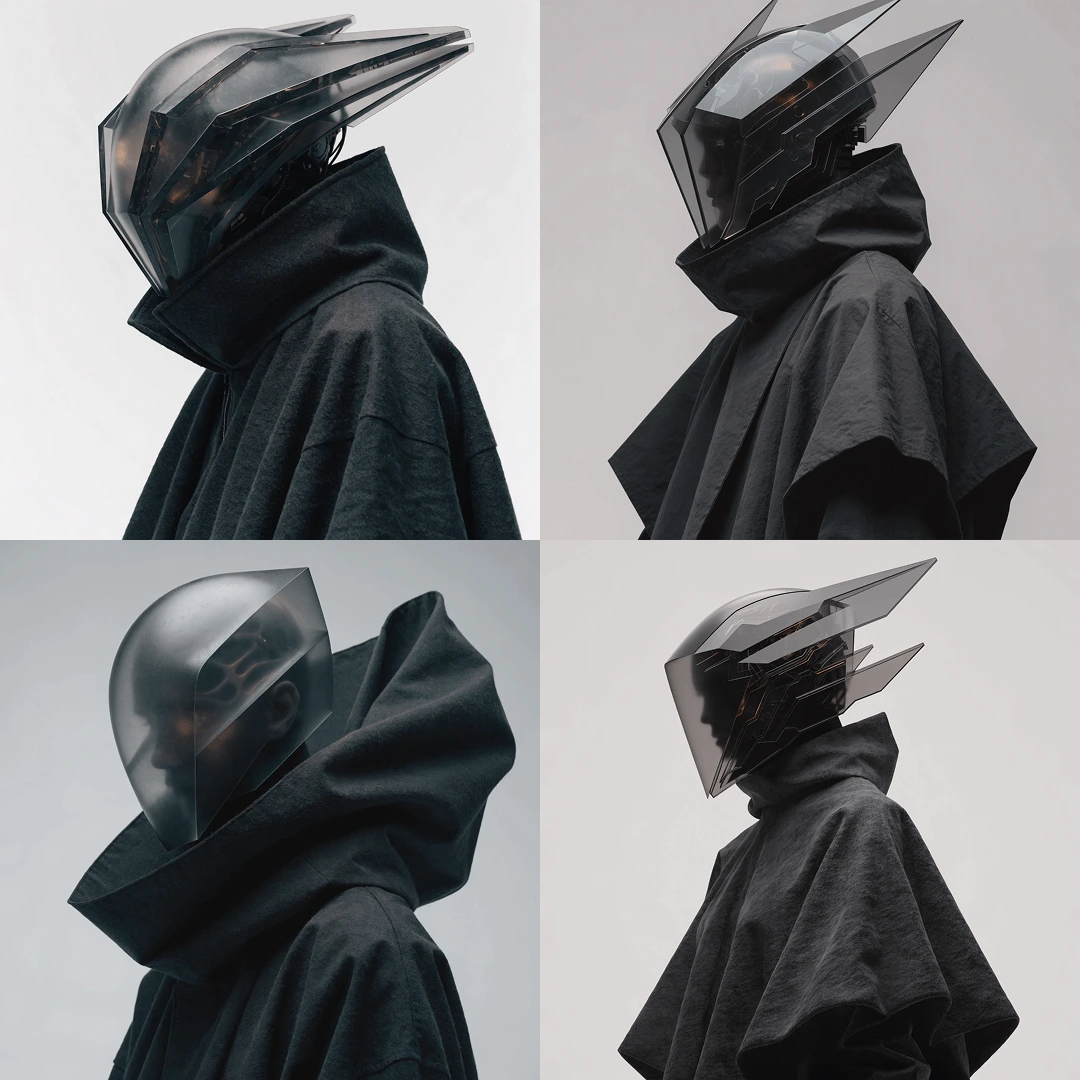
Generate striking futuristic character designs and conceptual art with AI.
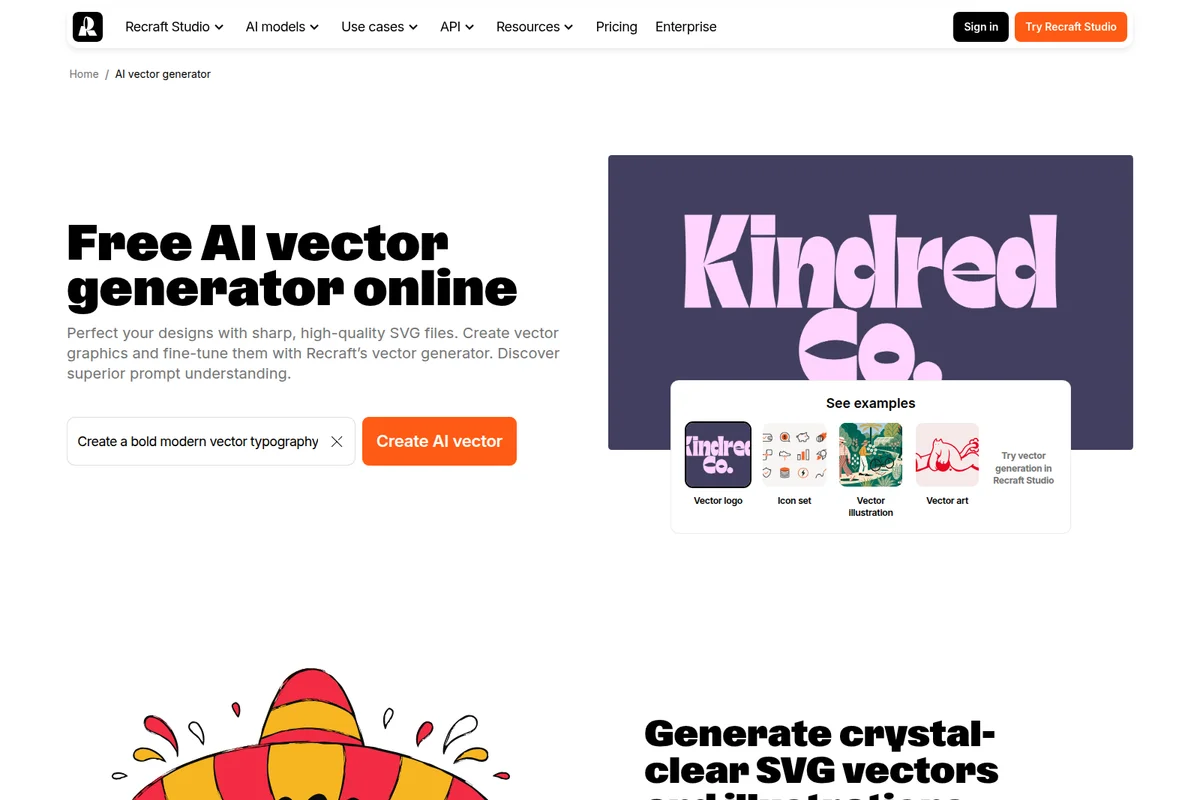
Generate high-quality SVG vector graphics from text prompts.

AI-generated photorealistic portraits with intricate detail and emotive realism
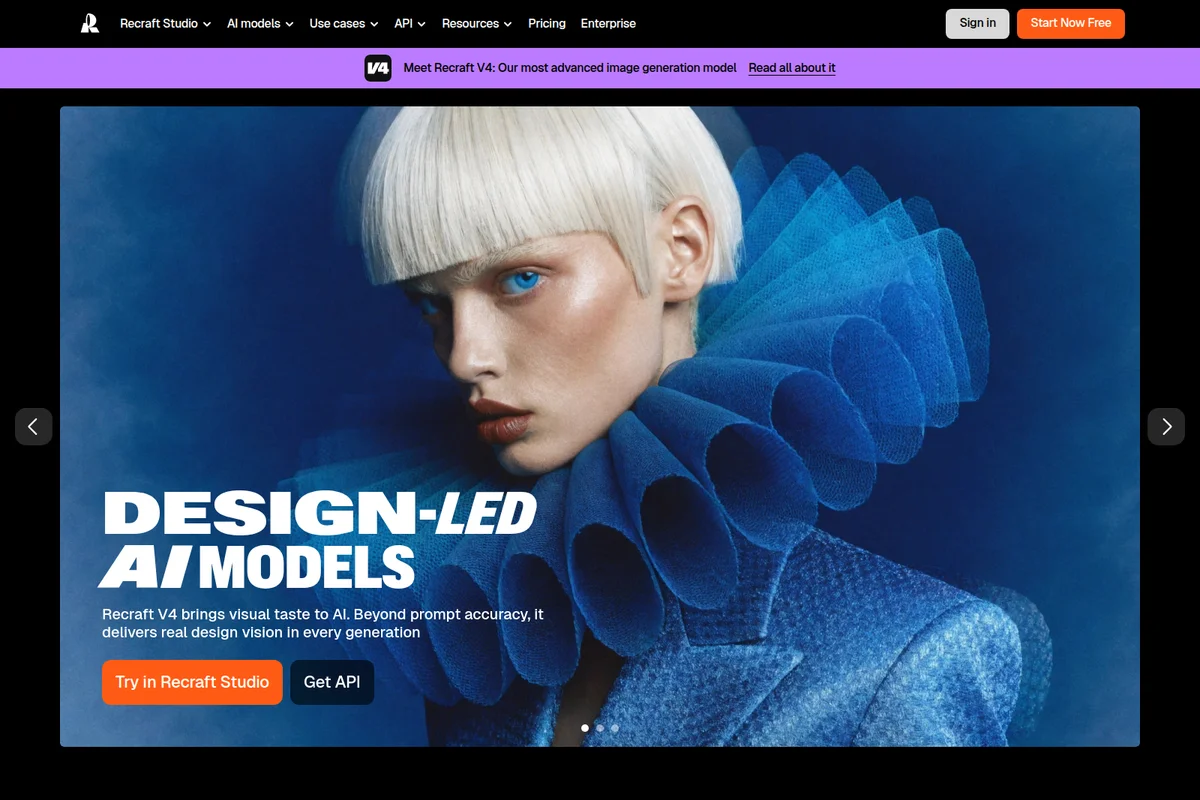
Experience visual excellence with Recraft V4's AI-generated designs.
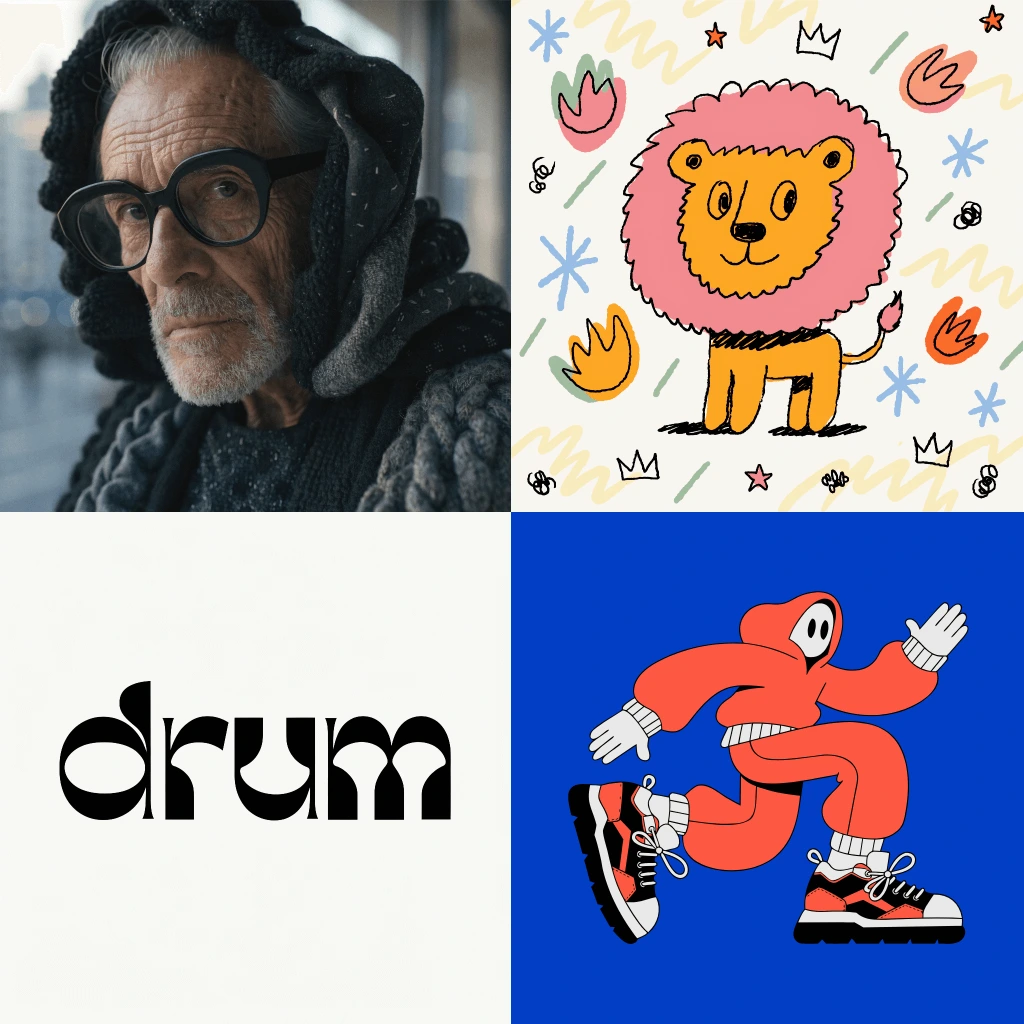
Explore the versatile design capabilities of Recraft, from photorealism to custom typography.
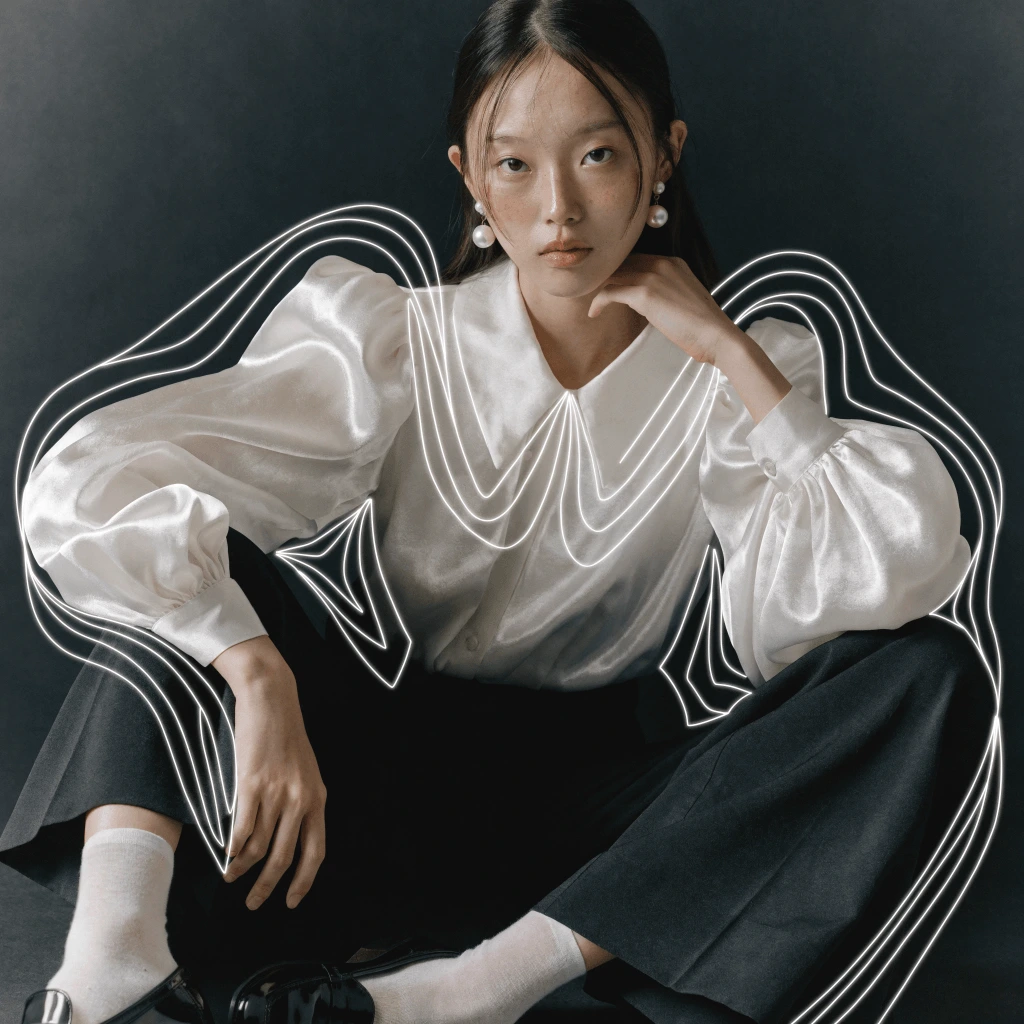
Elevate portraits and imagery with dynamic, creative graphic overlays and effects.
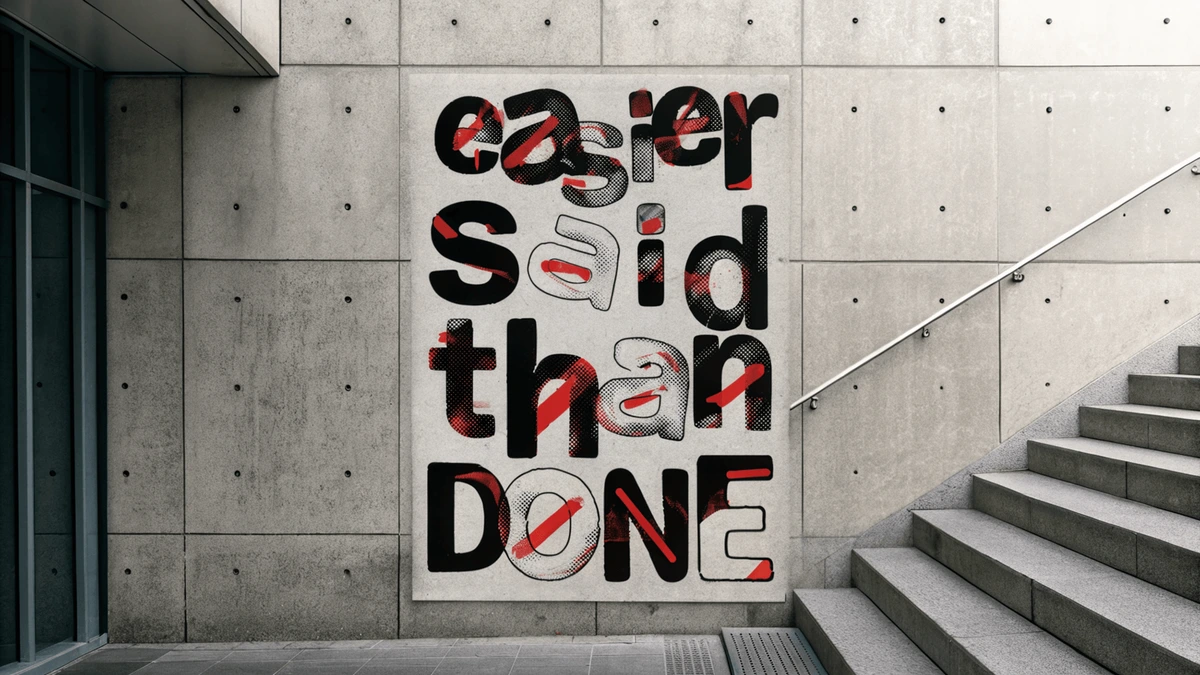
Convey powerful messages with unique and expressive graphic designs.
Recraft Review: Tooliverse Consensus




Based on 2k+ verified reviews across 5 platforms,
combined with Tooliverse's expert analysis
Recraft bridges the gap between generative AI experimentation and professional design production, delivering native vector exports with clean paths and brand style consistency that other platforms can't match. The text rendering accuracy and anatomical precision solve persistent AI weaknesses, making it the tool designers at Netflix and HubSpot trust for client-ready assets. The credit-based pricing can deplete quickly during high-volume work, and the mobile app trails the desktop experience, but the core vector workflow is strong enough to replace stock illustration subscriptions entirely for many users.
Bottom line: A leading AI image platform for designers who need production-ready vectors and brand-consistent assets, though the credit system requires careful budgeting during high-volume projects.
Recraft | Key Specs
- Platforms
- Web, iOS, Android, API
- Pricing Model
- Freemium ($0-49/mo) See plans
- Privacy/Data Use
- Full ownership on paid plans, public on free tier
- API Available
- Yes (REST API with credit-based pricing)
Wins
- •Produces high-quality native SVG exports with clean, editable paths for professional design softwarementioned in 412 reviews
- •Maintains exceptional style consistency across assets using customizable brand kits and style librariesmentioned in 385 reviews
- •Features an intuitive infinite canvas that facilitates seamless brainstorming and complex layout compositionmentioned in 312 reviews
Watch-Outs
- •Credit-based pricing model can deplete quickly during high-volume production or creative upscalingmentioned in 92 reviews
- •Mobile application offers a more limited feature set compared to the robust desktop web experiencementioned in 74 reviews
- •Free tier restrictions include public image visibility and a lack of commercial usage rightsmentioned in 68 reviews
Recraft Features 2026
Recraft V4 Model Family
Four specialized models (V4, V4 Pro, V4 Vector, V4 Pro Vector) delivering design-forward image generation with balanced composition, cohesive color, and production-ready output across raster and vector formats.
True Vector Generation
Generate editable SVG files with smooth paths and organized layers directly from text prompts—no tracing or cleanup required. Export as Lottie files for scalable animations.
Multi-Model Canvas
Access 10+ frontier models (Recraft V4, Flux, GPT Image, Nano Banana, Ideogram, Seedream, HiDream, and more) for image generation and editing in a single workspace.
Custom Style Creation
Upload reference images to instantly create reusable, editable styles. Apply consistent visual systems across unlimited generations without training.
Recraft User Reviews
Selected Reviews
"Recraft V3 handles text inside images better than almost any other model I've tried. It actually spells correctly."
"Fast, intuitive, and the vectorization is the best in the business. Essential for my excursion website visuals."
"Great for icons, but sometimes the SVG paths are a bit messy and need cleanup in Illustrator for complex stuff."
More from the Community
"The vector export is a game changer for my logo design workflow. Clean paths every time."
"The tool is powerful, but the credit system feels a bit opaque compared to other monthly subscriptions I use."
"Finally an AI that understands how to draw hands and human anatomy correctly without extra prompting."
"The infinite canvas is amazing for brainstorming, though it can get laggy with too many objects on one board."
"I love the styles, but I wish there was a way to organize my generated images into folders on the mobile app."
"The vector export is a game changer for my logo design workflow. Clean paths every time."
"The tool is powerful, but the credit system feels a bit opaque compared to other monthly subscriptions I use."
"Finally an AI that understands how to draw hands and human anatomy correctly without extra prompting."
"The infinite canvas is amazing for brainstorming, though it can get laggy with too many objects on one board."
"I love the styles, but I wish there was a way to organize my generated images into folders on the mobile app."
"Best AI for designers. The ability to maintain a consistent brand style across different assets is unmatched."
"Mobile app is good for quick edits, but the web version is where the real power and control is."
"Recraft has completely replaced my stock photo and icon subscriptions. The style control is just too good."
"The new Atlas model is mind-blowing for complex compositions. It actually follows the layout I want."
"Best AI for designers. The ability to maintain a consistent brand style across different assets is unmatched."
"Mobile app is good for quick edits, but the web version is where the real power and control is."
"Recraft has completely replaced my stock photo and icon subscriptions. The style control is just too good."
"The new Atlas model is mind-blowing for complex compositions. It actually follows the layout I want."
Recraft Pricing 2026
View SourceThe free tier gives you 30 daily generations to test the platform, but images stay public and lack commercial rights. Pro at $12 monthly (annual billing) is where most designers land: 3,500 credits, full ownership, private generations, and access to all models including the high-resolution V4 Pro. That's the tier that turns Recraft from an experiment into a production tool. Unlimited at $28 monthly (annual) makes sense only if you're generating dozens of assets daily and the credit math favors flat-rate pricing.
Recraft In-Depth Review 2026

Recraft runs on desktop web and mobile, generating images and vectors from text prompts using its V4 model family alongside Flux, GPT Image, Ideogram, and other frontier models in a single workspace. The platform serves over 3 million users across 200 countries, with designers at Netflix, HubSpot, and Asana relying on it for brand assets. Pricing starts at $12 monthly for commercial rights and private generations.
What It's Like Day-to-Day
The infinite canvas becomes your visual workspace, where you can generate dozens of variations, arrange compositions, and refine layouts without switching between apps. The style consistency tools are where Recraft separates itself: upload a few reference images, and it creates a reusable style that applies your exact visual language across unlimited generations. Brand designers working on multi-asset campaigns stop worrying about color drift or inconsistent illustration styles, because the AI maintains your aesthetic decisions automatically.
The text rendering quality stands out immediately. Where other AI models produce garbled letters or awkward spacing, Recraft actually spells words correctly on packaging mockups, menu designs, and book covers.
Recraft Security & Compliance
Privacy Commitments
- Images created under paid plans grant full ownership and commercial rights
- Paid plan images can be kept private
- Free plan images are public and owned by Recraft
Recraft: Frequently Asked Questions (FAQs)
What subscription plans does Recraft offer?
Recraft offers a Free plan for exploring the product and paid plans (Pro, Unlimited, Teams) for professional use. Paid subscriptions include more credits, access to advanced features and models, private generations, and commercial usage rights.
How do credits work in Recraft?
Recraft uses a credit-based system where each image generation or edit consumes credits depending on the model and action used. Paid plans include a fixed number of credits that reset every billing cycle. Unused monthly credits do not roll over. Free plan users receive limited credits that reset daily. Paid users can purchase top-up credit packs that do not expire.
Are image credits renewed monthly, and do they roll over?
No, subscription credits do not roll over. Credits reset at the start of each billing period.
How can I get more credits if I've used all mine?
Share your referral link to earn free credits, or purchase a top-up to add more instantly.
Recraft: Verified Data Sheet
| # | Label | Data Point |
|---|---|---|
| [1] | Recraft Consensus: 9.33/10 | Recraft is one of the highest-rated AI image generators in the Tooliverse index, with a consensus score of 9.33/10 across 2,110 verified reviews. |
| [2] | What is Recraft | Recraft, founded in 2022 and headquartered in London, is an AI-powered platform for image and vector generation trusted by 3M+ users across 200 countries. The platform serves designers at Netflix, HubSpot, and Asana, with pricing starting at $12/month. |
| [3] | Tooliverse Consensus on Recraft | Recraft bridges the gap between generative AI experimentation and professional design production, delivering native vector exports with clean paths and brand style consistency that other platforms can't match. The text rendering accuracy and anatomical precision solve persistent AI weaknesses, making it the tool designers at Netflix and HubSpot trust for client-ready assets. The credit-based pricing can deplete quickly during high-volume work, and the mobile app trails the desktop experience, but the core vector workflow is strong enough to replace stock illustration subscriptions entirely for many users. |
| [4] | Recraft Verdict | Recraft bottom line: A leading AI image platform for designers who need production-ready vectors and brand-consistent assets, though the credit system requires careful budgeting during high-volume projects. |
| [5] | Free: Free | Recraft provides a functional Free tier with up to 30 free image generations per day and access to Recraft V4 and other models, making AI-powered design accessible at no cost. |
| [6] | Clean SVG exports for pro design | Recraft produces high-quality native SVG exports with clean, editable paths optimized for professional design software, a capability validated by 412 user reviews as essential for production workflows. |
| [7] | Exceptional brand style consistency | Recraft maintains exceptional style consistency across multiple assets using customizable brand kits and style libraries, with 385 reviews highlighting this as critical for brand identity work. |
| [8] | Pro: $12/mo (annual) | Recraft Pro empowers users with 3,500 credits per month for $12/month billed annually, significantly expanding on the free tier's capabilities. |
| [9] | Infinite canvas for brainstorming | Recraft features an intuitive infinite canvas that facilitates seamless brainstorming and complex layout composition, praised in 312 user reviews for visual ideation workflows. |
| [10] | Accurate human anatomy rendering | Recraft delivers superior anatomical accuracy in human figures, specifically solving common AI issues with hands and body proportions, according to 278 user reviews. |
| [11] | Credits deplete quickly at scale | Recraft's credit-based pricing model can deplete quickly during high-volume production or creative upscaling, a concern raised in 92 user reviews about cost predictability. |
| [12] | Mobile app has fewer features | Recraft's mobile application offers a more limited feature set compared to the robust desktop web experience, with 74 reviews noting reduced functionality for on-the-go work. |
| [13] | Privacy: Images created under paid plans grant full ownership and commercial rights | Recraft privacy protections include Images created under paid plans grant full ownership and commercial rights, Paid plan images can be kept private, and Free plan images are public and owned by Recraft. |
| [14] | Best-in-class text rendering | Recraft "handles text inside images better than almost any other model" with accurate spelling across languages, according to a verified Reddit reviewer who rated it 5/5. |
Best Recraft Alternatives
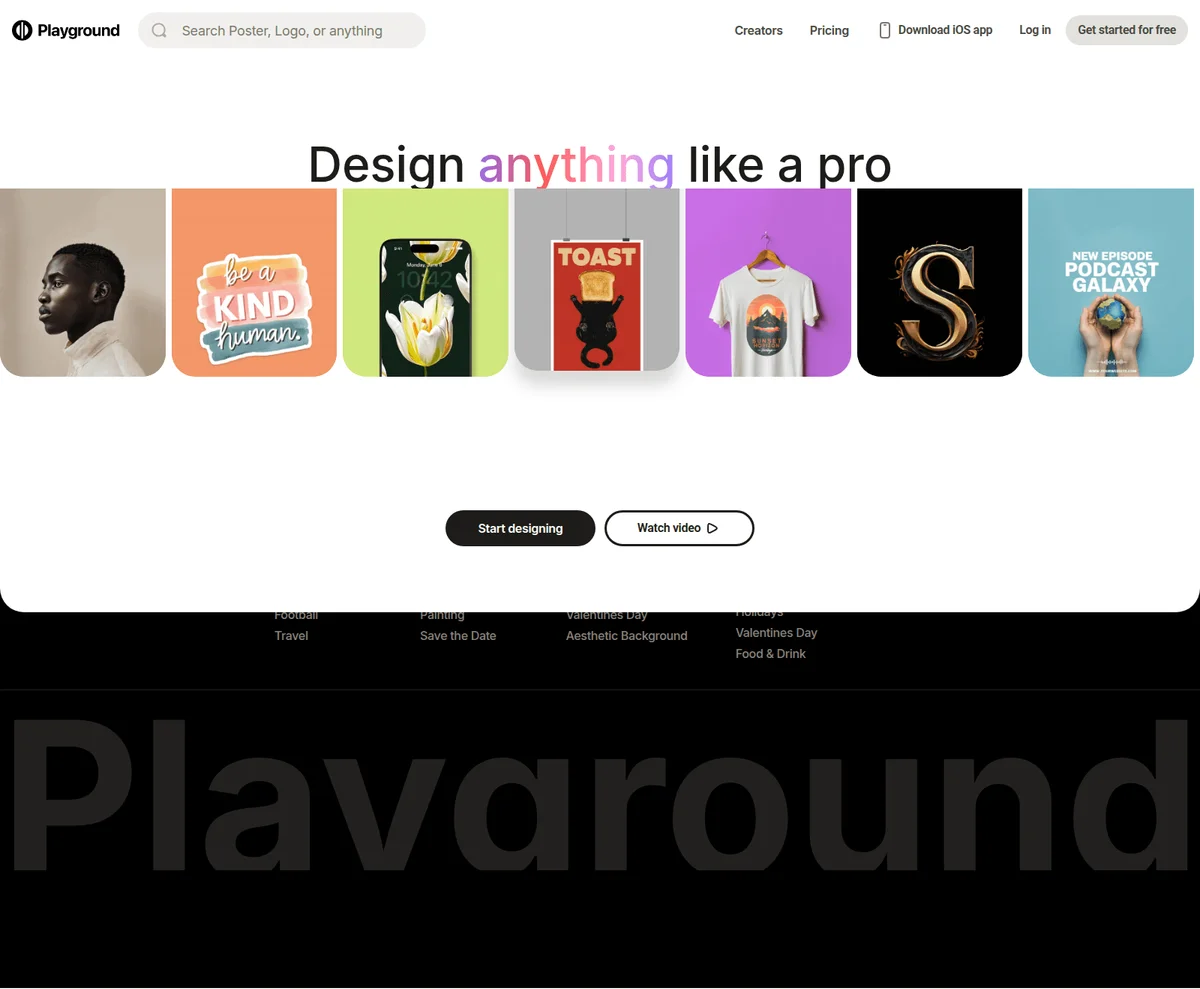
Playground
Design anything like a pro with AI-powered graphic design and image generation.
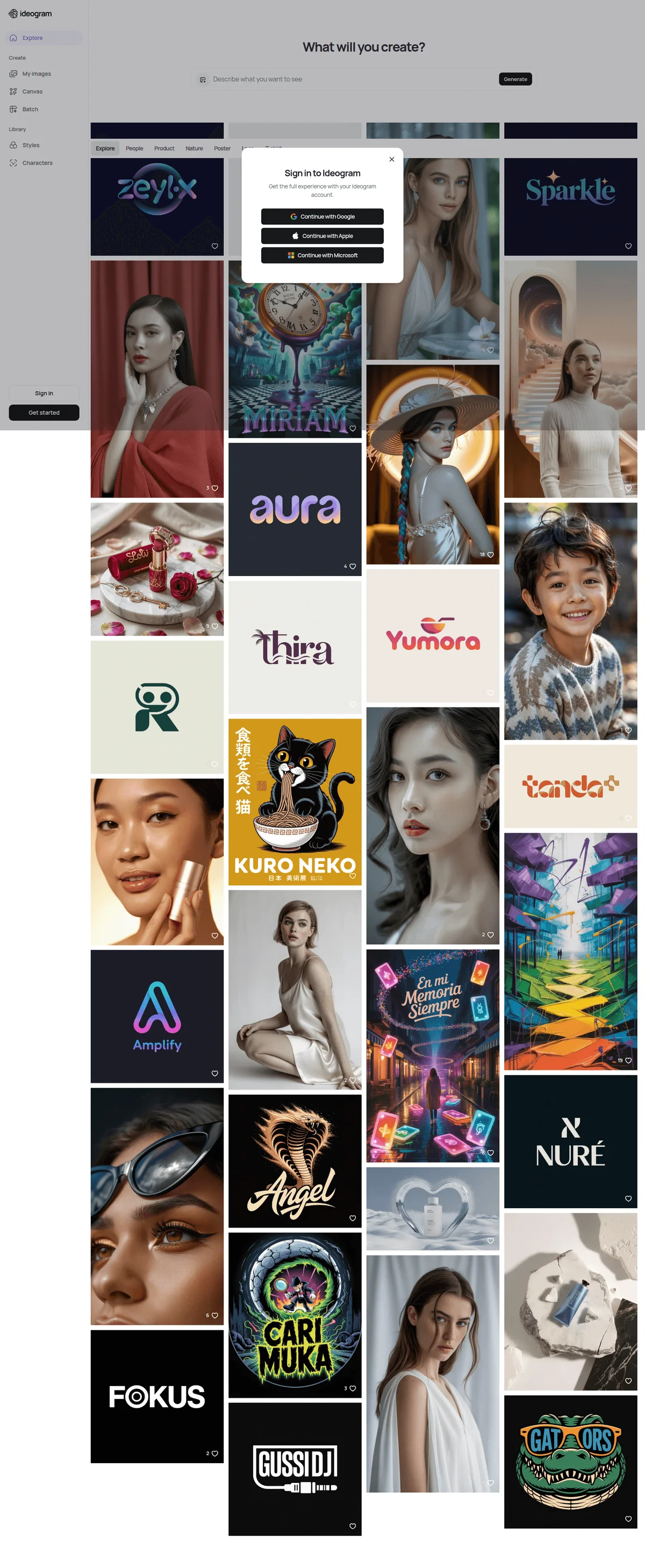
Ideogram
Turn ideas into production-ready visuals with AI that understands design, text, and brand.
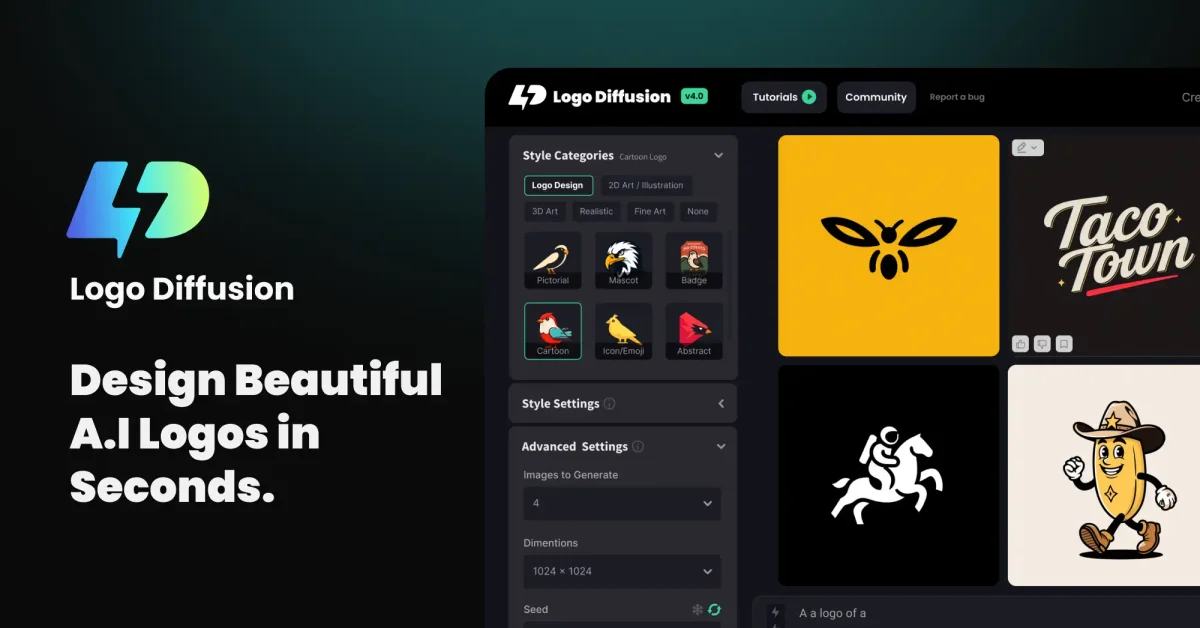
Logo Diffusion
Turn prompts, sketches, and images into polished logos in minutes—no design skills required.