
VEED.IO Review 2026 - AI Video Generation
Verified Jun 24, 2026 by Tooliverse Editorial
VEED.IO transforms video creation from a multi-day production into a minutes-long task. Generate AI videos from text, add auto-subtitles that keep viewers watching, and apply your brand instantly—all in one browser-based platform trusted by Amazon, Google, and Netflix.
How to Make AI Reels That Don't Look Like AI (Step by Step)
VEED.io review | AI video editing made accessible for everyone

Easily add engaging text overlays to your video messages.
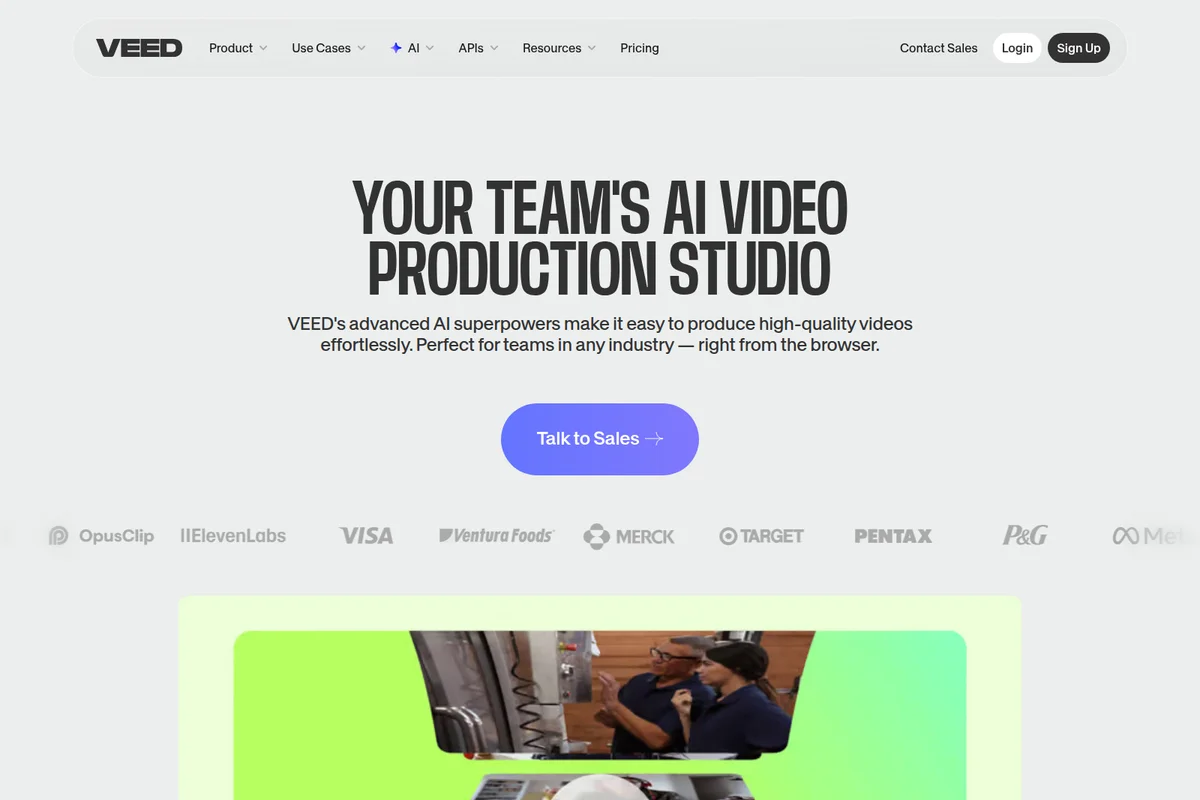
Produce high-quality AI videos effortlessly right from your browser.
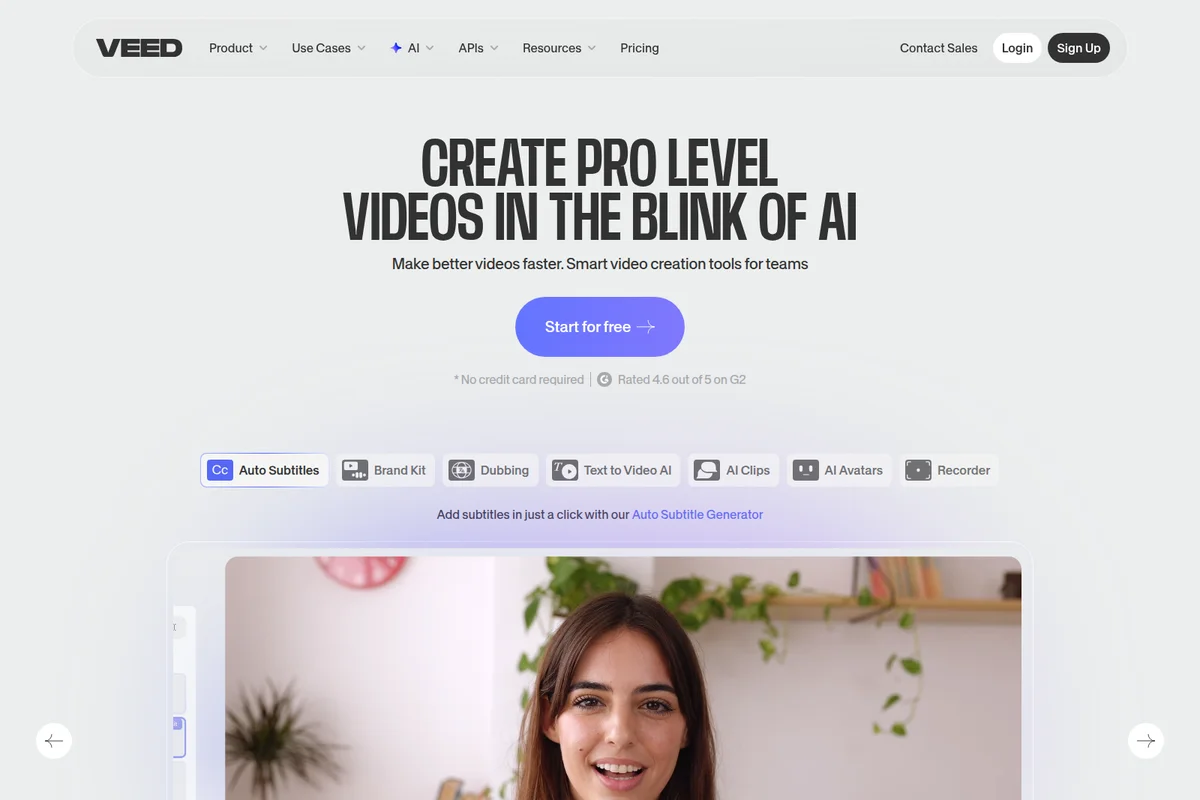
Create pro-level videos quickly with AI-powered editing tools and auto-subtitles.
VEED.IO Review: Tooliverse Consensus







Based on 1k+ verified reviews across 6 platforms,
combined with Tooliverse's expert analysis
VEED.IO turns browser-based video editing into a genuinely capable production workflow, with auto-subtitle accuracy and AI enhancement tools that eliminate the technical barriers between recording and publishing. The platform excels at collapsing multi-step workflows into single clicks, particularly for social media creators who need consistent output across TikTok, Instagram, and YouTube formats. Performance suffers with very large files, and the credit system on lower tiers creates upgrade pressure that frequent users find restrictive, but the core editing experience remains accessible enough for complete beginners while scaling to team-level brand management.
Bottom line: A leading browser-based video editor that makes professional-quality social content accessible to beginners, though credit limits and large-file performance issues create friction for power users.
VEED.IO | Key Specs
- Platforms
- Web, Chrome Extension, API
- Pricing Model
- Freemium ($0-39/user/month) + Usage-based APIs See plans
- Privacy/Data Use
- GDPR & CCPA compliant, EU data storage (GCP West 1)
- Security
- SOC 2, SSO (Enterprise), AES/TLS encryption, 2FA See details
Wins
- •Provides industry-leading auto-subtitle accuracy that saves hours of manual transcriptionmentioned in 184 reviews
- •Offers an exceptionally intuitive web-based interface that requires zero prior editing experiencementioned in 162 reviews
- •Features powerful AI tools like eye contact correction and background noise removalmentioned in 145 reviews
Watch-Outs
- •Performance can become sluggish or buggy when processing very large video filesmentioned in 76 reviews
- •Subscription pricing and credit limits on lower tiers feel restrictive for frequent usersmentioned in 64 reviews
- •Mobile application lacks many of the advanced features found in the web versionmentioned in 52 reviews
VEED.IO Features 2026
AI Video Generator
Generate post-ready videos from text prompts in minutes using AI models including Fabric 1.0, Sora 2, VEO 3.1, and Kling AI. Type your idea, pick your format (talking character or faceless), and VEED creates a video with captions, music, and pacing optimized for social platforms.
Auto Subtitle Generator
Automatically generate accurate subtitles in 100+ languages with dynamic styling designed to keep viewers watching. The most accurate subtitles on the market according to users, with unlimited auto-subtitles on paid plans.
Brand Kit
Apply your brand colors, fonts, logos, and voice instantly to every video. Maintain on-brand execution at all times without manual styling. Multiple brand kits available on Pro and Studio plans for managing different brands or clients.
AI Avatars
Create videos with AI-generated avatars that speak your script. Custom avatars available for personalized video content without appearing on camera. Includes voice cloning and dubbing capabilities.
VEED.IO User Reviews
Selected Reviews
"AI Subtitles save time but require a costly upgrade for higher video quality. Still, the accuracy is 99% spot on and much better than competitors."
"The brand kit feature keeps all our videos consistent. It's a must-have for corporate social media where we need specific fonts and colors."
"The experience is good but the credit limitations are frustrating. You hit the wall pretty fast on the lower plans and the upselling is constant."
More from the Community
"The auto-subtitle feature is a lifesaver for my TikToks. It's about 99% accurate right out of the gate."
"I like how easy it is to use VEED. I feel like I can come into VEED without a lot of background knowledge and be creating high-quality content in minutes."
"Veed is optimized for a consumer market, but it is hard to shake the AI-slop vibe of the output. Good for quick stuff, not for pro B2B."

"The background remover is surprisingly clean. It saved a video I shot in a messy room by making it look professional in seconds."
"Intuitive interface that my whole team could learn in an afternoon. No more training sessions for basic edits or subtitles."
"The auto-subtitle feature is a lifesaver for my TikToks. It's about 99% accurate right out of the gate."
"I like how easy it is to use VEED. I feel like I can come into VEED without a lot of background knowledge and be creating high-quality content in minutes."
"Veed is optimized for a consumer market, but it is hard to shake the AI-slop vibe of the output. Good for quick stuff, not for pro B2B."
"The background remover is surprisingly clean. It saved a video I shot in a messy room by making it look professional in seconds."
"Intuitive interface that my whole team could learn in an afternoon. No more training sessions for basic edits or subtitles."
"The stock music and video library integrated right into the editor makes the workflow so much faster than hunting for assets elsewhere."
"Really solid screen recording features. I use it for all my software tutorials now because it combines recording and editing in one tab."
"VEED has completely replaced Premiere Pro for my simple social clips. The speed of workflow is unmatched for short-form content."
"Amazing app excellent tool for content creator. The AI avatars are really amazing, super proud of the quick reaction to technology."
"The stock music and video library integrated right into the editor makes the workflow so much faster than hunting for assets elsewhere."
"Really solid screen recording features. I use it for all my software tutorials now because it combines recording and editing in one tab."
"VEED has completely replaced Premiere Pro for my simple social clips. The speed of workflow is unmatched for short-form content."
"Amazing app excellent tool for content creator. The AI avatars are really amazing, super proud of the quick reaction to technology."
VEED.IO Pricing 2026
The free tier lets you test the editor but stamps a watermark on everything, so it's really just a trial. Creator at $12 monthly is the entry point most individual creators need: no watermark, unlimited subtitles, and 6,000 credits for around 1,200 AI-generated videos. Pro at $22 monthly is where teams should start, adding multiple brand kits and translation to 50+ languages with 30,000 credits monthly. The credit economics matter more than the base price; if you're generating dozens of AI videos weekly, you'll hit limits on Creator faster than you expect.
VEED.IO In-Depth Review 2026

This browser-based video editor runs entirely in your web browser without downloads or installations, handling everything from AI-generated clips to subtitle overlays to multi-platform resizing. It works across desktop and mobile, though the web version is where the full feature set lives. The platform integrates AI models including Fabric 1.0, Sora 2, and VEO 3.1 for text-to-video generation, while the auto-subtitle engine supports over 100 languages with translation capabilities for 50 of them.
What It's Like Day-to-Day
The subtitle generator is what keeps users coming back. Upload a video, click once, and accurate captions appear in seconds with dynamic styling that actually keeps viewers watching. One iOS reviewer noted the accuracy sits at "about 99% right out of the gate," which means you're tweaking a few words instead of transcribing from scratch. For creators pumping out daily TikToks or Instagram Reels, that time savings compounds fast.
The AI enhancement tools handle the polish work that used to require expensive software and actual skill. Eye Contact AI fixes your gaze so you appear to look directly at the camera even when reading notes, while background noise removal cleans up audio without the usual artifacts.
VEED.IO Security & Compliance
Verified Compliance
- SOC 2
Security Features
- Single Sign-On (SSO)
- AES/TLS Encryption (data at rest and in transit)
- Two-Factor Authentication (2FA)
- Differentiated access rights by role
- Firewalls and encrypted connections
Privacy Commitments
- GDPR compliant
- CCPA compliant
- Data encrypted in transit and at rest using AES/TLS
- European Standard Contractual Clauses (SCC) in Data Processing Agreements
- Data stored in EU (Google Cloud Platform West 1)
- Security breach notification within 72 hours
- Data Protection Officer appointed (Tim Mamedov)
VEED.IO: Frequently Asked Questions (FAQs)
Do you offer a trial for paid plans?
VEED offers a free plan with basic features and a watermark. You can start creating immediately without a credit card, then upgrade to paid plans (Creator, Pro, or Studio) to remove the watermark and access advanced features like unlimited subtitles, brand kits, and higher AI credit allowances.
Can I really cancel anytime?
Yes, you can cancel your VEED subscription anytime. There are no long-term contracts or cancellation fees on Creator, Pro, or Studio plans.
What currencies and payment options are available?
VEED accepts multiple currencies and payment methods. Specific currency and payment options are available during checkout.
Can I add more AI credits to my plan?
Yes, you can add more AI credits to your plan. Creator includes 6,000 credits, Pro includes 30,000 credits, and Studio includes 180,000 credits. Enterprise customers can purchase custom AI credit packages.
VEED.IO Integrations
| Google Cloud Platform | Zapier | fal.ai |
VEED.IO: Verified Data Sheet
| # | Label | Data Point |
|---|---|---|
| [1] | VEED.IO Consensus: 8.68/10 | VEED.IO is a highly-rated tool among AI video tools in the Tooliverse index, with a consensus score of 8.68/10 across 1,961 verified reviews. |
| [2] | What is VEED.IO | VEED.IO, founded in March 2018 by Sabba Keynejad and Tim Mamedov, is a browser-based AI video creation platform serving millions of users including Amazon, Google, Netflix, and Meta. Backed by Sequoia with $35M Series A funding in 2022, the London-based company offers video generation, auto-subtitles, and brand management starting at $12/month. |
| [3] | Tooliverse Consensus on VEED.IO | VEED.IO turns browser-based video editing into a genuinely capable production workflow, with auto-subtitle accuracy and AI enhancement tools that eliminate the technical barriers between recording and publishing. The platform excels at collapsing multi-step workflows into single clicks, particularly for social media creators who need consistent output across TikTok, Instagram, and YouTube formats. Performance suffers with very large files, and the credit system on lower tiers creates upgrade pressure that frequent users find restrictive, but the core editing experience remains accessible enough for complete beginners while scaling to team-level brand management. |
| [4] | VEED.IO Verdict | VEED.IO bottom line: A leading browser-based video editor that makes professional-quality social content accessible to beginners, though credit limits and large-file performance issues create friction for power users. |
| [5] | Free: Free | VEED.IO offers a Free tier with watermarked exports and basic video editing tools, making AI-powered editing accessible at no cost. |
| [6] | Industry-leading auto-subtitle accuracy | VEED.IO provides industry-leading auto-subtitle accuracy that eliminates hours of manual transcription work, validated as a critical time-saver by 184 user reviews. |
| [7] | Zero-experience web interface | VEED.IO offers an exceptionally intuitive web-based interface that requires zero prior editing experience, confirmed as accessible to complete beginners by 162 user reviews. |
| [8] | AI eye contact and noise removal | VEED.IO features powerful AI tools including eye contact correction and background noise removal that transform amateur footage into professional-quality content, highlighted in 145 user reviews. |
| [9] | Pro: $22/user/month | VEED.IO Pro empowers users with 30,000 Credits (~6,000 AI Videos) for just $22/user monthly, significantly expanding on the free tier's capabilities. |
| [10] | Integrated templates and assets | VEED.IO enables rapid content creation with a vast library of professional templates and integrated stock assets that eliminate the need to source materials externally, praised in 128 user reviews. |
| [11] | Large file performance issues | VEED.IO performance can become sluggish or buggy when processing very large video files, a limitation noted in 76 user reports. |
| [12] | Credit limits feel restrictive | VEED.IO subscription pricing and credit limits on lower tiers feel restrictive for frequent users, with 64 reviews citing the upgrade pressure as a friction point. |
| [13] | SOC 2 | VEED.IO upholds SOC 2 certification. |
| [14] | Enterprise: Single Sign-On (SSO) | VEED.IO provides enterprise security with Single Sign-On (SSO), AES/TLS Encryption (data at rest and in transit), and Two-Factor Authentication (2FA). |
| [15] | 99% subtitle accuracy | VEED.IO auto-subtitle feature delivers approximately 99% accuracy right out of the gate, according to a verified iOS App Store reviewer who uses it for TikTok content creation. |
Best VEED.IO Alternatives

Lumen5
Turn ideas into professional videos in minutes with AI-powered video creation.

Pictory
Turn text, scripts, and ideas into professional videos in minutes—no editing skills required.
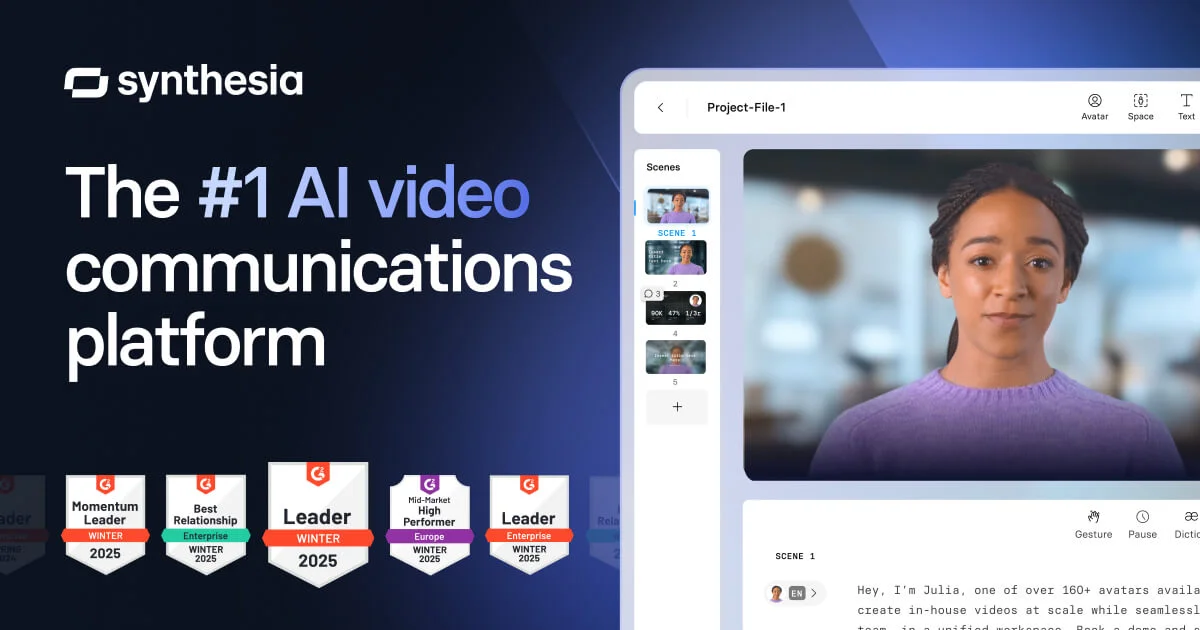
Synthesia
Create studio-quality AI videos in minutes—no cameras, mics, or actors needed.