
VS Code Review 2026 - AI Agent Development
Verified Jun 25, 2026 by Tooliverse Editorial
VS Code combines a world-class editor with AI agents that autonomously plan, code, and iterate until tasks are complete. Run agents locally or in the cloud, use any model from any provider, and seamlessly switch between AI-powered assistance and hands-on coding—all in one editor trusted by millions of developers for over a decade.
Learn Visual Studio Code in 15 minutes: 2026 Official Beginner Tutorial
How to install Visual Studio Code on Windows 10/11 [ 2026 Update ]
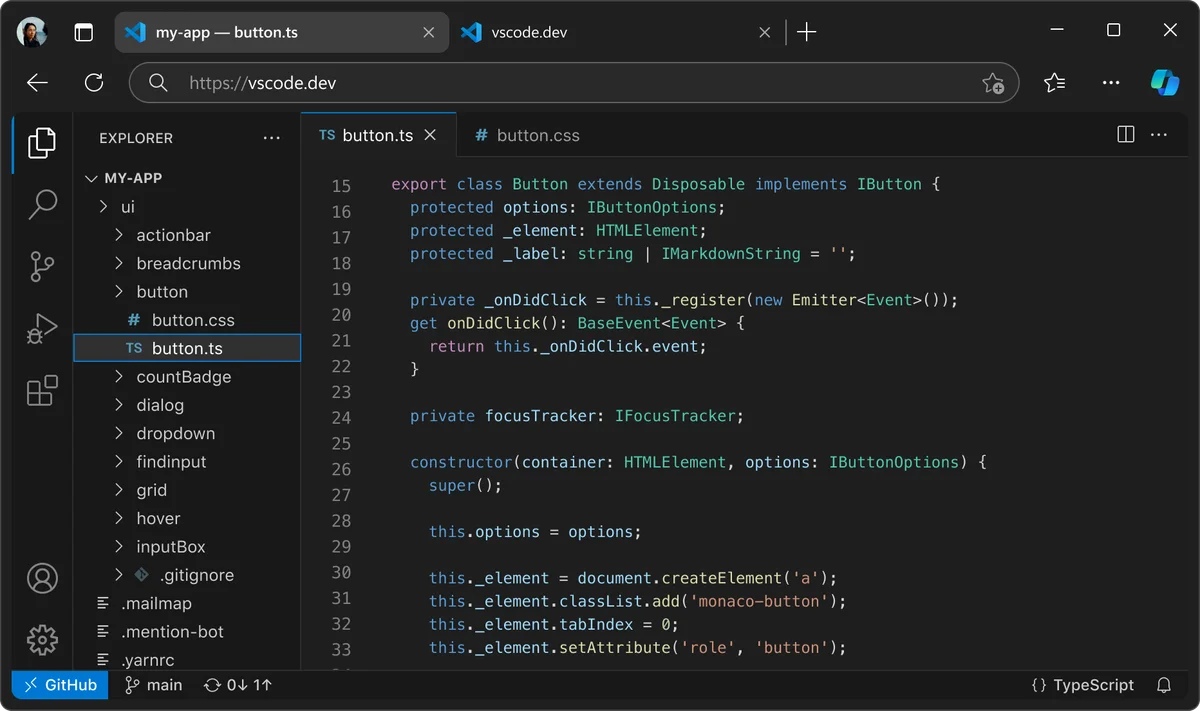
Develop web applications directly in your browser with VS Code.
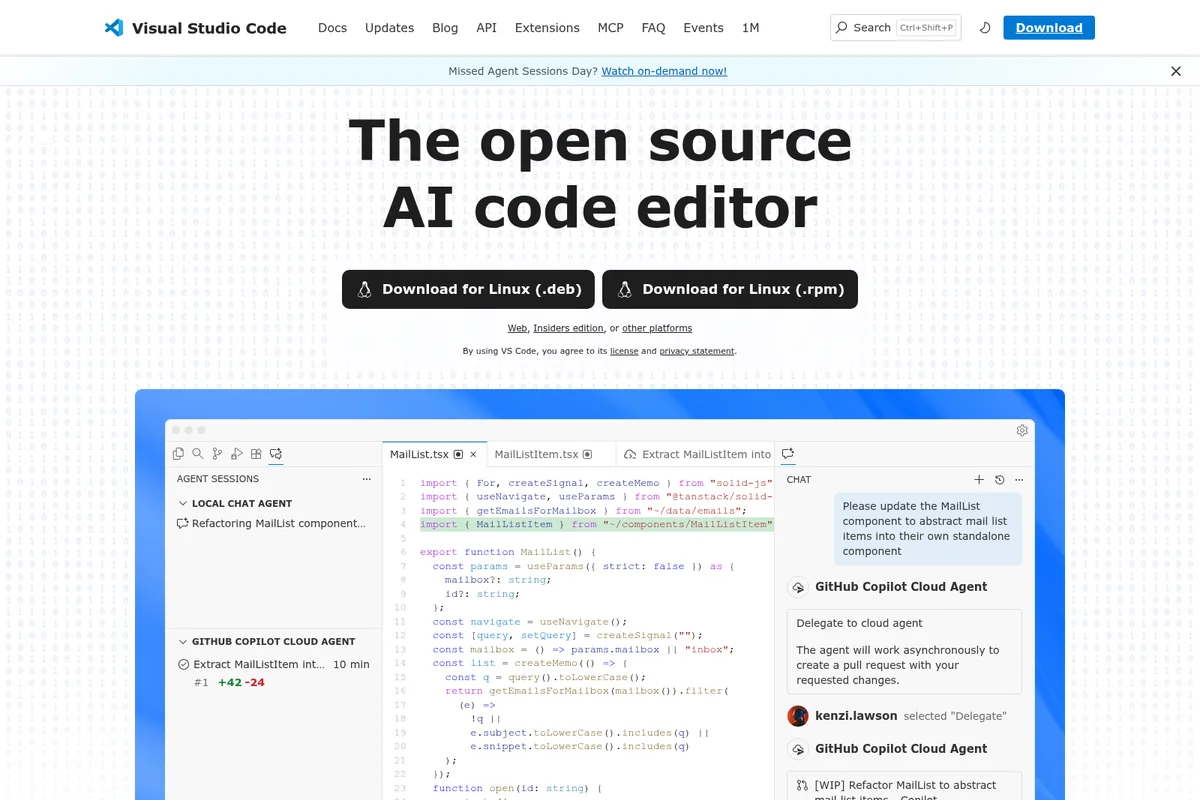
AI-powered code refactoring and agent interaction directly in the editor.
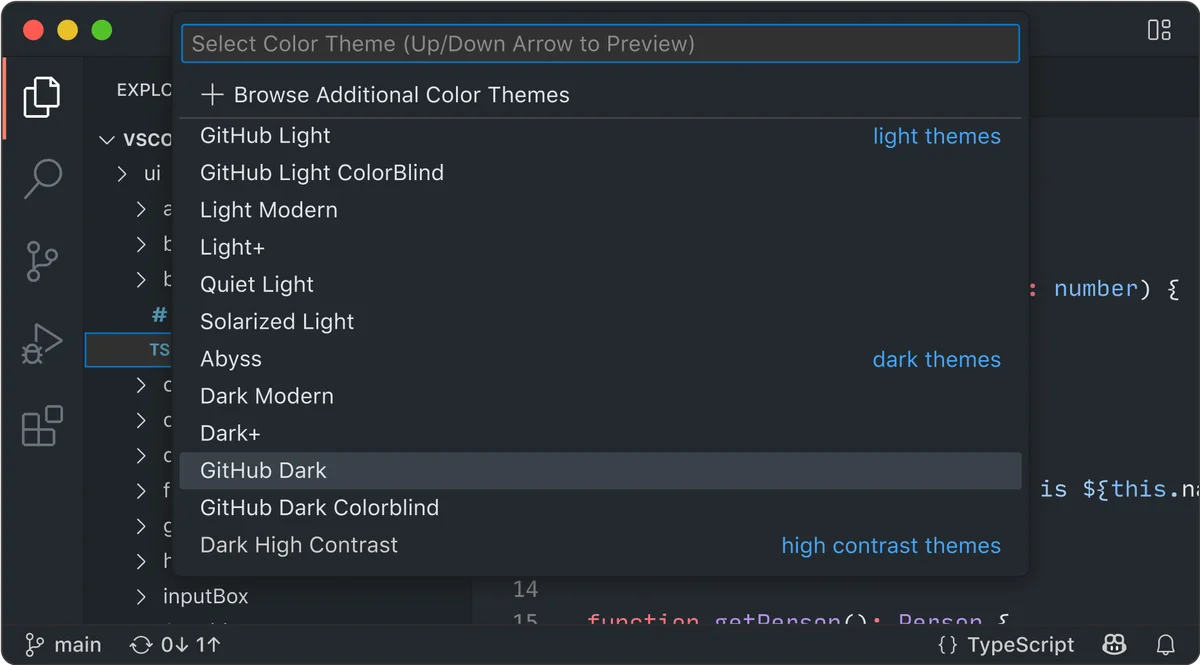
Personalize your coding environment by selecting from diverse color themes.
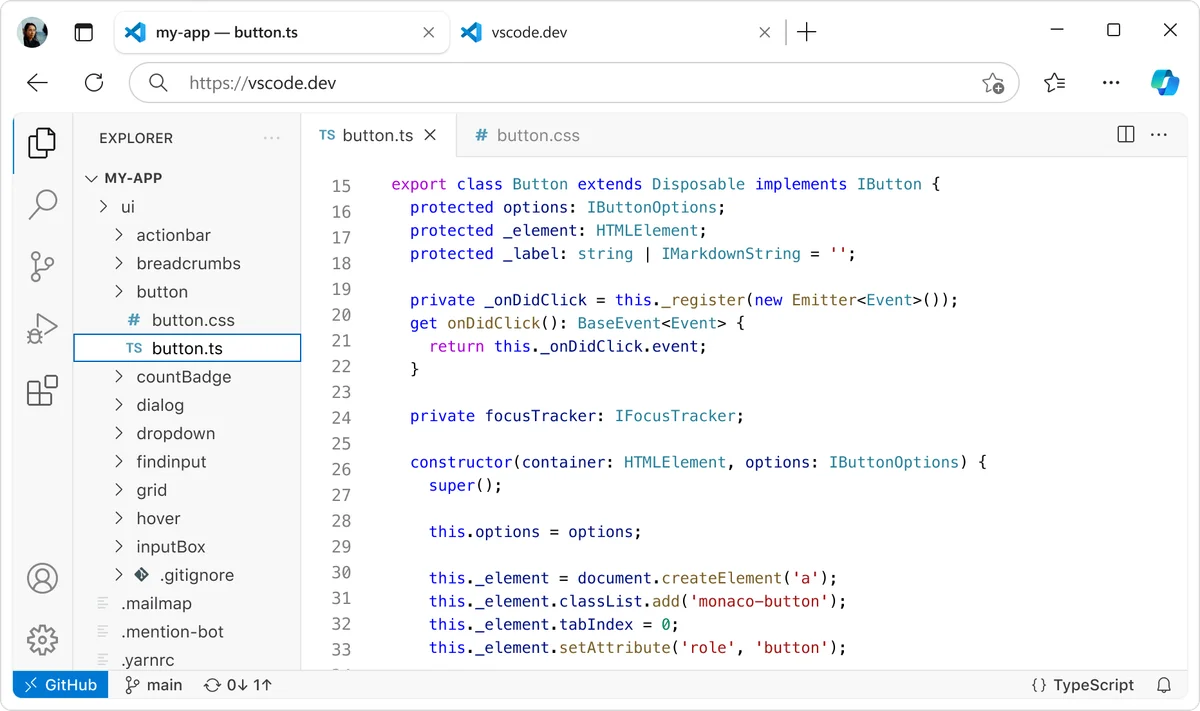
Develop web components with full TypeScript support in the browser.
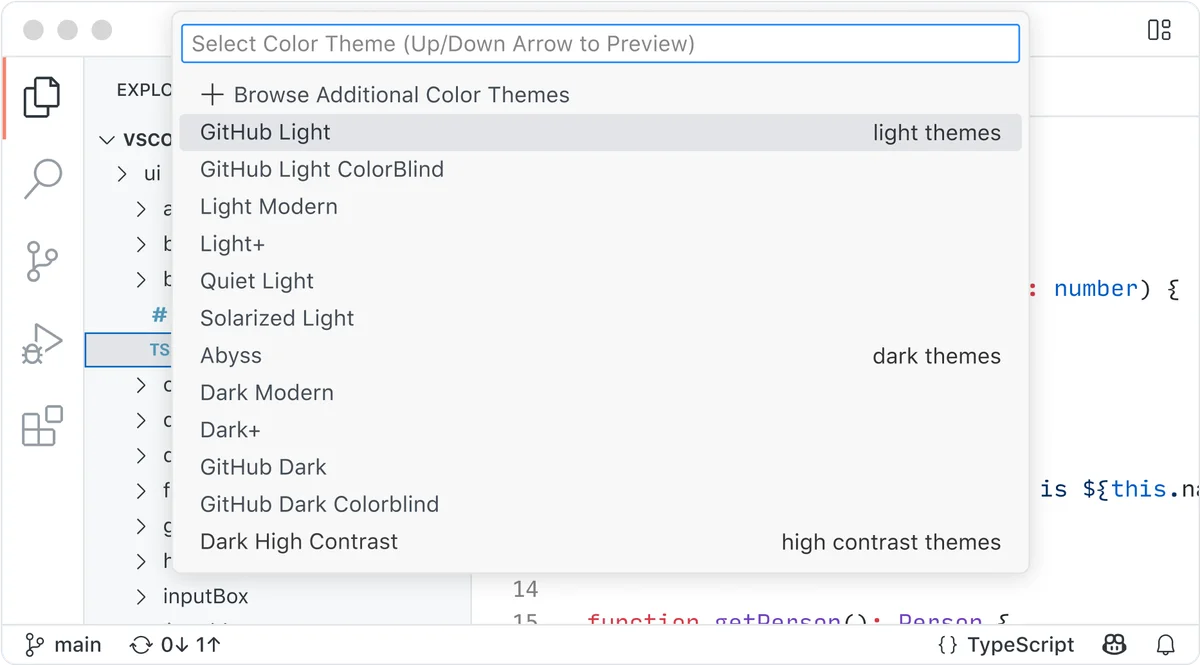
Quickly switch between various color themes, including light, dark, and high contrast options.
Visual Studio Code Review: Tooliverse Consensus





Based on 2k+ verified reviews across 4 platforms,
combined with Tooliverse's expert analysis
Visual Studio Code bridges the gap between lightweight text editors and heavyweight IDEs through modular architecture that lets developers build exactly the environment they need from 80,000+ extensions. The integrated terminal, seamless Git controls, and remote development capabilities eliminate context-switching for millions of developers working across languages and platforms, though memory consumption climbs noticeably with numerous active extensions and JSON-based configuration creates friction for newcomers expecting graphical settings. IntelliSense provides robust code completion across languages, significantly accelerating development workflows.
Bottom line: A leading code editor that delivers professional-grade development tools through extensible architecture, though the learning curve for advanced configuration and memory overhead with many extensions are tradeoffs for its flexibility.
Visual Studio Code | Key Specs
- Platforms
- Web, Windows, macOS, Linux
- Pricing Model
- Free (AI features require GitHub Copilot subscription) See plans
- Privacy/Data Use
- Open source, local agent execution option, enterprise AI controls
- Security
- Agent sandboxing, network filtering, tool approval system See details
Wins
- •Boasts a massive extension ecosystem that allows for infinite workflow customizationmentioned in 1,450 reviews
- •Features an exceptionally fast integrated terminal and seamless Git version controlmentioned in 980 reviews
- •Enables effortless remote development across SSH, containers, and WSL environmentsmentioned in 720 reviews
Watch-Outs
- •Consumes significant system memory when running numerous background extensions simultaneouslymentioned in 410 reviews
- •Requires manual editing of JSON configuration files for advanced setting adjustmentsmentioned in 280 reviews
- •Occasional conflicts between third-party extensions can lead to unexpected stability issuesmentioned in 210 reviews
Visual Studio Code Features 2026
AI Agents for Autonomous Development
Hand off tasks to AI agents that autonomously plan, make code changes, run commands, and iterate until the job is done. Run agents locally, in the background, or in the cloud with your choice of AI provider. Track all agent sessions from a single view without switching tools.
Multi-Model AI Support
Choose from dozens of models across providers including GitHub Copilot, Claude, and OpenAI. Switch between fast completion models and advanced reasoning models, or bring your own key to use any model from any provider.
Model Context Protocol (MCP) Integration
Connect agents to external tools and services with MCP servers. Install agent plugins or extensions to expand agent capabilities, or build custom agents tailored to your project with custom instructions and skills.
Enterprise Policy Management
Centrally manage AI features, extension access, and security policies through device management solutions. Control agent permissions, MCP server access, tool approvals, and network filtering for enterprise environments.
Visual Studio Code User Reviews
Selected Reviews
"The extension ecosystem is unbeatable. I can turn it into a full Java IDE or a simple markdown editor in seconds. It has completely changed how I manage my projects."
"Best code editor I have used in 10 years. The remote development extensions are a game changer for working on cloud servers directly from my local machine."
"Updates are frequent and usually great, but occasionally an update breaks one of my essential third-party extensions which halts my workflow."
More from the Community
"Integrated terminal and git support make it my daily driver. It is fast, though it can hog RAM if you have 50+ extensions active at once."
"It is getting a bit bloated. I miss the days when it was just a fast editor. Now it feels like it is trying to do too much out of the box."
"Copilot integration is seamless. It is the best way to use AI while coding right now without switching windows or losing context."
"Setting up the JSON configuration can be intimidating for beginners compared to a GUI-based settings menu found in other IDEs."
"Integrated terminal and git support make it my daily driver. It is fast, though it can hog RAM if you have 50+ extensions active at once."
"It is getting a bit bloated. I miss the days when it was just a fast editor. Now it feels like it is trying to do too much out of the box."
"Copilot integration is seamless. It is the best way to use AI while coding right now without switching windows or losing context."
"Setting up the JSON configuration can be intimidating for beginners compared to a GUI-based settings menu found in other IDEs."
"The community support is insane. If you have a problem, there is already a StackOverflow thread or an extension for it. Truly a global standard."
"I love the multi-root workspace feature. It makes managing microservices so much easier than opening multiple windows for every single service."
"Still the best balance of performance and features. I have tried Zed and Fleet, but I always come back to VS Code for the plugins."
"The community support is insane. If you have a problem, there is already a StackOverflow thread or an extension for it. Truly a global standard."
"I love the multi-root workspace feature. It makes managing microservices so much easier than opening multiple windows for every single service."
"Still the best balance of performance and features. I have tried Zed and Fleet, but I always come back to VS Code for the plugins."
Visual Studio Code Pricing 2026
View SourceThe core editor is free and open source forever, which is the entire product for most developers. AI features require a separate GitHub Copilot subscription (pricing varies by plan), but the editor itself—including all 80,000+ extensions, remote development, debugging, and Git integration—costs nothing. There's no tiered pricing to navigate, no feature gates to unlock. If you need AI-powered code completion and autonomous agents, budget for Copilot separately; otherwise, you're working with the full professional toolset at zero cost.
Visual Studio Code In-Depth Review 2026

The open-source editor runs on Windows, macOS, and Linux, with a web version at vscode.dev for browser-based work. It handles everything from quick script edits to full enterprise application development, with AI agents that can autonomously plan and execute coding tasks while you focus elsewhere. The 80,000+ extension marketplace means you're never locked into someone else's vision of what a code editor should be.
What It's Like Day-to-Day
The integrated terminal and Git controls sit exactly where you need them, eliminating the constant context-switching that fragments concentration. You stage changes, resolve merge conflicts, and manage branches without leaving your editor, and the terminal responds fast enough that you forget it's embedded rather than native. One Capterra reviewer called the remote development extensions "a game changer for working on cloud servers directly from my local machine," and that captures the practical impact: SSH into a production server, spin up a container, or work in WSL, all through the same interface you use for local development.
IntelliSense code completion reads your intent with surprising accuracy, surfacing the right method signatures and documentation exactly when you need them.
Visual Studio Code Security & Compliance
Security Features
- Agent Sandboxing
- Network Domain Filtering
- Tool Approval System
- Enterprise Policy Management
Privacy Commitments
- Open source codebase (microsoft/vscode on GitHub)
- Local agent execution option (data processed on developer's machine)
- Enterprise control over AI feature access and data handling
Visual Studio Code Integrations
| GitHub | GitHub Copilot | GitHub Codespaces |
| Azure | Azure Machine Learning | Azure Kubernetes Service |
| Docker | Kubernetes | Jupyter |
| PyTorch | MongoDB | Stripe |
| WSL | SSH | Claude |
| OpenAI |
Visual Studio Code: Verified Data Sheet
| # | Label | Data Point |
|---|---|---|
| [1] | Visual Studio Code Consensus: 9.18/10 | Visual Studio Code is one of the highest-rated AI coding tools in the Tooliverse index, with a consensus score of 9.18/10 across 2,450 verified reviews. |
| [2] | What is Visual Studio Code | Visual Studio Code, developed by Microsoft, is the open-source code editor that pioneered AI-powered development with autonomous agents. The platform serves millions of developers worldwide with 80,000+ extensions and supports local, cloud, and browser-based coding. |
| [3] | Tooliverse Consensus on Visual Studio Code | Visual Studio Code bridges the gap between lightweight text editors and heavyweight IDEs through modular architecture that lets developers build exactly the environment they need from 80,000+ extensions. The integrated terminal, seamless Git controls, and remote development capabilities eliminate context-switching for millions of developers working across languages and platforms, though memory consumption climbs noticeably with numerous active extensions and JSON-based configuration creates friction for newcomers expecting graphical settings. IntelliSense provides robust code completion across languages, significantly accelerating development workflows. |
| [4] | Visual Studio Code Verdict | Visual Studio Code bottom line: A leading code editor that delivers professional-grade development tools through extensible architecture, though the learning curve for advanced configuration and memory overhead with many extensions are tradeoffs for its flexibility. |
| [5] | VS Code (Free): Free | Visual Studio Code provides a fully functional VS Code (Free) tier with complete code editor featuring IntelliSense and debugging plus 80,000+ extensions from the marketplace, making professional development tools accessible at no cost. |
| [6] | 80,000+ extensions for infinite customization | Visual Studio Code provides a massive extension ecosystem with 80,000+ extensions that enable infinite workflow customization, validated by 1,450+ user reviews as the platform's defining strength. |
| [7] | Fast terminal with seamless Git integration | Visual Studio Code features an exceptionally fast integrated terminal with seamless Git version control including staging, committing, branch management, and merge conflict resolution, praised by 980+ user reviews. |
| [8] | Remote development across SSH, containers, WSL | Visual Studio Code enables effortless remote development across SSH connections, containers, and WSL environments, allowing developers to work on cloud servers directly from their local machine according to 720+ user reviews. |
| [9] | Intelligent IntelliSense code completion | Visual Studio Code provides highly intelligent code completion and refactoring tools via IntelliSense, validated as essential for productivity by 590+ user reviews. |
| [10] | High memory usage with many extensions | Visual Studio Code can consume significant system memory when running numerous background extensions simultaneously, reported as a performance concern by 410+ users. |
| [11] | JSON config required for advanced settings | Visual Studio Code requires manual editing of JSON configuration files for advanced setting adjustments, creating a steeper learning curve for beginners compared to GUI-based settings according to 280+ user reports. |
| [12] | Privacy: Open source codebase (microsoft/vscode on GitHub) | Visual Studio Code privacy protections include Open source codebase (microsoft/vscode on GitHub), Local agent execution option (data processed on developer's machine), and Enterprise control over AI feature access and data handling. |
| [13] | Enterprise: Agent Sandboxing | Visual Studio Code provides enterprise security through Agent Sandboxing, Network Domain Filtering, Tool Approval System, and Enterprise Policy Management. |
| [14] | Game-changing remote development | Visual Studio Code's remote development extensions are "a game changer for working on cloud servers directly from my local machine," according to a verified Capterra reviewer who rated it 5/5. |
Best Visual Studio Code Alternatives
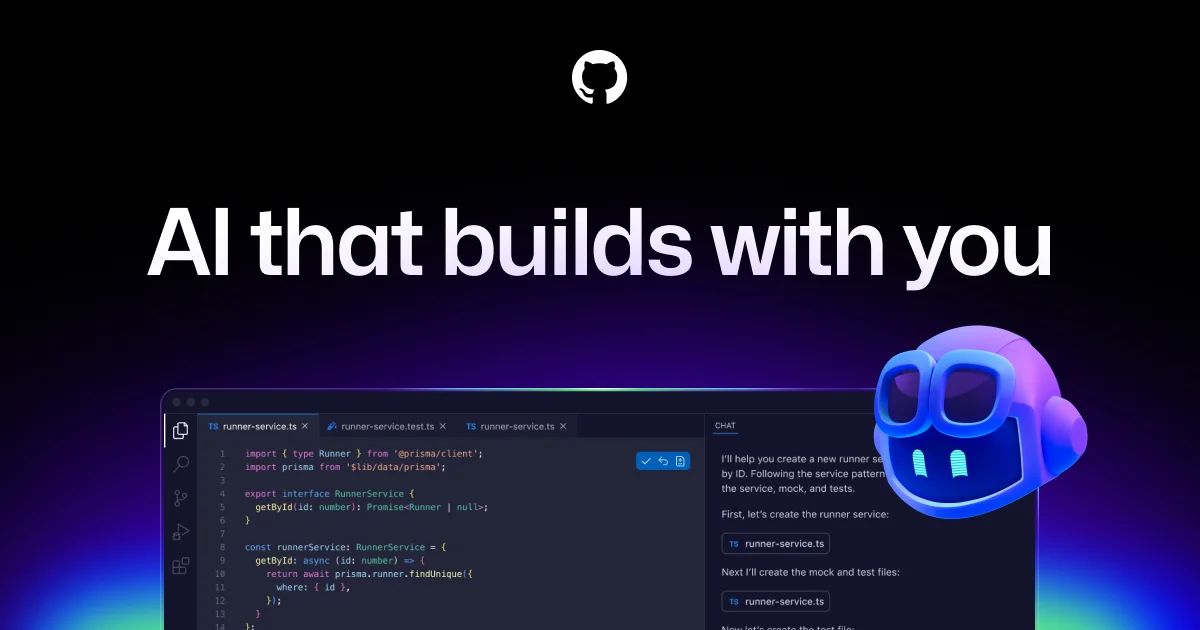
GitHub Copilot
Command your craft with AI that accelerates every workflow, from the editor to the enterprise.

Claude Code
Turn complex coding tasks into simple conversations—debug, refactor, and ship faster with AI that understands your entire codebase.

Replit
Turn ideas into working software through conversation—no coding required.