
Adobe Podcast Review 2026 - AI Audio Tools
Verified Jun 5, 2026 by Tooliverse Editorial
Adobe Podcast turns messy recordings into studio-quality audio with AI-powered noise removal and echo cancellation. Edit your podcast by cutting text like a document, then export with automatic transcription—all in your browser.
Adobe Podcast AI Tutorial | How to Get Studio Quality Voice Without a Mic | Remove Background Noise
Visualize and enhance your audio with intelligent sound processing.
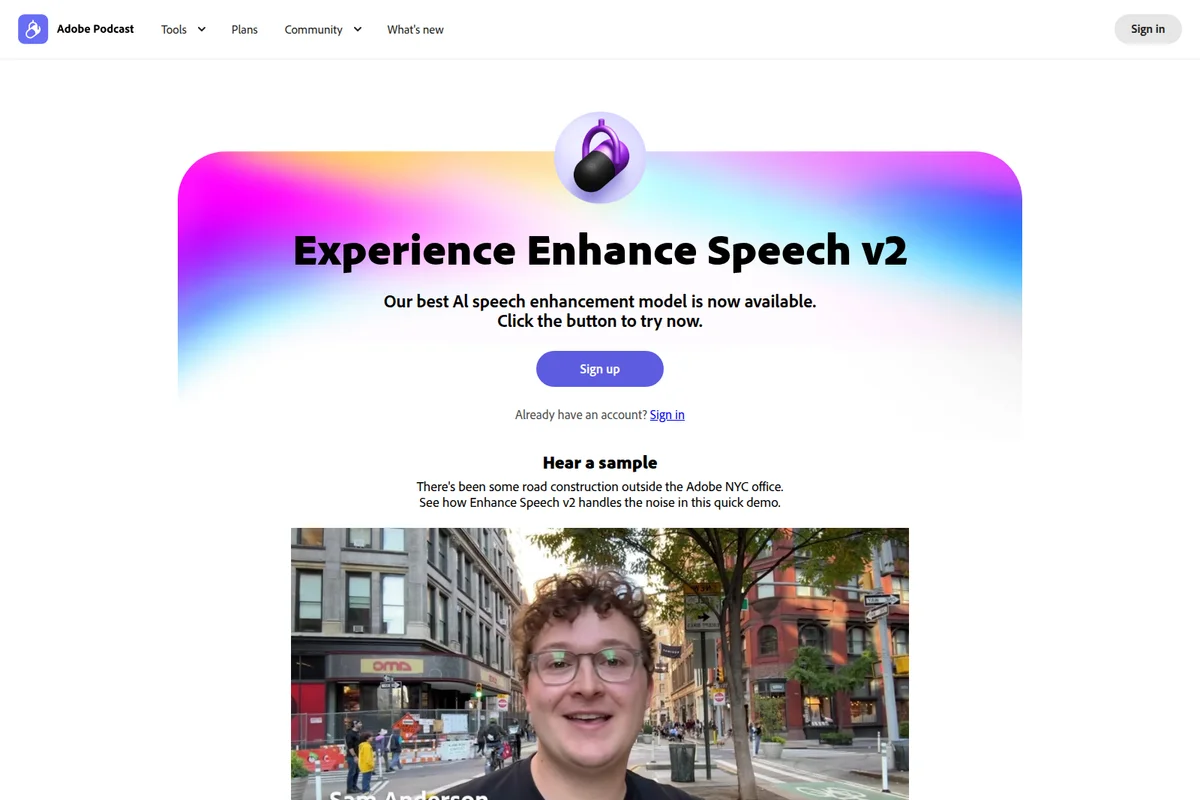
Experience clearer audio: enhance speech quality with the new v2 model.
Create and edit high-quality audio with intuitive waveform editing.
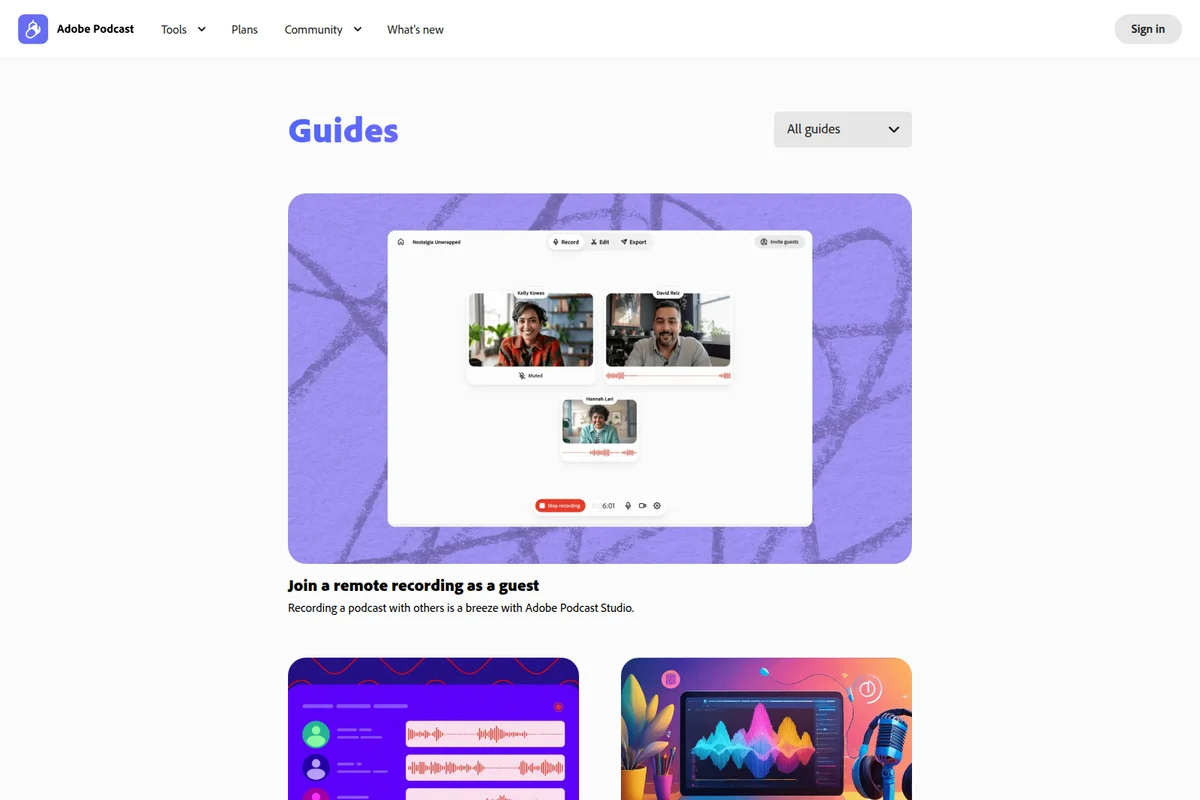
Seamlessly record podcasts with guests from anywhere using Adobe Podcast Studio.
Capture high-quality audio with essential podcasting equipment.
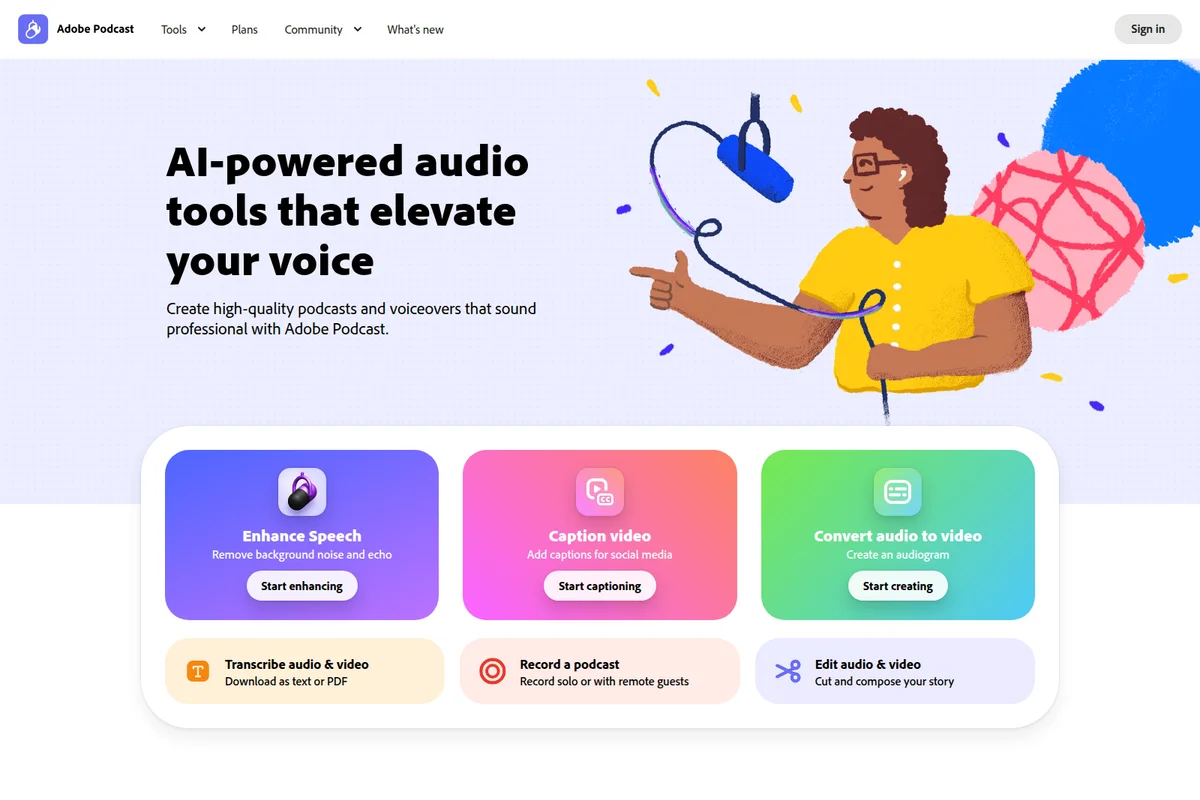
Elevate your voice with AI-powered audio tools for podcasts and voiceovers.
Elevate your audio with intuitive recording and editing tools.
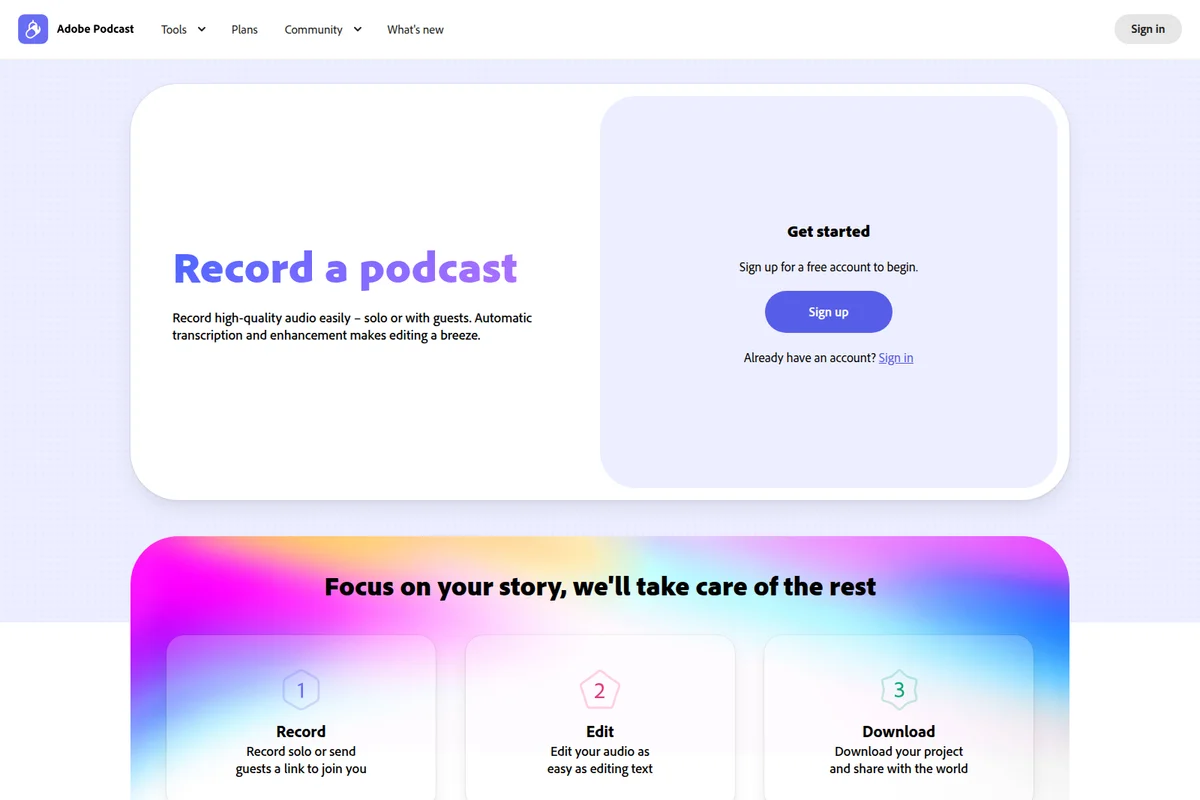
Streamline your podcast creation from recording to editing and publishing with ease.
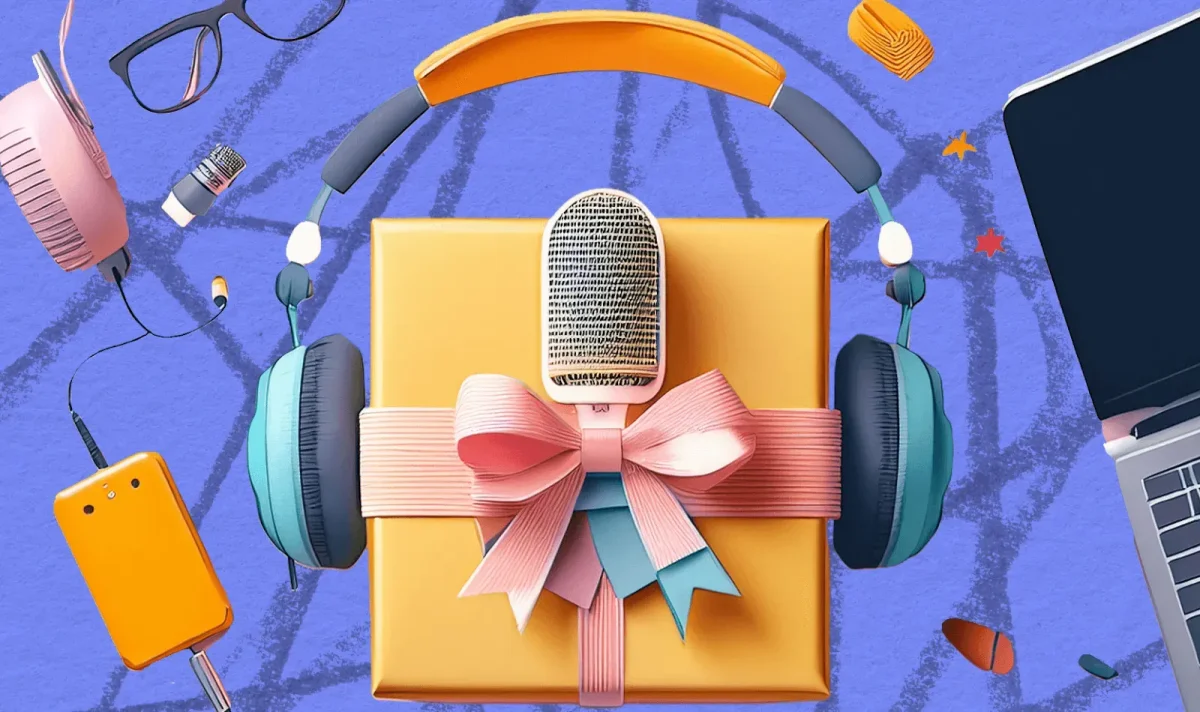
Everything you need to create your next podcast, packaged for success.

Immerse yourself in audio creation and consumption on the go.
Adobe Podcast Review: Tooliverse Consensus


Based on 895 verified reviews across 4 platforms,
combined with Tooliverse's expert analysis
Adobe Podcast delivers professional-grade audio quality through AI enhancement that removes noise, echo, and reverb from recordings made in suboptimal conditions, democratizing studio-quality production for creators without audio engineering expertise. The text-based editing interface and Mic Check feature extend that accessibility across the full workflow, making podcast production significantly faster for non-technical users. The AI processing occasionally overcorrects on extremely noisy recordings, and the Studio editor lacks the multi-track depth professionals need for complex mixing, but the core enhancement capability remains transformative for spoken-word content creators.
Bottom line: A leading audio enhancement platform that makes professional podcast quality accessible to non-engineers, though serious producers will still export to traditional DAWs for final mixing.
Adobe Podcast | Key Specs
- Platforms
- Web
- Pricing Model
- Freemium ($0-9.99/mo) See plans
- Max File Size
- 500 MB (Free), 1 GB (Premium)
- Max Duration
- 30 min (Free), 2 hours (Premium)
Wins
- •Enhance Speech tool makes low-quality recordings sound professional with one clickmentioned in 342 reviews
- •Text-based editing simplifies the podcast workflow for non-technical creatorsmentioned in 215 reviews
- •Mic Check feature ensures optimal recording setup before starting the sessionmentioned in 188 reviews
Watch-Outs
- •AI processing can occasionally make voices sound robotic or over-processedmentioned in 98 reviews
- •Studio editor lacks advanced multi-track features found in professional DAWsmentioned in 84 reviews
- •File upload size limits can be restrictive for long-form episodesmentioned in 72 reviews
Adobe Podcast Features 2026
Enhance Speech v2
AI-powered speech enhancement that removes noise, echo, and reverb from recordings. Handles extreme conditions like construction noise, busy streets, and stairwell echoes while preserving natural voice qualities.
Text-Based Editing
Edit audio or video by cutting, copying, and pasting words in the transcript. Each word is highlighted as it's spoken, making it easy to navigate and edit content like a text document.
Automatic Transcription
Industry-leading transcription technology with multi-language support and high accuracy. Easily correct mistakes directly in the transcript interface.
Remote Recording
High-quality remote recording with unlimited duration. Premium users can download original recordings with speaker-separated tracks for advanced editing.
Adobe Podcast User Reviews
Selected Reviews
"The filler word removal is surprisingly accurate. I was skeptical at first because other tools often cut too much, but this handles the natural flow of conversation perfectly and saved me hours of tedious clicking."
"Best tool for remote interviews. The audio quality is consistently better than Zoom or Teams recordings."
"The processing time for long files is getting longer. I waited 20 minutes for a 1-hour file today."
More from the Community
"The "Enhance Speech" tool is literally magic. I recorded in a noisy cafe and it sounded like a studio."
"Studio is great for quick edits, but I still go back to Audition for the final mix."
"Mic Check saved my last interview. I didn't realize my gain was so high until the tool flagged it."
"Good for beginners, but the AI sometimes clips the start of words if the noise floor is too high."
"Text-based editing is the future. It's so much faster to delete a sentence than to find the waveform."
"The "Enhance Speech" tool is literally magic. I recorded in a noisy cafe and it sounded like a studio."
"Studio is great for quick edits, but I still go back to Audition for the final mix."
"Mic Check saved my last interview. I didn't realize my gain was so high until the tool flagged it."
"Good for beginners, but the AI sometimes clips the start of words if the noise floor is too high."
"Text-based editing is the future. It's so much faster to delete a sentence than to find the waveform."
"Integration with Creative Cloud is a plus, but I wish there was a dedicated desktop app for offline use."
"Enhance Speech is the only reason I still use Adobe. It's that good."
"Simple interface. My team learned it in 10 minutes."
"Great for social media clips. I can turn a rough voice memo into a professional voiceover instantly."
"Integration with Creative Cloud is a plus, but I wish there was a dedicated desktop app for offline use."
"Enhance Speech is the only reason I still use Adobe. It's that good."
"Simple interface. My team learned it in 10 minutes."
"Great for social media clips. I can turn a rough voice memo into a professional voiceover instantly."
Adobe Podcast Pricing 2026
View SourceThe free tier covers most casual podcasters with 1 hour of daily enhancement and 30-minute file uploads, but Premium at $9.99 monthly is where serious creators land: video file support, bulk processing, adjustable enhancement strength, and no download limits. That's the tier that handles commercial workflows. The 4-hour daily enhancement cap is generous enough that you'd need to be processing multiple long-form episodes daily to hit it, and the 2-hour file duration accommodates most podcast formats without splitting uploads.
Adobe Podcast In-Depth Review 2026

This web-based audio platform combines AI speech enhancement with text-based editing, letting you upload noisy recordings and get studio-quality output without installing software or learning a DAW. It works across Chrome, Safari, and Edge, with remote recording capabilities and automatic transcription that turns spoken words into editable text. The Enhance Speech v2 model handles extreme conditions—construction noise, busy streets, stairwell reverb—while the text editor lets you delete sentences by highlighting words, not hunting through waveforms.
What It's Like Day-to-Day
The workflow centers on Enhance Speech, and it delivers exactly what the name promises. You drag in a file recorded on a laptop mic in a coffee shop, click enhance, and the background chatter disappears while the voice stays natural. The AI processing is aggressive enough to rescue genuinely bad recordings but restrained enough that voices don't sound synthetic. One Product Hunt reviewer captured it perfectly: the tool "is literally magic" for transforming cafe audio into studio-quality sound. That single feature justifies the platform for most users.
The text-based editor is where the speed advantage compounds.
Adobe Podcast Security & Compliance
Privacy Commitments
- Adobe privacy policy applies
Adobe Podcast Integrations
| Zoom | Restream | Adobe Express |
Adobe Podcast: Verified Data Sheet
| # | Label | Data Point |
|---|---|---|
| [1] | Adobe Podcast Consensus: 8.95/10 | Adobe Podcast is a highly-rated tool among AI audio tools in the Tooliverse index, with a consensus score of 8.95/10 across 895 verified reviews. |
| [2] | What is Adobe Podcast | Adobe Podcast is Adobe's AI-powered audio production platform for podcast recording, editing, and enhancement. The platform uses Enhance Speech v2 AI to remove noise and echo, with text-based editing for quick content production. Pricing starts at free with 1 hour/day enhancement. |
| [3] | Tooliverse Consensus on Adobe Podcast | Adobe Podcast delivers professional-grade audio quality through AI enhancement that removes noise, echo, and reverb from recordings made in suboptimal conditions, democratizing studio-quality production for creators without audio engineering expertise. The text-based editing interface and Mic Check feature extend that accessibility across the full workflow, making podcast production significantly faster for non-technical users. The AI processing occasionally overcorrects on extremely noisy recordings, and the Studio editor lacks the multi-track depth professionals need for complex mixing, but the core enhancement capability remains transformative for spoken-word content creators. |
| [4] | Adobe Podcast Verdict | Adobe Podcast bottom line: A leading audio enhancement platform that makes professional podcast quality accessible to non-engineers, though serious producers will still export to traditional DAWs for final mixing. |
| [5] | Free: Free | Adobe Podcast offers a Free tier with audio-only enhancement (no video support) and 30-minute file duration (up to 500 MB), making AI-powered audio cleanup accessible at no cost. |
| [6] | One-click professional audio enhancement | Adobe Podcast's Enhance Speech tool transforms low-quality recordings into professional-grade audio with one-click processing, validated as a game-changing capability by 342 user reviews. |
| [7] | Text-based editing for non-technical users | Adobe Podcast's text-based editing interface simplifies podcast production workflows for non-technical creators, allowing users to edit audio by cutting and pasting words in the transcript according to 215 user reviews. |
| [8] | Premium: $9.99/month | Adobe's Adobe Podcast Premium empowers users with Video support for MP4, MOV, and more for just $9.99 monthly, significantly expanding on the free tier's capabilities. |
| [9] | Pre-session recording optimization | Adobe Podcast's Mic Check feature ensures optimal recording setup before sessions begin, preventing technical issues that would otherwise ruin recordings according to 188 user reviews. |
| [10] | Web-based accessibility for collaboration | Adobe Podcast operates entirely in the browser, enabling seamless collaboration without heavy software installations and validated as a key accessibility advantage by 156 user reviews. |
| [11] | Occasional robotic voice artifacts | Adobe Podcast's AI processing can occasionally make voices sound robotic or over-processed, particularly when applied to recordings with extreme noise conditions according to 98 user reports. |
| [12] | Limited multi-track editing capabilities | Adobe Podcast Studio lacks advanced multi-track features found in professional DAWs, requiring users to export to tools like Audition for complex mixing according to 84 user reviews. |
| [13] | Privacy: Adobe privacy policy applies | Adobe Podcast privacy protections include Adobe privacy policy applies. |
| [14] | Transforms noisy recordings dramatically | Adobe Podcast's Enhance Speech tool "is literally magic" for cleaning noisy recordings, transforming cafe audio into studio-quality sound according to a verified Product Hunt reviewer. |
Best Adobe Podcast Alternatives

Async
AI-powered audio and video creation platform that turns complex editing into simple conversations.
Auphonic
Turn your audience into fans with AI-powered audio post-production that makes every voice sound professional.
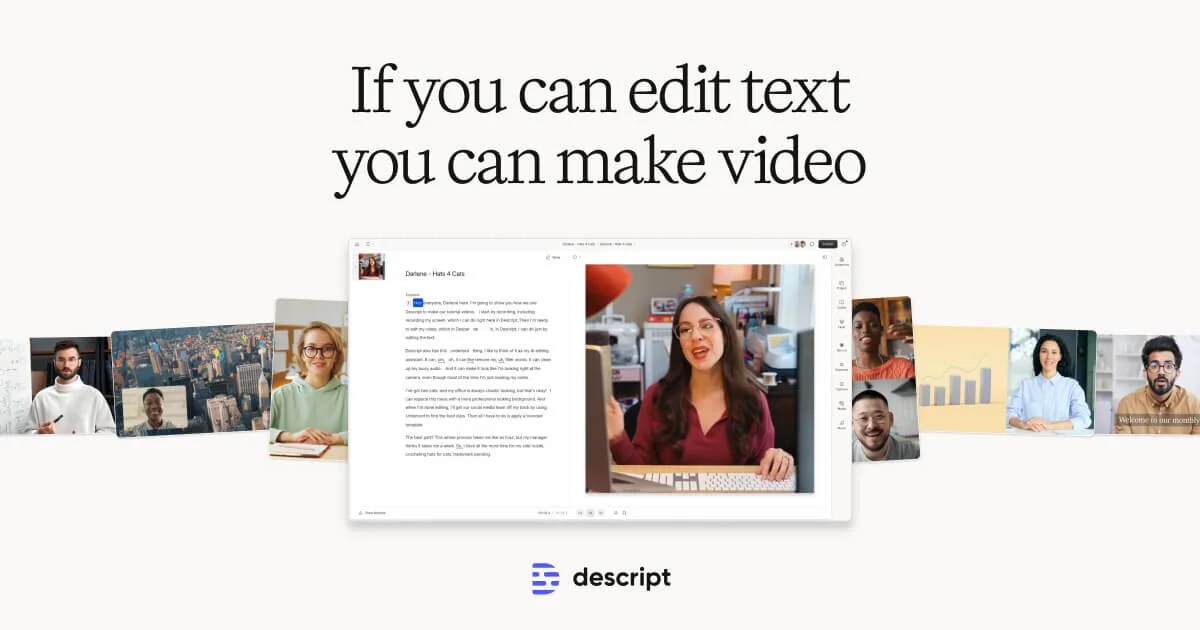
Descript
Edit video by editing text—AI-powered video creation for everyone.