
Beautiful.ai Review 2026 - Smart Presentations
Verified Jun 6, 2026 by Tooliverse Editorial
Beautiful.ai transforms presentation creation with Smart Slides that auto-format as you edit and AI workflows that generate polished decks 10x faster. Trusted by over 3 million users at 50,000+ companies, it eliminates formatting friction so you focus on your message, not design.
Beautiful.ai Explained: How to Create Work-Ready Presentations, 10x Faster
Document to AI Presentation (Beautiful.ai 3.0 Tutorial)
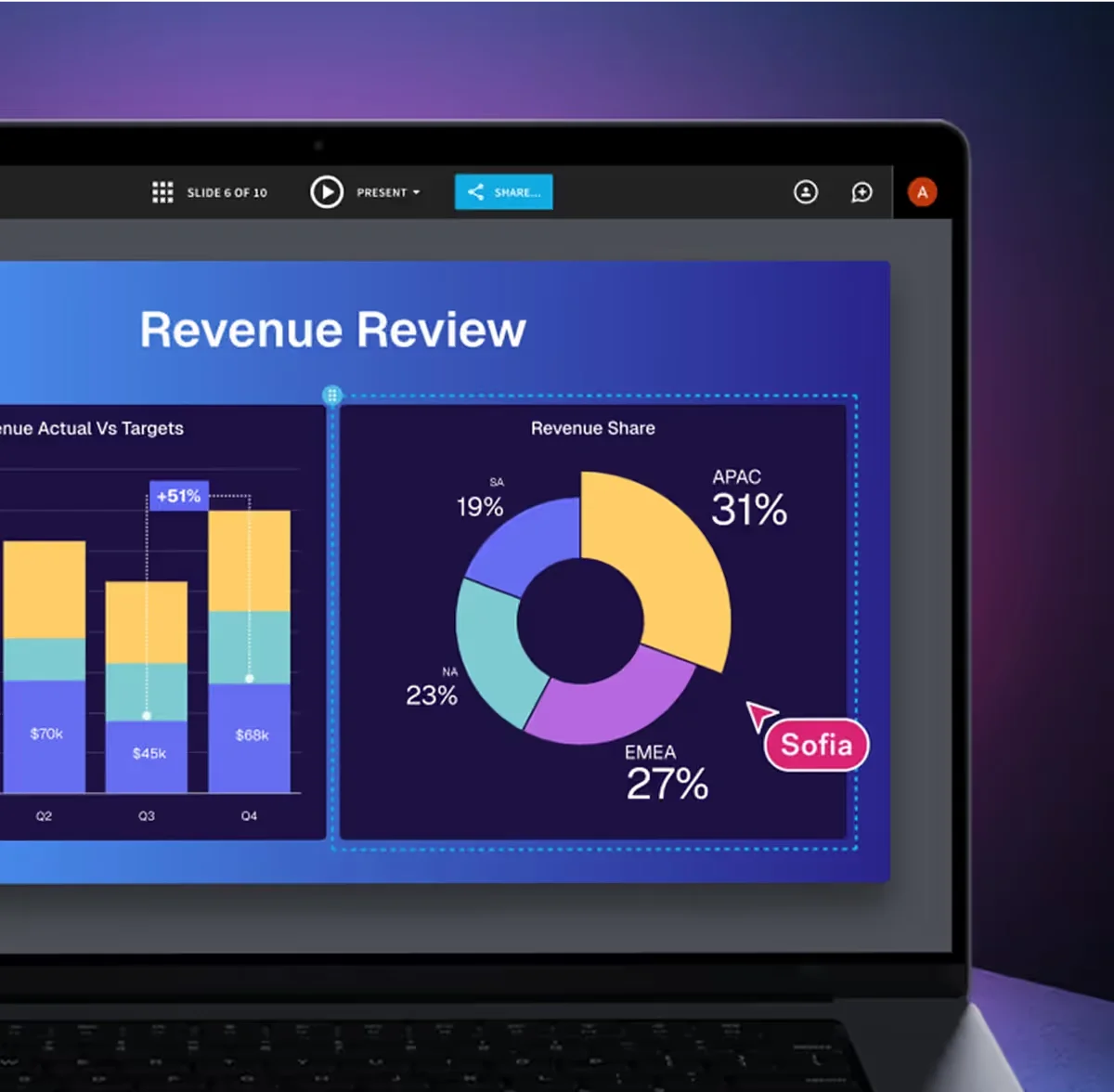
Real-time collaboration on data-driven presentations with AI design.
Begin crafting AI-powered presentations effortlessly today.
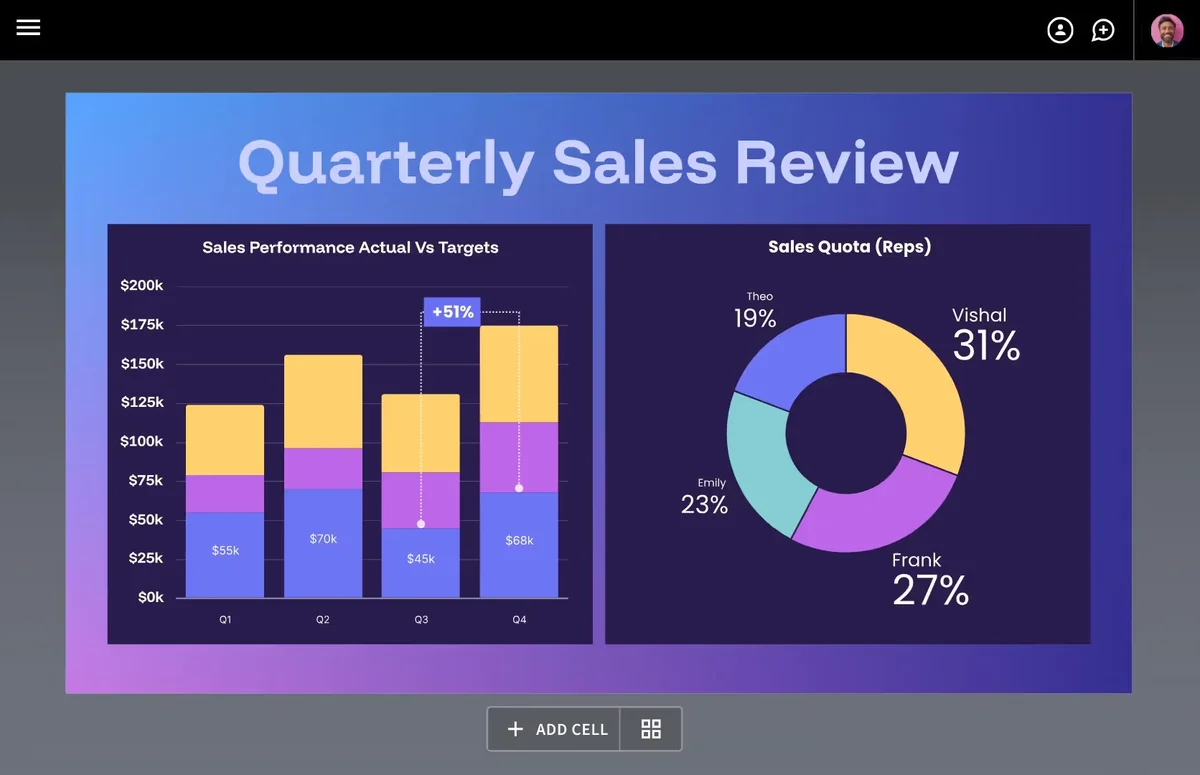
Craft compelling sales reviews with dynamic charts and insightful data visualizations.
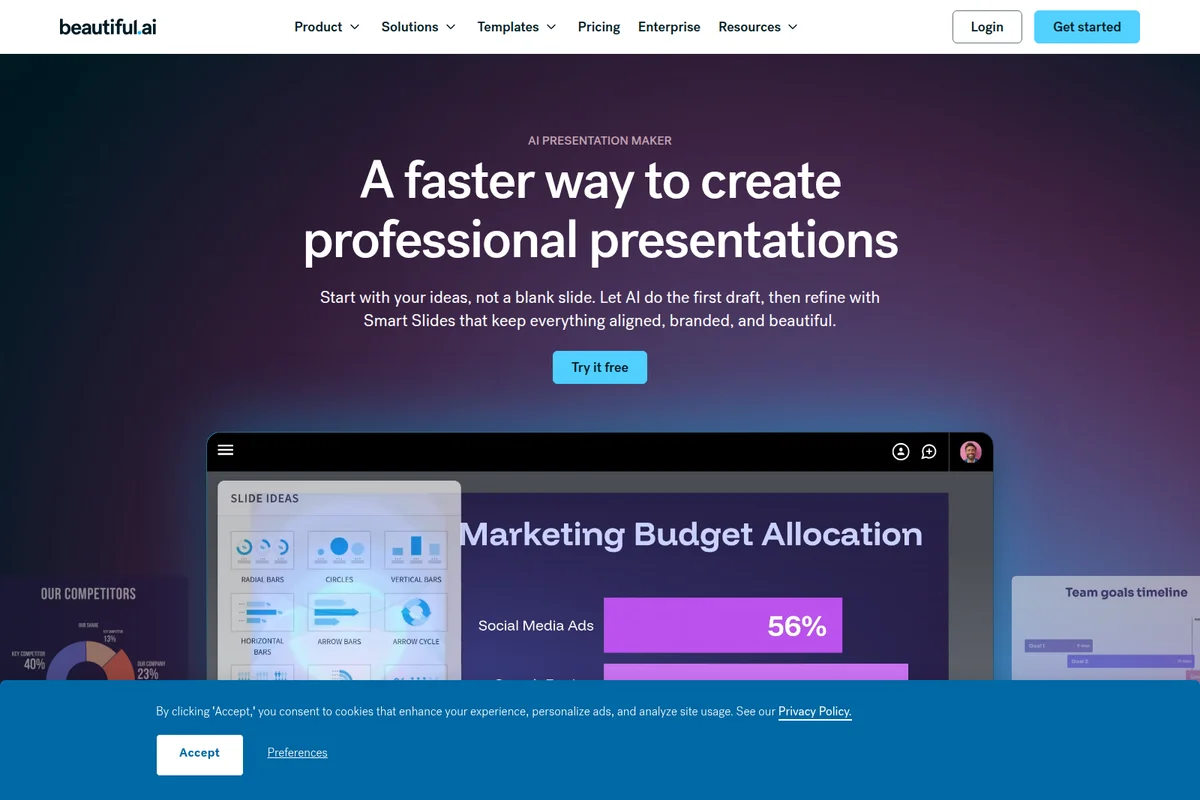
AI-powered presentation creation with smart slide ideas, obscured by a cookie banner.
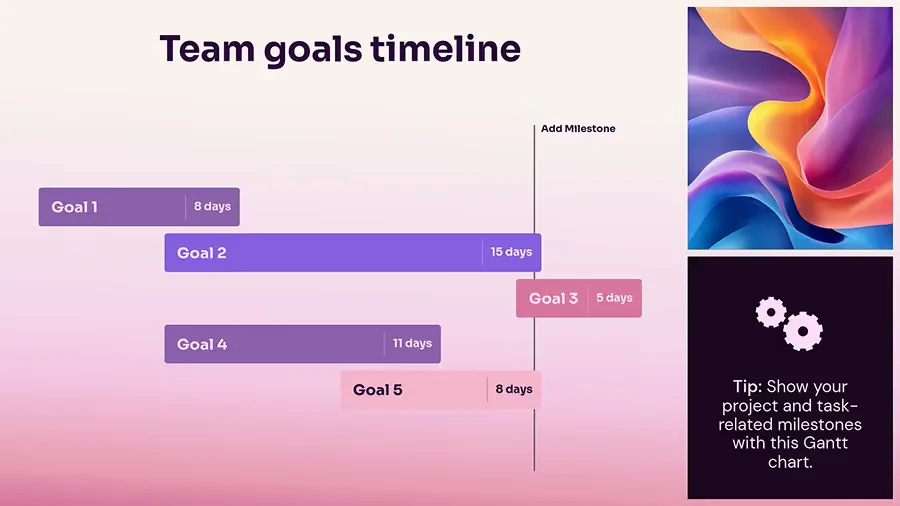
Visualize project goals and milestones with an intuitive, AI-generated Gantt chart.
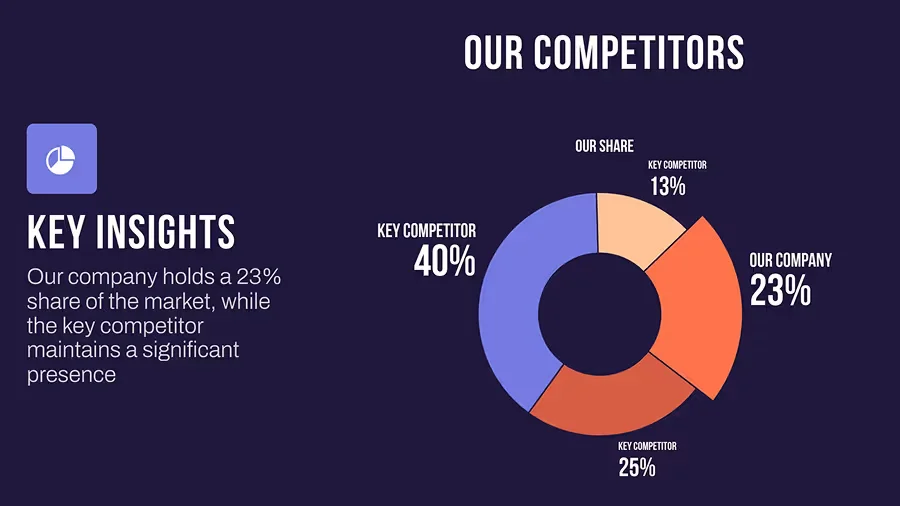
Analyze competitor market share with clear, AI-designed data visualizations.
Beautiful.ai Review: Tooliverse Consensus





Based on 599 verified reviews across 6 platforms,
combined with Tooliverse's expert analysis
Beautiful.ai automates the design work that traditionally consumes hours in presentation software, using Smart Slides that enforce professional layout rules as you edit rather than requiring manual formatting. The platform excels at maintaining brand consistency across teams and accelerating deck creation through AI-powered workflows, with users reporting 75% faster build times. The same template-driven approach that ensures visual polish also limits pixel-perfect customization for complex content, and PowerPoint export fidelity remains inconsistent for external sharing.
Bottom line: A capable presentation platform for teams prioritizing speed and brand consistency over granular design control, though the rigid template system trades customization flexibility for automated polish.
Beautiful.ai | Key Specs
- Platforms
- Web, macOS, Windows
- Pricing Model
- Freemium ($12-50/mo per user) See plans
- Privacy/Data Use
- No training on user data, GDPR/CCPA compliant
- Security
- SOC 2 Type II, GDPR, CCPA, PCI, SAML SSO See details
Wins
- •Smart-template grid system enforces visual consistency across 50+ slide typesmentioned in 245 reviews
- •Automatically rebalances layouts as you edit, eliminating manual alignmentmentioned in 210 reviews
- •DesignerBot generates full presentation outlines from simple text promptsmentioned in 185 reviews
Watch-Outs
- •Rigid layout constraints prevent pixel-perfect manual adjustmentsmentioned in 95 reviews
- •Subscription pricing scales aggressively for teams at $40 per usermentioned in 82 reviews
- •PowerPoint exports frequently suffer from formatting and font inconsistenciesmentioned in 64 reviews
Beautiful.ai Features 2026
Smart Slides
Intelligent layouts that automatically align, resize, and animate content as you edit—eliminating manual formatting and keeping slides presentation-ready.
Create with AI Workflow
Context-aware AI that generates presentations from prompts or outlines, lets you shape the structure first, then iterates on design without losing momentum.
Brand Control & Themes
Define colors, fonts, logos, icons, and footers once. Save and reuse brand themes across decks and teams with locked design elements.
Live Data Visualization
Link spreadsheets to create animated charts and graphs that update automatically. Supports dynamic data dashboards and real-time edits.
Beautiful.ai User Reviews
Selected Reviews
"The March 2026 update — Context-Aware AI Workflow — is a real improvement and solves the 'AI ran ahead and wrecked my narrative' problem."
"I frequently receive compliments on how stunning the visuals in my presentations are, thanks to Beautiful.ai. The visuals are so good."
"If you are under a tight deadline and want a well designed presentation this will work. However if you need a powerful tool with custom capability this will not work."
More from the Community
"The smart layouts are a game changer. I no longer spend hours aligning boxes; the AI does it for me."
"I signed up for a free trial but found it difficult to cancel in time. I was charged 144€ for an annual subscription and have requested a refund."
"The rigidity that makes it great for brand control is the same rigidity that kills you when the content gets complex. Fixed slots mean one layout per idea."
"Stress free slide creation with smart layouts for clinic and teaching use. The ultimate time-saver for professional training."
"The tool is very clunky and I immediately decided it provides no additional value to me than PowerPoint. I could not find the cancellation option."
"The smart layouts are a game changer. I no longer spend hours aligning boxes; the AI does it for me."
"I signed up for a free trial but found it difficult to cancel in time. I was charged 144€ for an annual subscription and have requested a refund."
"The rigidity that makes it great for brand control is the same rigidity that kills you when the content gets complex. Fixed slots mean one layout per idea."
"Stress free slide creation with smart layouts for clinic and teaching use. The ultimate time-saver for professional training."
"The tool is very clunky and I immediately decided it provides no additional value to me than PowerPoint. I could not find the cancellation option."
"Smart Slides is still the best auto-layout engine in this category, full stop. Add a bullet and the slide rebalances itself. Nothing else handles spacing this well."
"I appreciate how Beautiful.ai gives me a fast way to make beautiful images and offers a variety of templates. User-friendly interface is the best part."
"Had a somewhat frustrating experience with this company. Customer service did not respond to my questions. Account did not provide the features I paid for."
"The visuals are so good, and I love that about it. It makes it easy to download and add other slides from presentations or videos."
"Smart Slides is still the best auto-layout engine in this category, full stop. Add a bullet and the slide rebalances itself. Nothing else handles spacing this well."
"I appreciate how Beautiful.ai gives me a fast way to make beautiful images and offers a variety of templates. User-friendly interface is the best part."
"Had a somewhat frustrating experience with this company. Customer service did not respond to my questions. Account did not provide the features I paid for."
"The visuals are so good, and I love that about it. It makes it easy to download and add other slides from presentations or videos."
Beautiful.ai Pricing 2026
View SourcePro at $12 monthly (billed annually) is where most individual users should start: unlimited AI generation, all 300+ Smart Slide layouts, custom themes, and viewer analytics cover the core workflow. Team at $40 per user monthly adds the collaboration and brand governance features that matter once you're coordinating multiple people, but the per-seat cost scales quickly. The one-time monthly option at $45 works for single projects, though you lose the annual discount.
Beautiful.ai In-Depth Review 2026

Beautiful.ai eliminates that tax with Smart Slides, intelligent layouts that automatically handle alignment, spacing, and visual hierarchy as you edit. It runs on web and desktop, integrates AI-powered content generation, and enforces brand consistency without requiring design expertise. The platform serves over 3 million users who've collectively discovered that automation can actually improve design quality instead of compromising it.
What It's Like Day-to-Day
The core experience centers on those Smart Slides: you add a bullet point, the layout rebalances itself. You swap in a longer headline, the spacing adjusts. You drop in an image, the text flows around it with proper margins. As one Reddit reviewer put it, the auto-layout engine "is still the best in this category, full stop" because it handles the tedious spacing work that consumes hours in PowerPoint. The system isn't guessing at design rules; it's enforcing them, which means your slides maintain visual consistency even when you're building under deadline pressure.
The Create with AI workflow, updated in March 2026, addresses the iteration problem that plagued earlier AI presentation tools.
Beautiful.ai Security & Compliance
Verified Compliance
- SOC 2 Type II
- GDPR
- CCPA
- PCI
Security Features
- SAML SSO
- SCIM User Provisioning
- Audit Logs
- Advanced Permissions
Privacy Commitments
- Never trains third-party AI models on user content
- Industry-standard encryption and access controls
Beautiful.ai: Frequently Asked Questions (FAQs)
How much does Beautiful.ai cost?
Beautiful.ai offers three main pricing tiers: Pro for individuals at $12/month (billed annually), Team plans for 2-20 users at $40 per user/month (billed annually) or $50 per user/month (billed monthly), and custom Enterprise plans for organizations of 20+ users. A one-time monthly option is available at $45 for single projects.
Does Beautiful.ai offer a free trial?
Yes, Beautiful.ai offers a 14-day free trial of Pro or Team plan features with unrestricted access to unlimited slides, AI-powered content generation, and analytics. A credit card is required and will be charged if you don't cancel before the trial ends.
How is Beautiful.ai different from PowerPoint or Google Slides?
Beautiful.ai uses Smart Slides—intelligent layouts that automatically align, resize, and animate as you edit—eliminating manual formatting. It includes AI-powered content generation, instant brand application with locked themes, real-time collaboration, and viewer analytics. Most users report cutting deck creation time by over 70%.
What is the new Create with AI Workflow?
Create with AI is Beautiful.ai's context-aware workflow for building presentations from first draft to finished slides. It stays with you as you shape the story, letting you edit the outline before generating polished slides, then iterate locally without losing momentum or starting over.
Beautiful.ai Integrations
| Slack | ChatGPT | PowerPoint |
| Webex | Dropbox | Monday.com |
| Salesforce |
Beautiful.ai: Verified Data Sheet
| # | Label | Data Point |
|---|---|---|
| [1] | Beautiful.ai Consensus: 7.34/10 | Beautiful.ai is a well-reviewed tool among AI design tools in the Tooliverse index, with a consensus score of 7.34/10 across 599 verified reviews. |
| [2] | What is Beautiful.ai | Beautiful.ai, operated by Beautiful Slides, Inc., is a SOC 2 Type II certified presentation software platform that uses Smart Slides and AI workflows to automate design. The platform serves 3 million+ users across 50,000+ companies, with pricing starting at $12/month. |
| [3] | Tooliverse Consensus on Beautiful.ai | Beautiful.ai automates the design work that traditionally consumes hours in presentation software, using Smart Slides that enforce professional layout rules as you edit rather than requiring manual formatting. The platform excels at maintaining brand consistency across teams and accelerating deck creation through AI-powered workflows, with users reporting 75% faster build times. The same template-driven approach that ensures visual polish also limits pixel-perfect customization for complex content, and PowerPoint export fidelity remains inconsistent for external sharing. |
| [4] | Beautiful.ai Verdict | Beautiful.ai bottom line: A capable presentation platform for teams prioritizing speed and brand consistency over granular design control, though the rigid template system trades customization flexibility for automated polish. |
| [5] | Pro: $12/mo (annual) | Beautiful.ai Pro delivers Unlimited AI content generation for $12/month billed annually. |
| [6] | Smart templates enforce consistency across 50+ slide types | Beautiful.ai's smart-template grid system enforces visual consistency across 50+ slide types, validated by 245 user reviews as a core strength for maintaining professional design standards. |
| [7] | Auto-rebalancing eliminates manual alignment | Beautiful.ai automatically rebalances layouts as you edit content, eliminating manual alignment work according to 210 user reviews that cite this as a primary time-saving capability. |
| [8] | DesignerBot generates outlines from prompts | Beautiful.ai's DesignerBot generates full presentation outlines from simple text prompts, with 185 user reviews highlighting this AI-powered workflow as a standout feature for rapid deck creation. |
| [9] | Enterprise brand controls lock themes and logos | Beautiful.ai provides enterprise-grade brand controls that allow teams to lock themes and logos across all presentations, validated by 168 user reviews as essential for maintaining corporate identity. |
| [10] | Team: $40/user/mo (annual) | Beautiful Slides, Inc.'s Beautiful.ai Team empowers users with Real-time collaborative editing for $40/user/month billed annually. |
| [11] | Rigid layouts limit pixel-perfect control | Beautiful.ai's rigid layout constraints prevent pixel-perfect manual adjustments, with 95 user reports indicating this design philosophy limits customization for complex content needs. |
| [12] | Team pricing at $40/user may feel steep | Beautiful.ai subscription pricing scales to $40 per user monthly for Team plans, with 82 user reviews noting this represents aggressive cost escalation for growing teams. |
| [13] | Privacy: Never trains third-party AI models on user content | Beautiful.ai privacy protections include Never trains third-party AI models on user content and Industry-standard encryption and access controls. |
| [14] | Enterprise: SAML SSO | Beautiful.ai provides enterprise security with SAML SSO, SCIM User Provisioning, and Audit Logs. |
| [15] | Best-in-category auto-layout engine | Beautiful.ai's Smart Slides auto-layout engine "is still the best auto-layout engine in this category, full stop" with spacing that handles content rebalancing better than alternatives, according to a verified Reddit reviewer. |
Best Beautiful.ai Alternatives
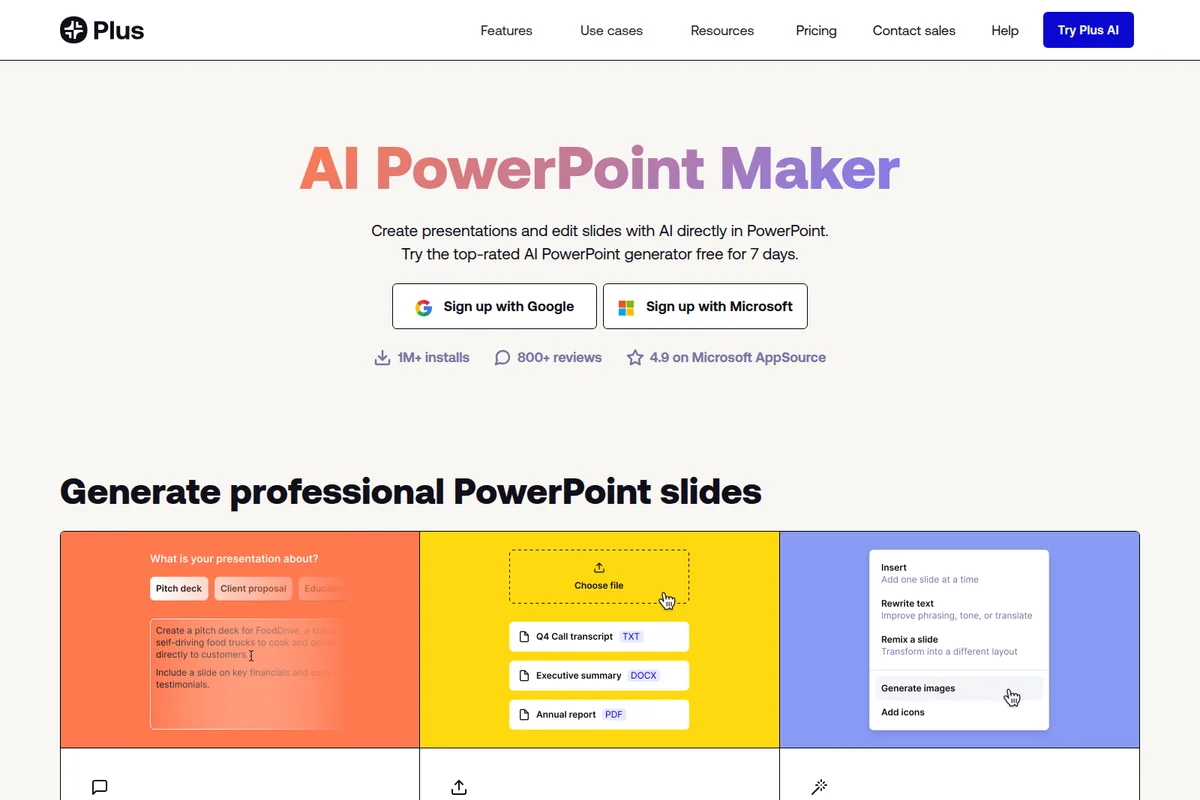
Plus AI
Generate presentations and edit slides with AI—directly in PowerPoint and Google Slides.
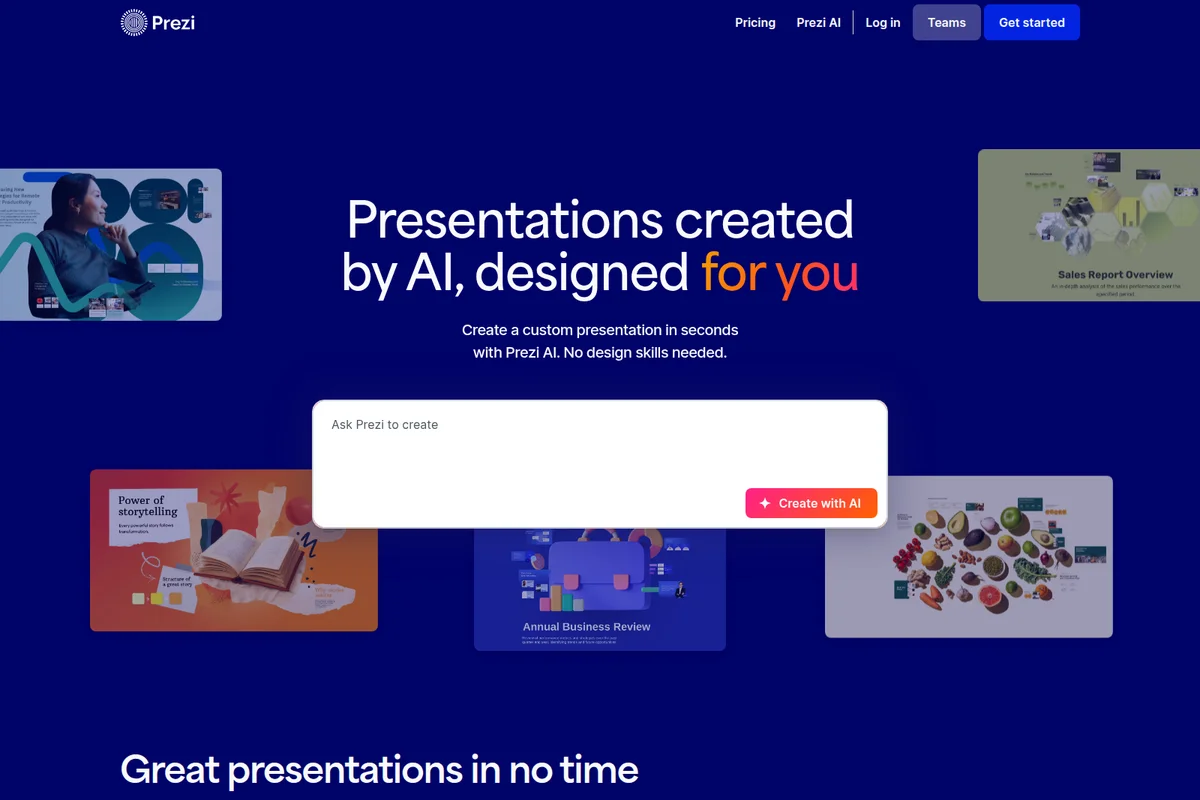
Prezi AI
Create powerful AI presentations in seconds with custom designs tailored to your content.

2Slides
Turn ideas into polished presentations in 30 seconds—no design skills needed.