
Prezi AI Review 2026 - AI Presentation Maker
Verified Jun 18, 2026 by Tooliverse Editorial
Prezi AI transforms prompts or uploaded files into fully designed presentations in seconds—no templates needed. Used by 160M+ creators worldwide, it combines AI-powered drafting with Prezi's signature zoomable canvas for engaging, non-linear storytelling.
How to record a video in Prezi (Mac) | Create AI-powered presentations with Prezi AI
Prezi AI Review
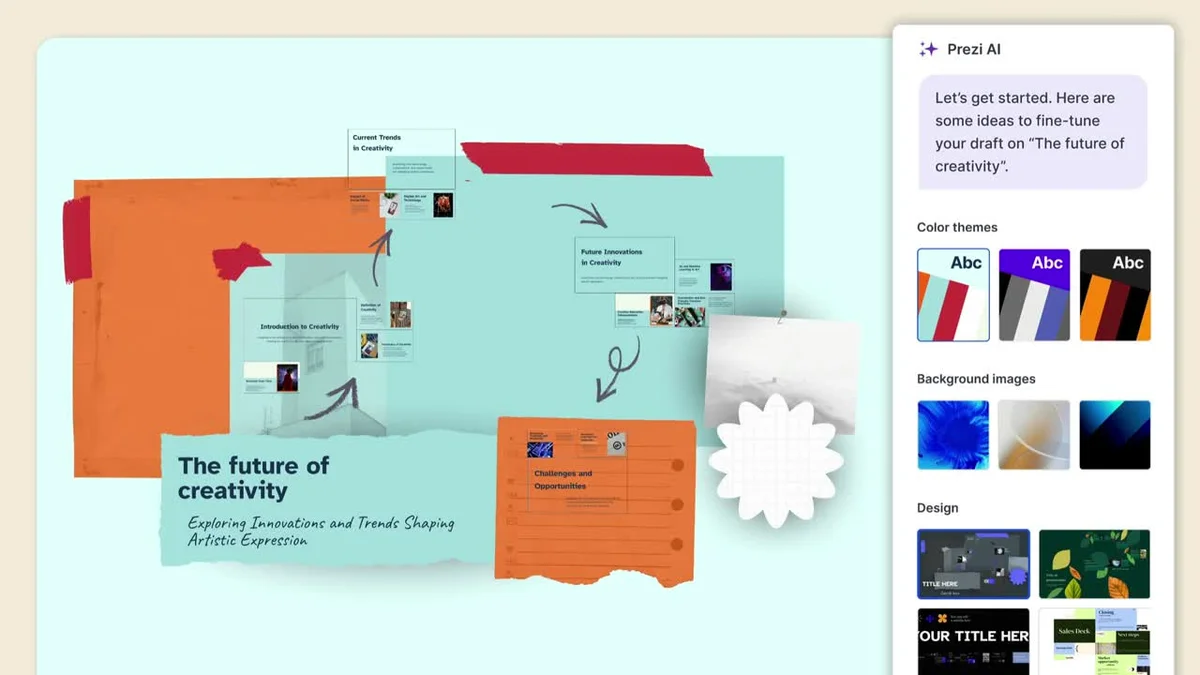
Real-time AI assistance for crafting engaging presentations and customizing designs.
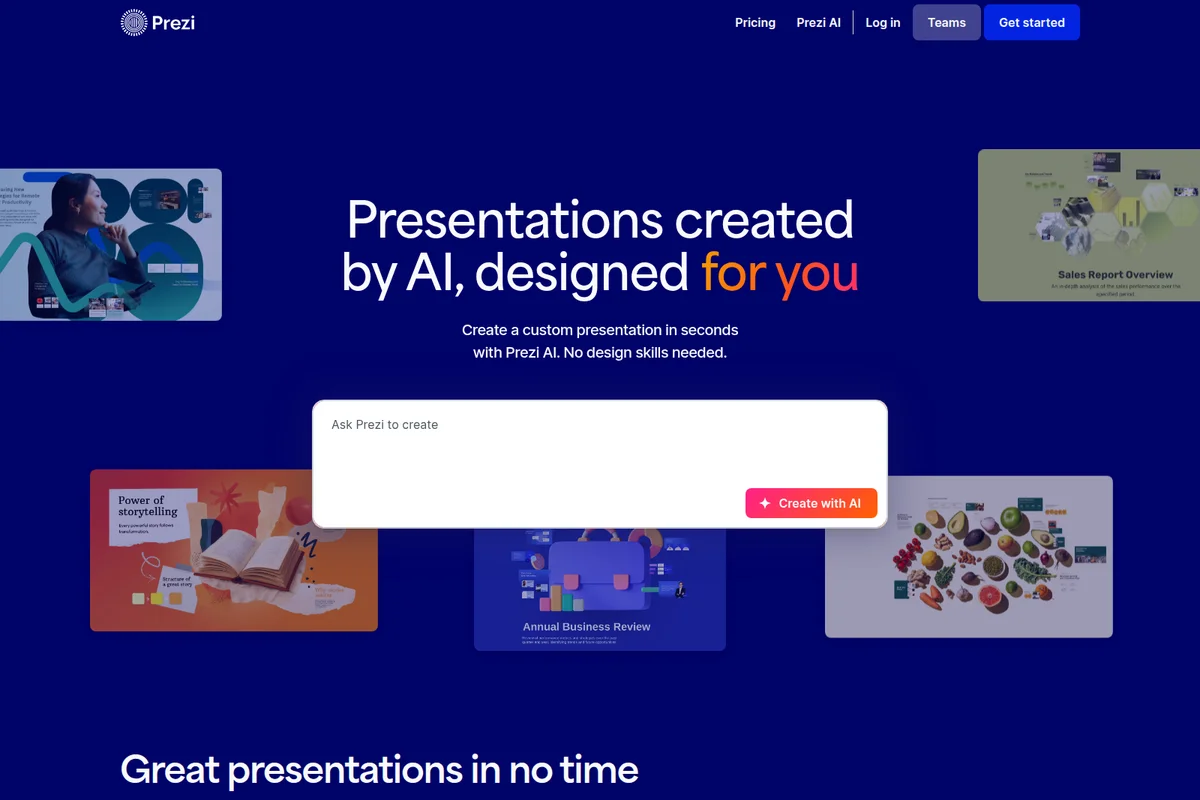
Create custom presentations in seconds from a simple prompt.
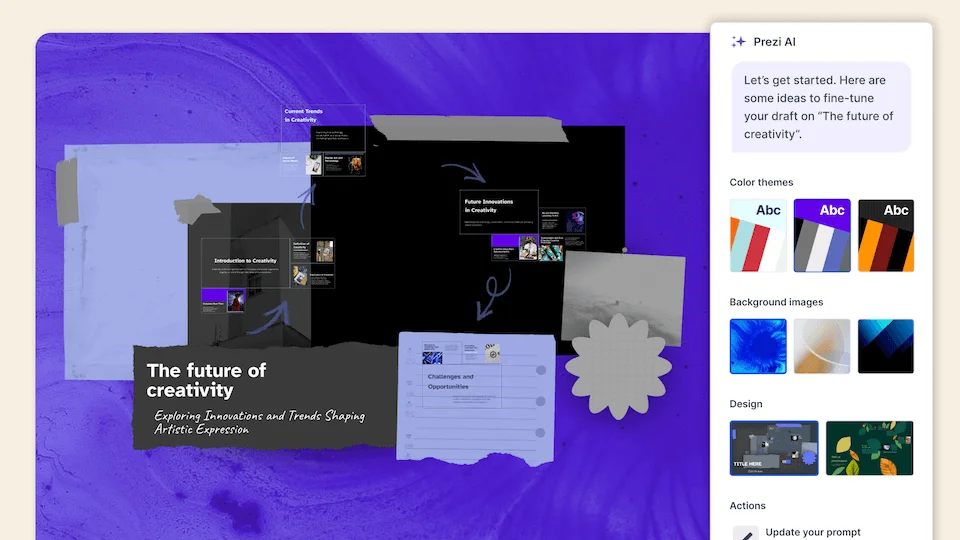
AI assists in drafting and refining presentations with dynamic design options.
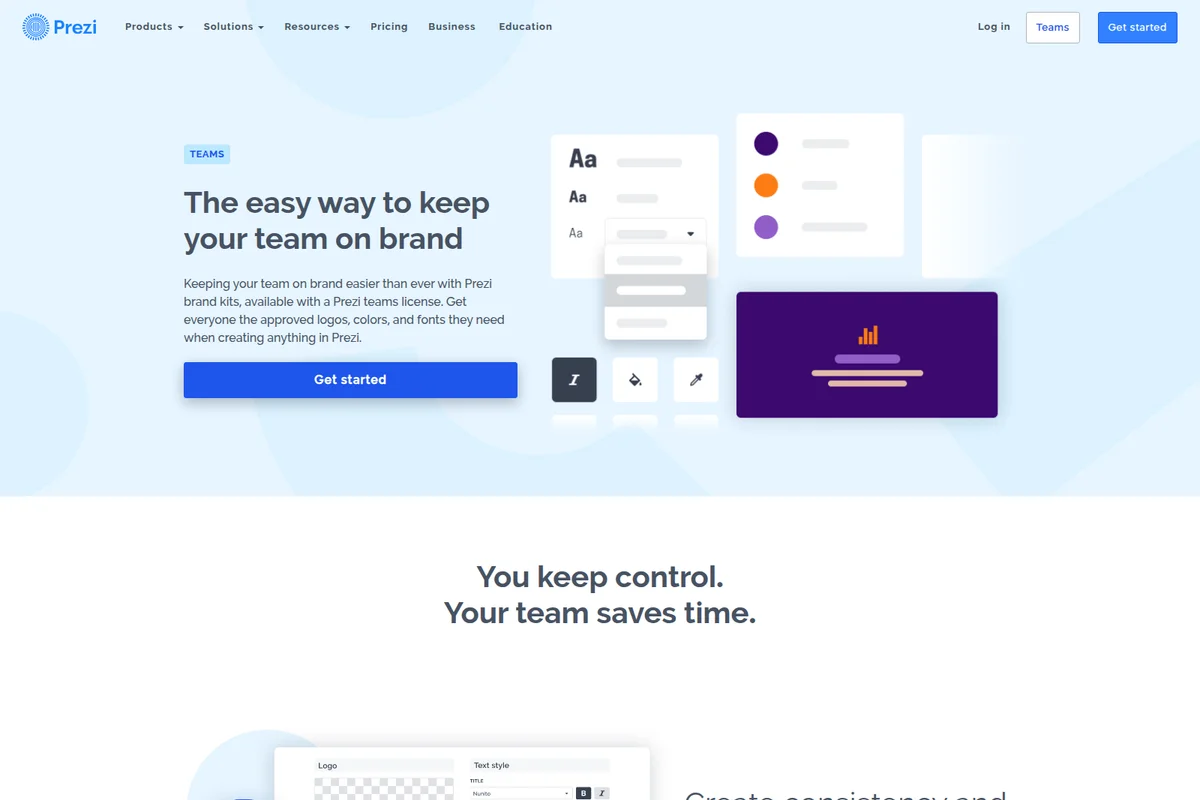
Centralize brand assets like fonts, colors, and logos for consistent team creations.
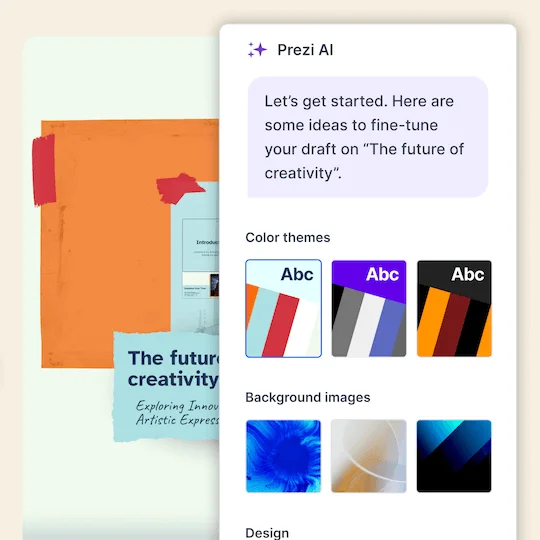
Refine your presentation draft with AI suggestions and explore diverse design options.
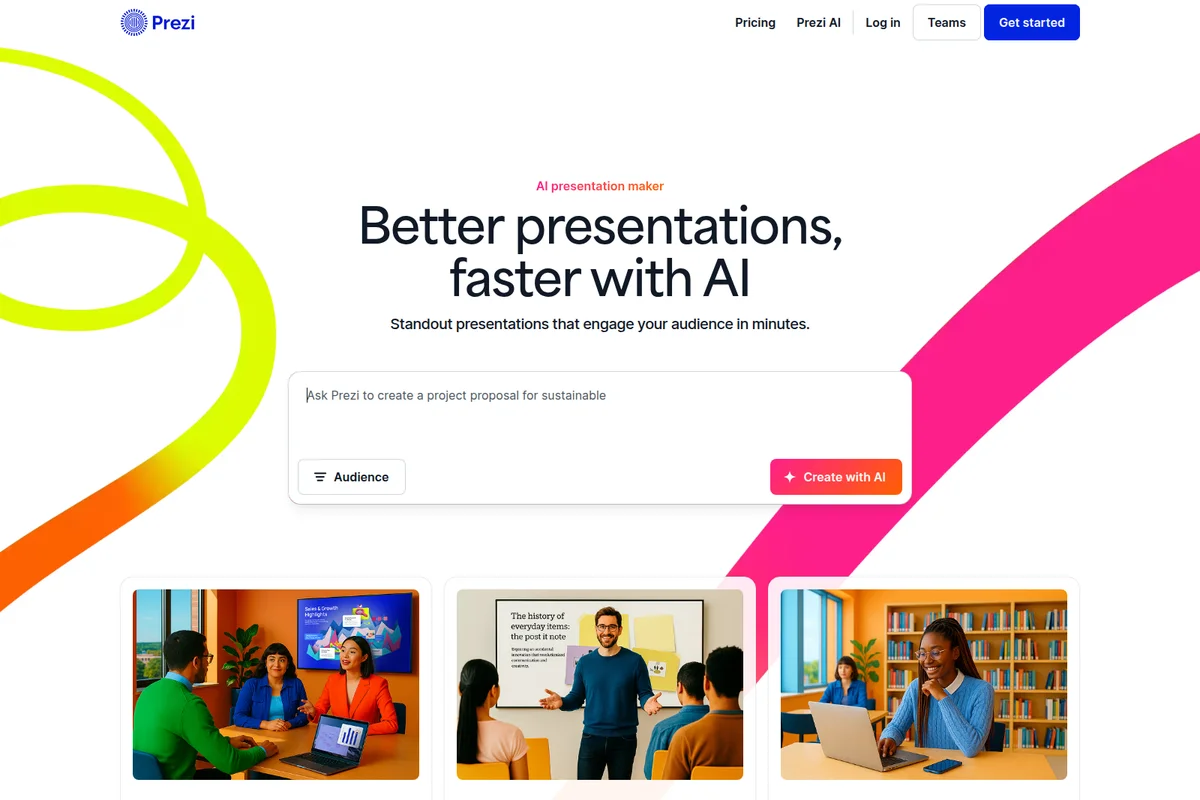
Generate engaging presentations instantly from simple text prompts with AI.
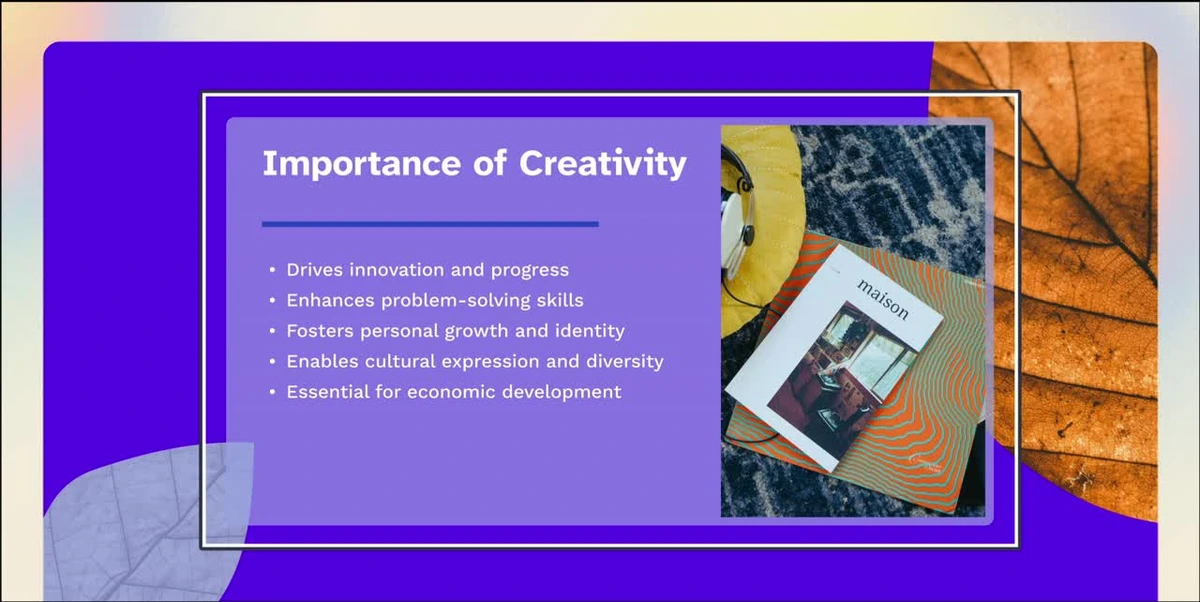
Create engaging presentations on various topics with AI-powered design.
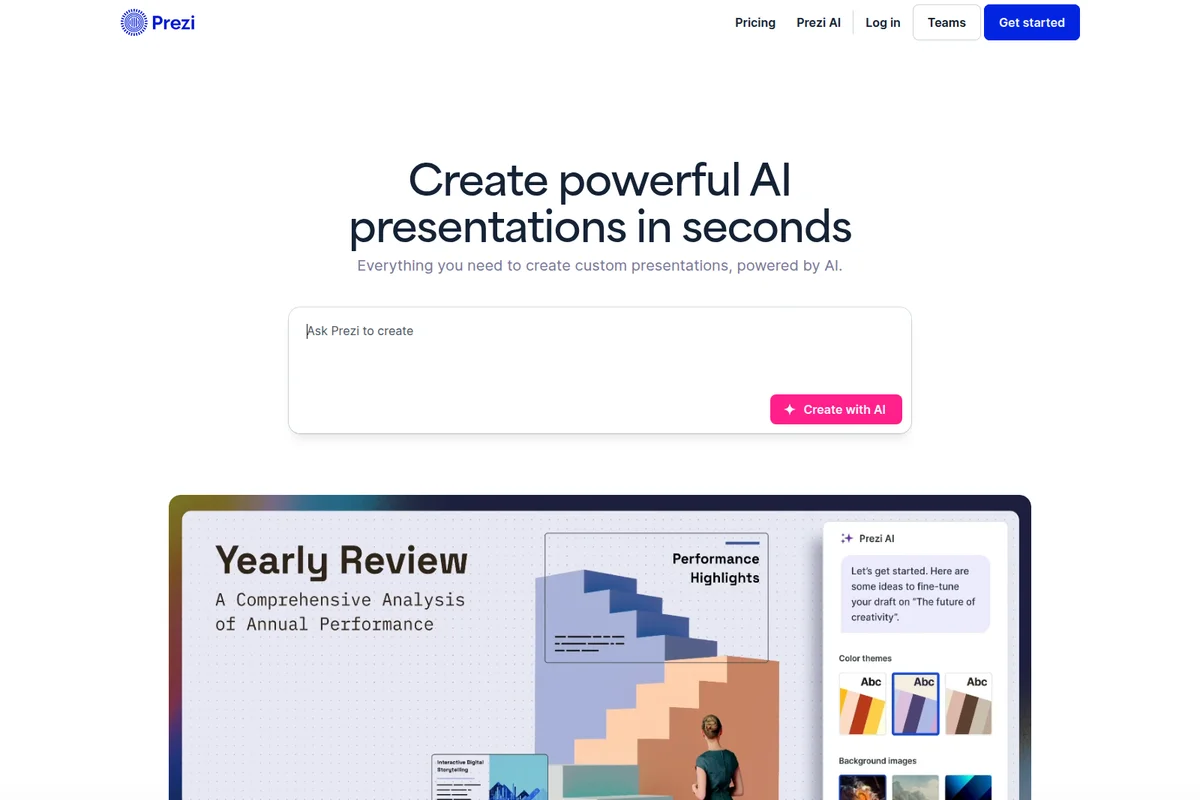
Generate powerful presentations instantly with AI from a simple prompt.
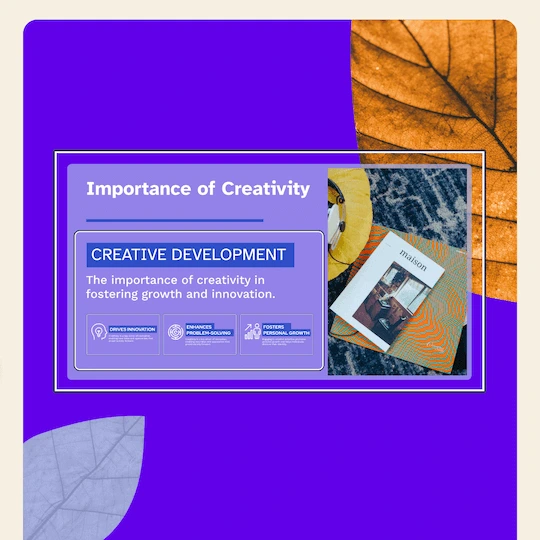
Craft engaging presentation slides that convey complex topics with visual appeal.

Collaborate on dynamic presentations and analyze sales highlights.
Prezi AI Review: Tooliverse Consensus





Based on 1k+ verified reviews across 6 platforms,
combined with Tooliverse's expert analysis
Prezi AI transforms static content into spatially navigated presentations that help audiences grasp relationships between ideas, not just the ideas themselves. The AI generation speed and video overlay feature address real pain points in remote presentation contexts, while the zooming canvas creates engagement that linear slides can't match. The platform serves educators, sales teams, and business professionals who need presentations to persuade or teach, though annual billing defaults and limited PowerPoint export create friction for users expecting more flexible terms and traditional format compatibility.
Bottom line: A strong presentation platform that elevates audience engagement through spatial storytelling and AI-powered generation, though billing transparency and PowerPoint export limitations require careful consideration before committing.
Prezi AI | Key Specs
- Platforms
- Web, macOS, Windows
- Pricing Model
- Freemium See plans
- AI Capabilities
- Prompt-to-presentation, file upload (PPT/PDF), custom design generation
- Presentation Format
- Zoomable canvas (non-linear)
Wins
- •Generates structured, dynamic presentations from simple prompts in secondsmentioned in 245 reviews
- •Features a unique zooming canvas that creates a cinematic storytelling experiencementioned in 212 reviews
- •Offers a seamless video overlay feature for more engaging remote meetingsmentioned in 188 reviews
Watch-Outs
- •Enforces annual billing cycles that can lead to unexpected chargesmentioned in 198 reviews
- •Lacks native PowerPoint export, requiring PDF or proprietary formatsmentioned in 165 reviews
- •Presents a steep learning curve for users accustomed to linear slidesmentioned in 134 reviews
Prezi AI Features 2026
AI Presentation Generation
Generate complete presentations in seconds from prompts or uploaded files (PPT, PDF). AI creates custom designs, outlines, and content tailored to your audience (business, university, school, or custom).
Zoomable Canvas
Create presentations on an open, zoomable canvas instead of traditional slides. Enables non-linear storytelling and dynamic navigation between topics.
Video Presenter Mode
Appear alongside your presentation on screen using your web camera. Present live over video conferencing or record and download presentations with yourself in the frame.
PowerPoint Import and Export
Import existing PowerPoint files to transform into Prezi presentations. Export finished presentations as PPT files for compatibility with traditional presentation tools.
Prezi AI User Reviews
Selected Reviews
"Prezi AI is like ChatGPT on steroids for slides. The output feels dynamic and engaging, and I got the most compliments on decks made with Prezi."
"Prezi is a go to for my presentations. The AI features help me get a draft ready in minutes, which is a lifesaver for last-minute meetings."

"I like the fast designs and image. Needed more time to master. It tired me to look a preset design i wanted, better if there is a search. Also, Ai did not follow but created similar topics."
More from the Community
"So much better than a normal slide show, giving the sense of where people are in a talk is fantastic and how things relate is such a step up."
"The AI text tools are great for refining my message, but I wish it had better integration with Google Slides. It's a bit of an island."
"I love the zooming effect, but it takes a while to get the pathing right. The AI helps with the initial layout though, which saves a lot of time."
"The video overlay is a game changer for my webinars. People actually pay attention now because I'm on screen with the content."
"Great for storytelling, but not for data-heavy consulting decks. The charts are still a bit basic compared to Excel-linked PPTs."
"So much better than a normal slide show, giving the sense of where people are in a talk is fantastic and how things relate is such a step up."
"The AI text tools are great for refining my message, but I wish it had better integration with Google Slides. It's a bit of an island."
"I love the zooming effect, but it takes a while to get the pathing right. The AI helps with the initial layout though, which saves a lot of time."
"The video overlay is a game changer for my webinars. People actually pay attention now because I'm on screen with the content."
"Great for storytelling, but not for data-heavy consulting decks. The charts are still a bit basic compared to Excel-linked PPTs."
"AI generation is fast, but sometimes the images it picks are a bit generic. Still faster than doing it manually from scratch."
"The subscription model is confusing. I was charged for a year when I thought I was on a monthly plan. Hard to get a refund."
"The AI-powered layouts are a huge improvement over the old templates. It feels much more modern and less like a 2010s Prezi."
"It's a bit laggy on older machines when using the AI features, but the results are worth the wait for high-stakes presentations."
"AI generation is fast, but sometimes the images it picks are a bit generic. Still faster than doing it manually from scratch."
"The subscription model is confusing. I was charged for a year when I thought I was on a monthly plan. Hard to get a refund."
"The AI-powered layouts are a huge improvement over the old templates. It feels much more modern and less like a 2010s Prezi."
"It's a bit laggy on older machines when using the AI features, but the results are worth the wait for high-stakes presentations."
Prezi AI Pricing 2026
View SourceThe free tier gives you basic AI generation and access to templates, but you'll hit credit limits fast if you're creating regularly. For professionals who present often, paid plans unlock unlimited AI generation, premium assets, custom branding, and analytics—though Prezi doesn't publish tier pricing publicly, requiring you to contact sales for quotes. The catch: annual billing is the default, and users report confusion over charges they expected to be monthly, so verify the billing cycle carefully before subscribing.
Prezi AI In-Depth Review 2026

This AI-powered presentation platform generates custom-designed presentations from prompts or uploaded files in seconds, then displays them on a zoomable canvas instead of traditional slides. It runs on web browsers and mobile apps, with offline presentation capability through the desktop app. The platform integrates with Zoom, Microsoft Teams, Google Meet, and other video conferencing tools, serving over 160 million users across 195 countries.
What It's Like Day-to-Day
The creation process starts with either a text prompt or an uploaded PowerPoint or PDF file. The AI generates a structured outline, suggests design elements and color palettes, then populates the canvas with content pulled from a library of 80,000+ icons and 500,000+ premium images. The entire draft appears in seconds, and everything remains fully editable. As one Capterra reviewer noted, the AI features "help me get a draft ready in minutes, which is a lifesaver for last-minute meetings."
The zooming canvas is where the tool earns its reputation. Instead of advancing through linear slides, you navigate spatially across topics—zooming out to show the big picture, then diving into details.
Prezi AI Security & Compliance
Security Features
- Privacy controls for team content management
Prezi AI: Frequently Asked Questions (FAQs)
How do I create a presentation with Prezi?
Sign up at prezi.com and choose how you want to create: use Prezi AI to generate a presentation in seconds by uploading a file or adding a prompt, start with one of Prezi's professionally designed templates, or build from scratch on Prezi's open canvas. You can upload images, PDFs, GIFs, and videos, choose from millions of premium assets from Unsplash and Giphy, or generate your own AI images.
How do AI presentation makers work?
AI presentation makers convert your input (a prompt, outline, or document) into a structured presentation. They typically generate a title, agenda, key points, and suggested slide content, then help you refine wording, layout, and visuals. Prezi AI follows this flow and keeps the output editable so you can quickly make it accurate and on-brand. Prezi takes it a step further by creating a custom design tailored to your content.
What are Prezi's AI presentation maker features?
Prezi AI helps you create a presentation faster by generating a draft from a prompt or uploaded content, then giving you tools to refine it. Key features include AI-assisted slide creation, editing, and visual enhancement so you can go from idea to presentation without starting from scratch.
Is Prezi free to use?
Prezi offers a free plan that includes access to basic features and AI capabilities. For unlimited access to premium templates, advanced features like analytics and the ability to download and present offline, you can upgrade to a paid plan.
Prezi AI Integrations
| Zoom | Microsoft Teams | Cisco Webex |
| Google Meet | GoToMeeting | GoToWebinar |
| Unsplash | Giphy |
Prezi AI: Verified Data Sheet
| # | Label | Data Point |
|---|---|---|
| [1] | Prezi AI Consensus: 8.10/10 | Prezi AI is a highly-rated tool among AI design tools in the Tooliverse index, with a consensus score of 8.10/10 across 1,155 verified reviews. |
| [2] | What is Prezi AI | Prezi AI, operated by Prezi Inc., is an AI-powered presentation platform that generates custom-designed presentations from prompts or uploaded files. The platform serves 160M+ users worldwide across 195 countries, with 460M+ presentations created. |
| [3] | Tooliverse Consensus on Prezi AI | Prezi AI transforms static content into spatially navigated presentations that help audiences grasp relationships between ideas, not just the ideas themselves. The AI generation speed and video overlay feature address real pain points in remote presentation contexts, while the zooming canvas creates engagement that linear slides can't match. The platform serves educators, sales teams, and business professionals who need presentations to persuade or teach, though annual billing defaults and limited PowerPoint export create friction for users expecting more flexible terms and traditional format compatibility. |
| [4] | Prezi AI Verdict | Prezi AI bottom line: A strong presentation platform that elevates audience engagement through spatial storytelling and AI-powered generation, though billing transparency and PowerPoint export limitations require careful consideration before committing. |
| [5] | Free: Free | Prezi AI offers a Free tier with basic features and AI capabilities, including access to AI-powered presentation generation at no cost. |
| [6] | Generates presentations from prompts in seconds | Prezi AI generates structured, dynamic presentations from simple prompts or uploaded files in seconds, eliminating the need to start from templates—a capability validated by 245 user reviews. |
| [7] | Zooming canvas for cinematic storytelling | Prezi AI features a unique zooming canvas that creates a cinematic storytelling experience, enabling non-linear navigation between topics—a differentiator highlighted in 212 user reviews. |
| [8] | Video overlay for engaging remote meetings | Prezi AI offers a seamless video overlay feature that allows presenters to appear alongside their content on screen during virtual meetings, validated as a game-changer by 188 user reviews. |
| [9] | 150M+ visuals for professional design | Prezi AI provides access to a vast library of over 150 million visuals including 80,000+ icons and 500,000+ premium images from Unsplash and Giphy for professional design, according to 156 user reviews. |
| [10] | Annual billing causes unexpected charges | Prezi AI enforces annual billing cycles that can lead to unexpected charges for users who assumed monthly payment options, a friction point reported in 198 user reviews. |
| [11] | No native PowerPoint export | Prezi AI lacks native PowerPoint export functionality, requiring users to export presentations as PDF or proprietary formats instead—a limitation noted in 165 user reviews. |
| [12] | Enterprise: Privacy controls for team content management | Prezi AI provides enterprise security with Privacy controls for team content management. |
| [13] | Draft ready in minutes for urgent meetings | Prezi AI "is a go to for my presentations" with AI features that "help me get a draft ready in minutes, which is a lifesaver for last-minute meetings," according to a verified Capterra reviewer. |
Best Prezi AI Alternatives
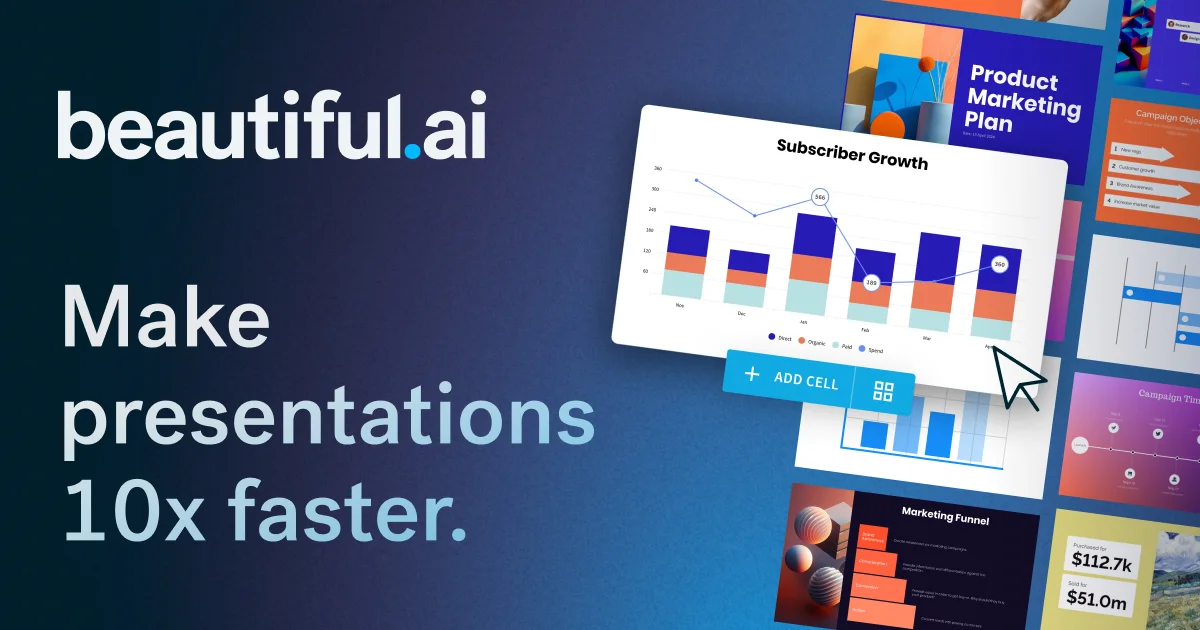
Beautiful.ai
Turn ideas into polished, work-ready presentations in minutes—no design skills required.
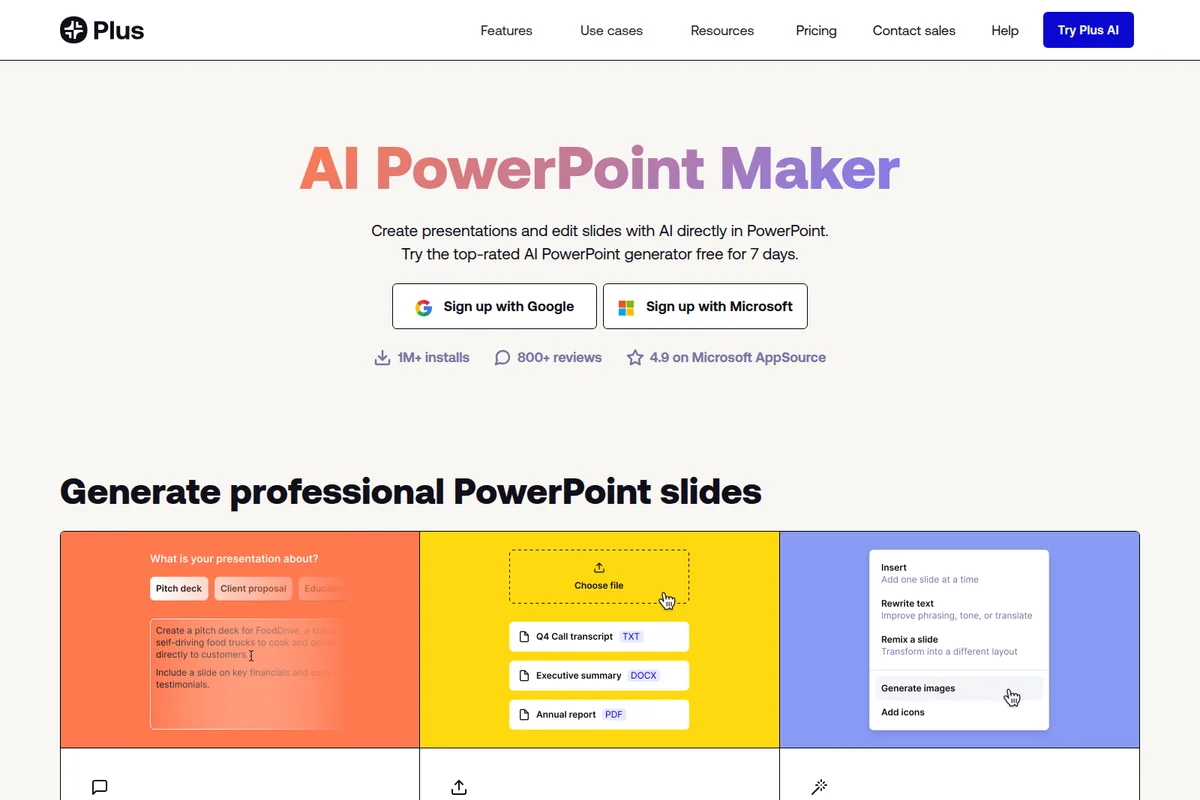
Plus AI
Generate presentations and edit slides with AI—directly in PowerPoint and Google Slides.
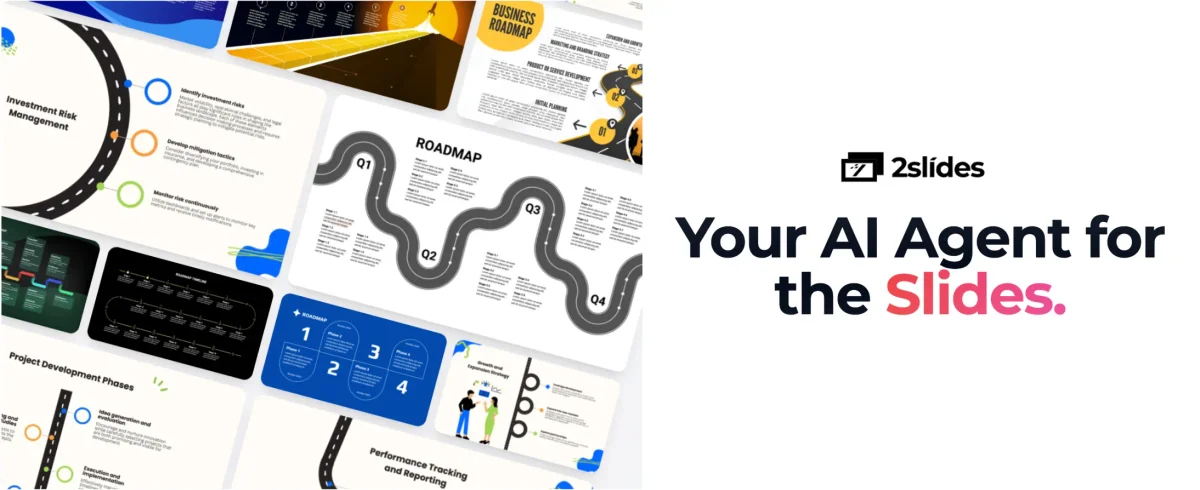
2Slides
Turn ideas into polished presentations in 30 seconds—no design skills needed.