
Canva Review 2026 - Visual Suite & AI Tools
Verified Jun 6, 2026 by Tooliverse Editorial
Canva turns complex design tasks into simple clicks—create presentations, social posts, videos, and websites without design skills. Over 200 million users worldwide trust Canva's Visual Suite for everything from quick graphics to enterprise brand management.
How to Edit Product Photos to Look Professional in Minutes #canvatutorial #canvadesign
Claude + Canva: Design Anything in Minutes (Even If You Can't Design)
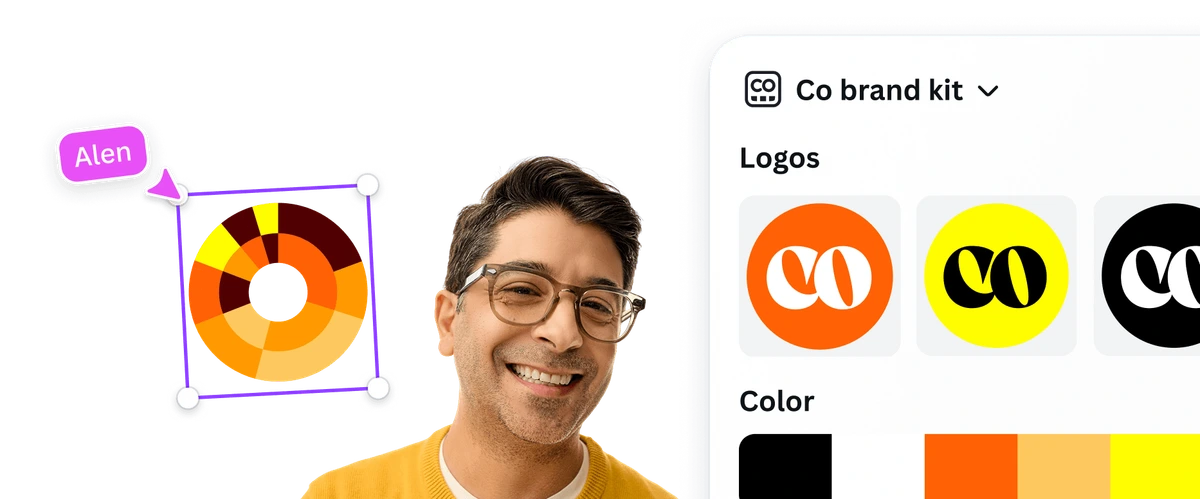
Efficiently manage your brand's assets for consistent design application.
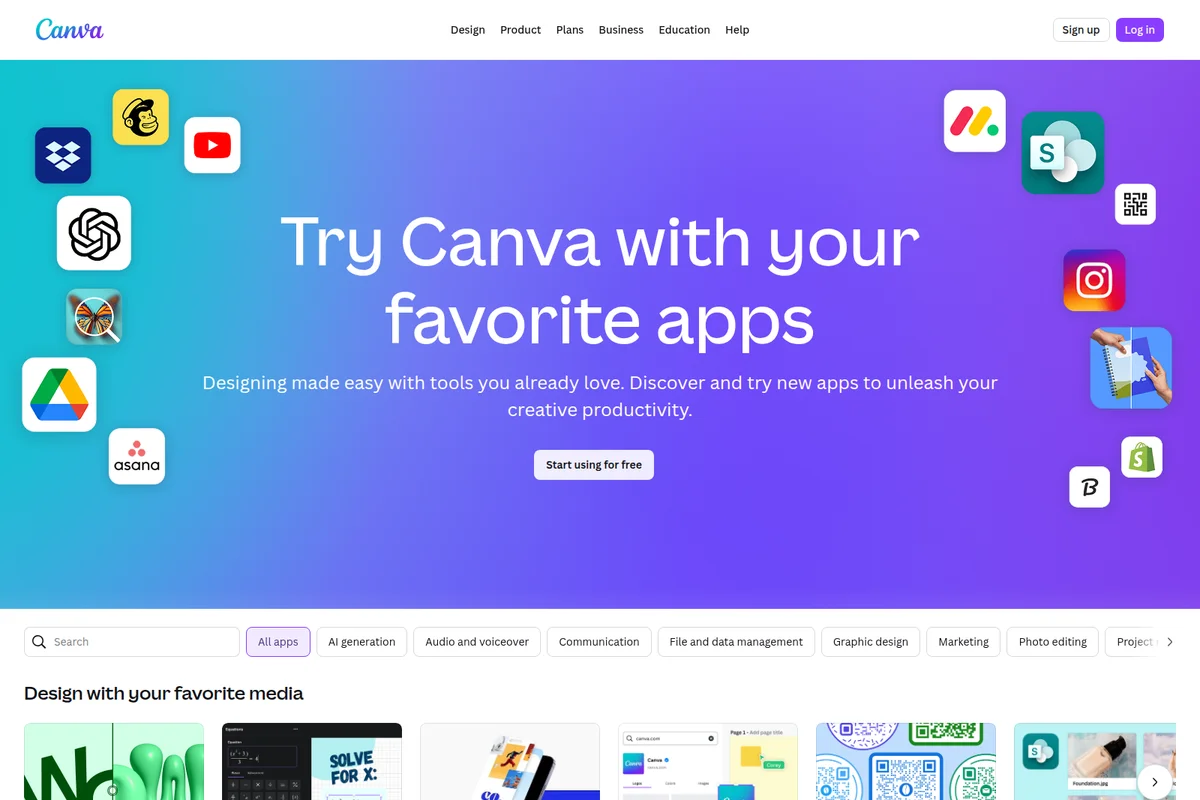
Connect Canva to your favorite apps for seamless workflow.
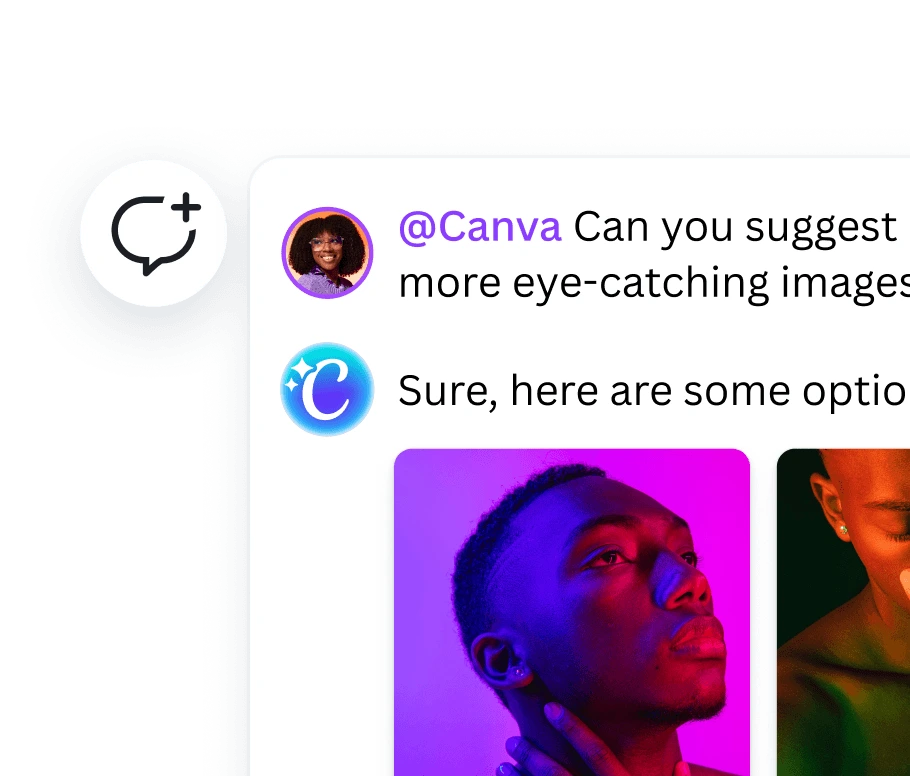
Get instant, AI-powered image suggestions for your design projects.
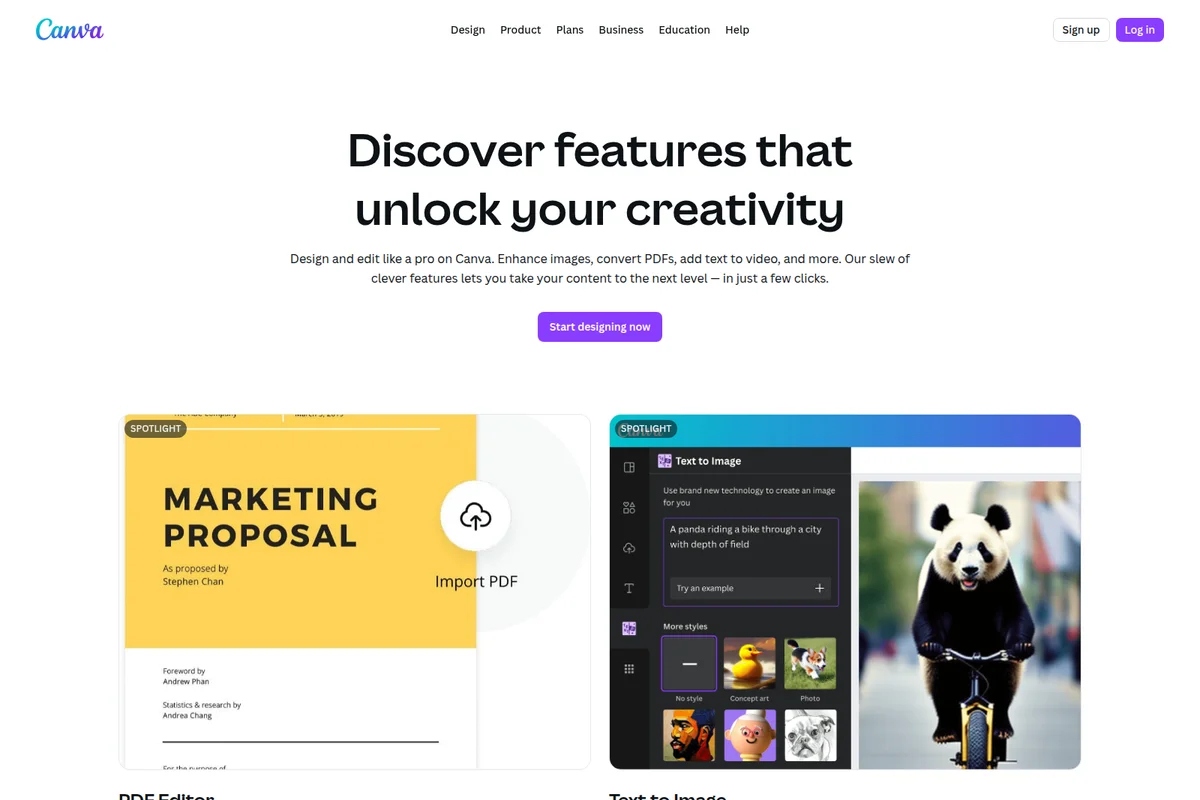
Edit PDFs directly in Canva and generate unique images from text prompts.
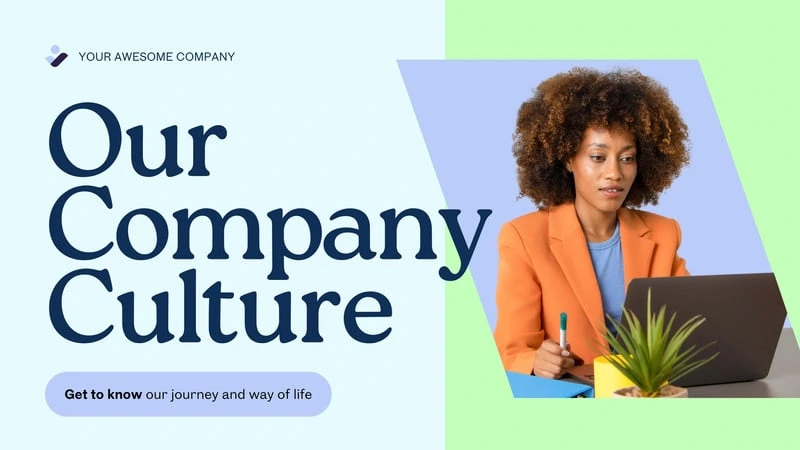
Create professional presentations and engaging marketing visuals.
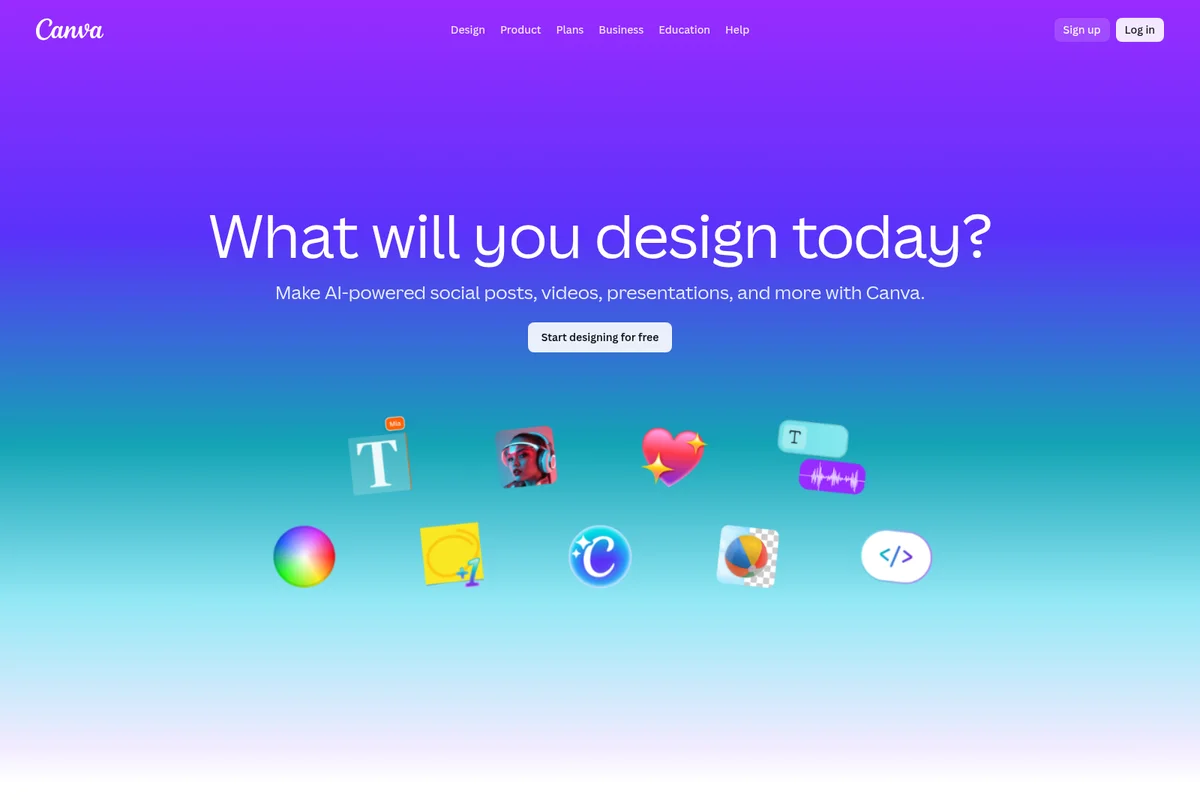
Create AI-powered social posts, videos, presentations, and more.
Canva Review: Tooliverse Consensus







Based on 55k+ verified reviews across 7 platforms,
combined with Tooliverse's expert analysis
Canva has established itself as the definitive design platform for non-designers, combining an intuitive drag-and-drop interface with AI-powered tools that handle everything from social posts to presentations without requiring design expertise. The 3.6M+ template library and real-time collaboration features make it indispensable for marketing teams maintaining brand consistency at scale, though recent subscription price increases and mobile performance issues on older devices have drawn criticism from long-time users. The platform's strength lies in democratizing professional-grade design capabilities while keeping the learning curve flat.
Bottom line: The gold standard for accessible professional design that empowers non-designers to create polished content across every format, though pricing increases test the value proposition for individual users.
Canva | Key Specs
- Platforms
- Web, iOS, Android, macOS, Windows
- Pricing Model
- Freemium ($0-250/mo per user) See plans
- Privacy/Data Use
- No training on user content (with privacy controls), GDPR compliant
- Security
- SOC 2 Type II, ISO 27001, SSO, SCIM See details
Wins
- •Features powerful Magic Studio AI tools that simplify complex editing tasksmentioned in 1,420 reviews
- •Offers an incredibly intuitive drag-and-drop interface that empowers non-designersmentioned in 1,280 reviews
- •Provides a massive library of high-quality templates for every possible use casementioned in 1,150 reviews
Watch-Outs
- •Subscription costs for Pro and Teams plans have seen significant increasesmentioned in 780 reviews
- •Mobile app performance can be laggy on older devices during complex editsmentioned in 560 reviews
- •Advanced vector editing remains limited compared to professional tools like Illustratormentioned in 450 reviews
Canva Features 2026
Visual Suite
All-in-one workspace combining Docs, Sheets, Whiteboards, Presentations, Social, Video, Websites, Email, and Print in a single platform for seamless creation and collaboration.
Canva AI 2.0
Conversational AI that generates on-brand designs through text or voice prompts, connects to external tools for context, and learns your style over time.
Magic Layers
Converts AI-generated flat images into fully editable layouts with separated layers for text, graphics, and backgrounds.
Magic Switch
Instantly resize designs for any platform, translate into 100+ languages, or convert between formats (presentation to doc, video to social post) in one click.
Canva User Reviews
Selected Reviews
"Canva has completely changed how I handle social media for my small business. The Magic Studio features are like having a professional designer on staff."
"The collaboration features are top-notch. Our whole marketing team can work on the same deck simultaneously without any version control issues."
"Great app, but the mobile version feels a bit cramped lately with all the new AI buttons. Still the best design tool for non-designers."
More from the Community
"I love the ease of use, but the recent price hike for the Pro plan is hard to justify when some AI features still feel like beta."
"Good for quick graphics, but it struggles with complex layouts and the export options for print could be more robust."
"The new AI 2.0 features are insane. Magic Expand saved a photo I thought was unusable. It's becoming a creative operating system."
"The extension makes it so easy to grab colors and inspiration from the web directly into my projects. Very smooth workflow."
"I've been using this for 3 years and the updates in 2025/2026 have been the best yet. The video editing is finally usable for reels."
"I love the ease of use, but the recent price hike for the Pro plan is hard to justify when some AI features still feel like beta."
"Good for quick graphics, but it struggles with complex layouts and the export options for print could be more robust."
"The new AI 2.0 features are insane. Magic Expand saved a photo I thought was unusable. It's becoming a creative operating system."
"The extension makes it so easy to grab colors and inspiration from the web directly into my projects. Very smooth workflow."
"I've been using this for 3 years and the updates in 2025/2026 have been the best yet. The video editing is finally usable for reels."
"Brand kits are a lifesaver for our agency. We manage 10+ clients and keeping their fonts and colors straight is effortless now."
"The app is getting very bloated. It takes forever to load on my phone now and there are too many popups for new features I don't use."
"Magic Media is a game changer for my blog posts. I can generate unique images in seconds without searching stock sites."
"Still the king of templates. No one else comes close to the variety and quality they offer for free users."
"Brand kits are a lifesaver for our agency. We manage 10+ clients and keeping their fonts and colors straight is effortless now."
"The app is getting very bloated. It takes forever to load on my phone now and there are too many popups for new features I don't use."
"Magic Media is a game changer for my blog posts. I can generate unique images in seconds without searching stock sites."
"Still the king of templates. No one else comes close to the variety and quality they offer for free users."
Canva Pricing 2026
View SourceThe Free tier is surprisingly capable with 1.6M+ templates and basic AI features, but Pro at $12/month billed annually is where most users land: unlimited premium content, Brand Kits, background removal, and 10x the AI usage make it the tier that actually saves time. Business at $20.83/month per person only makes sense if you're managing multiple brands or need approval workflows; the 100 Brand Kits and team admin tools are overkill for individuals or small teams.
Canva In-Depth Review 2026

The platform runs across web, iOS, Android, and desktop apps, combining an all-in-one Visual Suite with AI-powered tools that handle everything from social media posts and presentations to video editing and website creation. What makes it different is the combination of depth and approachability: you get access to 141M+ premium assets and professional-grade features, but the interface never assumes you know what kerning is.
What It's Like Day-to-Day
The drag-and-drop editor feels intuitive in a way that's rare for design software. You're not fighting the tool to express your idea; you're just arranging elements until they look right. The real power shows up in the details: Magic Switch resizes your Instagram post into a LinkedIn banner in one click, maintaining design integrity across wildly different aspect ratios. Magic Expand salvages cropped photos by generating contextually appropriate backgrounds. These aren't gimmicks; they're the features that save you from starting over when requirements change.
The template library is where Canva pulls ahead of every competitor. With 3.6M+ options covering everything from pitch decks to wedding invitations, you're never starting from a blank canvas unless you want to.
Canva Security & Compliance
Verified Compliance
- SOC 2 Type II
- ISO 27001
Security Features
- SSO (Single Sign-On)
- SCIM provisioning
- Multi-factor authentication (MFA)
- Audit logs
Privacy Commitments
- Canva does not use your content to improve AI-powered features unless consistent with your privacy controls
- Users control privacy and AI settings, updatable anytime in Privacy Settings
- Canva Shield provides indemnification for AI-generated content (Enterprise 100+ seats)
Canva: Frequently Asked Questions (FAQs)
Can I use Canva for free?
Yes, Canva Free is available to everyone at no cost. The free plan includes access to 1.6M+ templates, 4.7M+ photos, videos, graphics, and audio, plus basic AI features (up to 200 Standard AI uses or 20 Premium AI uses per month). For advanced features like premium content, unlimited AI, and team collaboration, Canva Pro starts at $12/month when billed annually.
How does AI usage work across Canva plans?
Canva AI usage is shared across Standard, Premium, and Ultra AI tiers. Free plans get up to 200 Standard AI uses or 20 Premium AI uses per month. Pro plans get 10x more AI than Free (2,000 Standard or 200 Premium or 20 Ultra uses). Business and Enterprise get 20x more AI than Free (4,000 Standard or 400 Premium or 40 Ultra uses). Higher-tier AI features use more of your allowance. You can add AI Pass for extra usage.
What is the difference between Canva Business and Canva Pro?
Canva Pro is designed for individuals and small teams who need premium content and AI tools. Canva Business adds team collaboration features including 100 Brand Kits (vs 5 on Pro), approval workflows, team admin tools, 500GB storage (vs 100GB), access to Leonardo.AI and Flourish, and 20x AI usage (vs 10x on Pro). Business is ideal for teams that need brand consistency and workflow management.
Can I invite team members to my account?
Yes, on Canva Business you can invite unlimited team members to join your account. You're only charged for the number of team members who accept your invitation. You can add or remove team members at any time, and billing adjusts accordingly on monthly plans or at renewal on annual plans.
Canva Integrations
| Google Drive | Slack | Dropbox |
| DALL-E | ||
| YouTube | Mailchimp | |
| Salesforce | Microsoft Teams | Shopify |
| SharePoint | OpenAI | Affinity |
| Leonardo.AI | Flourish |
Canva: Verified Data Sheet
| # | Label | Data Point |
|---|---|---|
| [1] | Canva Consensus: 9.34/10 | Canva is one of the highest-rated AI design tools in the Tooliverse index, with a consensus score of 9.34/10 across 55,650 verified reviews. |
| [2] | What is Canva | Canva is an all-in-one visual design platform serving 200M+ users worldwide, including 90% of Fortune 500 companies. The platform combines a Visual Suite (docs, presentations, video, websites, social media) with AI-powered tools like Canva AI 2.0 for conversational design generation, offering freemium pricing from $0-250/month. |
| [3] | Tooliverse Consensus on Canva | Canva has established itself as the definitive design platform for non-designers, combining an intuitive drag-and-drop interface with AI-powered tools that handle everything from social posts to presentations without requiring design expertise. The 3.6M+ template library and real-time collaboration features make it indispensable for marketing teams maintaining brand consistency at scale, though recent subscription price increases and mobile performance issues on older devices have drawn criticism from long-time users. The platform's strength lies in democratizing professional-grade design capabilities while keeping the learning curve flat. |
| [4] | Canva Verdict | Canva bottom line: The gold standard for accessible professional design that empowers non-designers to create polished content across every format, though pricing increases test the value proposition for individual users. |
| [5] | Free: Free | Canva provides a functional Free tier with 1.6M+ templates, 4.7M+ photos, videos, graphics, and audio, making professional design tools accessible at no cost. |
| [6] | Magic Studio AI simplifies complex edits | Canva provides powerful Magic Studio AI tools that simplify complex editing tasks, validated as transformative for non-designers by 1,420+ user reviews. |
| [7] | Intuitive drag-and-drop for non-designers | Canva offers an incredibly intuitive drag-and-drop interface that empowers non-designers to create professional-quality content, praised in 1,280+ user reviews. |
| [8] | 3.6M+ templates for every use case | Canva provides a massive library of 3.6M+ templates covering every possible use case, recognized as unmatched in variety and quality by 1,150+ user reviews. |
| [9] | Real-time collaboration keeps teams synced | Canva enables seamless real-time collaboration with live cursors, comments, and task assignment that keeps marketing teams perfectly synced, validated by 980+ user reviews. |
| [10] | Pro: $12/mo (annual) | Canva Pro empowers users with 3.6M+ templates including premium for $12/month billed annually, significantly expanding on the free tier's capabilities. |
| [11] | Pro and Teams pricing increases | Canva subscription costs for Pro and Teams plans have seen significant increases that some users find difficult to justify, mentioned in 780+ reviews. |
| [12] | Mobile app lag on older devices | Canva mobile app performance can be laggy on older devices during complex edits, with 560+ users reporting slower load times and interface responsiveness issues. |
| [13] | SOC 2 Type II | Canva upholds SOC 2 Type II and ISO 27001 certifications. |
| [14] | Enterprise: SSO (Single Sign-On) | Canva provides enterprise security features including SSO (Single Sign-On), SCIM provisioning, Multi-factor authentication (MFA), and Audit logs. |
| [15] | Like having a designer on staff | Canva "completely changed how I handle social media for my small business" with Magic Studio features that feel "like having a professional designer on staff," according to a verified iOS App Store reviewer. |
Best Canva Alternatives
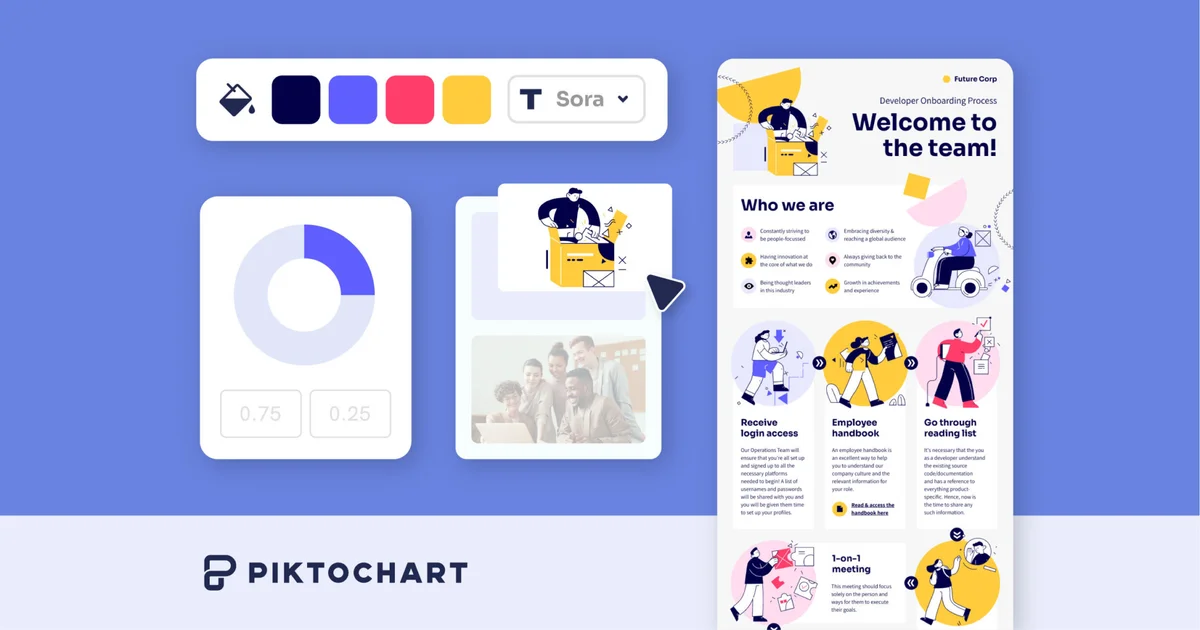
Piktochart
Transform complex ideas into captivating visuals in seconds—no design experience required.
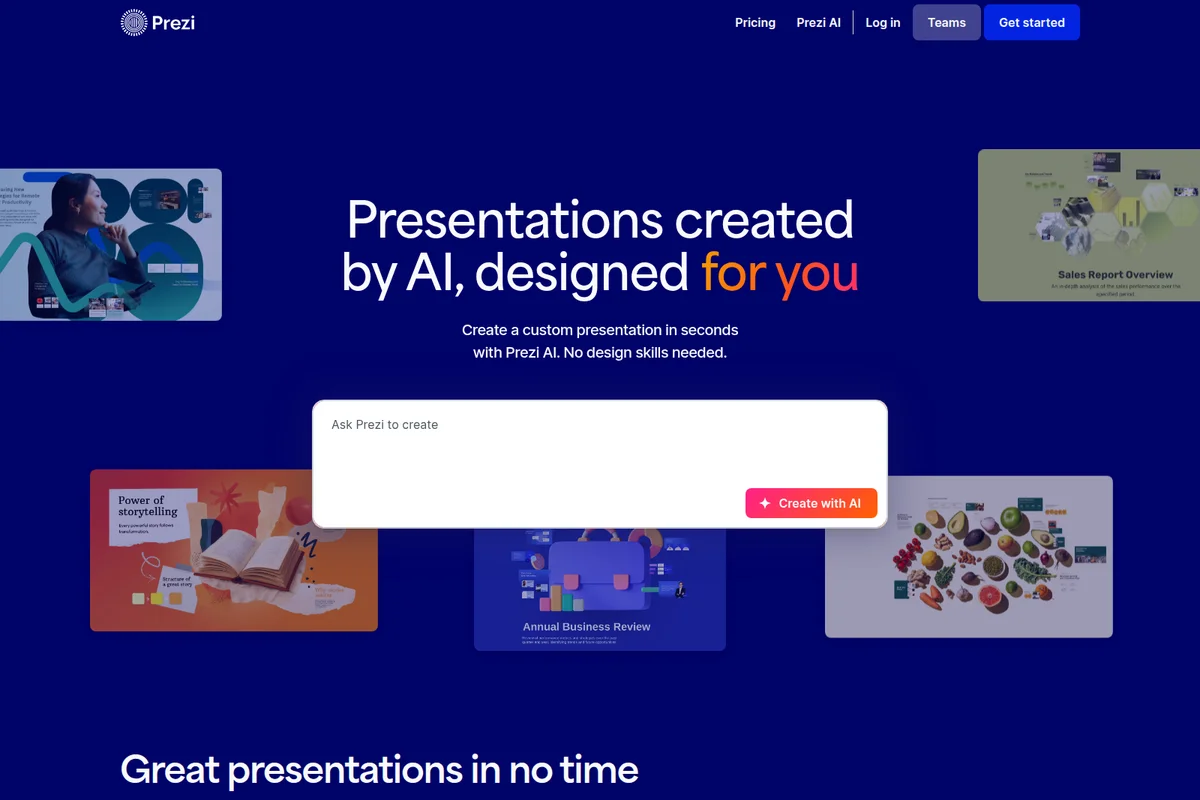
Prezi AI
Create powerful AI presentations in seconds with custom designs tailored to your content.

Figma
Turn big ideas into real products—design, prototype, and collaborate in one powerful platform.