
Piktochart Review 2026 - AI Design Generator
Verified Jun 18, 2026 by Tooliverse Editorial
Piktochart turns ideas into professional infographics, presentations, and reports in seconds using AI. Over 34 million creators use it to visualize data, maintain brand consistency, and collaborate seamlessly—all without design skills.
Piktochart AI: AI Poster Generator that turns a prompt to poster in 10 seconds ⚡️
Piktochart Tutorial 2026 — Create Stunning Infographics & Presentations Fast!

Create professional consulting proposals, reports, and project roadmaps effortlessly.
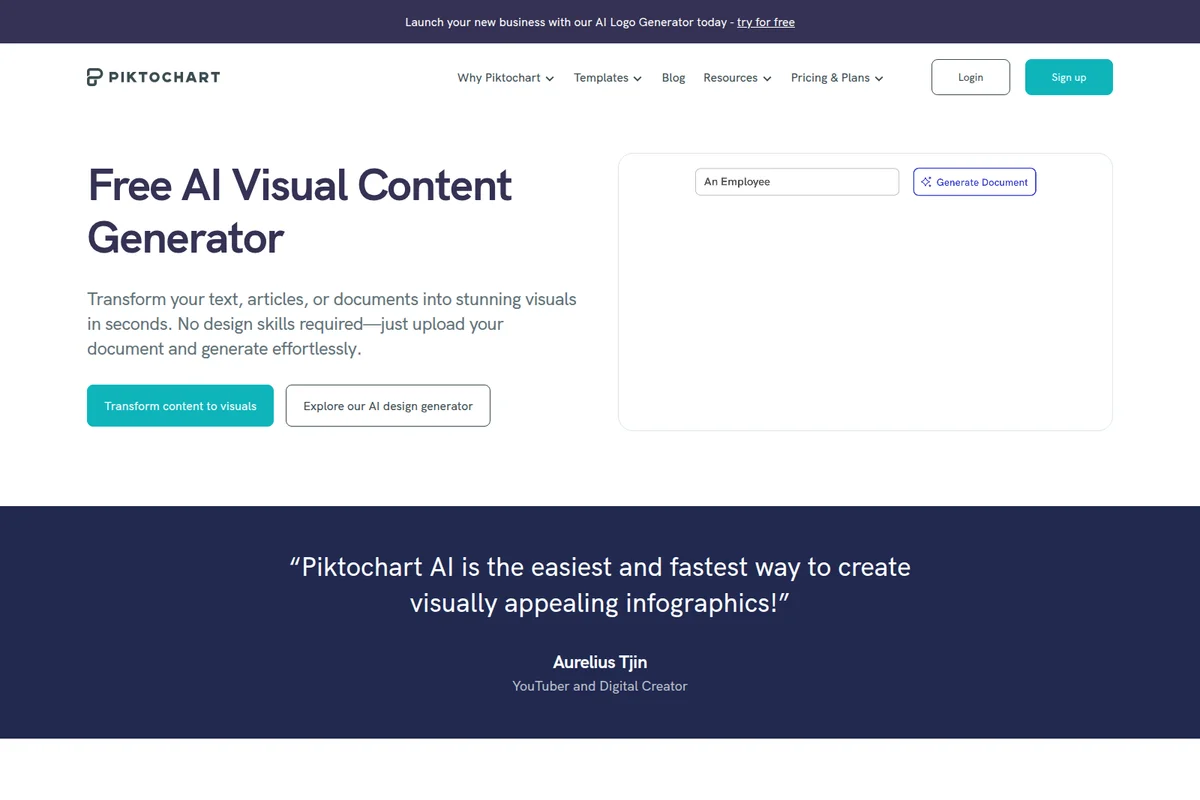
Quickly generate stunning visuals from your text, articles, or documents.
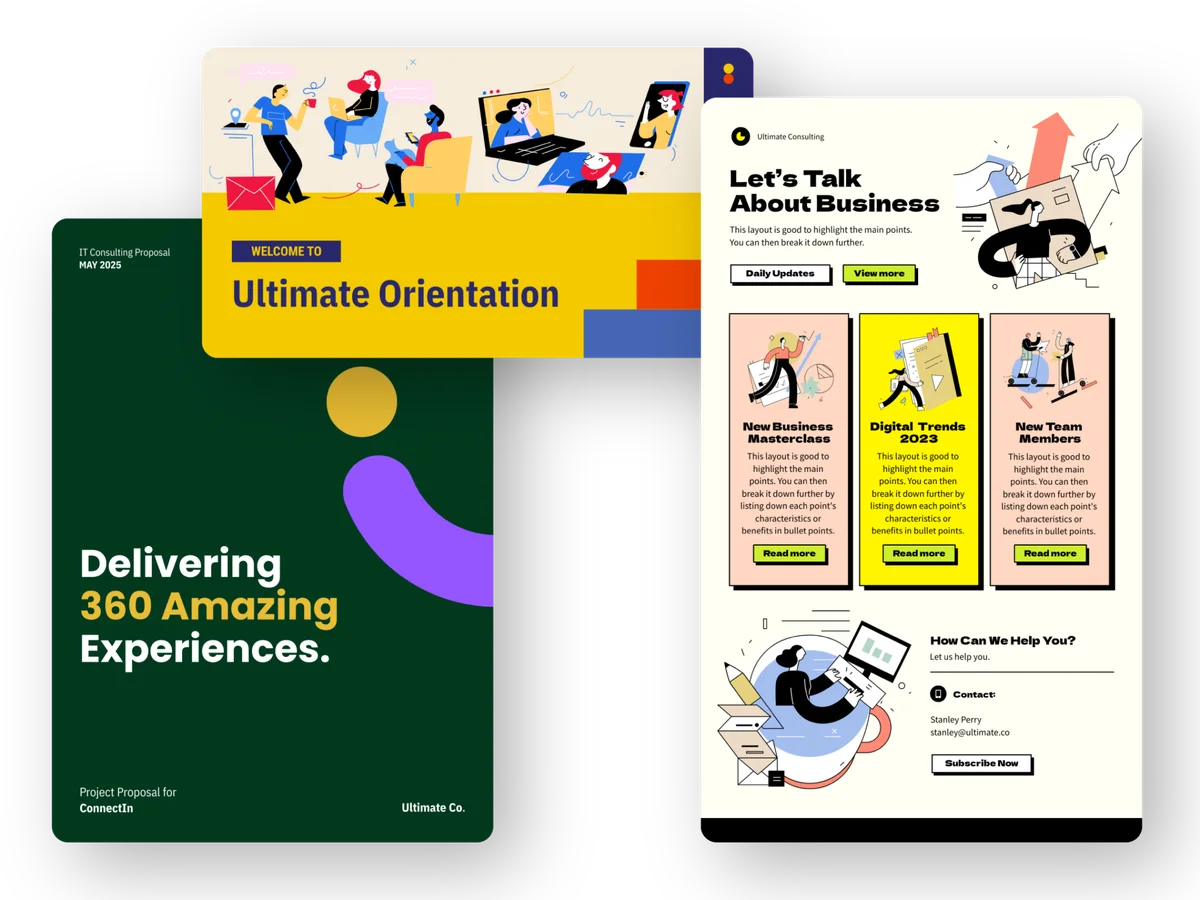
Showcase your brand with stunning proposals, presentations, and marketing materials.
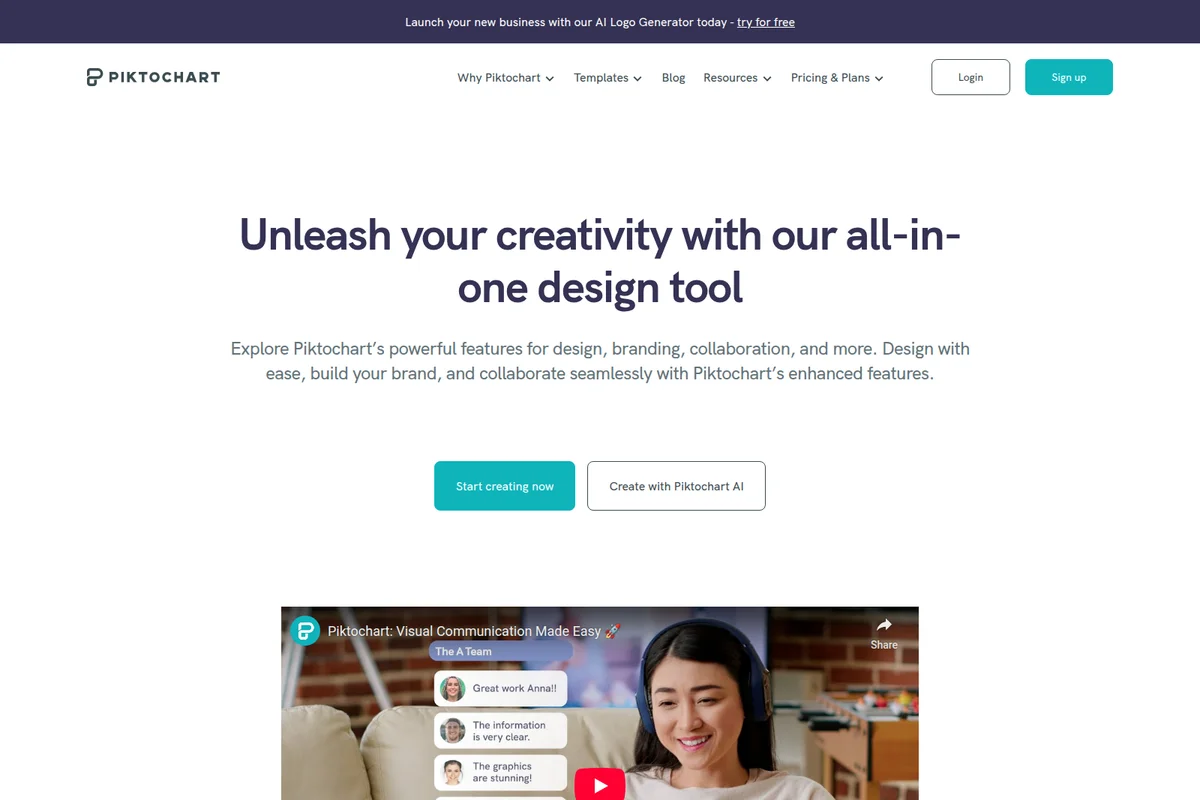
Unleash creativity and streamline visual communication with ease.
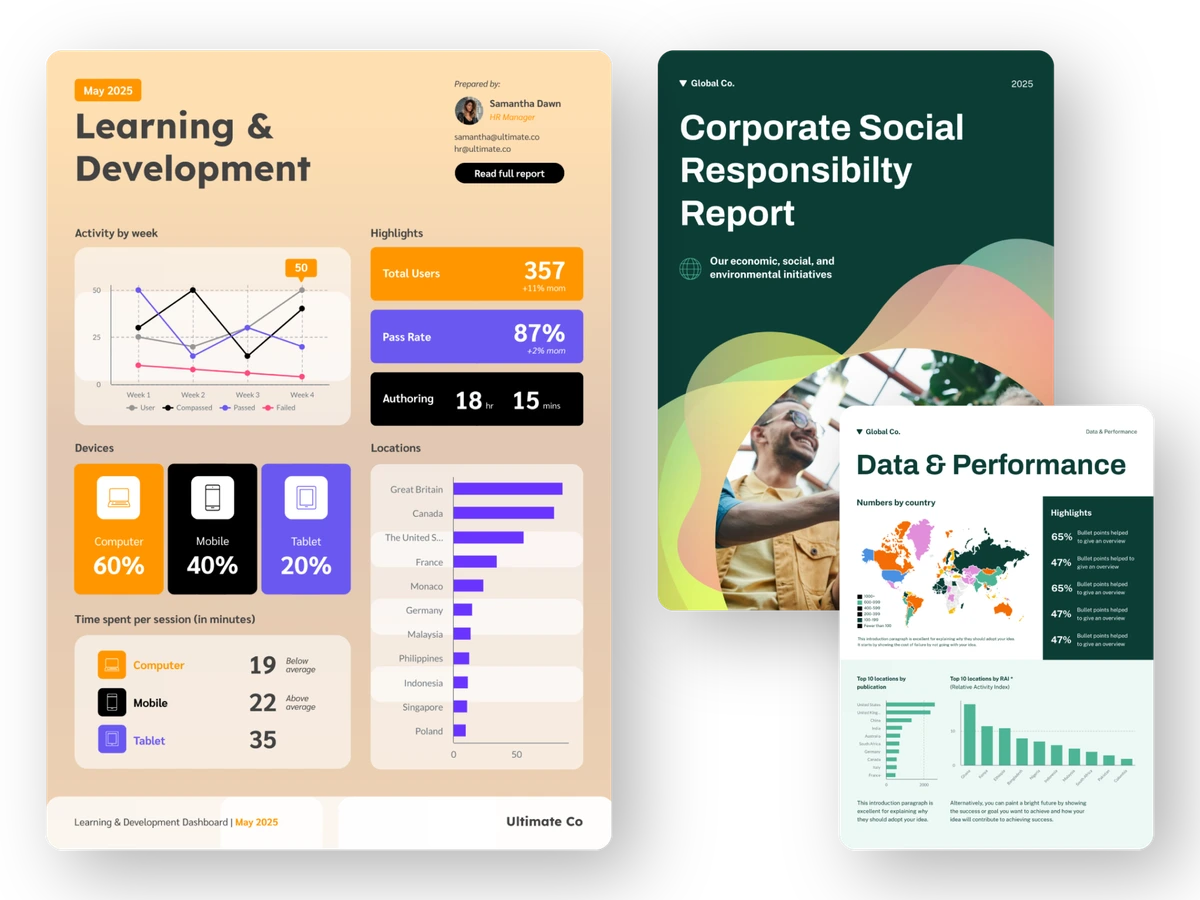
Showcase professional reports and data visualizations created with ease.
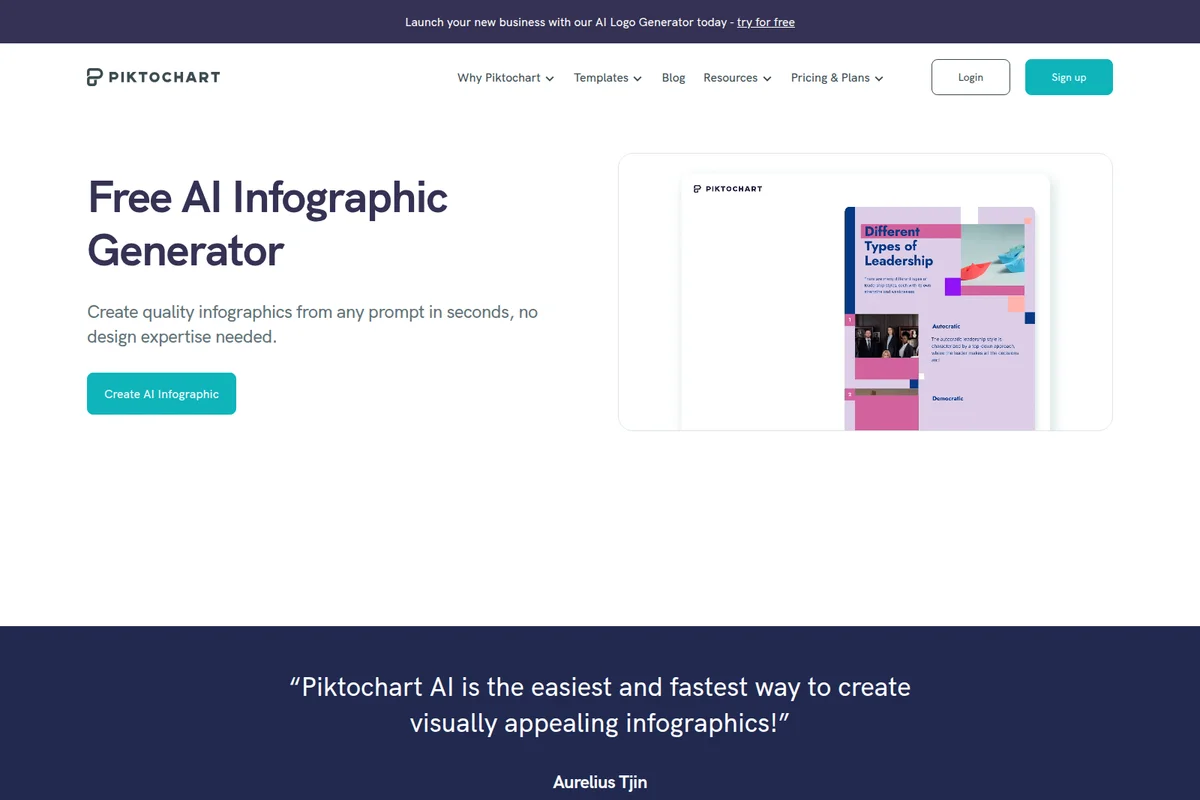
Generate professional infographics from any text prompt in seconds.
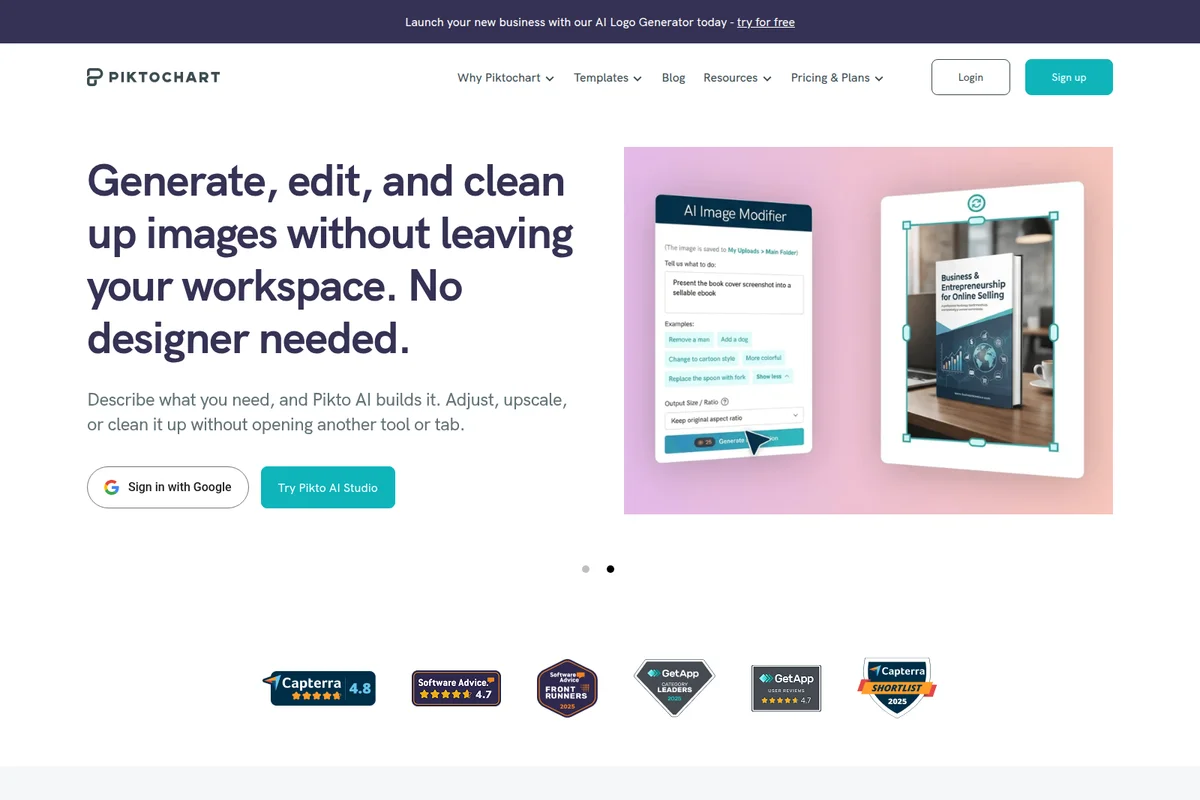
Seamlessly generate and edit images with AI directly in your workspace.
Piktochart Review: Tooliverse Consensus






Based on 960 verified reviews across 6 platforms,
combined with Tooliverse's expert analysis
Piktochart specializes in transforming raw data into polished, brand-aligned infographics with a depth of chart-building functionality that sets it apart from general design tools. The drag-and-drop interface and AI generation features make professional-quality visuals accessible to non-designers, while real-time collaboration and Brand Kit features scale effectively for teams. The pricing structure creates friction for individual and occasional users, and the mobile experience lacks the advanced editing capabilities that make the desktop version compelling.
Bottom line: A strong data visualization platform that turns spreadsheets into compelling infographics without requiring design expertise, though the premium pricing and limited free tier make it best suited for regular users with budget.
Piktochart | Key Specs
- Platforms
- Web, iOS, Android, macOS
- Pricing Model
- Freemium ($0-20/mo) See plans
- Security
- 2FA, SAML SSO (Enterprise), Password Protection See details
- Integrations
- Google Sheets, Zoom, Google Drive + 1 more
Wins
- •Provides a vast library of professional templates that simplify complex design tasksmentioned in 214 reviews
- •Features an incredibly intuitive drag-and-drop interface suitable for non-designersmentioned in 189 reviews
- •Offers powerful data visualization tools that turn spreadsheets into engaging chartsmentioned in 156 reviews
Watch-Outs
- •Subscription costs are perceived as high for individual or occasional usersmentioned in 87 reviews
- •Free version includes a mandatory watermark and limited export optionsmentioned in 76 reviews
- •Web application can experience performance lag when handling very large filesmentioned in 54 reviews
Piktochart Features 2026
AI Design Generator
Transform any idea or prompt into professional infographics, banners, flyers, posters, and more in just seconds. Generate editable visuals from text prompts in under 10 seconds.
AI Summary Generator
Convert existing documents or content into visuals effortlessly. Upload a PDF, DOCX, or TXT document to automatically generate infographics, prints, and documents with structured content.
Brand Kit
Ensure brand consistency with unlimited brand color schemes, custom fonts, and logos. Drag your logo or website screenshot to magically extract brand colors. Upload custom fonts in three clicks.
Branded Templates
Transform all Piktochart templates into thousands of stylish, on-brand templates in mere seconds. Apply your brand colors, fonts, and logos across any template instantly.
Piktochart User Reviews
Selected Reviews
"Piktochart has been a absolute lifesaver for our marketing team. We don't have a full-time designer on staff, but we can produce professional-grade infographics in minutes using their templates. It makes us look much more established than we actually are."
"If you need to make an infographic and don't want to learn Illustrator, Piktochart is the way to go. The new AI Atlas feature is actually surprisingly decent for layout ideas."
"The tool is powerful but the pricing has become quite steep for small nonprofits. We love the features, but we might have to switch to a cheaper alternative next year."
More from the Community
"The data visualization features are the best in the market. I love how I can just import my Excel data and it creates beautiful charts automatically."
"Good for quick edits on the go, but the Android app still feels a bit clunky compared to the web version. Still, it's great for showing designs to clients."
"I use this for all my school projects. The templates are modern and the export quality is excellent even on the free tier, though the watermark is annoying."
"Excellent collaboration tools. My whole team can jump into a project and leave comments or make tweaks in real-time. It has really improved our workflow."
"It's okay for basic stuff, but I find it hard to align elements perfectly on the mobile screen. It needs better snapping tools for the touch interface."
"The data visualization features are the best in the market. I love how I can just import my Excel data and it creates beautiful charts automatically."
"Good for quick edits on the go, but the Android app still feels a bit clunky compared to the web version. Still, it's great for showing designs to clients."
"I use this for all my school projects. The templates are modern and the export quality is excellent even on the free tier, though the watermark is annoying."
"Excellent collaboration tools. My whole team can jump into a project and leave comments or make tweaks in real-time. It has really improved our workflow."
"It's okay for basic stuff, but I find it hard to align elements perfectly on the mobile screen. It needs better snapping tools for the touch interface."
"The iPad app is fantastic for sketching out visual ideas quickly."
"The ability to customize every color to match our brand is essential."
"The extension makes it so easy to grab screenshots."
"I've tried Canva and Visme, but Piktochart's focus on infographics makes it superior for data-heavy presentations. The chart builder is much more robust."
"The iPad app is fantastic for sketching out visual ideas quickly."
"The ability to customize every color to match our brand is essential."
"The extension makes it so easy to grab screenshots."
"I've tried Canva and Visme, but Piktochart's focus on infographics makes it superior for data-heavy presentations. The chart builder is much more robust."
Piktochart Pricing 2026
View SourceThe free tier with 2 PNG downloads and 60 AI credits monthly works for testing the platform, but Pro at $10/month billed annually is where most users land: unlimited downloads, 500 AI credits, and the full premium asset library. That's the tier that replaces outsourcing design work. Business at $17/month adds unlimited brand colors, custom fonts, and 1,000 AI credits—only worth the jump if you're managing brand consistency across a team. Nonprofits and educators get discounted access at $5/month and $3.33/month respectively, though even those rates can strain tight budgets.
Piktochart In-Depth Review 2026

Piktochart transforms text, data, and documents into professional infographics, presentations, and reports in under 10 seconds using AI. It runs on the web with mobile apps for iOS and Android, serving 34 million users who've collectively created over 220 million visuals. The platform bridges the gap between PowerPoint's limitations and Adobe Illustrator's complexity, carving out territory for teams that need design quality without design expertise.
What It's Like Day-to-Day
The drag-and-drop editor feels intuitive from the first session. You're not wrestling with alignment grids or hunting through menus—elements snap into place, templates provide structure, and the AI handles the heavy lifting when you're starting from scratch. Import a CSV file or connect Google Sheets, and the chart builder turns raw data into bar graphs, pie charts, or pictographs that actually communicate insight instead of just displaying numbers. One G2 reviewer noted it "has been an absolute lifesaver for our marketing team" because they can produce "professional-grade infographics in minutes" without a full-time designer on staff.
The AI infographic generator is where the tool shows its 2026 capabilities.
Piktochart Security & Compliance
Security Features
- Two-Factor Authentication (2FA)
- SAML SSO (Enterprise)
- Password Protection for Published Visuals
Privacy Commitments
- Enterprise-grade security with security review and MSA support
Piktochart: Frequently Asked Questions (FAQs)
Is Piktochart really free?
Yes, Piktochart offers a free version of the platform available to everyone. The free plan includes 60 AI credits per month, 2 PNG downloads, unlimited visual projects, and 1GB storage. You can upgrade to Pro or Business to get unlimited downloads, more AI credits, and advanced features.
Can I stop my subscription or change plans anytime?
Yes, you can cancel your subscription at any time from your Account Settings. You can also request an upgrade or downgrade to your plan by reaching out to support@piktochart.com.
What forms of payment do you accept?
Piktochart accepts Visa, MasterCard, or PayPal. If you want to use American Express, you can select the option to pay via PayPal with the Amex card. For purchases of $168 or more for which you'd like to make a direct bank deposit, contact support@piktochart.com.
What is your refund policy?
Piktochart generally does not provide refunds for any payments made as stated in their Terms of Use. However, if you believe that a refund is justifiable, reach out to support@piktochart.com and they'll review it on a case-by-case basis.
Piktochart Integrations
| Google Sheets | Zoom | Google Drive |
| IconScout |
Piktochart: Verified Data Sheet
| # | Label | Data Point |
|---|---|---|
| [1] | Piktochart Consensus: 8.44/10 | Piktochart is a highly-rated tool among AI design tools in the Tooliverse index, with a consensus score of 8.44/10 across 960 verified reviews. |
| [2] | What is Piktochart | Piktochart, operated by Piktochart LLC, is a visual communication platform serving 34 million+ users worldwide. The platform uses AI to transform text and documents into professional infographics, presentations, and reports in under 10 seconds, with pricing starting at $10/month. |
| [3] | Tooliverse Consensus on Piktochart | Piktochart specializes in transforming raw data into polished, brand-aligned infographics with a depth of chart-building functionality that sets it apart from general design tools. The drag-and-drop interface and AI generation features make professional-quality visuals accessible to non-designers, while real-time collaboration and Brand Kit features scale effectively for teams. The pricing structure creates friction for individual and occasional users, and the mobile experience lacks the advanced editing capabilities that make the desktop version compelling. |
| [4] | Piktochart Verdict | Piktochart bottom line: A strong data visualization platform that turns spreadsheets into compelling infographics without requiring design expertise, though the premium pricing and limited free tier make it best suited for regular users with budget. |
| [5] | Free: Free | Piktochart offers a Free tier with 2 PNG downloads and unlimited visual projects, making AI design tools accessible at no cost. |
| [6] | Vast professional template library | Piktochart provides a vast library of professional templates that simplify complex design tasks, validated as a core strength by 214 user reviews. |
| [7] | Intuitive drag-and-drop for non-designers | Piktochart features an incredibly intuitive drag-and-drop interface suitable for non-designers, confirmed as a key differentiator in 189 user reviews. |
| [8] | Powerful spreadsheet-to-chart visualization | Piktochart offers powerful data visualization tools that turn spreadsheets into engaging charts, highlighted as essential functionality in 156 user reviews. |
| [9] | Pro: $10/mo (annual) | Piktochart Pro tier provides unlimited PNG downloads for $10/month billed annually, significantly expanding capabilities beyond the free tier. |
| [10] | Real-time team collaboration features | Piktochart streamlines team collaboration with real-time editing and shared brand assets, recognized as a workflow improvement by 112 user reviews. |
| [11] | Premium pricing for individuals | Piktochart subscription costs are perceived as high for individual or occasional users, identified as a barrier in 87 user reviews. |
| [12] | Free tier watermark and export limits | Piktochart free version includes a mandatory watermark and limited export options, noted as a constraint in 76 user reviews. |
| [13] | Privacy: Enterprise-grade security with security review and MSA support | Piktochart privacy protections include Enterprise-grade security with security review and MSA support. |
| [14] | Enterprise: Two-Factor Authentication (2FA) | Piktochart provides enterprise security features including Two-Factor Authentication (2FA), SAML SSO (Enterprise), and Password Protection for Published Visuals. |
| [15] | Lifesaver for non-designer teams | Piktochart "has been an absolute lifesaver for our marketing team" and enables production of "professional-grade infographics in minutes" without a full-time designer, according to a verified G2 reviewer. |
Best Piktochart Alternatives
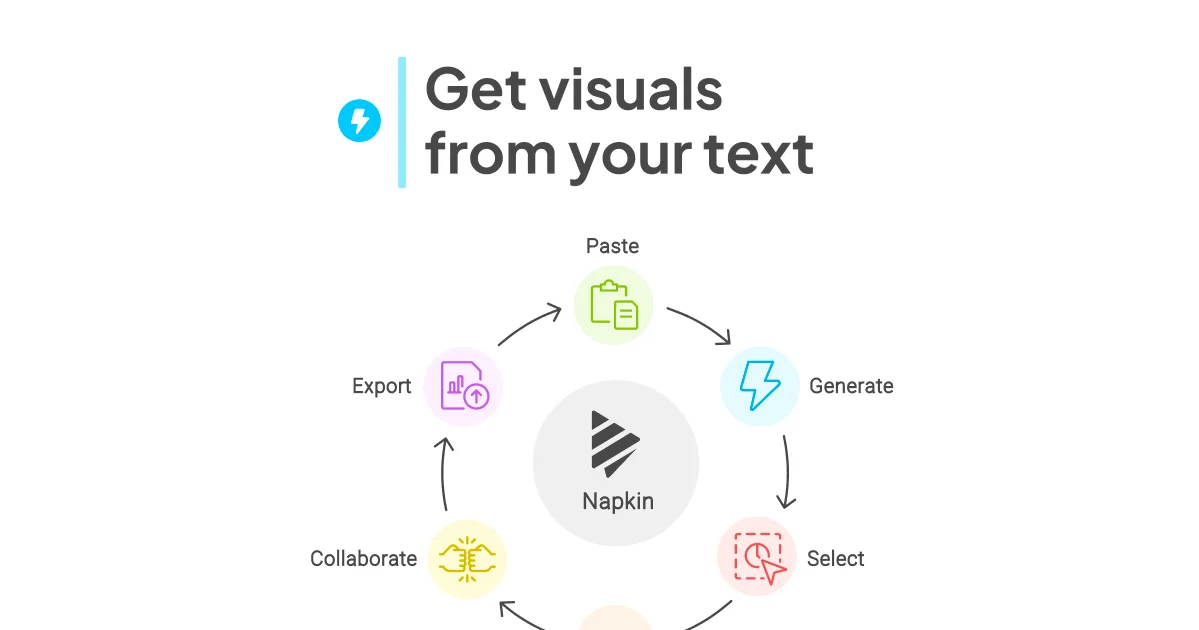
Napkin AI
Turn your text into compelling visuals in seconds—no design skills required.
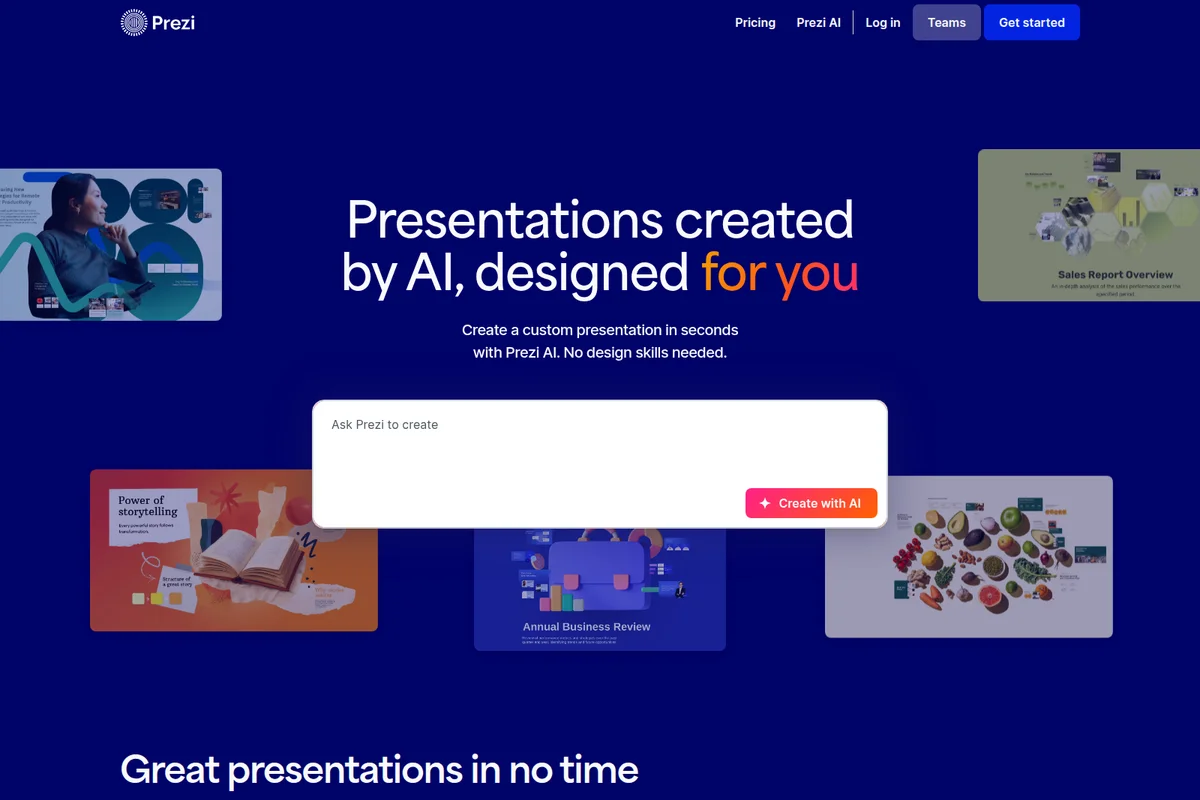
Prezi AI
Create powerful AI presentations in seconds with custom designs tailored to your content.
Beautiful.ai
Turn ideas into polished, work-ready presentations in minutes—no design skills required.