
CapCut Review 2026 - AI Video Editing Platform
Verified Jun 6, 2026 by Tooliverse Editorial
CapCut transforms video editing with AI-powered tools like auto captions, background removal, and text-to-video generation. From TikTok creators to YouTube professionals, millions use this free platform for instant edits, templates, and cloud collaboration across web, desktop, and mobile.
A Beginner's Guide to CapCut's Desktop App | CapCut 101 | CapCut
CapCut Beginner Tutorial (2026) - Beginner to Pro
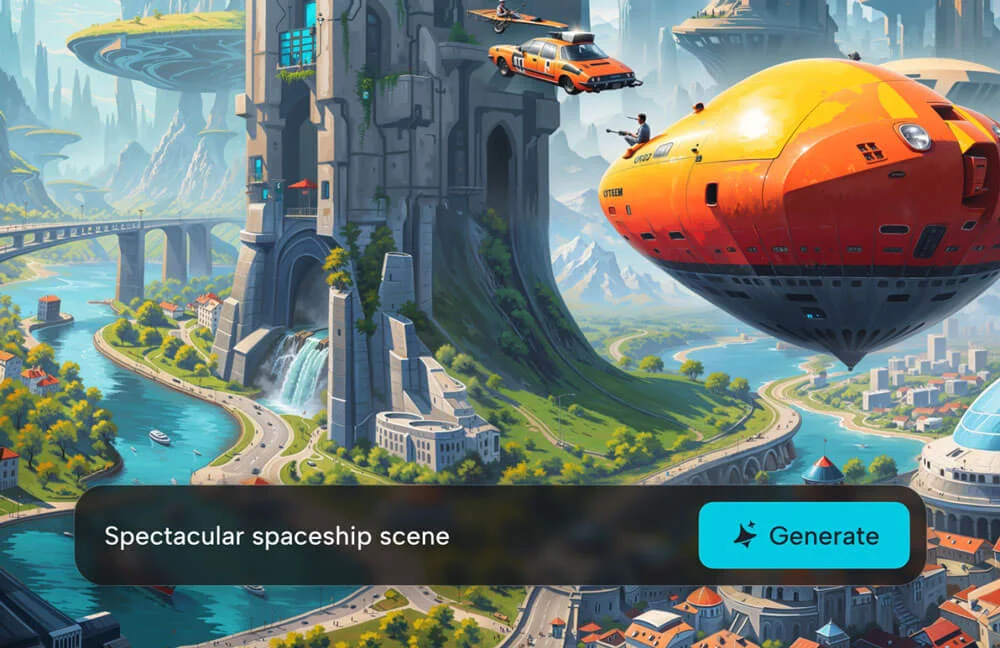
Unleash creativity: Generate stunning futuristic scenes from text.

Generate AI-powered videos instantly from images and text prompts.

Generate stunning futuristic scenes from simple text prompts with AI.

Elevate videos with AI retouching and seamless professional-quality results.

Transform your photos into stunning anime, watercolor, or realistic art with AI styles.

Transform your inspiration into stunning AI-generated art.

Create stunning, complex compositions with AI-powered visual effects and editing.
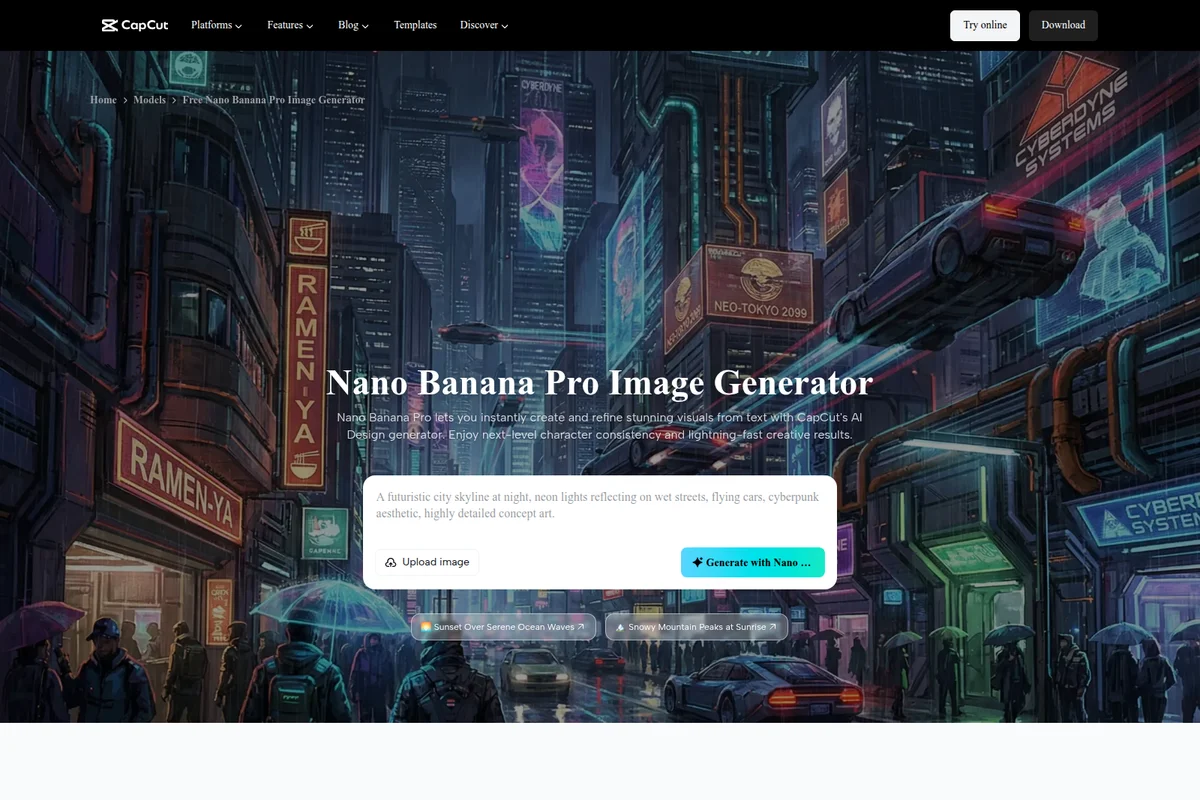
Instantly generate and refine stunning visuals from text with AI.

Create bold and striking video aesthetics with advanced editing tools.
CapCut Review: Tooliverse Consensus



Based on 92k+ verified reviews across 4 platforms,
combined with Tooliverse's expert analysis
CapCut has become a leading mobile-first video editor by automating the time-consuming parts of social content creation—auto-captions, background removal, and trend-matched templates—while maintaining an interface that works as smoothly on phones as desktops. The AI features and TikTok integration make it especially strong for creators publishing frequently across Instagram, TikTok, and YouTube Shorts, though the steady migration of features to paid tiers and heavy resource demands on older devices create friction. The tool prioritizes speed and social workflows over the advanced audio mixing and multi-camera support that professional editors expect.
Bottom line: A top-tier video editor for social creators who need to publish fast and often, trading advanced professional controls for AI automation that cuts editing time dramatically.
CapCut | Key Specs
- Platforms
- Web, iOS, Android, macOS, Windows
- Pricing Model
- Freemium (Free + Pro subscription) See plans
- Privacy/Data Use
- Advanced AI algorithms monitor and safeguard content
- Cloud Storage
- 1GB free, unlimited with Pro
Wins
- •Delivers best-in-class AI auto-captions that save creators hours of manual transcriptionmentioned in 1,245 reviews
- •Provides a massive, constantly updated library of trending templates and musicmentioned in 982 reviews
- •Features an incredibly intuitive mobile timeline that simplifies complex editing tasksmentioned in 856 reviews
Watch-Outs
- •Increasingly moves popular free features behind a "Pro" subscription paywallmentioned in 534 reviews
- •Demands significant device resources, leading to crashes on older hardwarementioned in 312 reviews
- •Raises privacy concerns among some users due to its ByteDance ownershipmentioned in 245 reviews
CapCut Features 2026
AI Video Generator
Generate complete videos from text prompts using AI avatars, templates, and automated editing. Supports 100+ digital avatars and custom voice cloning for instant video creation.
Auto Caption Generator
Automatically transcribe and add captions to videos in multiple languages with customizable templates and styles. Syncs subtitles with audio for TikTok, YouTube, and Instagram content.
Background Remover (Video & Image)
Remove backgrounds from videos and images instantly with AI in one click. No watermark required, perfect for product photos, portraits, and social media content.
AI Image Generator
Turn text or reference images into custom visuals using Dreamina Seedance 2.0, Nano Banana Pro, and Gemini Omni models. Generate professional-quality images for social media and marketing.
CapCut User Reviews
Selected Reviews
"The auto-captions feature is a lifesaver for my TikToks. It's about 95% accurate and saves me hours of manual typing."
"The AI background removal is magic. I don't even need a green screen anymore for my talking head videos."
"It's powerful but crashes constantly on my older iPad when I try to export in 4K. Good for short clips though, but for anything over five minutes, it becomes a real struggle to finish the project without losing progress."
More from the Community
"Great app but the Pro subscription is getting expensive. I wish more of the basic transitions stayed free."
"The music library is great but half the songs I want to use are restricted in my region. Very frustrating."
"Best mobile editor by far. The keyframe animation is surprisingly smooth for a phone app."
"I love the templates but the app is starting to feel cluttered like TikTok. Hard to find basic tools sometimes."
"The desktop version is a game changer. Syncing projects between my phone and PC is almost seamless."
"Great app but the Pro subscription is getting expensive. I wish more of the basic transitions stayed free."
"The music library is great but half the songs I want to use are restricted in my region. Very frustrating."
"Best mobile editor by far. The keyframe animation is surprisingly smooth for a phone app."
"I love the templates but the app is starting to feel cluttered like TikTok. Hard to find basic tools sometimes."
"The desktop version is a game changer. Syncing projects between my phone and PC is almost seamless."
"Helpful for quick edits but the cloud storage limits are too tight for the free version."
"The AI script-to-video tool is surprisingly good for making quick explainer videos for my business."
"Transitions and effects are top-tier, but the constant "Pro" pop-ups are getting annoying. It feels like every time I find a cool filter, it's locked behind a subscription that I can't really justify for just casual social media posts."
"I've been using it for years and it's the only app that keeps up with TikTok trends perfectly."
"Helpful for quick edits but the cloud storage limits are too tight for the free version."
"The AI script-to-video tool is surprisingly good for making quick explainer videos for my business."
"Transitions and effects are top-tier, but the constant "Pro" pop-ups are getting annoying. It feels like every time I find a cool filter, it's locked behind a subscription that I can't really justify for just casual social media posts."
"I've been using it for years and it's the only app that keeps up with TikTok trends perfectly."
CapCut Pricing 2026
The free tier is surprisingly capable with HD export, auto-captions, and 1GB cloud storage, enough for casual creators posting a few times monthly. Pro unlocks unlimited cloud storage, premium templates, and the AI avatar tools that matter for business content, though CapCut doesn't publish transparent pricing—you'll need to check in-app or contact sales for current rates. Most serious creators find themselves upgrading within weeks as they hit storage limits or discover their favorite effects are paywalled.
CapCut In-Depth Review 2026

CapCut is an AI-powered video editor that works across web browsers, desktop, and mobile with automatic cloud sync. It handles everything from quick social clips to longer YouTube content, with AI features that automate the tedious parts: auto-captions, background removal, text-to-video generation, and a library of templates that updates as trends shift. The platform serves over 100 million downloads worldwide, and the free tier includes HD export without watermarks.
What It's Like Day-to-Day
The auto-captions are what hook most users initially. You upload a video, the AI transcribes it in seconds with roughly 95% accuracy, and you're tweaking words instead of typing from scratch. As one iOS reviewer put it, the feature "is a lifesaver for my TikToks" and saves hours of manual work. The caption styling options let you match whatever aesthetic is trending that week, and the sync with audio is tight enough that you're not constantly nudging timestamps.
The mobile timeline is where CapCut separates itself from clunkier competitors. Keyframe animation, multi-layer editing, and precise cuts all work smoothly on a phone screen, which shouldn't be remarkable in 2026 but somehow still is.
CapCut Security & Compliance
Privacy Commitments
- Advanced AI algorithms monitor and safeguard content
- Committed to protecting privacy with secure cloud storage
CapCut: Frequently Asked Questions (FAQs)
Is CapCut free to use?
Yes, CapCut offers a free tier with core editing features, 1GB cloud storage, auto captions, templates, and HD export without watermark. Pro subscription unlocks premium templates, unlimited cloud storage, and advanced AI features.
What platforms does CapCut support?
CapCut is available on web browsers, Windows, macOS, iOS, Android, and iPad. Projects sync automatically across all devices via cloud storage, allowing you to edit anywhere.
Can I remove watermarks from exported videos?
Yes, CapCut allows HD export without watermarks on both free and Pro tiers. Template watermarks can be removed by editing the default ending clip in the project.
How does the AI video generator work?
CapCut's AI video generator creates complete videos from text prompts. Choose a visual style, enter your script (or let AI generate one), select an avatar and voice, then click Create. The AI handles editing, visuals, and pacing automatically.
CapCut Integrations
| TikTok | YouTube | |
CapCut: Verified Data Sheet
| # | Label | Data Point |
|---|---|---|
| [1] | CapCut Consensus: 8.84/10 | CapCut is a highly-rated tool among AI video tools in the Tooliverse index, with a consensus score of 8.84/10 across 92,363 verified reviews. |
| [2] | What is CapCut | CapCut is an AI-powered video and image editing platform serving 100M+ downloads worldwide. The platform offers free editing tools including auto captions, background removal, and text-to-video generation across web, desktop, and mobile with cloud sync. |
| [3] | Tooliverse Consensus on CapCut | CapCut has become a leading mobile-first video editor by automating the time-consuming parts of social content creation—auto-captions, background removal, and trend-matched templates—while maintaining an interface that works as smoothly on phones as desktops. The AI features and TikTok integration make it especially strong for creators publishing frequently across Instagram, TikTok, and YouTube Shorts, though the steady migration of features to paid tiers and heavy resource demands on older devices create friction. The tool prioritizes speed and social workflows over the advanced audio mixing and multi-camera support that professional editors expect. |
| [4] | CapCut Verdict | CapCut bottom line: A top-tier video editor for social creators who need to publish fast and often, trading advanced professional controls for AI automation that cuts editing time dramatically. |
| [5] | Free: Free | CapCut provides a functional Free tier with 1GB cloud storage, Basic editing tools, making AI tools accessible at no cost. |
| [6] | Best-in-class AI auto-captions | CapCut delivers AI-powered auto-captions that save creators hours of manual transcription work, validated as a standout feature by 1,245 user reviews praising its accuracy and speed. |
| [7] | Massive trending template library | CapCut provides a massive, constantly updated library of trending templates and music that keeps pace with social media trends, highlighted as essential by 982 user reviews. |
| [8] | Intuitive mobile timeline editing | CapCut features an intuitive mobile timeline interface that simplifies complex editing tasks for on-the-go creators, praised for its smoothness in 856 user reviews. |
| [9] | One-click AI background removal | CapCut offers powerful one-click AI background removal and chroma key tools that eliminate the need for green screens, validated by 743 user reviews as transformative for talking-head videos. |
| [10] | Features moving to paid tiers | CapCut increasingly moves popular features behind a Pro subscription paywall, creating friction for free-tier users according to 534 user reviews expressing frustration with monetization changes. |
| [11] | Resource-intensive on older devices | CapCut demands significant device resources that lead to crashes and export failures on older hardware, particularly when processing 4K video, according to 312 user reports. |
| [12] | Privacy: Advanced AI algorithms monitor and safeguard content | CapCut privacy protections include Advanced AI algorithms monitor and safeguard content and Committed to protecting privacy with secure cloud storage. |
| [13] | 95% accurate auto-captions | CapCut's auto-captions feature "is a lifesaver for my TikToks" with approximately 95% accuracy that saves hours of manual typing, according to a verified iOS App Store reviewer. |
Best CapCut Alternatives
Captions
Turn raw footage into polished, professional videos in minutes with AI that edits like a pro.

Pictory
Turn text, scripts, and ideas into professional videos in minutes—no editing skills required.

VEED.IO
Turn any idea into a video worth posting—no camera, no crew, no complexity.