
Cline Review 2026 - AI Coding Assistant
Verified Jun 9, 2026 by Tooliverse Editorial
Cline is an AI coding assistant that runs inside VS Code, JetBrains, Cursor, and Windsurf—reading your entire codebase, editing multiple files at once, and executing commands with your approval. Over 8 million developers use this open-source tool to refactor code, run tests, and automate complex development tasks without leaving their editor.
Ideal Setup for Cline
Open-source Coding with Cline and Arcee Trinity Large
Understand key considerations for selecting the optimal LLM for Cline projects.
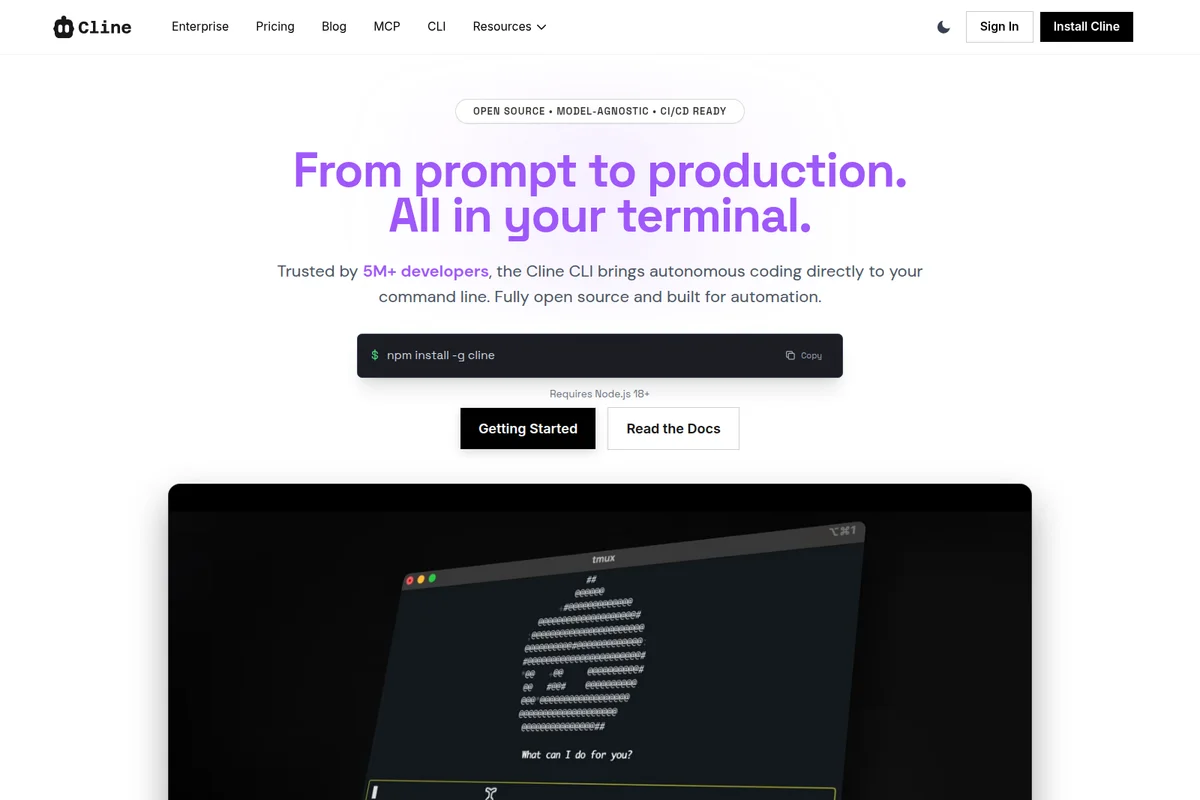
Autonomous coding directly in your terminal with Cline CLI.

Deliver enterprise-grade security for your coding agent in any IDE.
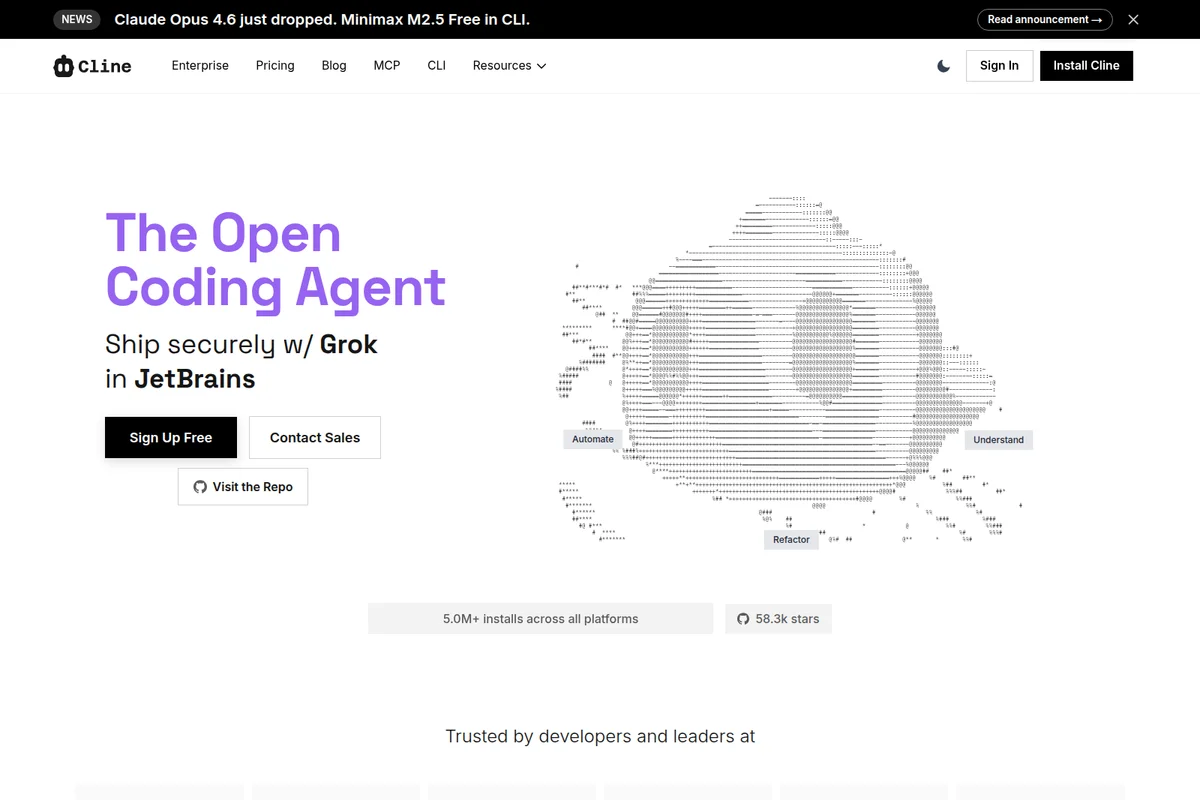
The open coding agent that helps you automate, understand, and refactor code directly in JetBrains.
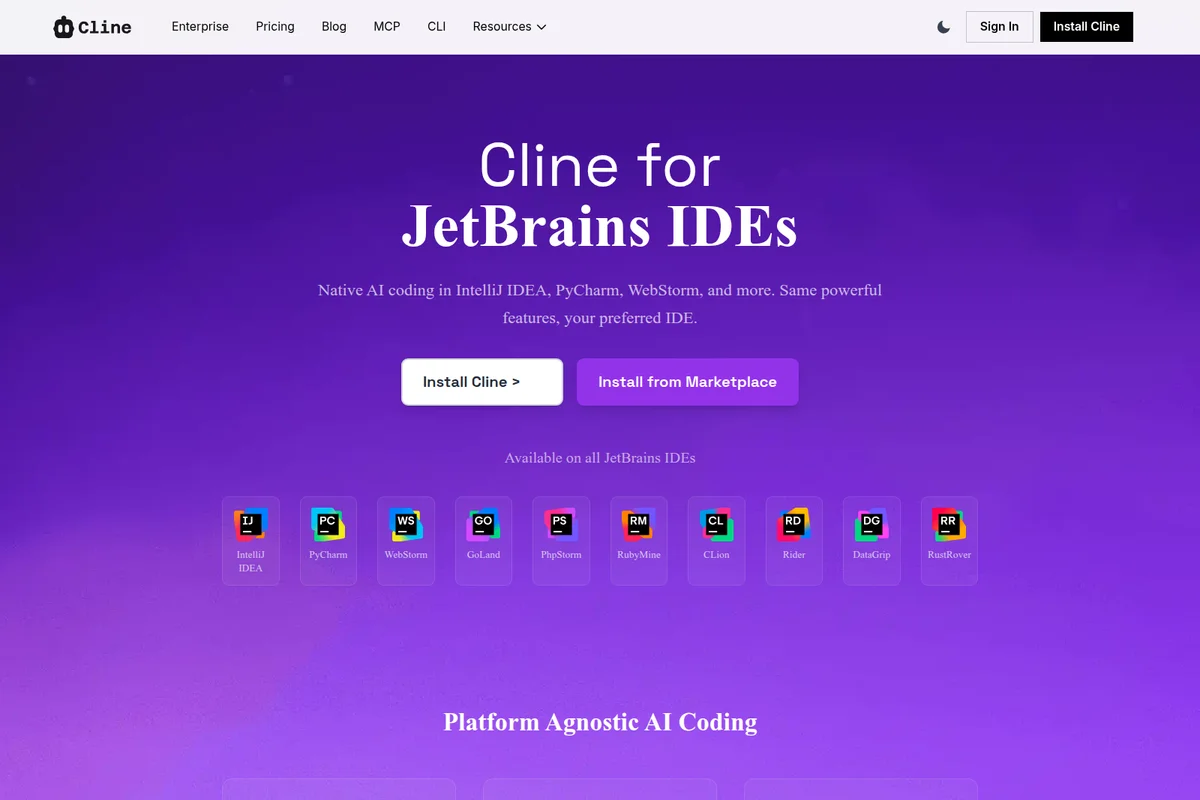
Native AI coding assistance integrated across popular JetBrains IDEs.
Cline Review: Tooliverse Consensus


Based on 1k+ verified reviews across 4 platforms,
combined with Tooliverse's expert analysis
Cline delivers autonomous multi-file refactoring and terminal-integrated debugging that respects project structure, distinguishing itself as the open-source alternative for developers who refuse vendor lock-in. The bring-your-own-API-key model and real-time token cost tracking provide transparency that proprietary editors can't match, while Model Context Protocol integration extends capabilities into documentation, testing, and infrastructure. Frontier model costs can escalate quickly when the agent enters debugging loops, and the approval-based workflow occasionally frustrates experienced developers who know exactly what they want done.
Bottom line: A top-tier autonomous coding agent that combines deep codebase understanding with cost transparency and model flexibility, though token expenses with frontier models require active monitoring to avoid runaway costs.
Cline | Key Specs
- Platforms
- Web, macOS, Windows, Linux
- Pricing Model
- Free + Enterprise (usage-based AI inference) See plans
- Privacy/Data Use
- Code stays on your machine, user controls AI data sharing
- Security
- Permission-based execution, SSO/OIDC (Enterprise), VPC deployments See details
Wins
- •Executes autonomous multi-file edits and terminal commands with impressive precisionmentioned in 245 reviews
- •Offers unparalleled model flexibility by allowing users to bring their own API keysmentioned in 182 reviews
- •Integrates seamlessly into the existing VS Code environment without requiring a separate IDEmentioned in 168 reviews
Watch-Outs
- •Frontier models like Claude 3.5 Sonnet can lead to high per-task token costsmentioned in 96 reviews
- •Occasionally enters infinite loops when attempting to resolve complex or ambiguous bugsmentioned in 82 reviews
- •Requires frequent manual approvals for every step which can slow down experienced usersmentioned in 65 reviews
Cline Features 2026
Multi-File Editing
Edit, refactor, and update multiple files simultaneously for holistic code changes, with visual diffs showing every modification before it lands.
Plan & Act Modes
Separate thinking from doing: sketch implementation plans first, then approve each tool call as the agent executes. Toggle guardrails on or off based on your workflow.
Model Context Protocol (MCP) Integration
Extend Cline's capabilities with 300+ MCP servers to connect web services, control browsers, access databases, and automate tasks. Browse the MCP Marketplace or build custom servers.
Multi-IDE Support
Native extensions for VS Code (4.5M+ installs), JetBrains (IntelliJ, PyCharm, WebStorm, GoLand), Cursor, and Windsurf. Same agent runtime across all editors.
Cline User Reviews
Selected Reviews
"Cline has completely replaced Cursor for me. The ability to use my own API keys and the transparency of token costs makes it the best choice for professional work."
"Best open source coding agent. I love that I don't have to switch to a fork of VS Code like Cursor. It just works in my existing environment."
"The 'Plan' mode is essential. It lets me see exactly what it wants to do before it starts making a mess of my files."
More from the Community
"The MCP integration is a game changer. I can now give Cline access to my local documentation and it actually uses it to write better code."
"It's powerful but can be expensive. I spent $15 in one hour because it got stuck in a loop trying to fix a bug that was actually a configuration error on my part."
"A bit of a learning curve to get the MCP servers running, but once it's set up, the productivity boost is insane."
"I find it struggles with very large monorepos. It tends to lose context or take too long to index everything."
"The terminal execution is the killer feature. It doesn't just write code; it runs the tests and fixes itself based on the errors."
"The MCP integration is a game changer. I can now give Cline access to my local documentation and it actually uses it to write better code."
"It's powerful but can be expensive. I spent $15 in one hour because it got stuck in a loop trying to fix a bug that was actually a configuration error on my part."
"A bit of a learning curve to get the MCP servers running, but once it's set up, the productivity boost is insane."
"I find it struggles with very large monorepos. It tends to lose context or take too long to index everything."
"The terminal execution is the killer feature. It doesn't just write code; it runs the tests and fixes itself based on the errors."
"Great tool, but the UI can get a bit cluttered in the sidebar when you have a long conversation going."
"Finally, an AI tool that respects my privacy by letting me use local models via Ollama."
"The cost tracking is so helpful. I can see exactly how much each task is costing me in real-time."
"Sometimes it's too autonomous. I wish there was a way to tell it to stop and ask for help sooner when it's clearly failing."
"Great tool, but the UI can get a bit cluttered in the sidebar when you have a long conversation going."
"Finally, an AI tool that respects my privacy by letting me use local models via Ollama."
"The cost tracking is so helpful. I can see exactly how much each task is costing me in real-time."
"Sometimes it's too autonomous. I wish there was a way to tell it to stop and ask for help sooner when it's clearly failing."
Cline Pricing 2026
View SourceThe open-source extension is free forever—you pay only for AI inference, either through your own API keys or by purchasing credits from Cline. Most individual developers stay on this tier indefinitely, controlling costs by choosing models strategically: Claude Sonnet 4.6 for complex refactoring, cheaper alternatives for routine edits. Enterprise pricing is custom and only necessary when you need JetBrains support, SSO, centralized billing, or audit logs. The usage-based model means your costs scale with actual work, not seat counts.
Cline In-Depth Review 2026

This open-source VS Code extension runs natively in your existing editor, no fork required. It works with frontier models like Claude Sonnet 4.6, GPT-5.3 Codex, and Gemini Pro 3.1, but the critical difference is you bring your own API keys or use Cline's provider. You control the costs, switch models mid-project, and never get locked into proprietary pricing. With 4.5M installs and serving 8M developers, it has become the autonomous coding agent for professionals who need transparency.
What It's Like Day-to-Day
The workflow centers on permission-based autonomy. You describe what you want—refactor this authentication system, add error handling across these endpoints, migrate this component library—and Cline plans the approach in Plan mode before touching a single file. You review the strategy, approve it, and watch it execute across multiple files simultaneously. The visual diff checkpoints show every change before it lands, and if something goes sideways, the /undo command rolls back to any previous state.
What sets it apart is terminal integration.
Cline Security & Compliance
Security Features
- Permission-based file changes and command execution
- Client-side architecture (code stays on your machine)
- SSO and OIDC (Enterprise)
- SCIM provisioning (Enterprise)
- Authentication logs (Enterprise)
- VPC deployments (Enterprise)
Privacy Commitments
- Code never leaves your machine unless you connect to external AI API
- User controls exactly what is sent to AI models
- No vendor lock-in - switch providers or self-host anytime
Cline: Frequently Asked Questions (FAQs)
Is Cline free?
Yes, the Cline open source extension is completely free for individual developers. You only pay for AI inference on a usage basis—no subscriptions, no vendor lock-in. You can bring your own API keys or use the Cline provider.
What do I pay for?
You only pay for AI inference credits when you use AI models. This is usage-based pricing—you pay for what you use, nothing more. There are no subscriptions or seat fees for the open source version.
Can I use my own API keys?
Absolutely! You can bring your own API keys from providers like OpenAI, Anthropic, Google, AWS Bedrock, GCP Vertex, OpenRouter, Groq, Cerebras, DeepSeek, and others. This gives you complete control over your costs and usage.
When do I need Enterprise?
Enterprise is for organizations that need team collaboration features and enterprise-grade security. This includes JetBrains extension, centralized billing, team management dashboard, role-based access control, SSO, OIDC, SCIM provisioning, audit logs, VPC deployments, SLA, OpenTelemetry, priority support, and dedicated support.
Cline Integrations
| VS Code | JetBrains | IntelliJ IDEA |
| PyCharm | WebStorm | GoLand |
| Cursor | Windsurf | GitHub |
| GitLab | Slack | Discord |
| Linear | Asana | Jira |
| Confluence | Notion | Obsidian |
| Airtable | Supabase | PostgreSQL |
| AWS | Google Cloud | Azure |
| Stripe | Figma | Sentry |
| Puppeteer | Playwright |
Cline: Verified Data Sheet
| # | Label | Data Point |
|---|---|---|
| [1] | Cline Consensus: 9.38/10 | Cline is one of the highest-rated AI coding tools in the Tooliverse index, with a consensus score of 9.38/10 across 1,077 verified reviews. |
| [2] | What is Cline | Cline is an open-source AI coding assistant with 4.5M+ VS Code installs and 63,000+ GitHub stars, serving 8M+ developers. The platform integrates natively into VS Code, JetBrains, Cursor, and Windsurf with free usage and enterprise options. |
| [3] | Tooliverse Consensus on Cline | Cline delivers autonomous multi-file refactoring and terminal-integrated debugging that respects project structure, distinguishing itself as the open-source alternative for developers who refuse vendor lock-in. The bring-your-own-API-key model and real-time token cost tracking provide transparency that proprietary editors can't match, while Model Context Protocol integration extends capabilities into documentation, testing, and infrastructure. Frontier model costs can escalate quickly when the agent enters debugging loops, and the approval-based workflow occasionally frustrates experienced developers who know exactly what they want done. |
| [4] | Cline Verdict | Cline bottom line: A top-tier autonomous coding agent that combines deep codebase understanding with cost transparency and model flexibility, though token expenses with frontier models require active monitoring to avoid runaway costs. |
| [5] | Open Source: Free | Cline provides a functional Open Source tier with VS Code Extension, CLI, making AI tools accessible at no cost. |
| [6] | Autonomous multi-file edits with precision | Cline executes autonomous multi-file edits and terminal commands with impressive precision, validated as a core strength by 245 user reviews praising its ability to refactor entire codebases while maintaining context across files. |
| [7] | BYOK model flexibility, no vendor lock-in | Cline offers unparalleled model flexibility by allowing developers to bring their own API keys from OpenAI, Anthropic, Google, AWS Bedrock, GCP Vertex, OpenRouter, Groq, Cerebras, DeepSeek, and other providers, eliminating vendor lock-in according to 182 user reviews. |
| [8] | Native VS Code integration, no IDE switch | Cline integrates seamlessly into the existing VS Code environment without requiring a separate IDE or editor fork, a workflow advantage highlighted in 168 user reviews as critical for maintaining established development setups. |
| [9] | Real-time token cost transparency | Cline provides complete transparency on token usage and costs for every individual task through real-time tracking, enabling developers to monitor AI inference expenses as they work according to 144 user reviews. |
| [10] | High token costs with frontier models | Cline tasks using frontier models like Claude 3.5 Sonnet can lead to high per-task token costs, with 96 user reports documenting expenses reaching $15 per hour when the agent enters extended debugging sessions. |
| [11] | Infinite loops on complex bugs | Cline occasionally enters infinite loops when attempting to resolve complex or ambiguous bugs, requiring manual intervention to halt unproductive iteration cycles according to 82 user reports. |
| [12] | Privacy: Code never leaves your machine unless you connect to external AI API | Cline privacy protections include Code never leaves your machine unless you connect to external AI API, User controls exactly what is sent to AI models, and No vendor lock-in - switch providers or self-host anytime. |
| [13] | Enterprise: Permission-based file changes and command execution | Cline provides enterprise security with Permission-based file changes and command execution, Client-side architecture (code stays on your machine), and SSO and OIDC (Enterprise). |
| [14] | Replaced Cursor for professionals | Cline "has completely replaced Cursor" for professional developers who value the ability to use their own API keys and the transparency of token costs, according to a verified VS Code Marketplace reviewer. |
Best Cline Alternatives

Claude Code
Turn complex coding tasks into simple conversations—debug, refactor, and ship faster with AI that understands your entire codebase.
GitHub Copilot
Command your craft with AI that accelerates every workflow, from the editor to the enterprise.

Cursor
Turn ideas into code with AI agents that build, test, and ship features autonomously.