
Desk365 Review 2026 - Unified Ticketing & ITSM
Verified Jun 10, 2026 by Tooliverse Editorial
Desk365 combines ticketing, AI agents, asset management, and Microsoft Teams integration in one platform. Built for teams who've outgrown basic tools but don't need enterprise complexity—7,000+ businesses use it to resolve tickets faster without the bloat.
Getting Started with Desk365: Your AI-Powered Ticketing System
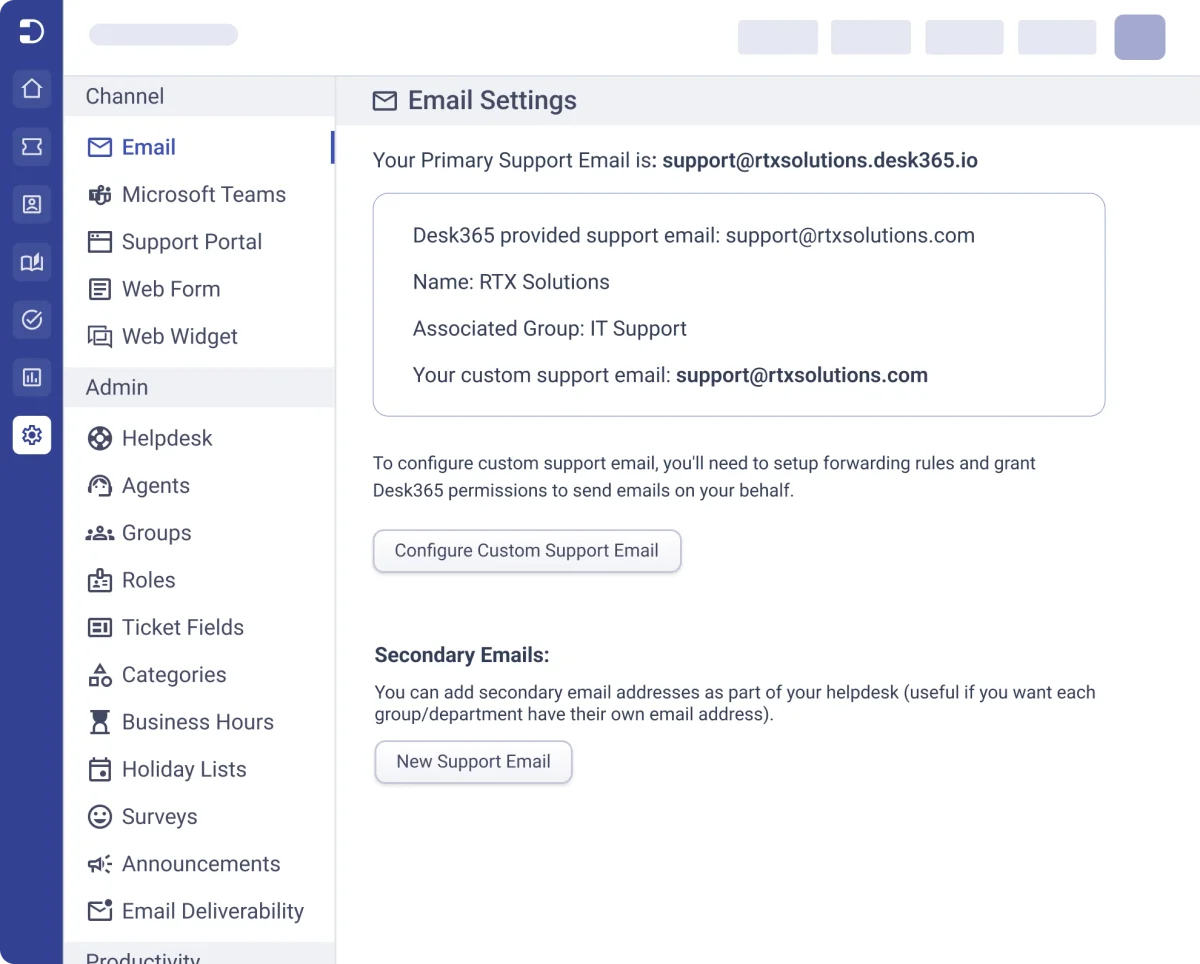
Configure primary and custom email addresses for your helpdesk.
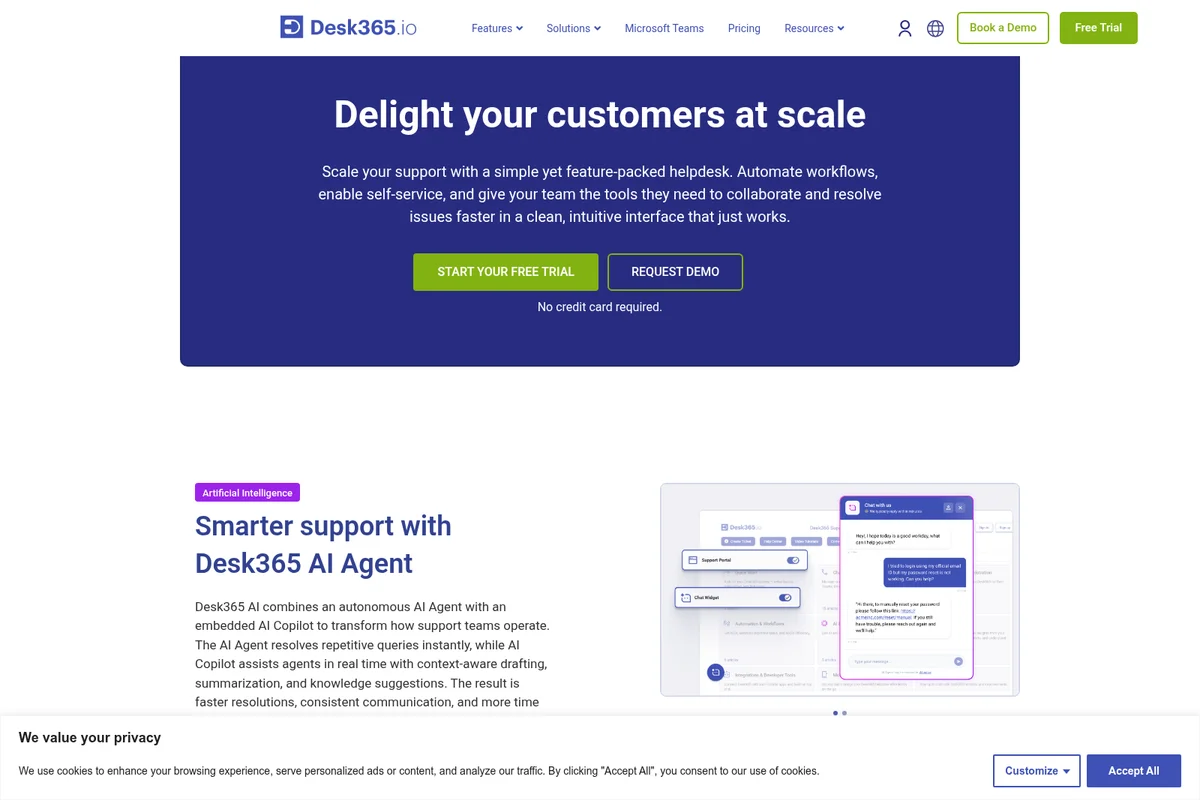
Automate customer support with an AI agent and empower human agents.
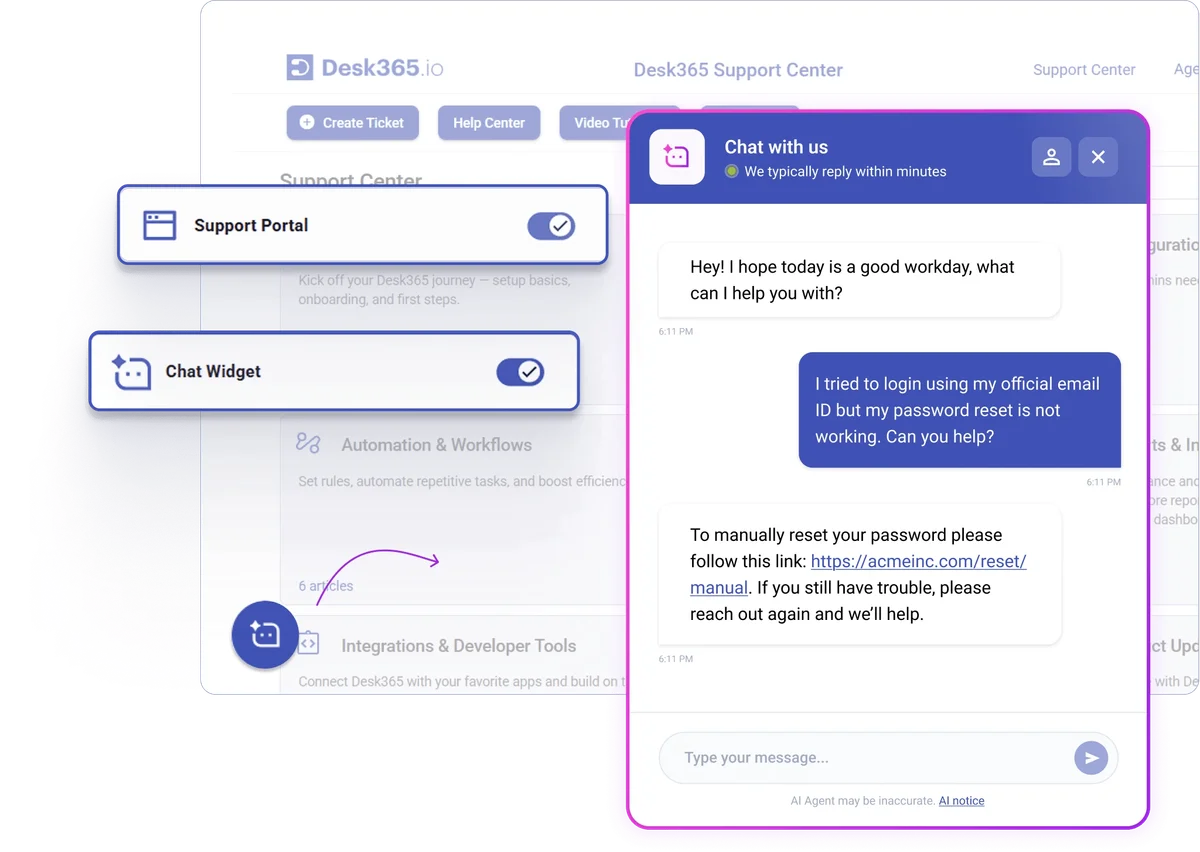
AI-powered chat resolves common issues like password resets instantly.
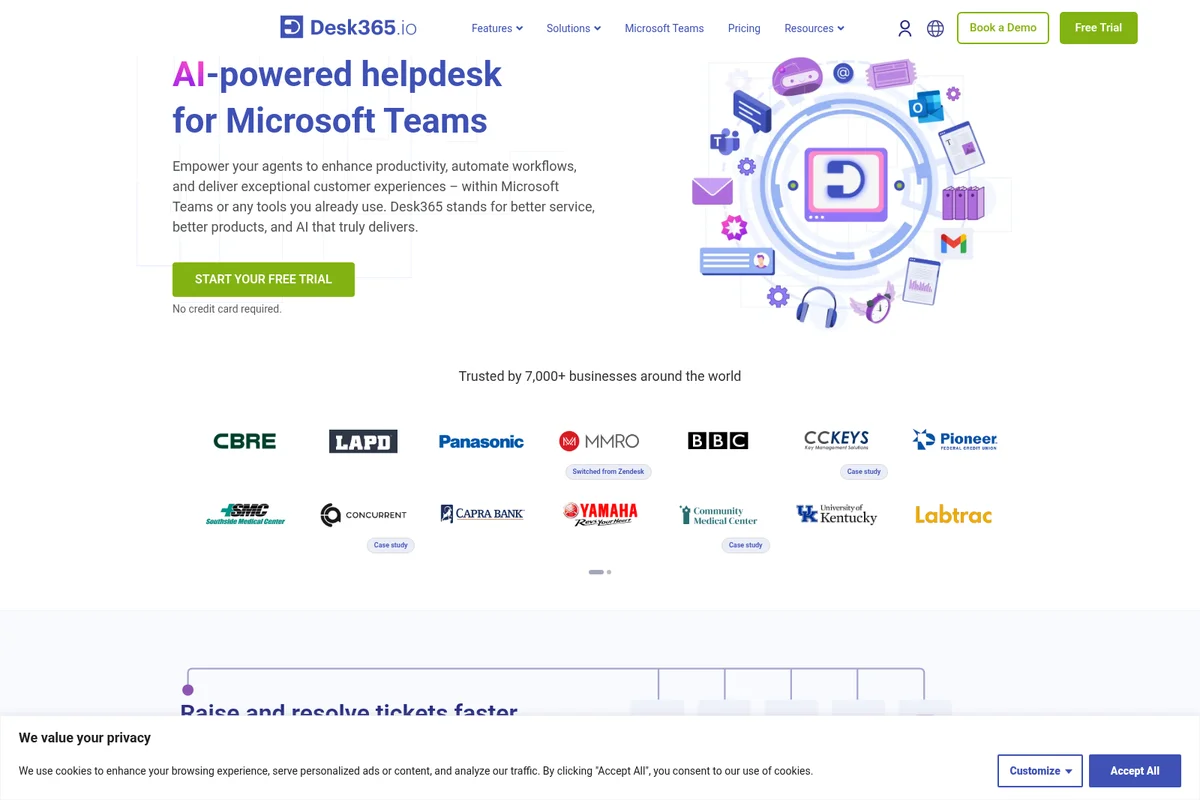
AI-powered helpdesk for Microsoft Teams, simplifying agent workflows.
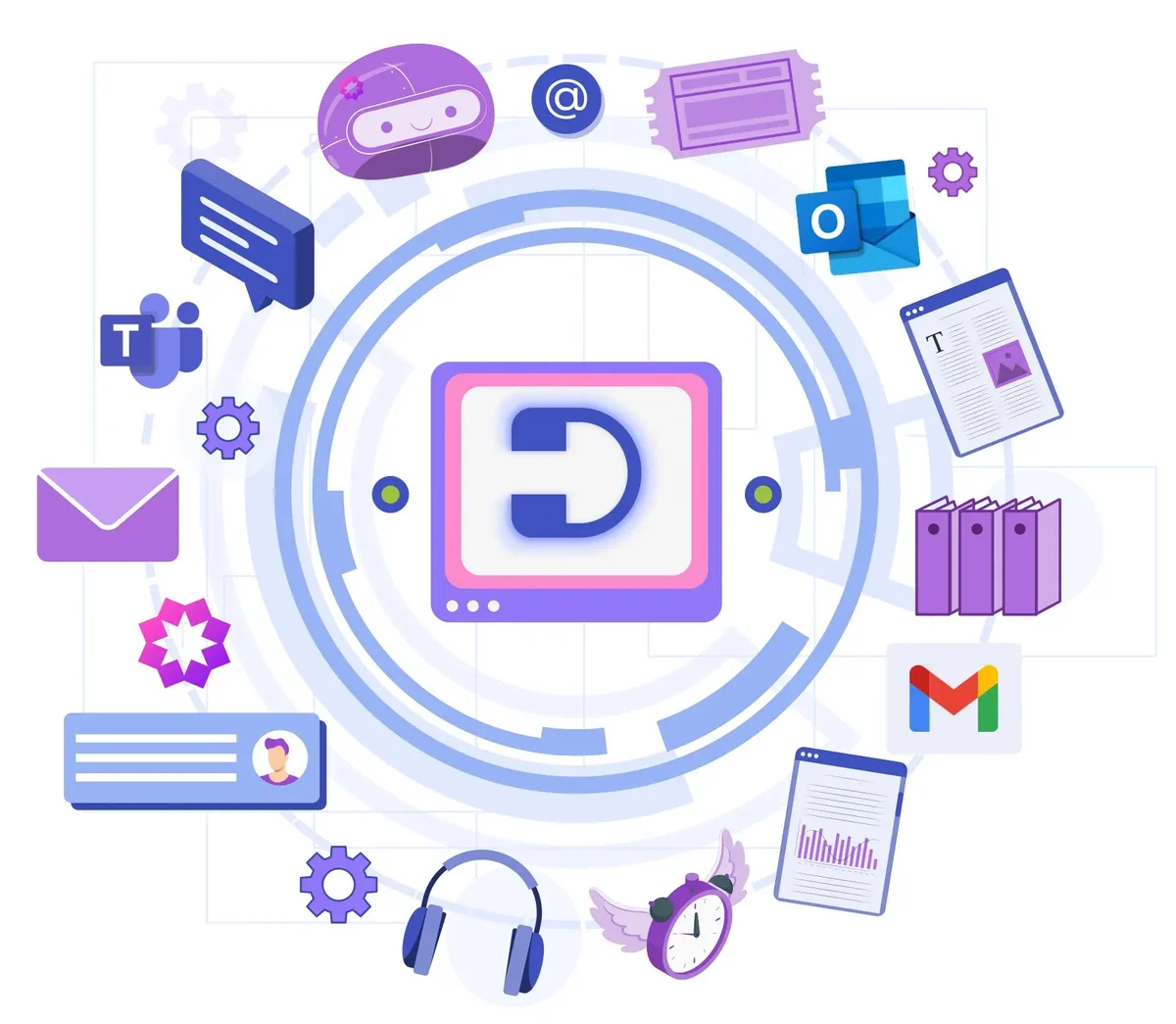
Connect all your support channels and tools into one unified helpdesk platform
Desk365 Review: Tooliverse Consensus


Based on 165 verified reviews across 4 platforms,
combined with Tooliverse's expert analysis
Desk365 solves the app-switching problem that drains IT support productivity by embedding the entire helpdesk workflow directly into Microsoft Teams, where agents already spend their day. The platform delivers cost savings up to 87% compared to enterprise competitors while maintaining core ticketing, automation, and asset management capabilities. Setup takes under an hour, and the development team actively implements user feature requests. Reporting dashboards lack depth for complex analytics, and AI features trail high-end enterprise tools, but for Teams-centric organizations prioritizing workflow efficiency, it removes the friction that slows down support operations.
Bottom line: A strong Teams-native helpdesk that eliminates app-switching for support teams at a fraction of enterprise platform costs, though reporting depth and AI sophistication trail pricier competitors.
Desk365 | Key Specs
- Platforms
- Web, iOS, Android
- Pricing Model
- Freemium ($0-32/agent/month) See plans
- Privacy/Data Use
- GDPR compliant, HIPAA support (Premium)
- Security
- SOC 2 Type 2, Microsoft Entra SSO, MFA, PHI/PII encryption See details
Wins
- •Integrates seamlessly with Microsoft Teams to keep agents in their primary workspacementioned in 84 reviews
- •Offers a highly cost-effective alternative to expensive enterprise helpdesk solutionsmentioned in 62 reviews
- •Provides an exceptionally fast and straightforward setup process for new teamsmentioned in 55 reviews
Watch-Outs
- •Reporting and analytics dashboards lack the depth required for complex performance trackingmentioned in 28 reviews
- •Customization options for the web-based support portal are currently limitedmentioned in 22 reviews
- •Agent portal lacks multi-language support for international support teamsmentioned in 18 reviews
Desk365 Features 2026
AI Agent
Build, train, and deploy multiple AI Agents that chat with customers to resolve simple, repetitive queries. Customize their personality, train them on your knowledge base, and deploy across channels like your website and support portal to deflect L1 tickets and reduce agent workload.
AI Copilot
AI assistant that helps agents draft intelligent replies, summarize lengthy tickets into concise overviews, generate knowledge base articles from resolved tickets, and translate responses into 30+ languages with grammar correction.
Microsoft Teams Native Integration
Manage support entirely within Microsoft Teams. Users raise tickets and agents resolve them without leaving Teams. Includes Support Bot for end-users and Agent Bot for support staff, with real-time notifications and ticket management.
IT Asset Management
Track hardware and software assets across their full lifecycle from procurement to retirement. Link assets to tickets, agents, and departments for instant context. Manage software licenses, depreciation, vendors, and product inventory in a centralized system.
Desk365 User Reviews
Selected Reviews
"The integration with Teams is almost 100%. Our agents love not having to switch apps to handle tickets, which has improved our response times significantly."
"Essential Tool for IT Ticket Management. I find Desk365 to be incredibly easy to set up and use daily. It has transformed how we handle internal requests."
"The reporting is very basic and could use more dynamic components. It is hard to show deep performance trends to management without exporting data."
More from the Community
"Desk365 redefines customer support by bringing AI automation directly into Microsoft Teams. This isn't just another ticketing system - it's a productivity booster."
"We switched from Zendesk and saved up to 87% of our costs without losing the core features we needed. The transition was smooth and the support was great."
"A very good system all round. Ease of use, speed, and simplicity are its best traits. It fits perfectly into our existing Microsoft workflow."
"Lack of language change on the agent portal is a bit of a hurdle for our international team members. Otherwise, a very solid tool for the price."
"The AI features are helpful but sometimes feel a bit basic compared to enterprise-level AI helpdesks. It gets the job done for a fraction of the cost though."
"Desk365 redefines customer support by bringing AI automation directly into Microsoft Teams. This isn't just another ticketing system - it's a productivity booster."
"We switched from Zendesk and saved up to 87% of our costs without losing the core features we needed. The transition was smooth and the support was great."
"A very good system all round. Ease of use, speed, and simplicity are its best traits. It fits perfectly into our existing Microsoft workflow."
"Lack of language change on the agent portal is a bit of a hurdle for our international team members. Otherwise, a very solid tool for the price."
"The AI features are helpful but sometimes feel a bit basic compared to enterprise-level AI helpdesks. It gets the job done for a fraction of the cost though."
"Setup was a breeze. We were up and running with our first 5 agents in less than an hour. The Teams bot is very responsive for our end users."
"The support team is fantastic. They actually listen to feature requests and implement them quickly. It feels like they are building the tool for us."
"Great for small to mid teams. It might struggle with very complex multi-department workflows but for IT support it is absolutely perfect."
"The mobile app works, but it's definitely secondary to the Teams integration. Could be more robust for agents who are constantly on the move."
"Setup was a breeze. We were up and running with our first 5 agents in less than an hour. The Teams bot is very responsive for our end users."
"The support team is fantastic. They actually listen to feature requests and implement them quickly. It feels like they are building the tool for us."
"Great for small to mid teams. It might struggle with very complex multi-department workflows but for IT support it is absolutely perfect."
"The mobile app works, but it's definitely secondary to the Teams integration. Could be more robust for agents who are constantly on the move."
Desk365 Pricing 2026
View SourceStandard at $12/agent/month covers the essentials: omnichannel ticketing, automation, and SLA management. Plus at $22/agent/month is where most teams should land—it adds the AI Copilot that drafts replies and summarizes tickets, plus 100 free AI Agent credits monthly to deflect repetitive inquiries. Premium at $32/agent/month is necessary only if you need HIPAA compliance, IT asset management, or the 200 AI Agent credits for higher deflection volumes. The cost advantage over Zendesk or ServiceNow is substantial enough that even the Premium tier feels affordable.
Desk365 In-Depth Review 2026

The helpdesk platform combines ticketing, AI automation, and IT asset management with native Teams integration. Users submit tickets through a Teams bot, agents resolve them without leaving the Teams interface, and the entire support workflow happens in the environment your organization already uses. It runs on web and mobile, with deployment options for internal IT support, customer service, and managed service providers.
What It's Like Day-to-Day
The Teams integration is the defining experience. End-users create tickets by messaging a bot, track status updates in their Teams chat, and never touch a separate support portal unless they want to. Agents see incoming tickets as Teams notifications, respond directly in the conversation thread, and access the full ticketing system through a Teams tab. One Capterra reviewer noted the integration is "almost 100%" and that agents "love not having to switch apps to handle tickets, which has improved our response times significantly." The workflow feels less like adopting new software and more like adding a capability to the tool you're already in all day.
Desk365 Security & Compliance
Verified Compliance
- SOC 2 Type 2
- GDPR
- HIPAA
Security Features
- Microsoft Entra ID Single Sign-On (SSO)
- Multi-factor Authentication (MFA)
- PHI/PII Encrypted Fields
- Data Redaction
- Encrypted Field Audit Logs
- Role-Based Access Controls
- Custom Password Policies
- Encryption in Transit and at Rest
Privacy Commitments
- Data centers in US and EU regions
- GDPR compliant data privacy
- HIPAA compliance with Premium plan
- Biometric locks and 24-hour surveillance on data centers
Desk365: Frequently Asked Questions (FAQs)
Can a high-quality product truly be offered at such a low price?
Yes. Desk365 prioritizes product development and customer support over sales and marketing, allowing them to offer a superior product at competitive pricing. A significant portion of resources is dedicated to crafting an exceptional product rather than marketing spend.
Do you offer a free trial?
Yes. Desk365 offers a 21-day trial for all plans with access to all features. No credit card is required to start the trial. After the trial ends, you can upgrade to a paid plan or automatically move to the free plan.
What happens when my trial gets over?
Once your trial ends and you choose not to upgrade, you'll automatically be moved to the FREE plan, which offers a limited set of features including up to 50 tickets per month.
What payment methods do you accept?
Desk365 accepts all major credit cards (Visa, MasterCard, American Express, Discover, Diner's Club), ACH transfer, wire transfer, and works with PO/fulfillment processes for yearly subscriptions.
Desk365 Integrations
| Microsoft Teams | Microsoft Entra ID | Power Automate |
| Microsoft 365 Copilot | Power BI | Jira |
| Azure DevOps | Asana | Microsoft Planner |
Desk365: Verified Data Sheet
| # | Label | Data Point |
|---|---|---|
| [1] | Desk365 Consensus: 8.15/10 | Desk365 is a highly-rated tool among AI support tools in the Tooliverse index, with a consensus score of 8.15/10 across 165 verified reviews. |
| [2] | What is Desk365 | Desk365, operated by Kani Technologies Inc., is a SOC 2 Type 2 certified helpdesk platform combining ticketing, AI agents, and IT asset management with native Microsoft Teams integration. The platform serves 7,000+ businesses across 61+ countries, with pricing starting at $12/agent/month. |
| [3] | Tooliverse Consensus on Desk365 | Desk365 solves the app-switching problem that drains IT support productivity by embedding the entire helpdesk workflow directly into Microsoft Teams, where agents already spend their day. The platform delivers cost savings up to 87% compared to enterprise competitors while maintaining core ticketing, automation, and asset management capabilities. Setup takes under an hour, and the development team actively implements user feature requests. Reporting dashboards lack depth for complex analytics, and AI features trail high-end enterprise tools, but for Teams-centric organizations prioritizing workflow efficiency, it removes the friction that slows down support operations. |
| [4] | Desk365 Verdict | Desk365 bottom line: A strong Teams-native helpdesk that eliminates app-switching for support teams at a fraction of enterprise platform costs, though reporting depth and AI sophistication trail pricier competitors. |
| [5] | Free: Free | Desk365 offers a functional Free tier with up to 50 tickets per month and email-to-ticket conversion, making helpdesk tools accessible at no cost. |
| [6] | Native Teams integration eliminates app-switching | Desk365 integrates natively with Microsoft Teams, allowing agents to manage tickets entirely within Teams without switching applications, validated as a workflow improvement by 84 user reviews. |
| [7] | Up to 87% cost savings vs enterprise competitors | Desk365 delivers cost savings up to 87% compared to enterprise helpdesk platforms like Zendesk, according to user migration reports, with pricing starting at $12/agent/month. |
| [8] | Plus: $22/agent/mo (annual) | Kani Technologies Inc.'s Desk365 Plus empowers users with AI Copilot (draft replies, summarize tickets, generate KB articles) for $22/agent/month billed annually, significantly expanding on the free tier's capabilities. |
| [9] | Sub-one-hour setup for new teams | Desk365 provides setup and deployment in under one hour for small teams, with 55 user reviews highlighting the exceptionally fast onboarding process. |
| [10] | Support team implements user feature requests | Desk365 maintains a responsive support team that actively implements user-requested features, with 48 reviews citing this as a key differentiator from larger enterprise platforms. |
| [11] | Basic reporting lacks enterprise depth | Desk365 reporting and analytics dashboards lack depth for complex performance tracking, with 28 user reviews noting limitations in dynamic reporting components and trend visualization. |
| [12] | Limited portal customization options | Desk365 web-based support portal offers limited customization options, according to 22 user reports requesting more branding and layout flexibility. |
| [13] | Privacy: Data centers in US and EU regions | Desk365 privacy protections include Data centers in US and EU regions, GDPR compliant data privacy, and HIPAA compliance with Premium plan. |
| [14] | Enterprise: Microsoft Entra ID Single Sign-On (SSO) | Desk365 provides enterprise security with Microsoft Entra ID Single Sign-On (SSO), Multi-factor Authentication (MFA), and PHI/PII Encrypted Fields. |
| [15] | Transforms internal request handling | Desk365 "transformed how we handle internal requests" and is "incredibly easy to set up and use daily," according to a verified G2 reviewer managing IT ticket workflows. |
Best Desk365 Alternatives
Freshdesk
Customer service that puts people first—AI handles the complexity while your team builds the connections.
Document360
Build smarter documentation with AI-powered knowledge management that scales with your team.
Zendesk
Deliver faster, higher quality resolutions with AI that continuously improves every resolution.