
Grammarly Review 2026 - AI Writing Assistant
Verified Jun 12, 2026 by Tooliverse Editorial
Grammarly turns messy drafts into polished writing—catch typos, rewrite paragraphs, adjust tone, and stay on-brand across 1 million+ apps. Trusted by 40 million people and 50,000 organizations for mistake-free, impactful communication.
Your Credibility Is in Your Voice. Use It. | Try Grammarly Today
Grammarly Tutorial: How to Improve Your Writing Instantly
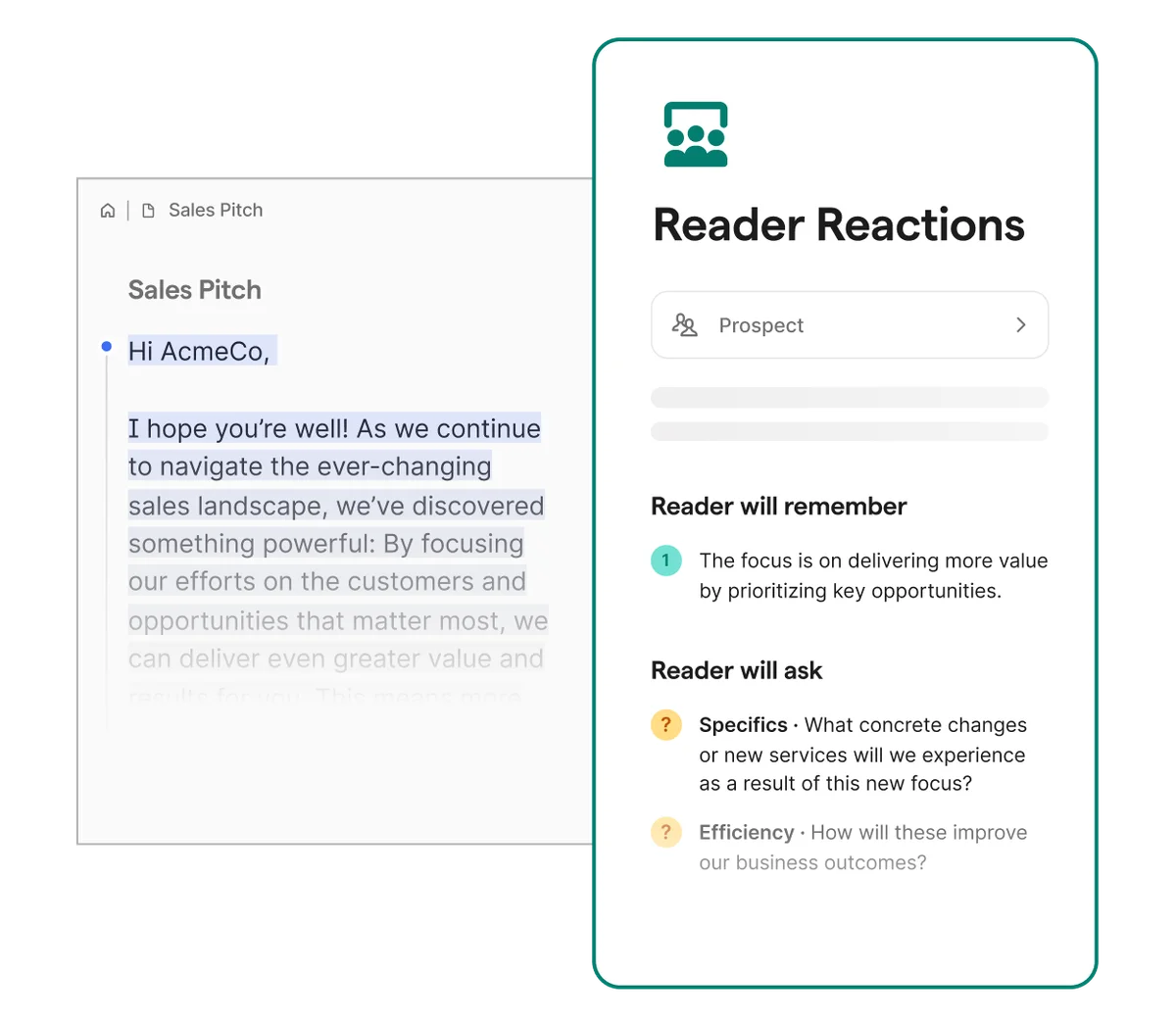
Get AI-powered insights into reader reactions and potential questions on your written content.
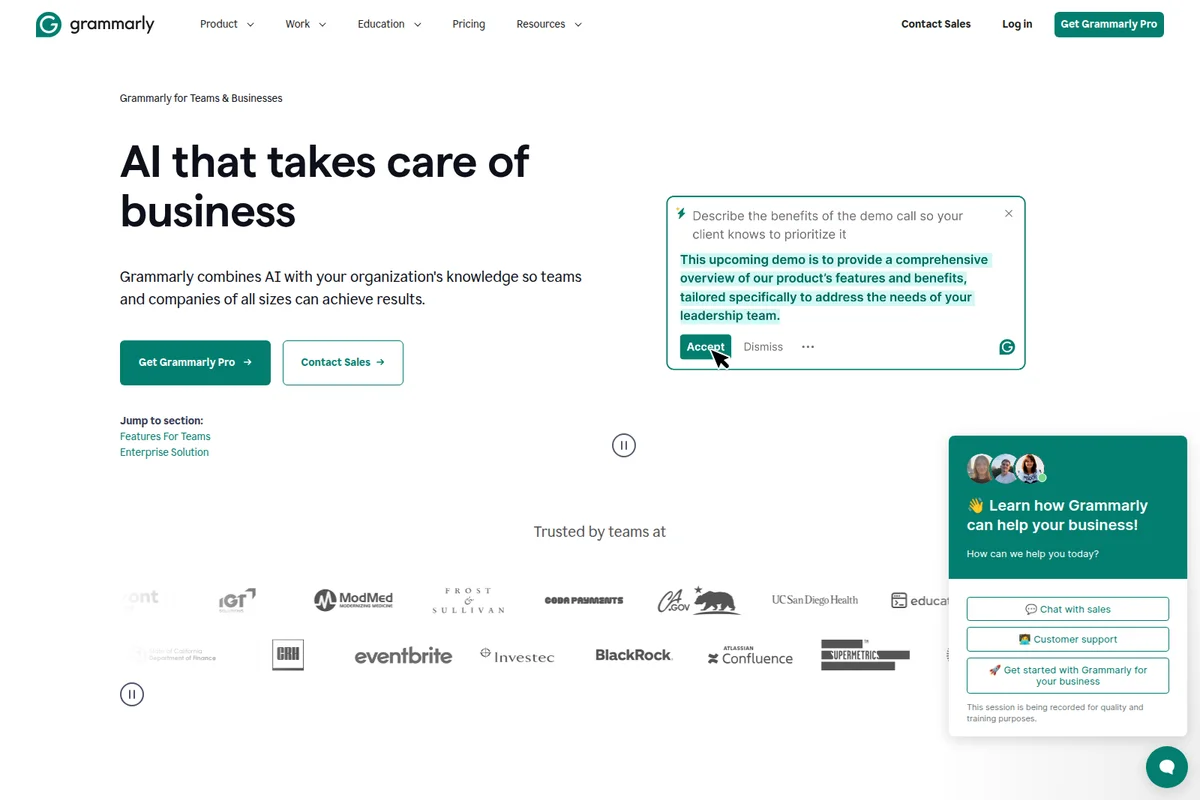
Explore how Grammarly's AI helps businesses and engage with demo and support.
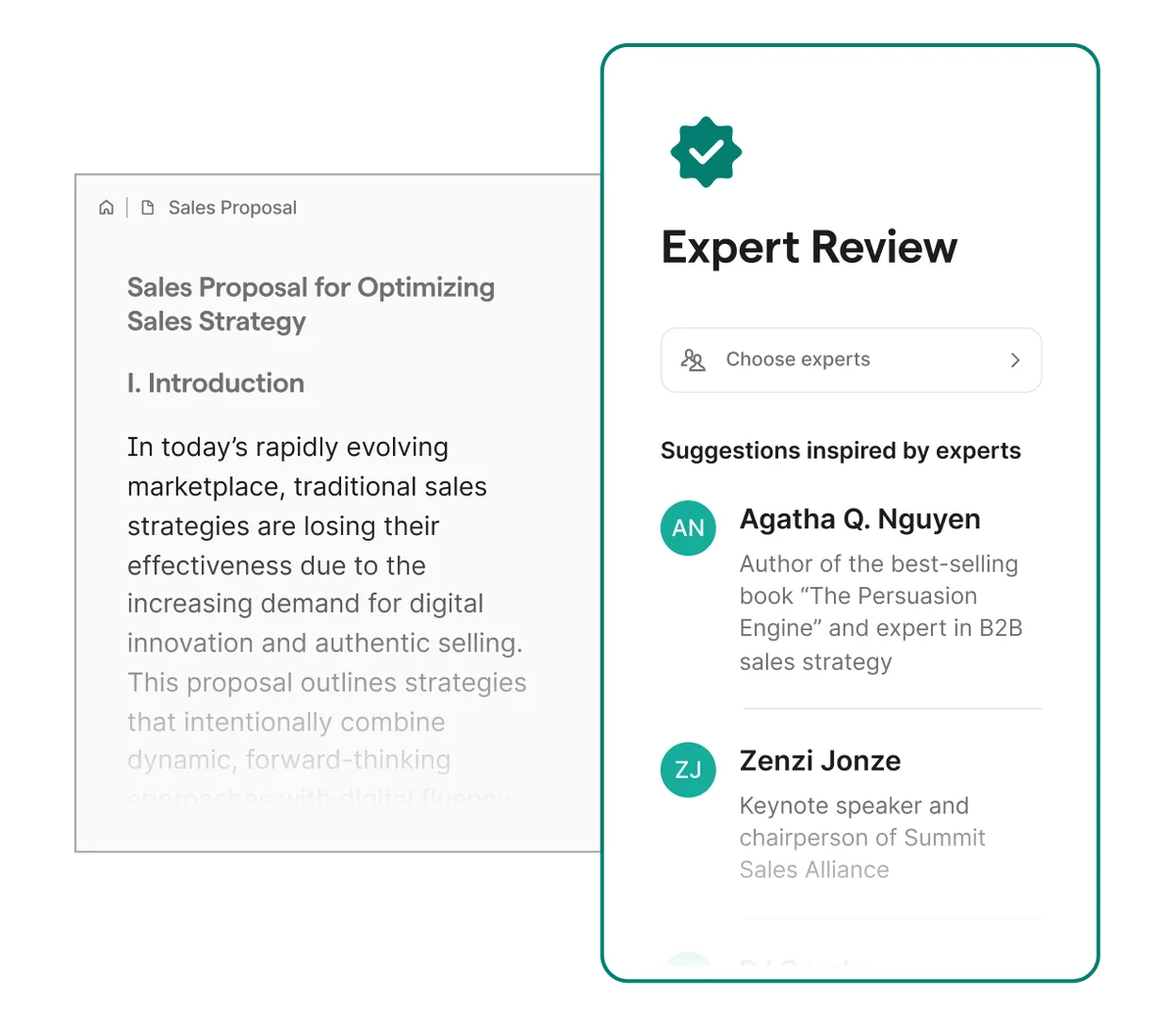
Get expert feedback on your documents to refine your sales strategies.
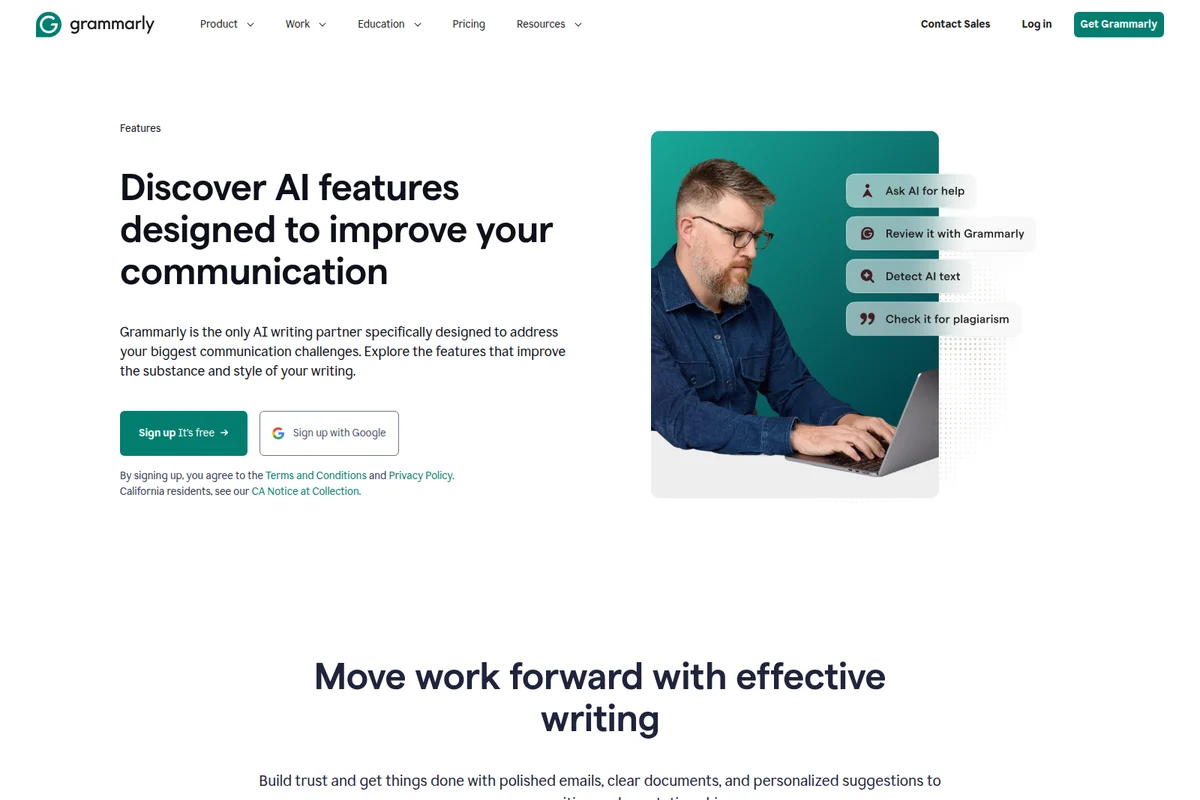
Discover how Grammarly's AI features improve your writing and communication.
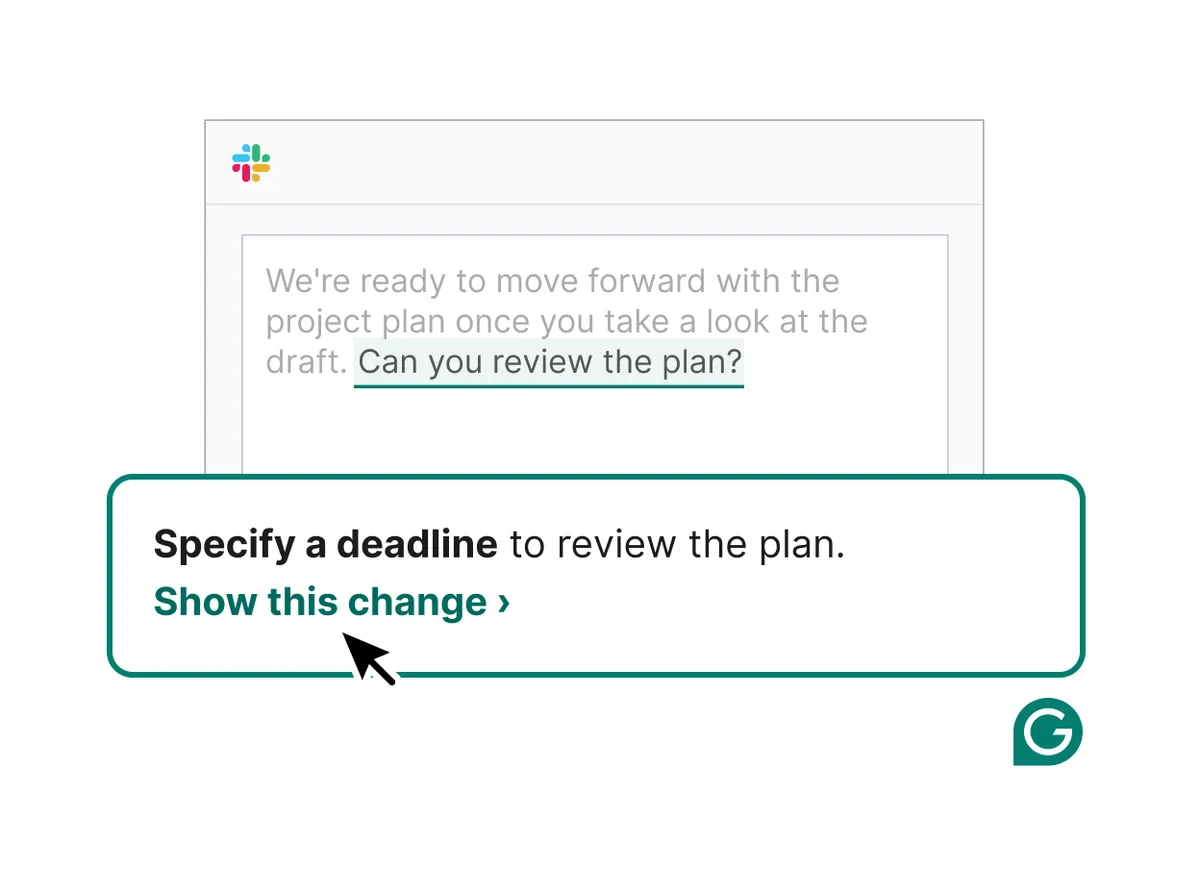
Grammarly suggests ways to improve clarity and completeness in your messages.
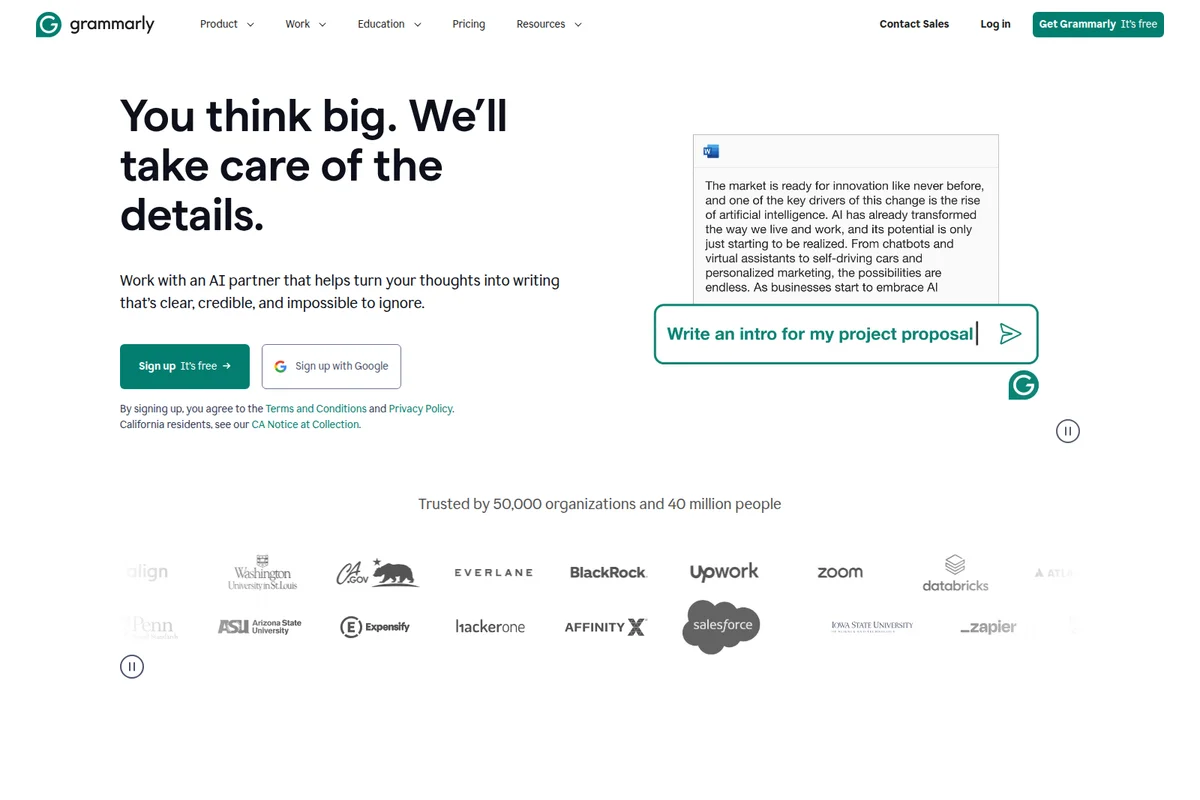
Generate clear, credible, and impactful writing with Grammarly's AI assistance.
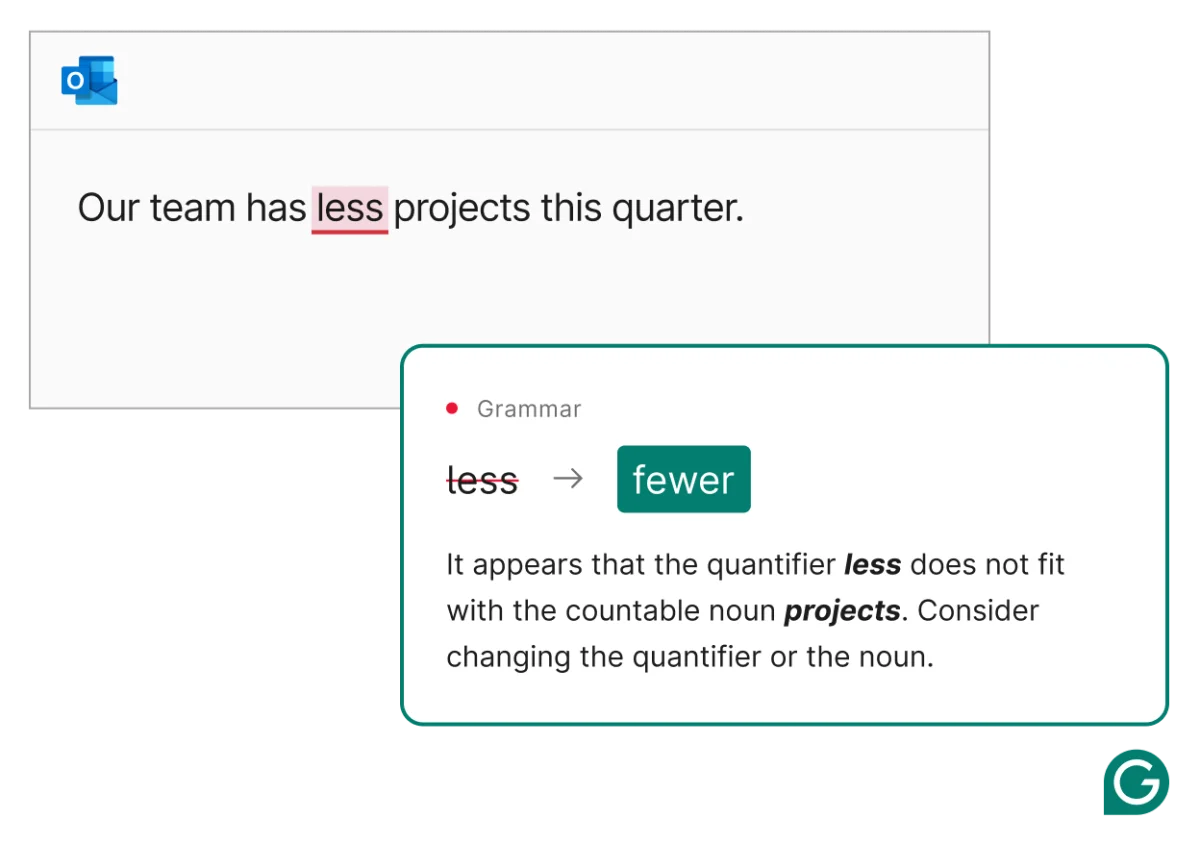
Get instant, accurate grammar suggestions directly within your emails.
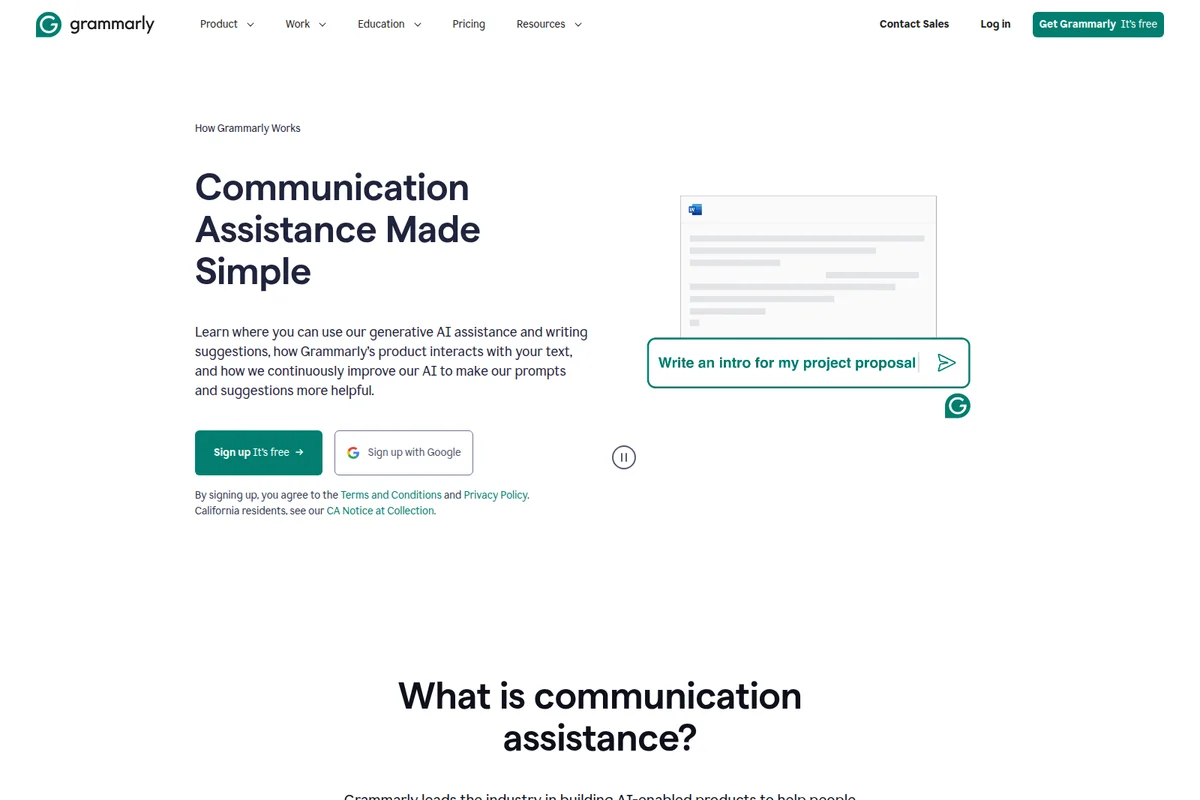
Generate introductions for documents and proposals with AI assistance.
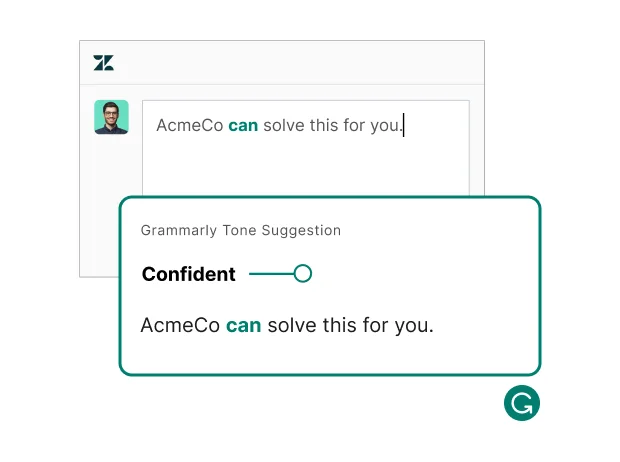
Ensure your message lands with the perfect tone, every time.
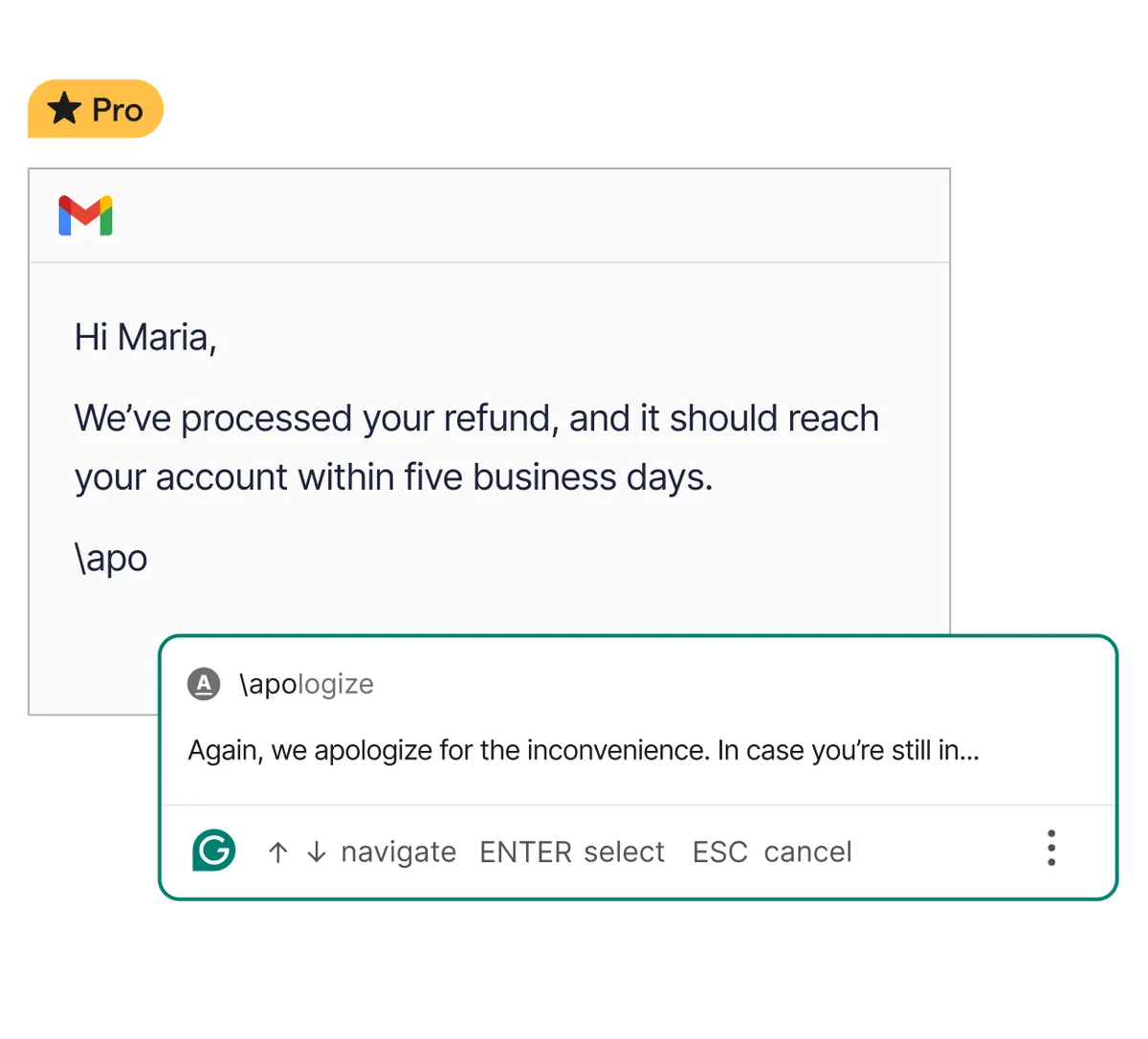
Generate full sentences and professional apologies from simple shorthand inputs.
Grammarly Review: Tooliverse Consensus






Based on 47k+ verified reviews across 6 platforms,
combined with Tooliverse's expert analysis
Grammarly stands as the definitive AI writing assistant for professionals who need to close the gap between intent and perception across email, documents, and messaging platforms. The cross-platform integration depth and tone detection accuracy set it apart, with real-time suggestions that catch nuanced communication issues before they reach their audience. The plagiarism checker and brand voice tools add essential value for academics and teams managing communication at scale, though creative writers should apply style suggestions selectively, and the premium pricing at $30 monthly may feel steep compared to the annual Pro rate.
Bottom line: The gold standard writing assistant that elevates professional communication across platforms with unmatched tone detection and integration depth, though creative writers should selectively apply its suggestions to preserve their unique voice.
Grammarly | Key Specs
- Platforms
- Web, iOS, Android, macOS, Windows, Chrome, Safari, Firefox, Edge
- Pricing Model
- Freemium ($0-30/mo) See plans
- Privacy/Data Use
- Does not sell or monetize user content, GDPR/CCPA compliant
- Security
- SOC 2 Type 2, 256-bit AES encryption, SAML SSO See details
Wins
- •Provides instant AI-powered rewriting that significantly accelerates drafting and editingmentioned in 342 reviews
- •Integrates flawlessly across browsers and desktop apps for a unified writing experiencementioned in 289 reviews
- •Delivers highly accurate tone detection that helps maintain professional communication standardsmentioned in 215 reviews
Watch-Outs
- •Premium subscription costs are frequently cited as a barrier for individual usersmentioned in 156 reviews
- •AI suggestions can occasionally feel generic and strip away the author's unique voicementioned in 112 reviews
- •Performance lag sometimes occurs when editing very large documents in Google Docsmentioned in 89 reviews
Grammarly Features 2026
AI Agents
Access specialized AI agents including Reader Reactions (predict audience response), Citation Finder (source verification), AI Grader (rubric-aligned feedback), and Humanizer (natural-sounding AI text).
Plagiarism Checker
Verify originality by scanning your work for similarities across billions of web pages and get citation suggestions to maintain academic integrity.
AI Detector
Check your writing for AI-generated content and identify exactly where you need to edit to ensure authentic, human-sounding text.
Full-Paragraph Rewrites
Instantly accept complete paragraph rewrites to go from first draft to final document quickly, maintaining your meaning while improving clarity and flow.
Grammarly User Reviews
Selected Reviews
"The new AI features are a game changer for my daily emails. It helps me strike the right tone without overthinking every sentence."
"The plagiarism checker is the best in the business. Essential for my master's thesis and worth every penny of the premium cost."
"Great for catching those embarrassing typos, though the subscription price is getting harder to justify with free AI tools available."
More from the Community
"I've used this for years, but the recent updates to the Chrome extension make it feel much lighter and faster than before."
"It's helpful but the AI suggestions are starting to feel a bit generic. I find myself rejecting half of them to keep my own voice."
"The pop-ups for GrammarlyGO are really annoying when I'm just trying to write a quick note. I wish I could disable the AI prompts specifically."
"Integration with Google Docs has improved significantly. It used to lag my browser but now it's much more stable."
"As a non-native speaker, this tool is my lifeline. It explains why a correction is made, which helps me actually learn."
"I've used this for years, but the recent updates to the Chrome extension make it feel much lighter and faster than before."
"It's helpful but the AI suggestions are starting to feel a bit generic. I find myself rejecting half of them to keep my own voice."
"The pop-ups for GrammarlyGO are really annoying when I'm just trying to write a quick note. I wish I could disable the AI prompts specifically."
"Integration with Google Docs has improved significantly. It used to lag my browser but now it's much more stable."
"As a non-native speaker, this tool is my lifeline. It explains why a correction is made, which helps me actually learn."
"The mobile keyboard is surprisingly good. It's subtle enough not to get in the way but catches the 'fat finger' errors perfectly."

"Grammarly has become my default editor. The desktop app is clean and the cross-platform syncing works perfectly every time."
"Solid tool, but I'm concerned about how much of my data is being used to train their LLMs. Transparency could be better."
"Saves me at least an hour a day on proofreading. The 'rephrase for clarity' feature is worth the price of admission alone."
"The mobile keyboard is surprisingly good. It's subtle enough not to get in the way but catches the 'fat finger' errors perfectly."
"Grammarly has become my default editor. The desktop app is clean and the cross-platform syncing works perfectly every time."
"Solid tool, but I'm concerned about how much of my data is being used to train their LLMs. Transparency could be better."
"Saves me at least an hour a day on proofreading. The 'rephrase for clarity' feature is worth the price of admission alone."
Grammarly Pricing 2026
View SourceThe free tier handles grammar and spelling with 100 AI prompts monthly, but Pro at $12/month billed annually is where the product delivers its full value: plagiarism detection, tone adjustment, full-sentence rewrites, and 2,000 AI prompts. That's the tier most professionals and students actually need. Enterprise adds unlimited prompts, custom style guides, and compliance features that matter for teams coordinating communication at scale.
Grammarly In-Depth Review 2026

This writing assistant runs across Gmail, Slack, Google Docs, Microsoft Word, and over a million other apps, working in real time as you type. You don't switch contexts or paste text into a separate editor; the suggestions appear inline, wherever you're already writing. The integration depth is what sets it apart: it works in the tools you use every day without asking you to change your workflow.
What It's Like Day-to-Day
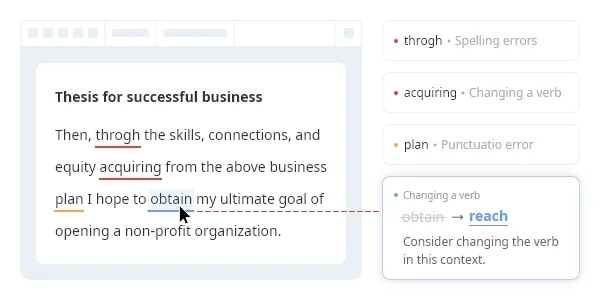
The real-time suggestions catch the nuanced issues that matter in professional contexts: passive voice that weakens your argument, tone that reads as curt when you meant direct, word choices that don't quite fit the formality level you need. The tone detection is the feature you didn't know you needed until it flags your third overly blunt Slack message of the day. As one iOS reviewer put it, Grammarly "helps me strike the right tone without overthinking every sentence."
The full-paragraph rewrites accelerate the drafting process in ways basic grammar checking can't touch. You write a rough first pass, click once, and get a polished version that maintains your meaning while improving clarity and flow.
Grammarly Security & Compliance
Verified Compliance
- SOC 2 Type 2
- GDPR compliant
- CCPA compliant
Security Features
- 256-bit AES encryption for files at rest
- SSL/TLS for data in transit
- SAML single sign-on
- SCIM provisioning
- Enterprise key management (BYOK)
Privacy Commitments
- Does not sell or monetize user content
- Does not provide content for advertising purposes
- Does not allow third-party service providers to train models on user content
- Users own what they write
- Restricted access to customer data with audited permissions
Grammarly: Frequently Asked Questions (FAQs)
Where can I use Grammarly?
Grammarly works across all major web browsers (Google Chrome, Mozilla Firefox, Microsoft Edge, and Safari), desktop apps for Windows and Mac, mobile devices (Android, iOS, iPad), and directly within the Grammarly Editor web platform. It integrates with 1 million+ apps and websites.
What does Grammarly offer beyond spell-check and grammar-check?
Grammarly assists with the entire writing process from outlining and drafting with generative AI prompts to rewriting text in a single click to proofreading for clarity, concision, and tone. It provides AI-powered suggestions for nuanced editorial decisions like tone and sentence variety, plus plagiarism detection, citation support, and organizational features like style guides and snippets for teams.
Is Grammarly secure?
Yes, Grammarly maintains enterprise-grade security with 256-bit AES encryption for files at rest and SSL/TLS for data in transit. Grammarly is SOC 2 Type 2 certified and complies with GDPR and CCPA. Access to customer data is restricted and audited.
Can Grammarly see or use my writing?
Grammarly restricts access to customer data across its network. Only authorized personnel may access data critical to their work via specific, audited permissions. Grammarly does not sell or monetize user content, provide it for advertising purposes, or allow third-party service providers to train their models on user content. You own what you write.
Grammarly Integrations
| Gmail | Microsoft Outlook | Google Docs |
| Microsoft Word | Slack | Microsoft Teams |
| Microsoft PowerPoint | Apple Mail | Notion |
| Figma | ||
| Salesforce | Google Sheets | Zendesk |
| Jira | Google Chrome | Safari |
| Firefox | Microsoft Edge |
Grammarly: Verified Data Sheet
| # | Label | Data Point |
|---|---|---|
| [1] | Grammarly Consensus: 9.04/10 | Grammarly is one of the highest-rated AI writing tools in the Tooliverse index, with a consensus score of 9.04/10 across 47,850 verified reviews. |
| [2] | What is Grammarly | Grammarly, now part of Superhuman Platform, is a SOC 2 Type 2 certified AI writing assistant serving 40 million users and 50,000 organizations. The platform works across 1 million+ apps with pricing starting at $12/month. |
| [3] | Tooliverse Consensus on Grammarly | Grammarly stands as the definitive AI writing assistant for professionals who need to close the gap between intent and perception across email, documents, and messaging platforms. The cross-platform integration depth and tone detection accuracy set it apart, with real-time suggestions that catch nuanced communication issues before they reach their audience. The plagiarism checker and brand voice tools add essential value for academics and teams managing communication at scale, though creative writers should apply style suggestions selectively, and the premium pricing at $30 monthly may feel steep compared to the annual Pro rate. |
| [4] | Grammarly Verdict | Grammarly bottom line: The gold standard writing assistant that elevates professional communication across platforms with unmatched tone detection and integration depth, though creative writers should selectively apply its suggestions to preserve their unique voice. |
| [5] | Free: Free | Grammarly provides a functional Free tier with core features including mistake detection and tone analysis, making AI writing tools accessible at no cost. |
| [6] | Instant AI-powered rewriting | Grammarly provides instant AI-powered rewriting that significantly accelerates drafting and editing workflows, validated as a transformative capability by 342 user reviews. |
| [7] | Flawless cross-platform integration | Grammarly integrates flawlessly across browsers and desktop apps for a unified writing experience, with seamless operation confirmed by 289 user reviews. |
| [8] | Accurate tone detection | Grammarly delivers highly accurate tone detection that helps maintain professional communication standards, with effectiveness validated by 215 user reviews. |
| [9] | Robust plagiarism detection | Grammarly features a robust plagiarism checker that provides essential peace of mind for academics, recognized as best-in-class by 198 user reviews. |
| [10] | Pro: $12/mo (annual) | Superhuman Platform's Grammarly Pro empowers users with Rewrite full sentences with a click for $12/month billed annually, significantly expanding on the free tier's capabilities. |
| [11] | Premium pricing barrier | Grammarly's premium subscription costs are frequently cited as a barrier for individual users, with pricing concerns raised in 156 user reviews. |
| [12] | AI can flatten unique voice | Grammarly's AI suggestions can occasionally feel generic and strip away the author's unique voice, according to 112 user reports. |
| [13] | Privacy: Does not sell or monetize user content | Grammarly privacy protections include Does not sell or monetize user content, Does not provide content for advertising purposes, and Does not allow third-party service providers to train models on user content. |
| [14] | Enterprise: 256-bit AES encryption for files at rest | Grammarly provides enterprise security with 256-bit AES encryption for files at rest, SSL/TLS for data in transit, and SAML single sign-on for secure access management. |
| [15] | Simplifies tone management | Grammarly "helps me strike the right tone without overthinking every sentence" and transforms daily email communication, according to a verified iOS App Store reviewer. |
Best Grammarly Alternatives
Superhuman
AI that works everywhere you work—helping you write, plan, and communicate with clarity and confidence.
ProWritingAid
Write and edit like an expert with AI-powered suggestions that go beyond grammar to transform your storytelling.
Wordvice AI
Perfect your writing with AI-powered proofreading, paraphrasing, and translation tools.