
Hemingway Editor Review 2026 - AI Writing Tool
Verified Jun 12, 2026 by Tooliverse Editorial
Hemingway Editor highlights wordy sentences, passive voice, and grammar errors in real-time—then fixes them with one click. Millions of writers use it to transform dense, confusing prose into clear, readable content without losing their voice.
Hemingway Editor Plus

Improve your writing with clear, color-coded suggestions in real-time.
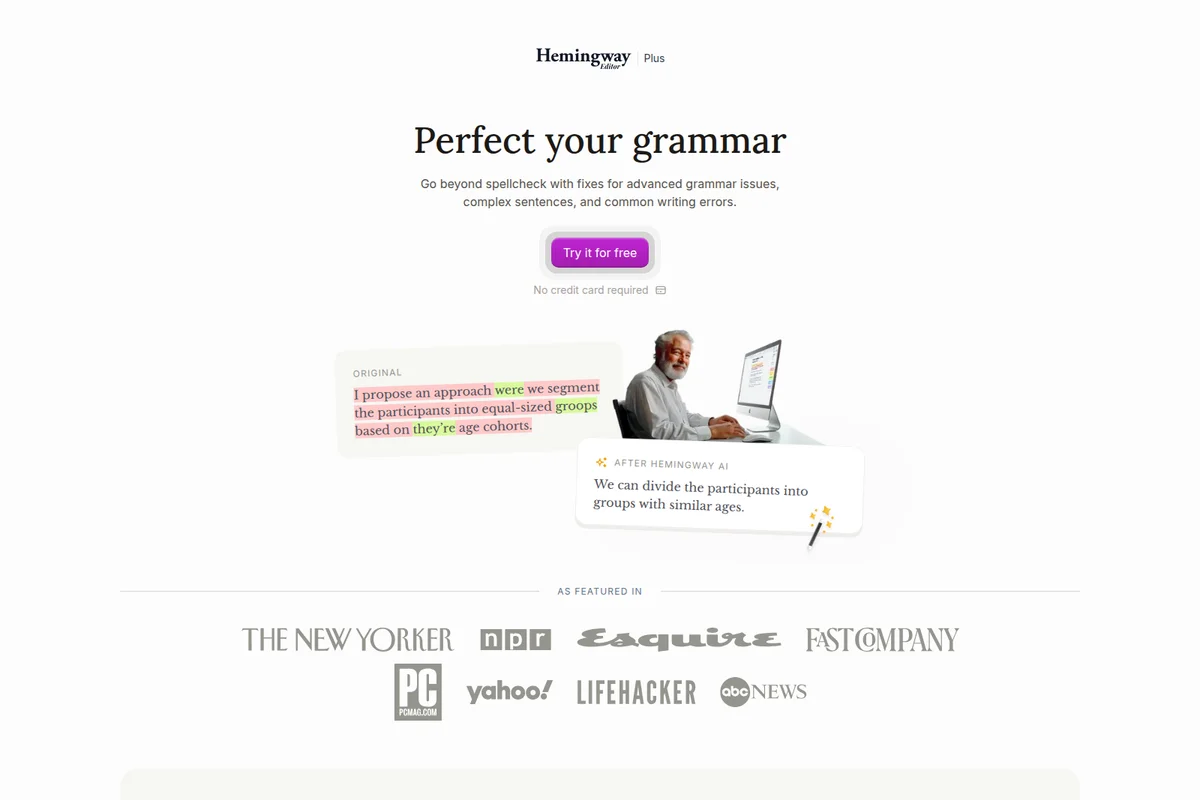
See instant grammar fixes and simplified sentences for clearer writing.

Harness the strength of Hemingway's style to punch up your prose.
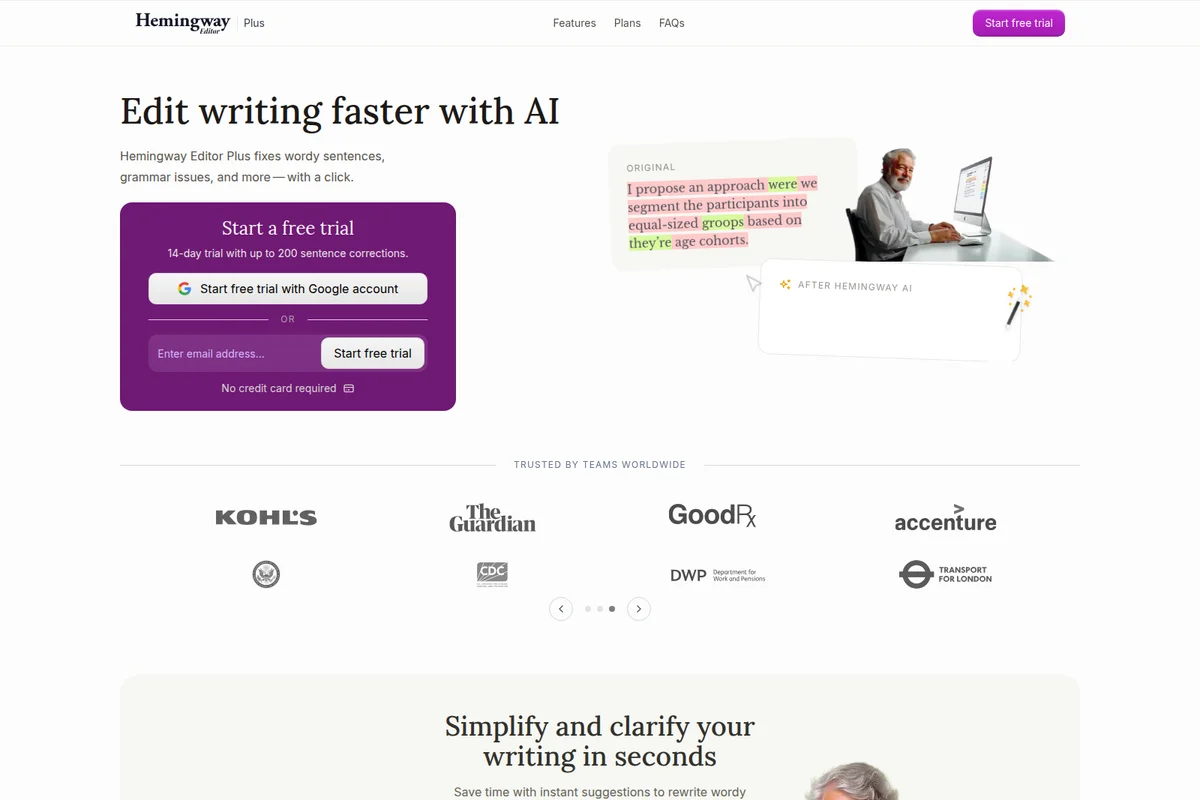
Edit your writing faster with AI and simplify complex sentences instantly.

Embrace directness and strength in your writing, inspired by the adventurous spirit.
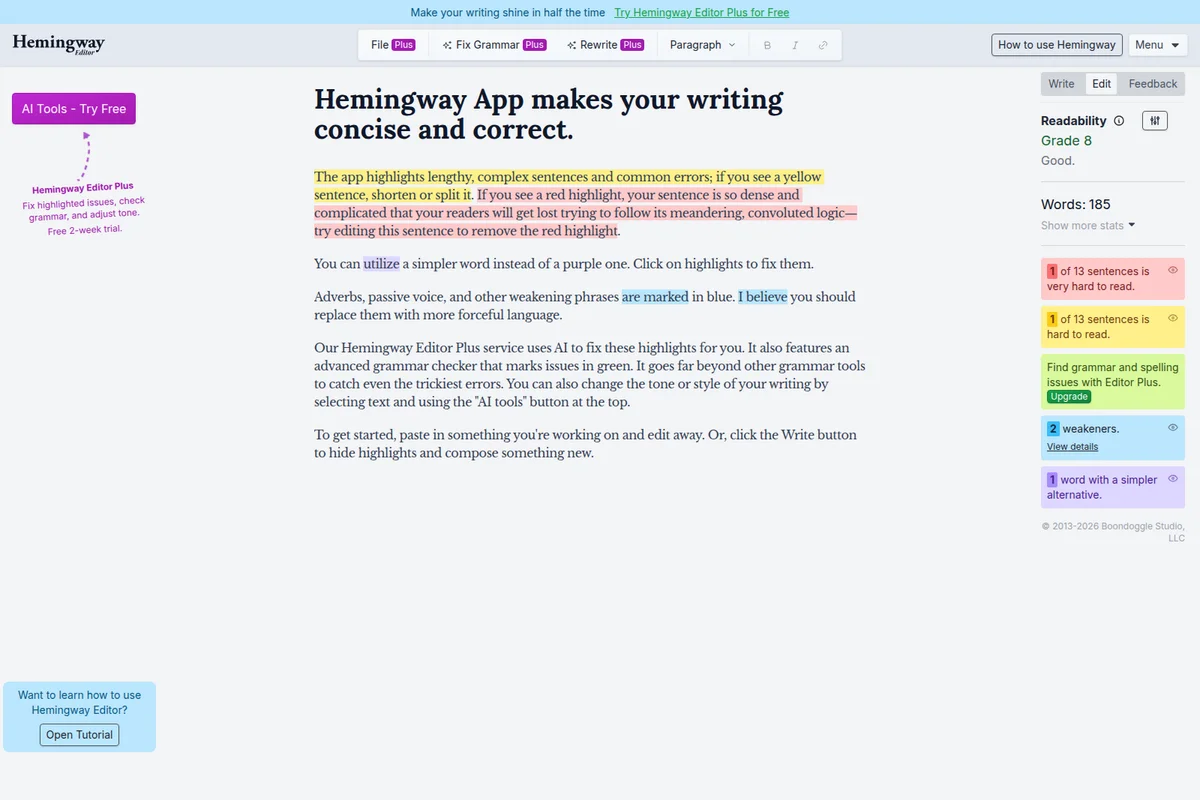
Instantly identify and fix hard-to-read sentences, weakeners, and complex prose for improved readability.
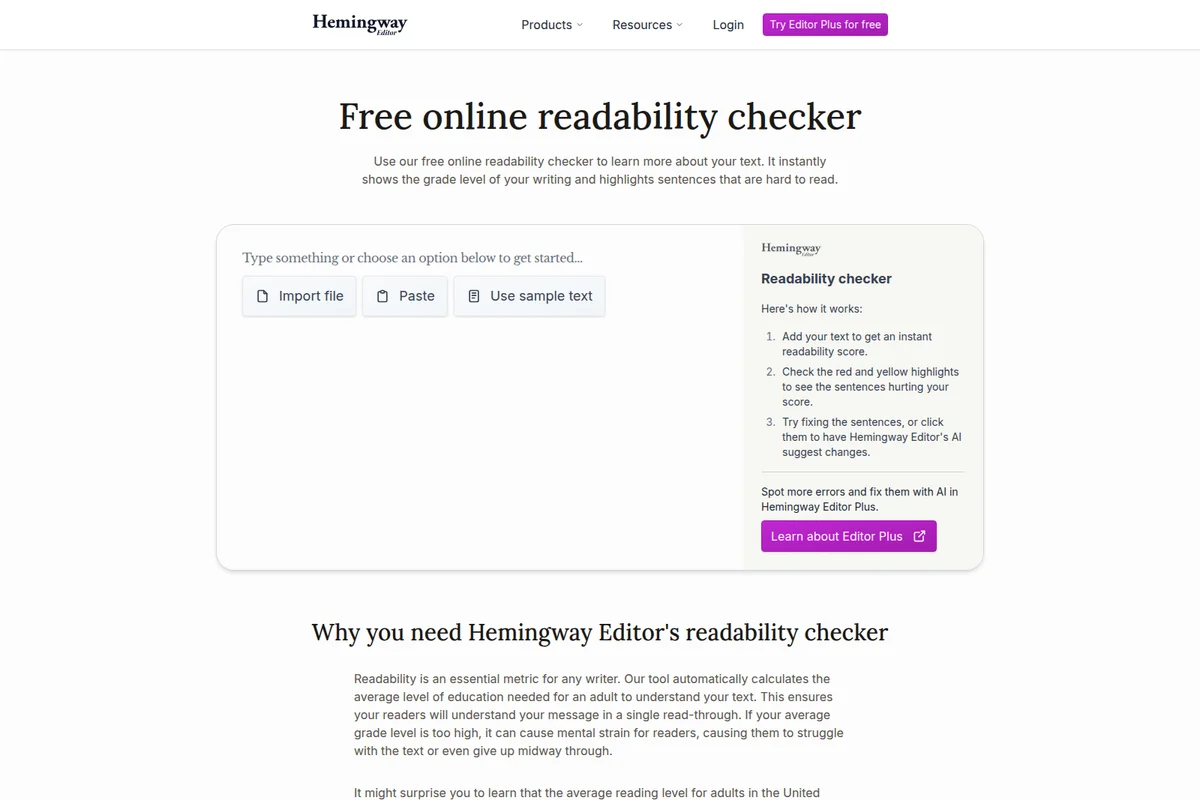
Instantly analyze text readability and get suggestions for improvement.
Hemingway Editor Review: Tooliverse Consensus







Based on 1k+ verified reviews across 6 platforms,
combined with Tooliverse's expert analysis
Hemingway Editor functions as a stylistic scalpel that prioritizes clarity and brevity, using color-coded visual feedback to identify exactly where sentences have become too complex for readers to follow comfortably. The AI-powered rewrites preserve author intent while simplifying prose, making it especially valuable for content creators, students, and business professionals who need to communicate clearly with broad audiences. The tool's strength lies in its instant readability scoring and distraction-free writing environment, though AI rewrite credits deplete quickly for heavy users and the rigid style suggestions can occasionally flatten distinctive creative voice.
Bottom line: A leading clarity tool that transforms readability analysis into immediate visual feedback, teaching writers to simplify without losing their voice, though creative authors should apply its aggressive style suggestions selectively.
Hemingway Editor | Key Specs
- Platforms
- Web, macOS, Windows
- Pricing Model
- Freemium ($0-12.50/mo) See plans
- Privacy/Data Use
- No data selling, no AI training on user data
- AI Sentence Limits
- 5,000-10,000/month (paid plans)
Wins
- •Provides color-coded highlights that instantly identify readability issuesmentioned in 412 reviews
- •Features AI-powered rewriting that simplifies complex sentences while maintaining tonementioned in 328 reviews
- •Offers a distraction-free writing mode for focused drafting and editingmentioned in 215 reviews
Watch-Outs
- •AI rewriting credits are strictly limited on the base subscription planmentioned in 142 reviews
- •Occasional formatting inconsistencies occur when exporting documents to Microsoft Wordmentioned in 98 reviews
- •Rigid stylistic suggestions can sometimes strip away a writer's unique voicementioned in 87 reviews
Hemingway Editor Features 2026
AI-Powered Sentence Rewrites
One-click AI fixes for wordy sentences, passive voice, and complex phrasing that match your tone and style, ensuring rewrites sound like you, not a robot.
8 AI Style Modes
Transform your writing with AI styles including shorten, add detail, more confident, more friendly, more casual, more formal, and more persuasive.
Real-Time Readability Scoring
Uses the Automated Readability Index (ARI) to instantly calculate the grade level needed to understand your text, with color-coded highlights showing sentences at 12th grade (yellow) and 14th+ grade (red) levels.
Advanced Grammar Checker
Goes beyond basic spellcheck to catch tricky errors like your/you're, its/it's, and other grammatical issues that simple tools miss.
Hemingway Editor User Reviews
Selected Reviews
"The new AI rewrite feature is a game changer for my blog posts. It keeps my tone but fixes the clunky sentences I usually miss."
"The export to WordPress saves me so much time. No more copy-pasting and reformatting every single time I finish a draft."
"It's a bit aggressive with the passive voice suggestions. Sometimes passive is better for the flow, but the app doesn't agree."
More from the Community
"Still the best tool for cutting the fluff. I use it every single day before I hit publish. Simple and effective."
"Great for clarity, but the AI credits run out way too fast for the price they charge. Feels a bit steep for a subscription."
"I love the color coding. It makes editing feel like a game rather than a chore. My writing is much punchier now."
"Clean, simple, and effective. It doesn't try to do too much, which is why I prefer it over Grammarly for style."
"The desktop app is worth every penny for the offline mode alone. I can write anywhere without distractions."
"Still the best tool for cutting the fluff. I use it every single day before I hit publish. Simple and effective."
"Great for clarity, but the AI credits run out way too fast for the price they charge. Feels a bit steep for a subscription."
"I love the color coding. It makes editing feel like a game rather than a chore. My writing is much punchier now."
"Clean, simple, and effective. It doesn't try to do too much, which is why I prefer it over Grammarly for style."
"The desktop app is worth every penny for the offline mode alone. I can write anywhere without distractions."
"I wish there was a better way to organize my documents within the app. It gets messy when working on multiple projects."
"Hemingway Plus is a solid upgrade. The AI suggestions are actually helpful and don't sound like a robot wrote them."
"Good for short form, but struggles with long technical documents where complex sentences are sometimes necessary for precision."
"The interface is beautiful and helps me focus on the words. It's the first thing I open every morning."
"I wish there was a better way to organize my documents within the app. It gets messy when working on multiple projects."
"Hemingway Plus is a solid upgrade. The AI suggestions are actually helpful and don't sound like a robot wrote them."
"Good for short form, but struggles with long technical documents where complex sentences are sometimes necessary for precision."
"The interface is beautiful and helps me focus on the words. It's the first thing I open every morning."
Hemingway Editor Pricing 2026
The free web version gives you unlimited readability checking and color-coded highlights, which is enough to know if the approach works for you. Individual 5K at $8.33 monthly is where most writers land once they're hooked: 5,000 AI sentence rewrites, unlimited grammar fixes, and the full suite of style modes. Individual 10K at $12.50 monthly doubles your AI credits and adds file import/export, worth the step up only if you're regularly hitting the 5,000 cap. The Classic desktop app at $19.99 one-time gets you offline access without AI features—a solid option for distraction-free drafting on a budget.
Hemingway Editor In-Depth Review 2026

This writing clarity tool runs as a web app, desktop application for Mac and Windows, and mobile app for iOS, highlighting problematic sentences with color-coded feedback before you hit publish. Yellow marks 12th-grade complexity, red flags sentences at 14th-grade level or above, purple catches unnecessarily complex words, and green identifies grammar errors. The visual system makes editing feel less like proofreading and more like solving a puzzle.
What It's Like Day-to-Day
The color-coded highlights do the work instantly. Paste in a draft or write directly in the editor, and the problem areas light up before you've finished your coffee. The AI rewrite feature is where the tool earns its subscription: one click transforms a tangled 40-word sentence into two clean ones without losing your meaning or tone. As one Product Hunt reviewer put it, the AI "keeps my tone but fixes the clunky sentences I usually miss." That balance between correction and preservation is what separates this from basic grammar checkers.
The distraction-free writing mode strips away everything except your words and the page. No menus, no notifications, just a clean workspace that lets you draft without the constant pull of other browser tabs.
Hemingway Editor Security & Compliance
Privacy Commitments
- Never sells your data
- Doesn't use your data to train AI models
- Doesn't use your data for advertising
Hemingway Editor: Frequently Asked Questions (FAQs)
How is the free version different than the paid version?
The free version provides unlimited readability checking with color-coded highlights for complex sentences, weak phrases, and readability scoring. The paid Plus version adds AI-powered sentence rewrites (5,000-10,000 per month depending on plan), advanced grammar fixes, 8 AI style modes, document review and feedback, AI synonym suggestions, and file import/export capabilities.
How does the free trial work?
Hemingway Editor Plus offers a 14-day free trial with up to 200 sentence corrections. No credit card is required to start the trial. You can sign up with a Google account or email address.
How do the AI sentences work?
AI sentences are the monthly limit of AI-powered rewrites you can use. The Individual 5K plan includes 5,000 AI sentence rewrites per month, while Individual 10K and Team 10K plans include 10,000 AI sentence rewrites per month. Each time you use AI to rewrite a sentence, it counts toward your monthly limit. Grammar fixes, highlights, and readability scoring are unlimited on all paid plans.
Should I choose a monthly or annual plan?
Hemingway Editor Plus only offers annual billing, which saves $200 compared to hypothetical monthly pricing. The annual Individual 5K plan is $100/year ($8.33/month), and the Individual 10K plan is $150/year ($12.50/month).
Hemingway Editor: Verified Data Sheet
| # | Label | Data Point |
|---|---|---|
| [1] | Hemingway Editor Consensus: 8.59/10 | Hemingway Editor is a highly-rated tool among AI writing tools in the Tooliverse index, with a consensus score of 8.59/10 across 1,403 verified reviews. |
| [2] | What is Hemingway Editor | Hemingway Editor, operated by Boondoggle Studio LLC, is a writing clarity tool that highlights complex sentences and grammar errors with color-coded feedback. Millions of writers use it to simplify prose, with pricing from free to $12.50/month for AI-powered rewrites. |
| [3] | Tooliverse Consensus on Hemingway Editor | Hemingway Editor functions as a stylistic scalpel that prioritizes clarity and brevity, using color-coded visual feedback to identify exactly where sentences have become too complex for readers to follow comfortably. The AI-powered rewrites preserve author intent while simplifying prose, making it especially valuable for content creators, students, and business professionals who need to communicate clearly with broad audiences. The tool's strength lies in its instant readability scoring and distraction-free writing environment, though AI rewrite credits deplete quickly for heavy users and the rigid style suggestions can occasionally flatten distinctive creative voice. |
| [4] | Hemingway Editor Verdict | Hemingway Editor bottom line: A leading clarity tool that transforms readability analysis into immediate visual feedback, teaching writers to simplify without losing their voice, though creative authors should apply its aggressive style suggestions selectively. |
| [5] | Free: Free | Hemingway Editor provides a functional Free tier with unlimited readability checking and color-coded sentence highlights, making clarity editing accessible at no cost. |
| [6] | Color-coded readability highlights | Hemingway Editor provides color-coded highlights that instantly identify readability issues, with yellow marking 12th-grade complexity, red flagging 14th+ grade sentences, and purple indicating overly complex words, validated by 412 user reviews as essential for clarity editing. |
| [7] | AI rewrites preserve author voice | Hemingway Editor features AI-powered sentence rewriting that simplifies complex prose while preserving the author's original tone and intent, confirmed as a transformative capability by 328 user reviews. |
| [8] | Individual 5K: $8.33/mo (annual) | Boondoggle Studio, LLC's Hemingway Editor Individual 5K empowers users with 5,000 AI sentence rewrites per month for $8.33/month billed annually, significantly expanding on the free tier's capabilities. |
| [9] | Distraction-free writing mode | Hemingway Editor offers a distraction-free writing mode that eliminates visual clutter and enables focused drafting without interruption, validated as productivity-enhancing by 215 user reviews. |
| [10] | Direct WordPress/Medium publishing | Hemingway Editor enables one-click publishing directly to WordPress and Medium platforms, eliminating copy-paste reformatting workflows and saving significant time according to 184 user reviews. |
| [11] | Limited AI rewrite credits | Hemingway Editor's AI rewriting credits are strictly limited on base subscription plans, with Individual 5K capped at 5,000 monthly rewrites and Individual 10K at 10,000, creating friction for heavy users according to 142 user reports. |
| [12] | Word export formatting issues | Hemingway Editor may produce occasional formatting inconsistencies when exporting documents to Microsoft Word, requiring manual cleanup according to 98 user reports. |
| [13] | Privacy: Never sells your data | Hemingway Editor privacy protections include Never sells your data, Doesn't use your data to train AI models, and Doesn't use your data for advertising. |
| [14] | AI preserves tone while fixing sentences | A verified Product Hunt reviewer reported that Hemingway Editor's AI rewrite feature "keeps my tone but fixes the clunky sentences I usually miss," validating the tool's ability to preserve author voice while improving clarity. |
Best Hemingway Editor Alternatives
ProWritingAid
Write and edit like an expert with AI-powered suggestions that go beyond grammar to transform your storytelling.
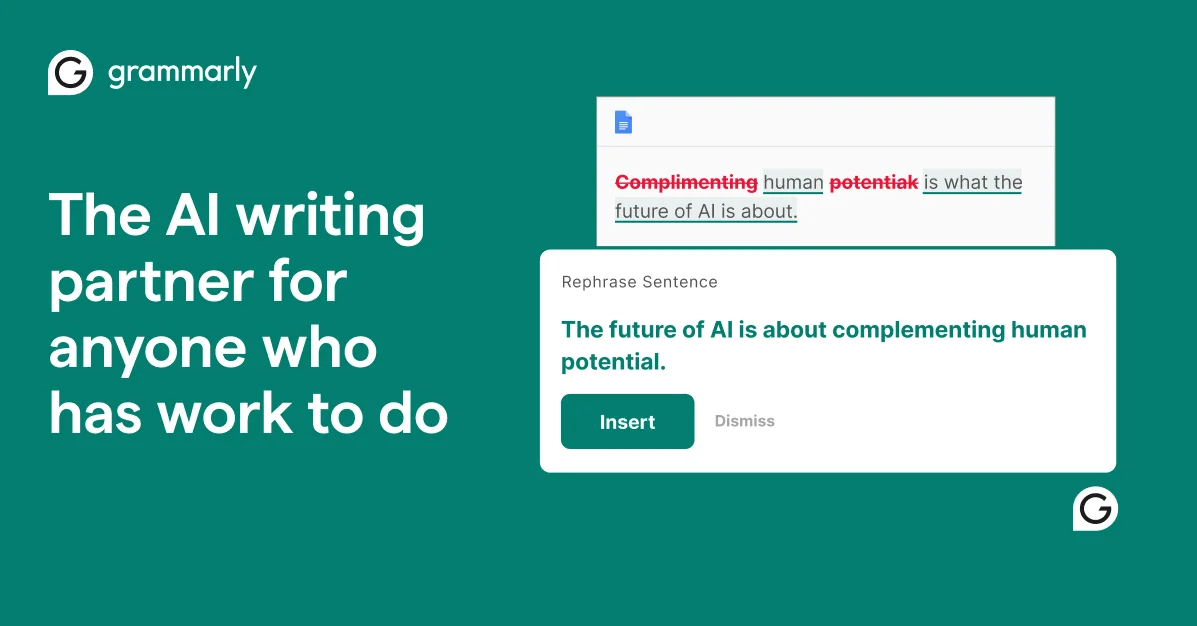
Grammarly
Write with confidence and clarity using AI that understands context, tone, and your unique voice.
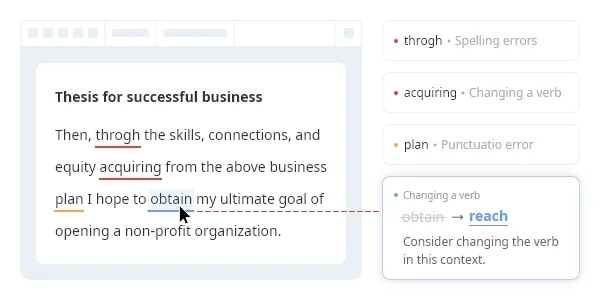
Wordvice AI
Perfect your writing with AI-powered proofreading, paraphrasing, and translation tools.