
Krikey AI Review 2026 - Text to 3D Animation
Verified Oct 2, 2026 by Tooliverse Editorial
Krikey AI lets you type a prompt or upload a dance video and get a talking 3D cartoon back in minutes. No rigging, no keyframing, no downloads. Over 100,000 creators, teachers, and marketers animate with it.
How to Make an Animated Music Video: AI Cartoon Tutorial | Krikey AI Animation
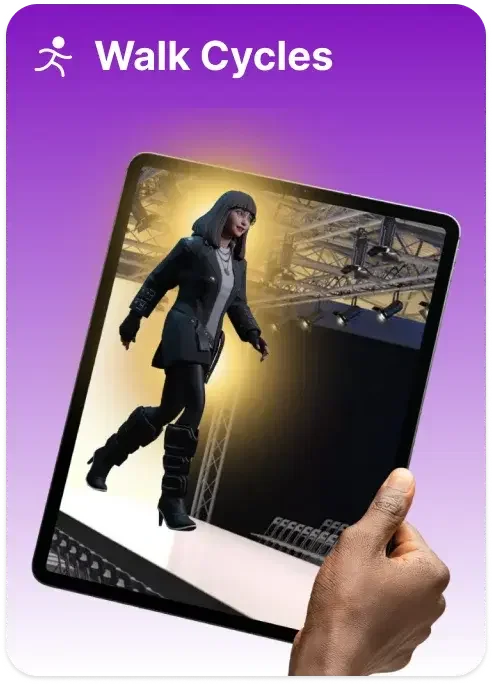
Generate realistic walk cycles for your 3D characters with AI.
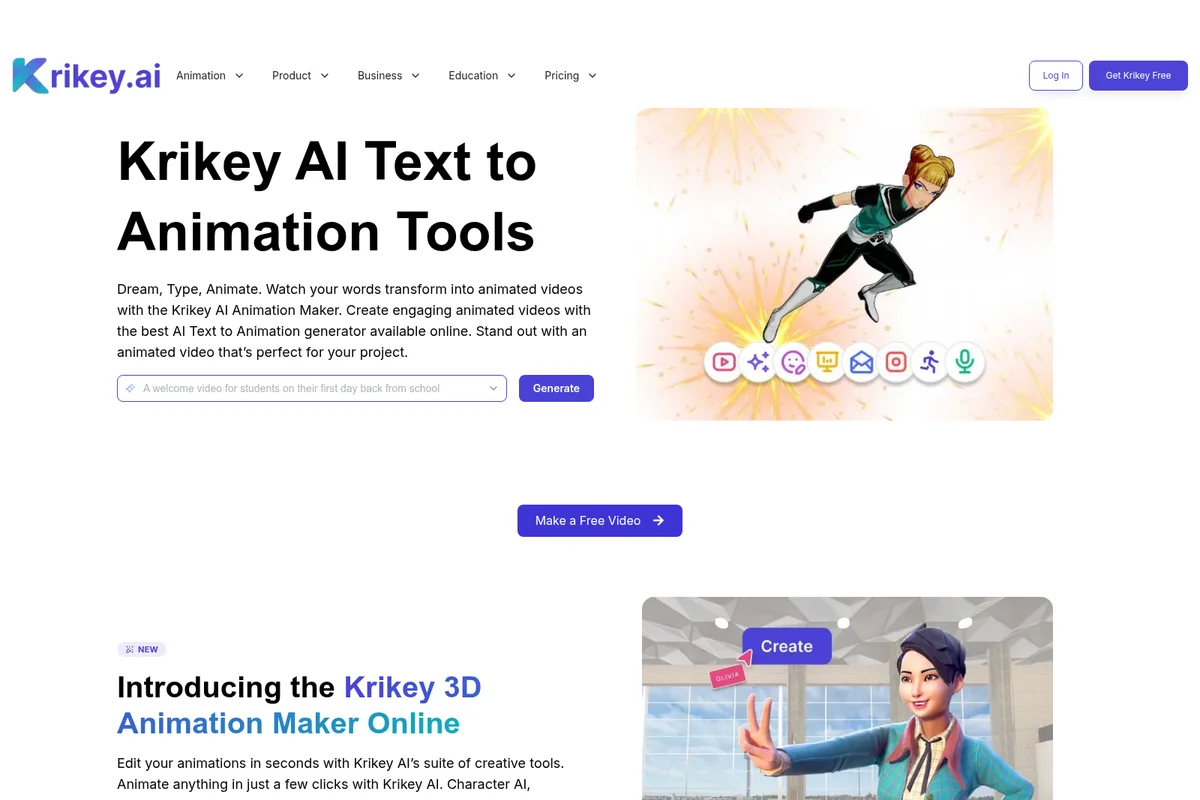
Transform text prompts into engaging animated videos with AI, and create custom 3D character animations.
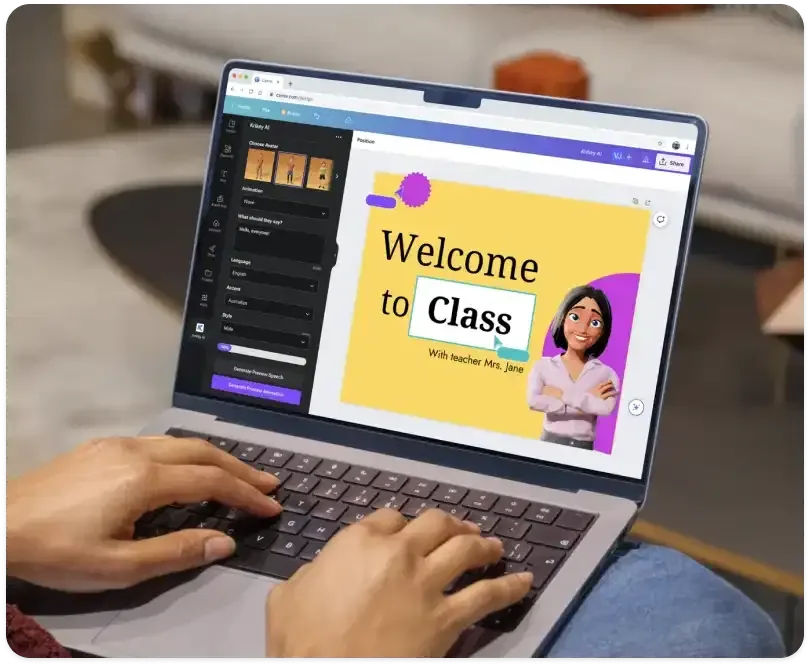
Easily create engaging presentations with AI avatars and custom speech generation.
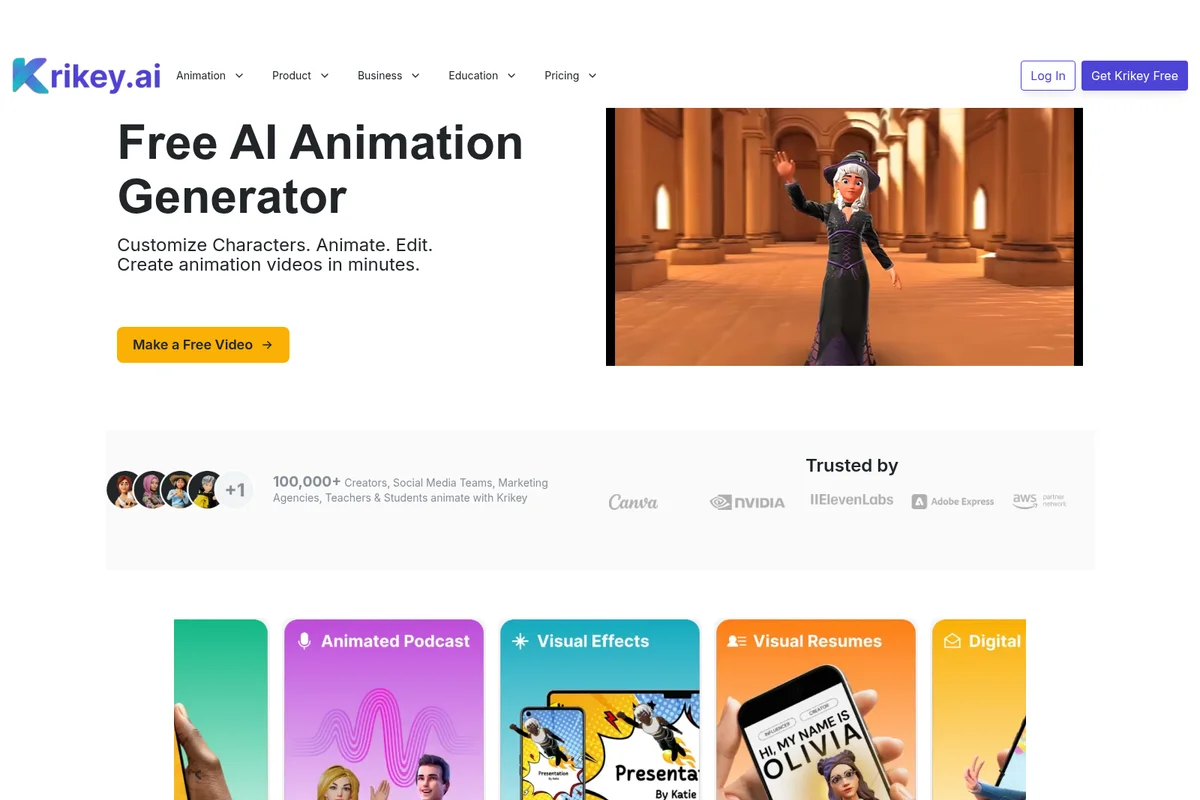
Create custom animated characters and videos in minutes with AI.
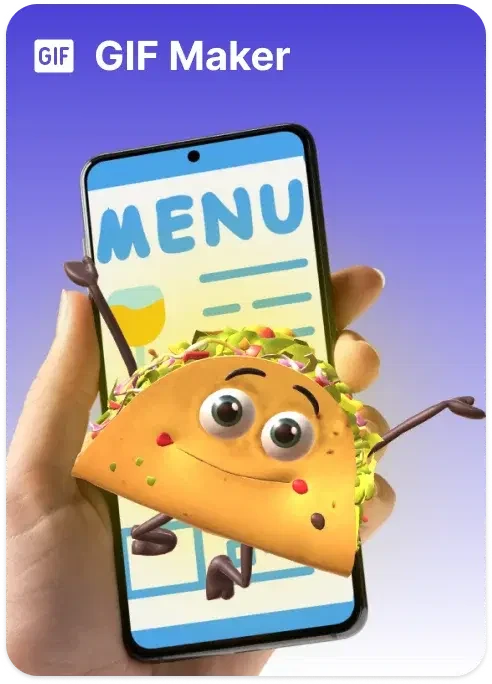
Create animated characters and expressive GIFs with your mobile device.
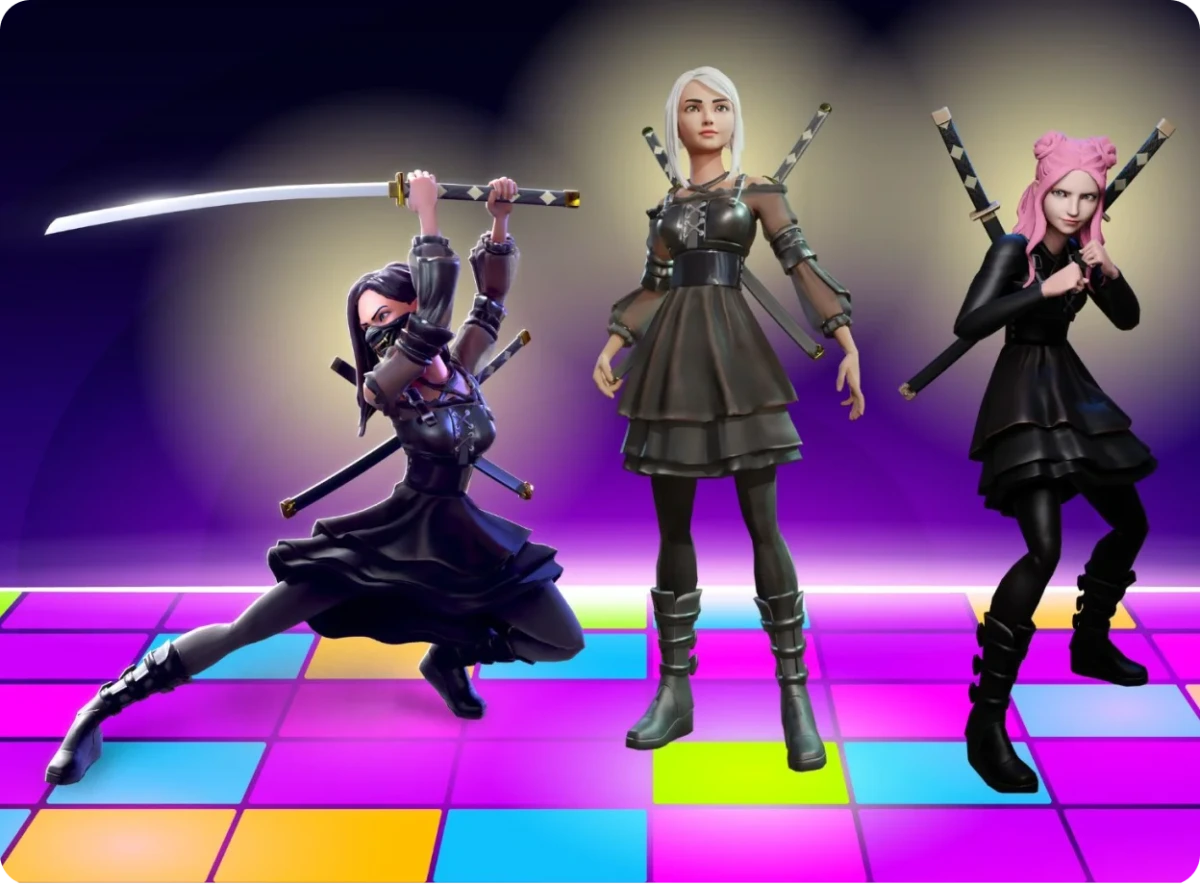
Create stylized AI characters and dynamic action animations effortlessly.
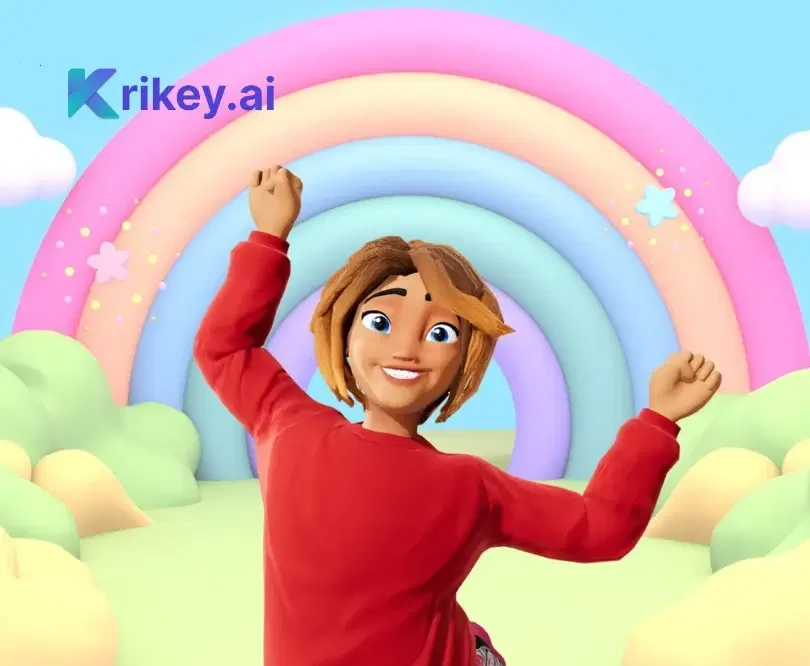
Create expressive 3D animated characters and imaginative virtual worlds.
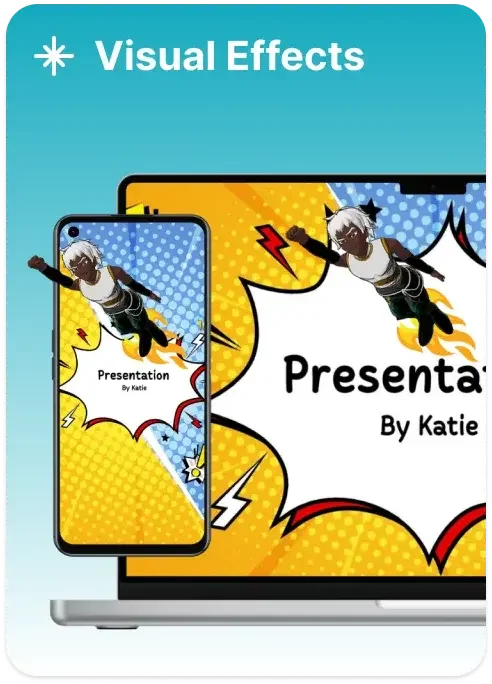
Bring presentations to life with dynamic visual effects and animated characters.
Krikey AI Review: Tooliverse Consensus


Based on 444 verified reviews across 2 platforms,
combined with Tooliverse's expert analysis
Krikey AI turns a typed sentence into a rigged, lip-synced 3D character, giving creators with no modeling or keyframing background a fast route to animated video. Reviewers praise the speed, the approachable editor, and exports that reach Unity, Adobe Express, and other tools. The trade-offs are practical: hands and facial expressions can look stiff in complex scenes, processing demands a fast connection, and credit metering plus watermarks on the free plan make larger projects feel tightly budgeted.
Bottom line: A top-tier prompt-to-animation editor that gets non-animators from idea to usable 3D video fast, though stiff hands and faces and a credit-metered budget limit how far larger projects can go.
Krikey AI | Key Specs
- Platforms
- Web (browser-based, Chromebook compatible)
- Pricing Model
- Freemium ($0-15/mo) + one-time credit passes See plans
- Privacy/Data Use
- FERPA and COPPA compliant student data protection
- Security
- SOC 2 Type II, FERPA, COPPA See details
Wins
- •Transforms text prompts into high-quality 3D animations with impressive speedmentioned in 156 reviews
- •Provides a user-friendly interface that makes 3D character creation accessible to beginnersmentioned in 142 reviews
- •Integrates seamlessly with popular platforms like Unity and Adobe Expressmentioned in 118 reviews
Watch-Outs
- •Complex movements like hand gestures or facial expressions can sometimes appear unnaturalmentioned in 84 reviews
- •Requires a stable, high-speed internet connection for smooth AI processingmentioned in 67 reviews
- •Free version includes watermarks and limits the number of monthly exportsmentioned in 58 reviews
Krikey AI Features 2026
AI Text to Animation
Type a text prompt to generate a fully editable 3D animated video with a lip-synced talking character.
AI Video-to-3D Motion Capture
Upload a video or use a webcam and convert body motion into 3D animation for any character.
AI Character Creator
Upload a photo, pick a style (Mini-Me, K-Pop, Cartoon, Anime) and get an auto-rigged 3D character with lip sync.
AI Music Video Generator
Pick a genre and lyric topic to generate a cartoon music video with a singing 3D character.
Krikey AI User Reviews
Selected Reviews
"The text-to-animation feature is a massive time-saver for my indie game prototypes. I can test character movements in Unity without spending days on manual rigging."
"Finally a tool that makes 3D accessible. I'm using it for my classroom and the students love creating their own talking avatars for history projects."
"Impressive speed and the Adobe Express integration is seamless. It's perfect for quick social media content, though I'd love more control over facial expressions."
More from the Community
"The tech is cool but the credit limits on the free plan are very tight. Also, the hand movements can look a bit jittery in complex scenes."
"Great for conceptualizing animations. The video-to-animation mocap is surprisingly good for a browser tool, but you need a very fast internet connection."
"Useful for basic 3D work, but the lack of a mobile app for the AI editor is a bummer. I'd love to be able to tweak animations on my iPad."
"The custom avatar creator is top-notch. Being able to export FBX files directly into Unity makes this an essential part of my dev stack now."
"Saves so much time on character-led marketing videos. The lip-syncing is accurate enough for social ads, and the character library is quite diverse."
"The tech is cool but the credit limits on the free plan are very tight. Also, the hand movements can look a bit jittery in complex scenes."
"Great for conceptualizing animations. The video-to-animation mocap is surprisingly good for a browser tool, but you need a very fast internet connection."
"Useful for basic 3D work, but the lack of a mobile app for the AI editor is a bummer. I'd love to be able to tweak animations on my iPad."
"The custom avatar creator is top-notch. Being able to export FBX files directly into Unity makes this an essential part of my dev stack now."
"Saves so much time on character-led marketing videos. The lip-syncing is accurate enough for social ads, and the character library is quite diverse."
"I was skeptical about AI animation but Krikey proved me wrong. The motion is fluid and the interface is actually intuitive for non-animators."
"A solid alternative to traditional software for quick turnarounds. The watermark on the free tier is a bit intrusive, but the pro plan is reasonably priced."
"The AI-generated scripts and voiceovers are a nice touch. It's a complete package for making quick explainer videos without a big budget."
"Good for beginners, but advanced users might find the animation depth a bit lacking compared to professional tools like Blender."
"I was skeptical about AI animation but Krikey proved me wrong. The motion is fluid and the interface is actually intuitive for non-animators."
"A solid alternative to traditional software for quick turnarounds. The watermark on the free tier is a bit intrusive, but the pro plan is reasonably priced."
"The AI-generated scripts and voiceovers are a nice touch. It's a complete package for making quick explainer videos without a big budget."
"Good for beginners, but advanced users might find the animation depth a bit lacking compared to professional tools like Blender."
Krikey AI Pricing 2026
View SourceThe free plan's 20 one-time credits are a trial, not a workflow: enough to see how a prompt becomes a talking avatar, not enough to finish a project. Pro at $15 per month adds 165 monthly credits, watermark removal, and FBX export, which is the tier game developers and regular creators need. At 8 credits per talking avatar video, that allows roughly 20 clips a month; custom avatars at 40 credits eat the budget quickly.
Krikey AI In-Depth Review 2026

Krikey AI is a browser-based 3D animation editor that turns a typed prompt into an editable animated video with a lip-synced character. It also converts webcam or uploaded video into motion capture, builds auto-rigged characters from a photo, and adds AI voiceovers in more than 20 languages through an ElevenLabs integration. Because it runs in a standard browser, including on school Chromebooks, there is nothing to install, and finished work exports to MP4, GIF, PNG, or FBX.
What It's Like Day-to-Day
The workflow starts with a sentence. Type what the character should do, pick or generate an avatar, and the editor returns an animated scene that can still be adjusted afterward. Speed comes up in 156 reviews, and one Reddit developer calls the text-to-animation feature "a massive time-saver" for indie game prototypes. Beginners get the same treatment from the interface, with 142 reviews describing it as approachable for people who have never touched 3D software. Keyframing, for most people, is a hobby they never asked for.
Beyond the prompt box, the asset library and motion capture fill out the toolkit.
Krikey AI Security & Compliance
Verified Compliance
- SOC 2 Type II
- FERPA compliant
- COPPA compliant
- AWS Education and Non-Profit Competency
Security Features
- Enterprise-level security
- Moderated assets for schools
- Custom character integration with IP protection
Privacy Commitments
- Student data privacy protections compliant with FERPA and COPPA
- Cloud-saved projects kept secure
Krikey AI: Frequently Asked Questions (FAQs)
Is there a free version of Krikey AI?
Yes, Krikey AI offers a free plan with 20 one-time credits to start animating talking avatars immediately.
How much does Krikey AI Pro cost?
Krikey AI Pro costs $15 per month and includes 165 monthly credits, MP4/GIF/PNG/FBX export and watermark removal.
How do credits work in Krikey AI?
Credits are the currency for AI generation such as Text-to-Animation or AI voiceovers. Pro includes 165 credits monthly, Teams offers 200 per person per month, and Free includes a one-time 20 credits.
Can I export animations as FBX files for Unity or Unreal Engine?
Yes, Pro and Teams users can export FBX files compatible with major game engines.
Krikey AI Integrations
| Canva | Adobe Express | ChatGPT (OpenAI Apps) |
| ElevenLabs | AWS Marketplace | Unity |
| Unreal Engine | Godot | Roblox |
| GameMaker | Blender | Maya |
| ZBrush | NVIDIA Omniverse | Premiere Pro |
| DaVinci Resolve | After Effects | Moodle |
| Canvas | Adobe Captivate | Ready Player Me |
| Google Slides | PowerPoint |
Krikey AI: Verified Data Sheet
| # | Label | Data Point |
|---|---|---|
| [1] | Krikey AI Consensus: 9.02/10 | Krikey AI is one of the highest-rated AI video tools in the Tooliverse index, with a consensus score of 9.02/10 across 444 verified reviews. |
| [2] | What is Krikey AI | Krikey AI, from San Francisco-based Krikey Inc., is a SOC 2 Type II compliant browser-based 3D animation platform with text-to-animation and video motion capture. It serves 100,000+ creators, with a free plan and Pro from $15/month. |
| [3] | Tooliverse Consensus on Krikey AI | Krikey AI turns a typed sentence into a rigged, lip-synced 3D character, giving creators with no modeling or keyframing background a fast route to animated video. Reviewers praise the speed, the approachable editor, and exports that reach Unity, Adobe Express, and other tools. The trade-offs are practical: hands and facial expressions can look stiff in complex scenes, processing demands a fast connection, and credit metering plus watermarks on the free plan make larger projects feel tightly budgeted. |
| [4] | Krikey AI Verdict | Krikey AI bottom line: A top-tier prompt-to-animation editor that gets non-animators from idea to usable 3D video fast, though stiff hands and faces and a credit-metered budget limit how far larger projects can go. |
| [5] | Free: Free | Krikey AI offers a functional Free tier with 20 one-time credits and Standard export formats, making its AI tools accessible at no cost. |
| [6] | Fast text-to-3D animation | Krikey AI turns text prompts into editable, lip-synced 3D animated videos at high speed, a strength cited in 156 user reviews. |
| [7] | Beginner-friendly 3D creation | Krikey AI lets beginners build 3D characters and animated scenes without coding, rigging or keyframing skills, an accessibility advantage noted in 142 user reviews. |
| [8] | Unity, Unreal and Adobe Express integrations | Krikey AI exports to game engines (Unity, Unreal Engine 5, Godot, Roblox), 3D suites (Blender, Maya) and video editors, and works with Adobe Express, an integration strength praised in 118 user reviews. |
| [9] | Pro: $15/user/month | Krikey AI's Krikey AI Pro tier from Krikey Inc. gives users 165 monthly credits for $15/user monthly, a significant step up from the free tier. |
| [10] | Diverse customizable avatar library | Krikey AI includes a library of customizable 3D avatars and motion assets, plus a photo-to-3D character creator with 4 styles (Mini-Me, K-Pop, Cartoon, Anime), a strength cited in 104 user reviews. |
| [11] | Hands and faces can look unnatural | Krikey AI can render complex movements such as hand gestures and facial expressions unnaturally, according to 84 user reports, so detailed performance work may need extra polish. |
| [12] | Needs fast, stable internet | Krikey AI depends on a stable, high-speed internet connection for smooth AI processing, a limitation raised in 67 user reviews. |
| [13] | Privacy: Student data privacy protections compliant with FERPA and COPPA | Krikey AI safeguards user data through Student data privacy protections compliant with FERPA and COPPA and keeps projects secure with Cloud-saved projects kept secure. |
| [14] | Enterprise: Enterprise-level security | Krikey AI delivers Enterprise-level security, offers Moderated assets for schools, and supports Custom character integration with IP protection. |
| [15] | Time-saver for indie game prototypes | A verified Reddit reviewer noted that Krikey AI's text-to-animation feature is "a massive time-saver for my indie game prototypes," letting them test character movements in Unity without days of manual rigging. |
Best Krikey AI Alternatives
Animaker
Turn a single text prompt into a studio-quality animated video anyone can make in under 5 minutes.
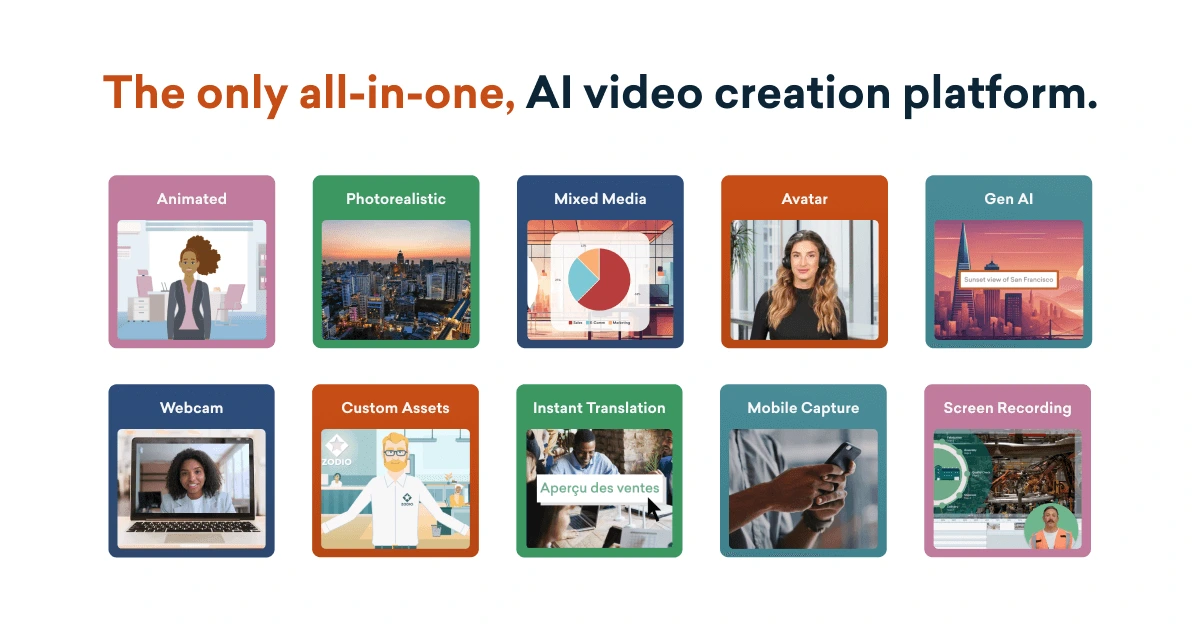
Vyond
Turn text, documents, and URLs into polished business videos in seconds, in any style.
Cascadeur
Animate like a director, not a technician—AI-assisted physics tools turn keyframing into choreography.