
LogoAI Review 2026 - AI Logo & Brand Kits
Verified Oct 2, 2026 by Tooliverse Editorial
LogoAI turns a business name into a full brand: logo, colors, fonts, and a living brand kit. Then keep going in a design studio packed with 20+ top AI image and video models.

Discover how Logoai simplifies professional logo design.
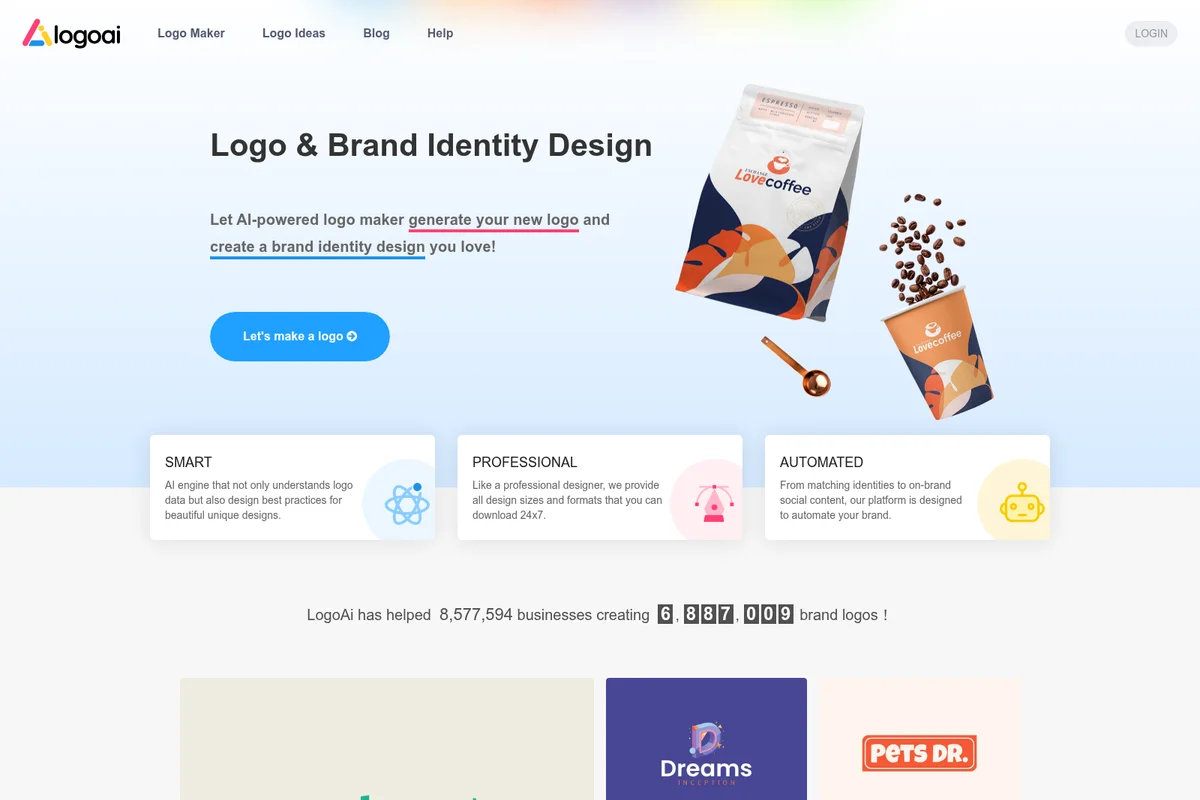
Generate stunning logos and complete brand identities with AI.
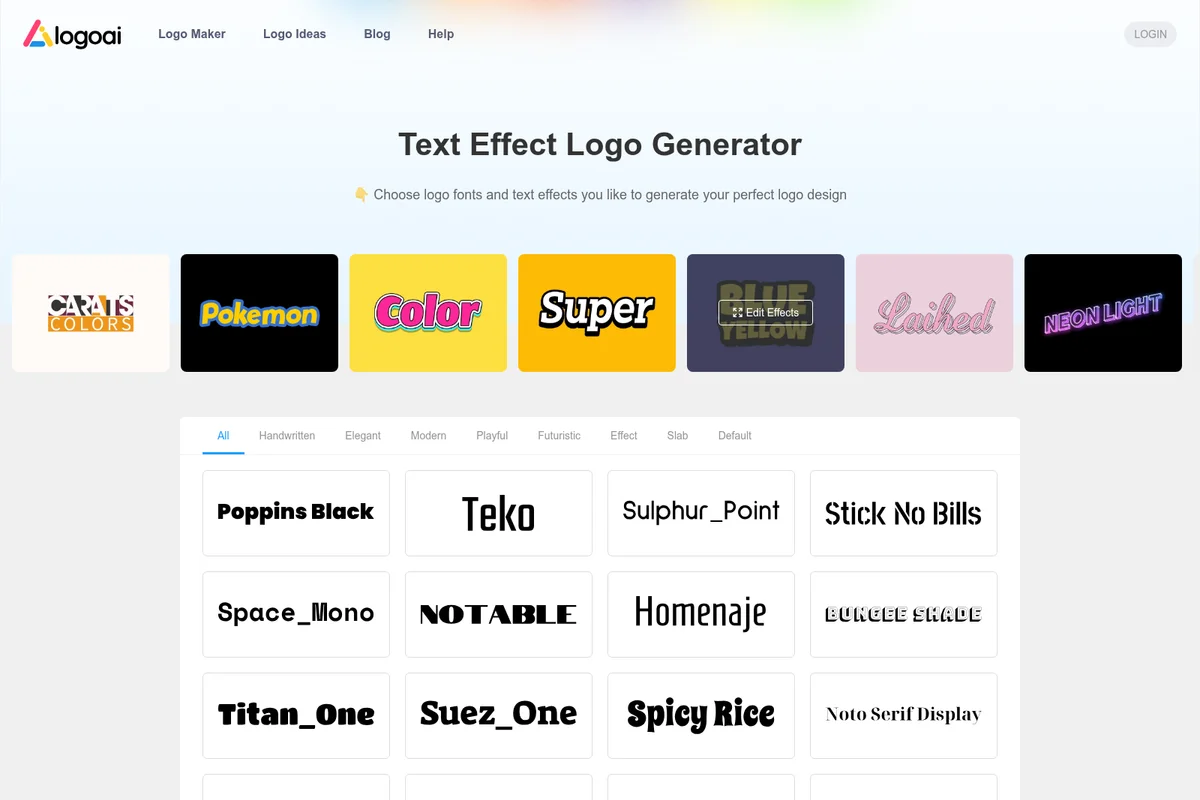
Generate unique logo designs by choosing from a variety of text effects and fonts.
LogoAI Review: Tooliverse Consensus


Based on 115 verified reviews across 4 platforms,
combined with Tooliverse's expert analysis
LogoAI turns a business name and a few style choices into a logo plus a matching brand kit in about a minute, which is why early-stage founders praise it so consistently. The guided interface needs no design background, and the business cards, social assets, and mockups arrive already styled. The tradeoff is control: advanced designers report little access to vector paths, and some icons start to look stock after repeated runs. File formats on paid tiers and a strict no-refund policy deserve a read before buying.
Bottom line: A strong, fast brand-in-a-box for founders who need professional-looking assets on a budget, though designers wanting precise vector control or fully original icons will outgrow it quickly.
LogoAI | Key Specs
Wins
- •Generates professional-grade brand identities in under a minute, drastically shortening the design phase for new venturesmentioned in 68 reviews
- •Provides a comprehensive brand kit including business cards and social media assets automaticallymentioned in 54 reviews
- •Features an intuitive, guided interface that requires zero prior design experience to mastermentioned in 47 reviews
Watch-Outs
- •Offers limited manual control over specific vector paths, which may frustrate advanced designersmentioned in 29 reviews
- •Some generated icons can feel generic or repetitive when compared to custom-made logosmentioned in 24 reviews
- •Strict no-refund policy can be a deterrent for users who aren't satisfied with the final outputmentioned in 19 reviews
LogoAI Features 2026
AI Logo Maker 2.0
Generates original logo concepts from your business name, description, and chosen styles using multiple AI models in parallel.
Brand DNA Extraction
Reads your name, industry, and intent to distill brand traits and match fitting styles and layouts.
Living Brand Kit
Assembles colors, typography, social assets, videos, and a website concept that stay on-brand as your identity evolves.
Design Studio with 20+ AI Models
Access top image and video models like Nano Banana 2.0, Veo3.1, KLing 3.0 Turbo, Seedance 2.0, Flux2 Pro, Runway, and Ideogram in one studio without separate subscriptions.
LogoAI User Reviews
Selected Reviews
"The AI really understood my brand's vibe. I had a professional logo and business card layout in under ten minutes, which saved me hundreds on a designer."
"I was skeptical of AI logos, but the typography suggestions were actually very sophisticated. Much better than the generic generators I've used before."
"Decent results but the icons can feel a bit "stock" after a while. It's a good starting point, but I wish I could edit the vector points more precisely to get the exact geometric balance I'm looking for in a professional mark."
More from the Community
"Great for quick iterations. I love how it generates a full brand kit, not just a logo. The social media headers were a huge time saver for my launch."
"Simple, effective, and affordable. As a solo founder, I don't have time to learn Illustrator. This gave me exactly what I needed to look professional."
"The brand identity features are the real winner here. Seeing the logo on mockups helped me decide which direction to go."
"Good for basic needs, but the pricing for high-res files is a bit steep if you only want one thing. I'd prefer a more transparent one-time fee."
"Incredibly smooth interface. No tutorial needed."
"Great for quick iterations. I love how it generates a full brand kit, not just a logo. The social media headers were a huge time saver for my launch."
"Simple, effective, and affordable. As a solo founder, I don't have time to learn Illustrator. This gave me exactly what I needed to look professional."
"The brand identity features are the real winner here. Seeing the logo on mockups helped me decide which direction to go."
"Good for basic needs, but the pricing for high-res files is a bit steep if you only want one thing. I'd prefer a more transparent one-time fee."
"Incredibly smooth interface. No tutorial needed."
"Impressive variety of styles. I went from a tech-focused look to a more organic feel in seconds just by changing a few keywords."
"Solid tool for MVP branding. It won't replace a high-end agency, but for $30-60, the value is unbeatable for a new business."
"The logo ideas are creative, but I found it hard to get the exact spacing I wanted between the icon and the text."
"A lifesaver for my side project. The automated brand guidelines made it easy to keep my website consistent with the new logo."
"Impressive variety of styles. I went from a tech-focused look to a more organic feel in seconds just by changing a few keywords."
"Solid tool for MVP branding. It won't replace a high-end agency, but for $30-60, the value is unbeatable for a new business."
"The logo ideas are creative, but I found it hard to get the exact spacing I wanted between the icon and the text."
"A lifesaver for my side project. The automated brand guidelines made it easy to keep my website consistent with the new logo."
LogoAI Pricing 2026
The $10 trial is the real entry point, since the free tier mostly delivers watermarked previews and no unrestricted downloads. It includes the full Branding Suite and 200 credits, enough to finish a logo and kit in one sitting. After that, Pro at $20/month adds 500 credits monthly and pays off only if you keep generating images or video. Cancel before day seven if the logo was all you needed.
LogoAI In-Depth Review 2026

LogoAI is a browser-based logo maker and brand studio that turns a business name, a short description, and a few chosen styles into logo concepts within seconds. Multiple AI models run in parallel, and the output feeds a living brand kit with colors, fonts, social assets, and a website concept. A Design Studio with more than 20 image and video models, including Flux2 Pro and Veo 3.1, sits alongside it, pre-loaded with your brand.
What It's Like Day-to-Day
The workflow starts with a name and a description. You pick styles, or choose Surprise me and let the AI select two to explore, then compare concepts and refine a favorite by describing changes in plain language: a simpler icon, different lettering, a new palette. Reviewers on Capterra describe the interface as needing no tutorial, which matters when the audience is founders who have never opened Illustrator.
Once a logo is chosen, the brand kit does the follow-through. Business cards, social headers, email signatures, and mockups on tees and signage arrive already styled, and Product Hunt users say seeing the logo on mockups helped them settle on a direction.
LogoAI: Frequently Asked Questions (FAQs)
How much does LogoAI cost?
LogoAI offers a 7-day trial for $10 that includes 200 AI credits, then renews at Pro $20 per month with 500 AI credits per month. The trial includes the Branding Suite, Design Studio access, and unrestricted downloads.
Can I create and download a logo with LogoAI for free?
You can try logo generation with the available free allowance after signing in. Free previews may have a watermark, and unrestricted downloads require paid access. AI generations and some editing or export tools use credits.
What happens after the LogoAI trial ends?
The trial renews at $20 per month with 500 AI credits per month unless you cancel before the trial ends.
Can I use LogoAI logos commercially?
Yes, paid LogoAI plans include commercial use of generated logos on websites, packaging, marketing materials, and social profiles. Commercial use does not guarantee exclusivity or trademark registration, and users are responsible for permission to use any uploaded material.
LogoAI Integrations
| Nano Banana | Veo | Kling |
| Seedance | Grok | Flux |
| Runway | Ideogram | ChatGPT |
| Stripe |
LogoAI: Verified Data Sheet
| # | Label | Data Point |
|---|---|---|
| [1] | LogoAI Consensus: 8.44/10 | LogoAI is a highly-rated tool among AI design tools in the Tooliverse index, with a consensus score of 8.44/10 across 115 verified reviews. |
| [2] | What is LogoAI | LogoAI is an AI logo maker and brand studio that builds logos, brand kits, and AI images and videos from a business name. It claims trust from more than 9 million businesses, with a Pro plan at $20/month. |
| [3] | Tooliverse Consensus on LogoAI | LogoAI turns a business name and a few style choices into a logo plus a matching brand kit in about a minute, which is why early-stage founders praise it so consistently. The guided interface needs no design background, and the business cards, social assets, and mockups arrive already styled. The tradeoff is control: advanced designers report little access to vector paths, and some icons start to look stock after repeated runs. File formats on paid tiers and a strict no-refund policy deserve a read before buying. |
| [4] | LogoAI Verdict | LogoAI bottom line: A strong, fast brand-in-a-box for founders who need professional-looking assets on a budget, though designers wanting precise vector control or fully original icons will outgrow it quickly. |
| [5] | Free: Free | LogoAI offers a functional Free tier that covers logo generation with a limited allowance after sign-in, though previews may carry a watermark, so AI tools cost nothing to try. |
| [6] | Guided interface, no design experience needed | LogoAI uses a guided interface that needs no prior design experience, and 47 user reviews describe it as easy to master without a tutorial. |
| [7] | Industry-aware color and font suggestions | LogoAI recommends color palettes and typography based on industry keywords through its Brand DNA extraction, which reads name, industry, and intent, and 39 user reviews call these suggestions context-aware. |
| [8] | Low-cost entry for startups | LogoAI earns praise in 31 user reviews for startup-friendly value, with a $10 7-Day Trial that renews at $20/month on Pro, a much lower cost than agency design work. |
| [9] | Pro: $20/month | LogoAI Pro costs just $20 monthly and adds the Branding Suite (Logo Maker, AI Brand Kit, Logo Animations, Brand Videos), a significant step up from the free tier. |
| [10] | Brand identities in under a minute | LogoAI generates professional-grade brand identities in under a minute from a business name, description, and chosen styles, shortening the design phase for new ventures according to 68 user reviews. |
| [11] | Limited vector path control | LogoAI offers limited manual control over individual vector paths, which advanced designers find restrictive according to 29 user reviews. |
| [12] | Some icons feel generic | LogoAI produces some icons that feel generic or repetitive next to custom-made logos, according to 24 user reports. |
| [13] | Logo and card layout in under ten minutes | LogoAI delivered "a professional logo and business card layout in under ten minutes," saving hundreds on a designer, according to a verified Product Hunt reviewer. |
Best LogoAI Alternatives
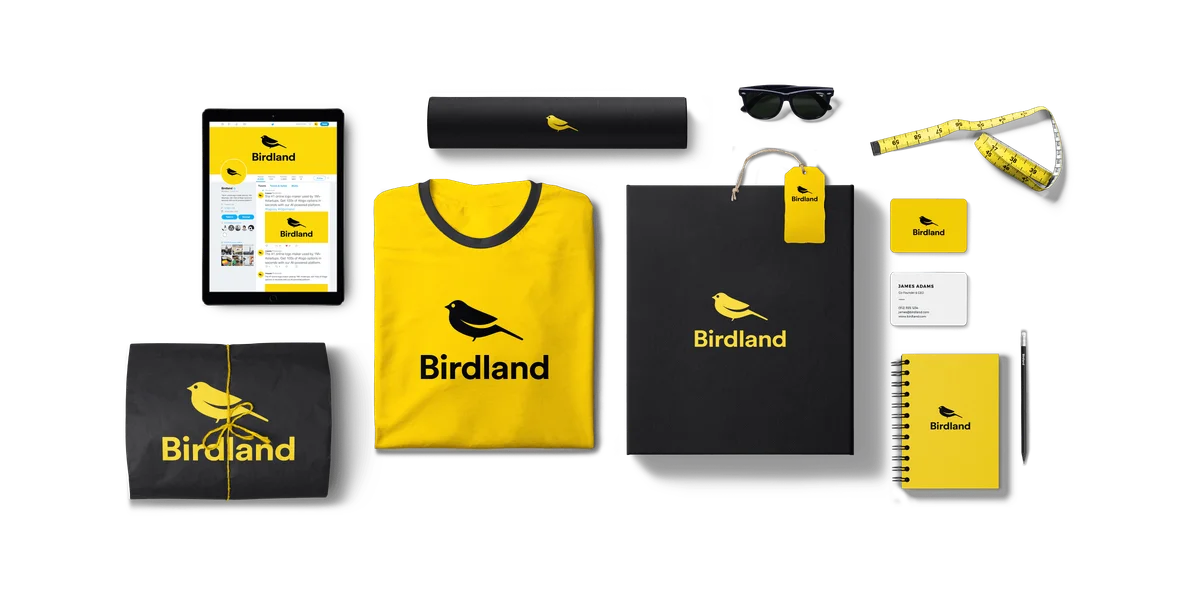
Looka
Design a standout logo and launch your whole brand in minutes, no design skills needed.
Turbologo
Design your logo free, then build your whole brand in one afternoon with AI.
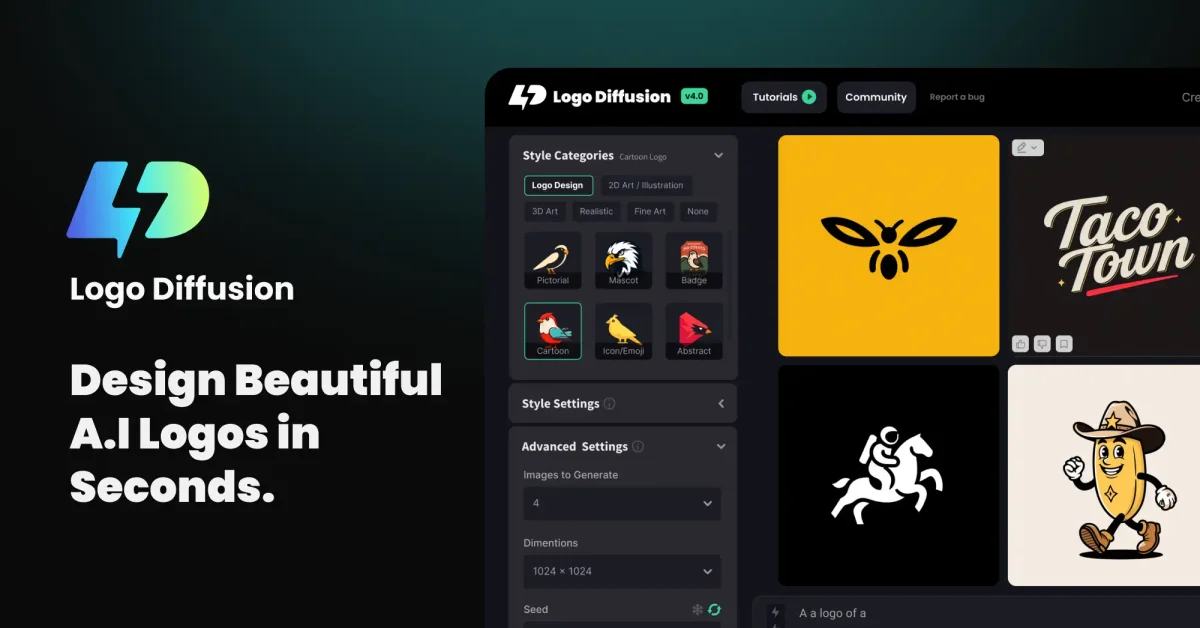
Logo Diffusion
Turn prompts, sketches, and images into polished, vector-ready logos in minutes, no design skills needed.