
Pixelcut Review 2026 - AI Image Editing
Verified Jun 18, 2026 by Tooliverse Editorial
Pixelcut removes backgrounds, upscales images, and generates AI visuals in seconds—no design skills needed. Over 2 million creators use it to create product photos, marketing materials, and social content that looks professionally shot.
Turn any shot into the right shot with Pixelcut
Only if Graphic Designers Knew This Ai website | Pixa ai for Beginners | The Best Pixelcut Review
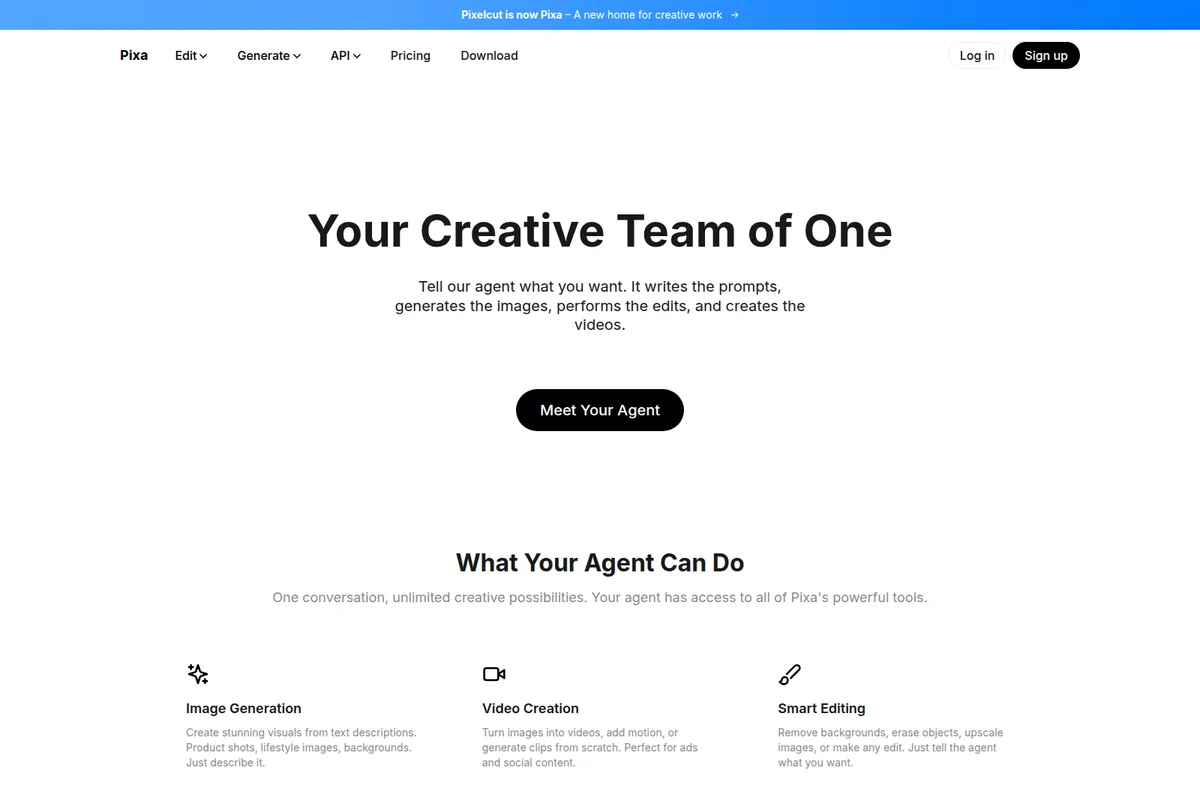
Unleash creativity with your AI agent for image, video, and smart editing.
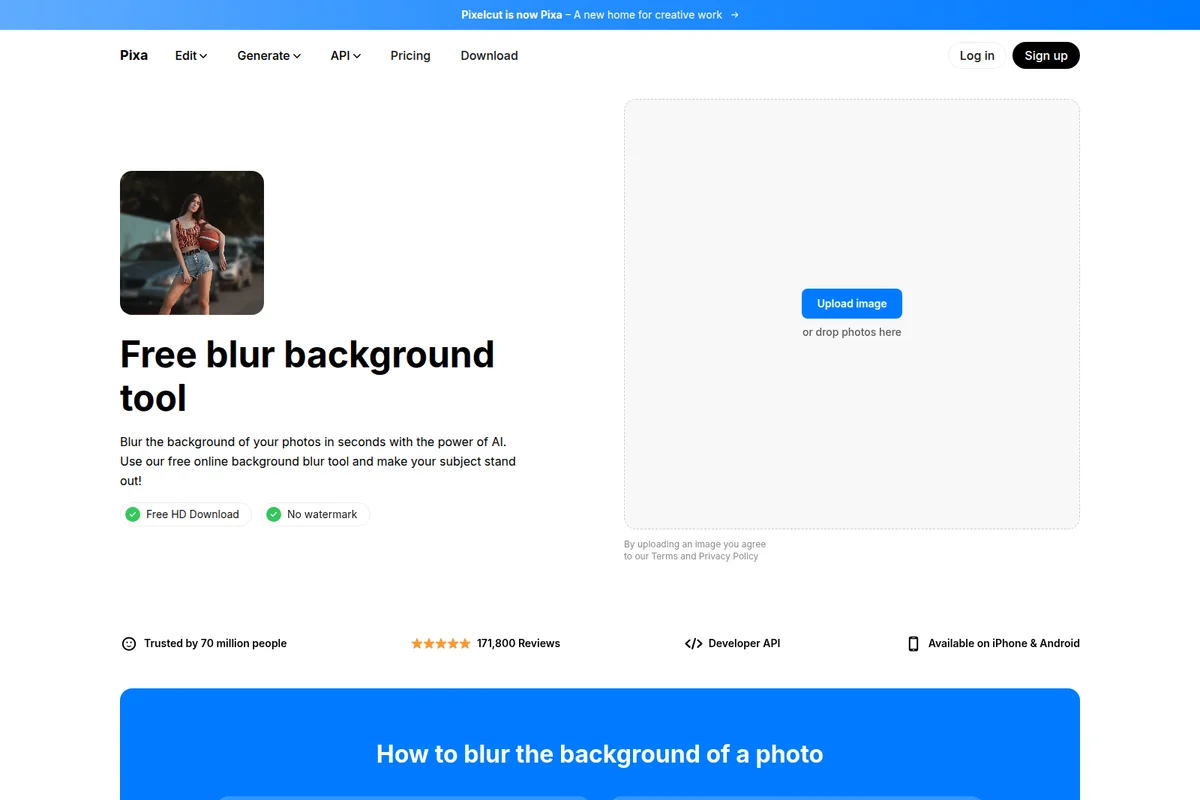
Quickly blur photo backgrounds with AI for professional-looking edits.
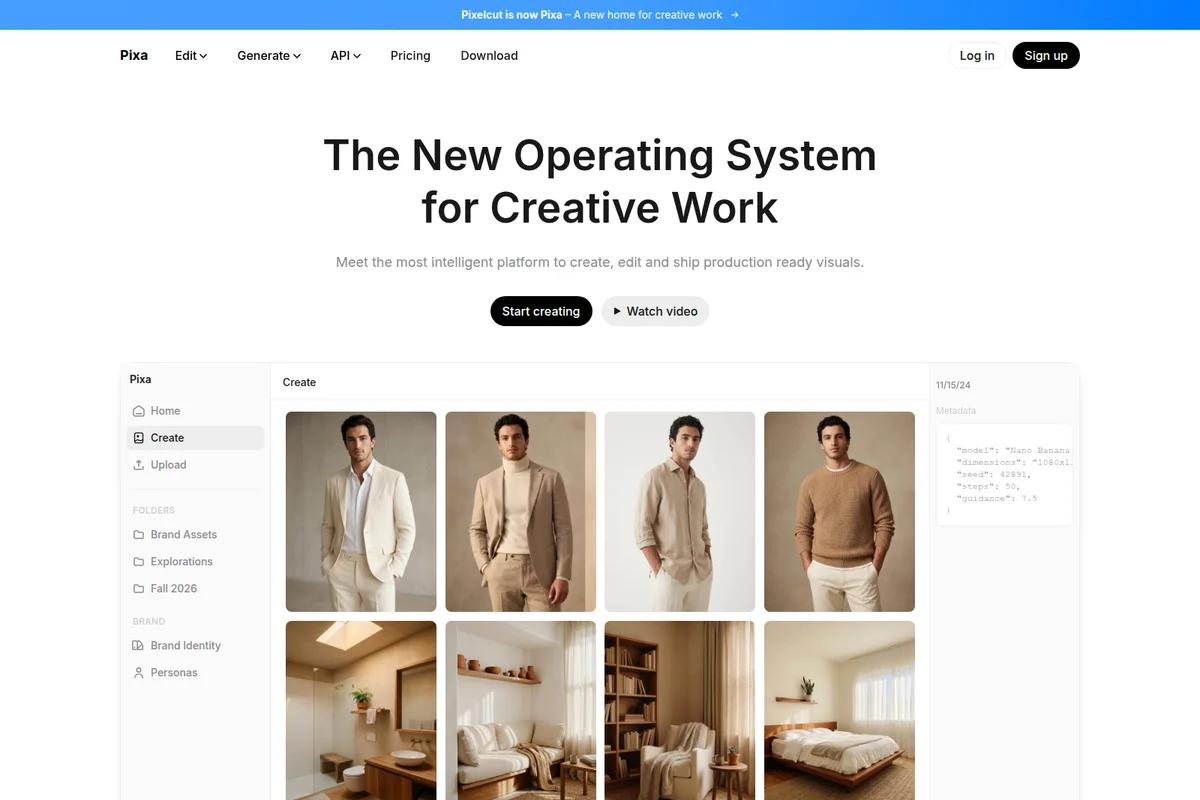
Explore AI-generated visuals for creative work, from product shots to styled portraits.
Pixelcut Review: Tooliverse Consensus



Based on 43k+ verified reviews across 4 platforms,
combined with Tooliverse's expert analysis
Pixelcut has become the production standard for e-commerce sellers who need to transform smartphone product photos into professional marketplace listings at volume. The one-click background removal handles complex edges like hair and fur with precision that holds up under scrutiny, while AI-generated backgrounds match product lighting convincingly enough to pass for studio work. Batch processing and an intuitive interface let non-designers edit hundreds of images in the time traditional tools require for dozens. The credit system can feel expensive for high-volume users, AI backgrounds occasionally generate unwanted artifacts, and a persistent transparency export bug undermines the core workflow for some users.
Bottom line: The category-defining tool for e-commerce image editing, delivering studio-quality results at production speed, though credit costs and occasional export bugs are real tradeoffs for high-volume workflows.
Pixelcut | Key Specs
- Platforms
- Web, iOS, Android
- Pricing Model
- Freemium ($0-30/mo) + API ($10-10,000/mo) See plans
- Privacy/Data Use
- You retain copyright of processed images
- API Available
- Yes (REST API with background removal, upscaling, try-on)
Wins
- •Instantly removes backgrounds with one-click precision, even on complex edges like hairmentioned in 342 reviews
- •Generates photorealistic AI backgrounds that match product lighting for professional e-commerce shotsmentioned in 215 reviews
- •Features a remarkably intuitive interface that allows non-designers to edit photos in secondsmentioned in 189 reviews
Watch-Outs
- •Subscription billing and cancellation processes can be difficult to navigatementioned in 98 reviews
- •Free version is heavily restricted, requiring a Pro membership for most useful featuresmentioned in 76 reviews
- •AI background generation occasionally inserts unwanted artifacts or human-like shapesmentioned in 64 reviews
Pixelcut Features 2026
Try-On API
Visualize how clothing looks on models with a single image upload, delivering instant results without multiple photos or training
50+ AI Models
Access to advanced AI models including Flux, Imagen, Recraft, Ideogram, Runway, Sora, Veo, and more for image and video generation
REST API
Developer API for integrating background removal, upscaling, try-on, and generative fill into applications
Background Removal
AI-powered background removal that seamlessly removes backgrounds from images in seconds with flawless cutouts every time
Pixelcut User Reviews
Selected Reviews

"Ridiculously generous even on free daily quotas, and it's one of the VERY few brush AI generator/editors that actually works. I tried many paid tools where the editor still fumbled."
"I have had great difficulties getting my designs out timely but once I discovered and started using PIXELCUT, that became history. It is user friendly and pretty fast to learn."
"I've been using Pixelcut for a little while now, and it has almost all of the functionality that I was looking for. It is a paid subscription, but if you're having frustrations with other apps, I'd recommend it."
More from the Community
"I was thrilled at first with this app... but for several months now it has a big BUG!! When i remove background... it saves with a white background... and not cutout as i worked on it!!"
"The software is good but it's expensive and when you buy a subscription within the first image you use of all your credits for the month. Hard to get support."
"A must have for my online retail business! It makes my product photos look like they were taken in a professional studio."
"I usually don't write app reviews ever but this is a really impressive editing application. I find new features every time I use it. The quality is better than other apps."
"I was thrilled at first with this app... but for several months now it has a big BUG!! When i remove background... it saves with a white background... and not cutout as i worked on it!!"
"The software is good but it's expensive and when you buy a subscription within the first image you use of all your credits for the month. Hard to get support."
"A must have for my online retail business! It makes my product photos look like they were taken in a professional studio."
"I usually don't write app reviews ever but this is a really impressive editing application. I find new features every time I use it. The quality is better than other apps."
"Pixelcut works well for us without ever really having any errors. It removes the background as you take the photo, which is a huge time saver."
"The AI really makes the photos look great! But i won't pay monthly for it... i mean, i'm not rich or dumb to pay rent to edit my photos and delete things from them."
"Within seconds, the backgrounds were clean, crisp, and professional — as if I'd paid a designer. It's rare to feel in control and creative at the same time."
"Pixelcut works well for us without ever really having any errors. It removes the background as you take the photo, which is a huge time saver."
"The AI really makes the photos look great! But i won't pay monthly for it... i mean, i'm not rich or dumb to pay rent to edit my photos and delete things from them."
"Within seconds, the backgrounds were clean, crisp, and professional — as if I'd paid a designer. It's rare to feel in control and creative at the same time."
Pixelcut Pricing 2026
Pro at $10 monthly is where most sellers land: 600 AI credits, unlimited background removal and upscaling, batch exports up to 1,000 images, and a three-person team. That's the tier that turns Pixelcut from a convenience into a production tool. Business at $30 monthly makes sense if you're running a larger team or burning through 3,600 credits monthly on AI backgrounds and advanced models. The API starts at $10 for 1,000 credits and scales to enterprise volume; developers should calculate cost per operation since background removal runs 5 credits and AI generation runs 10.
Pixelcut In-Depth Review 2026

This AI-powered image editor runs on web, iOS, and Android, handling background removal, AI background generation, batch processing, and object erasure. It serves over 2 million creators, with 200,000+ on paid plans. The platform integrates access to 50+ AI models including Flux, Imagen, and Runway, positioning itself as the production tool for e-commerce sellers who need volume and speed.
What It's Like Day-to-Day
The background removal is where Pixelcut earns its keep. One tap, and the algorithm traces edges with precision that holds up on complex subjects like hair, fur, and translucent fabrics. You're not zooming in to fix stray pixels or manually erasing problem areas; the AI handles it cleanly the first time. For sellers listing dozens of products weekly, that consistency matters more than any single feature.
The AI background generator is the second half of the workflow. Upload your cutout, describe the setting you want, and it generates photorealistic backgrounds that match your product's lighting and shadows. As one iOS App Store reviewer put it, the results "look like they were taken in a professional studio." The lighting coherence is what separates this from generic AI image tools; backgrounds don't look pasted on.
Pixelcut Security & Compliance
Privacy Commitments
- You retain copyright of images processed through the API
Pixelcut: Frequently Asked Questions (FAQs)
Is Pixelcut free?
Yes, Pixelcut offers a free version with access to basic image editing tools. Upgrading to Pixelcut Pro unlocks premium features like access to all AI tools, batch editing, integrated workflows, and HD exports.
Can I use Pixelcut Pro on my iPhone or Android?
Yes, you can use Pixelcut Pro on iPhone or Android by downloading the app from the App Store or Google Play. You can also use Pixelcut Pro on mobile and desktop browsers.
Can I cancel my subscription?
Yes, you can cancel your subscription at any time.
What are credits?
Credits are a special resource used whenever you create or edit images with certain advanced AI models, particularly those provided by third-party partners. These credits give you broad access to high-performance image tools with your Pixelcut subscription.
Pixelcut: Verified Data Sheet
| # | Label | Data Point |
|---|---|---|
| [1] | Pixelcut Consensus: 9.22/10 | Pixelcut is one of the highest-rated AI design tools in the Tooliverse index, with a consensus score of 9.22/10 across 43,967 verified reviews. |
| [2] | What is Pixelcut | Pixelcut is an AI-powered image and video editing platform serving over 2 million creators worldwide. The platform offers background removal, upscaling, generative fill, and access to 50+ AI models, with pricing starting at $10/month. |
| [3] | Tooliverse Consensus on Pixelcut | Pixelcut has become the production standard for e-commerce sellers who need to transform smartphone product photos into professional marketplace listings at volume. The one-click background removal handles complex edges like hair and fur with precision that holds up under scrutiny, while AI-generated backgrounds match product lighting convincingly enough to pass for studio work. Batch processing and an intuitive interface let non-designers edit hundreds of images in the time traditional tools require for dozens. The credit system can feel expensive for high-volume users, AI backgrounds occasionally generate unwanted artifacts, and a persistent transparency export bug undermines the core workflow for some users. |
| [4] | Pixelcut Verdict | Pixelcut bottom line: The category-defining tool for e-commerce image editing, delivering studio-quality results at production speed, though credit costs and occasional export bugs are real tradeoffs for high-volume workflows. |
| [5] | Free: Free | Pixelcut provides a functional Free tier with Limited Background Removal and Limited Upscale, making AI tools accessible at no cost. |
| [6] | One-click background removal with complex edge handling | Pixelcut removes backgrounds with one-click precision, handling complex edges like hair and fur with accuracy validated by 342 user reviews. |
| [7] | AI backgrounds with lighting-matched realism | Pixelcut generates photorealistic AI backgrounds that match product lighting and shadows for professional e-commerce shots, according to 215 user reviews. |
| [8] | Intuitive interface for non-designers | Pixelcut features a remarkably intuitive interface that allows non-designers to edit photos in seconds, validated by 189 user reviews. |
| [9] | Batch processing for high-volume workflows | Pixelcut processes large batches of images simultaneously, significantly speeding up product listing workflows according to 167 user reviews. |
| [10] | Pro: $10/month | Pixelcut Pro empowers users with 600 AI Credits Monthly for just $10 monthly, significantly expanding on the free tier's capabilities. |
| [11] | Billing and cancellation navigation challenges | Pixelcut subscription billing and cancellation processes can be difficult to navigate, according to 98 user reports. |
| [12] | Free tier heavily limited | Pixelcut free version is heavily restricted, requiring a Pro membership for most useful features according to 76 user reviews. |
| [13] | Privacy: You retain copyright of images processed through the API | Pixelcut privacy protections include You retain copyright of images processed through the API. |
| [14] | Studio-quality results for e-commerce | Pixelcut makes product photos "look like they were taken in a professional studio," according to a verified iOS App Store reviewer managing an online retail business. |
Best Pixelcut Alternatives
Pika
Turn your wildest video ideas into reality with AI that bends the rules of physics and creativity.
Krea
Generate images, videos, and 3D assets in real-time with the world's fastest creative AI studio.

Remove.bg
Remove image backgrounds automatically with AI—no design skills needed.