
Planner 5D Review 2026 - AI Floor Plan Tool
Verified Jun 18, 2026 by Tooliverse Editorial
Planner 5D transforms floor plans into interactive 3D home designs—upload a blueprint, furnish with 8,000+ items, and visualize with 4K renders. Over 120 million users have created 400 million projects using this intuitive design platform.
How to Build a Staircase in Planner 5D
How to CREATE a HOME DESIGN in Planner 5D (Step by Step)

Design inviting and modern bedroom interiors with photorealistic renders.
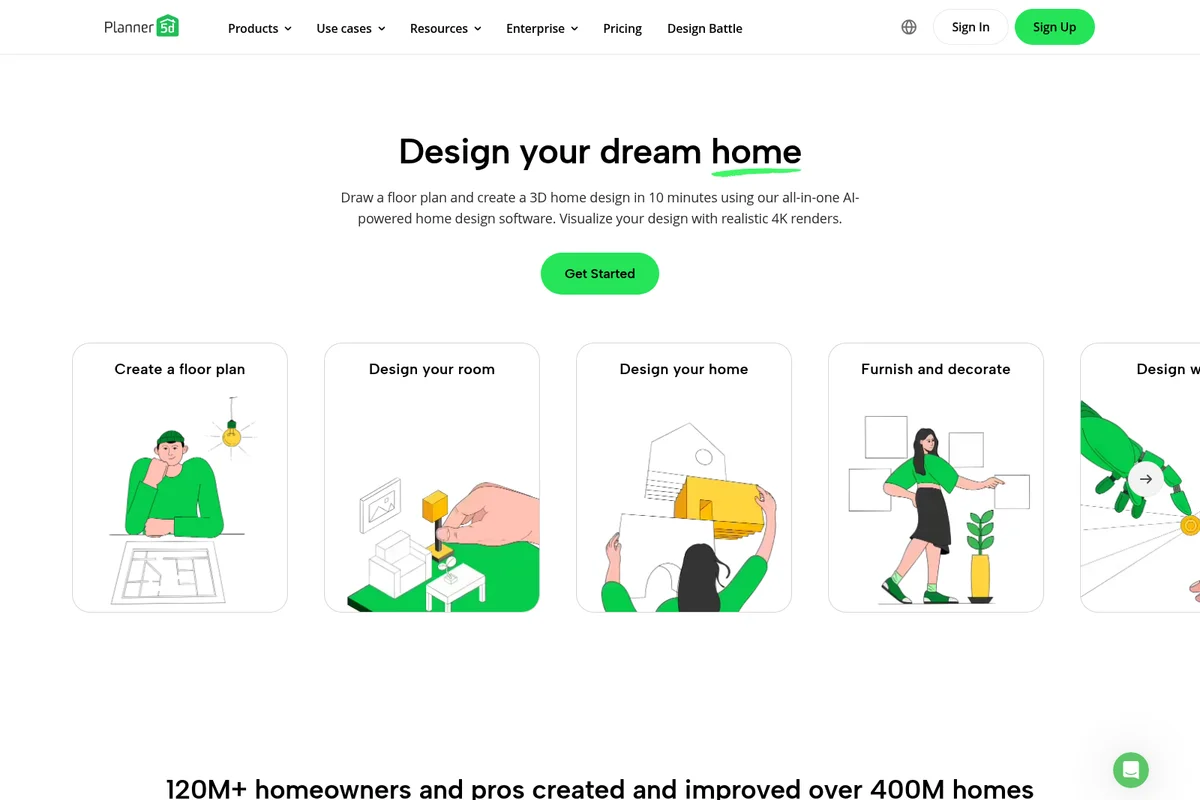
Design your dream home from floor plans to realistic 4K renders.

Visualize your interior design ideas in photorealistic 3D renders.
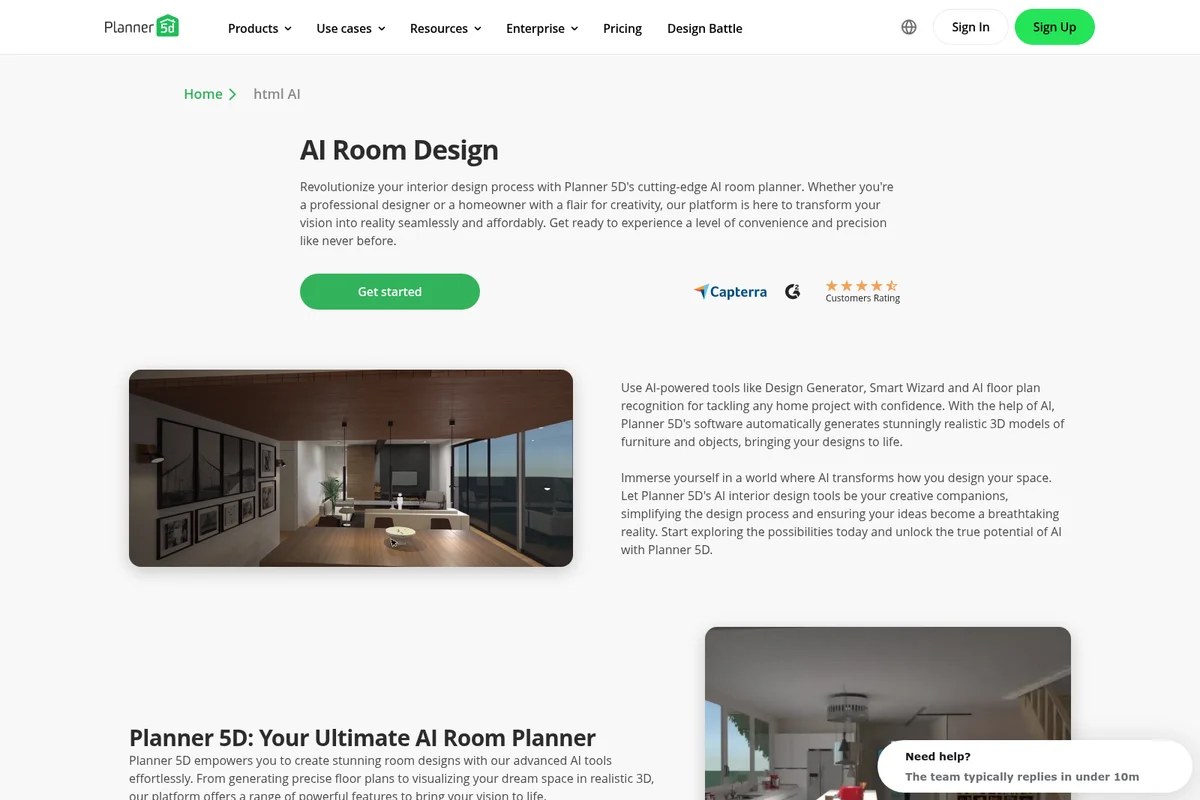
Visualize dream spaces effortlessly with AI-powered interior design.
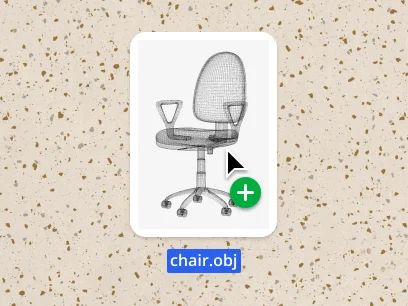
Easily browse and add detailed 3D furniture models to your design.
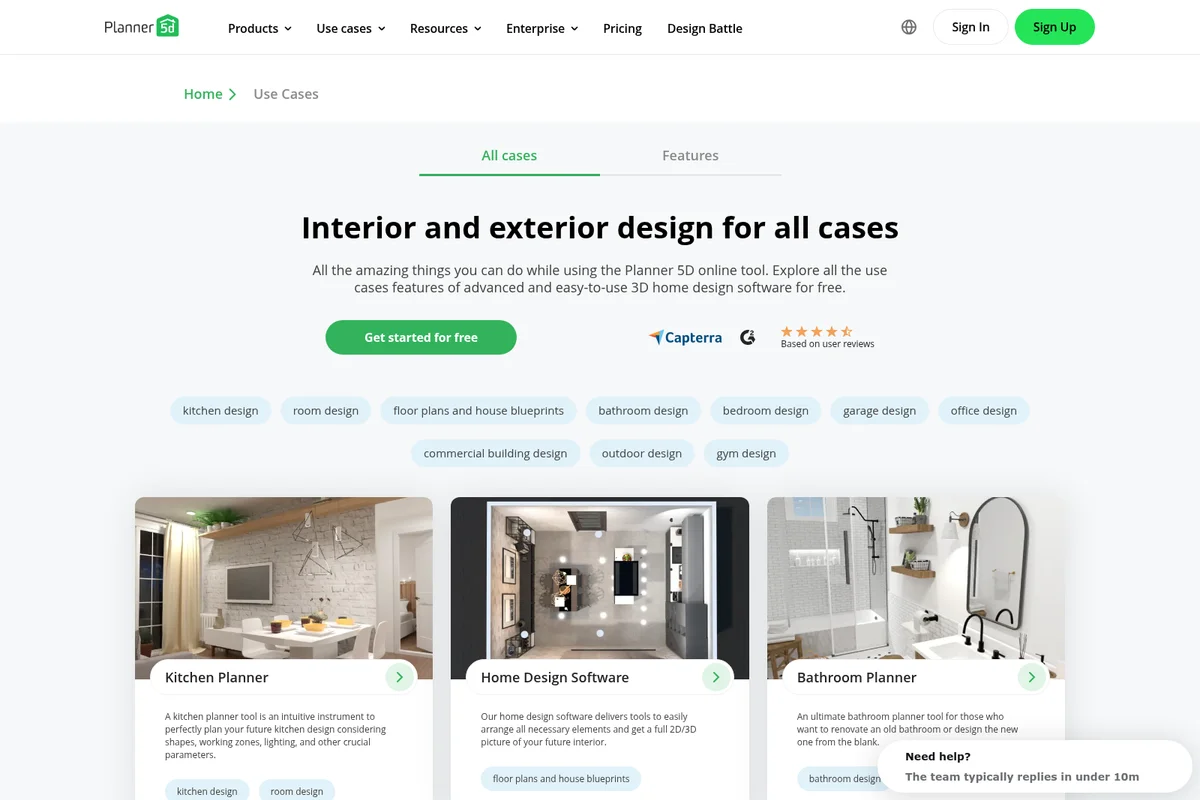
Explore various interior and exterior design possibilities for your projects.
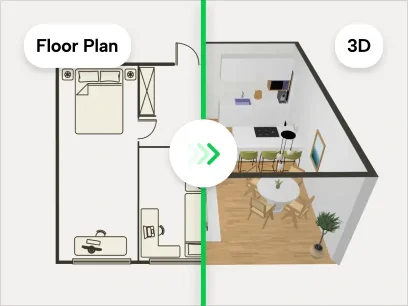
Instantly switch between 2D floor plans and realistic 3D renderings.
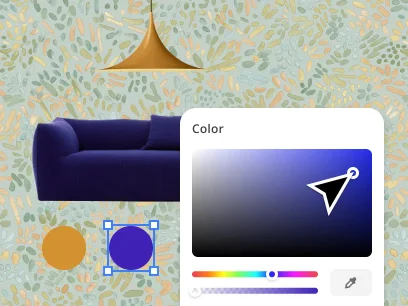
Customize furniture and object colors with an intuitive color picker.
Planner 5D Review: Tooliverse Consensus






Based on 27k+ verified reviews across 6 platforms,
combined with Tooliverse's expert analysis
Planner 5D makes professional-grade 3D home visualization accessible to non-architects by combining AI floor plan recognition with an intuitive drag-and-drop interface and a catalog of over 5,000 furniture items. The cross-platform sync across web, mobile, and even Vision Pro lets users design wherever they are, while 4K photorealistic renders bring concepts to life before any real-world commitment. The aggressive subscription prompts and layered credit system for high-resolution outputs frustrate users expecting all-inclusive access, and performance on older devices struggles with complex projects.
Bottom line: A strong home design platform that democratizes 3D visualization through AI-powered floor plan recognition and cross-device accessibility, though the layered pricing model and performance limitations on older hardware require careful consideration.
Planner 5D | Key Specs
- Platforms
- Web, iOS, Android, macOS, Windows, VisionOS
- Pricing Model
- Freemium ($0-49.99/mo) See plans
- API Available
- Yes (REST + JavaScript SDK)
- Max Resolution
- 4K (Professional tier)
Wins
- •Utilizes AI-powered floor plan recognition to convert 2D sketches into 3D models instantlymentioned in 1,420 reviews
- •Offers an extensive catalog of over 5,000 furniture items for detailed interior customizationmentioned in 1,280 reviews
- •Provides seamless cross-platform synchronization between mobile devices and web browsersmentioned in 940 reviews
Watch-Outs
- •Aggressive subscription prompts and paywalls can interrupt the user design experiencementioned in 1,120 reviews
- •High-resolution renders require additional credits which can become expensive over timementioned in 890 reviews
- •Performance lag and crashes occur on older mobile devices when handling complex projectsmentioned in 640 reviews
Planner 5D Features 2026
AI Floor Plan Recognition
Upload floor plan images in any format (JPEG, PNG, PDF, DWG, DXF, TIFF) and automatically convert them into fully editable 3D projects. The AI detects walls, openings, and room boundaries, saving hours of manual drafting work.
AI Design Generator
Upload a room photo and generate photorealistic redesigns in multiple styles. The AI creates furnished, staged, or restyled versions of spaces for virtual staging, inspiration, or property marketing.
White-Label API Integration
JavaScript and REST API enable full platform embedding with custom branding. Connect planner to e-commerce carts, CRMs, or ERPs for seamless business workflows.
4K Photorealistic Rendering
Generate professional-quality 4K renders with adjustable lighting, shadows, and colors. Unlimited renders available on Professional tier for presenting designs to clients or visualizing renovation projects.
Planner 5D User Reviews
Selected Reviews
"The AI floor plan recognition is a game changer. I uploaded a blurry photo of my old blueprint and it generated a 3D model in seconds."
"Absolutely worth the pro version if you are doing a real project. The AR feature to see furniture in your actual room is magic."
"The app is powerful but the subscription model is frustrating. You pay for the app and then still have to buy credits for high-quality renders."
More from the Community
"Great for visualizing my kitchen remodel. The catalog is huge, though some textures look a bit dated in the standard view."
"Best interior design app on the iPad. The Apple Pencil support makes drawing walls so much more precise than using a mouse."
"Good tool but it crashes frequently on my older Android tablet when I add more than three rooms. Needs better optimization."
"I love the community designs for inspiration. It's like Pinterest but you can actually walk through the rooms in VR mode."
"Used this to plan my entire apartment renovation. The 4K renders helped me convince my husband on the dark green cabinets!"
"Great for visualizing my kitchen remodel. The catalog is huge, though some textures look a bit dated in the standard view."
"Best interior design app on the iPad. The Apple Pencil support makes drawing walls so much more precise than using a mouse."
"Good tool but it crashes frequently on my older Android tablet when I add more than three rooms. Needs better optimization."
"I love the community designs for inspiration. It's like Pinterest but you can actually walk through the rooms in VR mode."
"Used this to plan my entire apartment renovation. The 4K renders helped me convince my husband on the dark green cabinets!"
"Very intuitive. I'm not an architect but I felt like one within an hour of playing around with the settings."
"The web version syncs perfectly with the mobile app. I draw on my phone and then do the heavy decorating on my desktop."
"Impressive library of furniture. Most of the IKEA-style items are there, which makes planning very realistic for my budget."
"The wall snapping tool can be very finicky. Sometimes it creates weird gaps that are impossible to close without deleting the whole section."
"Very intuitive. I'm not an architect but I felt like one within an hour of playing around with the settings."
"The web version syncs perfectly with the mobile app. I draw on my phone and then do the heavy decorating on my desktop."
"Impressive library of furniture. Most of the IKEA-style items are there, which makes planning very realistic for my budget."
"The wall snapping tool can be very finicky. Sometimes it creates weird gaps that are impossible to close without deleting the whole section."
Planner 5D Pricing 2026
View SourceThe free tier works for casual experimentation, but Premium at $4.99 monthly is where the tool becomes genuinely useful: AI floor plan recognition, the full 10,000+ item catalog, and standard renders unlock the core value proposition. That's the tier most homeowners and designers actually need. Professional at $33.33 monthly makes sense only if you're generating dozens of 4K renders monthly or need CAD export for technical documentation—the unlimited rendering removes the per-output cost anxiety that makes Premium expensive at scale.
Planner 5D In-Depth Review 2026

The platform converts 2D floor plans into fully editable 3D environments where you can furnish, decorate, and walk through spaces before making any real-world decisions. It runs on web browsers, iOS, Android, Windows, macOS, and even Apple Vision Pro, with projects syncing seamlessly across all of them. The AI floor plan recognition is what sets it apart: upload a photo of your existing blueprint or hand-drawn sketch, and within seconds you have a 3D model ready to customize.
What It's Like Day-to-Day
The interface feels intuitive from the first session. You drag walls to create room boundaries, drop furniture from the catalog into place, and adjust materials and colors with a few taps. The drag-and-drop simplicity means you're designing within minutes, not hours spent learning CAD software. As one iOS reviewer put it, the AI floor plan recognition is "a game changer" that converts even blurry blueprint photos into 3D models in seconds.
The real power shows up when you start cross-device work.
Planner 5D Security & Compliance
Privacy Commitments
- Extended privacy settings for educational institutions
Planner 5D: Frequently Asked Questions (FAQs)
How do I get started with Planner 5D?
Upon registration, you are automatically placed on the Free plan. This plan lets you create unlimited projects and get familiar with the platform. To access advanced features like AI Design Generator, floor plan upload, and the full 10,000+ item catalog, upgrade to Premium ($4.99/mo billed annually) or Professional ($33.33/mo billed annually).
How do I upgrade my plan?
Visit the pricing page and select Premium or Professional based on the features you need. Annual subscriptions are significantly cheaper when calculated monthly. To upgrade from Premium to Professional, contact the support service.
Does Planner 5D offer special pricing for educational institutions?
Yes, Planner 5D offers a free version with extended privacy settings specifically for educational institutions. Visit the education page for detailed information about the program.
What payment methods does Planner 5D accept?
Planner 5D accepts all major credit cards. You can enable a toggle on the payment window to receive an invoice. For Enterprise solutions, contact the business team to receive an invoice that can be paid via bank transfer.
Planner 5D: Verified Data Sheet
| # | Label | Data Point |
|---|---|---|
| [1] | Planner 5D Consensus: 8.27/10 | Planner 5D is a highly-rated tool among AI design tools in the Tooliverse index, with a consensus score of 8.27/10 across 27,987 verified reviews. |
| [2] | What is Planner 5D | Planner 5D, operated by Planner5D UAB (Lithuania), is an AI-powered home design platform for creating 3D floor plans and interior visualizations. The platform serves 120 million users who have created 400 million projects, with pricing starting at $4.99/month. |
| [3] | Tooliverse Consensus on Planner 5D | Planner 5D makes professional-grade 3D home visualization accessible to non-architects by combining AI floor plan recognition with an intuitive drag-and-drop interface and a catalog of over 5,000 furniture items. The cross-platform sync across web, mobile, and even Vision Pro lets users design wherever they are, while 4K photorealistic renders bring concepts to life before any real-world commitment. The aggressive subscription prompts and layered credit system for high-resolution outputs frustrate users expecting all-inclusive access, and performance on older devices struggles with complex projects. |
| [4] | Planner 5D Verdict | Planner 5D bottom line: A strong home design platform that democratizes 3D visualization through AI-powered floor plan recognition and cross-device accessibility, though the layered pricing model and performance limitations on older hardware require careful consideration. |
| [5] | Free: Free | Planner 5D offers a functional Free tier with unlimited projects and cross-platform access on web and mobile devices, making basic design tools accessible at no cost. |
| [6] | AI floor plan recognition converts 2D to 3D instantly | Planner 5D converts 2D floor plan sketches into fully editable 3D models instantly using AI-powered recognition technology, a capability validated by 1,420 user reviews as transformative for design workflows. |
| [7] | 5,000+ furniture items for customization | Planner 5D provides access to an extensive catalog of over 5,000 furniture items for detailed interior customization, with 10,000+ items available on Premium tier, according to 1,280 user reviews highlighting the breadth of design options. |
| [8] | Seamless sync across all platforms | Planner 5D delivers seamless cross-platform synchronization across web browsers, iOS, Android, Windows, macOS, and VisionOS, enabling users to start projects on one device and continue on another without friction, validated by 940 user reviews. |
| [9] | 4K photorealistic rendering quality | Planner 5D generates high-quality 4K photorealistic renders with adjustable lighting and shadows that bring design concepts to life, a capability praised in 810 user reviews for professional presentation quality. |
| [10] | Premium: $4.99/mo (annual) | Planner5D UAB's Planner 5D Premium empowers users with AI Design Generator to create designs automatically for $4.99/month billed annually, significantly expanding on the free tier's capabilities. |
| [11] | Aggressive subscription prompts interrupt workflow | Planner 5D displays aggressive subscription prompts and paywalls that can interrupt the design experience, a friction point reported in 1,120 user reviews as disruptive to creative workflow. |
| [12] | High-res renders require costly credits | Planner 5D requires additional credits for high-resolution renders beyond the subscription cost, which 890 user reviews indicate can become expensive over time for users generating multiple professional-quality outputs. |
| [13] | Privacy: Extended privacy settings for educational institutions | Planner 5D privacy protections include Extended privacy settings for educational institutions. |
| [14] | AI recognition converts blurry blueprints instantly | Planner 5D's AI floor plan recognition is "a game changer" that can convert even blurry blueprint photos into 3D models in seconds, according to a verified iOS App Store reviewer who rated it 5/5. |
Best Planner 5D Alternatives
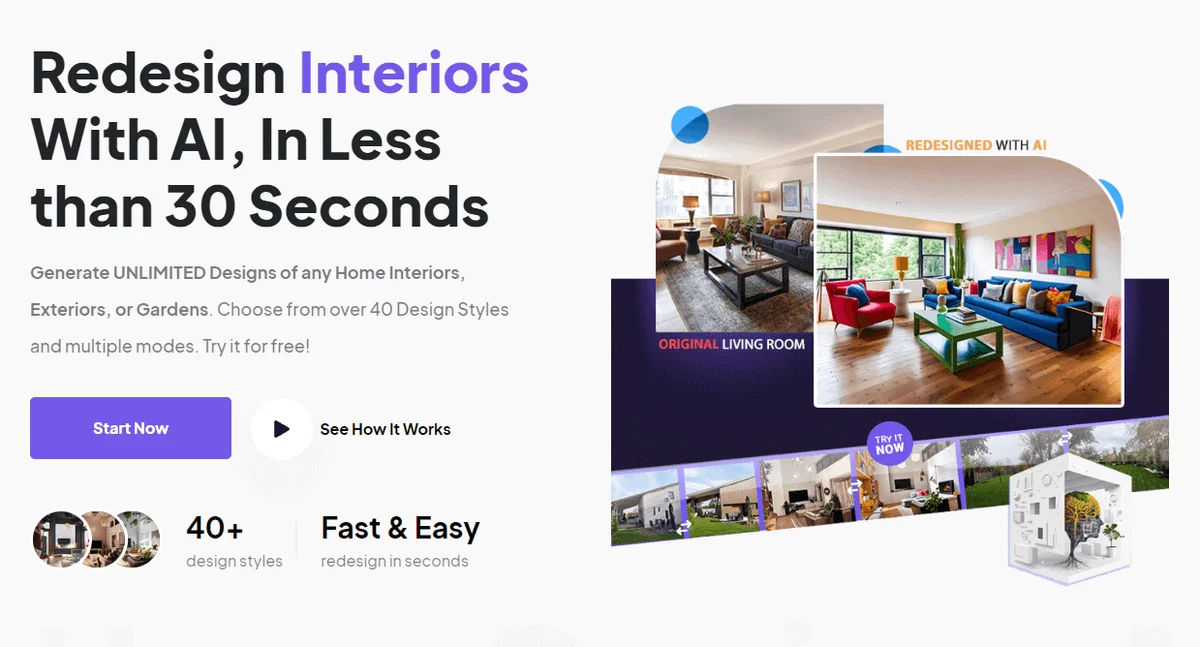
HomeDesigns AI
Redesign interiors, exteriors, and gardens in seconds with AI-powered home design tools.

D5 Render
Turn rough sketches into photorealistic renders in real time—no waiting, no complexity, just instant visual feedback.

Rendair AI
Transform sketches, 3D models, and floor plans into photorealistic architectural renders in seconds with AI.