
Rows Review 2026 - AI Spreadsheet Platform
Verified Jun 18, 2026 by Tooliverse Editorial
Rows transforms traditional spreadsheets into AI-powered data analysis tools. Extract tables from PDFs, connect to 50+ integrations like Google Analytics and Facebook Ads, and let AI build formulas, charts, and insights through natural language. Teams use it to automate reporting without writing code.
How to Import Data from One Spreadsheet to Another in Rows
Struggling With Blank Rows in Excel? Try This Hack
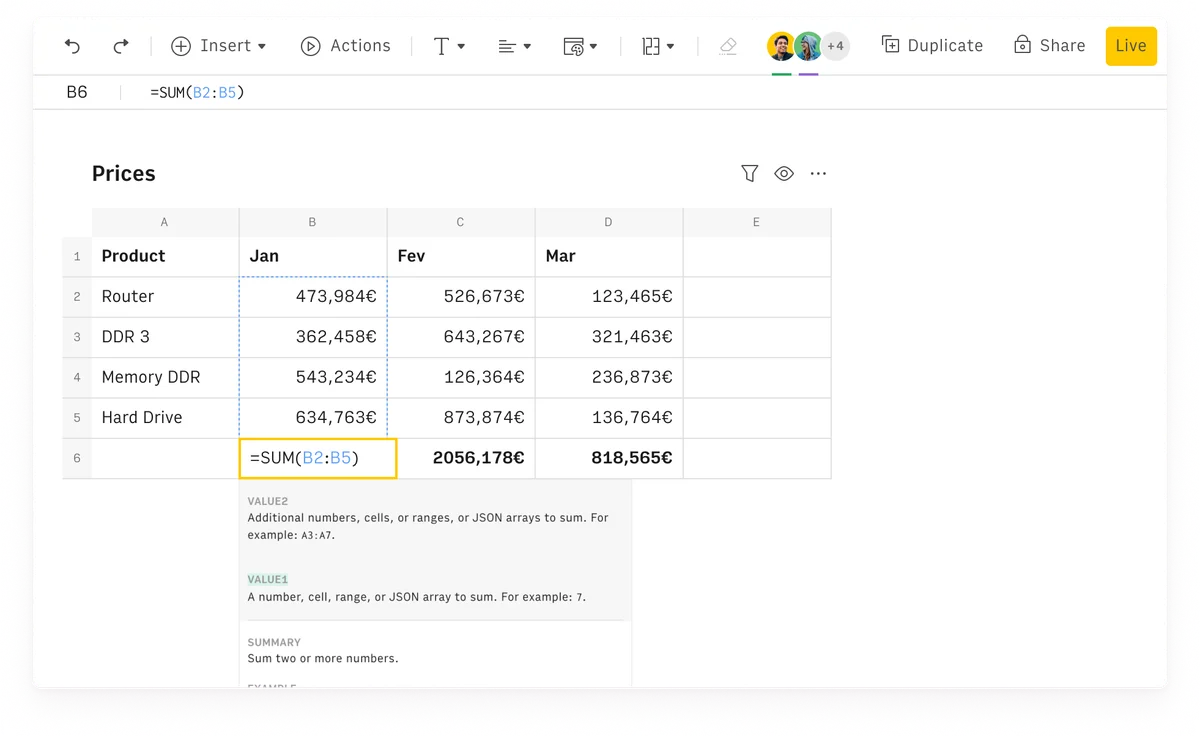
Rows spreadsheet UI showing a SUM formula calculating monthly totals for product prices in a clean, modern interface.
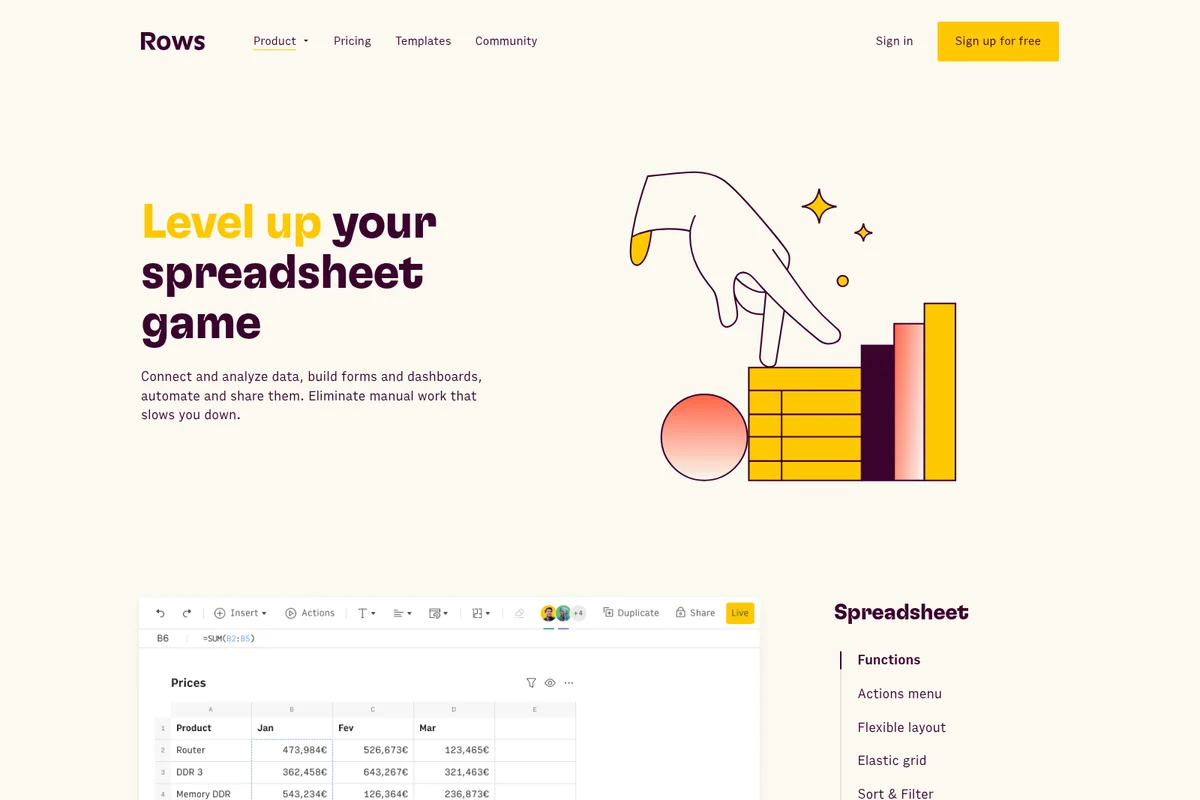
Rows features page showcasing an engaging illustration of spreadsheet data and a clean UI displaying a product sales table.
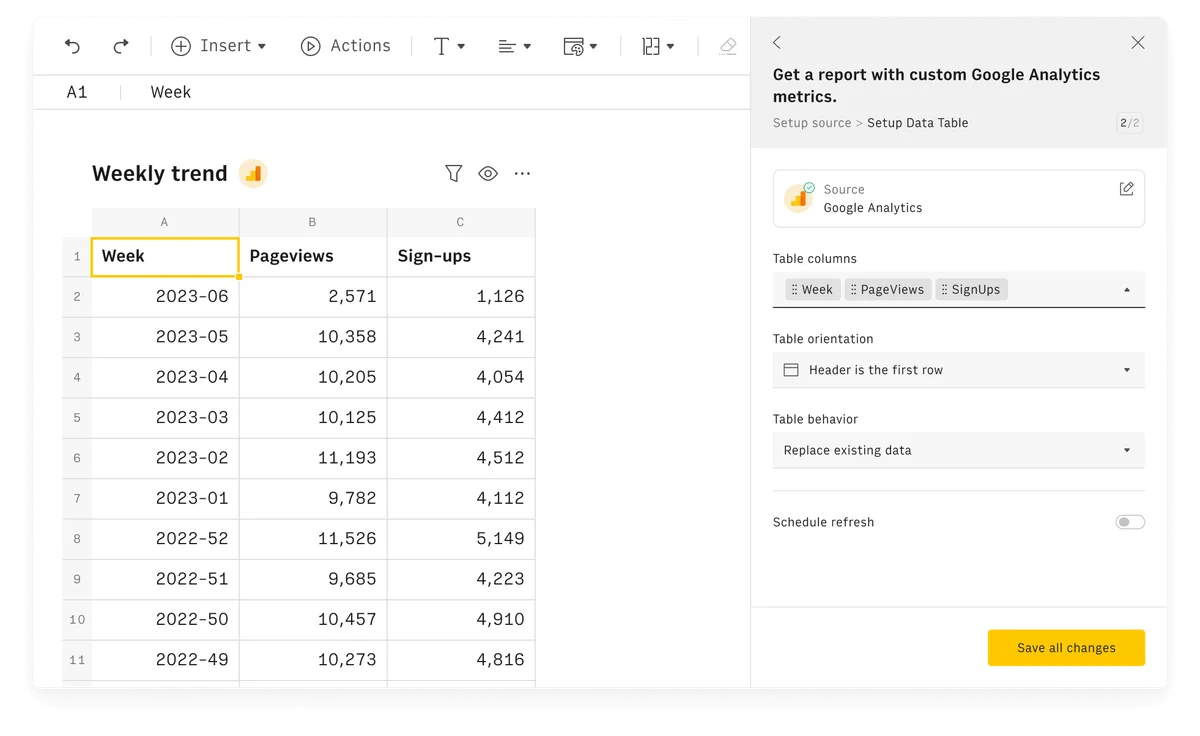
Rows data spreadsheet workspace showing a weekly trend report table and a side panel for setting up custom Google Analytics metrics.
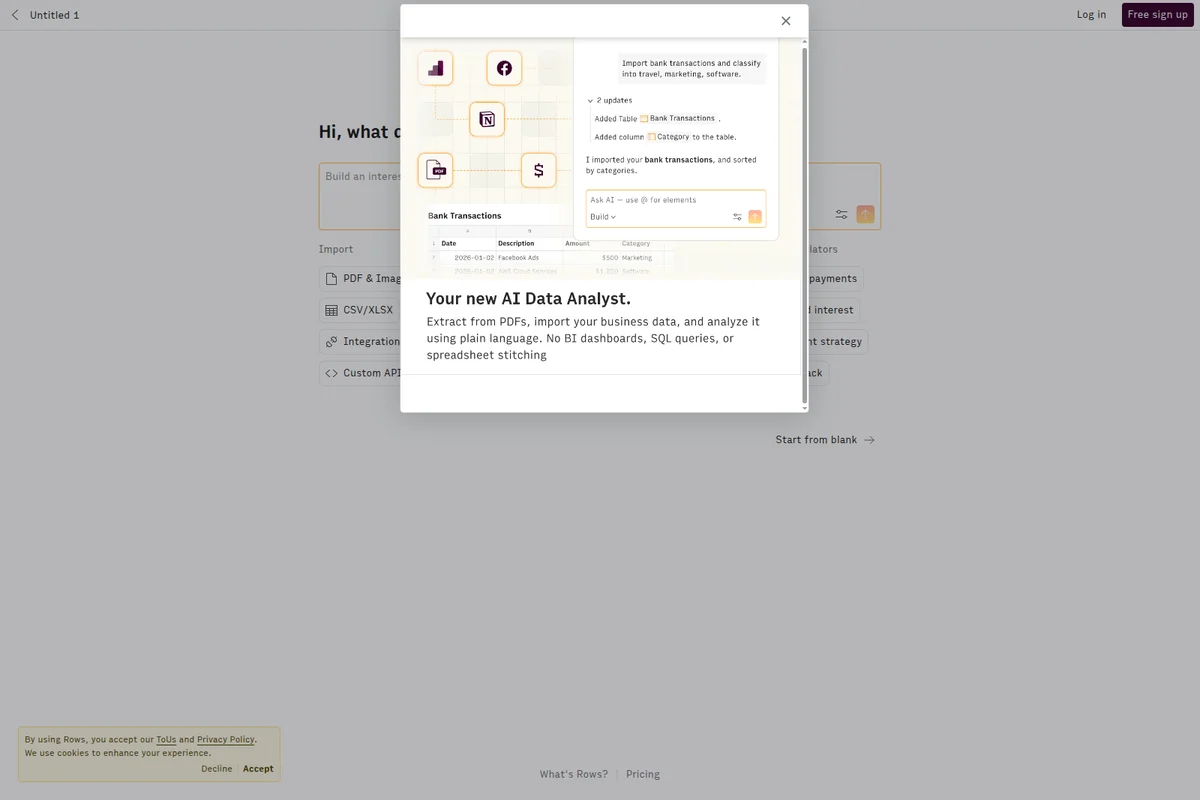
Rows homepage displaying an AI Data Analyst modal demonstrating bank transaction categorization with a clean spreadsheet UI.
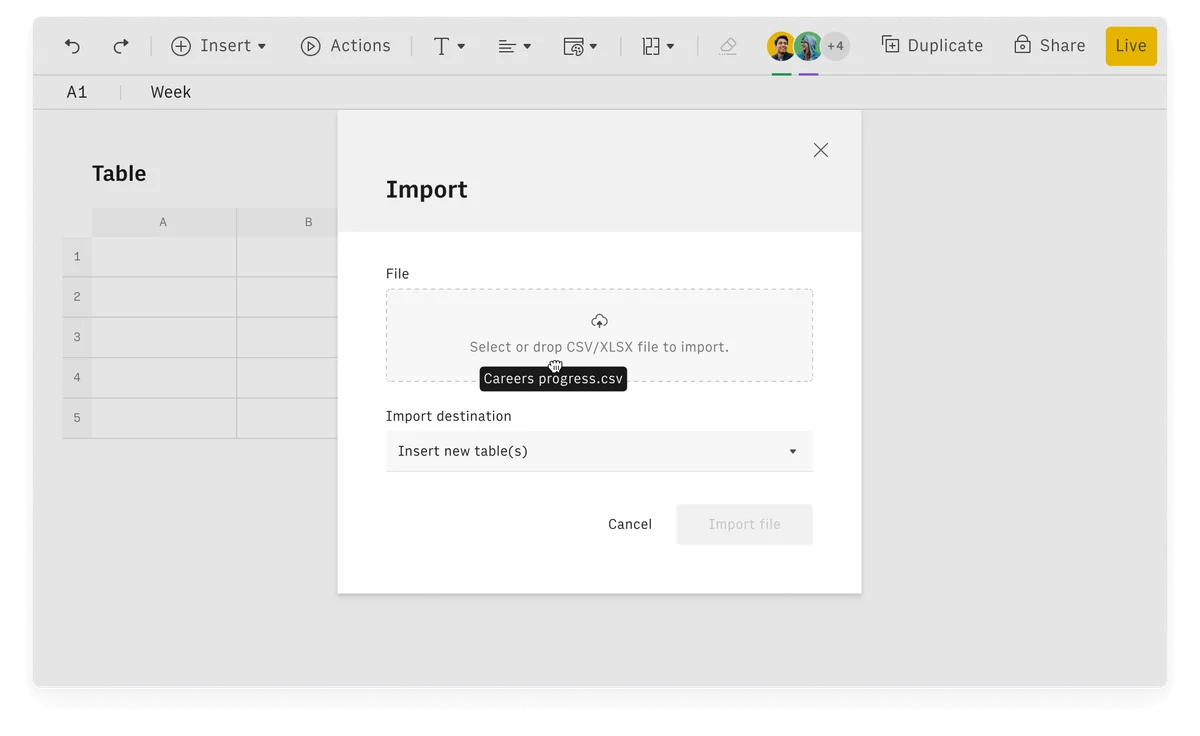
Rows workspace UI showing an active import modal for a CSV file named 'Careers progress.csv' with a clean light-themed interface.
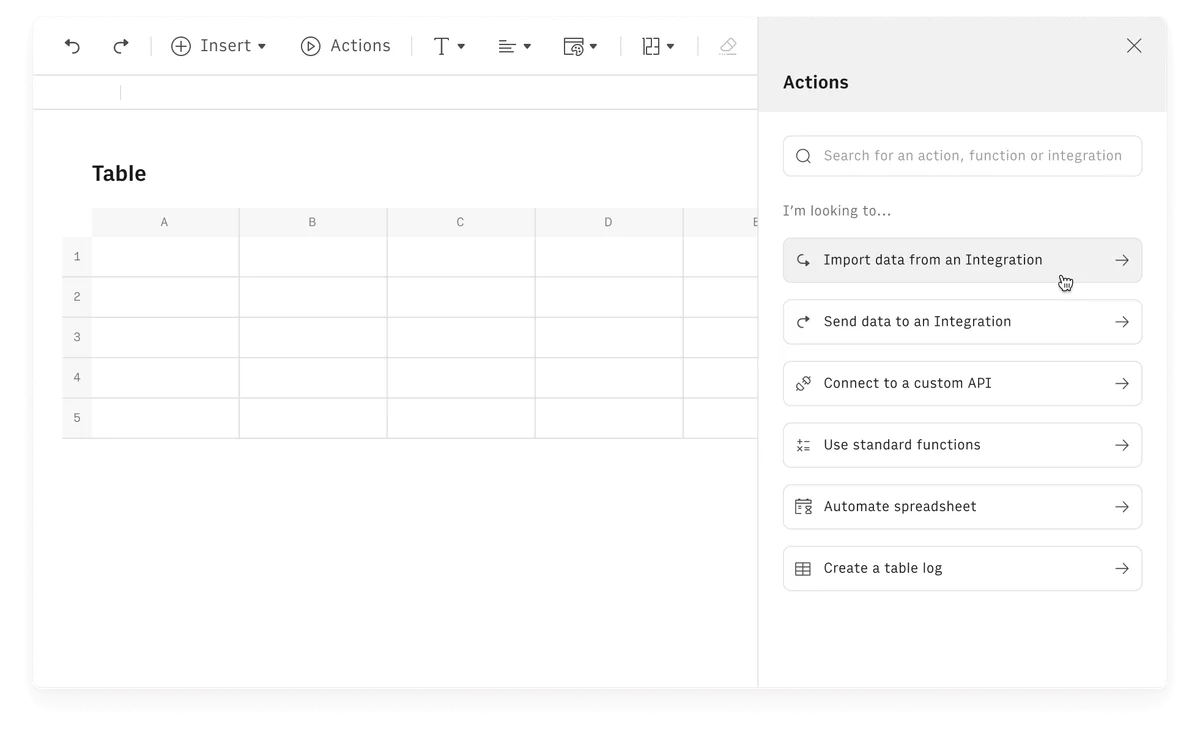
Rows spreadsheet UI showing the 'Actions' panel open, offering options like 'Import data from an Integration' and 'Send data to an Integration' within a clean, light-themed interface.
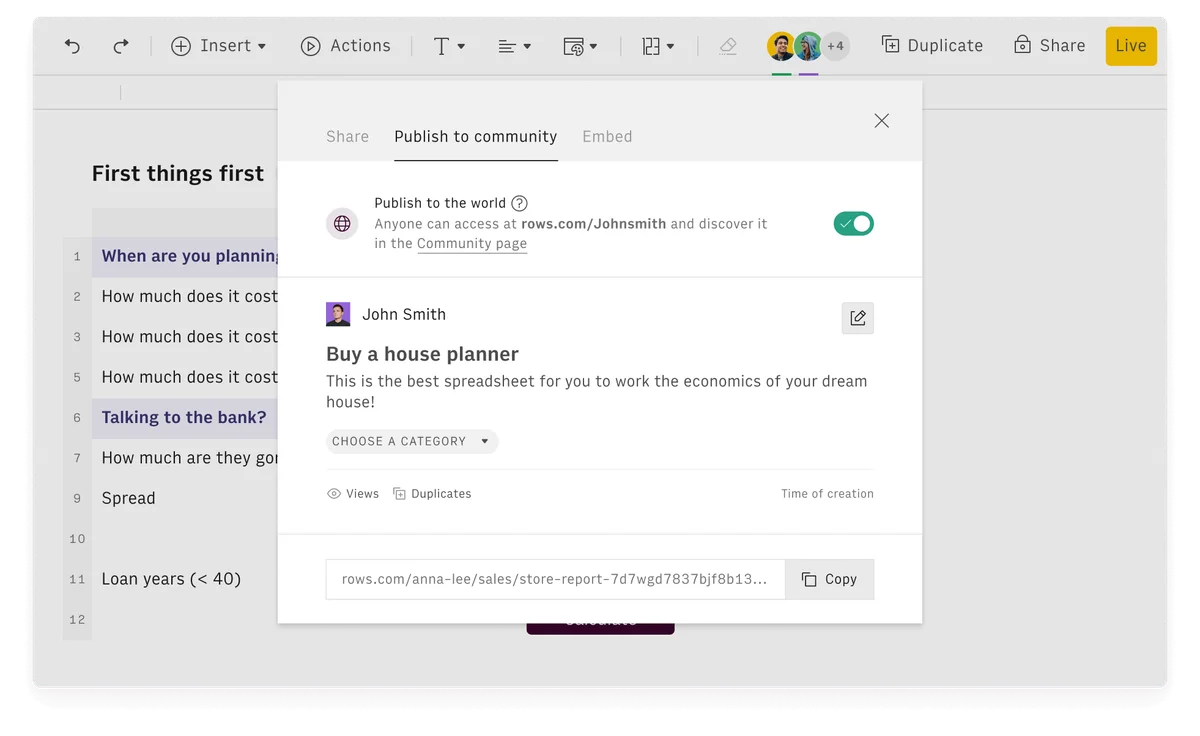
Rows spreadsheet tool showing the 'Publish to community' modal for a 'Buy a house planner' spreadsheet with a clean, modern interface.
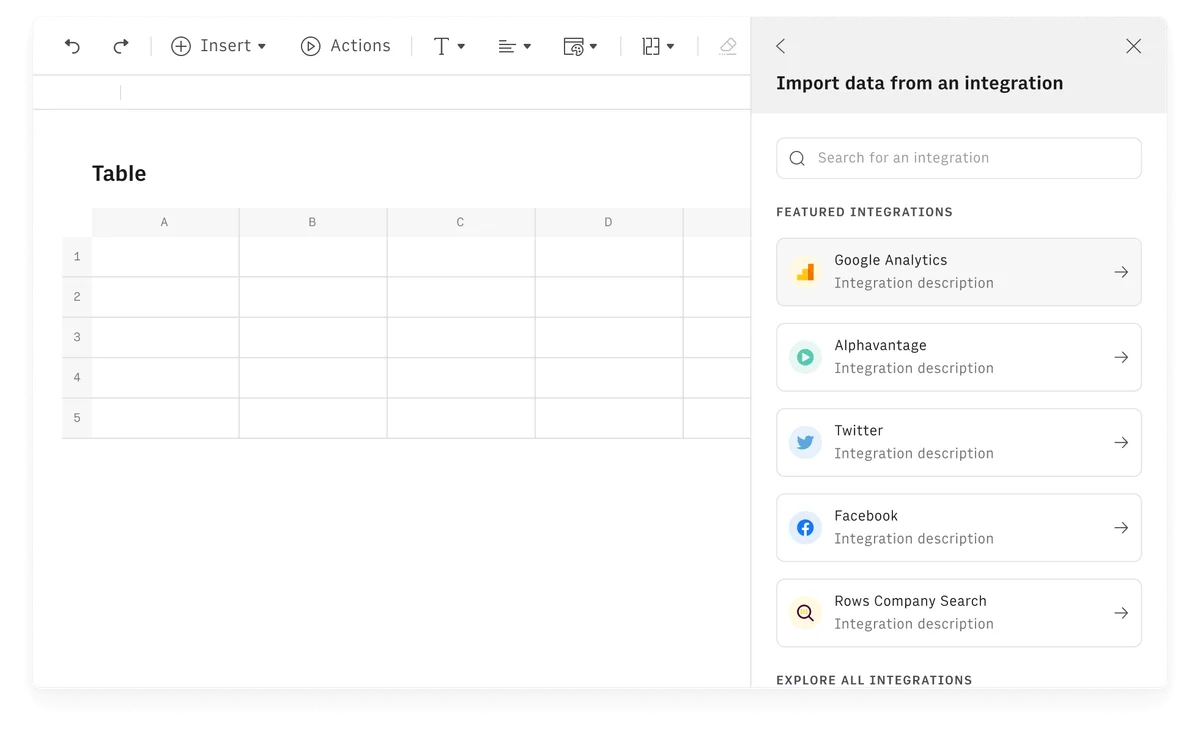
Rows spreadsheet application showing an integration panel for importing data from Google Analytics and other services.
Rows Review: Tooliverse Consensus







Based on 12k+ verified reviews across 6 platforms,
combined with Tooliverse's expert analysis
Rows transforms spreadsheets from static grids into live dashboards by combining native connections to over 50 business tools with an AI Analyst that automates analysis through natural language prompts. The keyboard-first interface and ability to publish spreadsheets as interactive websites set it apart for teams tired of manual data updates, though the Superhuman acquisition creates uncertainty about the product's roadmap and performance degrades above 100,000 rows. The integration depth and automation capabilities justify the 9.14/10 consensus score.
Bottom line: The definitive spreadsheet for teams drowning in manual data updates, delivering native integrations and AI automation that finally make grids feel modern, though the post-acquisition roadmap uncertainty requires monitoring.
Rows | Key Specs
- Platforms
- Web, Chrome Extension, API
- Pricing Model
- Freemium ($0-79/mo base + per-user) See plans
- Privacy/Data Use
- Data not used to train AI models, minimal data sharing
- Security
- SAML SSO (Enterprise) See details
Wins
- •Automates complex data analysis using an incredibly smart AI Analyst featurementioned in 2,150 reviews
- •Provides seamless native integrations with tools like Stripe, GA4, and HubSpotmentioned in 1,890 reviews
- •Features a modern, high-speed interface optimized for keyboard-first navigationmentioned in 1,640 reviews
Watch-Outs
- •Uncertainty regarding the standalone product's future following the Superhuman acquisitionmentioned in 1,420 reviews
- •Mobile application lacks the full feature set found in the desktop versionmentioned in 850 reviews
- •Performance can degrade when processing datasets exceeding 100,000 rowsmentioned in 620 reviews
Rows Features 2026
AI Analyst
Type = in any cell to ask AI questions, build formulas, create charts, or extract insights using natural language. AI maintains context across your spreadsheet and can work across multiple tables.
AI Vision for PDFs and Images
Extract tables and text from PDFs, invoices, screenshots, and scans automatically. Turn unstructured documents into editable spreadsheet data with custom instructions.
Python Integration
Run advanced analysis like cohort analysis, forecasting, and statistical tests without writing code. AI generates Python scripts based on natural language requests.
50+ Built-in Integrations
Connect to Google Analytics 4, Facebook Ads, Instagram, LinkedIn Ads, TikTok, Stripe, HubSpot, Salesforce, and 40+ other tools to import live data without code.
Rows User Reviews
Selected Reviews
"The AI Analyst is a game changer. It literally wrote my monthly report for me by just asking it questions about the data."
"The acquisition by Superhuman makes sense. The speed and Command-K focus were always there. Excited for the integration."
"Love the UI. It's so much cleaner than Google Sheets. The only thing missing is better support for very large datasets."
More from the Community
"Finally, a spreadsheet that connects to Stripe and GA4 without needing Zapier. It saves us hours every week."
"Great for quick checks but the mobile interface is a bit cramped for actual editing. Good for viewing dashboards though."
"Powerful integrations but the pricing jump for teams is quite steep compared to the solo plan."
"Best spreadsheet for 2026. The way it handles JSON imports directly into cells is a developer's dream."
"I love the 'Publish as Website' feature. It makes sharing internal tools with the team look professional."
"Finally, a spreadsheet that connects to Stripe and GA4 without needing Zapier. It saves us hours every week."
"Great for quick checks but the mobile interface is a bit cramped for actual editing. Good for viewing dashboards though."
"Powerful integrations but the pricing jump for teams is quite steep compared to the solo plan."
"Best spreadsheet for 2026. The way it handles JSON imports directly into cells is a developer's dream."
"I love the 'Publish as Website' feature. It makes sharing internal tools with the team look professional."
"The extension makes it so easy to grab data from any site and push it into a sheet. Very stable."
"The Superhuman integration is starting to show. The keyboard shortcuts are now identical, which is a huge boost."
"Worried about the shutdown of the standalone app. I hope the core features don't get lost inside email."
"The cleanest mobile spreadsheet experience I've found, even if it's mostly for viewing."
"The extension makes it so easy to grab data from any site and push it into a sheet. Very stable."
"The Superhuman integration is starting to show. The keyboard shortcuts are now identical, which is a huge boost."
"Worried about the shutdown of the standalone app. I hope the core features don't get lost inside email."
"The cleanest mobile spreadsheet experience I've found, even if it's mostly for viewing."
Rows Pricing 2026
View SourceThe free tier covers basic exploration with 5 AI tasks monthly, but Plus at $8 per user monthly is where most individual users land: 200 AI tasks, daily data refresh, and 1 million cell enrichments handle typical analyst and marketer workflows. Pro at $79 monthly base (plus $8 per additional user) is the tier for teams who need every-minute data refresh and 100 integration accounts. The base-plus-per-seat structure means a three-person team pays $103 monthly, which adds up faster than the individual math suggests.
Rows In-Depth Review 2026

This AI-powered spreadsheet runs on web and desktop, connecting natively to over 50 business tools without requiring Zapier or middleware. The AI Analyst responds to natural language prompts typed directly into cells, automating analysis that would normally require Python scripts or hours of manual work. Pricing starts at a free tier with 5 AI tasks monthly, scaling to Plus at $8 per user monthly and Pro at $79 monthly base.
What It's Like Day-to-Day
The integration story is what separates Rows from traditional spreadsheets. Connect your Stripe account, and transaction data flows into Data Tables that refresh automatically—daily on Plus, every minute on Pro. The same pattern works for Google Analytics 4, HubSpot, Facebook Ads, and dozens of other platforms. As one G2 reviewer noted, it "connects to Stripe and GA4 without needing Zapier" and saves their team hours every week. You're not exporting CSVs or building fragile automation chains; the data just lives in your spreadsheet and stays current.
The AI Analyst handles the analysis layer. Type an equals sign in any cell, ask a question in plain English, and it writes the formula, builds the chart, or runs the calculation. Need cohort analysis?
Rows Security & Compliance
Security Features
- SAML SSO
Privacy Commitments
- Data not used to train AI models
- Only minimum necessary information sent to AI (table headers, up to 5 sample rows, basic statistics)
Rows: Frequently Asked Questions (FAQs)
Is Rows free to use?
Yes, Rows offers a Free plan that is free forever, with no trial period or credit card required. The Free plan includes 5 AI tasks per month, unlimited spreadsheets, and up to 3 guests. For premium features like more AI tasks and automation, you can upgrade to Plus ($8/user/month) or Pro ($79/month base + $8/user).
What are Workspaces and Members?
A Workspace is a group of people and spreadsheets inside Rows with a unique link (rows.com/yourcompany). Members are permanent users who can create spreadsheets and get access to new documents in shared folders by default. Guests can't create spreadsheets and can only be invited to view or edit up to 3 specific spreadsheets. Free plans allow 3 guests, Plus allows 10 guests, and Pro allows 200 guests. You can create multiple workspaces with the same email address, each with separate billing.
What are AI Tasks?
AI Tasks are actions that use artificial intelligence algorithms. Each message you send to the AI Analyst counts as 1 AI Task. Importing files with AI Vision (PDFs, images) counts as 1 AI Task per file. Super large files may consume more than 1 AI Task. The Free plan includes 5 AI tasks/month, Plus includes 200/month, Pro includes 1,000/month, and Enterprise includes unlimited AI tasks.
Can you explain Integrations, Data Tables & Cell enrichments?
Integrations are connections to services like Google Analytics, Facebook Ads, and databases. Each connection is an Integration Account (Free: 10 accounts, Plus: 10, Pro: 100, Enterprise: unlimited). Data Tables import full datasets from integrations and can refresh automatically (Plus: daily, Pro: every minute). Cell enrichment loads data into individual cells or columns and counts per cell executed. Free plans get 500 cell enrichments/month, while Plus and Pro get 1 million/month covering all integrations, HTTP tasks, and API calls.
Rows Integrations
| Notion | Facebook Ads | |
| Google Analytics 4 | LinkedIn Pages | Google Search Console |
| Facebook Pages | Google Ads | LinkedIn Ads |
| YouTube | TikTok | TikTok Ads |
| Gmail | HubSpot | Google Sheets |
| Stripe | Pipedrive | Clearbit |
| FullContact | Alpha Vantage | BuiltWith |
| Mailchimp | Snowflake | Salesforce |
| Amazon Redshift | DeepL | Microsoft Translator |
| MySQL | Zapier | Google Maps |
| Zoho CRM | Hunter | PostgreSQL |
| Google Translate | Airtable | BigQuery |
| Make | Slack | Google My Business |
| Microsoft Power BI | Looker Studio | ZeroBounce |
| PredictLeads | News API | VAT-Search |
| Google Pagespeed |
Rows: Verified Data Sheet
| # | Label | Data Point |
|---|---|---|
| [1] | Rows Consensus: 9.14/10 | Rows is one of the highest-rated AI productivity tools in the Tooliverse index, with a consensus score of 9.14/10 across 12,000 verified reviews. |
| [2] | What is Rows | Rows, acquired by Superhuman, is an AI-powered spreadsheet platform that combines traditional spreadsheet functionality with 50+ integrations and native AI capabilities. The platform serves business users who need to automate data analysis and reporting without coding, with pricing starting at $8/month per user. |
| [3] | Tooliverse Consensus on Rows | Rows transforms spreadsheets from static grids into live dashboards by combining native connections to over 50 business tools with an AI Analyst that automates analysis through natural language prompts. The keyboard-first interface and ability to publish spreadsheets as interactive websites set it apart for teams tired of manual data updates, though the Superhuman acquisition creates uncertainty about the product's roadmap and performance degrades above 100,000 rows. The integration depth and automation capabilities justify the 9.14/10 consensus score. |
| [4] | Rows Verdict | Rows bottom line: The definitive spreadsheet for teams drowning in manual data updates, delivering native integrations and AI automation that finally make grids feel modern, though the post-acquisition roadmap uncertainty requires monitoring. |
| [5] | Free: Free | Rows offers a functional Free tier with 5 AI Tasks per month and unlimited spreadsheets, making AI-powered spreadsheet tools accessible at no cost. |
| [6] | AI Analyst automates data analysis | Rows automates complex data analysis through an AI Analyst feature that responds to natural language prompts directly in spreadsheet cells, validated as transformative by 2,150+ user reviews. |
| [7] | 50+ native integrations | Rows connects natively to 50+ business tools including Stripe, Google Analytics 4, and HubSpot without requiring third-party automation platforms, eliminating integration middleware according to 1,890+ user reports. |
| [8] | Pro: $79/month | Superhuman's Rows Pro empowers users with 1,000 AI Tasks per month (base plan) for just $79 monthly, significantly expanding on the free tier's capabilities. |
| [9] | Modern, high-speed interface | Rows delivers a keyboard-first interface optimized for speed and modern navigation patterns, praised for superior performance compared to legacy spreadsheet tools by 1,640+ users. |
| [10] | Publish spreadsheets as websites | Rows enables users to publish spreadsheets as interactive, professional-looking websites directly from the grid, transforming static data into shareable web tools according to 1,280+ user reviews. |
| [11] | Post-acquisition uncertainty | Rows faces uncertainty regarding its standalone product roadmap following the Superhuman acquisition, creating concern about feature continuity among 1,420+ users. |
| [12] | Mobile app feature limitations | Rows mobile application provides limited functionality compared to the desktop version, restricting full editing capabilities according to 850+ user reports. |
| [13] | Privacy: Data not used to train AI models | Rows privacy protections include Data not used to train AI models and Only minimum necessary information sent to AI (table headers, up to 5 sample rows, basic statistics). |
| [14] | Enterprise: SAML SSO | Rows provides enterprise security with SAML SSO. |
| [15] | AI writes reports from questions | Rows AI Analyst "literally wrote my monthly report" by responding to natural language questions about data, according to a verified Product Hunt reviewer who rated the feature transformative. |
Compare Rows with…
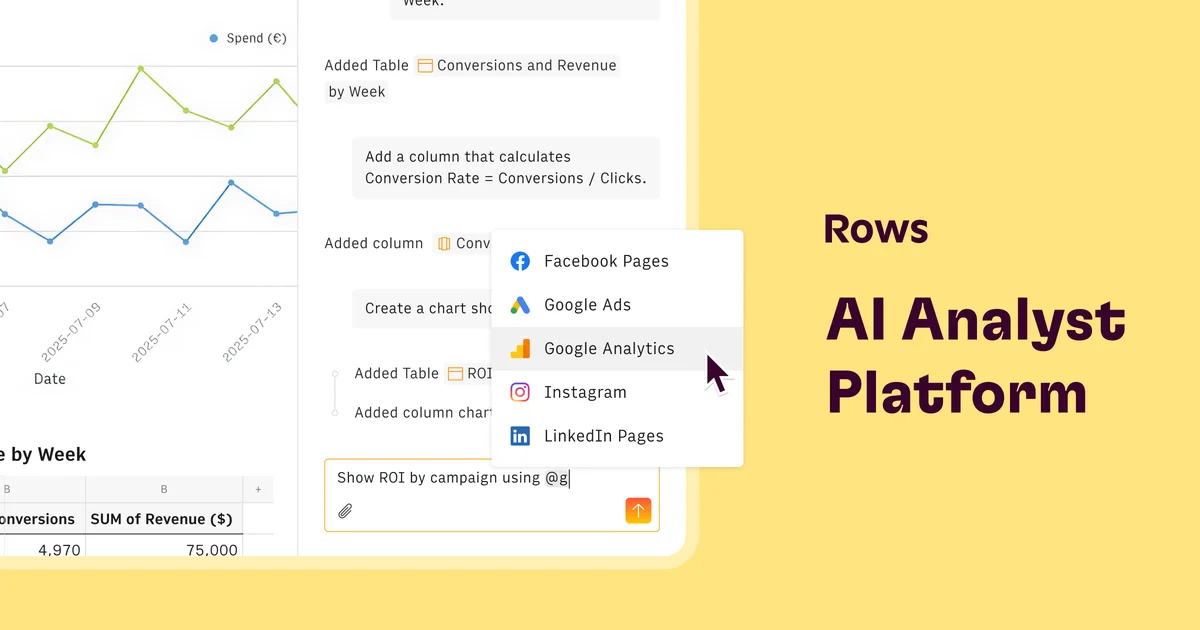
Best Rows Alternatives
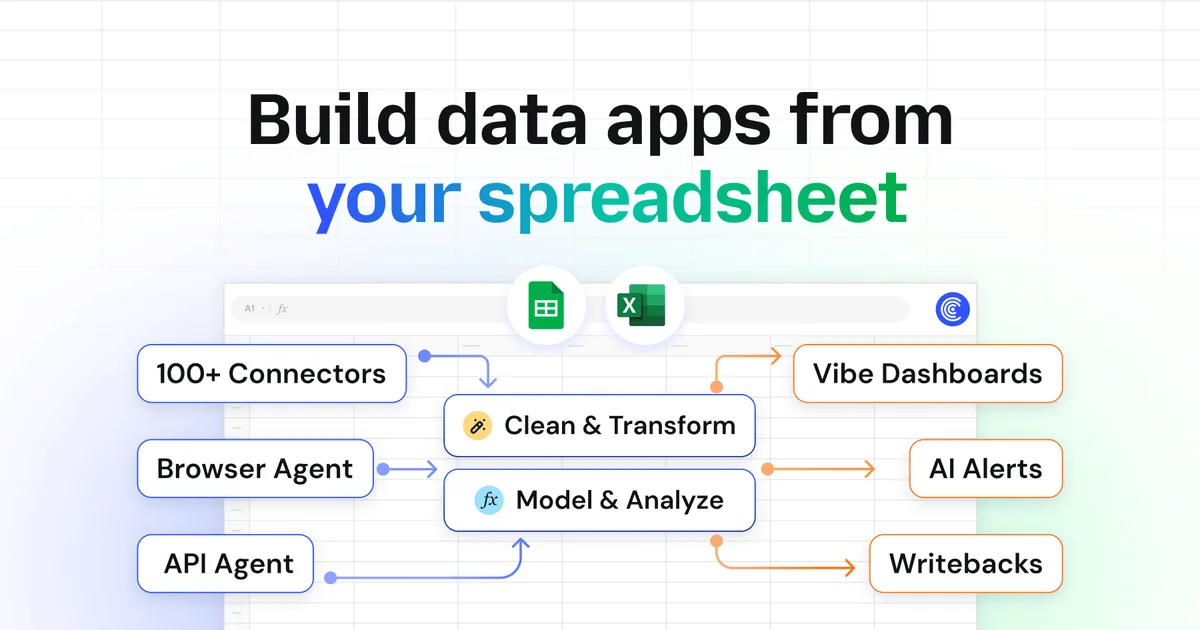
Coefficient
Connect live data to spreadsheets, automate workflows, and share insights—no code required.
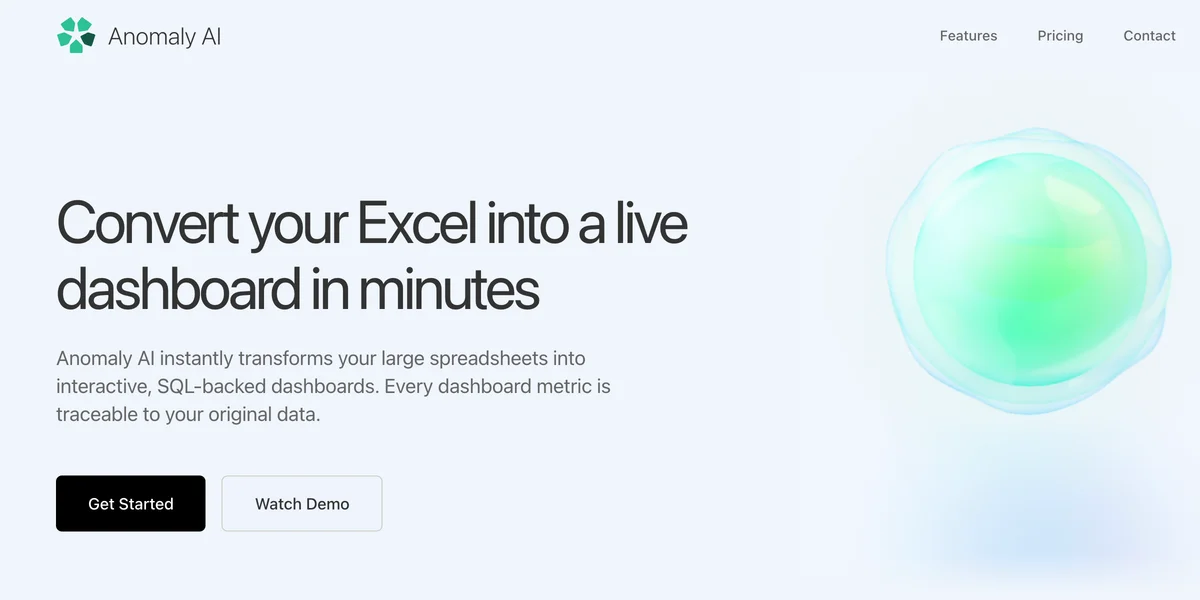
Anomaly AI
Turn messy business data into clear insights, dashboards, and reports with AI that shows its work.
Browse AI
Turn any website into a live data pipeline with no-code AI-powered extraction and monitoring.