
SlidesAI Review 2026 - AI Presentation Maker
Verified Jun 19, 2026 by Tooliverse Editorial
SlidesAI transforms notes, documents, or prompts into polished Google Slides and PowerPoint presentations instantly. With 14M+ installs and support for 100+ languages, it's trusted by teams at Amazon, Microsoft, and universities like MIT and Stanford.
How to Delete a Page in Google Docs (Even Blank or Extra Pages!)
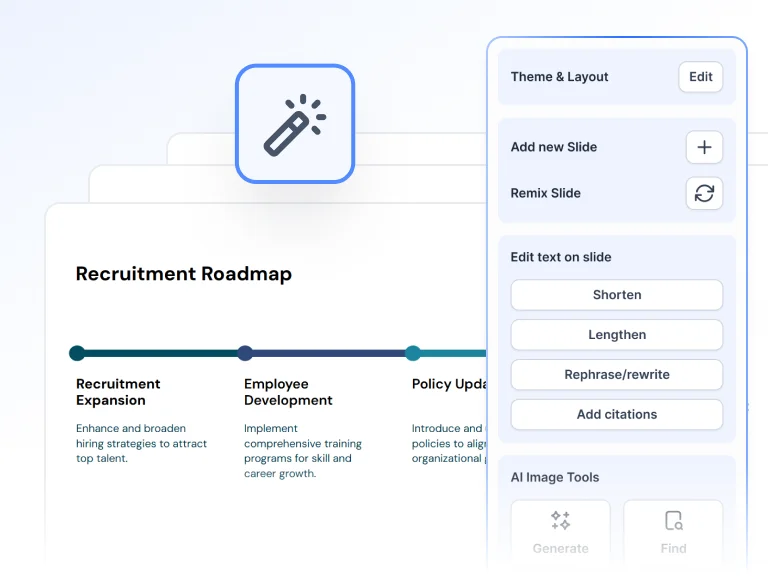
Intelligently edit slide content and find images with AI-powered tools.
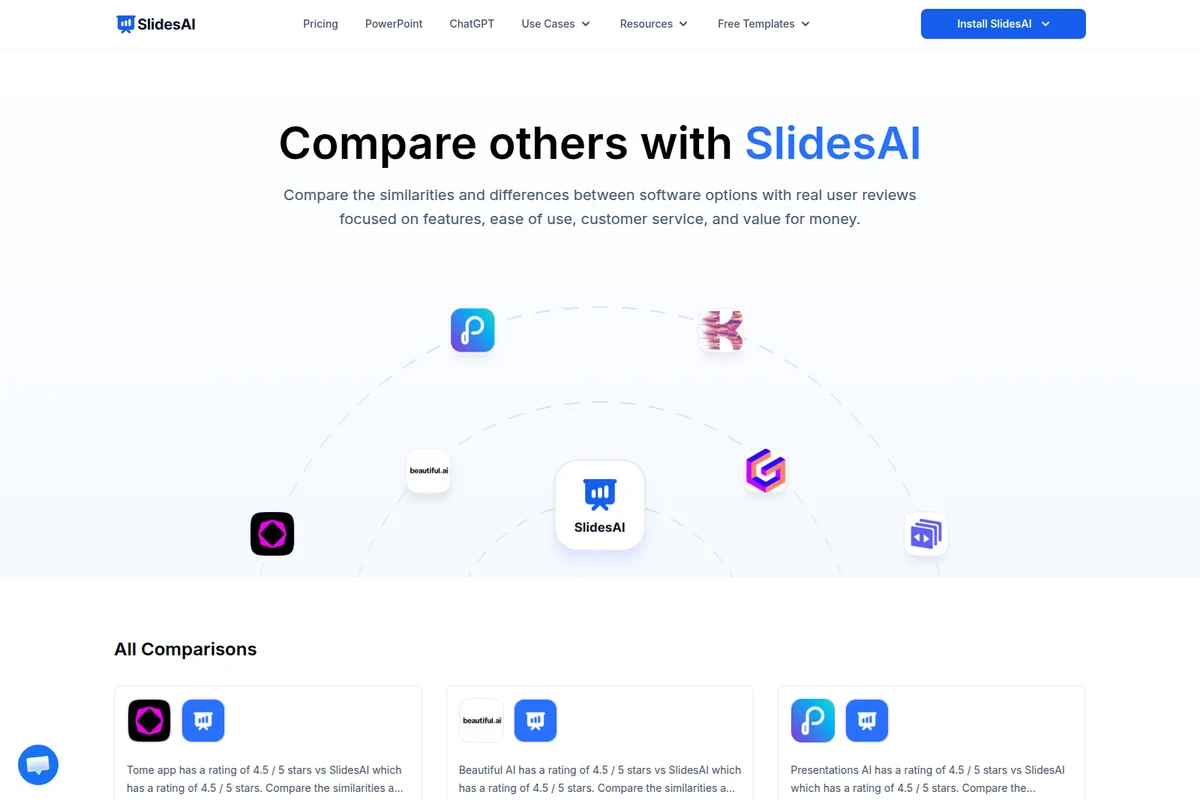
Evaluate SlidesAI against competitor tools with real user reviews and detailed comparisons.

Easily choose themes and professional layouts for your presentations.
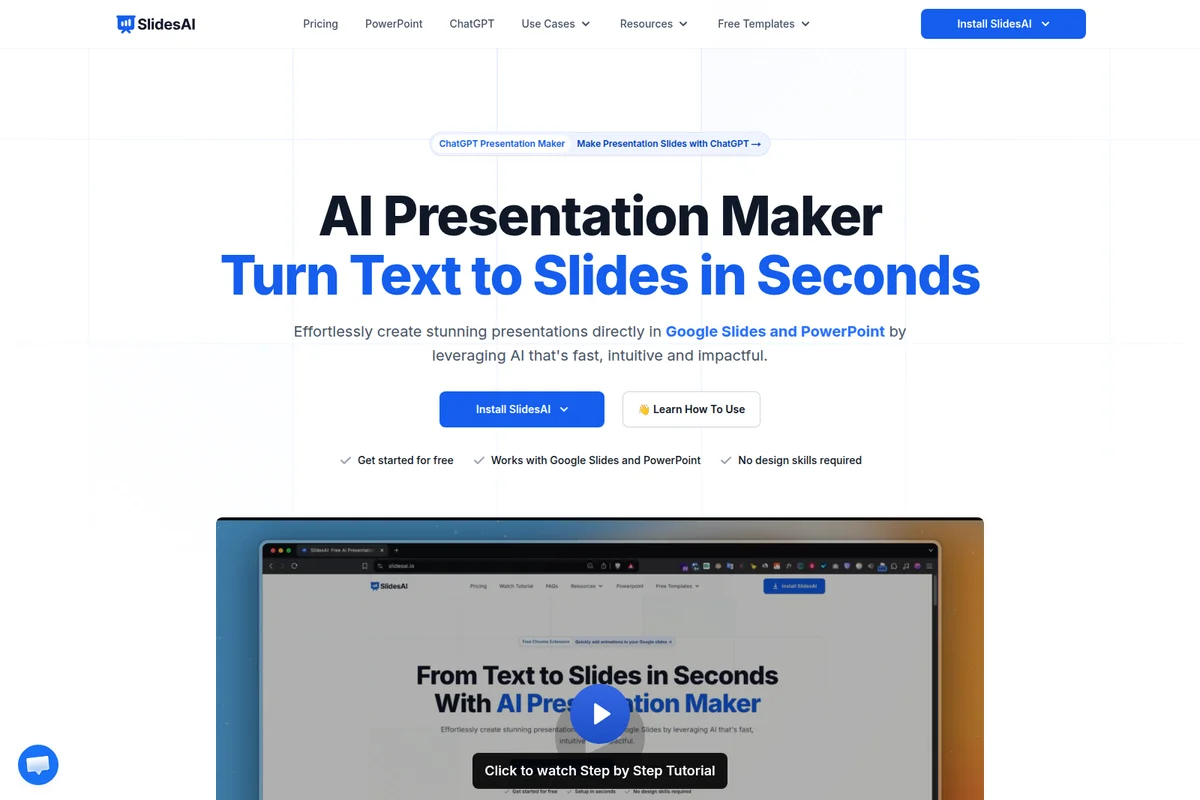
Turn text into stunning presentations effortlessly with AI.

Explore diverse presentation themes to match your content's style and tone for impactful slides.

Create professional presentations easily with AI assistance.
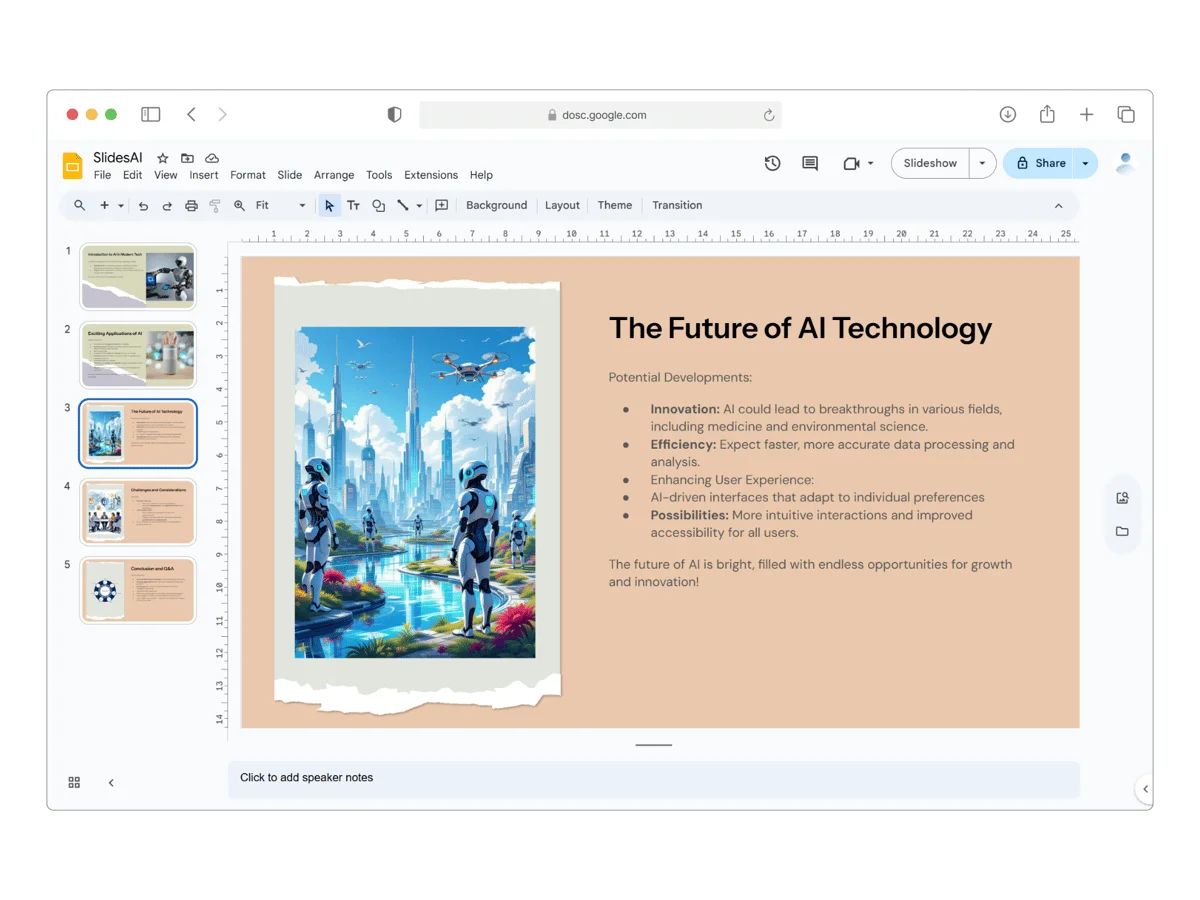
Craft compelling AI presentations with ease, leveraging advanced visuals.

Explore AI-powered presentations on cutting-edge topics like autonomous vehicles.
SlidesAI Review: Tooliverse Consensus


Based on 3k+ verified reviews across 6 platforms,
combined with Tooliverse's expert analysis
SlidesAI automates the structural heavy lifting of presentation building, transforming text into logically organized decks in seconds directly within Google Slides and PowerPoint. The native integration and multi-language support make it effective for educators, professionals, and international teams who need to eliminate drafting paralysis without learning new software. The AI-generated layouts consistently require manual cleanup for text overflows and alignment issues, and the PowerPoint version offers fewer features than its Google Slides counterpart, but the time savings on first-draft generation justify the cost for users building decks regularly.
Bottom line: A strong productivity tool that eliminates presentation drafting paralysis through native Google Slides integration, though you'll need to budget cleanup time for layout imperfections.
SlidesAI | Key Specs
- Platforms
- Web (Google Slides & PowerPoint add-in)
- Pricing Model
- Freemium ($0-20.83/mo) See plans
- Privacy/Data Use
- No permanent storage, GDPR compliant
- Languages Supported
- 100+ languages with one-click translation
Wins
- •Transforms text into structured presentations in seconds, significantly reducing manual drafting timementioned in 412 reviews
- •Operates natively within Google Slides, allowing users to stay in their familiar ecosystemmentioned in 385 reviews
- •Supports over 100 languages, making it a top choice for international teams and studentsmentioned in 245 reviews
Watch-Outs
- •AI-generated layouts often require manual cleanup to fix text overflows or alignment issuesmentioned in 156 reviews
- •Free tier is restrictive, limiting users to a small number of presentations and templatesmentioned in 134 reviews
- •Image suggestions can be generic or irrelevant, necessitating manual replacement from stock librariesmentioned in 98 reviews
SlidesAI Features 2026
Native Google Slides & PowerPoint Integration
Works directly inside Google Slides and Microsoft PowerPoint as an add-in. No new software to learn—create and edit presentations in the tools you already use.
Text to Presentation with AI
Enter a topic or paste notes and AI generates a complete presentation with structured slides, logical flow, and professional formatting in seconds.
SlidesAI ChatGPT Integration
Use SlidesAI's custom ChatGPT to turn ideas into polished decks saved directly to Google Slides. Describe your topic and preferences, AI handles the rest.
Document Upload (PDF & Word)
Upload PDF files or Word documents and AI automatically extracts content, structures it into slides, and creates a presentation-ready deck.
SlidesAI User Reviews
Selected Reviews
"I really like how it understands the context of my presentation. It even asks for a few details, such as the type of presentation and the number of slides, which makes the results more accurate. The best part is that it can generate presentations in multiple languages based on your preference."
"This tool is a lifesaver for my weekly reports. I just paste my notes and it builds the deck. The integration with Google Slides is seamless. I don't have to switch apps at all."
"SlidesAI outlines tend to be thin and generic. Several advertised features are not yet available in the product, like creating decks from docs or webpages, which are stuck on "Coming Soon.""
More from the Community
"Cheap ($10/mo) but you get what you pay for. Basic text-to-slide conversion. Expect to do significant manual clean-up. Good for internal reports where design isn't the top priority."
"Installation is trivial: search “SlidesAI” in the Google Workspace Marketplace, click Install, grant permissions, done. Roughly 25 seconds later, the AI produced a 10-slide deck. Content extraction accuracy was solid, and the logical flow was clear."
"Saved me 3 hours on a client presentation. The AI layout is surprisingly clean. I love how it handles bullet points. It actually understands the hierarchy of information."
"The multi-language support is excellent. I used it for a Spanish deck and it was perfect. It's fast and efficient. It doesn't do everything, but it does the hard part of starting."
"Cheap ($10/mo) but you get what you pay for. Basic text-to-slide conversion. Expect to do significant manual clean-up. Good for internal reports where design isn't the top priority."
"Installation is trivial: search “SlidesAI” in the Google Workspace Marketplace, click Install, grant permissions, done. Roughly 25 seconds later, the AI produced a 10-slide deck. Content extraction accuracy was solid, and the logical flow was clear."
"Saved me 3 hours on a client presentation. The AI layout is surprisingly clean. I love how it handles bullet points. It actually understands the hierarchy of information."
"The multi-language support is excellent. I used it for a Spanish deck and it was perfect. It's fast and efficient. It doesn't do everything, but it does the hard part of starting."
"A bit pricey for the pro version, but the time saved makes it worth it for my business. I wish there were more template styles, but the current ones are professional enough for work."
"The 'Magic Write' feature helps me rephrase my content so it fits the slide better. Sometimes the AI puts too much text on one slide, but it's easy to split them manually."
"It's a great start for a presentation, but I still have to spend time fixing the font sizes and swapping out some of the generic images. Good for the price though."
"A bit pricey for the pro version, but the time saved makes it worth it for my business. I wish there were more template styles, but the current ones are professional enough for work."
"The 'Magic Write' feature helps me rephrase my content so it fits the slide better. Sometimes the AI puts too much text on one slide, but it's easy to split them manually."
"It's a great start for a presentation, but I still have to spend time fixing the font sizes and swapping out some of the generic images. Good for the price though."
SlidesAI Pricing 2026
View SourceThe free Basic tier gives you 12 presentations per year to test the workflow, but the 2,500-character input limit is tight enough that most professional use cases will hit it immediately. Pro at $10/month billed annually is where the tool becomes practical: 120 presentations per year, 6,000-character input, and document upload for PDFs and Word files. That's the tier most users need. Premium at $20.83/month makes sense only if you're generating presentations daily and the 120-per-year cap becomes a real constraint.
SlidesAI In-Depth Review 2026

This AI-powered presentation maker works natively inside Google Slides and Microsoft PowerPoint as an add-in. You paste your text, select a theme, and within seconds it generates a structured deck with logical flow and professional formatting. The tool serves over 14 million users across 150+ countries, with pricing starting at $10/month for the Pro tier.
What It's Like Day-to-Day
The workflow is refreshingly straightforward: open Google Slides, click Extensions > SlidesAI.io > Generate Slides, paste your content, and watch the AI build your deck. One verified Product Hunt reviewer saved "3 hours on a client presentation" and praised how the AI "actually understands the hierarchy of information." The content extraction accuracy is solid, and the logical flow typically requires minimal restructuring.
The native integration is what makes this work in practice. You're not bouncing between a separate AI tool and your presentation software, copying and pasting slides one by one. Everything happens inside the environment you already know, which means your existing workflow stays intact. The tool also handles over 100 languages with one-click translation, making it genuinely useful for international teams who need to adapt the same deck across regions.
SlidesAI Security & Compliance
Privacy Commitments
- Content is processed securely and not stored permanently
- Data never used to train AI models
- GDPR compliant
SlidesAI: Frequently Asked Questions (FAQs)
Do I need to have a Google Workspace Account to use SlidesAI?
No, you don't need a Google Workspace account. If you have a regular Gmail account, you can use SlidesAI. Just install SlidesAI from the Google Workspace Marketplace.
How do I run it from Google Slides?
Once you have installed SlidesAI from the Google Workspace Marketplace, click on Extensions > SlidesAI.io > Generate Slides.
How can I cancel my subscription?
You can cancel your subscription at any time. Go to the 'Your Account' tab and follow the cancellation guide. Please share your feedback so SlidesAI can improve.
Do I need to create an account?
No, you don't need to create an account separately. Simply run SlidesAI from a Google Slide Presentation and your account will be automatically created.
SlidesAI Integrations
| Google Slides | Microsoft PowerPoint | ChatGPT |
| Google Workspace | Microsoft 365 |
SlidesAI: Verified Data Sheet
| # | Label | Data Point |
|---|---|---|
| [1] | SlidesAI Consensus: 8.43/10 | SlidesAI is a highly-rated tool among AI design tools in the Tooliverse index, with a consensus score of 8.43/10 across 3,400 verified reviews. |
| [2] | What is SlidesAI | SlidesAI, operated by Zesterv LLC, is an AI-powered presentation maker that works natively inside Google Slides and Microsoft PowerPoint. Founded in January 2023, it serves 14M+ users across 150+ countries with pricing starting at $10/month. |
| [3] | Tooliverse Consensus on SlidesAI | SlidesAI automates the structural heavy lifting of presentation building, transforming text into logically organized decks in seconds directly within Google Slides and PowerPoint. The native integration and multi-language support make it effective for educators, professionals, and international teams who need to eliminate drafting paralysis without learning new software. The AI-generated layouts consistently require manual cleanup for text overflows and alignment issues, and the PowerPoint version offers fewer features than its Google Slides counterpart, but the time savings on first-draft generation justify the cost for users building decks regularly. |
| [4] | SlidesAI Verdict | SlidesAI bottom line: A strong productivity tool that eliminates presentation drafting paralysis through native Google Slides integration, though you'll need to budget cleanup time for layout imperfections. |
| [5] | Basic: Free | SlidesAI offers a functional Basic tier at no cost, providing 12 Presentations per year and 2500 Character Input per Presentation to make AI-powered presentation tools accessible. |
| [6] | Text-to-slides in seconds | SlidesAI transforms text into structured presentations in seconds, significantly reducing manual drafting time according to 412 user reviews. |
| [7] | Native Google Slides integration | SlidesAI operates natively within Google Slides as an add-in, allowing users to generate and edit presentations without switching applications, validated by 385 user reviews. |
| [8] | 100+ language support | SlidesAI supports over 100 languages with one-click translation capabilities, making it a top choice for international teams and students according to 245 user reviews. |
| [9] | Pro: $10/mo (annual) | Zesterv LLC's SlidesAI Pro empowers users with 120 Presentations per year for $10/month billed annually, significantly expanding on the free tier's capabilities. |
| [10] | No design skills required | SlidesAI features an intuitive interface that requires no design skills to produce professional-looking decks, validated by 198 user reviews. |
| [11] | Layouts need manual cleanup | SlidesAI-generated layouts often require manual cleanup to fix text overflows or alignment issues, reported by 156 users in review analysis. |
| [12] | Free tier highly limited | SlidesAI's free tier is restrictive, limiting users to 12 presentations per year and 2,500 characters per presentation, mentioned in 134 reviews. |
| [13] | Privacy: Content is processed securely and not stored permanently | SlidesAI privacy protections include Content is processed securely and not stored permanently, Data never used to train AI models, and GDPR compliant status. |
| [14] | Saves hours on presentations | SlidesAI saved a verified Product Hunt reviewer "3 hours on a client presentation" with surprisingly clean AI layouts that understand information hierarchy. |
Compare SlidesAI with…
Best SlidesAI Alternatives
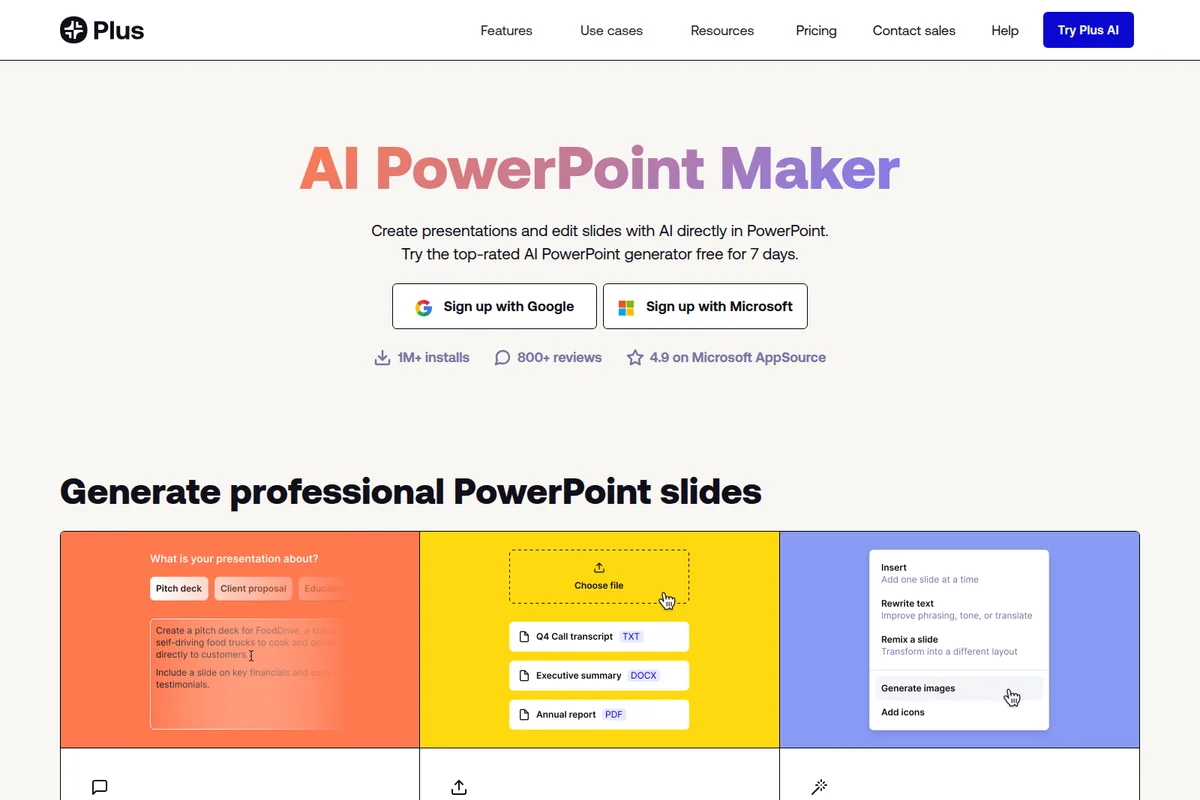
Plus AI
Generate presentations and edit slides with AI—directly in PowerPoint and Google Slides.

2Slides
Turn ideas into polished presentations in 30 seconds—no design skills needed.
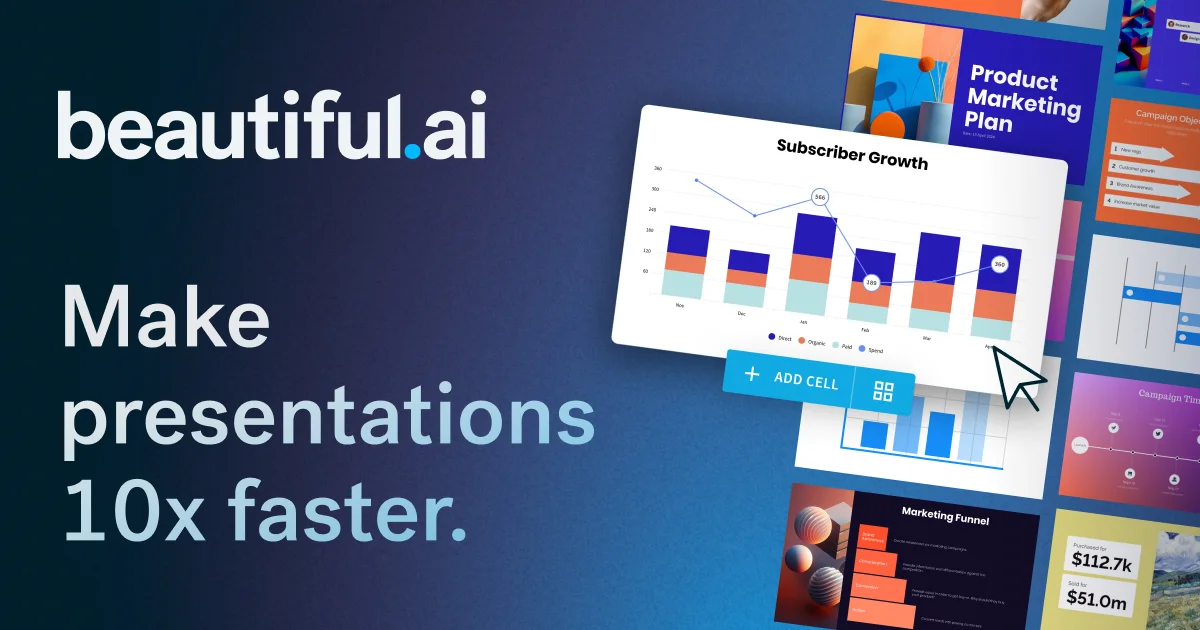
Beautiful.ai
Turn ideas into polished, work-ready presentations in minutes—no design skills required.