
Plus AI Review 2026 - AI Presentation Maker
Verified Jun 18, 2026 by Tooliverse Editorial
Plus AI turns presentation creation into a one-click process—upload a PDF, paste a prompt, or start from scratch, and watch AI build professional slides in seconds. Over 2 million installs trust Plus to create native PowerPoint and Google Slides decks that look human-made, not AI-generated.
The Best AI Agent for PowerPoint? See the Plus AI Presentation Agent in action
Supercharge Your Presentation Slides with Plus AI (Full Tutorial)
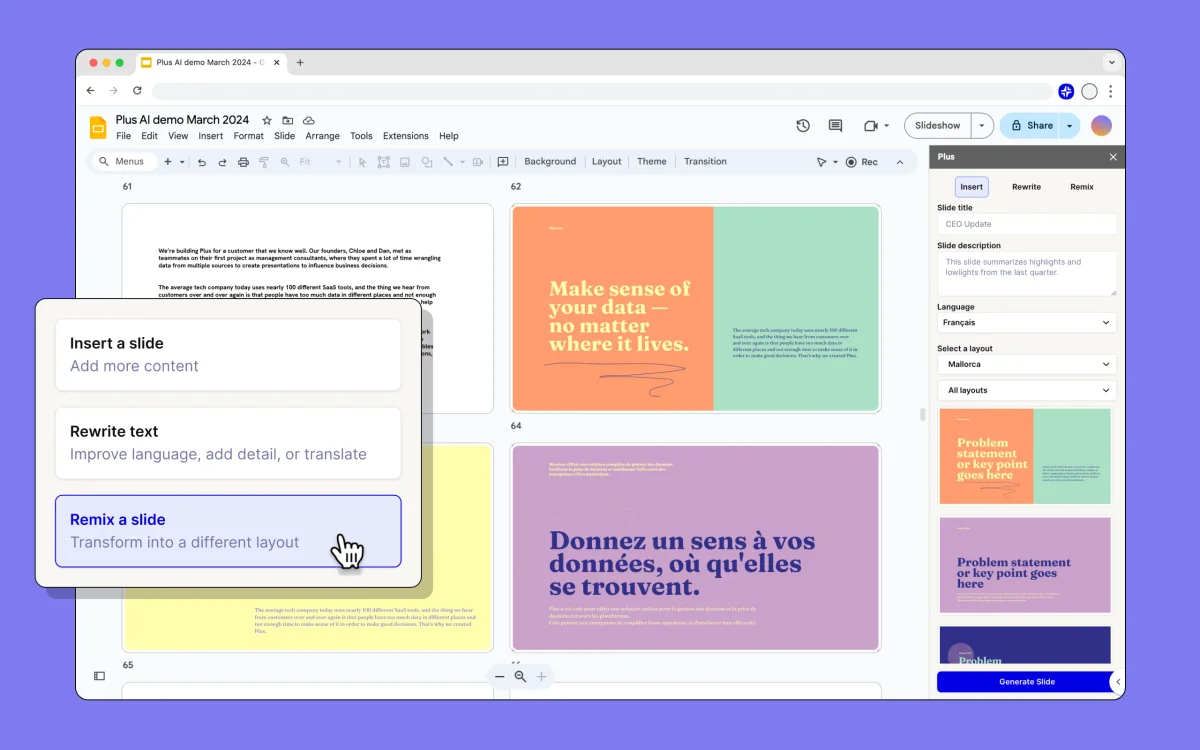
Transform presentation slides instantly with AI-powered layout remixing.
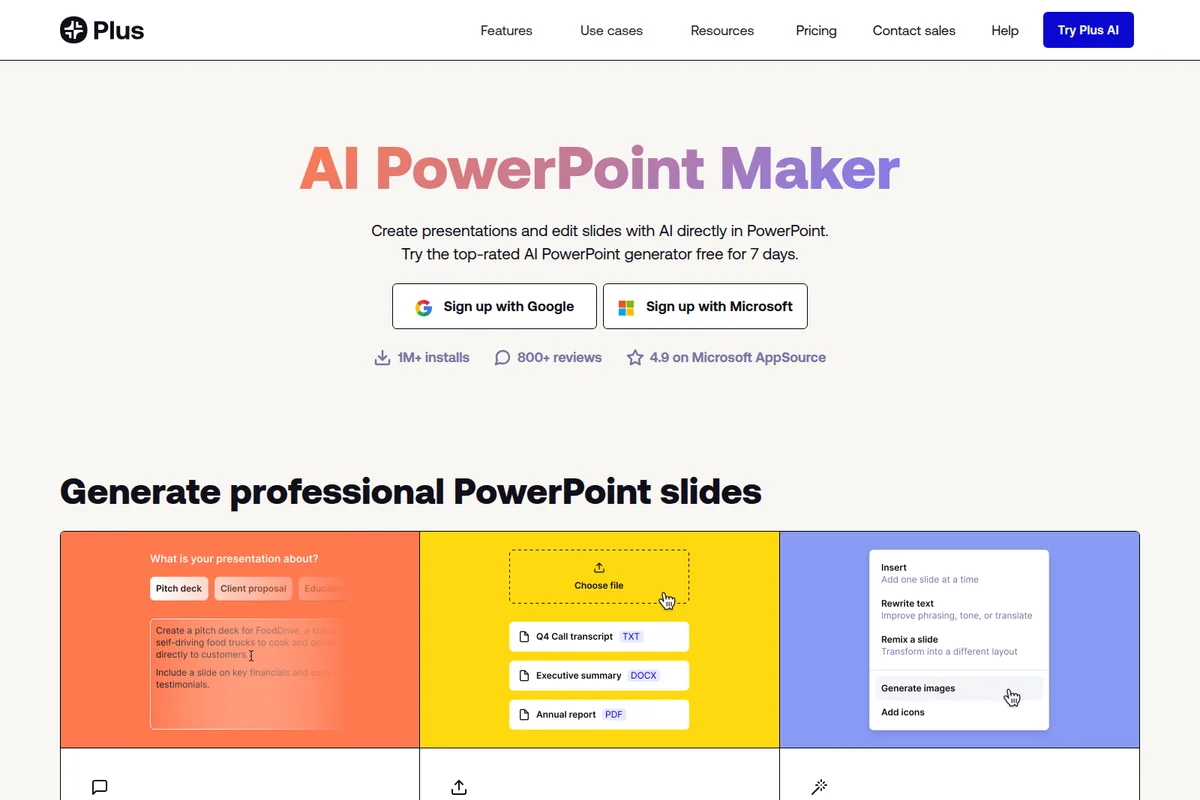
Generate professional PowerPoint slides by providing text prompts or uploading existing documents for AI editing.
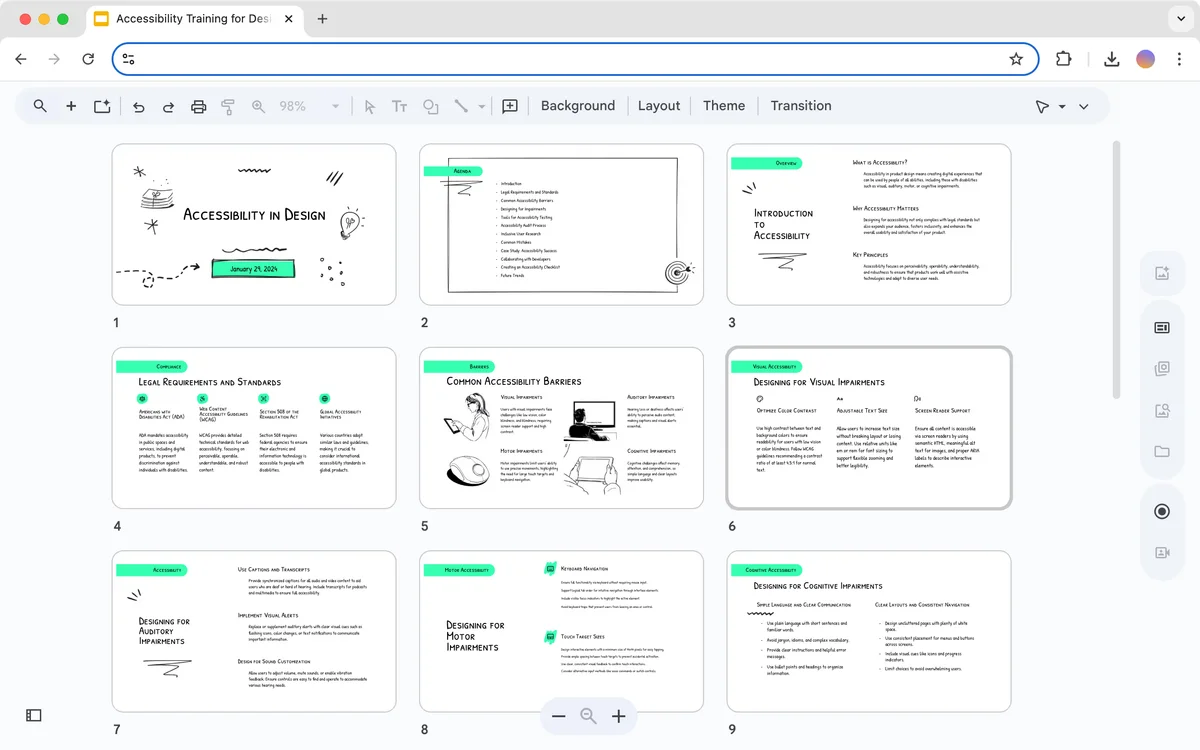
Browse and manage your AI-generated presentation slides in a visual gallery interface.
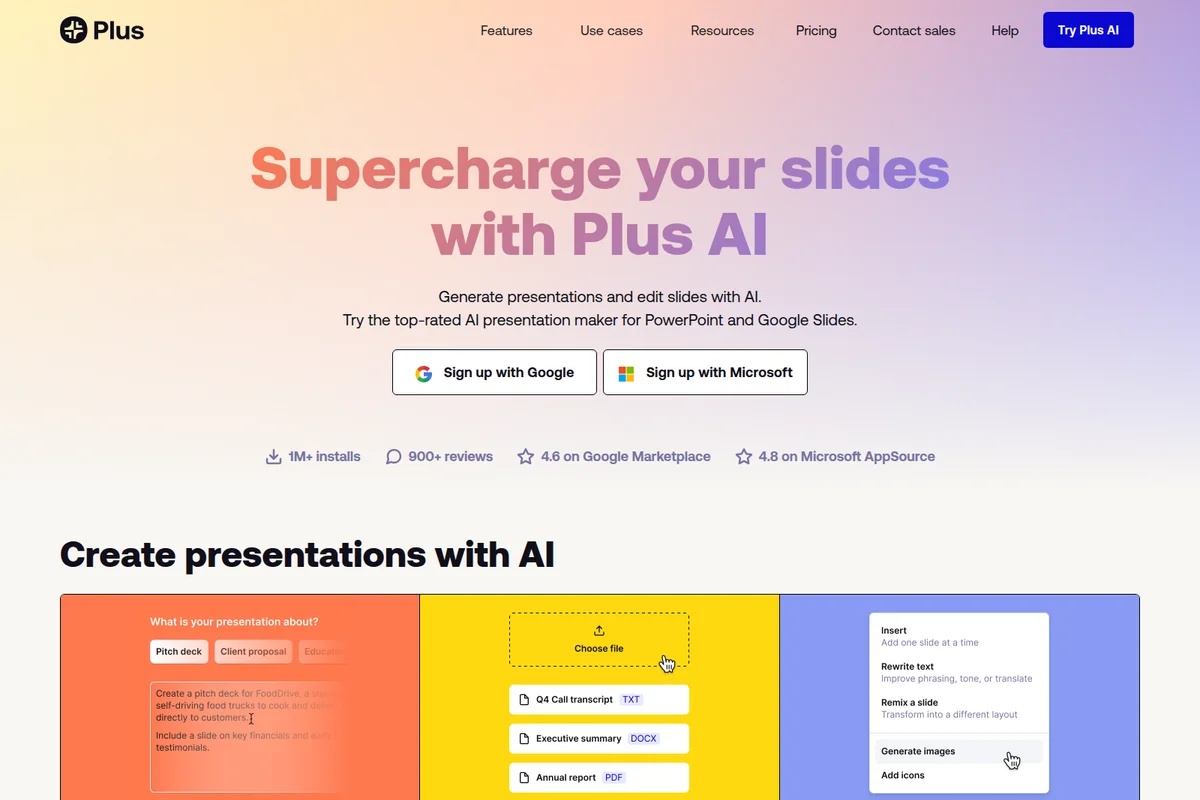
Generate presentations and edit slides using AI, adding images and rewriting text.
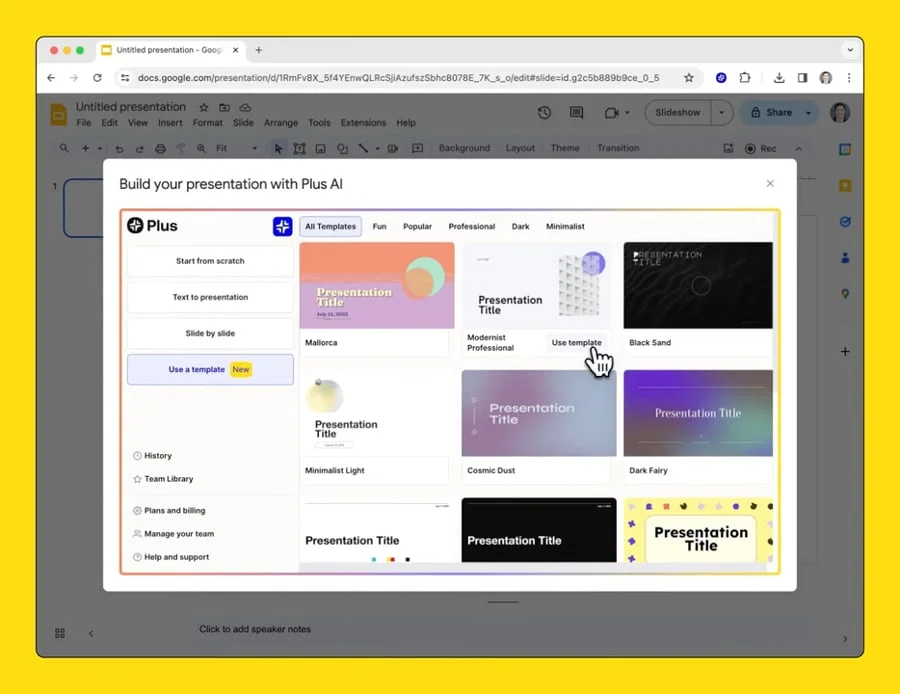
Quickly start an AI-powered presentation using a pre-designed template.
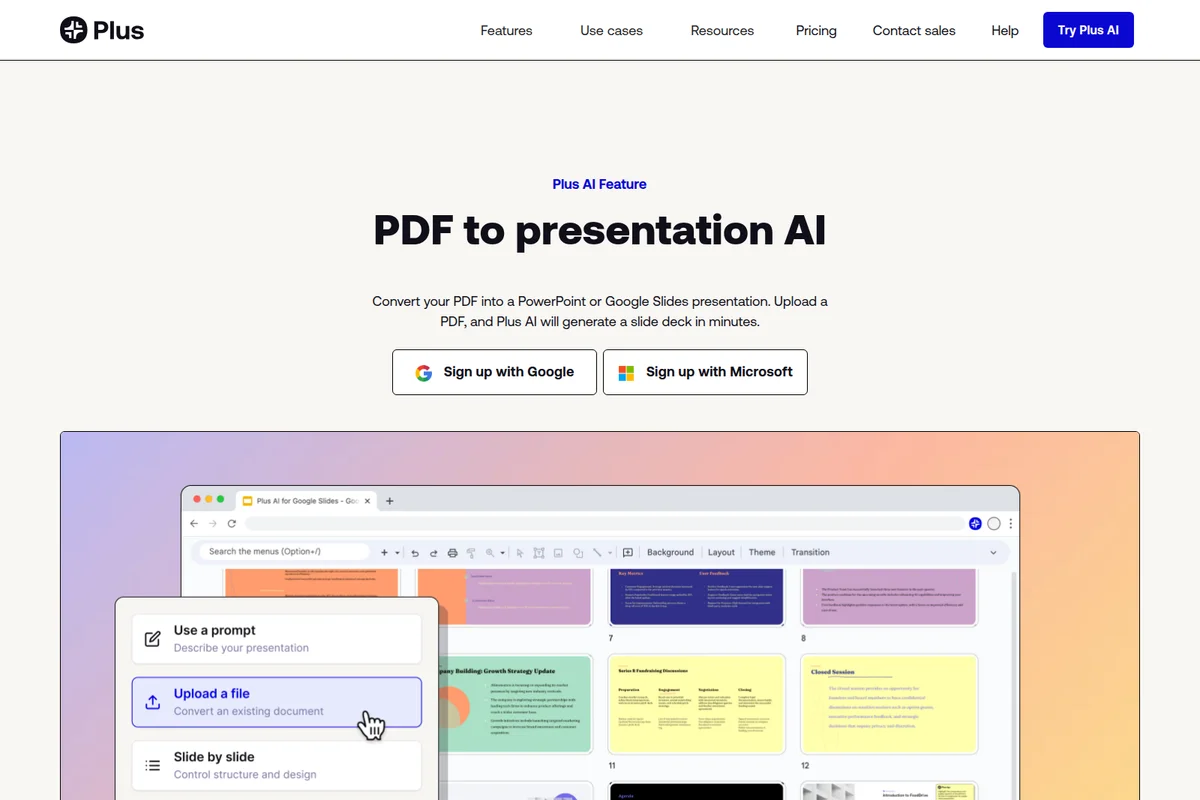
Easily convert existing PDFs into stunning presentations within Google Slides.
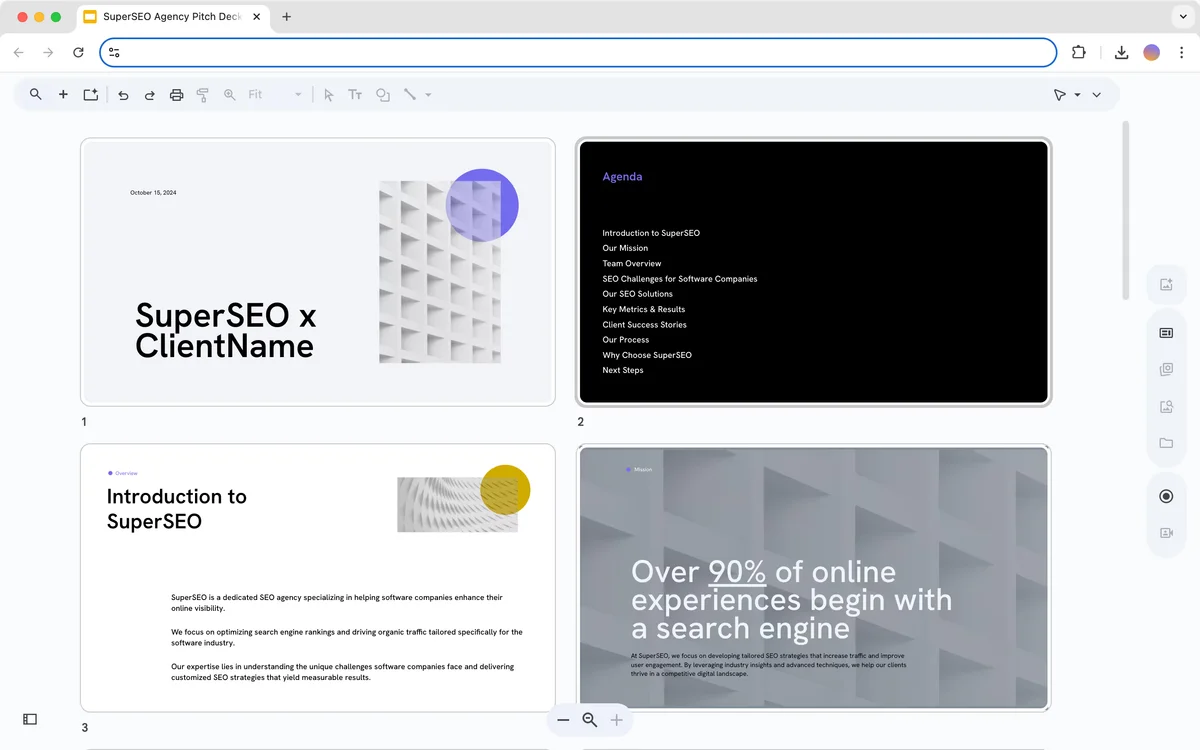
Preview and navigate through your pitch deck with ease
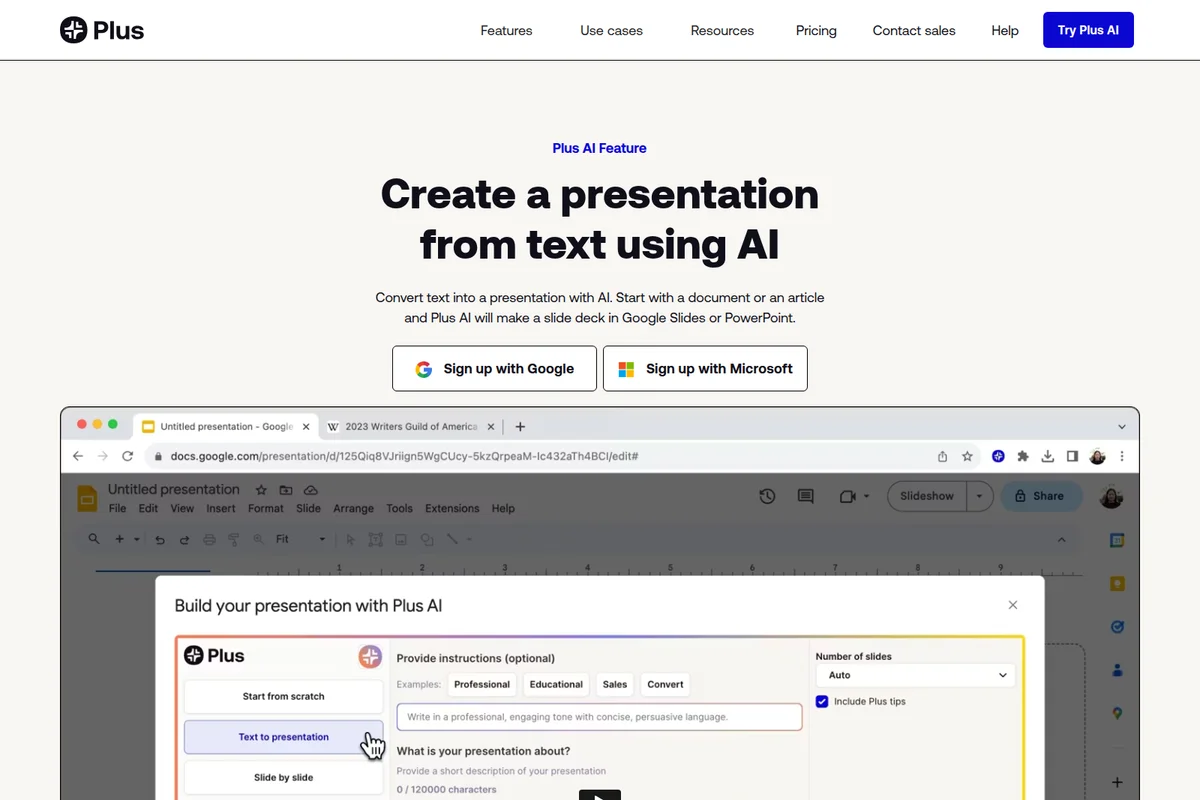
Effortlessly convert your text into engaging presentations with AI, directly within your workflow.
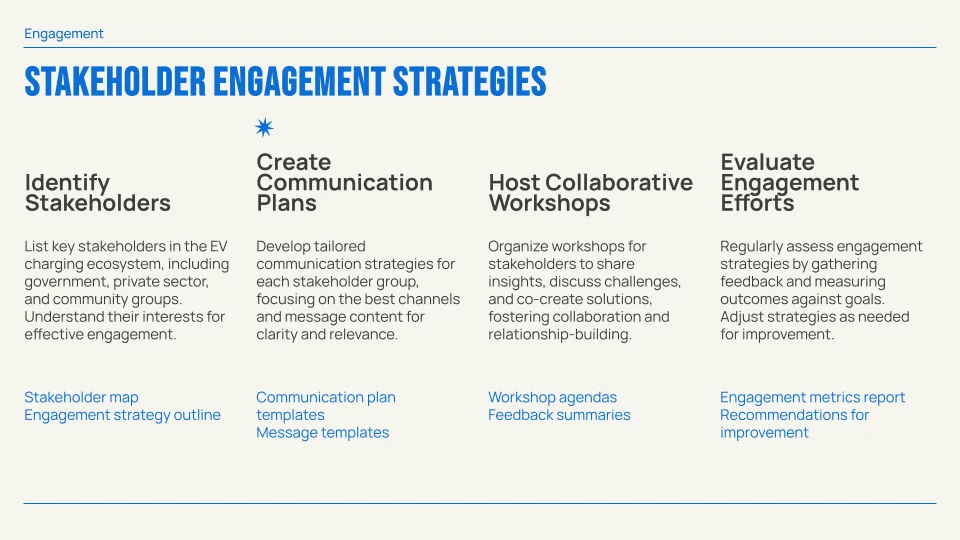
Develop clear, actionable stakeholder engagement strategies with AI.
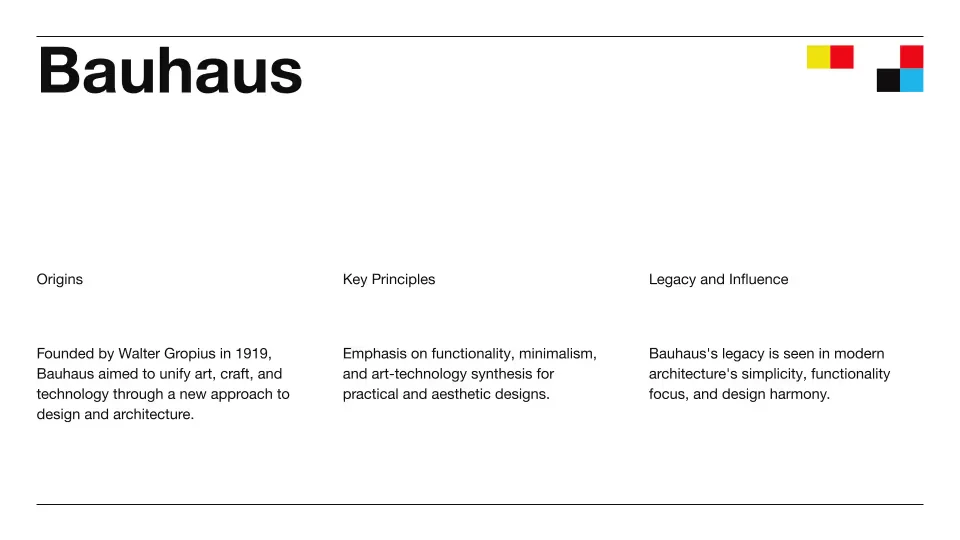
Example presentation slide created with plus-ai's AI design features.
Plus AI Review: Tooliverse Consensus





Based on 645 verified reviews across 4 platforms,
combined with Tooliverse's expert analysis
Plus AI bridges the gap between rough presentation ideas and polished slide decks by working directly inside PowerPoint and Google Slides, eliminating the export-and-cleanup friction that plagues standalone AI generators. The Remix feature and brand consistency tools address real workflow pain points for professionals creating client-facing decks regularly, though the AI occasionally struggles with complex data visualizations. Over 2 million users and strong ratings across both Microsoft and Google marketplaces validate its position as a specialized presentation co-pilot that fits existing productivity workflows instead of replacing them.
Bottom line: A leading AI presentation tool that collapses hours of formatting work into minutes while maintaining brand consistency, though users creating highly technical visualizations should expect manual refinement.
Plus AI | Key Specs
- Platforms
- Web, macOS, Windows (via PowerPoint/Google Slides add-ins)
- Pricing Model
- Freemium ($0-200/user/month) See plans
- Privacy/Data Use
- Access limited to authorized employees, all interactions monitored and logged
- Security
- SOC 2 Type II, AES-256 encryption, TLS in transit See details
Wins
- •Generates professional-grade presentation slides from simple text promptsmentioned in 214 reviews
- •Integrates seamlessly into Google Slides and PowerPoint without switching appsmentioned in 189 reviews
- •Offers a powerful "Remix" feature to instantly change slide layouts and stylesmentioned in 145 reviews
Watch-Outs
- •Requires a paid subscription for full access to advanced AI featuresmentioned in 84 reviews
- •Occasionally struggles with complex data visualizations or highly technical chartsmentioned in 62 reviews
- •Initial setup and learning curve for the "Remix" tool can be trickymentioned in 45 reviews
Plus AI Features 2026
Native PowerPoint and Google Slides Integration
Works directly inside PowerPoint and Google Slides as an add-in/add-on. Creates native PPTX and Google Slides files using proprietary Open XML renderer—no compatibility issues or new apps to learn.
Remix Slide Formatting
Reformat existing slides into new layouts with one click. Takes any slide—even a blob of text—and transforms it into a specific design from hundreds of available layouts.
Presentations API
Generate PowerPoint presentations programmatically via REST API. Integrate with Zapier, n8n, Make, or use MCP server for workflow automation. Supports custom templates and slide libraries.
Document to Presentation Conversion
Upload PDFs, Word documents (.docx), PowerPoint files (.pptx), or text files and automatically convert them into structured presentations. Supports 100K+ character prompts for long-form content.
Plus AI User Reviews
Selected Reviews
"Plus AI has completely changed how I build pitch decks. I just type the outline and it handles the layout, which used to take me hours of manual work."
"I love the brand consistency features. It actually uses my company colors correctly most of the time, which is a huge plus for our marketing team."
"The AI content is good, but I still have to double-check the data points. It's a co-pilot, not an auto-pilot, so don't expect it to do everything perfectly."
More from the Community
"The Google Slides integration is seamless."
"Great for getting a first draft done in minutes. The remix tool is surprisingly powerful for fixing layouts that don't quite look right on the first pass."
"Solid tool, but the pricing is a bit steep for individual users."
"A bit of a learning curve with the custom themes."
"Best presentation AI I've tried so far. The "Remix" feature is the killer app here."
"The Google Slides integration is seamless."
"Great for getting a first draft done in minutes. The remix tool is surprisingly powerful for fixing layouts that don't quite look right on the first pass."
"Solid tool, but the pricing is a bit steep for individual users."
"A bit of a learning curve with the custom themes."
"Best presentation AI I've tried so far. The "Remix" feature is the killer app here."
"Helpful for overcoming blank page syndrome. I use it to generate the structure and then fill in the details myself to ensure the tone is right."
"Wish there were more free templates."
"It's okay, but sometimes the slide layouts are a bit repetitive. Needs more variety in the AI suggestions to keep things fresh for regular users."
"Saves me at least 2 hours per presentation."
"Helpful for overcoming blank page syndrome. I use it to generate the structure and then fill in the details myself to ensure the tone is right."
"Wish there were more free templates."
"It's okay, but sometimes the slide layouts are a bit repetitive. Needs more variety in the AI suggestions to keep things fresh for regular users."
"Saves me at least 2 hours per presentation."
Plus AI Pricing 2026
View SourceThe $20 monthly Pro tier is where most professionals land: 3,000 credits, document uploads that convert PDFs and Word files into structured decks, and AI image generation. That's the package that handles real workloads. Basic at $10 covers occasional users building simple internal presentations, but the 1,500 credit limit and lack of document conversion make it feel restrictive fast. Team at $30 monthly adds custom branding and 6,000 credits, worth the jump only if you're coordinating multiple people who need to maintain brand consistency across their output.
Plus AI In-Depth Review 2026

The AI presentation tool works directly inside PowerPoint and Google Slides as a native add-in, creating actual PPTX and Slides files without requiring you to learn new software or export from yet another web app. You type what you need, and it generates structured slides with layouts, formatting, and design consistency that would otherwise take hours of manual work. The tool serves over 2 million users and maintains a 4.6 rating on Google Marketplace and 4.8 on Microsoft AppSource across more than 1,000 reviews.
What It's Like Day-to-Day
The core workflow is straightforward: describe your presentation in a few sentences or upload an existing document (PDF, Word, text files), and Plus AI structures it into slides with appropriate layouts. But the Remix feature is where the tool separates itself from basic AI generators. When a slide doesn't quite work—the text is too dense, the layout feels off, the visual hierarchy is wrong—you click Remix and it reformats the content into a different design from hundreds of available layouts.
Plus AI Security & Compliance
Verified Compliance
- SOC 2 Type II
Security Features
- AES-256 Encryption at rest
- TLS Encryption in transit
- AWS secure infrastructure with 24/7 data center security
- Monitored and logged access to customer data
- Granular access controls for Snapshots and Pages
Privacy Commitments
- Access to customer data strictly limited to authorized employees who require it for their jobs
- All access to customer data is monitored and logged
- Users have complete control over data and can delete Snapshots permanently at any time
- Snapshots are not searchable unless user chooses to share them
Plus AI: Frequently Asked Questions (FAQs)
What sets Plus AI apart from other AI tools?
Plus AI creates native PPTX files and Google Slides presentations using a proprietary Open XML renderer, making it fully compatible with existing templates and workflows. Unlike other AI presentation tools, Plus works directly inside PowerPoint and Google Slides—no new app to learn. The team includes former management consultants, designers, and AI engineers focused on professional slide-making.
How do I use the Plus AI presentation maker?
Plus AI is a native add-on for PowerPoint and Google Slides. Sign up for a free trial and install the extension for your presentation app. Once installed, you can generate presentations from prompts, upload documents, or edit existing slides directly within your presentation software.
Is Plus AI free?
Yes, Plus AI offers a 7-day free trial with 1,000 AI credits. After the trial, paid plans start at $10/user/month (billed annually) for the Basic plan.
Can Plus AI convert a PDF into a PowerPoint?
Yes, Plus AI lets you upload PDFs, Word docs, text files, and many other document formats and automatically converts them into PowerPoint or Google Slides presentations.
Plus AI Integrations
| Google Slides | Microsoft PowerPoint | Zapier |
| n8n | Make | Slack |
| Microsoft Teams | AWS |
Plus AI: Verified Data Sheet
| # | Label | Data Point |
|---|---|---|
| [1] | Plus AI Consensus: 8.96/10 | Plus AI is a highly-rated tool among AI design tools in the Tooliverse index, with a consensus score of 8.96/10 across 645 verified reviews. |
| [2] | What is Plus AI | Plus AI, operated by Plus Docs, Inc, is a SOC 2 Type II certified AI presentation tool that creates native PowerPoint and Google Slides files directly inside presentation apps. The platform serves 2M+ users with 1,000+ reviews (4.6 on Google Marketplace, 4.8 on Microsoft AppSource), with pricing starting at $10/user/month. |
| [3] | Tooliverse Consensus on Plus AI | Plus AI bridges the gap between rough presentation ideas and polished slide decks by working directly inside PowerPoint and Google Slides, eliminating the export-and-cleanup friction that plagues standalone AI generators. The Remix feature and brand consistency tools address real workflow pain points for professionals creating client-facing decks regularly, though the AI occasionally struggles with complex data visualizations. Over 2 million users and strong ratings across both Microsoft and Google marketplaces validate its position as a specialized presentation co-pilot that fits existing productivity workflows instead of replacing them. |
| [4] | Plus AI Verdict | Plus AI bottom line: A leading AI presentation tool that collapses hours of formatting work into minutes while maintaining brand consistency, though users creating highly technical visualizations should expect manual refinement. |
| [5] | Free Trial: Free | Plus AI provides a functional Free Trial tier with 7-day access and 1,000 AI credits, making the platform accessible at no initial cost. |
| [6] | Professional slides from text prompts | Plus AI generates professional-grade presentation slides from simple text prompts, a capability validated as transformative for pitch deck creation by 214 user reviews. |
| [7] | Native Google Slides and PowerPoint integration | Plus AI integrates seamlessly into Google Slides and PowerPoint as a native add-in, eliminating app-switching friction for 189 reviewers who cited this as a primary strength. |
| [8] | One-click Remix layout transformation | Plus AI offers a powerful Remix feature that instantly transforms slide layouts and styles with one click, praised by 145 users as the tool's standout capability. |
| [9] | Pro: $20/user/mo (annual) | Plus Docs, Inc's Plus AI Pro empowers users with 3,000 AI credits per month for $20/user/month billed annually, significantly expanding on the free tier's capabilities. |
| [10] | Automated brand-consistent formatting | Plus AI saves hours of manual formatting by creating consistent, brand-aligned designs automatically, with 132 reviewers reporting significant time savings on presentation production. |
| [11] | Paid subscription required for advanced features | Plus AI requires a paid subscription for full access to advanced AI features including document uploads and custom branding, a limitation noted by 84 reviewers evaluating cost barriers. |
| [12] | Complex data visualization limitations | Plus AI occasionally struggles with complex data visualizations or highly technical charts, according to 62 user reports documenting challenges with specialized diagram types. |
| [13] | Privacy: Access to customer data strictly limited to authorized employees who require it for their jobs | Plus AI privacy protections include Access to customer data strictly limited to authorized employees who require it for their jobs, All access to customer data is monitored and logged, and Users have complete control over data and can delete Snapshots permanently at any time. |
| [14] | Enterprise: AES-256 Encryption at rest | Plus AI provides enterprise security with AES-256 Encryption at rest, TLS Encryption in transit, and AWS secure infrastructure with 24/7 data center security. |
| [15] | Transforms pitch deck workflow | Plus AI "has completely changed how I build pitch decks" by automating layout work that previously consumed hours, according to a verified Product Hunt reviewer who rated it 5/5. |
Compare Plus AI with…
Best Plus AI Alternatives
SlidesAI
Turn any text into professional presentation slides in seconds—no design skills needed.
Beautiful.ai
Turn ideas into polished, work-ready presentations in minutes—no design skills required.
Gamma
Turn ideas into stunning presentations, documents, and websites in minutes—no design skills required.