
SocialBee Review 2026 - Multi-Platform Scheduling
Verified Jun 19, 2026 by Tooliverse Editorial
SocialBee turns social media chaos into organized strategy—schedule posts across 10 platforms, generate captions with AI, and manage all your comments in one inbox. Over 9M+ posts published in 2025, saving teams 8 hours every week.
How to Post Your Instagram Content with SocialBee
Step-by-Step Socialbee Tutorial: AI Social Media Manager
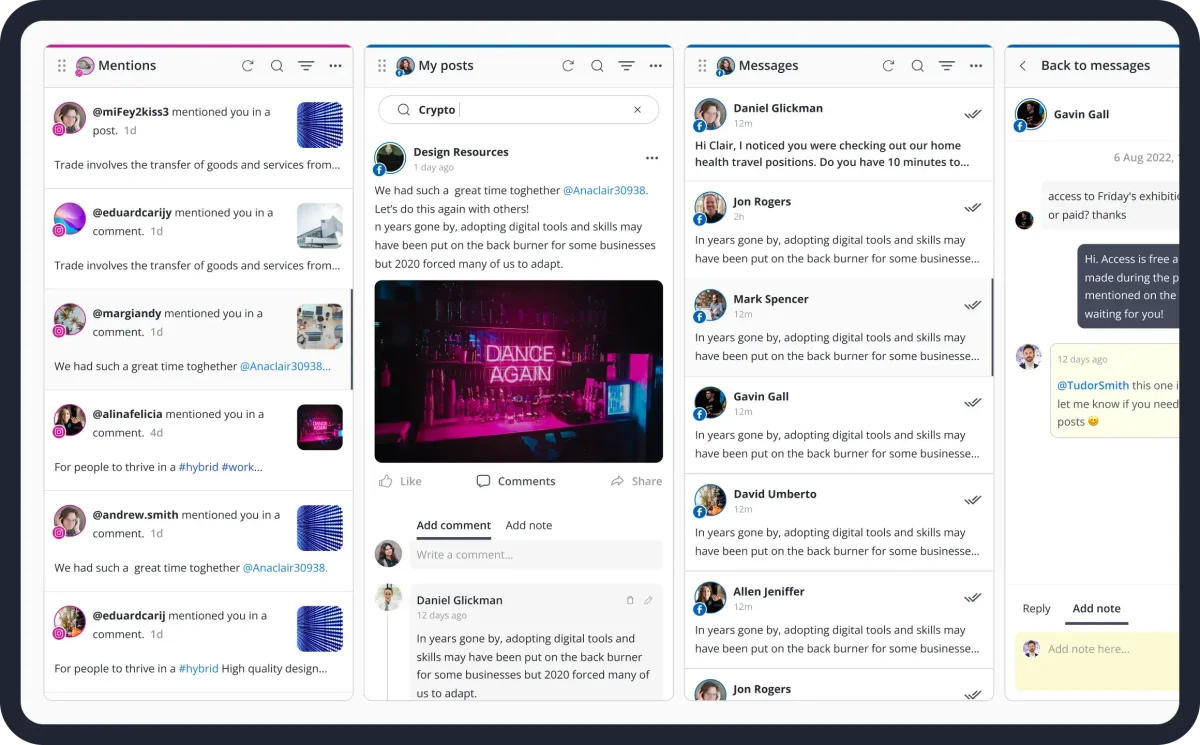
Manage all social media interactions, posts, and direct messages in one dashboard.
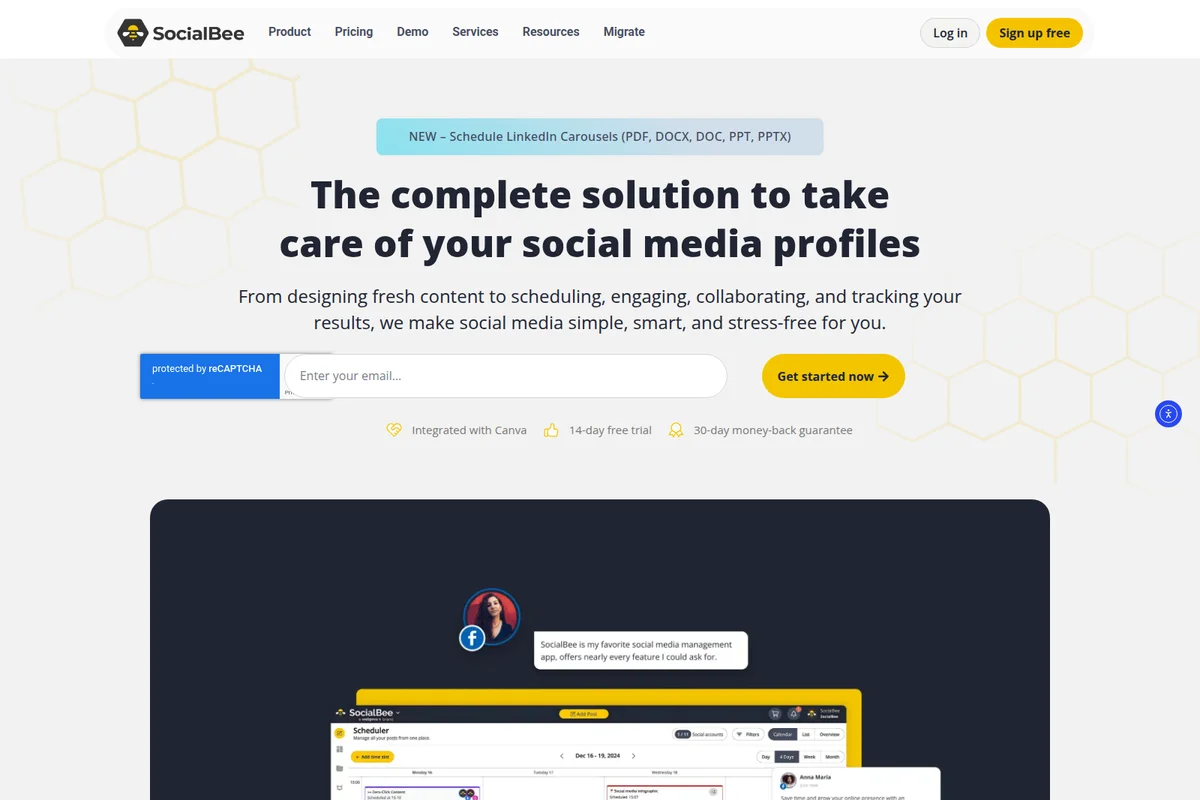
Automate your social media tasks, from content creation to tracking results.
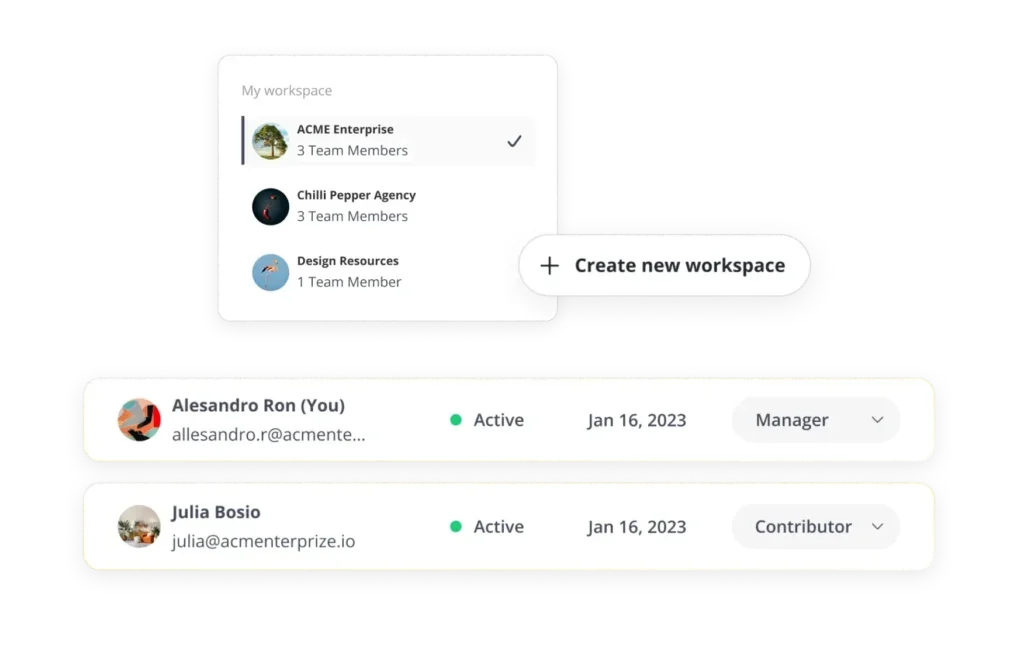
Manage multiple brand workspaces and team member roles effortlessly.
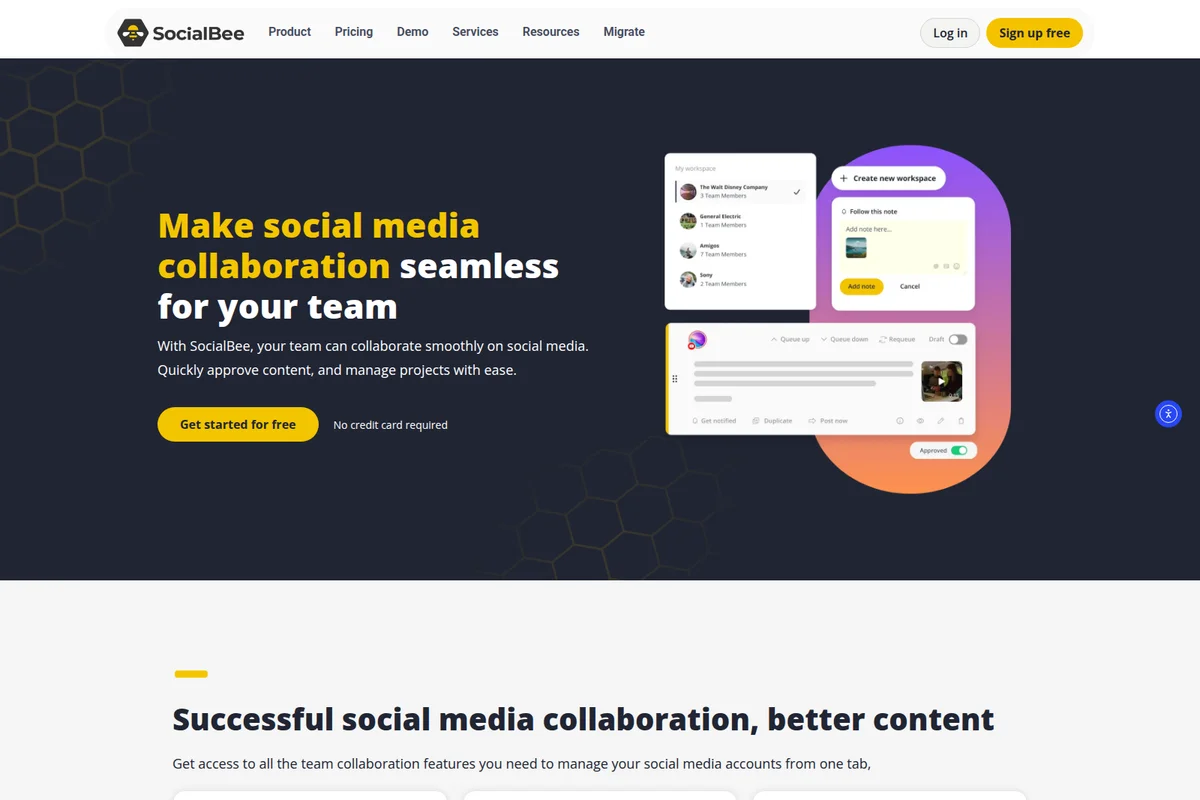
Streamline social media content creation and team approvals with ease.
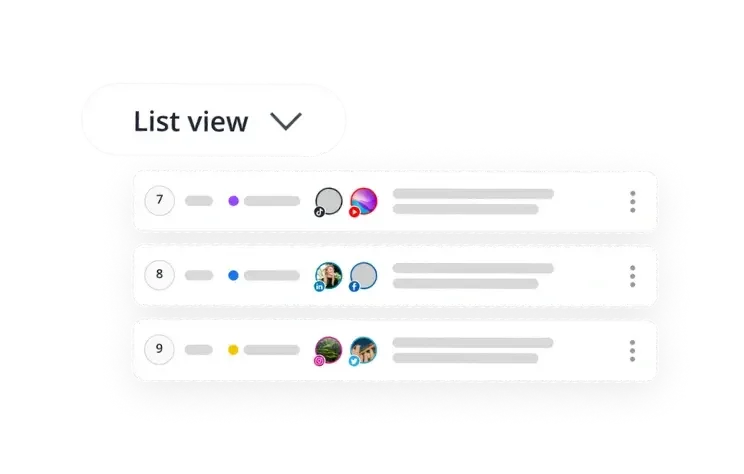
Organize and manage your social media posts across platforms with a clear list view.
Harness AI to craft and execute tailored social media strategies.
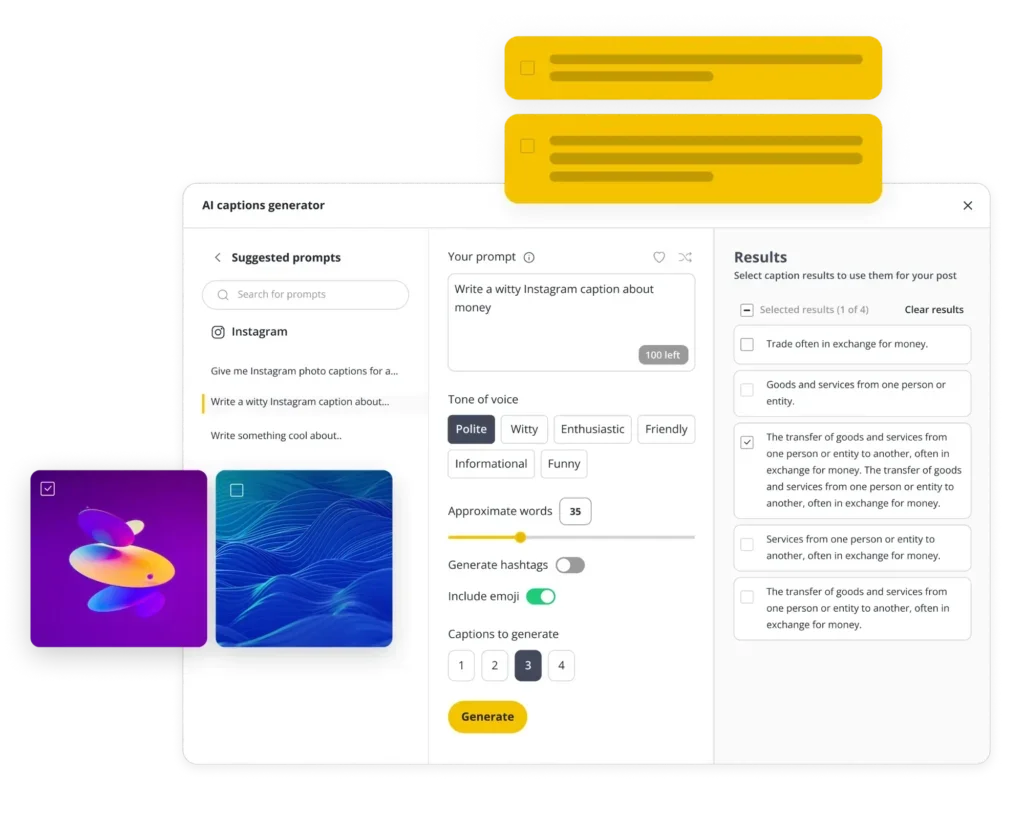
Generate witty Instagram captions in seconds for your social media posts.
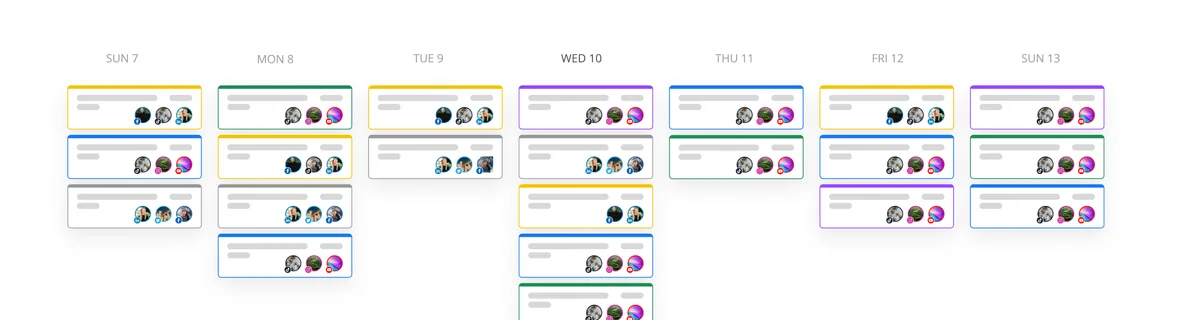
Visualize and manage your content schedule across days and teams.
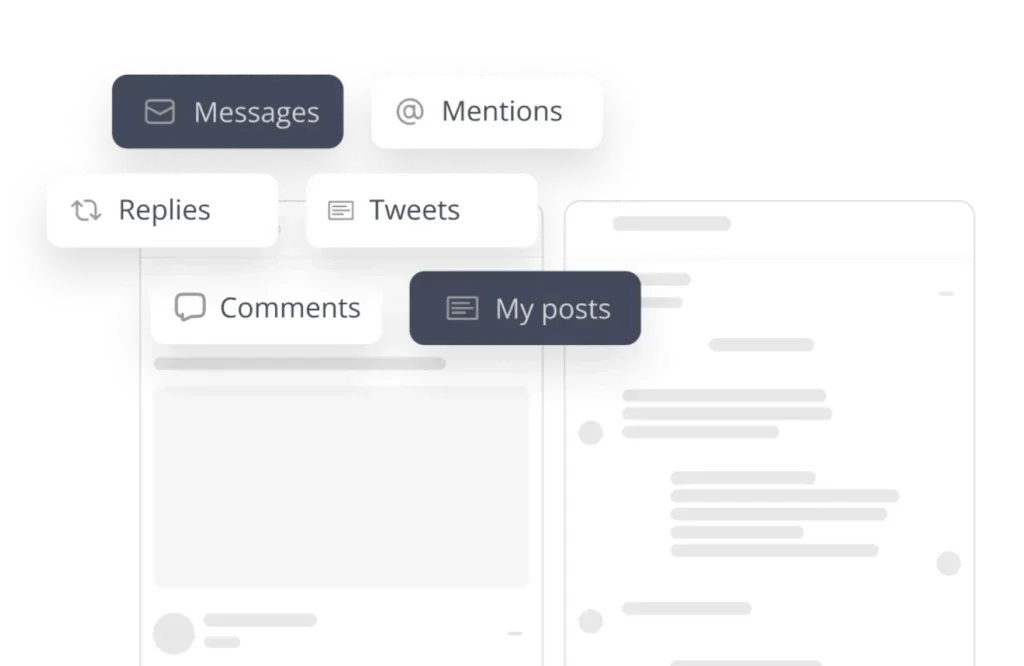
Effortlessly organize and filter your social media interactions within your workspace.
SocialBee | Key Specs
- Platforms
- Web, iOS, Android
- Pricing Model
- Freemium ($29-449/mo) See plans
- Social Networks
- 10 platforms (Facebook, Instagram, X, LinkedIn, Pinterest, TikTok, YouTube, Threads, Bluesky, Google Business)
- AI Features
- Caption generation, image creation (DALL-E 3), strategy builder (Copilot), 1000+ prompts
Wins
- •Automates evergreen content recycling to keep social feeds active indefinitelymentioned in 85 reviews
- •Features an AI Copilot that generates complete social media strategies and captionsmentioned in 62 reviews
- •Integrates seamlessly with Canva for direct visual content creation within the dashboardmentioned in 48 reviews
Watch-Outs
- •Mobile app lacks core posting features and suffers from frequent stability issuesmentioned in 38 reviews
- •Initial setup of content categories involves a steep learning curve for beginnersmentioned in 24 reviews
- •Link thumbnails occasionally fail to render correctly on Instagram and LinkedInmentioned in 19 reviews
SocialBee User Reviews
Selected Reviews

"Love the ability to customize posts for each platform individually from a single screen—it ensures our formatting is always correct."
"Integrating Canva directly into the post editor has streamlined our workflow significantly, saving us from constant tab-switching."

"Link thumbnails occasionally fail to pull correctly for Instagram, which requires manual fixing and defeats the purpose of automation."
More from the Community

"The category-based scheduling is the best I've used, making it easy to maintain a consistent presence without manual daily work."

"Scaled from 9 to 160 posts a month using their evergreen buckets and a single VA. The ROI is undeniable for small agencies."

"Great for receiving notifications to post manually, but the app itself lacks the robust features of the desktop site."

"The interface is a bit cluttered on smaller screens, making it hard to manage the queue while traveling."
"Support is generally responsive and the AI Copilot helped us build a month's worth of strategy in one afternoon."
"The category-based scheduling is the best I've used, making it easy to maintain a consistent presence without manual daily work."
"Scaled from 9 to 160 posts a month using their evergreen buckets and a single VA. The ROI is undeniable for small agencies."
"Great for receiving notifications to post manually, but the app itself lacks the robust features of the desktop site."
"The interface is a bit cluttered on smaller screens, making it hard to manage the queue while traveling."
"Support is generally responsive and the AI Copilot helped us build a month's worth of strategy in one afternoon."
"The analytics are solid for basic reporting, though I wish we could export more granular data for our larger clients."
"SocialBee is built for automation-first creators. If you want to set it and forget it, this is the tool."
"The RSS feed import is a lifesaver for our blog; it automatically pulls new content into the 'Latest News' category."
"I really want to love this app, but it needs a major UI overhaul to match the quality of the web platform."
"The analytics are solid for basic reporting, though I wish we could export more granular data for our larger clients."
"SocialBee is built for automation-first creators. If you want to set it and forget it, this is the tool."
"The RSS feed import is a lifesaver for our blog; it automatically pulls new content into the 'Latest News' category."
"I really want to love this app, but it needs a major UI overhaul to match the quality of the web platform."
SocialBee In-Depth Review 2026

The platform operates across Facebook, Instagram, TikTok, LinkedIn, Pinterest, YouTube, Threads, Bluesky, X, and Google Business Profile, with a category-based scheduling system that rotates content automatically. You organize posts into buckets—promotional content, blog updates, curated industry news—and assign each category to specific time slots. Once configured, it runs indefinitely without your intervention. The AI Copilot can build this entire structure from your website URL in an afternoon, generating platform recommendations, posting schedules, and ready-to-edit content.
What It's Like Day-to-Day
The category system is where the automation actually lives. Instead of scheduling individual posts to specific dates, you're building a content engine that keeps feeding your channels. One G2 reviewer noted the category-based scheduling "is the best I've used, making it easy to maintain a consistent presence without manual daily work." The evergreen recycling feature means your best-performing posts resurface automatically after a set interval, while time-sensitive content expires on schedule.
The Canva integration sits directly in the post editor, eliminating the constant context-switching that slows down visual content creation.
Best SocialBee Alternatives
ContentStudio
Unified social media management platform for scheduling, analytics, and team collaboration across all major networks.

Planable
Plan social like a team—social media scheduling, collaboration, and organization in one place.
Hootsuite
Manage social media, protect your brand, and prove ROI—all from one powerful dashboard.
SocialBee Review: Tooliverse Consensus
Based on 140 verified reviews across 5 platforms,
combined with Tooliverse's expert analysis
SocialBee functions as an automation engine for social media teams who want to configure content categories once and let them run indefinitely, with evergreen recycling and AI-generated strategies that eliminate daily posting decisions. The category-based scheduling and native Canva integration deliver the strongest value for agencies and solopreneurs managing multiple brands, though the mobile app remains a significant weakness with missing features and stability issues that limit on-the-go management. The learning curve for initial category setup is steeper than simpler schedulers, but users who invest the configuration time report substantial time savings.
Bottom line: A capable automation platform built for users who value set-it-and-forget-it content recycling over manual control, though the mobile experience and initial setup complexity remain clear tradeoffs.