
Topaz Photo AI Review 2026 - Pro Image Enhancement
Verified Jun 23, 2026 by Tooliverse Editorial
Topaz Photo AI transforms challenging shots into pixel-perfect images—rescue blurry wildlife photos, denoise high-ISO night shots, or sharpen distant subjects with one click. Trusted by Nike, Google, and Netflix for over 20 years, with 2 billion+ images processed.
Introducing New Autopilot Suggestions with Photo AI 3.1
Topaz Photo AI Review 🦜 Bird Photography Tutorial w/my Canon R100 & RF-S55-210mm Lens
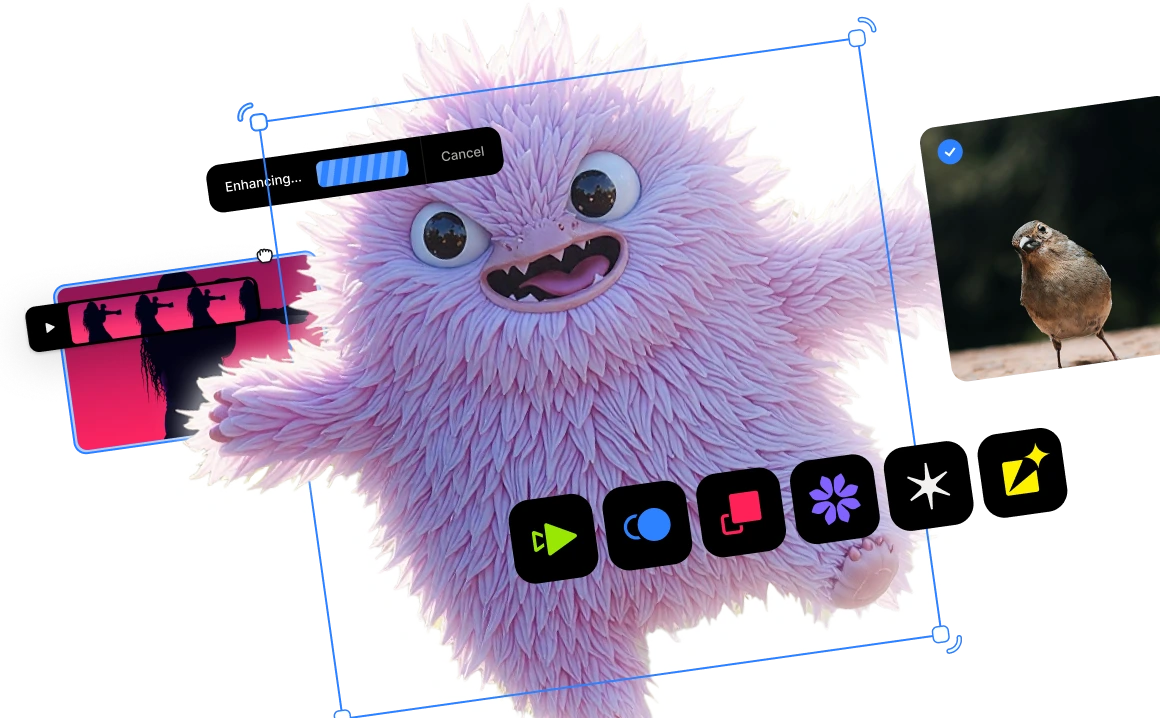
AI-powered photo enhancement with a suite of creative tools and real-time processing.
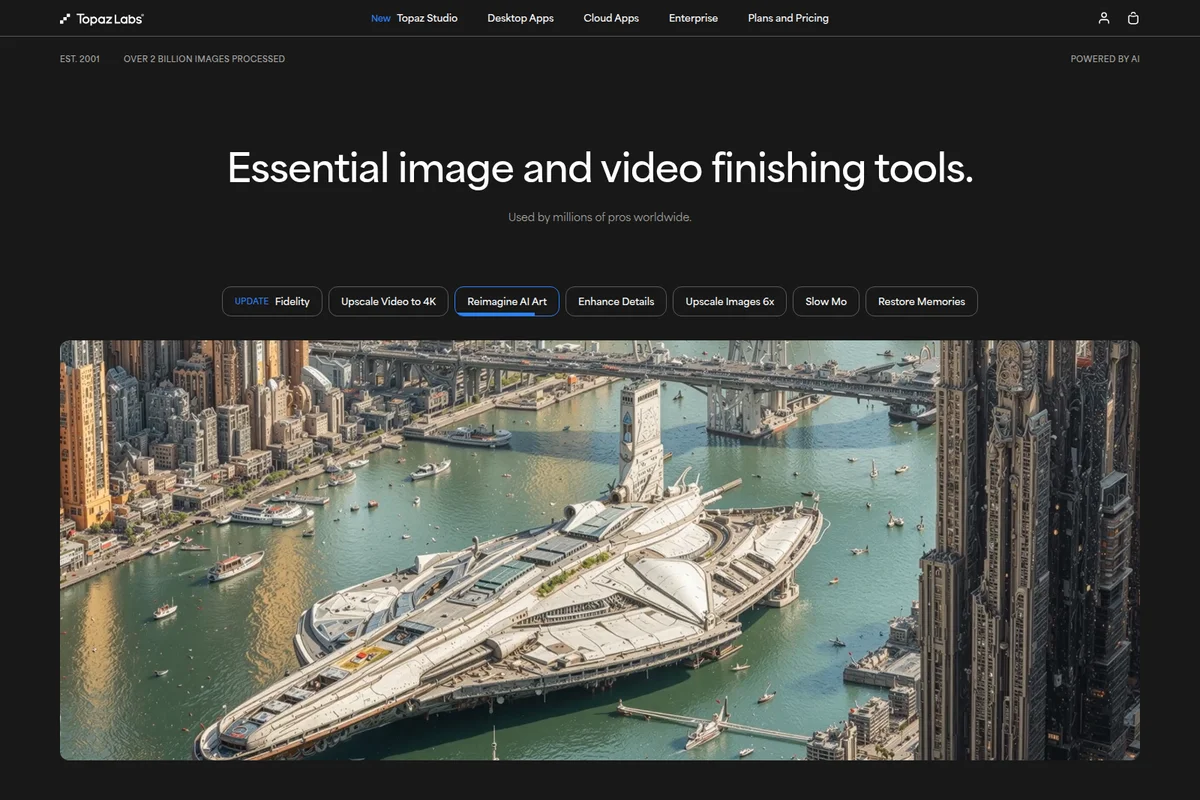
Transform your images into stunning, imaginative AI art.
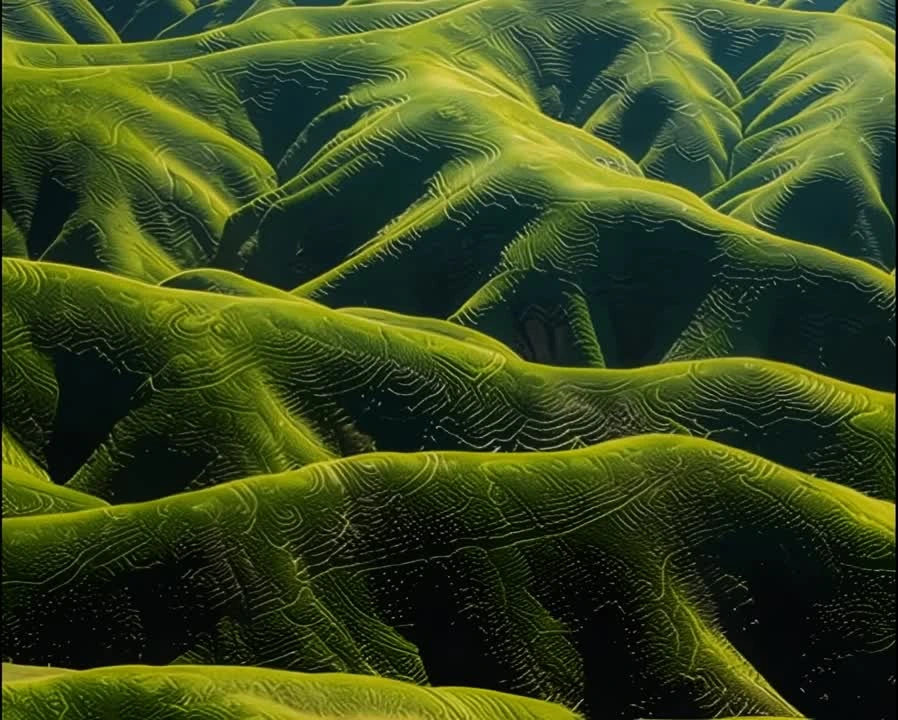
AI-powered enhancement and texturing for stunning landscape photography.
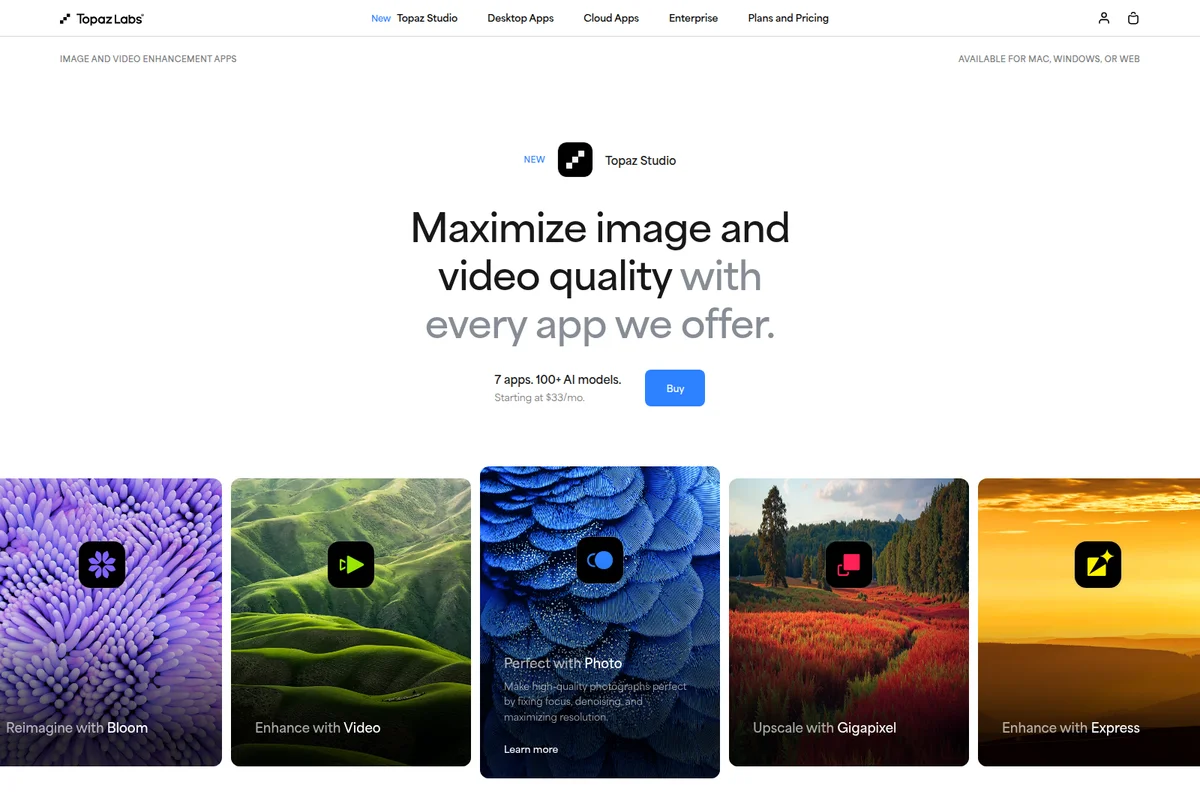
Maximize image and video quality across the Topaz Labs suite of AI-powered apps.
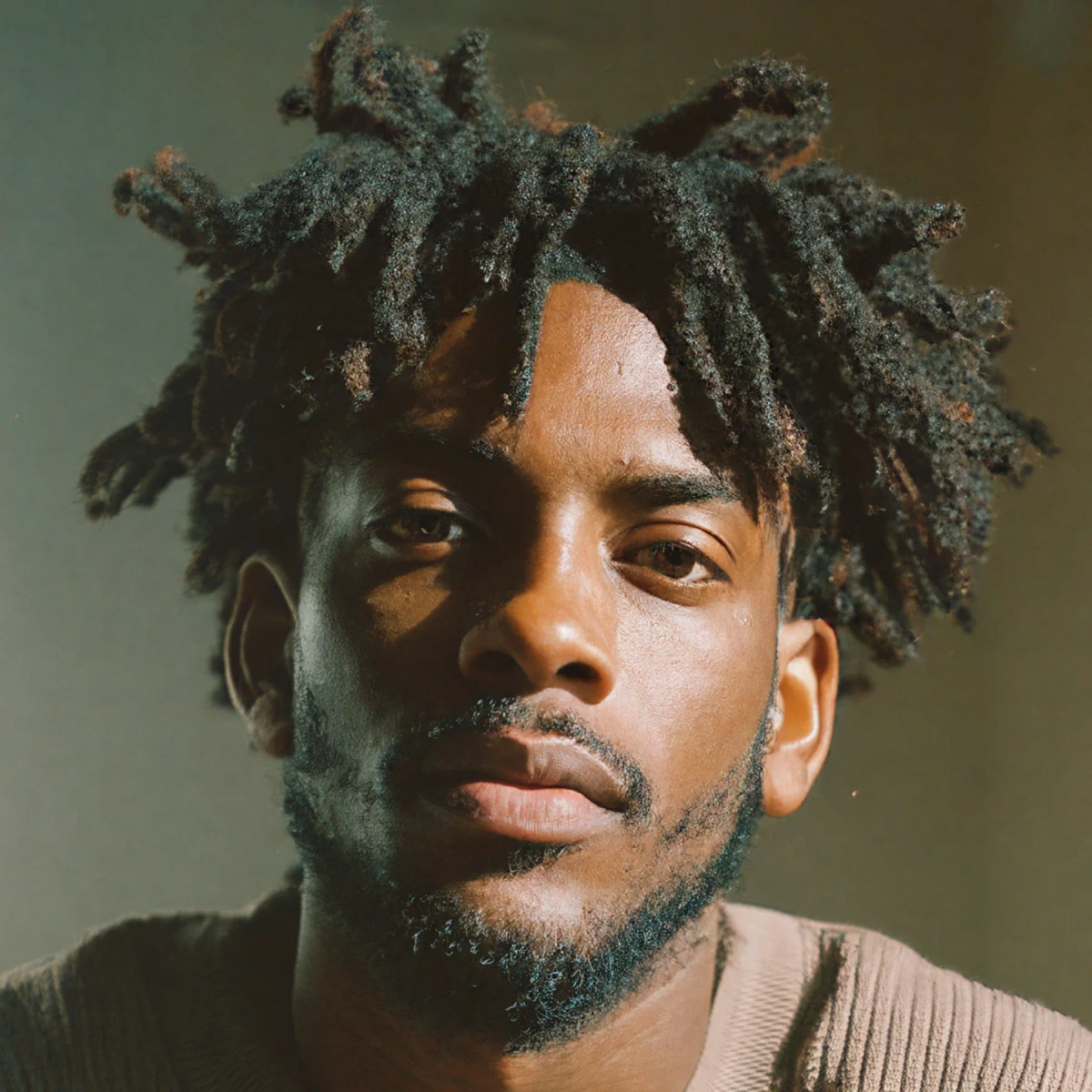
Achieve stunning detail and clarity in every portrait.
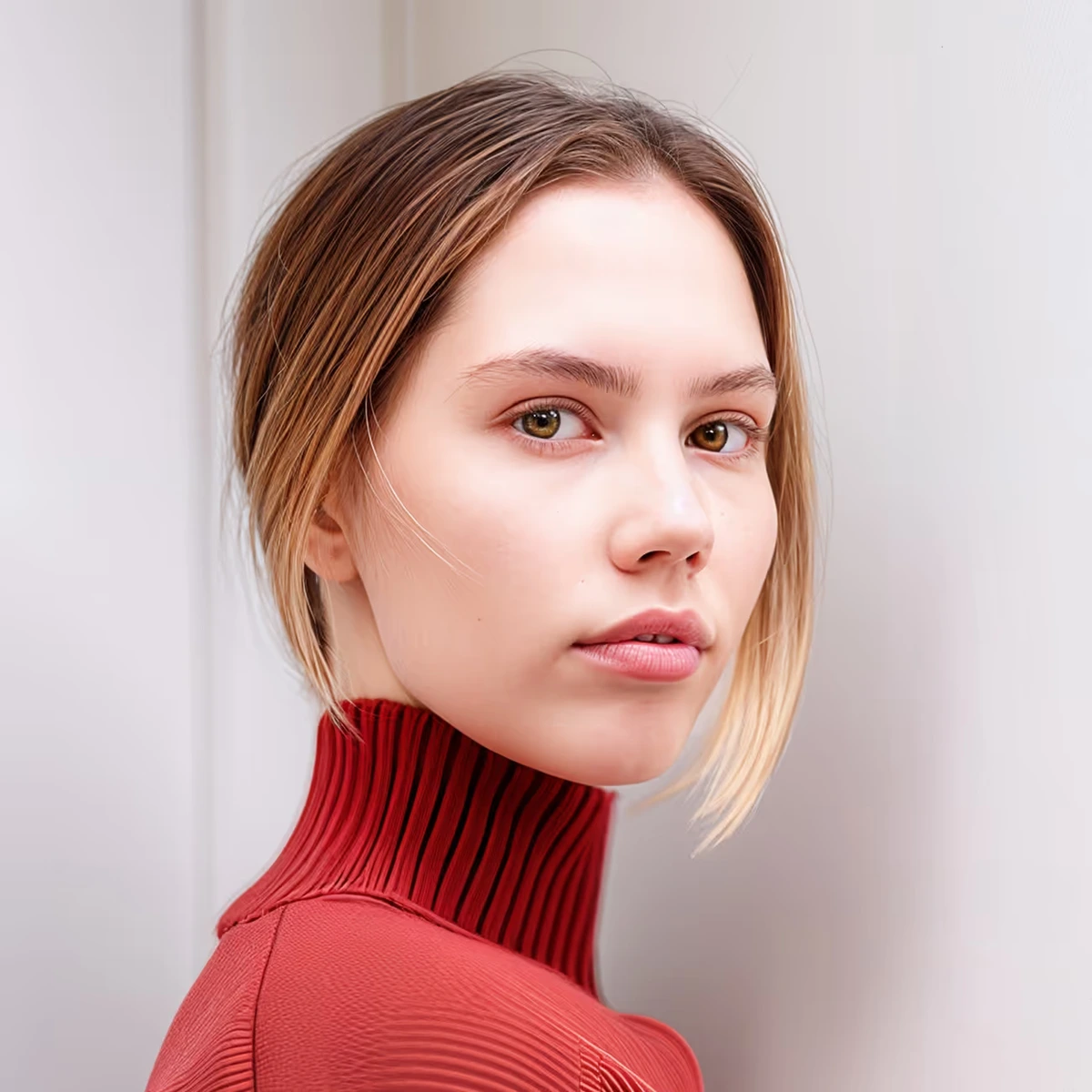
AI-powered image enhancement for stunning, lifelike photo results.
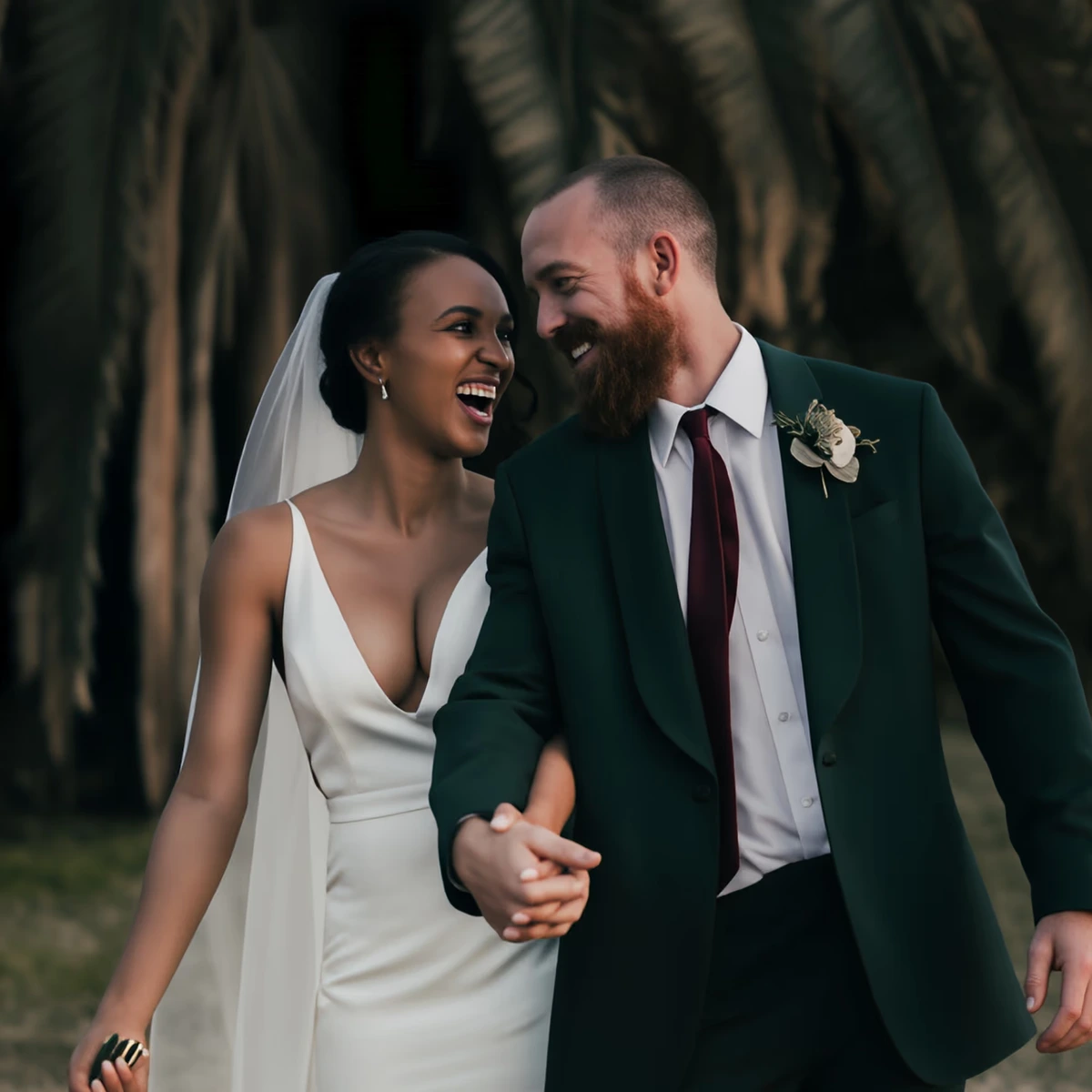
Experience professional photo enhancement that captures every emotion.
Topaz Photo AI Review: Tooliverse Consensus


Based on 1k+ verified reviews across 4 platforms,
combined with Tooliverse's expert analysis
Topaz Photo AI functions as a specialized salvage tool that uses intelligent automation to restore unusable images with minimal manual intervention, stacking multiple AI models for denoise, sharpening, and face recovery into a single workflow. The Autopilot system and batch processing capabilities save hours for photographers working with hundreds of low-light or soft-focus shots, while the noise reduction preserves fine detail better than Adobe's native tools. The catch is demanding GPU requirements that slow or crash older machines, and occasional over-sharpening in complex textures when default settings are applied without adjustment.
Bottom line: A strong image enhancement tool that automates the tedious work of salvaging imperfect photos, though you'll need solid hardware to handle the processing demands efficiently.
Topaz Photo AI | Key Specs
- Platforms
- macOS, Windows (Desktop)
- Pricing Model
- Subscription ($17-63/mo) See plans
- Privacy/Data Use
- Private local rendering - files never leave your computer
- AI Models
- 12 models including Wonder 2 & 3, Standard Max, Super Focus, Face Recovery
Wins
- •Automates complex image enhancements through an intelligent Autopilot system that saves hoursmentioned in 412 reviews
- •Delivers industry-leading noise reduction that preserves fine detail in low-light photographymentioned in 385 reviews
- •Features a remarkably effective face recovery tool that salvages blurry or low-resolution portraitsmentioned in 310 reviews
Watch-Outs
- •Requires high-end GPU hardware to maintain acceptable processing speeds for large filesmentioned in 156 reviews
- •Occasionally introduces unnatural 'AI artifacts' or over-sharpening in complex textures like feathersmentioned in 134 reviews
- •Demands a significant financial investment compared to more basic photo editing alternativesmentioned in 112 reviews
Topaz Photo AI Features 2026
Autopilot Enhancement
Automatically scans images and applies optimal enhancements including denoise, blur removal, face recovery, and upscaling in one click, saving time on batch processing.
Stacked AI Models
Apply multiple image filters and enhancements together at various strength levels in different parts of the image, giving complete control over the enhancement workflow.
Face Recovery & Selection
Recover facial details including pores, hair wisps, wrinkles, and eye reflections at double the resolution with Realistic or Creative options.
Wonder Model (Cloud)
One-click upscale, sharpen, and denoise for extremely low-resolution images without settings to tune—perfect for recovering previously unrecoverable photos.
Topaz Photo AI User Reviews
Selected Reviews
"The Autopilot feature is a massive time saver for my wedding photography business. It identifies the issues and fixes them before I even touch a slider."
"I had a batch of 400 photos from a low-light event. This software turned what would have been a nightmare into a clean, professional set in two hours."
"Version 3.0 brought some great UI changes, but I've noticed more crashes on my Windows machine since the update. Hope they patch it soon."
More from the Community
"Incredible sharpening, but be careful with the settings. If you leave it on default, bird feathers can sometimes look like plastic."
"The face recovery is magic. I restored a 20-year-old family photo that was blurry and small, and now it looks like it was shot yesterday."
"Great results but it makes my MacBook Pro fans scream. You definitely need a dedicated GPU if you plan on using this for more than one photo at a time."
"The integration with Lightroom is smooth, but I wish the preview window was faster. There is a noticeable lag when zooming in to check details."
"It's a bit pricey for a single-purpose tool, but the quality of the denoising is simply better than what Adobe offers currently."
"Incredible sharpening, but be careful with the settings. If you leave it on default, bird feathers can sometimes look like plastic."
"The face recovery is magic. I restored a 20-year-old family photo that was blurry and small, and now it looks like it was shot yesterday."
"Great results but it makes my MacBook Pro fans scream. You definitely need a dedicated GPU if you plan on using this for more than one photo at a time."
"The integration with Lightroom is smooth, but I wish the preview window was faster. There is a noticeable lag when zooming in to check details."
"It's a bit pricey for a single-purpose tool, but the quality of the denoising is simply better than what Adobe offers currently."
"Topaz Photo AI is now my first step for every high-ISO shot. It cleans up the grain without turning the image into a watercolor painting."
"The text recovery feature is surprisingly good for document photos. It makes unreadable text sharp enough to OCR."
"Solid tool, but the subscription model is frustrating. I'd prefer a one-time purchase that doesn't require a yearly 'upgrade' fee for new versions."
"It's the best at what it does, but it's not a magic wand. If the original photo is completely out of focus, the AI just creates weird shapes."
"Topaz Photo AI is now my first step for every high-ISO shot. It cleans up the grain without turning the image into a watercolor painting."
"The text recovery feature is surprisingly good for document photos. It makes unreadable text sharp enough to OCR."
"Solid tool, but the subscription model is frustrating. I'd prefer a one-time purchase that doesn't require a yearly 'upgrade' fee for new versions."
"It's the best at what it does, but it's not a magic wand. If the original photo is completely out of focus, the AI just creates weird shapes."
Topaz Photo AI Pricing 2026
View SourcePersonal at $17/month billed annually is where most photographers should start: you get all the core AI models, unlimited local and cloud rendering, and commercial use rights for organizations under $1 million in annual revenue. That covers hobbyists, freelancers, and small studios completely. Pro at $50/month billed annually makes sense only if you need local access to the Wonder 1 model for maximum control or you're equipping a team with seat management. The monthly commitment options exist but cost significantly more for the same features.
Topaz Photo AI In-Depth Review 2026

Topaz Photo AI is a desktop application for macOS and Windows that stacks multiple AI models—denoise, sharpen, upscale, face recovery—into a single workflow. It runs as a standalone app or integrates directly into Lightroom Classic, Photoshop, Capture One, and Apple Photos, processing images locally on your machine. The Autopilot feature analyzes each image and applies the optimal combination of enhancements automatically, while manual controls let you fine-tune when the AI needs guidance. All processing happens on your computer; files never leave your system.
What It's Like Day-to-Day
The Autopilot system is where most users start, and for good reason: it scans an image, identifies the problems, and fixes them before you touch a slider. For wedding photographers juggling hundreds of shots from dimly lit receptions, this is the difference between delivering on time and spending another weekend cleaning up noise. As one G2 reviewer put it, the Autopilot feature *"is a massive time saver for my wedding photography business. It identifies the issues and fixes them before I even touch a slider.
Topaz Photo AI Security & Compliance
Privacy Commitments
- Private local rendering - files never leave your computer
Topaz Photo AI: Frequently Asked Questions (FAQs)
What is Topaz Photo?
Topaz Photo is a desktop-based AI-powered application used to enhance image and photo quality through noise reduction, image sharpening, face enhancement, and image upscaling.
How many computers can I use my apps on?
Seats are the number of computers you can use a desktop app on at the same time. You can use the desktop applications on one computer at a time. If you require use on more than one machine, you will need a Pro license.
What is your return policy?
Topaz Labs offers a full refund if you purchase a product and it's not the right fit—let them know within 2 days. See full policy at https://docs.topazlabs.com/sales-account-licensing/before-you-buy/refund-policy
Where can I learn more about the apps and how to use them?
Check out the documentation at https://docs.topazlabs.com/ for detailed guides on using Topaz Photo and other Topaz Labs applications.
Topaz Photo AI Integrations
| Adobe Photoshop CC | Adobe Lightroom Classic | Capture One |
| Apple Photos | Affinity Photos | Adobe Photoshop Elements |
Topaz Photo AI: Verified Data Sheet
| # | Label | Data Point |
|---|---|---|
| [1] | Topaz Photo AI Consensus: 8.48/10 | Topaz Photo AI is a highly-rated tool among AI image generators in the Tooliverse index, with a consensus score of 8.48/10 across 1,515 verified reviews. |
| [2] | What is Topaz Photo AI | Topaz Photo AI, operated by Topaz Labs, is an AI-powered desktop image enhancement platform for photographers. The platform has processed over 2 billion images in 20+ years, trusted by Nike, Google, and Netflix, with pricing starting at $17/month. |
| [3] | Tooliverse Consensus on Topaz Photo AI | Topaz Photo AI functions as a specialized salvage tool that uses intelligent automation to restore unusable images with minimal manual intervention, stacking multiple AI models for denoise, sharpening, and face recovery into a single workflow. The Autopilot system and batch processing capabilities save hours for photographers working with hundreds of low-light or soft-focus shots, while the noise reduction preserves fine detail better than Adobe's native tools. The catch is demanding GPU requirements that slow or crash older machines, and occasional over-sharpening in complex textures when default settings are applied without adjustment. |
| [4] | Topaz Photo AI Verdict | Topaz Photo AI bottom line: A strong image enhancement tool that automates the tedious work of salvaging imperfect photos, though you'll need solid hardware to handle the processing demands efficiently. |
| [5] | Personal (Annual): $16.58/mo (annual) | Topaz Photo AI Personal (Annual) tier includes all Photo AI models (Wonder 2 & 3, Standard Max, Dust & Scratch, Super Focus, Remove, Denoise, Sharpen, Upscale, Adjust Lighting, Balance Color, Recover Faces, Preserve Text, Healing Brush) for $16.58/month billed annually. |
| [6] | Autopilot automates complex enhancements | Topaz Photo AI automates complex image enhancements through an intelligent Autopilot system that analyzes images and applies optimal denoise, blur removal, face recovery, and upscaling in one click, validated as a massive time-saver by 412 user reviews. |
| [7] | Industry-leading noise reduction | Topaz Photo AI delivers industry-leading noise reduction that preserves fine detail in low-light and high-ISO photography without turning images into watercolor paintings, according to 385 user reviews. |
| [8] | Effective face recovery for portraits | Topaz Photo AI features a remarkably effective face recovery tool that salvages blurry or low-resolution portraits by restoring pores, hair wisps, wrinkles, and eye reflections at double the resolution, validated by 310 user reviews. |
| [9] | Personal (Annual, Billed Monthly): $25/mo (annual) | Topaz Labs's Topaz Photo AI Personal (Annual, Billed Monthly) empowers users with All Photo AI models (Wonder 2 & 3, Standard Max, Dust & Scratch, Super Focus, Remove, Denoise, Sharpen, Upscale, Adjust Lighting, Balance Color, Recover Faces, Preserve Text, Healing Brush) for $25/month billed annually. |
| [10] | Seamless Adobe and plugin integration | Topaz Photo AI integrates seamlessly as a plugin into Adobe Lightroom Classic, Photoshop CC, Capture One, Apple Photos, and Affinity Photos for professional workflow efficiency, confirmed by 245 user reviews. |
| [11] | Requires high-end GPU hardware | Topaz Photo AI requires high-end GPU hardware to maintain acceptable processing speeds for large RAW files, with users reporting significant performance slowdowns on machines without dedicated graphics cards, mentioned in 156 reviews. |
| [12] | Occasional AI artifacts in textures | Topaz Photo AI occasionally introduces unnatural AI artifacts or over-sharpening in complex textures like bird feathers, fur, or fabric when default settings are applied without manual adjustment, reported in 134 user reviews. |
| [13] | Privacy: Private local rendering - files never leave your computer | Topaz Photo AI privacy protections include Private local rendering - files never leave your computer. |
| [14] | Massive time saver for wedding photography | Topaz Photo AI "is a massive time saver" for wedding photography businesses, with the Autopilot feature identifying issues and fixing them before manual adjustments are needed, according to a verified G2 reviewer. |
Best Topaz Photo AI Alternatives

LetsEnhance
Turn blurry, pixelated photos into sharp, print-ready images with AI that recovers real detail.
ON1 Resize AI
Enlarge photos up to 10x with AI-powered super-resolution that maintains sharpness and detail.
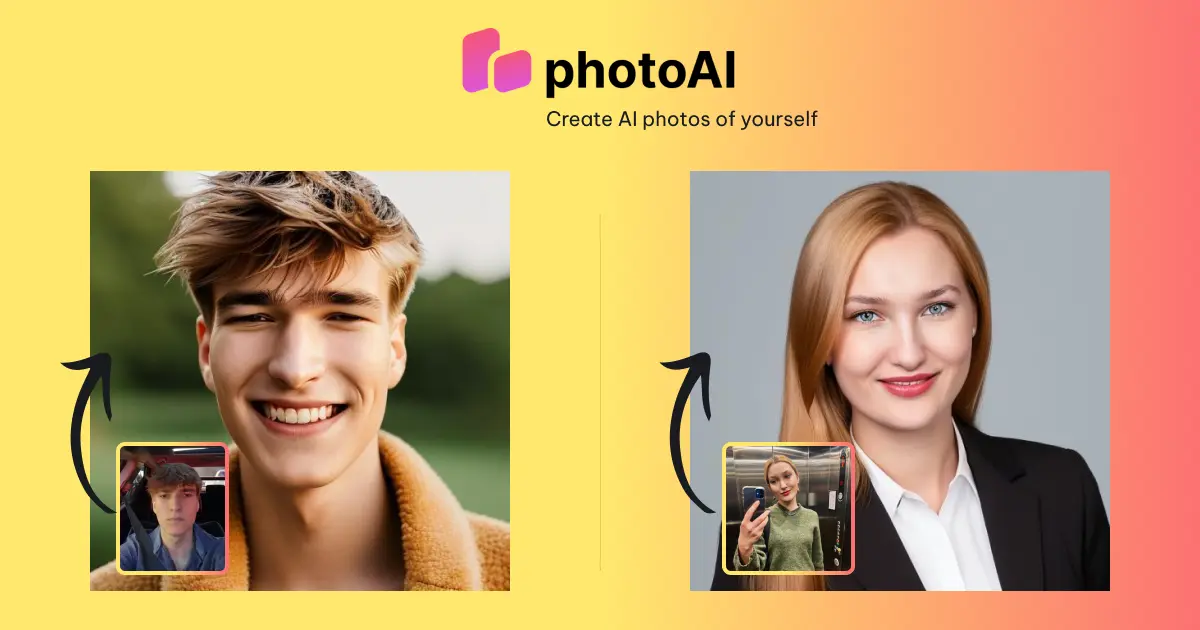
PhotoAI
Transform your selfies into stunning AI photos for dating, LinkedIn, and creative profiles in hours.