
Browse AI Review 2026 - No-Code Web Scraping
Verified Jun 6, 2026 by Tooliverse Editorial
Browse AI transforms websites into structured data feeds without coding—scrape product listings, monitor competitor prices, or extract job postings at scale. Over 770,000 users rely on it to automate data extraction from any of the web's 1.8 billion sites.
Browse AI 101: Complete beginner's guide to web scraping without code
Browse AI Tutorial for Beginners: Automate Web Scraping Without Coding

Visualize how data flows through interconnected services and APIs.
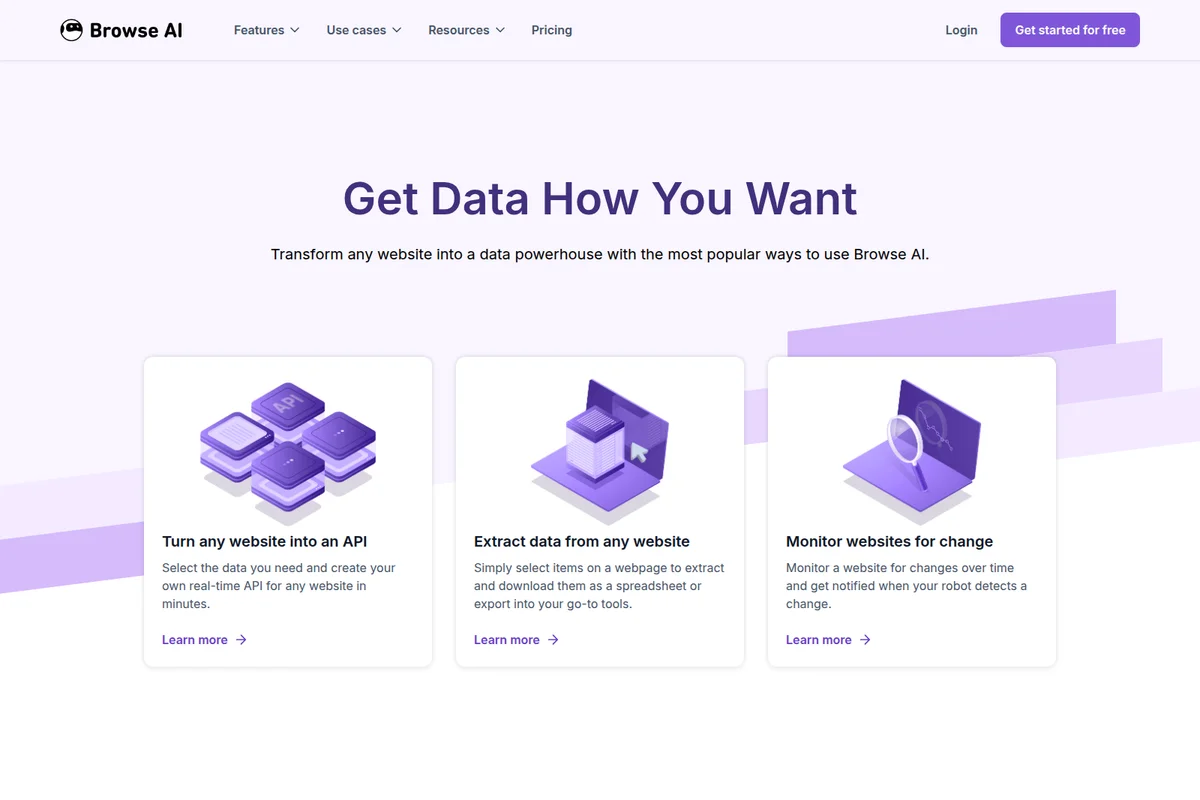
Get data how you want: Extract, monitor, or turn any website into a powerful API.

Visualize and analyze data trends for critical business insights.
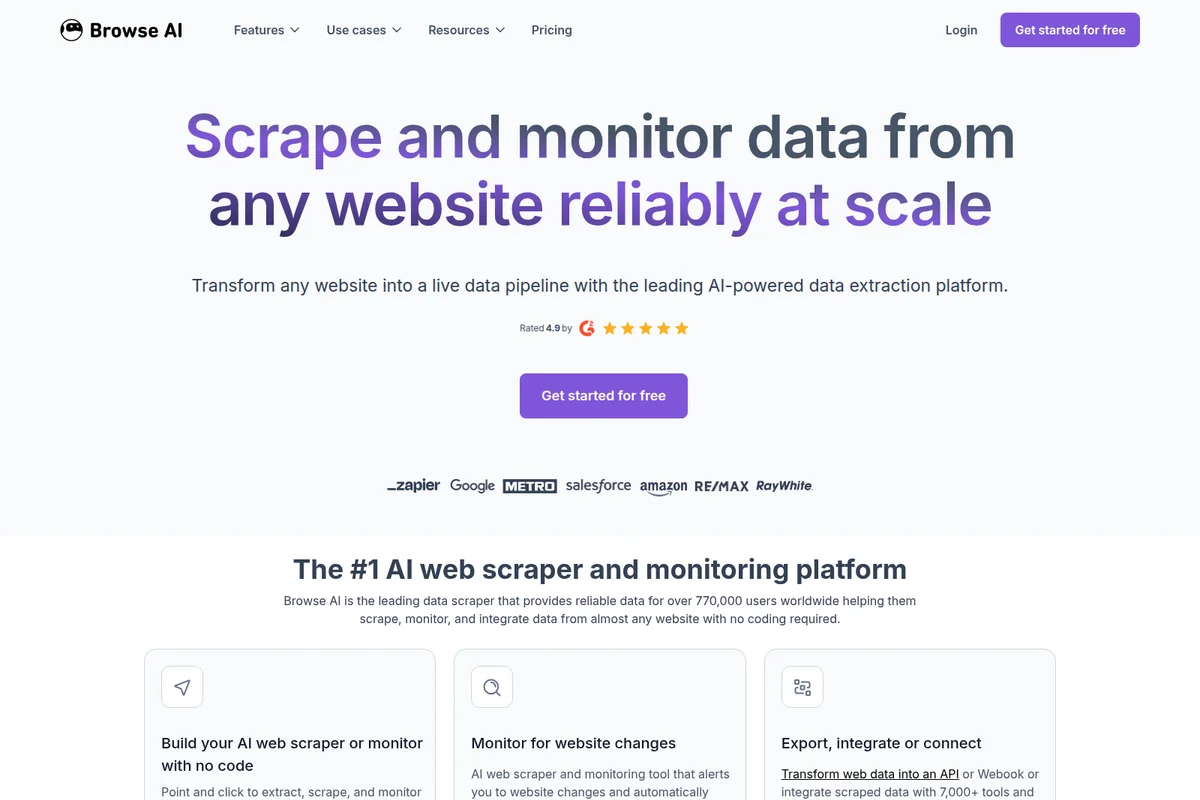
Scrape and monitor data from any website reliably at scale.
Browse AI Review: Tooliverse Consensus





Based on 316 verified reviews across 5 platforms,
combined with Tooliverse's expert analysis
Browse AI transforms web scraping from a developer task into a visual workflow, using point-and-click training to extract structured data from any site without code. The 250+ prebuilt robots and automatic adaptation to layout changes make it especially strong for non-technical teams monitoring competitors, scraping leads, or feeding data into business tools. Credit costs accumulate quickly for high-frequency monitoring, and sites with aggressive anti-bot protections require premium credits and occasional support intervention. The platform balances accessibility with genuine technical capability, handling dynamic content and authentication that simpler tools can't manage.
Bottom line: A strong no-code scraping platform that makes web data extraction accessible to non-developers, though credit-based pricing requires careful monitoring for high-frequency use cases.
Browse AI | Key Specs
- Platforms
- Web, Chrome Extension
- Pricing Model
- Freemium ($0-500/mo) See plans
- Privacy/Data Use
- Bank-level encryption, Auth0 authentication
- Security
- SOC 2 Type II, GDPR, CCPA, AES-256 Encryption See details
Wins
- •Simplifies web scraping with an intuitive point-and-click interface that requires zero codingmentioned in 112 reviews
- •Features a library of prebuilt robots that accelerate data collection from popular sitesmentioned in 84 reviews
- •Automates website monitoring with reliable change detection and instant email notificationsmentioned in 76 reviews
Watch-Outs
- •Customer support response times can be slow during high-demand periodsmentioned in 38 reviews
- •Credit-based pricing can become expensive for high-frequency or large-scale scrapingmentioned in 32 reviews
- •Struggles with websites that employ aggressive anti-bot protections or 2FAmentioned in 24 reviews
Browse AI Features 2026
No-Code AI Web Scraper
Train AI robots to extract data from any website by simply clicking on elements—no programming required. The robot learns your actions and automates the task.
Website Monitoring & Change Detection
Monitor websites for visual or content changes over time and receive notifications when your robot detects updates—ideal for price tracking and competitor monitoring.
Turn Websites into APIs
Create production-ready REST APIs from any website in minutes, enabling real-time data extraction without building custom scrapers.
Automatic Layout Adaptation
Robots automatically adapt to website layout changes, eliminating the need to retrain them when sites update their UI.
Browse AI User Reviews
Selected Reviews
"We've been using Browse AI and it has been phenomenal. It's the easiest scraper that we've ever used, and the ability to listen for changes is game-breaking. It now serves a core part of our business."
"Browse AI Accelerated Our Data Collection Efforts Instantly. Intuitive no-code interface with point-and-click robot training praised as accessible to non-technical users."
"Good for standard sites, but I had some trouble with a site using heavy Cloudflare protection. Support helped eventually but it took a few days."
More from the Community
"Efficient Data Retrieval with Outstanding Support. Our questions are always addressed individually and answered very effectively."
"Nifty time-saving wizardry. Simple tasks are a breeze, but it can handle complexity when you require it. I was surprised how easy it was to build my own robot."
"Solid tool for lead gen. Scraped leads, tracked listings, and finally broke up with my manual spreadsheets after three weeks of testing."
"Helpful for monitoring competitor prices. The setup is fast, though I wish the credit system was a bit more generous for daily checks."
"The interface is great, but the pricing is a bit steep for a small business if you need to run tasks every hour. It adds up fast."
"Efficient Data Retrieval with Outstanding Support. Our questions are always addressed individually and answered very effectively."
"Nifty time-saving wizardry. Simple tasks are a breeze, but it can handle complexity when you require it. I was surprised how easy it was to build my own robot."
"Solid tool for lead gen. Scraped leads, tracked listings, and finally broke up with my manual spreadsheets after three weeks of testing."
"Helpful for monitoring competitor prices. The setup is fast, though I wish the credit system was a bit more generous for daily checks."
"The interface is great, but the pricing is a bit steep for a small business if you need to run tasks every hour. It adds up fast."
"It works well for most things, but I found the robot training a bit finicky on sites with very dynamic pop-ups that appear randomly."
"Saved me hours of work on a research project. The prebuilt robots for LinkedIn and Google Search are a huge time saver for our team."

"Browse AI Making Google Sheets Fun Again! Great for extracting data directly into my spreadsheets without any manual copy-pasting or CSV exports."

"Browse AI is a powerful no-code web scraping tool that saves time and boosts productivity for anyone who needs structured data. It's easy to use and flexible."
"It works well for most things, but I found the robot training a bit finicky on sites with very dynamic pop-ups that appear randomly."
"Saved me hours of work on a research project. The prebuilt robots for LinkedIn and Google Search are a huge time saver for our team."
"Browse AI Making Google Sheets Fun Again! Great for extracting data directly into my spreadsheets without any manual copy-pasting or CSV exports."
"Browse AI is a powerful no-code web scraping tool that saves time and boosts productivity for anyone who needs structured data. It's easy to use and flexible."
Browse AI Pricing 2026
View SourceThe free tier works for testing and light monitoring, but most users doing real work need Personal at $19 monthly billed annually. That gets you 12,000 credits upfront and 5 websites, enough for daily competitor tracking or weekly data collection without constant credit anxiety. Professional at $69 monthly makes sense only if you're running high-frequency monitoring or bulk extractions as a regular business function—the 60,000 annual credits and priority support are overkill for occasional scraping. Watch your credit burn rate carefully; hourly tasks across multiple sites can exhaust even the Professional tier faster than you'd expect.
Browse AI In-Depth Review 2026

Browse AI turns any website into a structured data feed using a visual point-and-click interface. It runs across all major browsers via extension, training robots by watching you click the elements you want to extract. The platform serves over 770,000 users who've collectively extracted more than 2 billion data records, from e-commerce pricing to real estate listings to job postings. Pricing starts at $19 monthly for individuals, scaling to enterprise plans with dedicated support.
What It's Like Day-to-Day
The core workflow feels almost too simple: install the browser extension, navigate to your target page, click the data points you want, and name your robot. Browse AI watches your actions and builds the extraction logic automatically. For common sites like LinkedIn, Amazon, or Google Maps, you skip even that step—the library of 250+ prebuilt robots handles the setup instantly. One verified Product Hunt reviewer noted it "has been phenomenal" and now serves as "a core part of our business," with the change detection described as "game-breaking."
The monitoring capabilities distinguish Browse AI from one-off scraping tools.
Browse AI Security & Compliance
Verified Compliance
- SOC 2 Type II
- GDPR
- CCPA
Security Features
- AES-256 Encryption
- TLS 1.2 Encryption
Privacy Commitments
- Bank-level encryption and access management
- Auth0 authentication (credentials not stored on Browse AI infrastructure)
- AWS US datacenters for services and databases
Browse AI: Frequently Asked Questions (FAQs)
How can I get started with Browse AI?
Sign up for a free account (no credit card required), install the browser extension, record a task by clicking on elements you want to extract, name the robot, and set up monitoring for it to run regularly. It takes about 5 minutes for new users to set up their first automation.
Do I need to know how to code?
No, Browse AI makes it easy to automate tasks and extract data from websites without being a developer. The platform uses a point-and-click interface to train robots.
What is a Credit?
Each credit allows you to extract 10 rows of data from a page or capture a screenshot. For example, extracting 50 products from a webpage costs 5 credits. Premium sites (those with anti-bot measures) have a minimum credit cost between 2 and 10 per task. Credits reset at the end of each billing cycle and unused credits do not carry over unless you upgrade mid-cycle.
What is a Robot (or Task)?
A robot is a trained automation that performs a set of steps on a website, such as logging in, clicking buttons, filling forms, extracting data, or monitoring changes. Robots are created using Prebuilt Robots or the Browse AI Recorder's click-and-extract interface.
Browse AI Integrations
| Google Sheets | Airtable | Zapier |
| Make.com | Pabbly Connect | Amazon S3 |
| ChatGPT | Claude | Excel |
| Integrately |
Browse AI: Verified Data Sheet
| # | Label | Data Point |
|---|---|---|
| [1] | Browse AI Consensus: 8.30/10 | Browse AI is a highly-rated tool among AI productivity tools in the Tooliverse index, with a consensus score of 8.30/10 across 316 verified reviews. |
| [2] | What is Browse AI | Browse AI is a SOC 2 Type II certified no-code web scraping and monitoring platform that transforms any website into structured data feeds. The platform serves 770,000+ users worldwide with pricing starting at $19/month. |
| [3] | Tooliverse Consensus on Browse AI | Browse AI transforms web scraping from a developer task into a visual workflow, using point-and-click training to extract structured data from any site without code. The 250+ prebuilt robots and automatic adaptation to layout changes make it especially strong for non-technical teams monitoring competitors, scraping leads, or feeding data into business tools. Credit costs accumulate quickly for high-frequency monitoring, and sites with aggressive anti-bot protections require premium credits and occasional support intervention. The platform balances accessibility with genuine technical capability, handling dynamic content and authentication that simpler tools can't manage. |
| [4] | Browse AI Verdict | Browse AI bottom line: A strong no-code scraping platform that makes web data extraction accessible to non-developers, though credit-based pricing requires careful monitoring for high-frequency use cases. |
| [5] | Free: Free | Browse AI offers a functional Free tier with 50 credits per month and 2 websites, making web scraping accessible at no cost. |
| [6] | No-code point-and-click scraping | Browse AI simplifies web scraping with an intuitive point-and-click interface that requires zero coding knowledge, validated as a core business capability by 112 user reviews. |
| [7] | 250+ prebuilt robots for popular sites | Browse AI features a library of 250+ prebuilt robots that accelerate data collection from popular sites like LinkedIn, Amazon, and Google Maps, eliminating setup time according to 84 user reviews. |
| [8] | Automated change detection and alerts | Browse AI automates website monitoring with reliable change detection and instant email notifications when content updates are detected, praised as game-breaking functionality in 76 user reviews. |
| [9] | 7,000+ integrations for workflow automation | Browse AI integrates seamlessly with Google Sheets, Airtable, Zapier, and 7,000+ other apps to automate data workflows without manual exports, validated by 68 user reviews. |
| [10] | Personal: $19/mo (annual) | Browse AI Personal empowers users with 12,000 credits per year (all credits upfront) for $19/month billed annually, significantly expanding on the free tier's capabilities. |
| [11] | Support delays during peak periods | Browse AI customer support response times can be slow during high-demand periods, with resolution delays extending to several days according to 38 user reports. |
| [12] | Credit costs add up for frequent scraping | Browse AI credit-based pricing can become expensive for high-frequency or large-scale scraping operations, with costs accumulating quickly for hourly monitoring according to 32 user reviews. |
| [13] | Privacy: Bank-level encryption and access management | Browse AI privacy protections include Bank-level encryption and access management, Auth0 authentication (credentials not stored on Browse AI infrastructure), and AWS US datacenters for services and databases. |
| [14] | Enterprise: AES-256 Encryption | Browse AI provides enterprise security with AES-256 Encryption and TLS 1.2 Encryption. |
| [15] | Game-breaking for business workflows | Browse AI "has been phenomenal" and serves as "a core part of our business" with change detection described as "game-breaking," according to a verified Product Hunt reviewer. |
Best Browse AI Alternatives
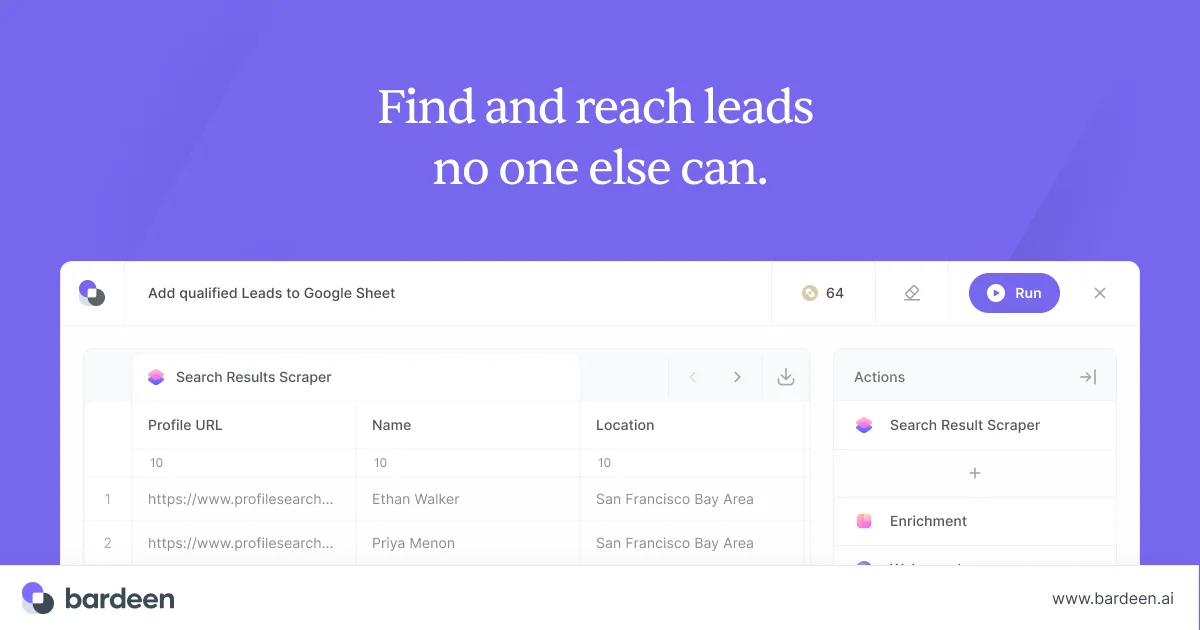
Bardeen
Automate your GTM workflows with AI-powered web scraping, enrichment, and intelligent agents.
Firecrawl
Turn any website into clean, LLM-ready data with one API call—no proxies, no headaches.
Gumloop
Build AI agents that automate any workflow across your entire tech stack—no coding required.