
Coolors Review 2026 - AI Palette Generator
Verified Jun 10, 2026 by Tooliverse Editorial
Coolors turns color selection into an effortless creative process—press spacebar to generate palettes, extract colors from images, or explore 10M+ community schemes. Designers at Netflix, Disney, and Microsoft rely on it for fast, professional color workflows.
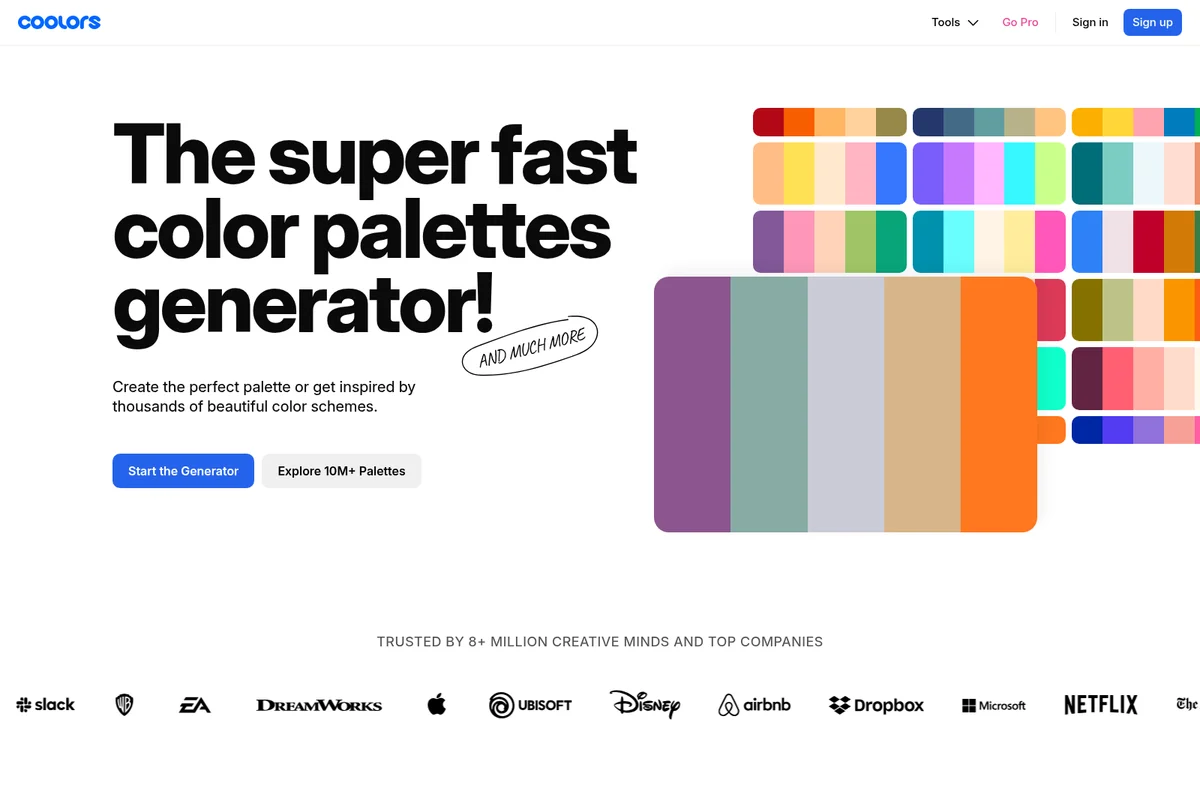
Generate beautiful color palettes quickly and get inspired by thousands of schemes.
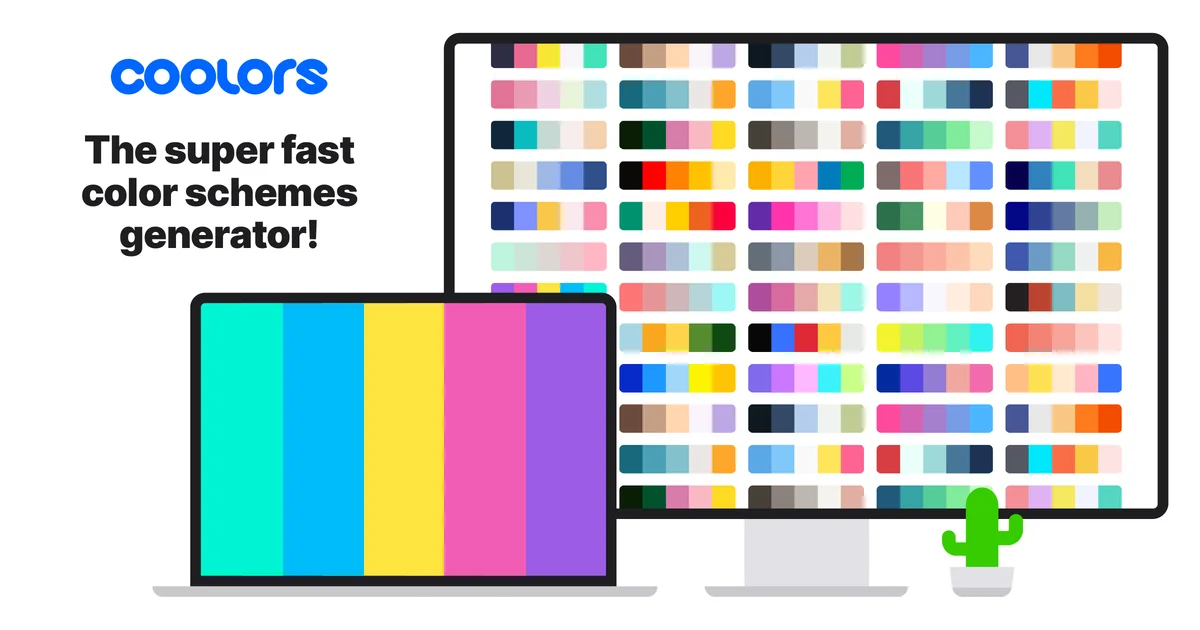
Coolors homepage
Coolors Review: Tooliverse Consensus





Based on 22k+ verified reviews across 5 platforms,
combined with Tooliverse's expert analysis
Coolors has become the definitive color palette tool by making exploration effortless—the spacebar generation mechanic turns color selection from deliberate decision into rapid experimentation, while built-in accessibility checking and developer-ready exports handle professional requirements that simpler tools ignore. The image extraction and WCAG contrast verification work seamlessly enough that designers stop switching between apps. The free tier's 10-palette save limit feels restrictive for active professionals, and the learning curve has steepened as features accumulate, but the core workflow remains unmatched for speed and precision.
Bottom line: The gold standard for color palette generation, combining an addictive exploration interface with professional-grade accessibility and export tools, though serious users will quickly outgrow the free tier's save limits.
Coolors | Key Specs
- Platforms
- Web, iOS, Chrome Extension
- Pricing Model
- Freemium ($0-3/mo) See plans
- Color Schemes Library
- 10M+ user-created palettes
- Export Formats
- HEX, RGB, HSB, CMYK, LAB, RAL, HKS, Copic, Prismacolor
Wins
- •Speeds up the creative process with a signature spacebar-to-generate mechanic that feels like magicmentioned in 842 reviews
- •Simplifies developer handoffs by providing instant CSS, SVG, and ASE export formatsmentioned in 615 reviews
- •Ensures inclusive design through built-in color blindness simulators and contrast checking toolsmentioned in 528 reviews
Watch-Outs
- •Requires a recurring subscription to unlock advanced organizational features and unlimited palettesmentioned in 245 reviews
- •Presents a learning curve for new users due to the increasingly dense feature setmentioned in 187 reviews
- •Displays prominent advertisements in the free version that can disrupt the design flowmentioned in 156 reviews
Coolors Features 2026
Palette Generator
Create unique color palettes instantly with spacebar generation. Generate 5-10 color schemes using color theory rules (monochromatic, analogous, complementary, triadic, tetradic, square).
Coolors AI
AI-powered color generation trained on thousands of professional combinations. Generate palettes, variations, and color ideas with 3000 monthly credits (Pro).
Palette Visualizer
Preview color palettes on real designs in real-time. Check colors across branding, typography, patterns, and illustration layouts before committing.
Tailwind CSS Export
Create and preview Tailwind palettes on real UI designs. Export code in v3/v4 with Hex, OKLCH, RGB, or HSL color spaces.
Coolors User Reviews
Selected Reviews
"The "spacebar" feature is honestly dangerous for my productivity because I just keep hitting it to see what comes up next! It's the most intuitive way to find inspiration I've ever used."
"I use the image picker constantly to pull palettes from my own photography. It's much more accurate than other tools I've tried."
"Sometimes the "Explore" page feels a bit repetitive with the same trendy palettes, but the generator itself is flawless."
More from the Community
"Great tool, but the recent UI update made the export button a bit harder to find. Still my go-to for every web project."
"The color blindness simulator is a lifesaver for accessibility audits. It's built right in so I don't have to switch apps."
"Useful but the Pro subscription feels a bit steep for a color generator. I wish there was a middle-tier option."
"Best palette generator out there. Period."
"I love how it generates CSS variables automatically. Saves me so much time during the handoff to developers."
"Great tool, but the recent UI update made the export button a bit harder to find. Still my go-to for every web project."
"The color blindness simulator is a lifesaver for accessibility audits. It's built right in so I don't have to switch apps."
"Useful but the Pro subscription feels a bit steep for a color generator. I wish there was a middle-tier option."
"Best palette generator out there. Period."
"I love how it generates CSS variables automatically. Saves me so much time during the handoff to developers."
"The mobile app is surprisingly good. Usually, these tools are web-only, but I can work on palettes while on the train."
"A bit buggy on the latest iPadOS update, but the developer is usually quick to fix things. The library management is excellent."
"Essential for my workflow as a freelance designer. The ability to save palettes into projects keeps me organized."
"The contrast checker has helped me catch so many WCAG violations before they even get to the client."
"The mobile app is surprisingly good. Usually, these tools are web-only, but I can work on palettes while on the train."
"A bit buggy on the latest iPadOS update, but the developer is usually quick to fix things. The library management is excellent."
"Essential for my workflow as a freelance designer. The ability to save palettes into projects keeps me organized."
"The contrast checker has helped me catch so many WCAG violations before they even get to the client."
Coolors Pricing 2026
View SourceThe free tier works for casual exploration, but Pro at $3 monthly (billed annually) is where most professionals land: unlimited palette saves, AI generation with 3,000 monthly credits, palettes up to 10 colors, and access to specialized libraries like RAL and Pantone equivalents. That's also where you get Tailwind CSS export and PDF customization, which matter if you're handing off to developers or presenting to clients. The pricing is low enough that the decision is less about budget and more about whether you use color tools often enough to justify removing the 10-palette save limit.
Coolors In-Depth Review 2026

This color palette generator runs in your browser, on iOS and Android, and as plugins for Figma, Chrome, and Adobe apps. The core mechanic is deceptively simple: press the spacebar to generate a new five-color palette, lock the colors you like, press again. What makes it the go-to tool for over 8 million creative professionals is everything that happens around that spacebar: instant accessibility checking, image color extraction, export to any format a developer might need, and a library of 10 million community palettes when you need a starting point.
What It's Like Day-to-Day
The spacebar generation is genuinely addictive in a way that serves the creative process. You're not staring at a blank canvas making high-stakes color decisions; you're exploring possibilities at the speed of thought, locking a base color and watching complementary options materialize. One iOS App Store reviewer admitted the "spacebar feature is honestly dangerous for my productivity because I just keep hitting it to see what comes up next," and that compulsive quality is exactly the point.
Coolors: Frequently Asked Questions (FAQs)
Can I use Coolors for free?
Yes, Coolors is always free to use for everyone with essential features. You can generate palettes, explore 10K+ color schemes, and save up to 10 palettes. Upgrade to Coolors Pro for access to premium tools like AI generation, unlimited saves, and advanced exports.
Does Coolors have any time-limits or trials?
No, the free plan has no time-limits so you can use Coolors for as long as you need before deciding to upgrade.
Can I cancel or switch at any time?
Yes, you can manage your plan 24/7 in your account section. Downgrade to free plan will occur at the end of paid period.
What happens to saved palettes when downgrading to free?
Your content won't be deleted. However, since the free plan has limitations in the number of palettes, projects and collections, in order to save new ones you'll need to delete older ones first.
Coolors Integrations
| Figma | Adobe Illustrator | Adobe InDesign |
| Adobe Photoshop | Chrome |
Coolors: Verified Data Sheet
| # | Label | Data Point |
|---|---|---|
| [1] | Coolors Consensus: 9.31/10 | Coolors is one of the highest-rated AI design tools in the Tooliverse index, with a consensus score of 9.31/10 across 22,320 verified reviews. |
| [2] | What is Coolors | Coolors, created by indie developer Fabrizio Bianchi, is a color palette generation platform serving 8M+ creative professionals. Trusted by Netflix, Disney, Microsoft, and Apple, it offers 10M+ community palettes with pricing starting at $3/month. |
| [3] | Tooliverse Consensus on Coolors | Coolors has become the definitive color palette tool by making exploration effortless—the spacebar generation mechanic turns color selection from deliberate decision into rapid experimentation, while built-in accessibility checking and developer-ready exports handle professional requirements that simpler tools ignore. The image extraction and WCAG contrast verification work seamlessly enough that designers stop switching between apps. The free tier's 10-palette save limit feels restrictive for active professionals, and the learning curve has steepened as features accumulate, but the core workflow remains unmatched for speed and precision. |
| [4] | Coolors Verdict | Coolors bottom line: The gold standard for color palette generation, combining an addictive exploration interface with professional-grade accessibility and export tools, though serious users will quickly outgrow the free tier's save limits. |
| [5] | Free: Free | Coolors provides a functional Free tier with palette generation up to 5 colors and access to 10,000+ ready-made color schemes, making professional color tools accessible at no cost. |
| [6] | Spacebar generation mechanic | Coolors accelerates the creative process with a signature spacebar-to-generate mechanic that enables instant palette exploration, validated as addictive and intuitive by 842 user reviews. |
| [7] | Instant CSS/SVG/ASE exports | Coolors simplifies developer handoffs by providing instant export formats including CSS variables, SVG, and ASE files, eliminating manual color code translation according to 615 user reviews. |
| [8] | Built-in accessibility tools | Coolors ensures inclusive design through built-in color blindness simulators and WCAG contrast checking tools, validated as essential for accessibility audits by 528 user reviews. |
| [9] | Pro: $3/mo (annual) | Fabrizio Bianchi's Coolors Pro empowers users with Access to Coolors AI (3000 credits/month) for $3/month billed annually, significantly expanding on the free tier's capabilities. |
| [10] | Image color extraction | Coolors extracts professional color schemes from uploaded images with precision that surpasses competing tools, according to 489 user reviews praising the image picker accuracy. |
| [11] | Subscription required for unlimited saves | Coolors requires a recurring subscription to unlock advanced organizational features and unlimited palette saves, a limitation noted by 245 users who find the free tier's 10-palette cap restrictive for professional work. |
| [12] | Learning curve for new users | Coolors presents a learning curve for new users navigating the increasingly dense feature set, with 187 reviews noting the interface complexity can initially overwhelm beginners. |
| [13] | Automatic CSS variable generation | Coolors "generates CSS variables automatically" and saves significant time during developer handoffs, according to a verified Chrome Web Store reviewer who relies on the feature for every web project. |
Best Coolors Alternatives
Figma
Turn big ideas into real products—design, prototype, and collaborate in one powerful platform.
Plus AI
Generate presentations and edit slides with AI—directly in PowerPoint and Google Slides.
Beautiful.ai
Turn ideas into polished, work-ready presentations in minutes—no design skills required.