
Raycast Review 2026 - AI Productivity Launcher
Verified Jun 18, 2026 by Tooliverse Editorial
Raycast replaces Spotlight with a powerful command center that combines AI chat, 1000+ extensions, and workflow automation. Access everything from GitHub issues to Slack messages with a single hotkey—no more app switching.
Raycast iOS Tutorial & Review (2026) How to Use Raycast
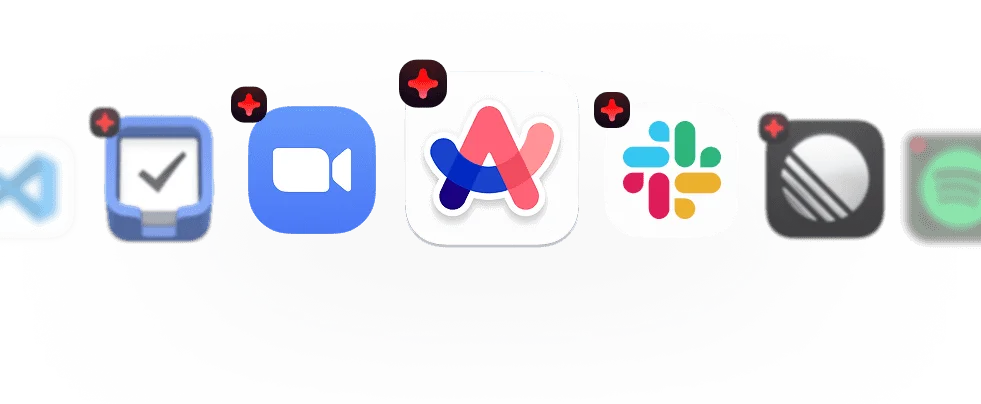
Access and perform quick actions on your essential apps.
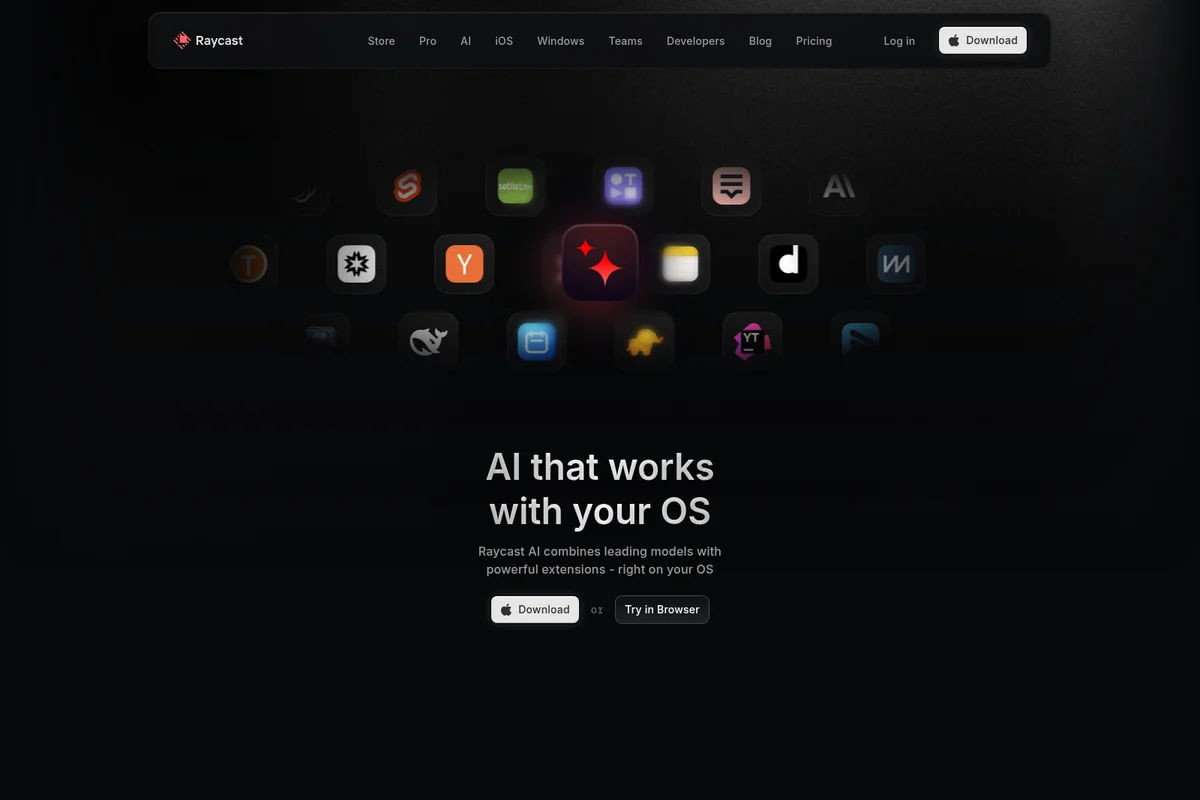
Experience AI that seamlessly integrates with your operating system and favorite apps.
Raycast Review: Tooliverse Consensus






Based on 4k+ verified reviews across 5 platforms,
combined with Tooliverse's expert analysis
Raycast consolidates fragmented macOS workflows into a single high-performance command palette, combining native speed with deep AI integration and an ecosystem of 1,000+ community extensions. The launcher eliminates app-switching friction for developers and knowledge workers who live in their keyboards, with particularly strong execution on clipboard management, snippet expansion, and instant AI access. The macOS exclusivity and subscription requirement for AI features limit broader adoption, but for Mac users willing to learn command-palette navigation, it fundamentally changes how productivity tools integrate into daily work.
Bottom line: A top-tier macOS productivity launcher that eliminates context-switching friction through deep AI integration and extensibility, though Windows users and subscription-averse individuals will need to look elsewhere.
Raycast | Key Specs
- Platforms
- macOS, iOS, Web, Windows (beta)
- Pricing Model
- Freemium ($0-20/user/mo) See plans
- Privacy/Data Use
- Local-first storage, no model training on user data
- Security
- SOC 2 Type II, SAML/SCIM, 2FA enforcement See details
Wins
- •Provides a lightning-fast command interface that eliminates the need for multiple standalone utility appsmentioned in 1,842 reviews
- •Offers an extensive community-driven store with thousands of extensions for every developer workflowmentioned in 1,520 reviews
- •Integrates AI features directly into the launcher for instant drafting and code explanationsmentioned in 1,215 reviews
Watch-Outs
- •Requires a monthly subscription for AI features and cross-device syncingmentioned in 642 reviews
- •Remains exclusive to macOS, leaving Windows and Linux users without an equivalentmentioned in 412 reviews
- •Consumes significant system memory when running numerous complex extensions simultaneouslymentioned in 285 reviews
Raycast Features 2026
AI Chat with 32+ Models
Chat with leading AI models from OpenAI, Anthropic, Perplexity, Google, xAI, Mistral, and DeepSeek in one interface. Create custom chat presets tailored to specific tasks and compare model responses mid-conversation.
Quick AI Floating Window
Access AI instantly with a hotkey that opens a floating window above other apps. Get answers without switching context, with optional web search for up-to-date information and inline references.
AI Extensions
Turn natural language into actions across apps. Control Calendar, Finder, Slack, Linear, Jira, and 1000+ extensions through conversational commands. Chain multiple extensions for advanced workflows.
Private Extension Store for Teams
Build and publish custom extensions to your organization's Private Store. Create employee indexes, brand asset libraries, bug report forms, and internal tools accessible only to your team.
Raycast User Reviews
Selected Reviews
"The AI integration is so much faster than opening a browser. I use it for quick regex help and email drafting constantly. It's become my primary way to interact with LLMs."
"As a developer, being able to write my own extensions in React/TypeScript is incredible. I've automated so many repetitive Jira and GitHub tasks directly from the palette."
"I love the interface, but it's starting to feel bloated. I only need the launcher, not a whole AI suite and team features. I wish there was a lighter version."
More from the Community
"Raycast has completely replaced Alfred for me. The built-in clipboard manager and snippet support are just more intuitive, and the UI is gorgeous."
"The community store is the real killer feature. If there's a tool you use, someone has probably already built a Raycast extension for it. It saves me hours every week."
"The window management is okay, but it struggles with multi-monitor setups compared to dedicated apps like Rectangle. It's a bit clunky for complex layouts."
"Extremely fast. I hit Cmd+Space and it's just there. No lag, no stuttering, even with a ton of data indexed. It's the most polished app on my Mac."
"I wish there was a one-time purchase option for the Pro features. I'm tired of every single utility app moving to a subscription model, even if the product is great."
"Raycast has completely replaced Alfred for me. The built-in clipboard manager and snippet support are just more intuitive, and the UI is gorgeous."
"The community store is the real killer feature. If there's a tool you use, someone has probably already built a Raycast extension for it. It saves me hours every week."
"The window management is okay, but it struggles with multi-monitor setups compared to dedicated apps like Rectangle. It's a bit clunky for complex layouts."
"Extremely fast. I hit Cmd+Space and it's just there. No lag, no stuttering, even with a ton of data indexed. It's the most polished app on my Mac."
"I wish there was a one-time purchase option for the Pro features. I'm tired of every single utility app moving to a subscription model, even if the product is great."
"The transition from Alfred was easy, though I do miss some of the deep file search customization Alfred offered. Raycast is better for everything else, especially the UI."
"Raycast AI is the only AI tool I actually use daily because it's right where my fingers already are. No context switching to a browser tab is a massive productivity win."
"The iOS app is a nice touch for remote commands, but it feels a bit limited compared to the desktop experience. Hope to see more features there soon."
"It's a great app, but the search results can get cluttered if you have too many extensions enabled. It needs better filtering or priority settings for results."
"The transition from Alfred was easy, though I do miss some of the deep file search customization Alfred offered. Raycast is better for everything else, especially the UI."
"Raycast AI is the only AI tool I actually use daily because it's right where my fingers already are. No context switching to a browser tab is a massive productivity win."
"The iOS app is a nice touch for remote commands, but it feels a bit limited compared to the desktop experience. Hope to see more features there soon."
"It's a great app, but the search results can get cluttered if you have too many extensions enabled. It needs better filtering or priority settings for results."
Raycast Pricing 2026
The free tier with 50 AI messages and core utilities is genuinely useful for light users, but Pro at $8 monthly is where most people land once Raycast becomes a daily habit. That tier adds unlimited AI access across 32+ models and cloud sync for snippets and clipboard history—the two features that matter most for professional workflows. Pro + Advanced AI at $16 monthly includes GPT-5, Claude Opus, and premium models, worth considering only if you need the absolute best model performance. Teams Pro at $12 per user monthly makes sense when you're coordinating more than a handful of people who need shared extensions and snippets.
Raycast In-Depth Review 2026

Raycast replaces macOS Spotlight with a command center that consolidates what used to require a dozen separate utilities: clipboard history, window management, snippet expansion, calculator, and direct access to 32+ AI models from OpenAI, Anthropic, Perplexity, and others. It runs natively on macOS with 1,000+ community-built extensions covering everything from GitHub pull requests to Jira tickets to Slack status updates. The free tier includes 50 AI messages and core productivity tools; Pro at $8 monthly adds unlimited AI access and cloud sync.
What It's Like Day-to-Day
The speed is what you notice first. Hit Command-Space and Raycast appears instantly, no lag even with hundreds of items indexed. Type a few characters and it surfaces the right command, file, or extension before you finish the thought. One Reddit reviewer noted it "has completely replaced Alfred" with more intuitive clipboard management and a UI that feels like Apple designed it themselves.
The AI integration changes how you work with language models. Instead of opening a browser tab and losing your place, you trigger a floating Quick AI window with a hotkey, ask your question, and get back to work.
Raycast Security & Compliance
Verified Compliance
- SOC 2 Type II
Security Features
- SAML and SCIM
- 2FA Enforcement
- IP Allow-List
- Extensions Allow-List
- Domain Capture
Privacy Commitments
- All data stored locally on your computer by default
- Cloud Sync data encrypted at rest and in transit
- AI providers prohibited from using interactions to train models
- Local model support through Ollama integration for complete privacy
Raycast: Frequently Asked Questions (FAQs)
What is Raycast AI?
Raycast AI provides access to multiple LLMs from state-of-the-art providers, including OpenAI, Anthropic, Perplexity, and more, integrated directly into your macOS operating system where it's most useful.
What is free and paid in Raycast AI?
Raycast provides a limited number of free messages (50) to any user to try all AI features. To continue using Raycast AI, upgrade to a Pro plan which includes a 14-day free trial. Advanced AI models are only available as an add-on to the paid Pro plan and are not available during the trial.
Can I use my own OpenAI API key?
Yes, you can BYOK (Bring Your Own Key). Raycast currently supports custom keys for OpenAI, Anthropic, and Google.
Which model do you use for Raycast AI?
Raycast AI provides access to multiple LLMs from state-of-the-art providers, including OpenAI, Anthropic, Perplexity, and more. More advanced models (GPT-5 series, Claude Opus, Gemini Pro, Grok-4) are available as an add-on to the Pro plan.
Raycast Integrations
| Slack | Linear | GitHub |
| Jira | Notion | Zoom |
| Spotify | Arc | |
| Google Calendar | Google Chrome | Apple Notes |
| Obsidian | Things | Todoist |
| GitHub Copilot | Home Assistant | Ollama |
Raycast: Verified Data Sheet
| # | Label | Data Point |
|---|---|---|
| [1] | Raycast Consensus: 8.68/10 | Raycast is a highly-rated tool among AI productivity tools in the Tooliverse index, with a consensus score of 8.68/10 across 4,600 verified reviews. |
| [2] | What is Raycast | Raycast is a SOC 2 Type II certified macOS productivity launcher that replaces Spotlight with AI-powered command center. The platform serves 37k+ Slack community members with access to 32+ AI models and 1000+ extensions, with pricing starting at $8/month. |
| [3] | Tooliverse Consensus on Raycast | Raycast consolidates fragmented macOS workflows into a single high-performance command palette, combining native speed with deep AI integration and an ecosystem of 1,000+ community extensions. The launcher eliminates app-switching friction for developers and knowledge workers who live in their keyboards, with particularly strong execution on clipboard management, snippet expansion, and instant AI access. The macOS exclusivity and subscription requirement for AI features limit broader adoption, but for Mac users willing to learn command-palette navigation, it fundamentally changes how productivity tools integrate into daily work. |
| [4] | Raycast Verdict | Raycast bottom line: A top-tier macOS productivity launcher that eliminates context-switching friction through deep AI integration and extensibility, though Windows users and subscription-averse individuals will need to look elsewhere. |
| [5] | Free: Free | Raycast provides a functional Free tier with core features including Clipboard History, Quicklinks, Calculator, Snippets, Window Management, and 50 free AI messages with access to all Pro models, making AI-powered productivity tools accessible at no cost. |
| [6] | Lightning-fast unified command interface | Raycast provides a lightning-fast command interface that eliminates the need for multiple standalone utility apps, validated as a core strength by 1,842 user reviews. |
| [7] | 1,000+ community extensions | Raycast offers an extensive community-driven store with 1,000+ extensions covering developer workflows from GitHub and Linear to Slack and Jira, praised by 1,520 user reviews. |
| [8] | 32+ AI models in-launcher | Raycast integrates 32+ AI models directly into the launcher for instant drafting and code explanations, eliminating context switching for 1,215 reviewers. |
| [9] | Pro: $8/mo (annual) | Raycast Pro empowers users with Unlimited Raycast AI (OpenAI, Anthropic, Perplexity, Mistral, Google, xAI, Baseten) for $8/month billed annually, significantly expanding on the free tier's capabilities. |
| [10] | Native macOS design polish | Raycast features a highly polished and customizable UI that feels like a native part of macOS, with 984 users highlighting the design quality. |
| [11] | Subscription required for AI and sync | Raycast requires a monthly subscription starting at $8 for AI features and cross-device syncing, a limitation noted by 642 user reviews. |
| [12] | macOS exclusive, no Windows/Linux | Raycast remains exclusive to macOS, leaving Windows and Linux users without an equivalent despite demand from 412 reviewers. |
| [13] | Privacy: All data stored locally on your computer by default | Raycast privacy protections include All data stored locally on your computer by default, Cloud Sync data encrypted at rest and in transit, and AI providers prohibited from using interactions to train models. |
| [14] | Enterprise: SAML and SCIM | Raycast provides enterprise security with SAML and SCIM, 2FA Enforcement, and IP Allow-List. |
| [15] | Replaced Alfred with better UX | Raycast "has completely replaced Alfred" with more intuitive clipboard management and snippet support, according to a verified Reddit reviewer who praised the gorgeous UI. |
Best Raycast Alternatives
Notion AI
Your AI workspace where teams and agents collaborate to capture knowledge, answer questions, and push projects forward.
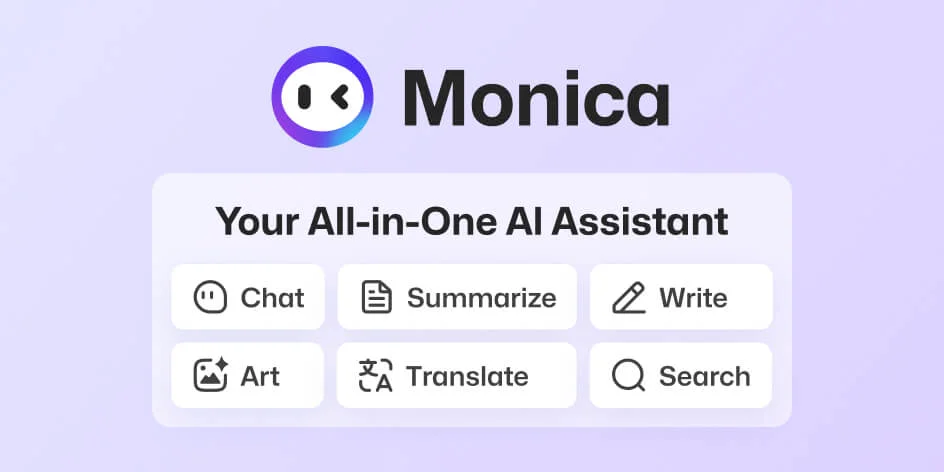
Monica AI
Your all-in-one AI assistant for chat, search, writing, translation, and creative work—powered by the world's leading AI models.
Sider AI
Your AI copilot for web tasks—reads, writes, and chats across any page with the latest AI models.