
Superhuman Review 2026 - AI Productivity Suite
Verified Jun 23, 2026 by Tooliverse Editorial
Superhuman brings AI into every app and tab you use, offering proactive help before you even ask. From drafting emails that sound like you to scheduling meetings mid-conversation, it's the assistant that knows what you know and adapts to how you work.
Getting Started with the Superhuman Mail MCP
Superhuman Go Tutorial: The Ultimate All-in-One AI Workflow

Amplify your thoughts and refine your message with AI-powered insights.
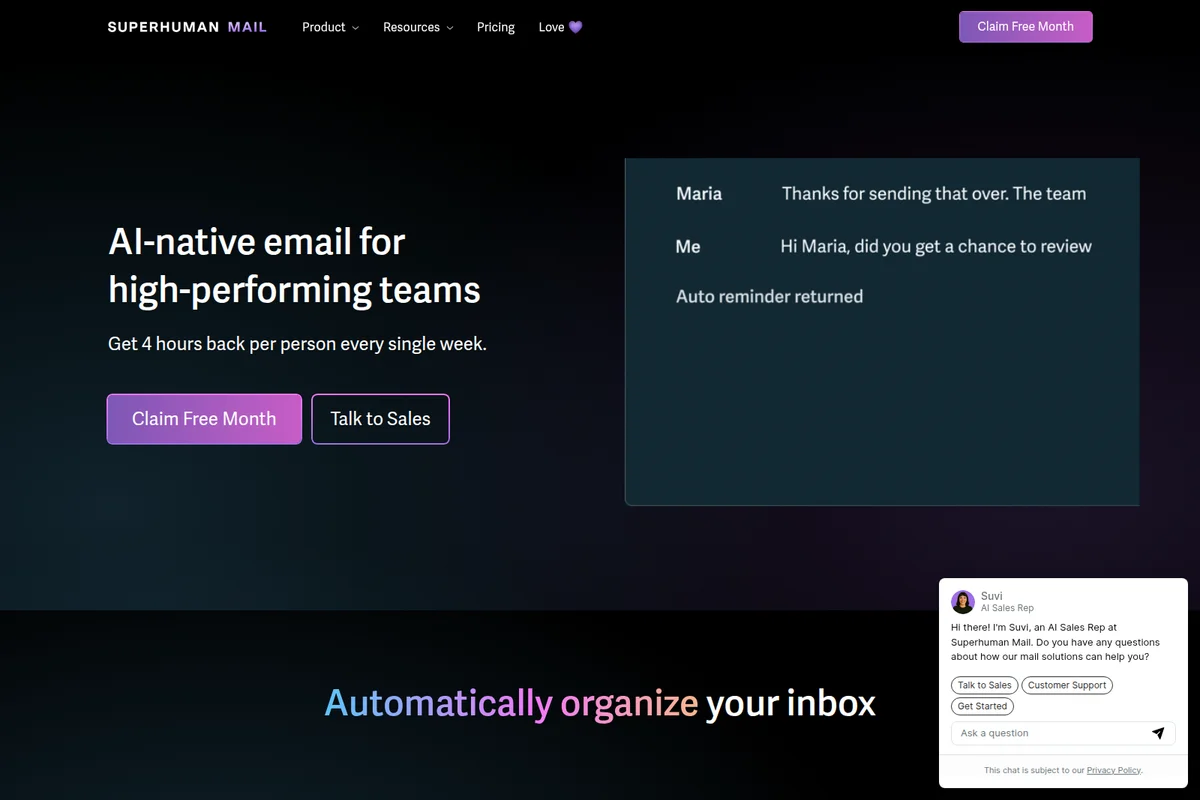
Get 4 hours back weekly with AI-native email for high-performing teams.
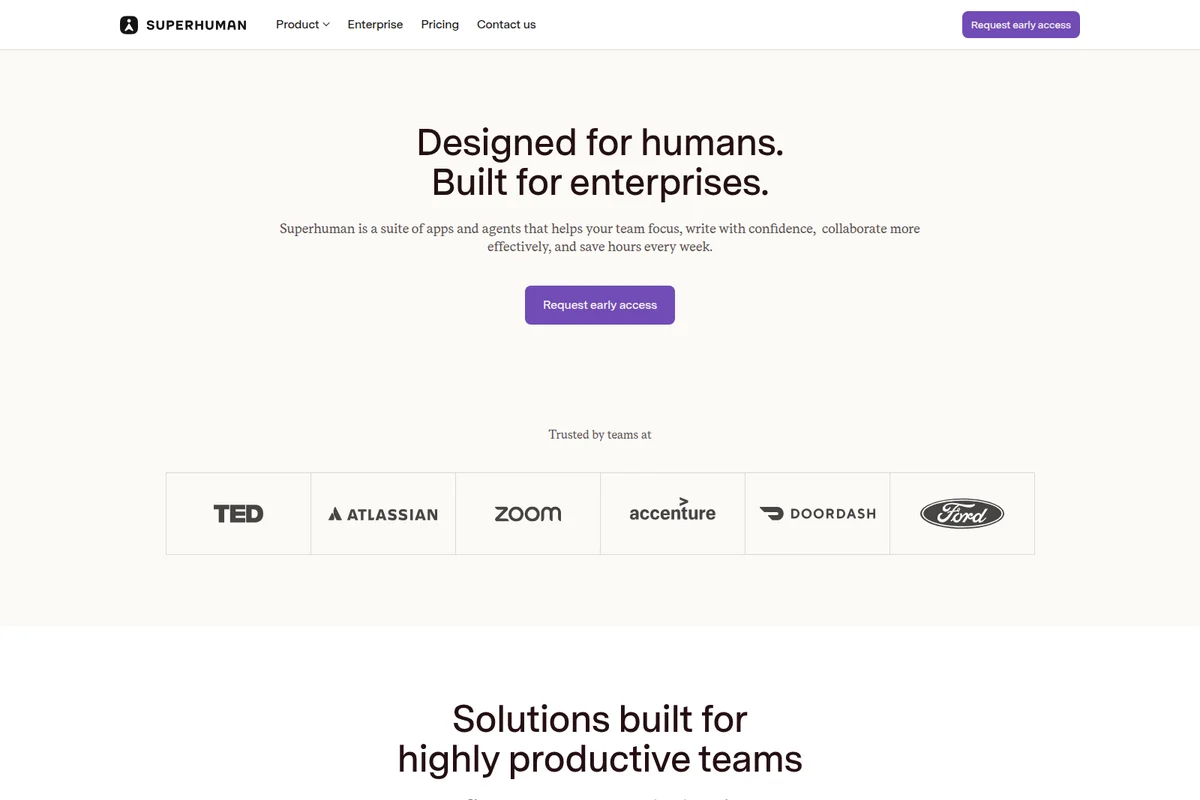
Superhuman: designed for humans, built for enterprises, trusted by leading teams.
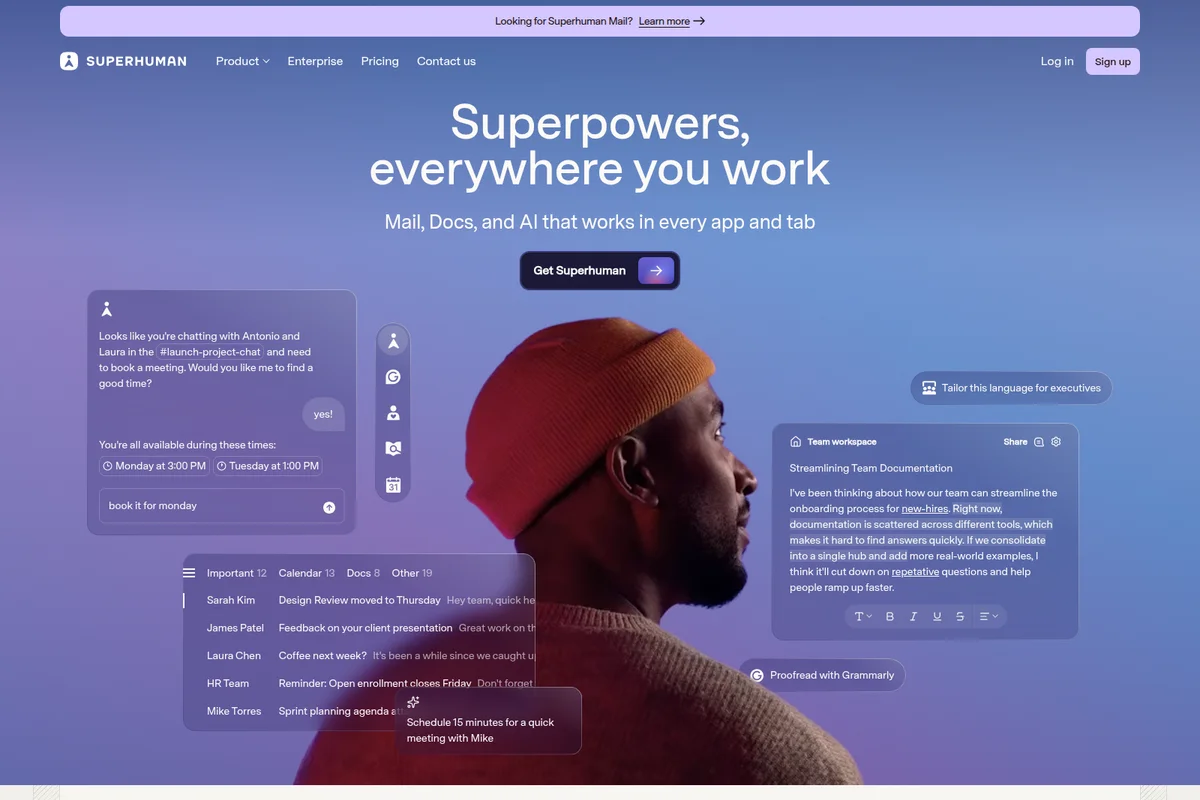
AI superpowers integrated across mail, docs, and chat for enhanced productivity.
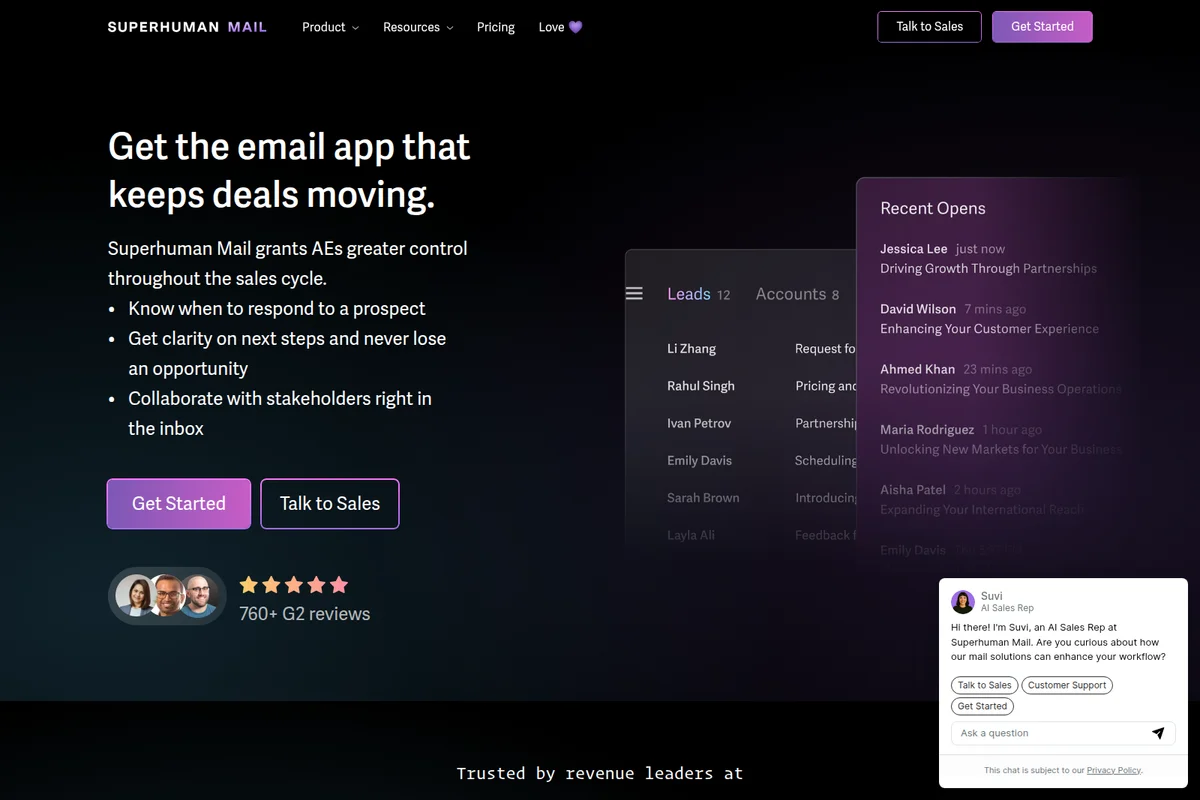
Manage leads and track email engagement to keep deals moving forward.
Superhuman Review: Tooliverse Consensus





Based on 2k+ verified reviews across 6 platforms,
combined with Tooliverse's expert analysis
Superhuman transforms email from a productivity drain into a high-performance workflow through a 32ms interface, keyboard-first design, and AI automation that separates signal from noise. The integration of Grammarly's writing intelligence and proactive AI assistance across over a million apps positions it as a unified workspace for professionals managing serious email volume, though the $30-$40 monthly pricing and steep keyboard shortcut learning curve create real barriers to adoption. Mobile apps lag the desktop experience, and the absence of a unified multi-account inbox forces context switching that undermines the speed gains.
Bottom line: A top-tier email client that treats inbox management as a professional discipline, delivering genuine speed gains for high-volume users willing to master the keyboard shortcuts and pay the premium.
Superhuman | Key Specs
- Platforms
- Web, iOS, Android, macOS, Windows, Chrome Extension
- Pricing Model
- Freemium ($0-33/member/month) See plans
- Privacy/Data Use
- AI training off by default (Business+), Zero Day Data Retention with LLM providers
- Security
- SOC 2 Type 2, ISO 27001, SAML SSO, SCIM provisioning See details
Wins
- •Delivers a blazing-fast 32ms interface that eliminates all loading lagmentioned in 1,840 reviews
- •Integrates Grammarly's advanced writing intelligence directly into the email composition flowmentioned in 1,520 reviews
- •Features a keyboard-first design that allows users to triage hundreds of emails without a mousementioned in 1,410 reviews
Watch-Outs
- •Premium pricing of $30-$40 per month remains a significant barrier for individual usersmentioned in 1,210 reviews
- •Steep learning curve required to master the extensive library of keyboard shortcutsmentioned in 840 reviews
- •Mobile application lacks the full feature parity and speed of the desktop experiencementioned in 620 reviews
Superhuman Features 2026
Superhuman Go - AI Assistant Everywhere
Proactive AI assistant that works in 1M+ apps and websites, offering help before you ask. Connects to 100+ apps including Gmail, Drive, Jira, and provides context-aware suggestions across your entire workflow.
Auto Labels and Auto Archive
AI automatically separates marketing, cold pitches, and social network updates with Auto Labels. Auto Archive eliminates inbox clutter for good by automatically archiving unwanted emails. Create custom Auto Labels with short AI prompts.
Write with AI (Voice and Tone Match)
AI crafts complete emails in your voice and tone from just a few phrases. Pulls from your inbox, calendar, the web, and uploaded knowledge to make every message feel personal and relevant.
AI Agents Platform
Superhuman Agent Store with ever-growing roster of agents built by Superhuman and partners. Agents SDK in closed beta allows developers to build custom agents that work across 1M+ apps and websites.
Superhuman User Reviews
Selected Reviews
"All of the seamless integrations allow me to work from ONE window! I can setup calendar meetings, share availability, and set reminders all in the same place."
"It works seamlessly with my work M365 and personal gmail accounts. It integrates events beautifully, has an AI that actually understands what I need."
"The interface can be a bit tricky to navigate at times. When I'm scanning a long list, it's not always easy to visually distinguish between different threads."
More from the Community
"The 'write with AI' tool is impressively aware of context; it understands the flow of email chains brilliantly."
"My favorite thing is definitely not having email anxiety anymore. I just know a few focused minutes GO FAR with Superhuman."
"Superhuman has really helped me tackle my inbox. Features like email taskification, quick snippets, and AI writing are some of my favorites."
"I usually don't hype tools, but email is one area where switching actually changed how my workday feels. It forces you to be intentional."
"After learning the keyboard shortcuts, I can move through emails like a breeze. The split inbox is a lifesaver for newsletters."
"The 'write with AI' tool is impressively aware of context; it understands the flow of email chains brilliantly."
"My favorite thing is definitely not having email anxiety anymore. I just know a few focused minutes GO FAR with Superhuman."
"Superhuman has really helped me tackle my inbox. Features like email taskification, quick snippets, and AI writing are some of my favorites."
"I usually don't hype tools, but email is one area where switching actually changed how my workday feels. It forces you to be intentional."
"After learning the keyboard shortcuts, I can move through emails like a breeze. The split inbox is a lifesaver for newsletters."
"Superhuman Mail is pretty expensive compared to other email products I've tried. The speed is great, but the cost scales poorly for small teams."
"The AI is good but sometimes it's a bit too 'corporate' in its tone. I wish there were more options to customize the voice matching."
"I find it very helpful. I don't use the AI stuff as much as the other features like reminders and shortcuts. The apps are very well done."
"Blazing speed and keyboard shortcuts earn devoted fans, but the premium price and missing features like a unified inbox fuel real frustration."
"Superhuman Mail is pretty expensive compared to other email products I've tried. The speed is great, but the cost scales poorly for small teams."
"The AI is good but sometimes it's a bit too 'corporate' in its tone. I wish there were more options to customize the voice matching."
"I find it very helpful. I don't use the AI stuff as much as the other features like reminders and shortcuts. The apps are very well done."
"Blazing speed and keyboard shortcuts earn devoted fans, but the premium price and missing features like a unified inbox fuel real frustration."
Superhuman Pricing 2026
View SourceThe free tier handles basic AI assistance and writing tools, but Business at $33/month is where most professionals land: full inbox automation with Auto Labels and Auto Archive, AI-powered email composition, and CRM integrations that surface customer context without tab-switching. Pro at $12/month sits in the middle with unlimited writing features and brand voice tools, though it skips the email-specific automation that defines the platform. Enterprise pricing unlocks SAML SSO and advanced compliance features for larger deployments.
Superhuman In-Depth Review 2026

This email client runs on macOS, Windows, iOS, and Android, built around a 32ms response time that makes Gmail feel sluggish by comparison. It integrates Grammarly's writing intelligence, Coda's document collaboration, and Superhuman Go's proactive AI assistance into one platform that works across over a million apps and websites. The pitch is simple: treat email like the professional discipline it actually is, with tools that match the stakes.
What It's Like Day-to-Day
The keyboard shortcuts are the heart of the experience. You triage messages with single keystrokes, archive entire categories with custom commands, and move through hundreds of emails without your hand ever reaching for the mouse. The learning curve is real—expect a week of slower productivity while muscle memory builds—but users consistently report the investment pays off. One G2 reviewer captured it well: "I just know a few focused minutes GO FAR with Superhuman."
Split Inbox is the feature that quietly does the most work. High-priority threads stay front and center while newsletters, notifications, and automated updates get automatically sorted into separate views.
Superhuman Security & Compliance
Verified Compliance
- SOC 2 Type 2
- SOC 3
- ISO 27001
- ISO 27017
- ISO 27018
- ISO 27701
- ISO 42001
- PCI DSS
Security Features
- SAML SSO
- SCIM provisioning
- Data encryption in transit and at rest
- BYOK encryption
- Audit logs
- Data loss prevention
- Legal hold and e-discovery
Privacy Commitments
- AI training off by default for Business and Education users
- Zero Day Data Retention agreement with LLM providers
- Minimal data logs - log custom instructions only, never email data or AI responses
- No AI subprocessor allowed to use data for model training
- GDPR compliant
- CCPA compliant
- FERPA compliant
- HIPAA compliant (Grammarly, Coda, and Go only)
Superhuman: Frequently Asked Questions (FAQs)
What is Superhuman Go?
Superhuman Go is the AI assistant that works everywhere you work and helps before you even ask. It's a proactive assistant that understands context and offers suggestions across 1M+ apps and websites.
How is Superhuman Go different from other AI assistants?
Superhuman Go works wherever you work, understanding and collaborating on what you're working on. It suggests edits, searches for context, and proposes next steps without you having to ask. Go connects to all your important apps to give helpful suggestions without manually providing context, and orchestrates a team of AI agents to provide suggestions when and where they're useful.
What does Superhuman Go cost?
You can get started with Superhuman Go for free by signing up for a Superhuman account. It's included in all Superhuman plans. Visit the pricing page to compare plans—whether you're getting started on your own or for your team.
Where does Superhuman Go work?
Superhuman Go is available via the Superhuman Go for Chrome and Superhuman Go for Edge extensions. With a browser extension, you can use Go across the web-based tools you already rely on, including email, documents, customer systems, project tools, and internal apps. The Superhuman Go desktop app for Mac and Windows is coming soon.
Superhuman Integrations
| Gmail | Google Calendar | Google Drive |
| Outlook | Slack | Jira |
| Salesforce | HubSpot | Pipedrive |
| Zoom | Google Meet | Microsoft Teams |
| GitHub | Figma |
Superhuman: Verified Data Sheet
| # | Label | Data Point |
|---|---|---|
| [1] | Superhuman Consensus: 9.12/10 | Superhuman is one of the highest-rated AI productivity tools in the Tooliverse index, with a consensus score of 9.12/10 across 2,380 verified reviews. |
| [2] | What is Superhuman | Superhuman, operated by Grammarly, is a SOC 2 Type 2 certified AI productivity platform combining Mail, Grammarly, Coda, and Go. The platform serves 40M+ daily active users and 50K+ organizations, with pricing starting at $12/month. |
| [3] | Tooliverse Consensus on Superhuman | Superhuman transforms email from a productivity drain into a high-performance workflow through a 32ms interface, keyboard-first design, and AI automation that separates signal from noise. The integration of Grammarly's writing intelligence and proactive AI assistance across over a million apps positions it as a unified workspace for professionals managing serious email volume, though the $30-$40 monthly pricing and steep keyboard shortcut learning curve create real barriers to adoption. Mobile apps lag the desktop experience, and the absence of a unified multi-account inbox forces context switching that undermines the speed gains. |
| [4] | Superhuman Verdict | Superhuman bottom line: A top-tier email client that treats inbox management as a professional discipline, delivering genuine speed gains for high-volume users willing to master the keyboard shortcuts and pay the premium. |
| [5] | Free: Free | Superhuman provides a functional Free tier with AI chat assistance across all applications and error-free writing in 6 languages, making productivity tools accessible at no cost. |
| [6] | 32ms interface eliminates lag | Superhuman delivers a blazing-fast 32ms interface that eliminates all loading lag, validated as a transformative productivity improvement by 1,840+ user reviews. |
| [7] | Native Grammarly integration | Superhuman integrates Grammarly's advanced writing intelligence directly into the email composition flow, enabling context-aware drafting without switching tools, according to 1,520+ user reviews. |
| [8] | Keyboard-first email triage | Superhuman features a keyboard-first design that allows users to triage hundreds of emails without touching a mouse, validated as essential for high-volume workflows by 1,410+ user reviews. |
| [9] | Pro: $12/member/mo (annual) | Grammarly's Superhuman Pro empowers users with Unlimited paragraph rewrites and translations in 19 languages for $12/member/month billed annually, significantly expanding on the free tier's capabilities. |
| [10] | Split Inbox for priority separation | Superhuman uses Split Inbox to effectively separate high-priority threads from newsletters and notifications, helping users maintain focus on critical communications according to 1,180+ user reviews. |
| [11] | Premium pricing barrier | Superhuman's premium pricing of $30-$40 per month remains a significant barrier for individual users, identified as the primary adoption friction point in 1,210+ user reviews. |
| [12] | Steep keyboard shortcut learning curve | Superhuman requires a steep learning curve to master the extensive library of keyboard shortcuts, with 840+ users reporting initial productivity dips before achieving speed gains. |
| [13] | Privacy: AI training off by default for Business and Education users | Superhuman privacy protections include AI training off by default for Business and Education users, Zero Day Data Retention agreement with LLM providers, and Minimal data logs - log custom instructions only, never email data or AI responses. |
| [14] | Enterprise: SAML SSO | Superhuman provides enterprise security with SAML SSO, SCIM provisioning, and Data encryption in transit and at rest. |
| [15] | Seamless M365 and Gmail integration | Superhuman "works seamlessly with my work M365 and personal gmail accounts" and integrates events beautifully with AI that understands user needs, according to a verified iOS App Store reviewer. |
Best Superhuman Alternatives
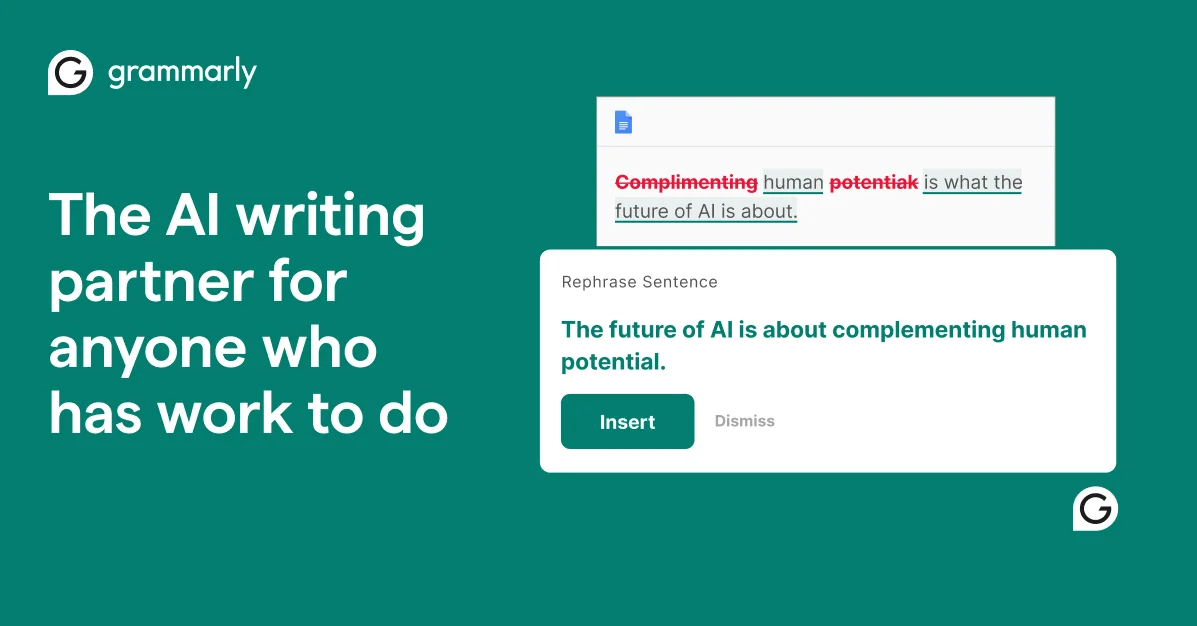
Grammarly
Write with confidence and clarity using AI that understands context, tone, and your unique voice.
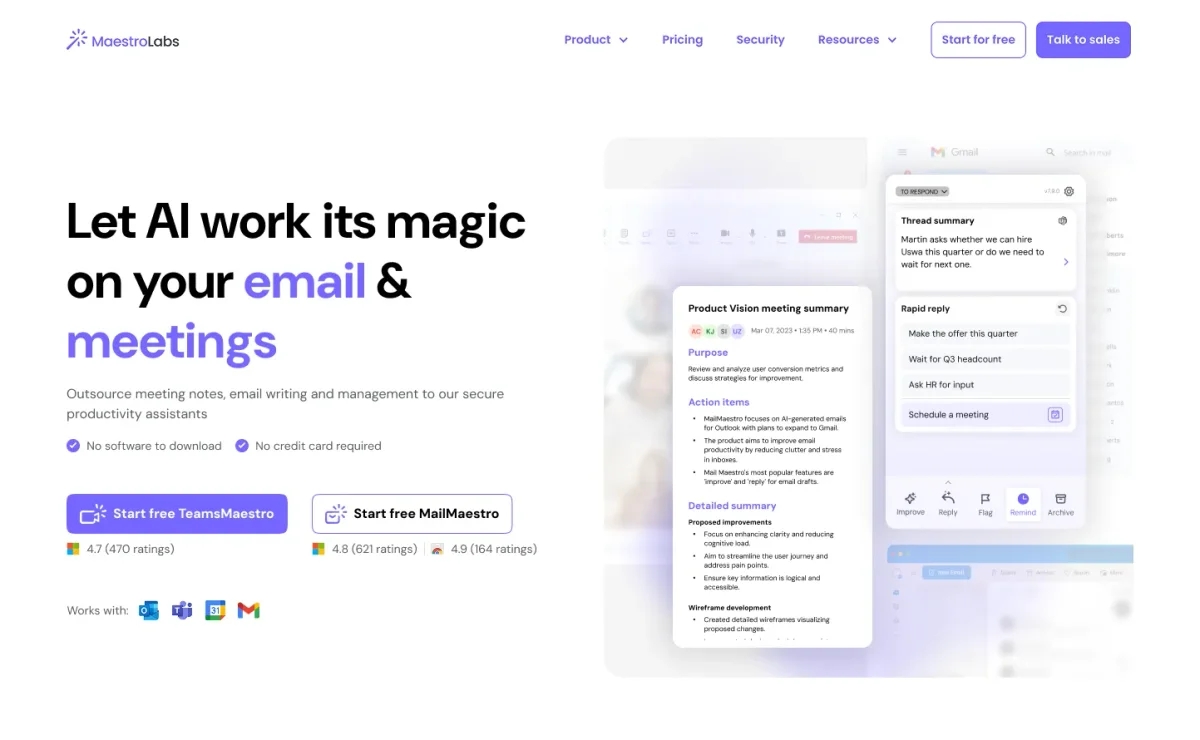
MailMaestro
Turn cluttered inboxes and chaotic meetings into clear, effortless productivity with AI.
Fyxer AI
Get back an hour every day with AI that organizes your inbox, drafts replies, and takes meeting notes.