
Vizcom Review 2026 - AI Design Rendering
Verified Jun 25, 2026 by Tooliverse Editorial
Vizcom turns rough sketches into photorealistic renders in seconds—upload a drawing and watch AI generate production-ready visuals for industrial design, footwear, gaming, and more. Trusted by designers at leading studios, it bridges the gap between concept and presentation.
How to Export Editable Meshes from Vizcom
Vizcom: Instant Sketch-to-3D Rendering for Creatives – 2026 Review

Quickly generate photorealistic visualizations of product ideas.
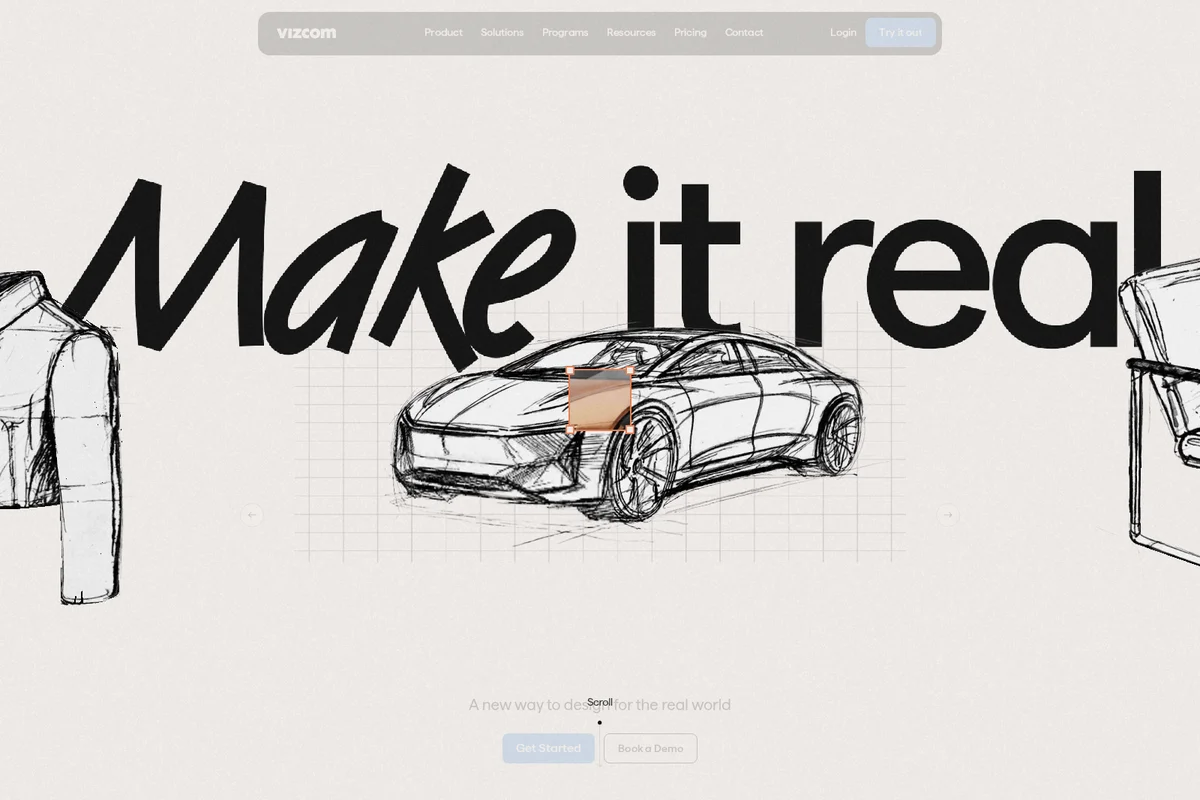
Transform your design ideas into reality with Vizcom.
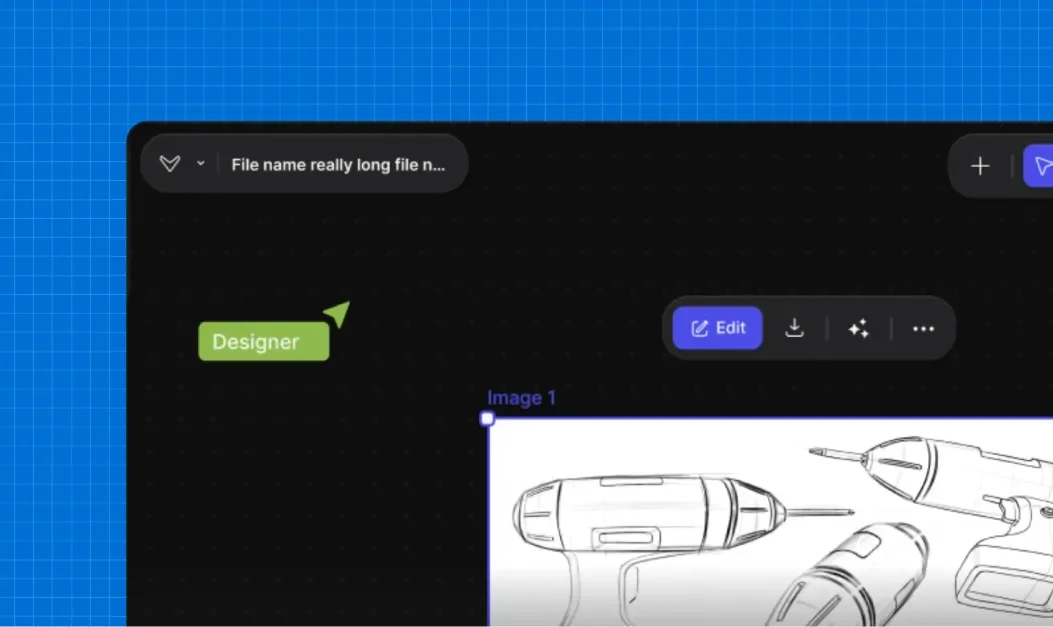
Create and refine detailed product sketches in your intuitive design workspace.

Visualize contemporary furniture designs in realistic interior settings.

Explore photorealistic product renders from simple design sketches.
Vizcom Review: Tooliverse Consensus




Based on 2k+ verified reviews across 5 platforms,
combined with Tooliverse's expert analysis
Vizcom collapses the gap between conceptual sketching and professional rendering, delivering photorealistic visualizations in seconds while preserving the original design geometry that matters most to industrial designers. The iPad integration with Apple Pencil and real-time material iteration capabilities make it particularly effective for early-stage ideation and client presentations, though it occasionally struggles with complex 3D perspectives and restricts high-resolution exports to paid tiers. The tool has proven strongest for professionals who need to communicate design intent visually without manual rendering becoming the bottleneck.
Bottom line: A strong visualization platform that accelerates industrial design workflows by turning sketches into photorealistic renders instantly, though the Professional tier cost may feel steep for solo freelancers starting out.
Vizcom | Key Specs
- Platforms
- Web, macOS, Windows
- Pricing Model
- Freemium ($0-49/user/month) See plans
- Privacy/Data Use
- No training on user data (paid plans), full design privacy
- Security
- SSO, audit logs, custom security settings (Enterprise) See details
Wins
- •Transforms rough sketches into photorealistic renders in secondsmentioned in 245 reviews
- •Maintains original sketch geometry while adding realistic textures and lightingmentioned in 198 reviews
- •Features a streamlined interface specifically tailored for industrial design workflowsmentioned in 167 reviews
Watch-Outs
- •Occasional difficulty interpreting complex 3D perspectives from 2D line workmentioned in 89 reviews
- •High-resolution exports are restricted to the premium subscription tiermentioned in 74 reviews
- •Mobile app performance can lag on older hardware during heavy processingmentioned in 62 reviews
Vizcom Features 2026
Live Render
Real-time visualization as you sketch, allowing designers to see AI-generated renders update instantly while drawing
Custom AI Models
Enterprise feature allowing teams to train AI models on brand-specific styles and design languages for consistent output
3D Model Generation and Export
Convert 2D sketches into 3D models with export capabilities for further refinement in CAD or 3D software
Multi-image Batch Generation
Generate multiple design variations simultaneously to rapidly explore different concepts, materials, and styling options
Vizcom User Reviews
Selected Reviews
"We've integrated Vizcom into our studio's early-stage design process and it's cut our visualization time by at least 70%. The ability to iterate on materials in real-time is invaluable."
"The iPad app is incredibly smooth. Using the Apple Pencil to guide the AI feels like the future of industrial design. It's much more intuitive than using a mouse on a desktop."
"The rendering quality is top-notch, but the subscription cost is quite high for a solo freelancer just starting out. I wish there was a more affordable tier for hobbyists."
More from the Community
"Vizcom has completely changed how I present to clients. I can sketch a rough idea and have a professional render in under a minute."
"Really powerful tool for form exploration."

"I've tried other image generators, but Vizcom is the only one that actually respects my perspective lines and proportions."
"Excellent for material studies. Being able to swap from plastic to brushed metal instantly is a huge time saver for my workflow."
"The Android version feels a bit behind the iOS one. It works, but I've had a few freezes when processing high-res images on my older tablet."
"Vizcom has completely changed how I present to clients. I can sketch a rough idea and have a professional render in under a minute."
"Really powerful tool for form exploration."
"I've tried other image generators, but Vizcom is the only one that actually respects my perspective lines and proportions."
"Excellent for material studies. Being able to swap from plastic to brushed metal instantly is a huge time saver for my workflow."
"The Android version feels a bit behind the iOS one. It works, but I've had a few freezes when processing high-res images on my older tablet."
"This is the first AI tool that feels like a professional instrument rather than a toy. The control over layers is essential for my workflow."
"Great for quick ideation and client meetings."
"The new texture mapping features are incredible. It understands the 3D volume of the sketch better than any other AI I've used. It's a game changer for footwear design."
"A must-have for concept artists."
"This is the first AI tool that feels like a professional instrument rather than a toy. The control over layers is essential for my workflow."
"Great for quick ideation and client meetings."
"The new texture mapping features are incredible. It understands the 3D volume of the sketch better than any other AI I've used. It's a game changer for footwear design."
"A must-have for concept artists."
Vizcom Pricing 2026
View SourceThe free Starter tier with 2,250 credits is enough to test the workflow, but Professional at $49 monthly is where the tool becomes indispensable: 20,000 credits for heavy iteration, 4K exports for client presentations, Live Render mode for real-time visualization, and priority processing when deadlines hit. That's the tier working designers actually need. Annual billing at $34.30 monthly saves 30% if you're confident in long-term use. Enterprise makes sense only for studios needing custom AI models trained on brand styles or managing compliance requirements across teams.
Vizcom In-Depth Review 2026

This AI-powered visualization platform converts sketches into photorealistic renders in seconds, working across industrial design, footwear, automotive, gaming, and apparel workflows. It runs on desktop and iPad with deep Apple Pencil integration, processing everything through cloud-based AI that understands design geometry well enough to preserve your original proportions while adding photographic fidelity.
What It's Like Day-to-Day
The core workflow feels almost suspiciously simple: sketch your concept, let the AI process it, and watch a photorealistic render appear in under a minute. What makes it actually useful instead of just fast is how well it respects your original geometry. The AI doesn't reinterpret your perspective lines or "fix" proportions you drew intentionally; it adds realistic textures, lighting, and materials while keeping your design intact. A verified G2 reviewer noted their studio "cut our visualization time by at least 70%" after integrating it into early-stage design processes, with real-time material iteration proving essential.
The iPad experience is where the tool feels most natural. Using the Apple Pencil to sketch directly on the tablet, then watching the AI render your work without switching apps or exporting files, creates a flow that desktop workflows can't match.
Vizcom Security & Compliance
Security Features
- Single Sign-On (SSO)
- Audit logs and access controls
- Custom security and privacy settings
Privacy Commitments
- No training on user data for paid plans
- Full design privacy for Professional and Enterprise users
- Users retain full ownership of all designs and concepts
Vizcom: Frequently Asked Questions (FAQs)
Can I use Vizcom for free?
Yes, Vizcom offers a completely free Starter plan with no credit card required. The Starter plan includes 2,250 credits per month, basic AI creation tools, standard render speeds, and unlimited file viewers, making it ideal for exploring the platform.
What payment methods can I use?
Vizcom accepts all major credit and debit cards for paid subscriptions.
Which roles are there and which are paid?
Vizcom has three roles: Admins (paid) can edit files and manage workspace settings, billing, teams, and invitations; Editors (paid) can edit files but cannot manage settings, billing, or teams; Viewers (free) can only view files in read-only mode without affecting costs.
How does team billing work?
Team billing is centrally managed by the Admin. All paid seats (Admins and Editors) are included in a single invoice under the same billing cycle, while Viewers remain free and do not affect the cost.
Vizcom: Verified Data Sheet
| # | Label | Data Point |
|---|---|---|
| [1] | Vizcom Consensus: 8.17/10 | Vizcom is a highly-rated tool among AI design tools in the Tooliverse index, with a consensus score of 8.17/10 across 2,700 verified reviews. |
| [2] | What is Vizcom | Vizcom is an AI-powered design visualization platform that converts sketches into photorealistic renders for industrial design, footwear, gaming, automotive, and apparel industries. The platform offers usage-based pricing starting at free with 2,250 credits, Professional at $49/user/month with 20,000 credits, and custom Enterprise plans with unlimited seats. |
| [3] | Tooliverse Consensus on Vizcom | Vizcom collapses the gap between conceptual sketching and professional rendering, delivering photorealistic visualizations in seconds while preserving the original design geometry that matters most to industrial designers. The iPad integration with Apple Pencil and real-time material iteration capabilities make it particularly effective for early-stage ideation and client presentations, though it occasionally struggles with complex 3D perspectives and restricts high-resolution exports to paid tiers. The tool has proven strongest for professionals who need to communicate design intent visually without manual rendering becoming the bottleneck. |
| [4] | Vizcom Verdict | Vizcom bottom line: A strong visualization platform that accelerates industrial design workflows by turning sketches into photorealistic renders instantly, though the Professional tier cost may feel steep for solo freelancers starting out. |
| [5] | Starter: Free | Vizcom offers a functional Starter tier with 2,250 credits monthly and basic AI creation tools, making professional-grade rendering accessible at no cost. |
| [6] | Sketch-to-photorealistic render in seconds | Vizcom transforms rough sketches into photorealistic renders in seconds, a capability validated as transformative for client presentations and rapid ideation by 245 user reviews. |
| [7] | Preserves sketch geometry with realistic materials | Vizcom maintains original sketch geometry while adding realistic textures and lighting, preserving design intent through the rendering process according to 198 user reports. |
| [8] | Professional: $49/user/month | Vizcom Professional empowers users with 20,000 credits per month for just $49/user monthly, significantly expanding on the free tier's capabilities. |
| [9] | Interface built for industrial design | Vizcom features a streamlined interface specifically tailored for industrial design workflows, validated as intuitive and purpose-built by 167 user reviews. |
| [10] | Natural iPad and Apple Pencil integration | Vizcom offers powerful iPad integration that feels natural for stylus-based sketching, with Apple Pencil support praised as superior to desktop workflows by 142 user reviews. |
| [11] | Complex perspective interpretation challenges | Vizcom occasionally struggles to interpret complex 3D perspectives from 2D line work, a limitation affecting accuracy for intricate geometries according to 89 user reports. |
| [12] | High-res exports require paid tier | Vizcom restricts high-resolution exports to the Professional tier at $49/month, with 4K and 8K output unavailable on the free Starter plan according to 74 user reports. |
| [13] | Privacy: No training on user data for paid plans | Vizcom privacy protections include No training on user data for paid plans, Full design privacy for Professional and Enterprise users, and Users retain full ownership of all designs and concepts. |
| [14] | Enterprise: Single Sign-On (SSO) | Vizcom provides enterprise security with Single Sign-On (SSO), Audit logs and access controls, and Custom security and privacy settings. |
| [15] | Transforms client presentations | A verified iOS App Store reviewer noted that Vizcom "has completely changed how I present to clients" with the ability to produce professional renders from rough sketches in under a minute. |
Best Vizcom Alternatives
Rendair AI
Transform sketches, 3D models, and floor plans into photorealistic architectural renders in seconds with AI.
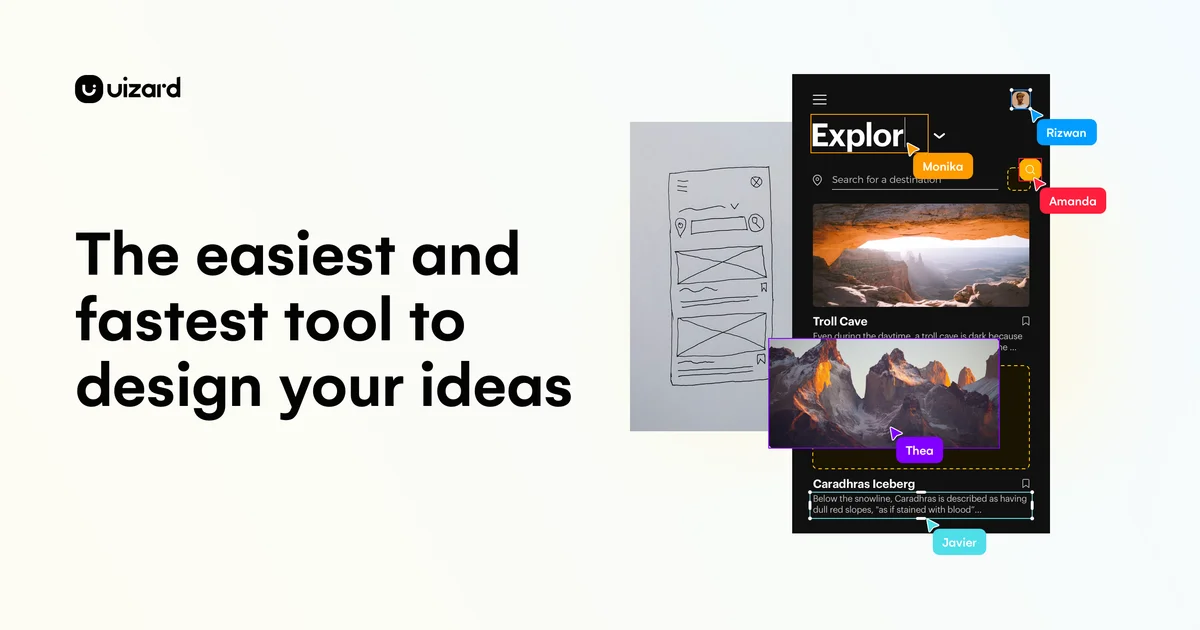
Uizard
Turn product ideas into concepts instantly with GenAI and visualize designs in minutes.

Spacely AI
Turn sketches into photorealistic renders in under 60 seconds—no modeling skills required.