
Captions Review 2026 - AI Video Editing
Verified Jun 6, 2026 by Tooliverse Editorial
Captions transforms raw footage into fully-edited videos with one click—apply professional styles, add B-roll, insert captions in 100+ languages, or create AI avatars from selfies. Millions of creators and enterprise teams use it to ship videos faster without advanced editing skills.
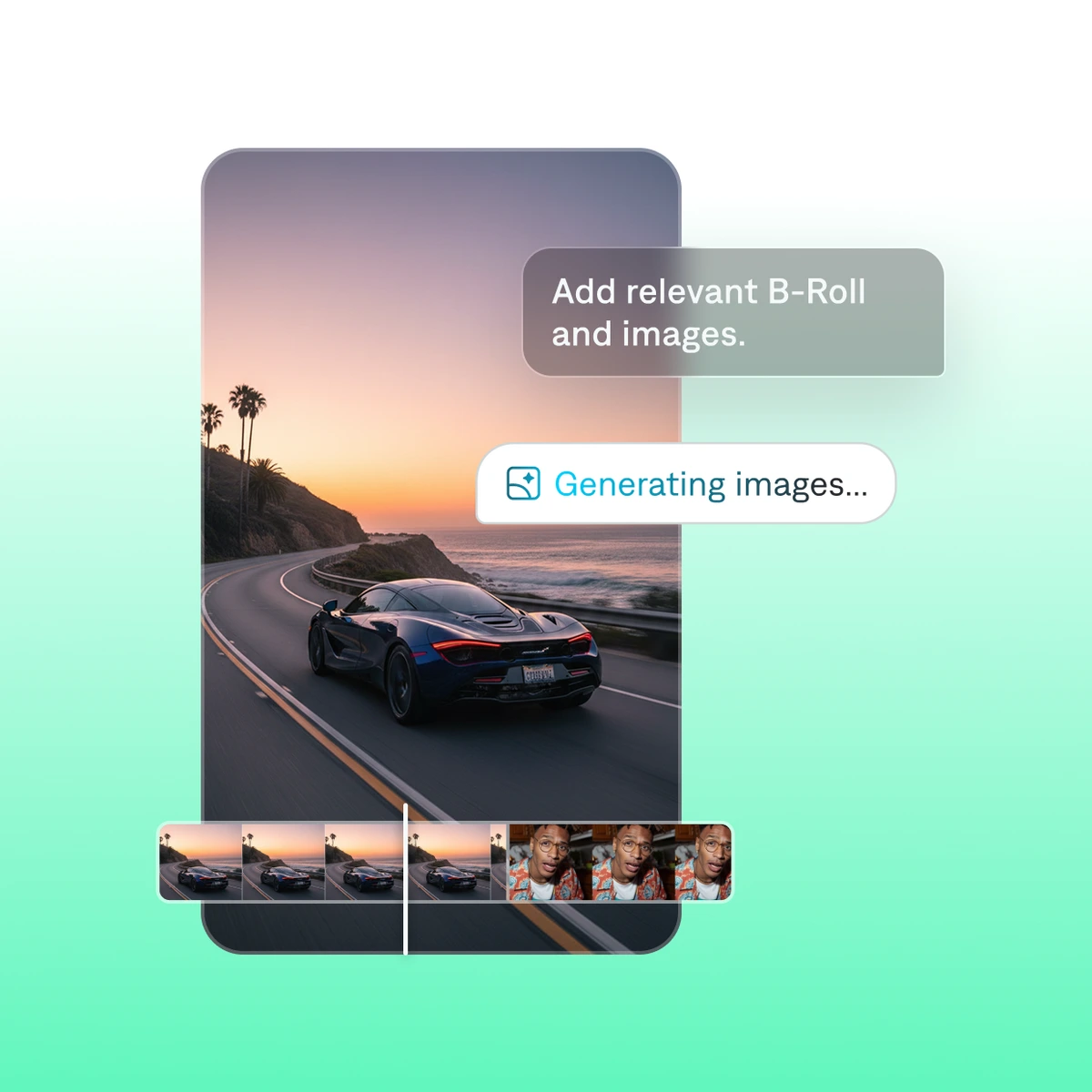
Effortlessly add or generate relevant B-Roll and images for your video projects.
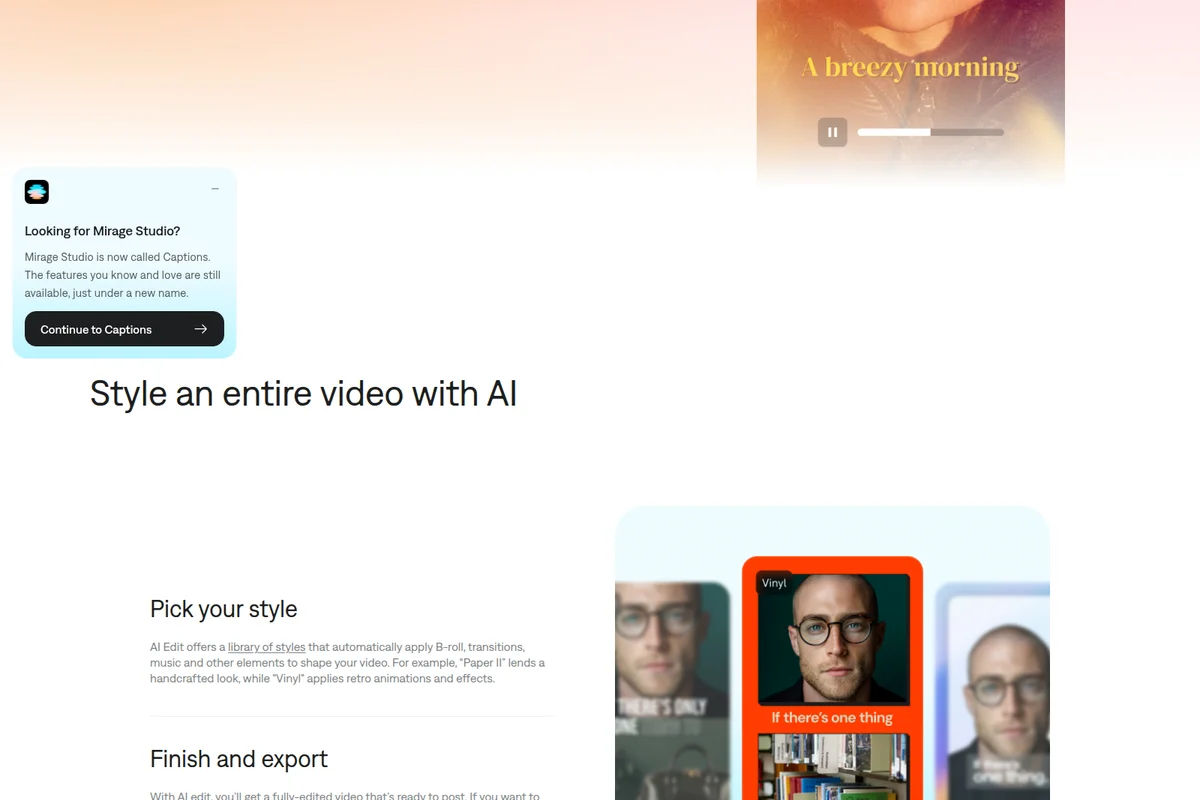
Effortlessly style your entire video with AI-powered themes and effects.
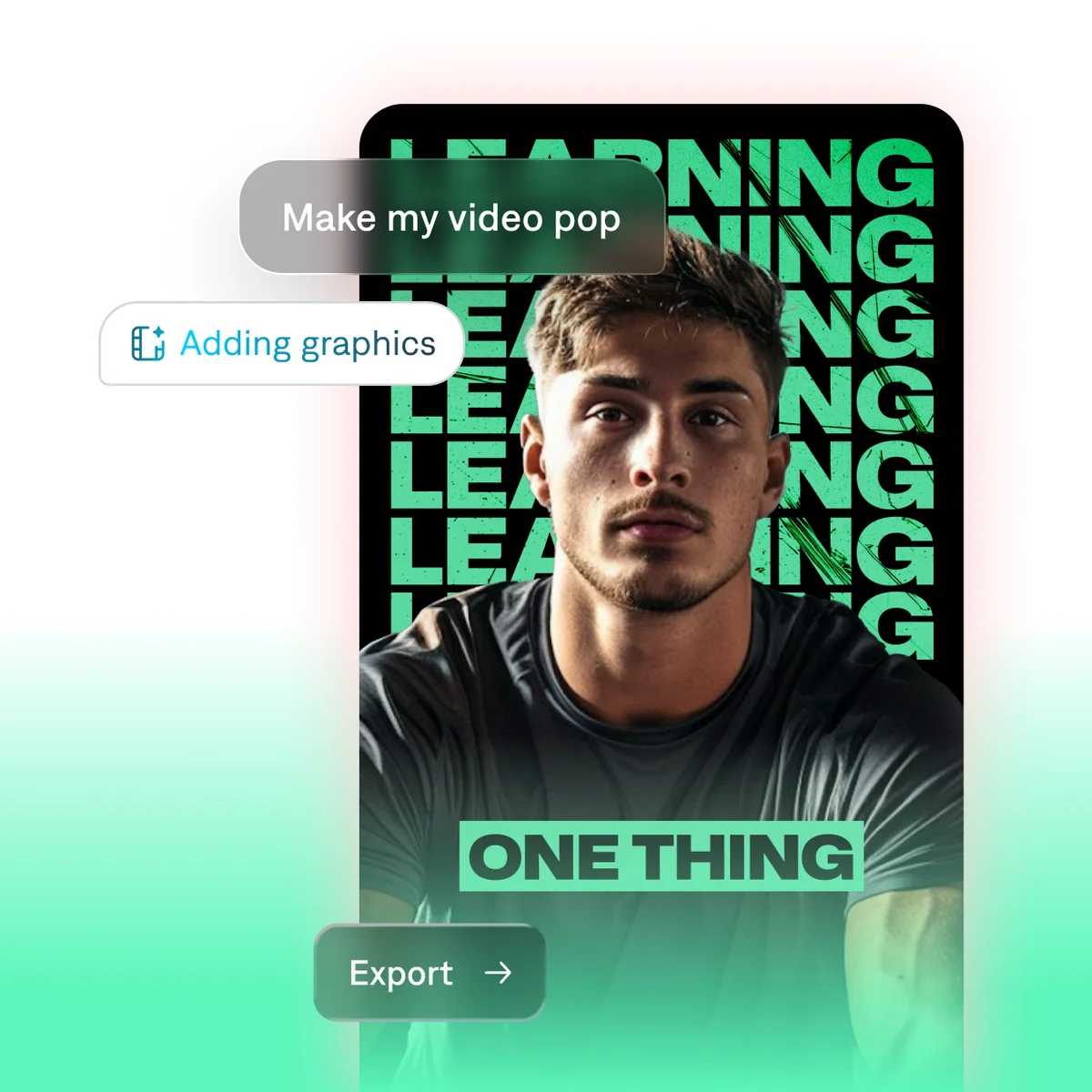
Easily enhance your videos with dynamic graphics and engaging visual effects.
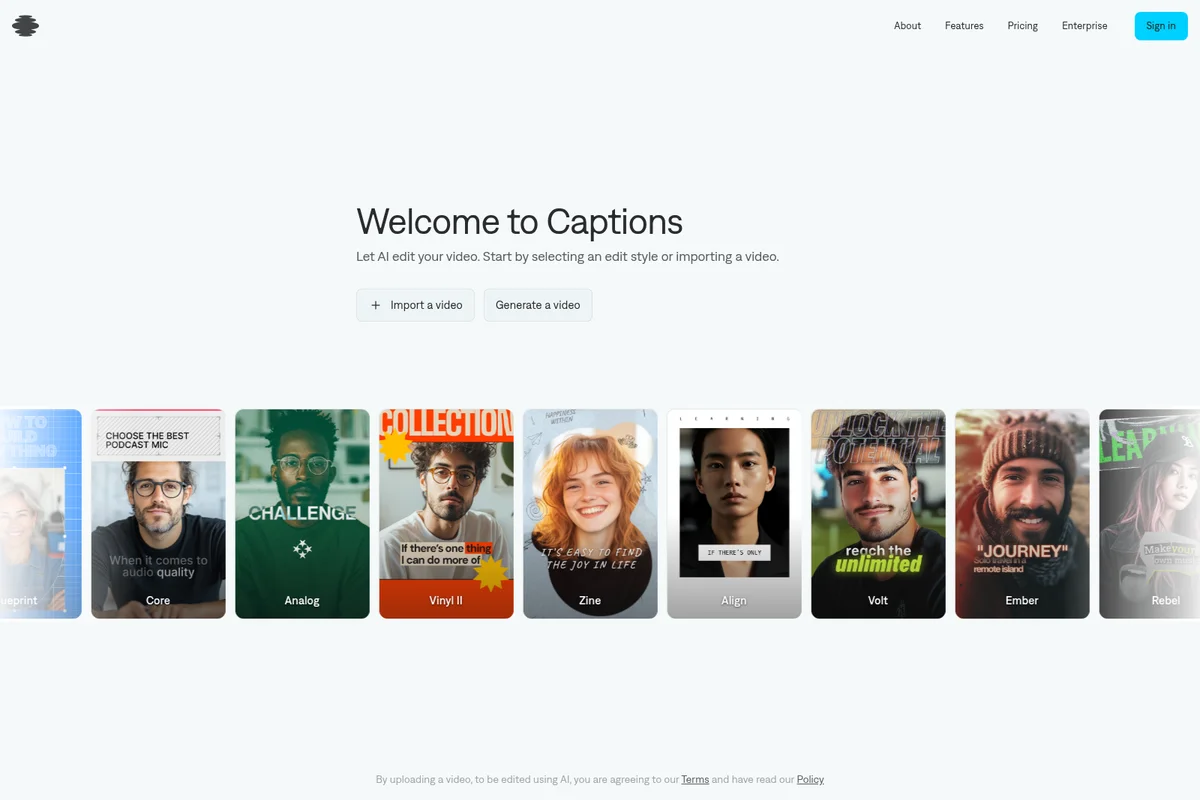
Choose from diverse AI editing styles to transform your videos.

Transform your footage with one-tap cinematic styling.
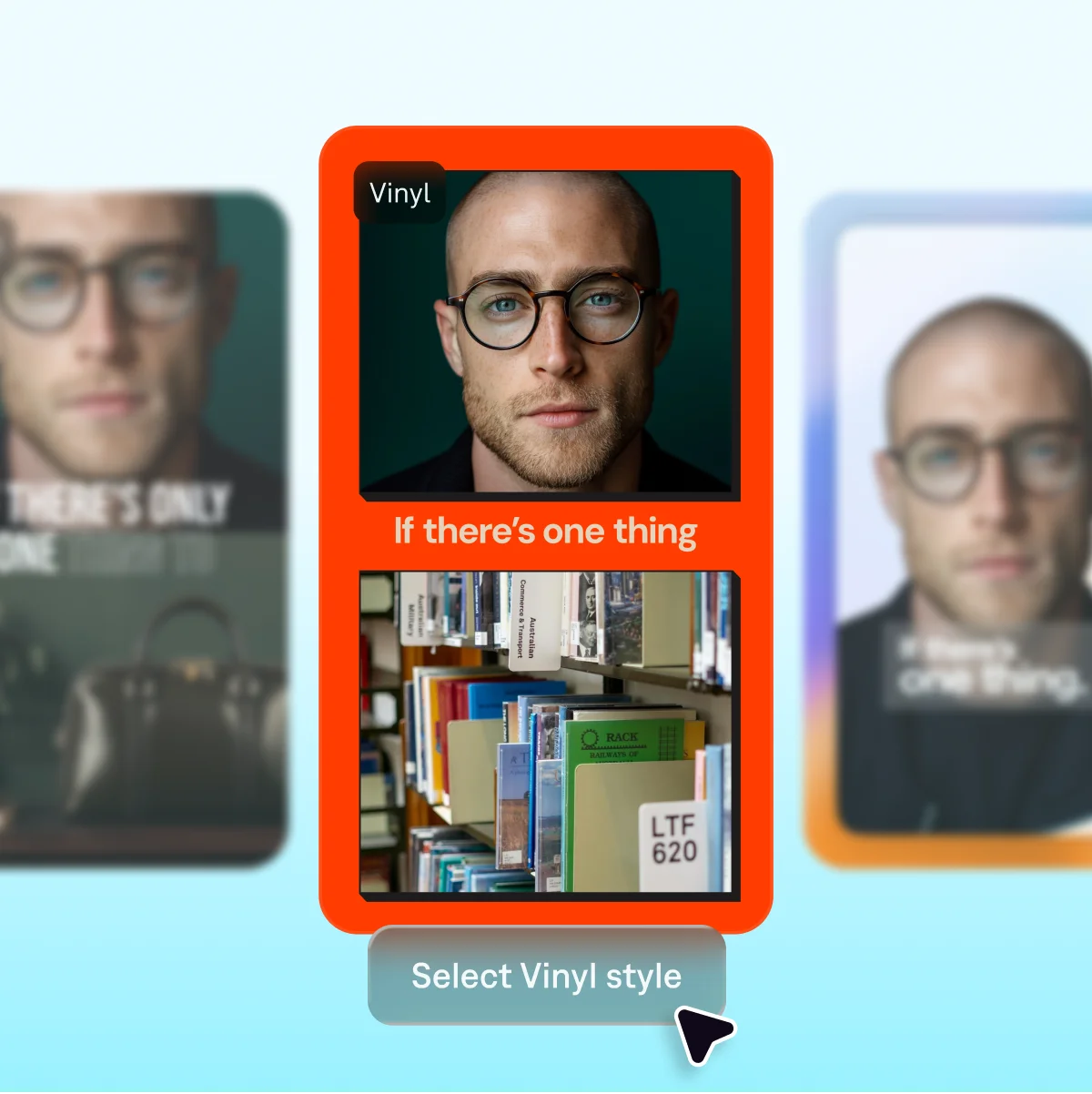
Select from a variety of visual styles to enhance your captions and content.
Captions Review: Tooliverse Consensus



Based on 37k+ verified reviews across 5 platforms,
combined with Tooliverse's expert analysis
Captions has established itself as the definitive AI video editor for creators who need to transform raw footage into polished social content without manual timeline work. The automated eye contact correction and caption generation eliminate the most time-consuming post-production tasks, while AI dubbing in 30+ languages extends global reach. The Max tier at $24.99 monthly delivers strong value for frequent publishers, though casual creators may find the pricing steep and the Android app occasionally trails iOS in stability and feature parity.
Bottom line: The gold standard for AI-powered video editing that automates caption generation and eye contact correction with category-defining accuracy, though hobbyists posting infrequently may struggle to justify the subscription cost.
Captions | Key Specs
- Platforms
- Web, iOS, Android
- Pricing Model
- Freemium ($0-279.99/mo) See plans
- Privacy/Data Use
- Training data exclusion (Enterprise plans)
- Security
- SOC 2 Type 2 See details
Wins
- •Corrects eye contact automatically to maintain viewer engagement throughout the videomentioned in 412 reviews
- •Generates highly accurate, stylish captions that save hours of manual typingmentioned in 385 reviews
- •Simplifies the creation of viral-style short-form content for TikTok and Reelsmentioned in 328 reviews
Watch-Outs
- •Subscription pricing feels expensive for casual creators or hobbyist usersmentioned in 156 reviews
- •AI eye contact can occasionally look unnatural or create an uncanny valley effectmentioned in 89 reviews
- •Android version sometimes lacks the stability and feature parity of the iOS appmentioned in 74 reviews
Captions Features 2026
AI Edit
Transforms raw footage into fully-edited videos with one click. Choose from a library of curated styles (Prism Pro, Paper II, Prime, Elevate, etc.) and AI automatically cuts scenes, adds B-roll, inserts music, applies transitions, and stylizes the video.
Chat-Based Editor
Edit videos through text prompts and simple commands. Describe changes like 'add upbeat music' or 'zoom on product shots' and AI handles the edits automatically, from small swaps to abstract requests.
AI Avatars & Digital Twins
Generate talking videos from selfies or create AI spokespersons from scratch. Customize outfits, backgrounds, product placement, and reuse the same AI actor across multiple videos for consistent branding.
Multimodal Foundation Models
Built on end-to-end foundation models trained on curated, licensed audio-video datasets. Models understand pacing, framing, pose, micro-expressions, and attention dynamics natively.
Captions User Reviews
Selected Reviews
"I was skeptical about AI video tools, but Captions actually delivers on the promise of speed. I can finish a 60-second edit in under 5 minutes now."
"The translation feature is incredible for reaching a global audience. I translated my English video to Spanish and the voice match was spot on."
"It's a solid tool, but the UI can feel a bit cluttered with all the new AI features they keep adding. Sometimes I just want simple captions without the extra fluff."
More from the Community
"The AI eye contact feature is actually magic. I can read my script and it looks like I'm staring right at the lens. Saved me so many retakes."
"I use this for all my Reels now. The auto-trimming of silences is a huge time saver, though I wish I could customize the caption animations a bit more."
"Good app but the Android version feels a bit buggy compared to what I see on iPhone. The captions are accurate but the app crashes when I try to export 4K."
"Captions 2.0 is a game changer. The AI dubbing sounds surprisingly natural and the lip-syncing is better than any other tool I've tried."
"The AI eye contact feature is actually magic. I can read my script and it looks like I'm staring right at the lens. Saved me so many retakes."
"I use this for all my Reels now. The auto-trimming of silences is a huge time saver, though I wish I could customize the caption animations a bit more."
"Good app but the Android version feels a bit buggy compared to what I see on iPhone. The captions are accurate but the app crashes when I try to export 4K."
"Captions 2.0 is a game changer. The AI dubbing sounds surprisingly natural and the lip-syncing is better than any other tool I've tried."
"The features are great but the price is getting hard to justify. It's a monthly sub and there's no lifetime option for hobbyists who only post once a week."
"The AI b-roll feature is hit or miss, but when it hits, it makes the video look so professional. It's like having a junior editor in my pocket."
"The teleprompter feature combined with the eye contact correction is the ultimate combo for talking head videos. No more memorizing scripts."
"The features are great but the price is getting hard to justify. It's a monthly sub and there's no lifetime option for hobbyists who only post once a week."
"The AI b-roll feature is hit or miss, but when it hits, it makes the video look so professional. It's like having a junior editor in my pocket."
"The teleprompter feature combined with the eye contact correction is the ultimate combo for talking head videos. No more memorizing scripts."
Captions Pricing 2026
View SourceThe free tier handles basic trimming and transitions but locks away the AI features that define the product. Max at $24.99 monthly is where most serious creators should start: 500 credits per month, full access to AI Edit styles, avatar creation, and the chat-based editor that actually saves time. Scale tiers at $69.99 and up make sense only if you're producing enough volume to burn through 1,400+ credits monthly, which typically means daily publishing or team workflows.
Captions In-Depth Review 2026

This AI video editor runs on iOS, Android, and desktop browsers, transforming raw recordings into polished social content through automated editing. Upload a talking-head video and it cuts silences, adds b-roll, generates captions in over 100 languages, and fixes your eye contact so you appear to maintain the viewer's gaze throughout. The platform is built by Mirage, an NYC-based AI research lab, and operates with SOC 2 Type 2 compliance for teams that need enterprise-grade security.
What It's Like Day-to-Day
The eye contact correction is the feature that feels like actual magic. Record yourself reading a script while glancing down at notes, and Captions adjusts your gaze so it appears you're staring directly at the lens the entire time. One iOS reviewer captured it perfectly: "I can read my script and it looks like I'm staring right at the lens. Saved me so many retakes." The effect works well enough that you stop worrying about maintaining perfect eye contact during recording, which paradoxically makes you a more natural speaker.
The automated editing workflow handles the grunt work that traditionally eats hours.
Captions Security & Compliance
Verified Compliance
- SOC 2 Type 2
Privacy Commitments
- Training data exclusion (Enterprise plans)
Captions: Frequently Asked Questions (FAQs)
Can I switch plans?
Yes, you can upgrade or downgrade your plan at any time through your account settings or the App Store/Google Play. If you upgrade, new features and limits are available immediately with prorated pricing for the remainder of the billing period. If you downgrade, your current plan remains active until the end of the billing cycle.
What is the difference between a monthly and yearly plan?
A yearly plan bills for 12 months upfront at a discounted rate. Monthly plans bill each month instead of paying for an entire year at once, offering more flexibility.
Do my credits expire?
Unused credits roll over to the next month. You can save up to two extra months of unused credits, meaning your balance can hold up to 3× your monthly allowance.
Is there a free version of Captions?
Yes, Captions offers a free version with a limited feature set including basic tools like trimming, transitions, and some media library assets. Paid plans unlock generative AI features and advanced editing tools.
Captions: Verified Data Sheet
| # | Label | Data Point |
|---|---|---|
| [1] | Captions Consensus: 9.12/10 | Captions is one of the highest-rated AI video tools in the Tooliverse index, with a consensus score of 9.12/10 across 37,530 verified reviews. |
| [2] | What is Captions | Captions, operated by NOCAP Inc. (d/b/a Captions) and built by Mirage in NYC, is a SOC 2 Type 2 compliant AI video editor that transforms raw footage into fully-edited videos. The platform uses multimodal foundation models trained on licensed datasets, with pricing starting at $9.99/month. |
| [3] | Tooliverse Consensus on Captions | Captions has established itself as the definitive AI video editor for creators who need to transform raw footage into polished social content without manual timeline work. The automated eye contact correction and caption generation eliminate the most time-consuming post-production tasks, while AI dubbing in 30+ languages extends global reach. The Max tier at $24.99 monthly delivers strong value for frequent publishers, though casual creators may find the pricing steep and the Android app occasionally trails iOS in stability and feature parity. |
| [4] | Captions Verdict | Captions bottom line: The gold standard for AI-powered video editing that automates caption generation and eye contact correction with category-defining accuracy, though hobbyists posting infrequently may struggle to justify the subscription cost. |
| [5] | Free: Free | Captions provides a functional Free tier with basic editing tools including trim, transitions, zoom, and access to some media library assets, making entry-level video editing accessible at no cost. |
| [6] | Automatic eye contact correction | Captions corrects eye contact automatically throughout videos to maintain viewer engagement, a capability validated as transformative by 412 user reviews analyzing its impact on professional presentation quality. |
| [7] | Accurate auto-captioning saves hours | Captions generates highly accurate, stylish captions that save hours of manual typing work, with 385 user reviews confirming significant time savings in subtitle creation workflows. |
| [8] | Streamlines viral short-form content | Captions simplifies the creation of viral-style short-form content for TikTok and Reels through automated editing workflows, a strength highlighted in 328 user reviews from social media creators. |
| [9] | AI dubbing in 30+ languages | Captions features an AI dubbing tool that translates audio into 30+ languages while maintaining voice quality and lip-sync accuracy, with 245 reviews praising its natural-sounding multilingual output. |
| [10] | Pro: $9.99/month | NOCAP, Inc. d/b/a Captions (operated by Mirage)'s Pro empowers users with Apply fast fixes to existing footage for just $9.99 monthly, significantly expanding on the free tier's capabilities. |
| [11] | Pricing steep for casual users | Captions subscription pricing feels expensive for casual creators or hobbyist users who post infrequently, a cost concern raised in 156 user reviews from individual content creators. |
| [12] | Eye contact can look unnatural | Captions AI eye contact correction can occasionally look unnatural or create an uncanny valley effect, with 89 user reports noting instances where the automated gaze adjustment appears artificial. |
| [13] | Privacy: Training data exclusion (Enterprise plans) | Captions privacy protections include Training data exclusion (Enterprise plans). |
| [14] | Eye contact + teleprompter combo praised | Captions AI eye contact feature combined with the teleprompter creates "the ultimate combo for talking head videos" without requiring script memorization, according to a verified iOS App Store reviewer. |
Best Captions Alternatives

CapCut
Create stunning videos and images with AI-powered editing tools designed for everyone.
Descript
Edit video by editing text—AI-powered video creation for everyone.
Pika
Turn your wildest video ideas into reality with AI that bends the rules of physics and creativity.