
Figma Review 2026 - Design & Dev Collaboration
Verified Jun 11, 2026 by Tooliverse Editorial
Figma combines design, prototyping, and collaboration in a browser-based platform trusted by teams at Airbnb, Microsoft, and Netflix. From wireframes to interactive prototypes to design systems, everything lives in one multiplayer canvas where designers and developers work together in real time.
Getting started with Figma's Glass effect updates
The new way to use Figma?
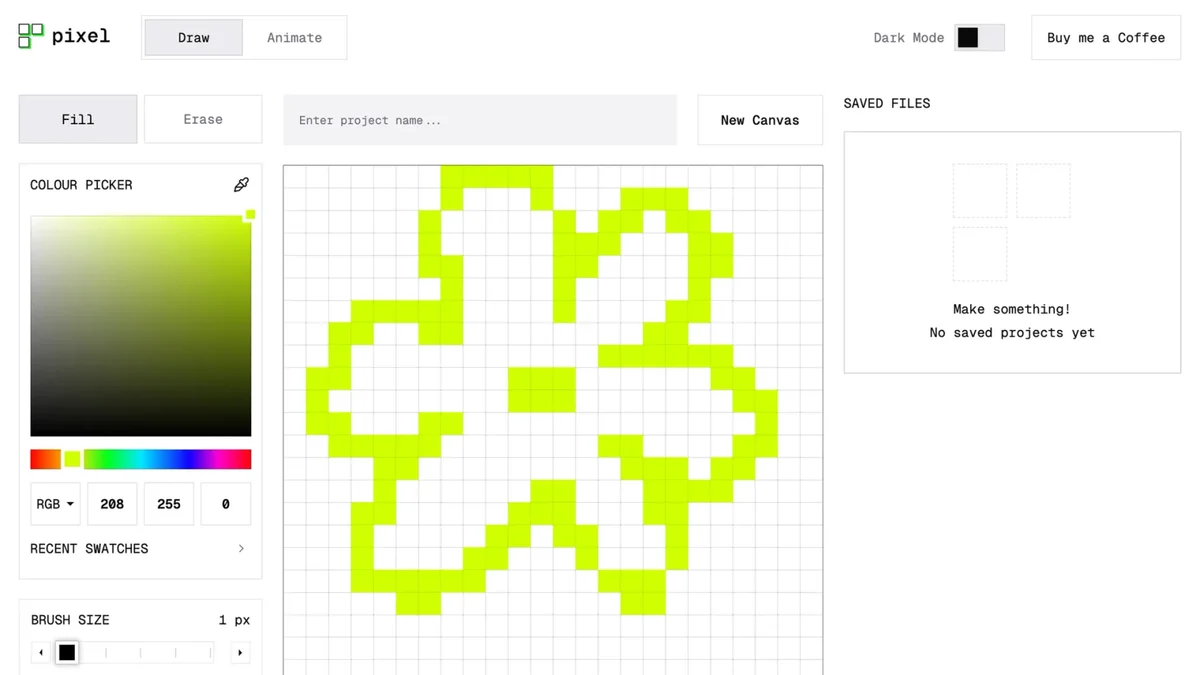
Create vibrant pixel art with intuitive drawing tools and a real-time canvas.
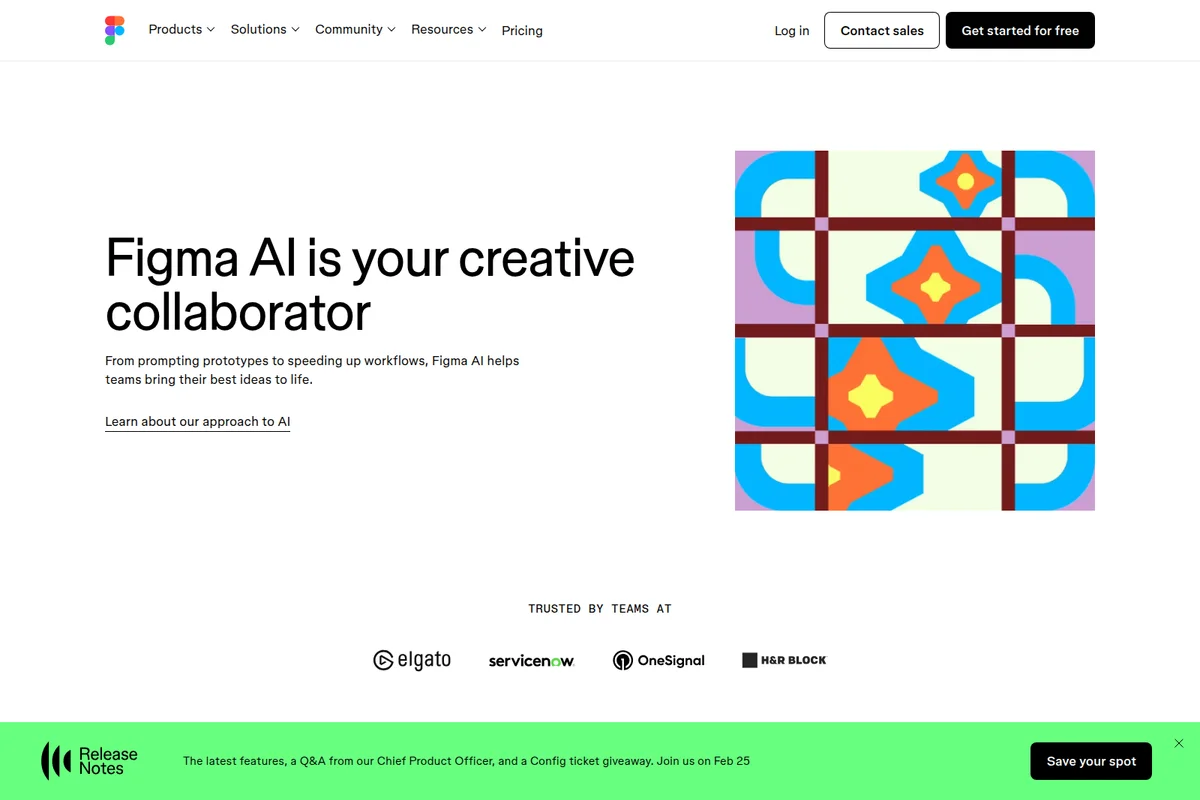
Figma AI helps teams bring their best ideas to life, from prototypes to speeding up workflows.
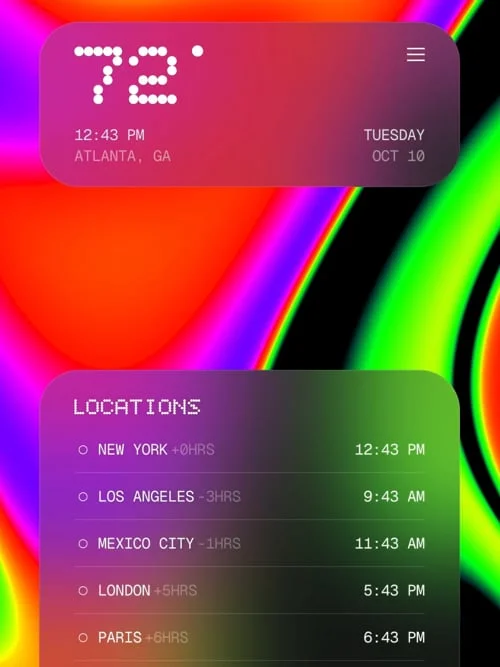
Visualize global time zones and current weather with a sleek, modern interface.
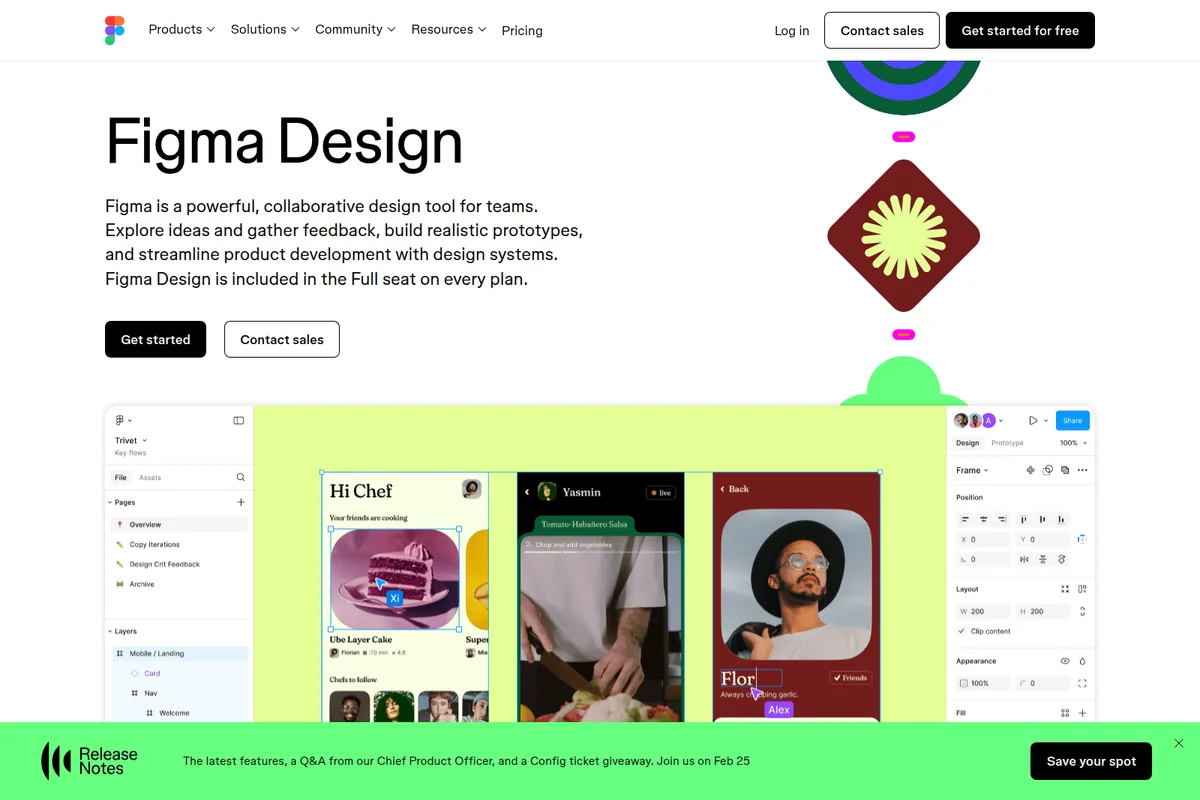
Collaborate in real-time on design projects, explore ideas, and build prototypes.
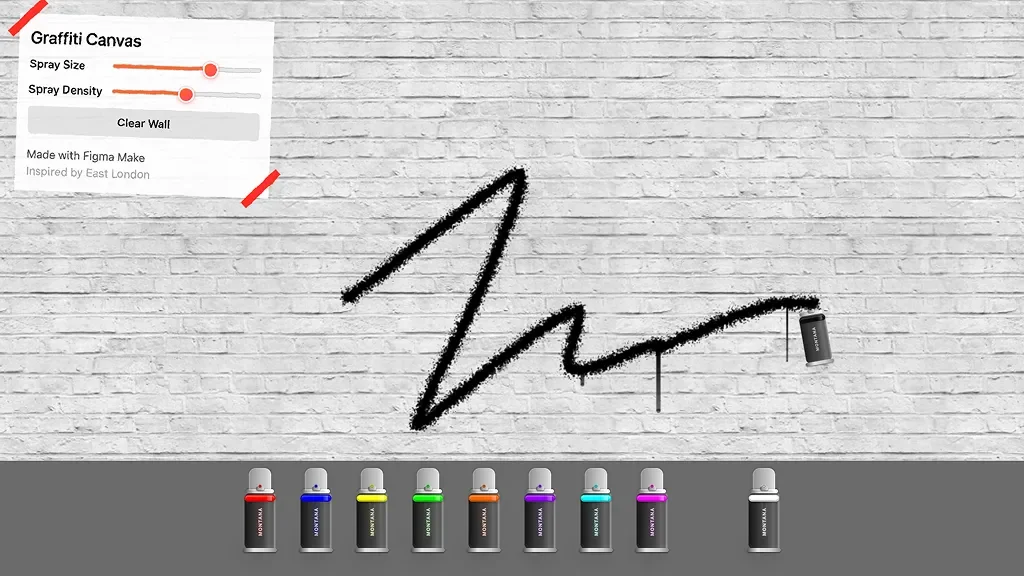
Unleash your creativity with adjustable spray tools to craft unique digital graffiti art.
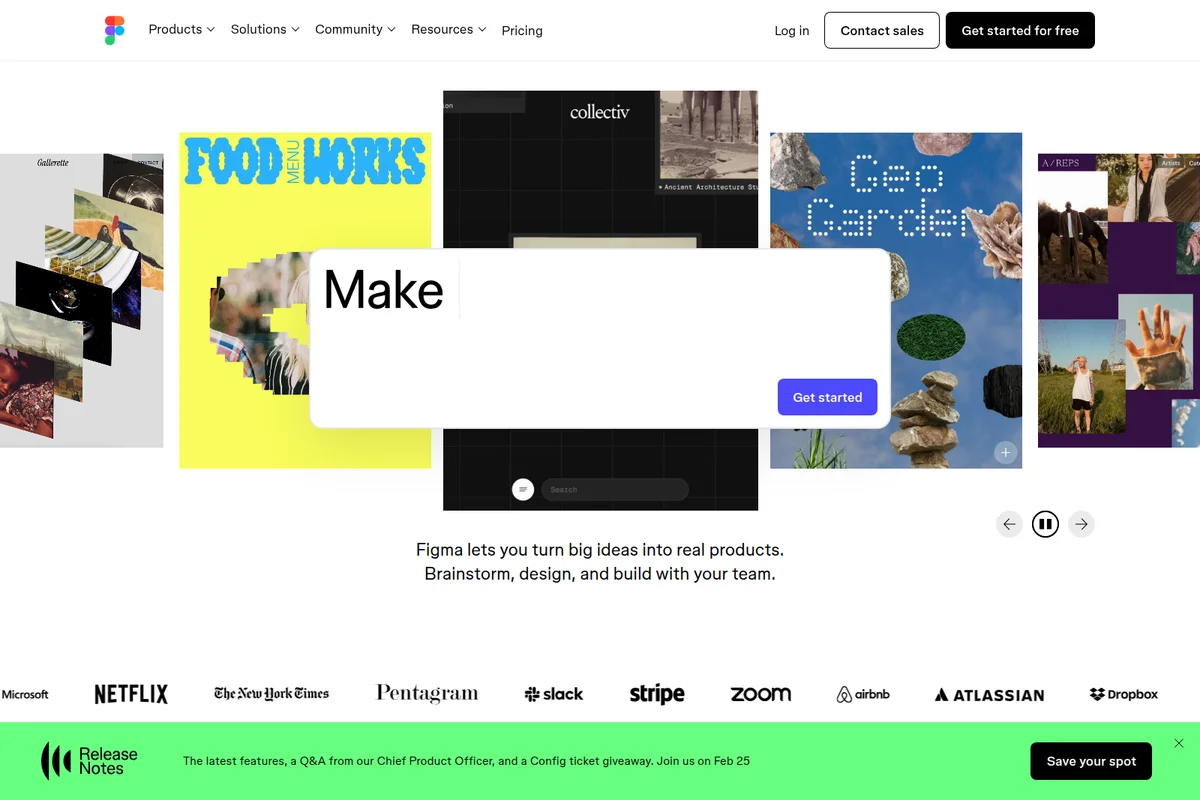
Explore diverse projects created with Figma, initiating new designs with an interactive modal.
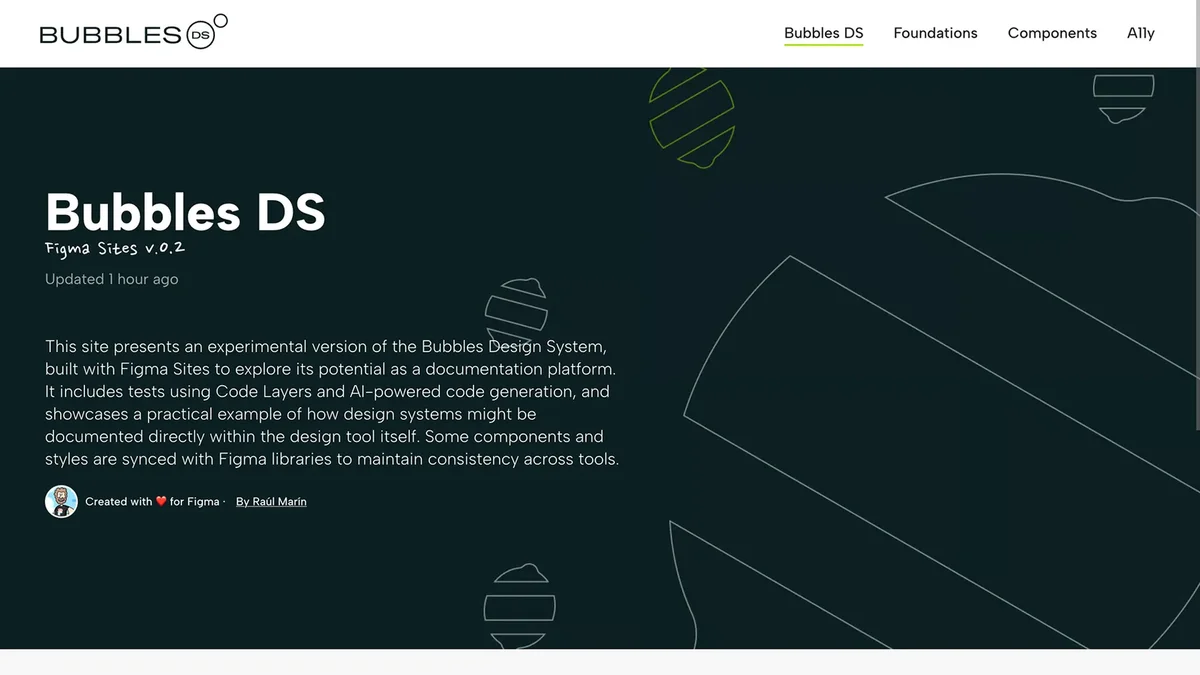
Showcasing Bubbles Design System built using Figma Sites for documentation.
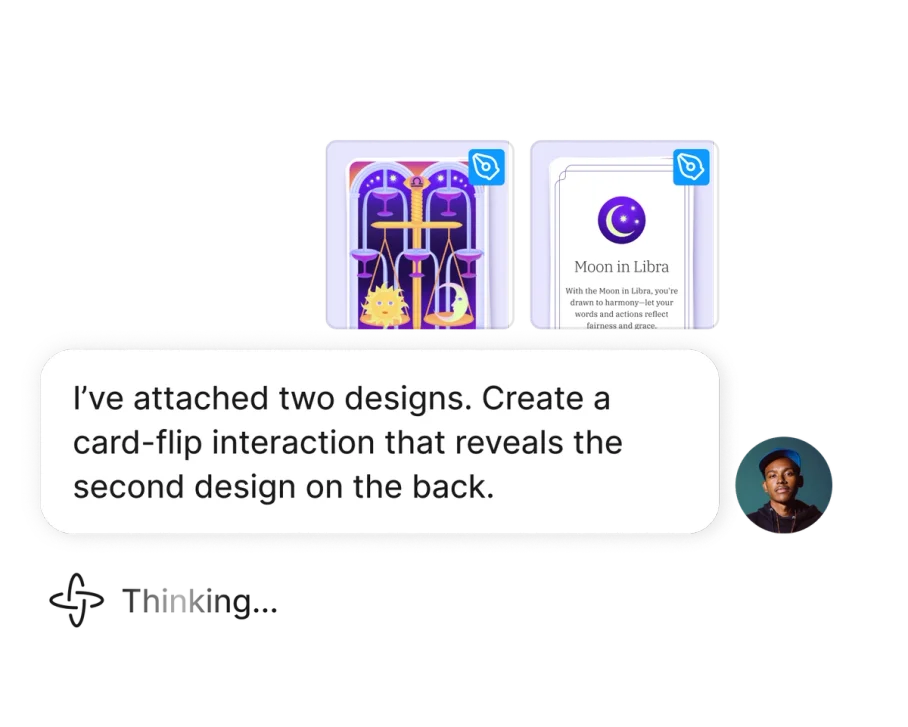
Create interactive card-flip prototypes directly from your designs.
Figma Review: Tooliverse Consensus





Based on 20k+ verified reviews across 6 platforms,
combined with Tooliverse's expert analysis
Figma has become the definitive collaborative design platform by making real-time multiplayer editing feel effortless, eliminating the version control chaos that plagued earlier tools. The seamless progression from wireframing through prototyping to production-ready developer handoff, powered by Auto Layout and a robust Dev Mode with AI integration, explains why major tech companies standardized on it. The learning curve for advanced features is steep, performance suffers in complex files, and the separate Dev Mode seat pricing frustrated smaller teams, but the core collaboration experience remains unmatched.
Bottom line: The category-defining design platform that solved multiplayer collaboration so well it became the industry standard, though mastering Auto Layout demands patience and Dev Mode pricing adds up for small teams.
Figma | Key Specs
- Platforms
- Web, iOS, Android, macOS, Windows
- Pricing Model
- Freemium ($0-90/mo per user) See plans
- Privacy/Data Use
- EU data hosting available, GDPR compliant
- Security
- SOC 2 Type 2, ISO 27001, FedRAMP Authorized, SAML SSO, SCIM See details
Wins
- •Facilitates seamless real-time collaboration that eliminates version control headachesmentioned in 842 reviews
- •Streamlines the design-to-code handoff with an incredibly robust Dev Modementioned in 615 reviews
- •Empowers designers with powerful Auto Layout features for truly responsive componentsmentioned in 528 reviews
Watch-Outs
- •Imposes a significant learning curve for mastering advanced Auto Layout logicmentioned in 312 reviews
- •Requires high system resources which can cause lag in complex filesmentioned in 245 reviews
- •Features a controversial pricing model for Dev Mode that impacts smaller teamsmentioned in 198 reviews
Figma Features 2026
Real-time Multiplayer Collaboration
Multiple editors can work in the same file simultaneously with live cursors, comments, and audio conversations. Unlimited viewers can inspect, comment, and export without purchasing seats.
Variables and Modes
Define reusable values for colors, numbers, and strings to enable design theming and dynamic prototyping. Switch between multiple design themes (10 modes on Professional, unlimited on Organization+).
Dev Mode
Dedicated workspace for developers with code snippets, annotations, measurements, and ready-for-dev status tracking. Includes MCP server integration for AI coding tools like VS Code, Cursor, and Windsurf.
Design Systems and Libraries
Create reusable components, styles, and variables that sync across teams. Share libraries organization-wide and track adoption with in-app analytics and REST API.
Figma User Reviews
Selected Reviews
"The multiplayer collaboration is still the best in the industry. Being able to see where everyone is and what they are working on in real-time makes remote work so much easier."
"I love the community plugins. If Figma doesn't do it natively, there is almost certainly a plugin that does. It makes the tool feel infinite."
"Figma AI has been a huge help for generating initial layouts, though I still have to go in and fix the layer naming conventions manually every single time."
More from the Community
"Dev Mode is great but the new seat pricing is a bit of a gut punch for our small agency. We had to rethink our entire developer workflow."
"Auto Layout changed my life. It took a week to really "get" it, but now I can't imagine designing without responsive components."
"The mobile app is perfect for showing clients designs on the go, but don't expect to actually move anything around or edit text effectively."
"Performance starts to chug once you have a few hundred frames in a single page. I wish there was better memory management for large projects."
"Variables and design tokens have made our design system so much more scalable. It's a bit complex to set up but worth the effort."
"Dev Mode is great but the new seat pricing is a bit of a gut punch for our small agency. We had to rethink our entire developer workflow."
"Auto Layout changed my life. It took a week to really "get" it, but now I can't imagine designing without responsive components."
"The mobile app is perfect for showing clients designs on the go, but don't expect to actually move anything around or edit text effectively."
"Performance starts to chug once you have a few hundred frames in a single page. I wish there was better memory management for large projects."
"Variables and design tokens have made our design system so much more scalable. It's a bit complex to set up but worth the effort."
"The prototyping features are getting better, but I still find myself jumping to Protopie for complex logic and high-fidelity interactions."
"Figma Slides is a welcome addition. It's much easier to present design work directly in the tool rather than exporting everything to Keynote."
"Great for design, but the Android app feels like a second-class citizen compared to the iOS version. It crashes more often on my Pixel."
"The new UI3 update is clean, but moving the toolbar to the bottom took some serious muscle memory retraining. I'm starting to like it though."
"The prototyping features are getting better, but I still find myself jumping to Protopie for complex logic and high-fidelity interactions."
"Figma Slides is a welcome addition. It's much easier to present design work directly in the tool rather than exporting everything to Keynote."
"Great for design, but the Android app feels like a second-class citizen compared to the iOS version. It crashes more often on my Pixel."
"The new UI3 update is clean, but moving the toolbar to the bottom took some serious muscle memory retraining. I'm starting to like it though."
Figma Pricing 2026
View SourceThe free Starter tier works for students and hobbyists, but Professional at $16 monthly is where most working designers land: unlimited files, team libraries, and the full Auto Layout and prototyping toolset. The catch is Dev Mode—if you need developers inspecting designs regularly, those seats cost an additional $12 monthly each, which adds up fast for small agencies. Organization tier at $55 monthly makes sense once you're managing design systems across multiple teams and need unlimited variable modes.
Figma In-Depth Review 2026

Figma runs entirely in the browser with no downloads required, combining design, prototyping, and developer handoff in one multiplayer canvas. It works across Mac, Windows, Linux, and Chromebooks with feature parity, and the real-time collaboration isn't bolted on—it's the foundation everything else builds from. You see teammates' cursors, edits appear instantly, and version conflicts simply don't exist.
What It's Like Day-to-Day
The multiplayer experience is where Figma separates itself from legacy tools. You're designing a navigation component while your colleague refines the color system three artboards over, and a developer is inspecting button specs in Dev Mode—all in the same file, all at the same moment. As one G2 reviewer put it, the "multiplayer collaboration is still the best in the industry" because you can see exactly where everyone is and what they're working on without constant status updates. The friction of exporting, emailing, and reconciling changes just disappears.
Auto Layout is the feature that takes a week to understand and then becomes indispensable. Components automatically resize based on their contents, buttons expand to fit text, and spacing adjusts responsively—all mapping directly to CSS flexbox so developers receive specs that actually match how they'll build it.
Figma Security & Compliance
Verified Compliance
- SOC 2 Type 2
- SOC 3
- ISO 27001
- ISO 27017
- ISO 27018
- ISO 27701
- FedRAMP Authorized
- C5 (Cloud Computing Compliance Criteria Catalogue)
- TISAX
- EU Cloud Code of Conduct
- Cloud Security Alliance (CSA) STAR
Security Features
- SAML SSO
- SCIM provisioning
- Password-protected file links
- Activity logs and monitoring
- Guest access controls
- IP allowlisting (Governance+ add-on)
- Network restrictions (Governance+ add-on)
- Enforced 2FA (Governance+ add-on)
- Idle session timeout
Privacy Commitments
- EU data hosting available (localized file hosting)
- GDPR compliant (EU Cloud Code of Conduct certified)
- Centralized content management - all files owned by organization
- Domain capture for automatic user provisioning
Figma: Frequently Asked Questions (FAQs)
What is a seat?
A seat is a paid user license in Figma. There are three types: Full seats (design and edit access), Dev seats (developer-focused inspection and code export), and Collab seats (view, comment, and export access). Viewers can access files for free without purchasing seats.
Can I inspect files without Dev Mode?
Yes, basic inspection is available in the free Starter plan and all paid plans. Dev Mode provides advanced features like code snippets, annotations, ready-for-dev status tracking, component playground, and MCP server integration for AI coding tools.
What are AI credits and how do they work?
AI credits are used to access Figma AI features like image generation, layer renaming, content replacement, and Figma Agent. Credits are included with each plan (150/day on Starter, 3,000-4,250/month on paid plans). Additional credits can be purchased via pay-as-you-go or subscription.
Can I purchase products individually?
No, Figma products are bundled together. Full seats include access to Figma Design, FigJam, Figma Slides, Figma Draw, Figma Sites (beta), and Figma Buzz (beta). Dev seats focus on Dev Mode features. Figma Make is available separately.
Figma Integrations
| Slack | Jira | Microsoft Teams |
| Asana | Dropbox | Zeplin |
| VS Code | Cursor | Windsurf |
| Claude | Supabase |
Figma: Verified Data Sheet
| # | Label | Data Point |
|---|---|---|
| [1] | Figma Consensus: 9.16/10 | Figma is one of the highest-rated AI design tools in the Tooliverse index, with a consensus score of 9.16/10 across 20,700 verified reviews. |
| [2] | What is Figma | Figma is a browser-based design platform trusted by Airbnb, Microsoft, and Netflix, offering real-time multiplayer collaboration for design, prototyping, and developer handoff. The platform is SOC 2 Type 2 and ISO 27001 certified, with pricing starting at $16/month per user. |
| [3] | Tooliverse Consensus on Figma | Figma has become the definitive collaborative design platform by making real-time multiplayer editing feel effortless, eliminating the version control chaos that plagued earlier tools. The seamless progression from wireframing through prototyping to production-ready developer handoff, powered by Auto Layout and a robust Dev Mode with AI integration, explains why major tech companies standardized on it. The learning curve for advanced features is steep, performance suffers in complex files, and the separate Dev Mode seat pricing frustrated smaller teams, but the core collaboration experience remains unmatched. |
| [4] | Figma Verdict | Figma bottom line: The category-defining design platform that solved multiplayer collaboration so well it became the industry standard, though mastering Auto Layout demands patience and Dev Mode pricing adds up for small teams. |
| [5] | Starter: Free | Figma provides a functional Starter tier with unlimited drafts and UI kits, making AI tools accessible at no cost with 150 daily credits. |
| [6] | Real-time collaboration eliminates version control issues | Figma enables seamless real-time multiplayer collaboration that eliminates version control headaches, validated as a game-changer for distributed design teams by 842 user reviews. |
| [7] | Robust Dev Mode streamlines developer handoff | Figma streamlines the design-to-code handoff with an incredibly robust Dev Mode that includes code snippets, annotations, and MCP server integration for AI coding tools, praised in 615 user reviews. |
| [8] | Professional - Full Seat: $16/user/month | Figma Professional - Full Seat empowers users with 3,000 AI credits/mo for just $16/user monthly, significantly expanding on the free tier's capabilities. |
| [9] | Auto Layout enables responsive design components | Figma empowers designers with powerful Auto Layout features that create truly responsive components mapping directly to CSS flexbox properties, highlighted in 528 user reviews. |
| [10] | AI-powered tools accelerate ideation phase | Figma accelerates early-stage ideation through intuitive AI-powered wireframing, prototyping, and image generation tools, with 482 user reviews validating the workflow improvements. |
| [11] | Steep learning curve for Auto Layout mastery | Figma imposes a significant learning curve for mastering advanced Auto Layout logic and responsive design patterns, noted as a barrier in 312 user reports. |
| [12] | Performance lag in complex files | Figma requires high system resources which can cause noticeable lag in complex files with hundreds of frames, according to 245 user performance reports. |
| [13] | Privacy: EU data hosting available (localized file hosting) | Figma privacy protections include EU data hosting available (localized file hosting), GDPR compliant (EU Cloud Code of Conduct certified), and Centralized content management - all files owned by organization. |
| [14] | Enterprise: SAML SSO | Figma provides enterprise security with SAML SSO, SCIM provisioning, and Password-protected file links. |
| [15] | Best-in-class multiplayer collaboration | A verified G2 reviewer noted that Figma's "multiplayer collaboration is still the best in the industry" and makes remote design work significantly easier with real-time cursor tracking and live editing. |
Best Figma Alternatives
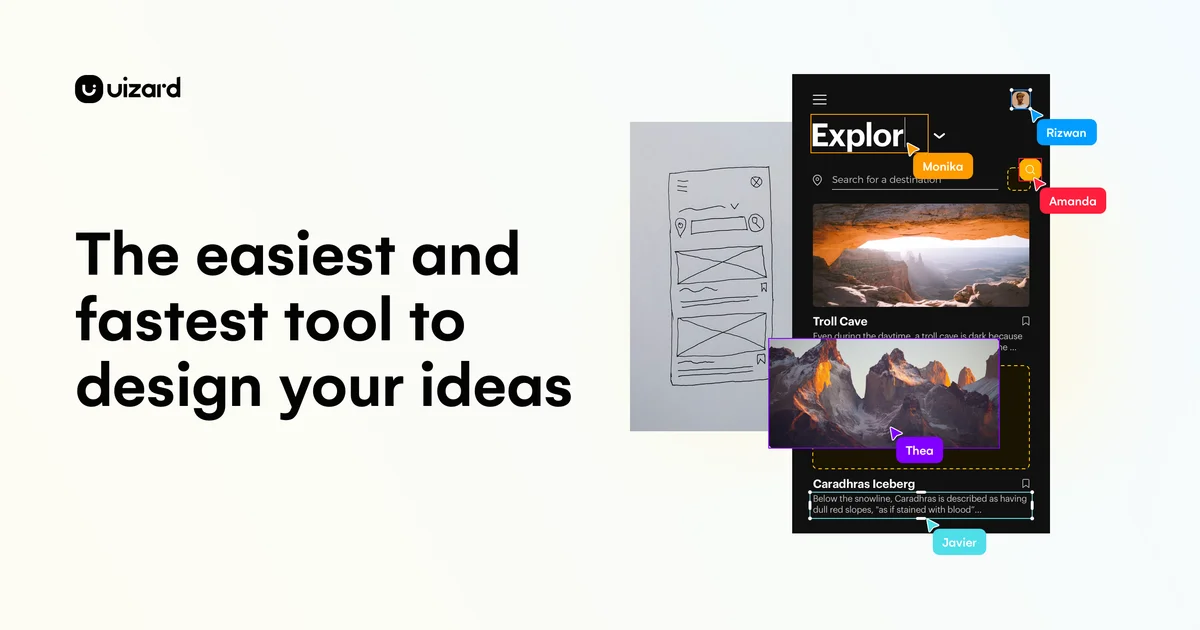
Uizard
Turn product ideas into concepts instantly with GenAI and visualize designs in minutes.
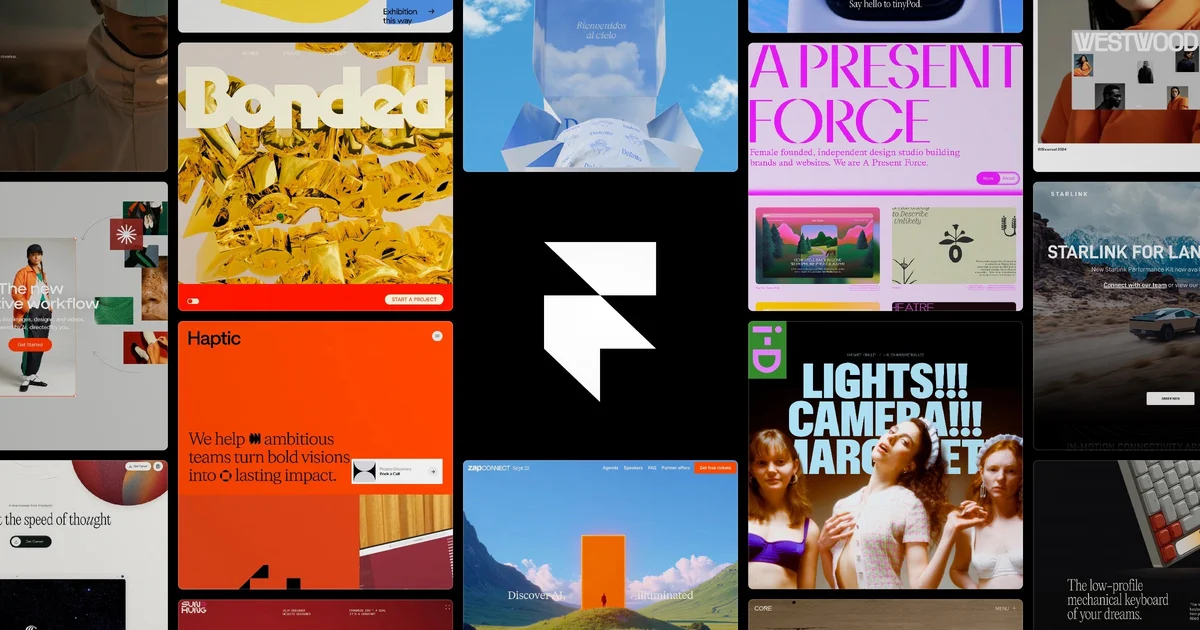
Framer
Design bold websites, launch fast, and scale without switching tools—all in one platform.
Visily
Turn ideas into UI designs in minutes—no design skills required.