
Visily Review 2026 - AI Wireframe Tool
Verified Jun 25, 2026 by Tooliverse Editorial
Visily transforms rough ideas into polished wireframes and prototypes using AI. Describe your concept, upload a screenshot, or sketch on a napkin—Visily converts it into editable UI you can iterate on instantly.
Unlocking Creativity with Visily: Master all our AI Features!
Visily AI Review 2025 | THE TRUTH (Pros, Cons And Pricing)
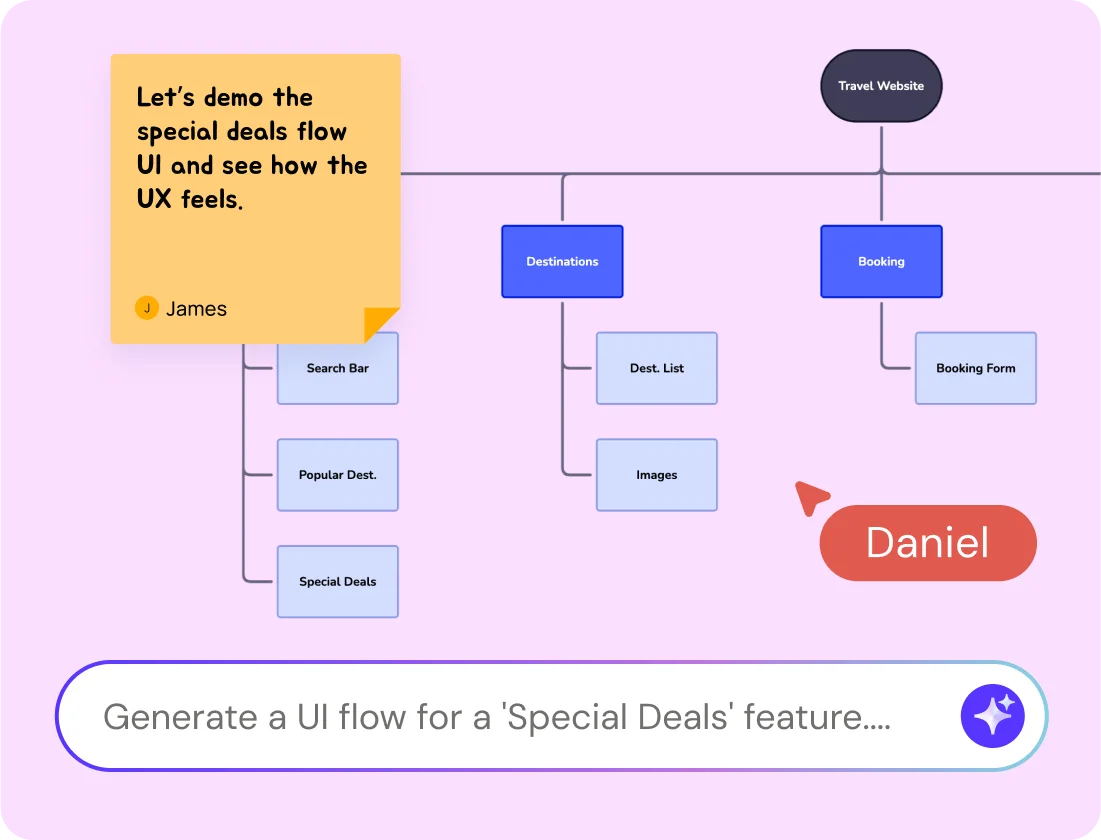
Collaborate on UI flows and generate feature designs instantly with AI.
Transform ideas into real, visual outputs with AI-powered design tools.
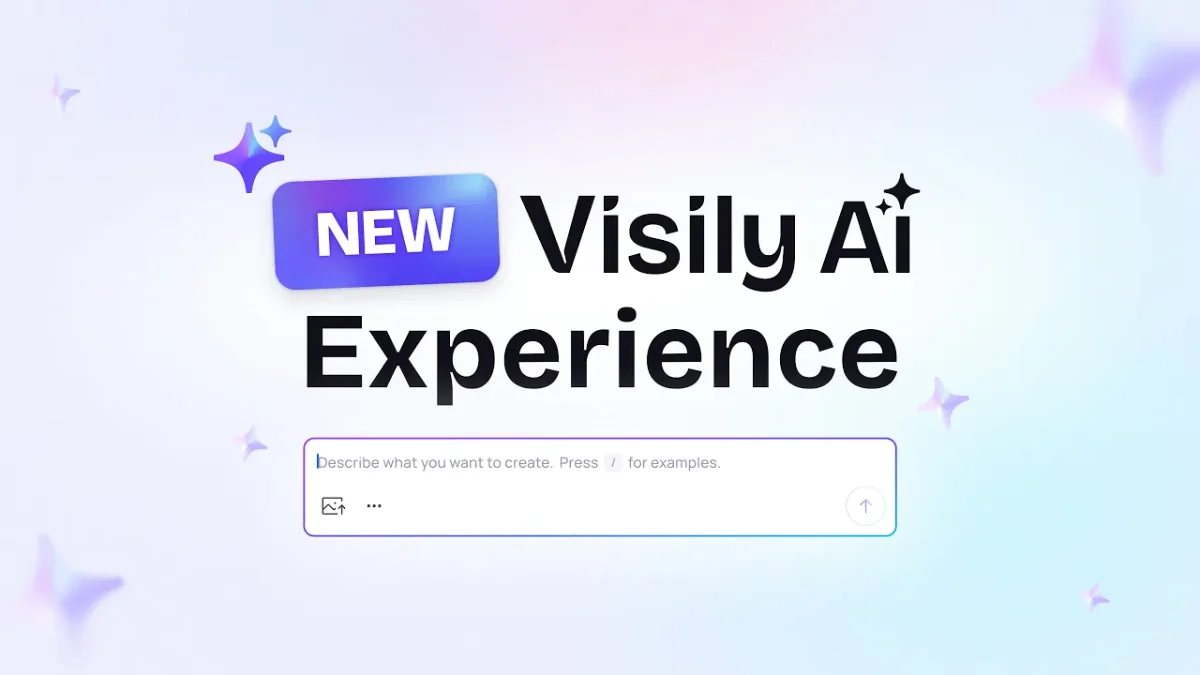
Describe what you want to create to leverage Visily's new AI experience.
Make your product ideas look as good as they sound with Visily.
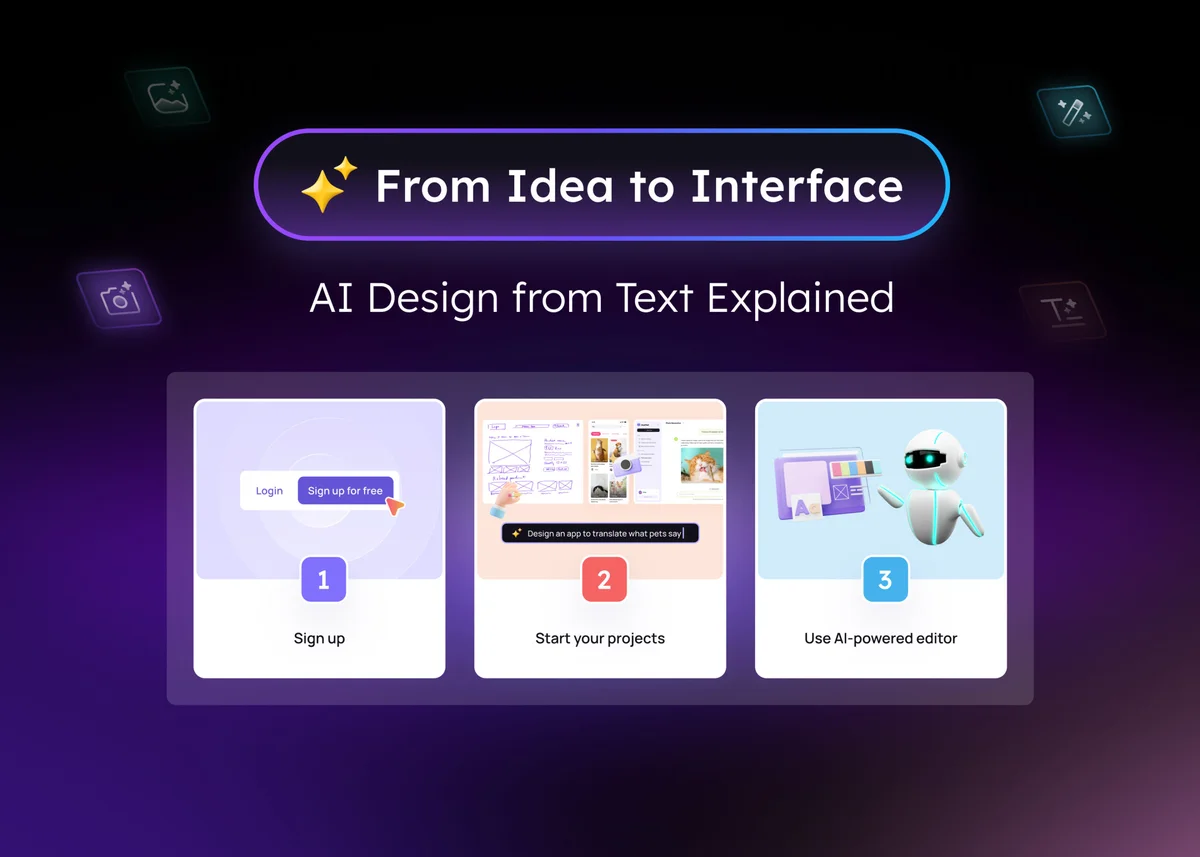
Turn ideas into interfaces with AI-powered design in three simple steps.
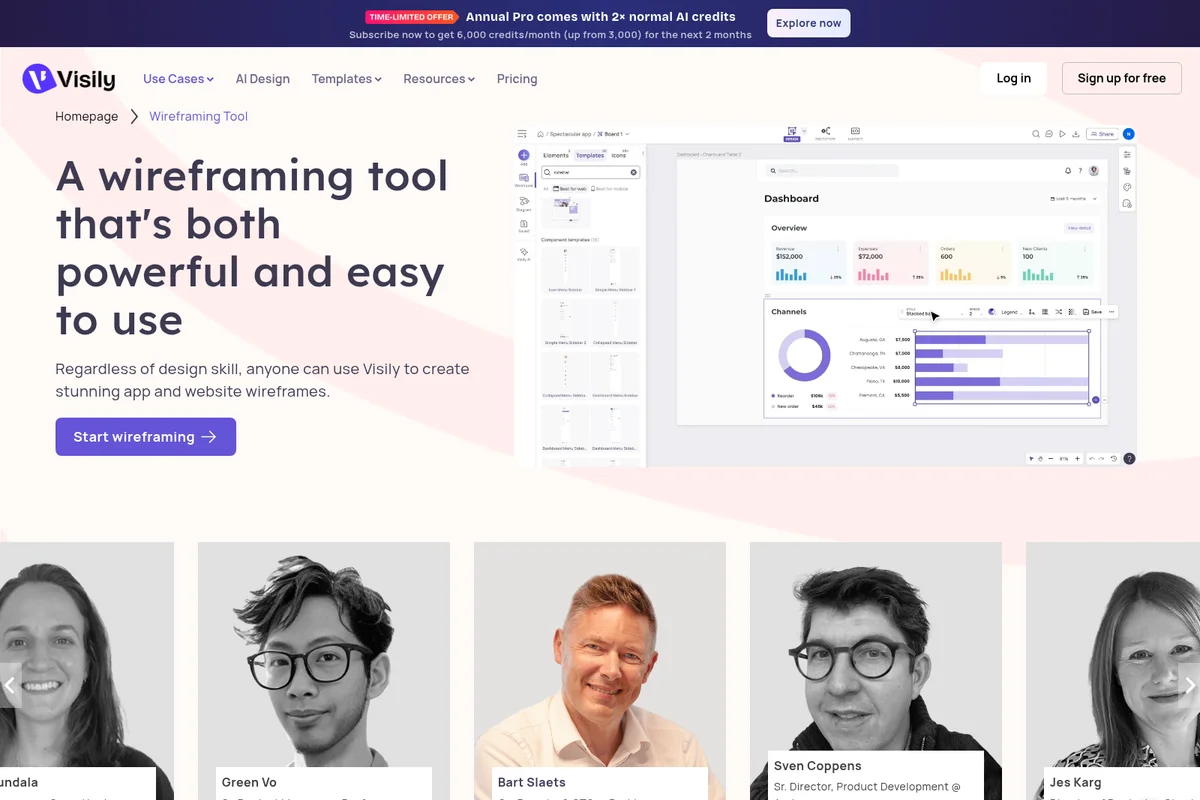
Design stunning app and website wireframes with ease and powerful features.
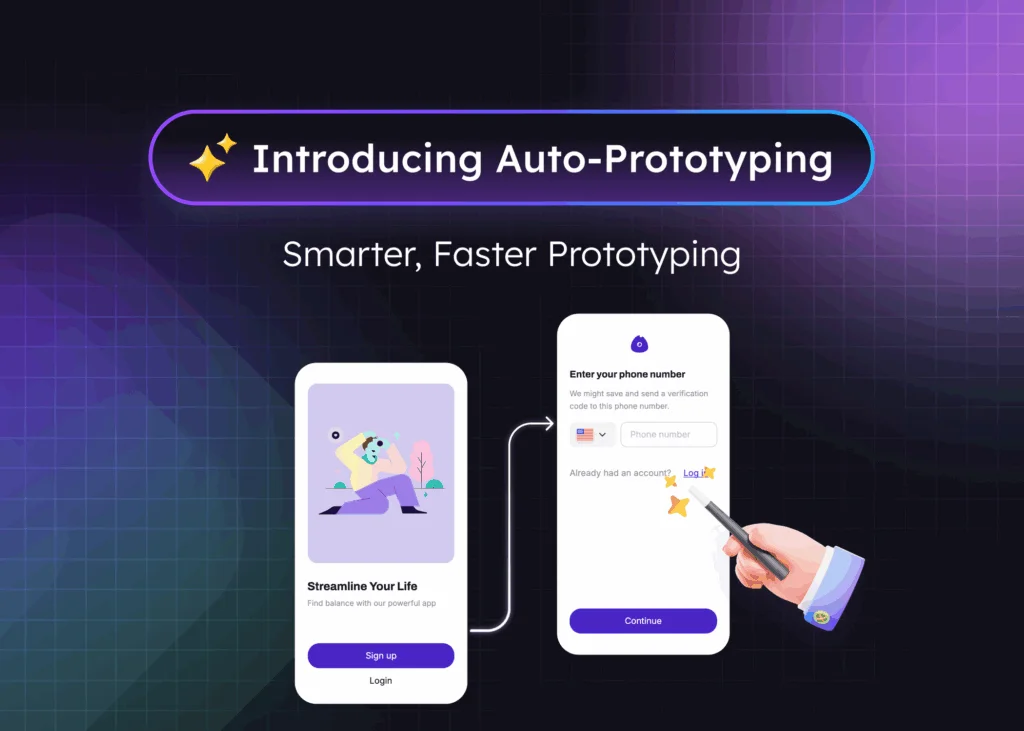
Streamline your design process with smart, automated prototyping.
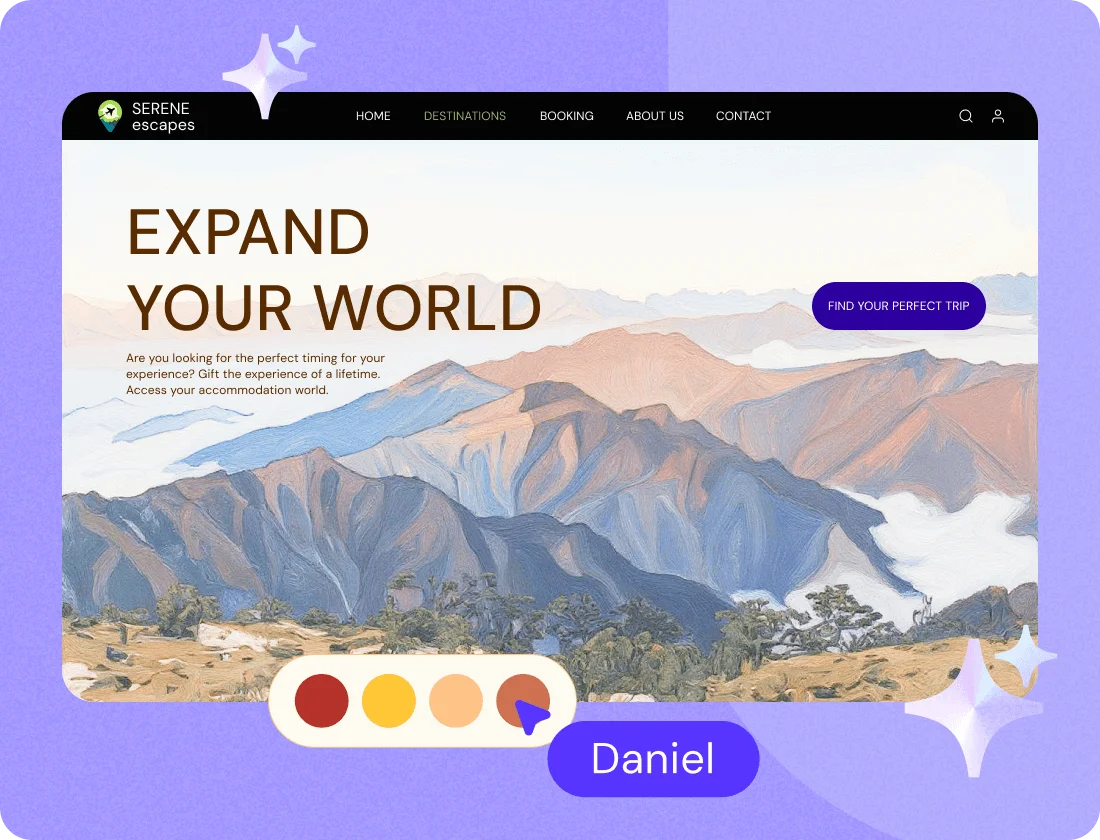
Showcase your destinations with compelling, user-friendly landing page designs.
Visily Review: Tooliverse Consensus





Based on 80 verified reviews across 5 platforms,
combined with Tooliverse's expert analysis
Visily accelerates wireframing by converting screenshots, sketches, and text into editable prototypes through multi-modal AI that meets users wherever they start. The screenshot-to-design accuracy and natural language iteration stand out for product managers and non-designers who need professional mockups without mastering complex tools, though exported designs require manual cleanup for spacing and the platform lacks advanced animation capabilities for detailed prototyping. Performance can lag on large boards, and the free tier's credit system feels restrictive for regular use.
Bottom line: A top-tier wireframing tool that kills blank-canvas paralysis for non-designers through accurate screenshot conversion and AI iteration, though you'll spend time cleaning up exports before final handoff.
Visily | Key Specs
- Platforms
- Web
- Pricing Model
- Freemium ($0-29/editor/month) See plans
- Security
- SAML SSO (Business+) See details
- Integrations
- Figma, Slack, Google
Wins
- •Transforms app screenshots into fully editable UI wireframes with impressive accuracymentioned in 58 reviews
- •Converts hand-drawn sketches into digital prototypes to accelerate early ideationmentioned in 42 reviews
- •Empowers non-designers to create professional-looking mockups without learning complex softwarementioned in 39 reviews
Watch-Outs
- •AI credit system on the Starter plan can feel restrictive for power usersmentioned in 22 reviews
- •Lacks advanced animation and micro-interaction capabilities for complex prototypingmentioned in 18 reviews
- •Free tier exports include watermarks that limit professional presentation usementioned in 14 reviews
Visily Features 2026
AI UI Design Generator
Generate complete UI screens from text descriptions in plain language. Describe your idea and get structured, editable wireframes instantly without design skills.
Screenshot to Design AI
Upload screenshots of existing products, competitor apps, or UI references and convert them into fully editable wireframes and layouts ready to iterate.
Context-Aware AI Iteration
AI maintains conversation context across topics and adapts to mixed inputs (text, screenshots, diagrams) in a single prompt, helping you refine designs without starting over.
Diagram AI
Chat your idea with Visily AI and it turns it into structured diagrams or flowcharts to help validate logic and map user flows before building UI.
Visily User Reviews
Selected Reviews
"I love that Visily makes it incredibly easy for anyone on our team to contribute to the design process. Product managers can better communicate with our design team."
"Visily makes UI design genuinely accessible to non-designers through AI that converts text, screenshots, and sketches into editable designs."
"One downside is that while the AI features are helpful, they can sometimes feel a bit limiting when trying to fine-tune more detailed designs."
More from the Community
"Visily to Figma export is a lifesaver. It gets you 70% there, but you still have to tidy things by hand for spacing and variants."
"The problem is that our developer needs more IOS specific designs which Visily does not provide. It's almost more time consuming to customize these."
"In 2 minutes or so... you'll get an editable version of the screenshot which is a 100% replica of the original. Amazing!"
"The output quality isn't always particularly exciting, but it breaks the blank-canvas problem for a PM who just needs something on screen."
"It directly creates a UI/UX design from a URL, making the process unique and different from other tools."
"Visily to Figma export is a lifesaver. It gets you 70% there, but you still have to tidy things by hand for spacing and variants."
"The problem is that our developer needs more IOS specific designs which Visily does not provide. It's almost more time consuming to customize these."
"In 2 minutes or so... you'll get an editable version of the screenshot which is a 100% replica of the original. Amazing!"
"The output quality isn't always particularly exciting, but it breaks the blank-canvas problem for a PM who just needs something on screen."
"It directly creates a UI/UX design from a URL, making the process unique and different from other tools."
"The main concerns are stability and performance: a few users report freezes, errors, and slowdowns on large projects."
"I use Visily to create website wireframes and prototypes efficiently. The AI theme generation is a huge time saver for quick mockups."
"If I need UI mockups, I'd ignore most product mockup tools and use UX Pilot, Uizard, or Visily instead for actual editable prototypes."
"I've been able to take web designs as inspiration and create prototypes in seconds. What they're doing with AI is incredible!"
"The main concerns are stability and performance: a few users report freezes, errors, and slowdowns on large projects."
"I use Visily to create website wireframes and prototypes efficiently. The AI theme generation is a huge time saver for quick mockups."
"If I need UI mockups, I'd ignore most product mockup tools and use UX Pilot, Uizard, or Visily instead for actual editable prototypes."
"I've been able to take web designs as inspiration and create prototypes in seconds. What they're doing with AI is incredible!"
Visily Pricing 2026
View SourceThe free Starter plan works for occasional wireframing, but the 2-board limit and watermarked exports make it feel more like an extended trial than a sustainable workflow. Pro at $11/month is where most users land: 3,000 AI credits cover regular use, unlimited boards let you explore multiple concepts simultaneously, and the Figma export removes watermarks for professional presentations. Business at $29/month makes sense primarily for teams needing SSO, granular permissions, or the 10,000 monthly credits that support heavy AI iteration.
Visily In-Depth Review 2026

This AI-powered wireframing tool converts text, screenshots, and hand-drawn sketches into editable prototypes. It runs in the browser with real-time collaboration, exports to Figma for handoff, and works with over 1,000 templates that get you 70% of the way there before you've drawn a single box. The AI doesn't just generate static images; it outputs fully editable design objects you can refine through natural language commands.
What It's Like Day-to-Day
The screenshot conversion is where Visily earns its reputation. Drop in a competitor's app screen or a reference design you found, and within two minutes you have an editable replica with proper layers, text fields, and components. As one Chrome Web Store reviewer noted, it creates "a 100% replica of the original" that you can immediately start modifying. The accuracy is unsettling in the best way: buttons become buttons, navigation stays navigation, and the structure holds together when you start tweaking.
The AI chat interface handles the iteration work that normally requires hunting through menus.
Visily Security & Compliance
Security Features
- SAML SSO
Visily: Frequently Asked Questions (FAQs)
What is Visily and what can I do with it?
Visily allows anyone to quickly brainstorm, design, and prototype UI and product experiences with their team—regardless of design skill or experience level. In minutes, anyone can produce comprehensive flowcharts, hi-fidelity wireframes, and interactive prototypes.
Who should use Visily?
Visily is created for anyone who wants to quickly collaborate on and create flowcharts, diagrams, wireframes, and prototypes. Because Visily has virtually no learning curve, the entire team can work together commenting, editing, and brainstorming.
How does Visily use AI?
Visily uses AI as a collaborative layer across the whole workflow: you can mix screenshots, text, and canvas selections in a single prompt, while the assistant carries context, asks clarifying questions, and works in multiple languages. It outputs fully editable design objects and actively helps you refine them—suggesting alternatives, adjusting content, and updating visuals as you iterate.
How do AI and Template credits work in Visily?
Each plan in Visily has an allocation of credits for both AI features and Templates. Templates are preconfigured apps, screens, components, and diagrams. The number of credits each AI feature and template consumes differs by type. In your Visily account, you can see the number of AI and Template credits you've used.
Visily Integrations
| Figma | Slack |
Visily: Verified Data Sheet
| # | Label | Data Point |
|---|---|---|
| [1] | Visily Consensus: 9.08/10 | Visily is one of the highest-rated AI design tools in the Tooliverse index, with a consensus score of 9.08/10 across 80 verified reviews. |
| [2] | What is Visily | Visily is an AI-powered UI design tool that converts text, screenshots, and sketches into editable wireframes and prototypes. The platform serves product teams and non-designers with 1,000+ templates and 200+ new templates added monthly, with pricing starting at $11/editor/month. |
| [3] | Tooliverse Consensus on Visily | Visily accelerates wireframing by converting screenshots, sketches, and text into editable prototypes through multi-modal AI that meets users wherever they start. The screenshot-to-design accuracy and natural language iteration stand out for product managers and non-designers who need professional mockups without mastering complex tools, though exported designs require manual cleanup for spacing and the platform lacks advanced animation capabilities for detailed prototyping. Performance can lag on large boards, and the free tier's credit system feels restrictive for regular use. |
| [4] | Visily Verdict | Visily bottom line: A top-tier wireframing tool that kills blank-canvas paralysis for non-designers through accurate screenshot conversion and AI iteration, though you'll spend time cleaning up exports before final handoff. |
| [5] | Starter: Free | Visily offers a functional Starter tier at no cost, providing 300 AI credits per month (600 in the first month) and 150 template credits per month (300 in the first month). |
| [6] | Screenshot-to-wireframe conversion | Visily transforms app screenshots into fully editable UI wireframes with impressive accuracy, validated as a core strength by 58 user reviews. |
| [7] | Sketch-to-prototype conversion | Visily converts hand-drawn sketches into digital prototypes to accelerate early ideation, according to 42 user reviews. |
| [8] | No-code design for non-designers | Visily empowers non-designers to create professional-looking mockups without learning complex software, validated by 39 user reviews. |
| [9] | Figma export integration | Visily features seamless Figma export that bridges the gap to high-fidelity design, praised in 34 user reviews. |
| [10] | Pro: $11/user/mo (annual) | Visily Pro empowers users with 3,000 AI credits per editor per month for $11/user/month billed annually, significantly expanding on the free tier's capabilities. |
| [11] | Free tier credit limitations | Visily's AI credit system on the Starter plan can feel restrictive for power users, according to 22 user reports. |
| [12] | Limited animation features | Visily lacks advanced animation and micro-interaction capabilities for complex prototyping, noted in 18 user reviews. |
| [13] | Enterprise: SAML SSO | Visily provides enterprise security with SAML SSO. |
| [14] | Democratizes design collaboration | Visily "makes it incredibly easy for anyone on our team to contribute to the design process" and helps product managers communicate better with design teams, according to a verified Product Hunt reviewer. |
Best Visily Alternatives
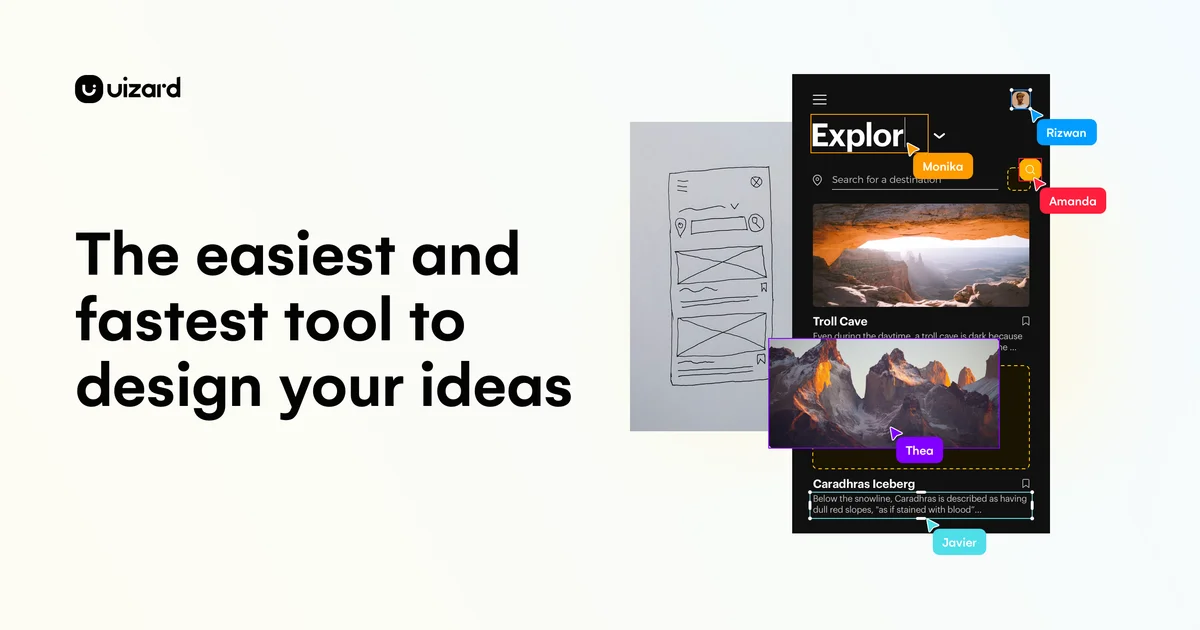
Uizard
Turn product ideas into concepts instantly with GenAI and visualize designs in minutes.

Spacely AI
Turn sketches into photorealistic renders in under 60 seconds—no modeling skills required.
Figma
Turn big ideas into real products—design, prototype, and collaborate in one powerful platform.