
Granola Review 2026 - AI Meeting Notes
Verified Jun 12, 2026 by Tooliverse Editorial
Granola transcribes your computer's audio directly without joining meeting bots, then enhances your rough notes into structured summaries. Used by teams at Linear, Vercel, and Brex, it works across Zoom, Meet, Teams, and any platform—with AI chat that already knows your context.
Introducing Granola + Zapier | Your meeting notes, now connected with over 8,000 apps
How to Use Granola AI (Tutorial for Beginners)
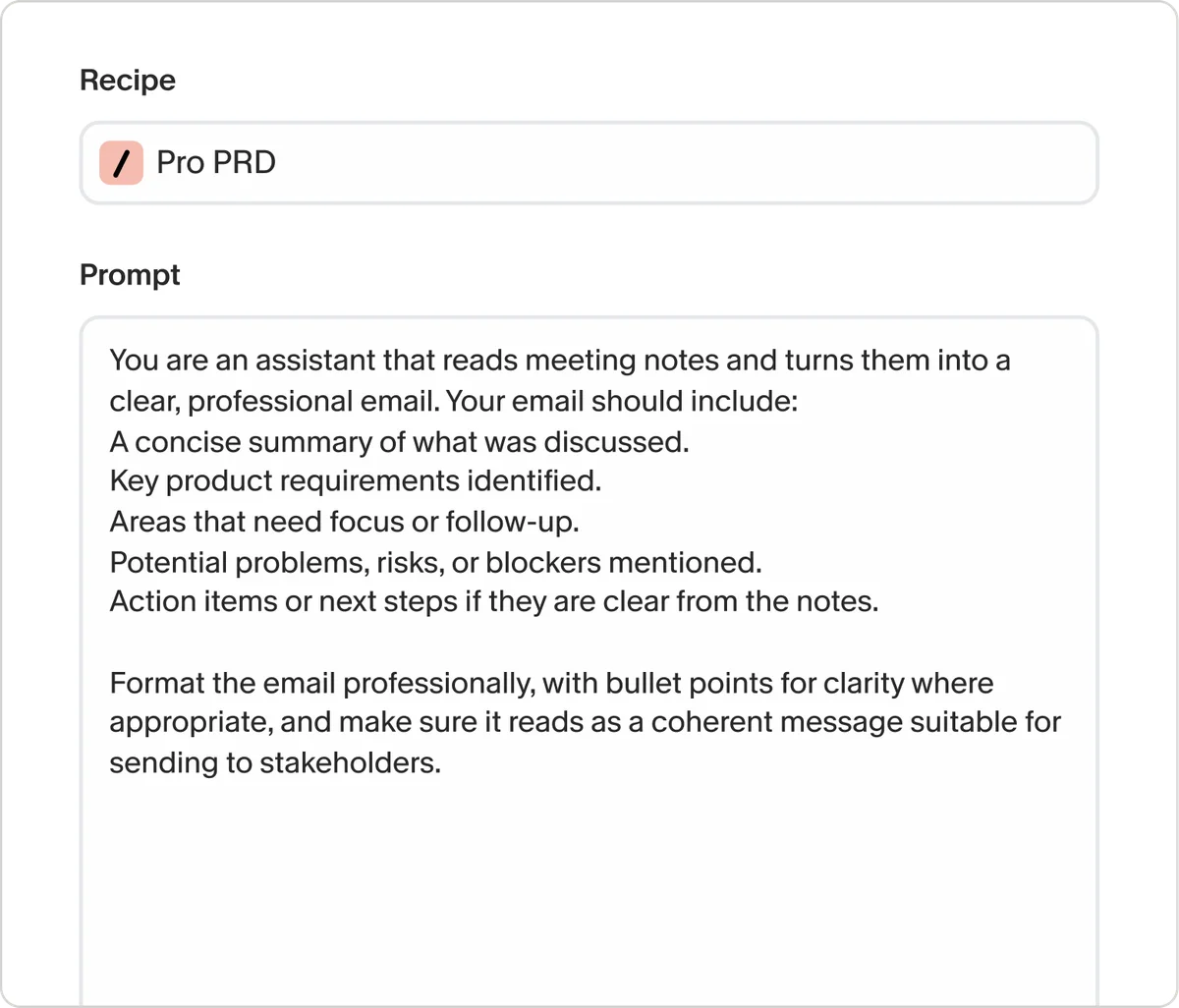
Define custom AI recipes to automate specific tasks efficiently.
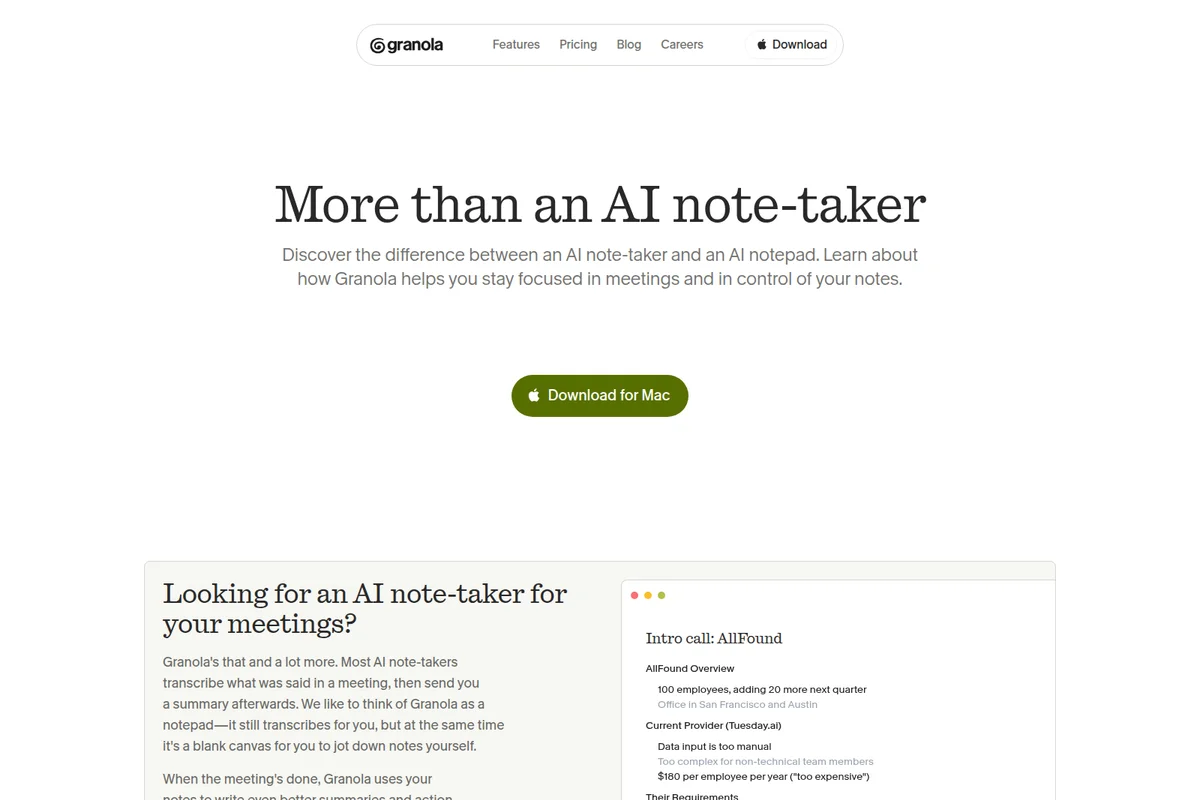
Granola helps you stay focused with intelligent meeting notes and summaries.
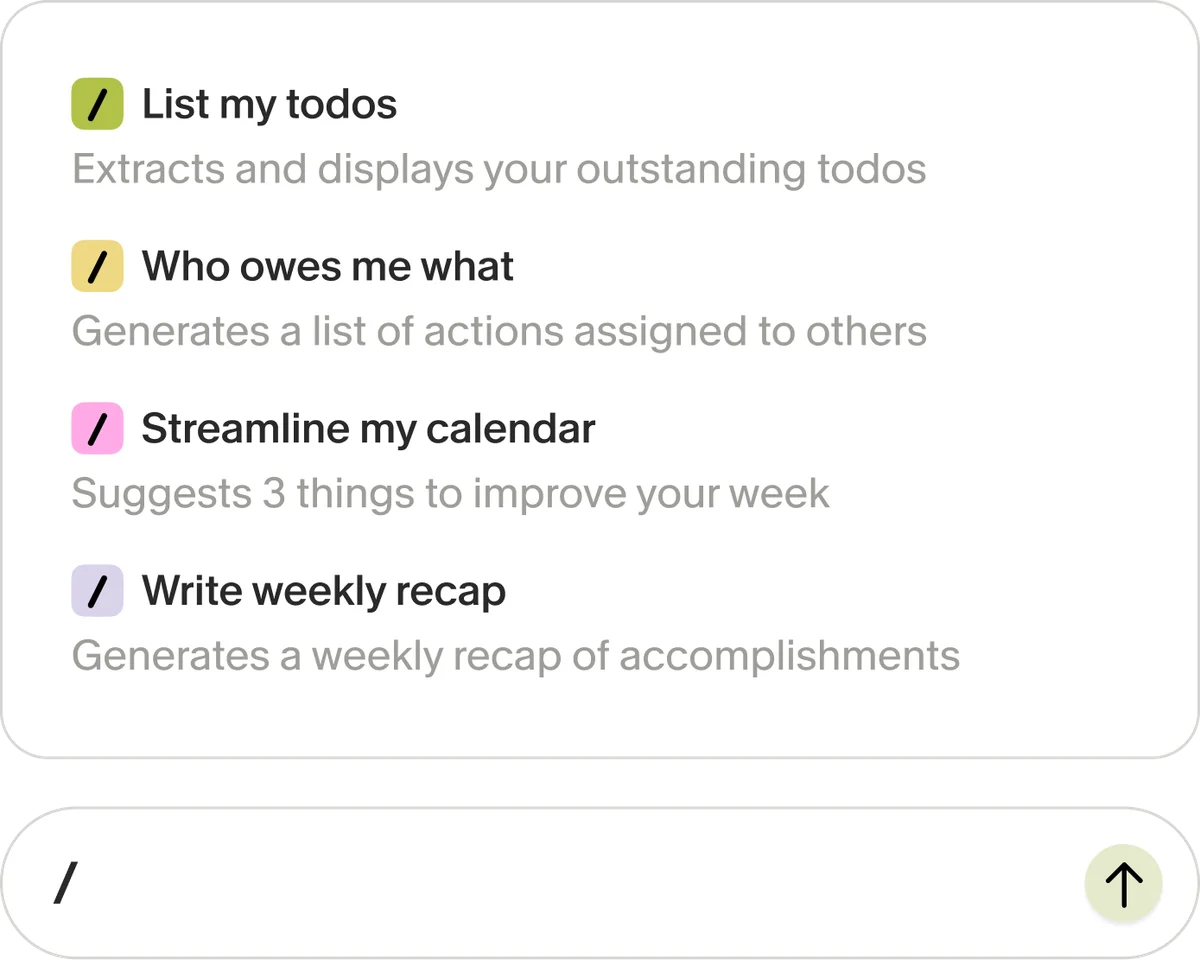
Quickly access AI-powered commands for daily tasks and insights.
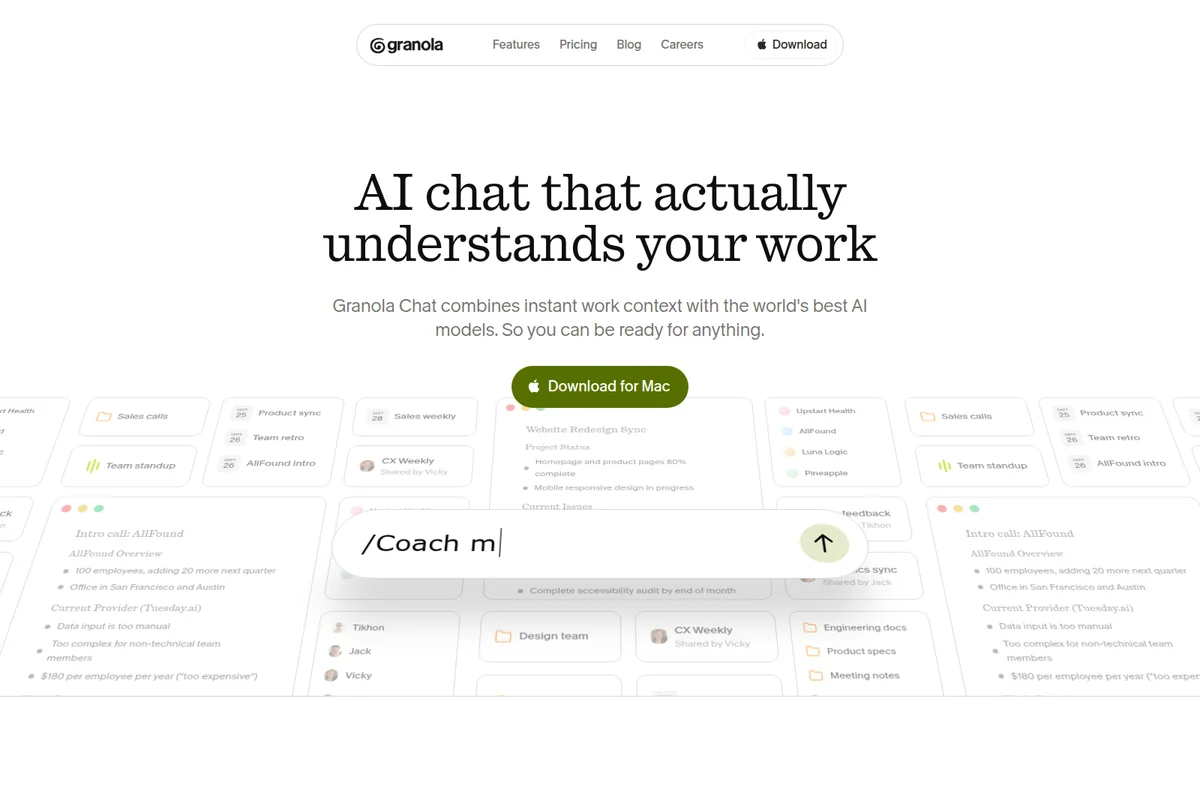
AI chat that instantly understands your work context for quick insights.
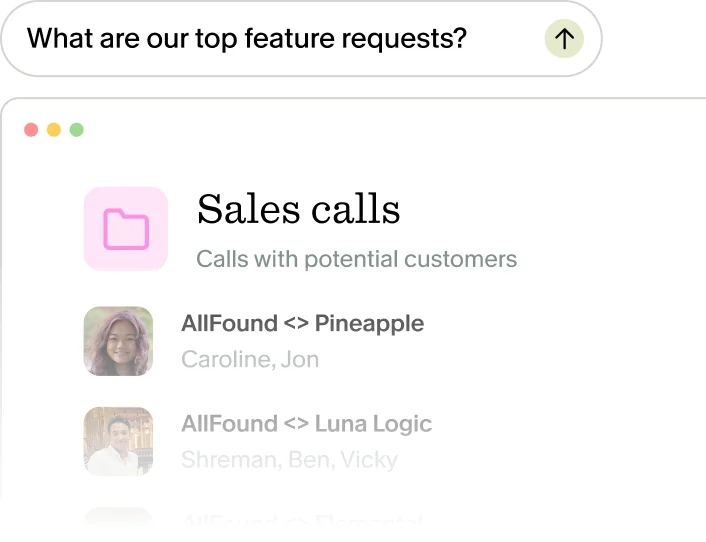
Quickly find key information or feature requests within your data.
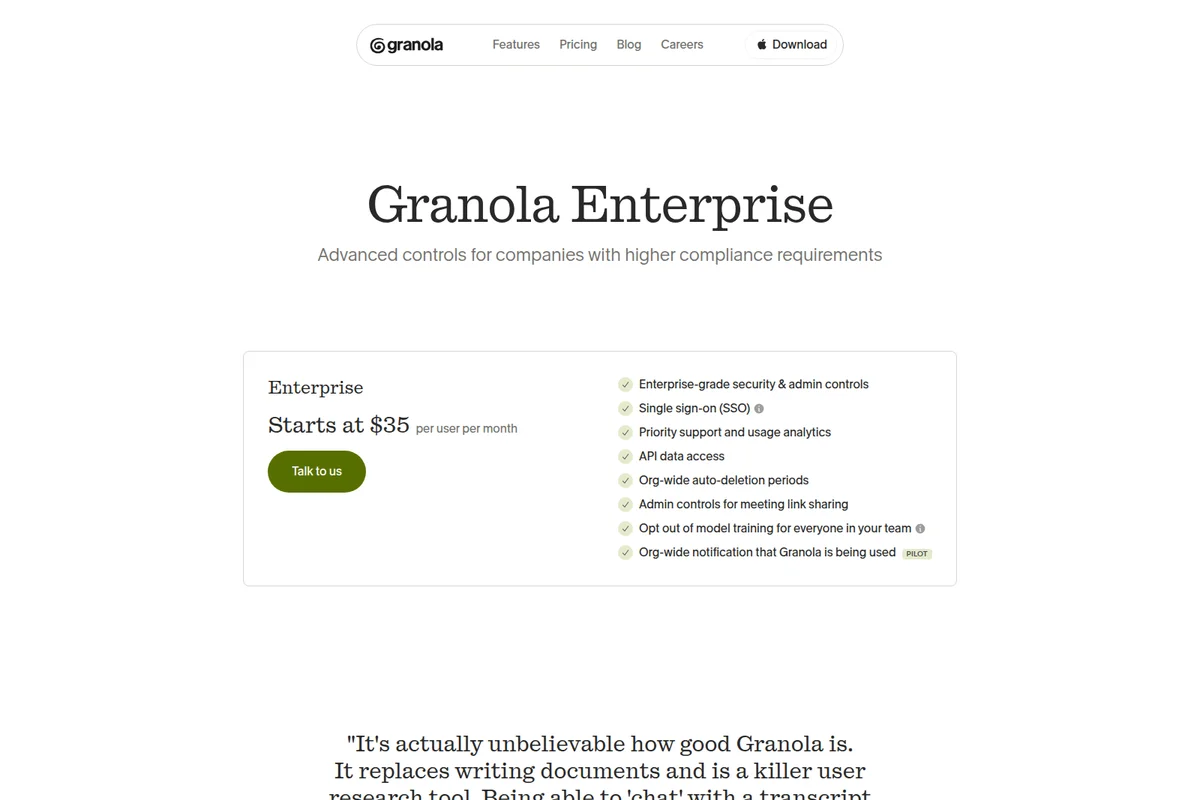
Unlock advanced controls and compliance features for enterprise teams.
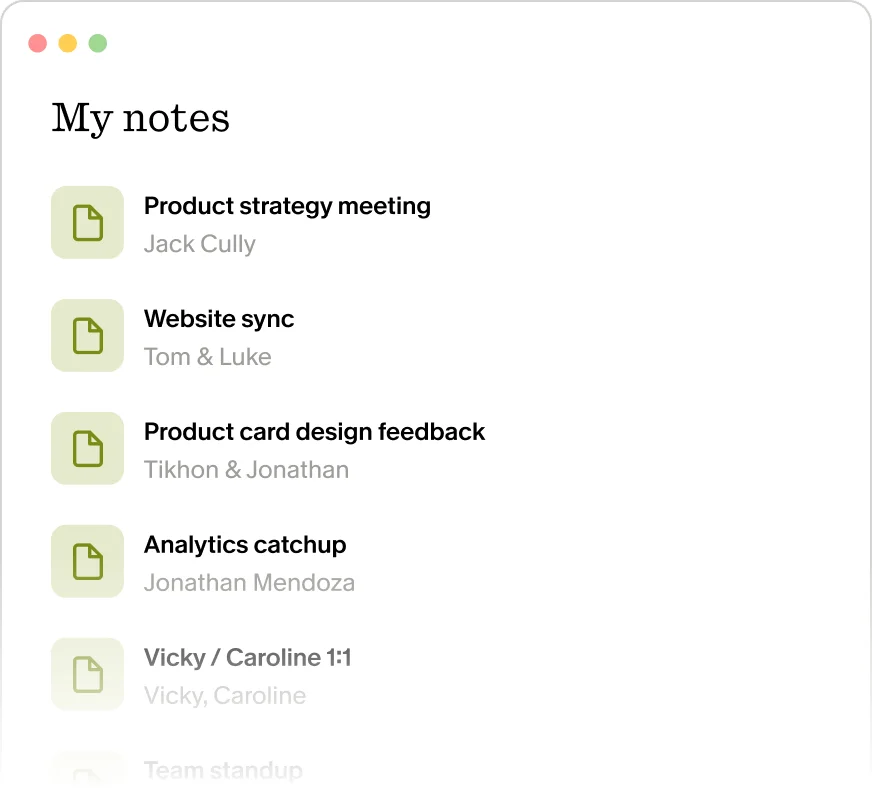
Keep track of all your meeting notes and collaborations in one place.
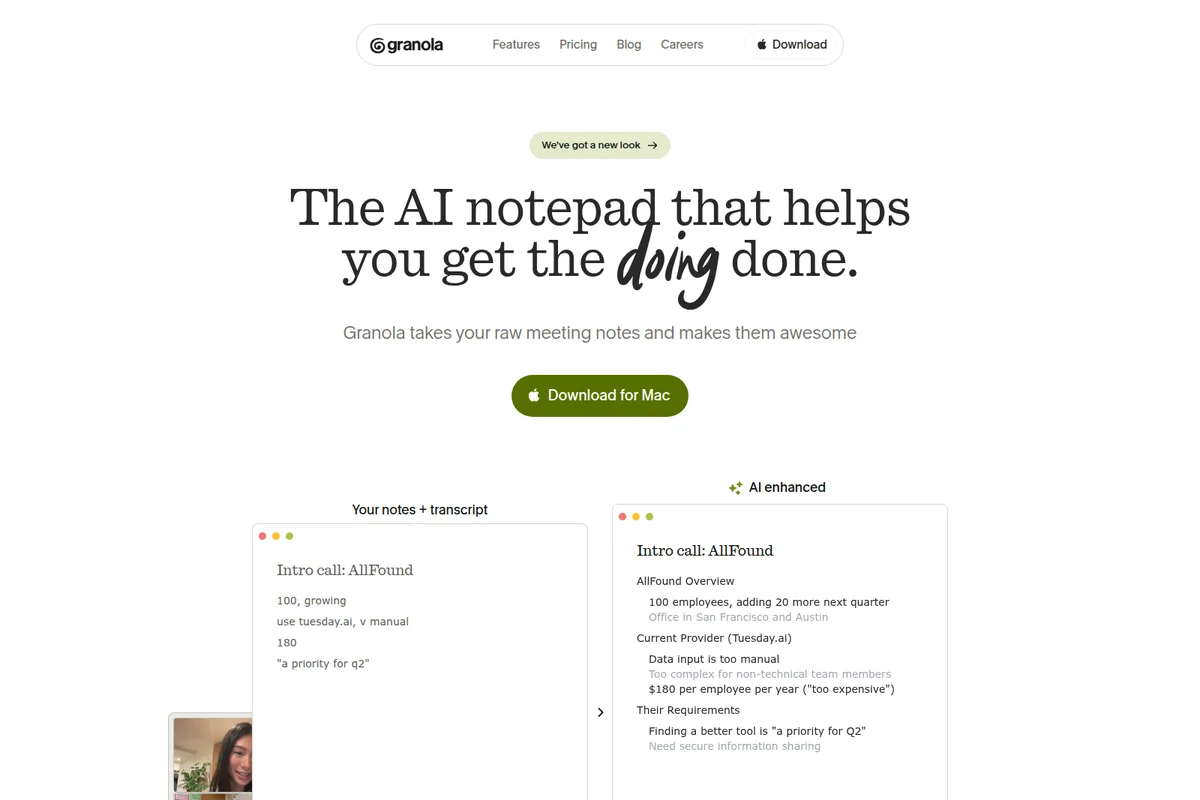
Transform raw meeting notes into concise, AI-enhanced summaries.
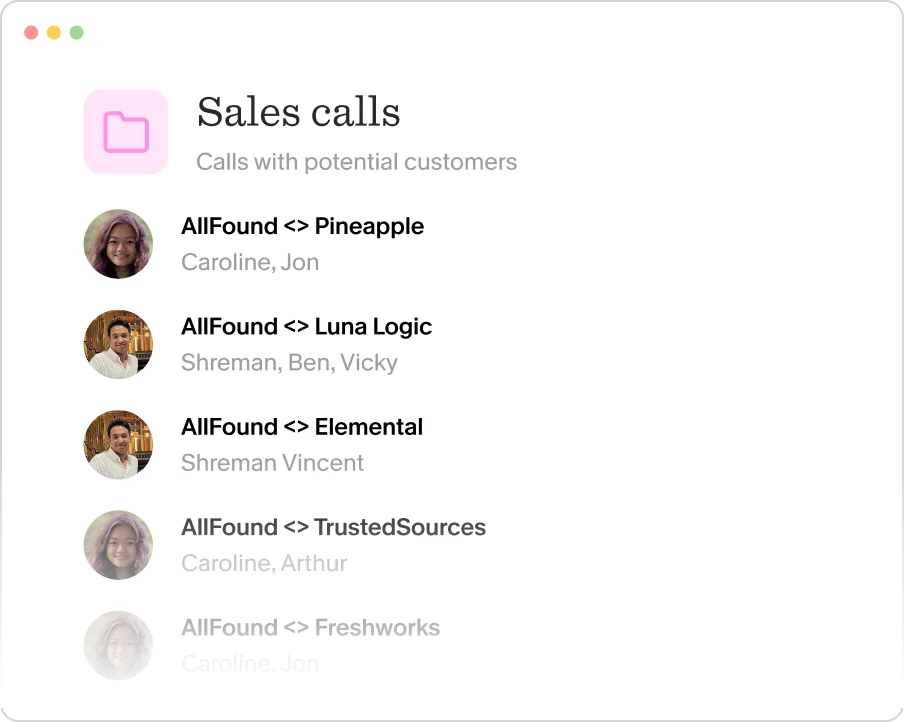
Manage and review all your sales calls with potential customers.
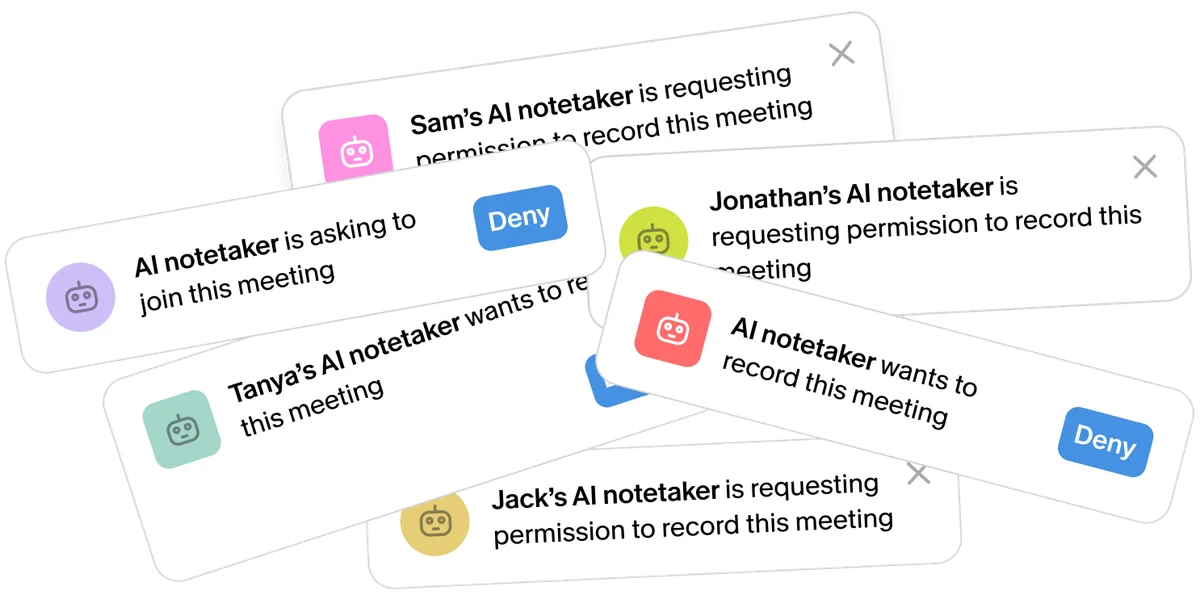
Manage multiple AI notetakers requesting to join or record your meetings.
Granola Review: Tooliverse Consensus


Based on 492 verified reviews across 4 platforms,
combined with Tooliverse's expert analysis
Granola distinguishes itself by augmenting personal notes with AI context instead of generating generic transcripts, preserving the user's perspective while eliminating post-meeting busywork. The bot-free approach and minimalist interface keep focus on conversations rather than software, with seamless integrations making it feel like an extension of existing workflows. The macOS-only limitation excludes Windows teams entirely, and pricing at $14 monthly may feel steep for solo users, though the quality justifies the cost for professionals drowning in meeting follow-up.
Bottom line: A leading AI notepad that transforms rough meeting scribbles into polished summaries without intrusive bots, though the macOS-only limitation and premium pricing narrow its audience to Mac-based professionals.
Granola | Key Specs
- Platforms
- Web, macOS, Windows, iOS
- Pricing Model
- Freemium ($0-35/user/month) See plans
- Privacy/Data Use
- No training on user data by third parties, opt-out available
- Security
- SOC 2 Type 2, GDPR, SSO (Enterprise) See details
Wins
- •Augments personal notes with AI context instead of providing generic transcriptionsmentioned in 184 reviews
- •Operates discreetly in the background without requiring intrusive meeting botsmentioned in 162 reviews
- •Features a minimalist, distraction-free interface that prioritizes the user's focusmentioned in 145 reviews
Watch-Outs
- •Subscription pricing is perceived as high for individual or casual usersmentioned in 84 reviews
- •Currently limited to macOS, leaving Windows and Linux users without accessmentioned in 76 reviews
- •Occasionally misses technical jargon or specific nuances in complex discussionsmentioned in 58 reviews
Granola Features 2026
No Meeting Bots
Transcribes your computer's audio directly without joining video calls as a bot. Works with Zoom, Google Meet, Microsoft Teams, Webex, Slack, and any meeting platform.
AI-Enhanced Notes
Write rough notes during meetings and Granola instantly enhances them into polished, structured summaries with proper formatting and organization.
Recipes
One-click shortcuts for complex prompts and workflows. Browse expert-created recipes like 'Coach Me' (Mochary Method leadership feedback), 'Write PRD' (Lenny's template), or create your own.
SOC 2 Type 2 Certified
Independently audited security practices meet SOC 2 Type 2 standards. Notes stored in US-hosted AWS VPC with encryption at rest and in transit.
Granola User Reviews
Selected Reviews
"Granola has completely changed how I handle client calls. Instead of worrying about capturing every word, I just jot down keywords and the AI fills in the context perfectly. It feels like magic."
"The best part is that it doesn't invite a creepy bot to the meeting. It just stays in the background on my Mac. My notes are actually useful now."
"Solid tool for PMs. It helps me stay present in the conversation. I wish there was a Windows version for my colleagues though."
More from the Community
"I love the concept, but the pricing is a bit steep for a solo freelancer. Also, I've noticed it sometimes misses nuances in technical discussions."
"Cleanest UI I've seen in an AI tool. It doesn't get in the way."
"Good for general meetings, but struggles with heavy accents or fast talkers. Needs more customization for summary templates."
"The integration with Slack is a lifesaver. I can push my meeting summaries directly to the team channel in seconds."
"Granola is the only AI note-taker I've stuck with. Others are too intrusive. This one feels like an extension of my brain."
"I love the concept, but the pricing is a bit steep for a solo freelancer. Also, I've noticed it sometimes misses nuances in technical discussions."
"Cleanest UI I've seen in an AI tool. It doesn't get in the way."
"Good for general meetings, but struggles with heavy accents or fast talkers. Needs more customization for summary templates."
"The integration with Slack is a lifesaver. I can push my meeting summaries directly to the team channel in seconds."
"Granola is the only AI note-taker I've stuck with. Others are too intrusive. This one feels like an extension of my brain."
"Finally, an AI tool that doesn't try to do everything. It just does notes, and it does them exceptionally well."
"Great for staying focused. Sometimes the AI summary is a bit too brief, but it's easy to edit."
"I was skeptical about another AI tool, but Granola's approach to "augmenting" rather than "replacing" is the right way to do it."
"Very polished app. The Mac integration is seamless. Looking forward to more export options."
"Finally, an AI tool that doesn't try to do everything. It just does notes, and it does them exceptionally well."
"Great for staying focused. Sometimes the AI summary is a bit too brief, but it's easy to edit."
"I was skeptical about another AI tool, but Granola's approach to "augmenting" rather than "replacing" is the right way to do it."
"Very polished app. The Mac integration is seamless. Looking forward to more export options."
Granola Pricing 2026
View SourceThe free tier covers basic AI notes with 30 days of history, enough to test whether augmented notes beat raw transcripts for your workflow. Business at $14 per user monthly is where most teams land: unlimited history, advanced AI models, and integrations with HubSpot, Notion, Slack, and Zapier turn it into a system of record rather than just a note-taker. Enterprise at $35 monthly adds SOC 2 compliance, SSO, and org-wide model training opt-out—necessary for regulated industries but overkill for small teams.
Granola In-Depth Review 2026

This AI meeting notepad transcribes your computer's audio directly without joining calls as a bot, working across Zoom, Google Meet, Microsoft Teams, Slack, and any other platform. You write rough notes during the conversation, and Granola enhances them into structured summaries that reflect your perspective, not a generic AI interpretation of the meeting. The distinction matters more than it sounds.
What It's Like Day-to-Day
The experience centers on staying focused on the conversation instead of frantically typing. You capture keywords, decisions, or questions as they come up, and Granola quietly builds context around those fragments in real time. A Product Hunt reviewer noted it "has completely changed how I handle client calls" because the AI fills in context perfectly around rough notes, making the process feel almost invisible. You're not managing software during meetings; you're just thinking and occasionally typing.
The AI chat feature adds a layer that static transcripts can't match. You can ask questions about past meetings before joining a call, surface relevant context mid-conversation, or draft follow-up emails immediately after.
Granola Security & Compliance
Verified Compliance
- SOC 2 Type 2
- GDPR
Security Features
- Single sign-on (SSO)
- Encryption at rest and in transit
- AWS Virtual Private Cloud hosting
- Daily backups
Privacy Commitments
- No training on user data by third-party AI providers (OpenAI, Anthropic)
- Opt out of model training available (default off for Enterprise)
- No stored audio recordings - only transcripts
- Notes private by default until user chooses to share
- GDPR compliant with Data Processing Agreement available
Granola: Frequently Asked Questions (FAQs)
What's the difference between Enterprise and Business?
Enterprise includes everything in Business plus enterprise-grade security and admin controls, single sign-on (SSO), priority support and usage analytics, org-wide auto-deletion periods, admin controls for sharing and API access, and org-wide opt-out of model training. Business tier is $14/user/month while Enterprise starts at $35/user/month.
Do you train any models on my data?
Granola does not allow third parties (like OpenAI or Anthropic) to use your data to train their AI models. Granola trains on your anonymized data to improve the product, but you can opt out of this in your Settings. Enterprise users have model training turned off by default for the entire organization.
How does Granola secure customer data?
Granola stores notes in a US-hosted AWS Virtual Private Cloud with encryption at rest and in transit. Notes are backed up daily. The platform is SOC 2 Type 2 certified and built by engineers from Apple, Amazon, Google, and Meta. Granola doesn't store audio recordings—only transcripts and notes.
Does Granola work locally or send data to the cloud?
Granola transcribes audio locally on your device in real-time (macOS/Windows) or using temporarily cached audio (iOS). Transcripts and notes are then sent to the cloud for AI processing and storage. Audio recordings are not stored—only transcripts.
Granola Integrations
| Notion | Slack | HubSpot |
| Affinity | Attio | Zapier |
| Zoom | Google Meet | Microsoft Teams |
| Webex | Google Workspace |
Granola: Verified Data Sheet
| # | Label | Data Point |
|---|---|---|
| [1] | Granola Consensus: 9.50/10 | Granola is one of the highest-rated AI productivity tools in the Tooliverse index, with a consensus score of 9.50/10 across 492 verified reviews. |
| [2] | What is Granola | Granola, operated by Granola, Inc., is a SOC 2 Type 2 certified AI meeting notepad that transcribes computer audio directly without meeting bots. Used by teams at Linear, Vercel, and Brex, pricing starts at $0 with Business tier at $14/user/month. |
| [3] | Tooliverse Consensus on Granola | Granola distinguishes itself by augmenting personal notes with AI context instead of generating generic transcripts, preserving the user's perspective while eliminating post-meeting busywork. The bot-free approach and minimalist interface keep focus on conversations rather than software, with seamless integrations making it feel like an extension of existing workflows. The macOS-only limitation excludes Windows teams entirely, and pricing at $14 monthly may feel steep for solo users, though the quality justifies the cost for professionals drowning in meeting follow-up. |
| [4] | Granola Verdict | Granola bottom line: A leading AI notepad that transforms rough meeting scribbles into polished summaries without intrusive bots, though the macOS-only limitation and premium pricing narrow its audience to Mac-based professionals. |
| [5] | Basic: Free | Granola provides a functional Basic tier with AI meeting notes and limited meeting history (30 days), making AI-enhanced note-taking accessible at no cost. |
| [6] | Augments notes with AI context | Granola augments personal notes with AI-generated context instead of providing generic transcriptions, transforming rough meeting scribbles into polished summaries while preserving the user's unique perspective, validated by 184 user reviews. |
| [7] | No meeting bots required | Granola operates discreetly in the background without requiring intrusive meeting bots, transcribing computer audio directly from platforms like Zoom, Google Meet, and Microsoft Teams, a capability highlighted in 162 user reviews. |
| [8] | Business: $14/user/month | Granola, Inc.'s Business empowers users with Unlimited meeting notes and history for just $14/user monthly, significantly expanding on the free tier's capabilities. |
| [9] | Minimalist, distraction-free UI | Granola features a minimalist, distraction-free interface that prioritizes user focus during meetings, with 145 reviews validating the design's effectiveness in maintaining attention on conversations rather than software. |
| [10] | Seamless platform integrations | Granola integrates seamlessly with major platforms including Zoom, Google Meet, Microsoft Teams, Slack, Notion, HubSpot, Affinity, Attio, and Zapier, with 128 reviews confirming the integration quality and reliability. |
| [11] | Pricing steep for individuals | Granola's subscription pricing is perceived as high for individual or casual users, with 84 reviews citing cost as a barrier to adoption for freelancers and solo professionals. |
| [12] | macOS only, no Windows/Linux | Granola is currently limited to macOS, leaving Windows and Linux users without access, a platform restriction mentioned in 76 user reviews as a significant adoption barrier for cross-platform teams. |
| [13] | Privacy: No training on user data by third-party AI providers (OpenAI, Anthropic) | Granola privacy protections include No training on user data by third-party AI providers (OpenAI, Anthropic), Opt out of model training available (default off for Enterprise), and No stored audio recordings - only transcripts. |
| [14] | Enterprise: Single sign-on (SSO) | Granola provides enterprise security with Single sign-on (SSO), Encryption at rest and in transit, and AWS Virtual Private Cloud hosting. |
| [15] | Transforms client call workflow | A verified Product Hunt reviewer noted that Granola "has completely changed how I handle client calls" and that the AI context enhancement "feels like magic" when transforming rough keywords into polished summaries. |
Best Granola Alternatives
Grain
Capture every meeting, enrich your transcripts, and power your AI agents with context-rich meeting data.
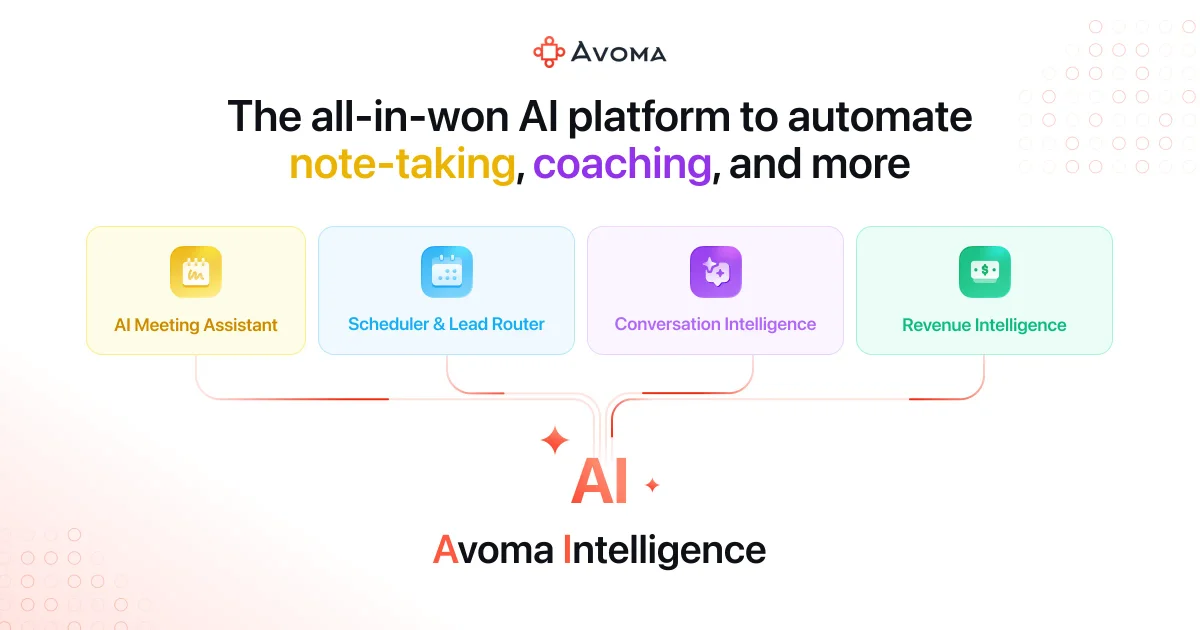
Avoma
Turn every conversation into actionable insights with AI-powered meeting intelligence
Jamie
Turn any meeting into structured notes, transcripts, and action items—without a bot joining your calls.