
Notta Review 2026 - AI Meeting Notetaker
Verified Jun 17, 2026 by Tooliverse Editorial
Notta transcribes meetings, interviews, and lectures in 58 languages with 98%+ accuracy, then turns them into summaries, action items, and visual deliverables. Over 10 million users trust Notta's AI notetaker for everything from sales calls to client consultations.
How to Use Notta AI Chat to Extract Action Items from Meeting Transcripts
How to take Notes & Record Calls With Notta Memo - Powerful AI Voice Recorder
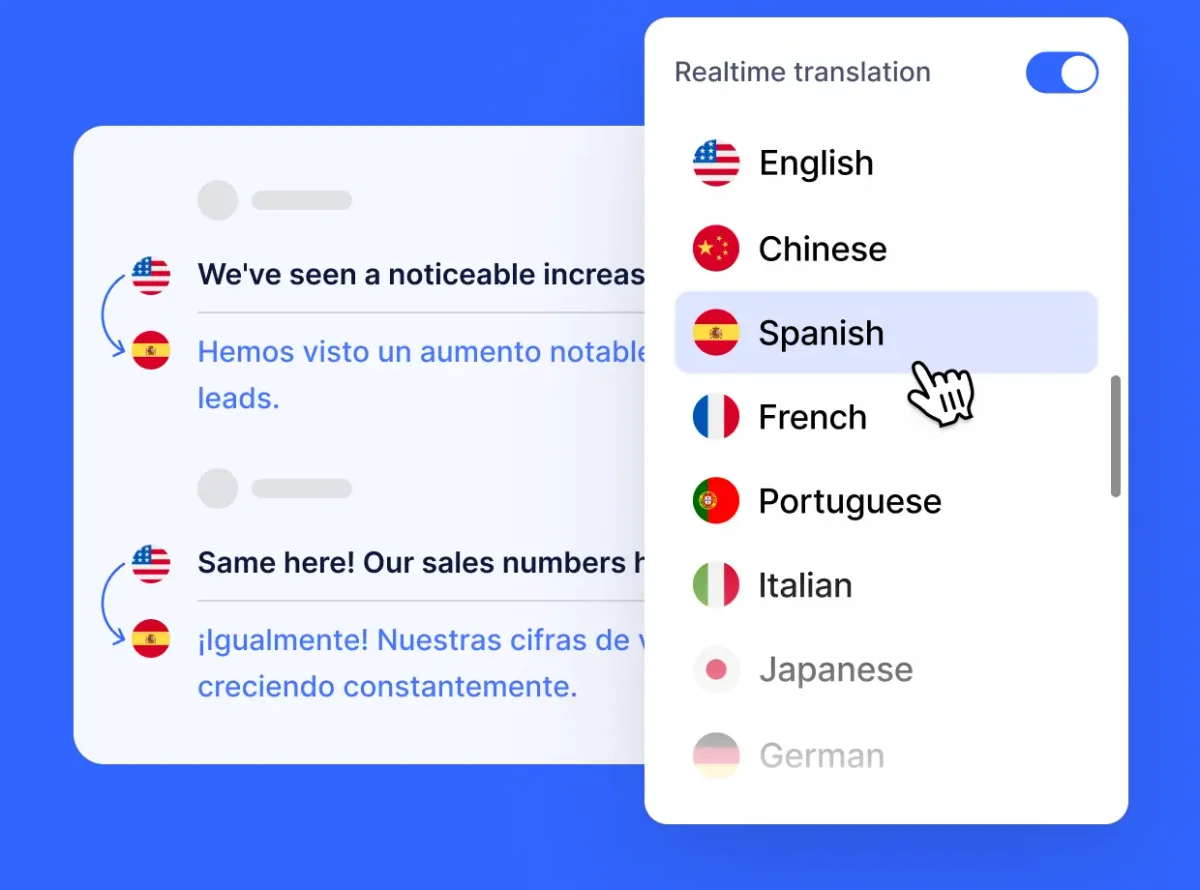
Translate conversations in real-time, choosing from multiple languages for instant understanding.
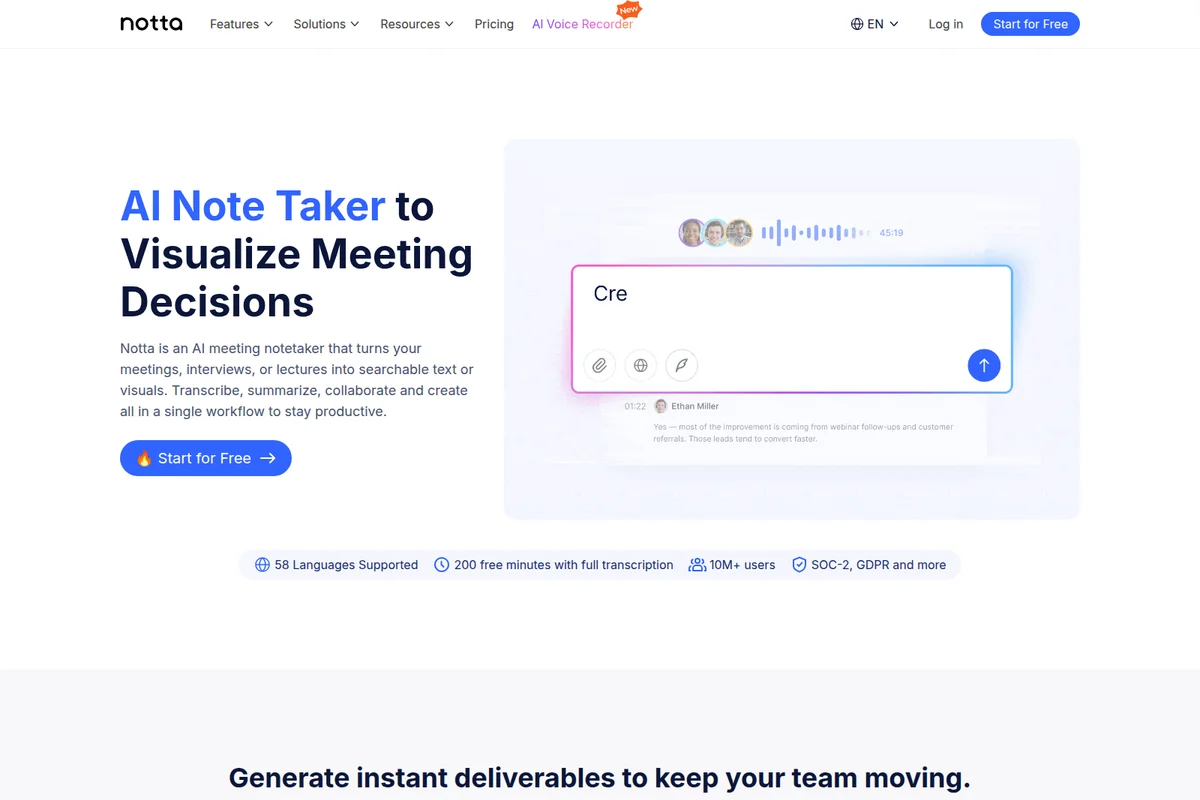
Effortlessly transcribe, summarize, and collaborate on meeting decisions in real-time.
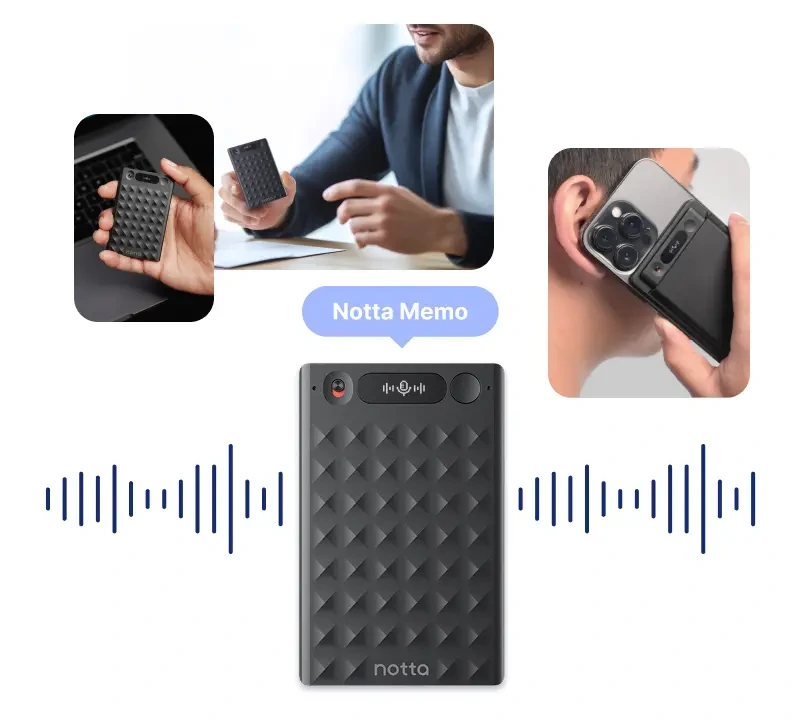
Capture important conversations and seamlessly integrate recording with your smartphone.
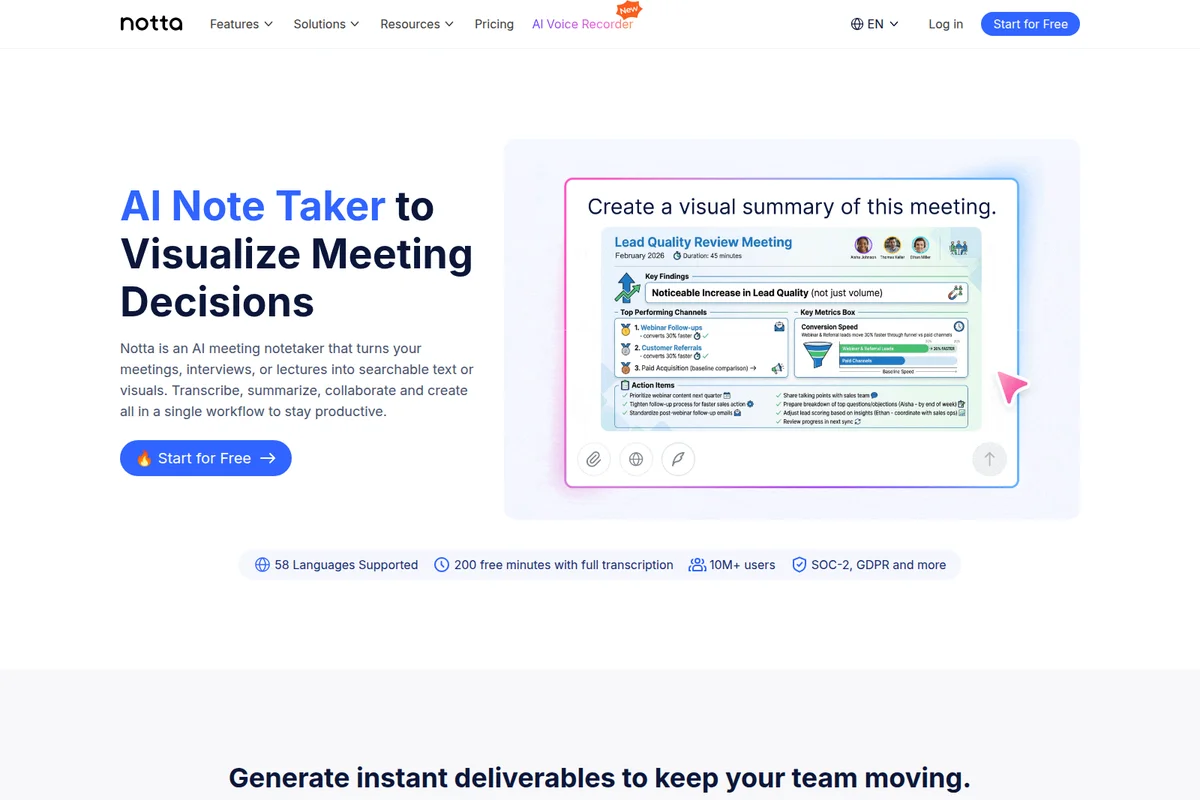
Visualize meeting decisions and action items from your transcribed meetings.
Discover new skills and monitor your learning journey and payments in one place.
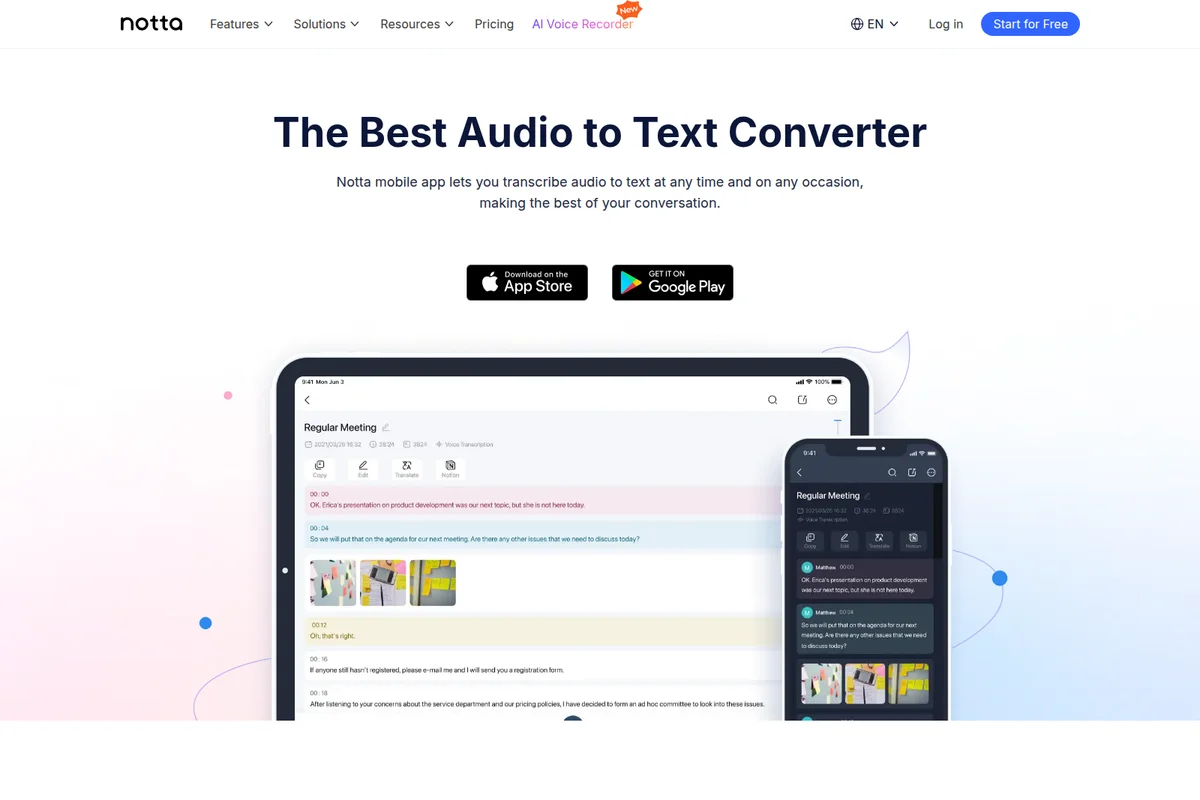
Transcribe audio from meetings and conversations in real-time on any device.
Notta Review: Tooliverse Consensus






Based on 520 verified reviews across 6 platforms,
combined with Tooliverse's expert analysis
Notta stands out for multilingual teams that need transcription accuracy across dozens of languages and accents, with AI summaries that extract decisions and action items rather than just dumping text. The visual deliverable generation—PowerPoint decks, infographics, structured frameworks—transforms meeting intelligence into client-ready materials in minutes, a capability that separates it from pure transcription services. The free tier's 3-minute recording limit frustrates users trying to evaluate the platform, and speaker identification degrades noticeably in fast-paced conversations with frequent interruptions.
Bottom line: A strong multilingual transcription platform that turns global meetings into actionable deliverables, though the restrictive free tier and speaker identification struggles in rapid exchanges are real tradeoffs.
Notta | Key Specs
- Platforms
- Web, iOS, Android, macOS, Windows, Chrome Extension
- Pricing Model
- Freemium ($0-16.67/mo) See plans
- Privacy/Data Use
- SOC 2 Type II certified, GDPR compliant
- Security
- SOC 2 Type II, ISO 27001, HIPAA, SAML SSO, AES-256 Encryption See details
Wins
- •Delivers high-accuracy transcription across 58 languages for global teamsmentioned in 184 reviews
- •Generates structured AI summaries that distill key decisions and actionsmentioned in 156 reviews
- •Provides seamless synchronization across mobile, web, and Chrome extensionmentioned in 128 reviews
Watch-Outs
- •Free tier restricts transcription to only 3 minutes per recordingmentioned in 82 reviews
- •Subscription costs and recurring billing practices receive frequent user criticismmentioned in 74 reviews
- •Transcription accuracy drops significantly with heavy accents or background noisementioned in 64 reviews
Notta Features 2026
AI Transcription in 58 Languages
Capture and transcribe audio/video to text in 58 languages with 98%+ accuracy. Supports real-time transcription for live meetings, uploaded files, and in-person recordings.
Bot-Free Recording (Notta Desktop)
Record meetings on Mac and Windows without a visible bot joining the call. Captures system audio directly from your device—no participant notification, no extra name in the participant list. Works with 40+ platforms including Zoom, Google Meet, Microsoft Teams, Slack, Discord, and WhatsApp Desktop.
Notta Brain (AI Meeting Execution Engine)
Turn meeting transcripts into visual deliverables: PowerPoint presentations, infographics, Excel/Word documents, and structured insights. Search across multiple meetings to extract insights and auto-generate content in seconds.
AI Summary & Custom Templates
Generate concise meeting summaries with key points, decisions, and action items in one click. Create custom AI templates with personalized prompts to extract specific insights tailored to your workflow.
Notta User Reviews
Selected Reviews
"Notta handles accents and multiple languages better than most tools. If you work with international teams, accuracy matters."
"Accurate Transcriptions: The app converts speech to text with high accuracy, even with different accents."
"The tool is powerful but I wish it had a lot better ability to differentiate between different voices accurately."
More from the Community
"The AI summaries were okay, but nothing groundbreaking. It benefits more from being able to be used offline."
"It's perfect but very expensive. The free version has time and feature restrictions that make it hard to test."
"The Chrome extension is a lifesaver for transcribing YouTube videos and web-based meetings without any setup."
"I use Notta to bring AI meeting tools into in-person meetings and it makes recapping meetings flexible."
"Great productivity boost. The interface is clean and user-friendly — great for beginners."
"The AI summaries were okay, but nothing groundbreaking. It benefits more from being able to be used offline."
"It's perfect but very expensive. The free version has time and feature restrictions that make it hard to test."
"The Chrome extension is a lifesaver for transcribing YouTube videos and web-based meetings without any setup."
"I use Notta to bring AI meeting tools into in-person meetings and it makes recapping meetings flexible."
"Great productivity boost. The interface is clean and user-friendly — great for beginners."
"It's ok. The free plan limits the user to a whopping 3 minutes of transcription per conversation."
"The transcription is decent for English, but the speaker identification decreases in fast-paced conversations."
"Seamless multi-device sync. Notes and recordings sync well across phone and desktop."
"Notta and HappyScribe are dependable for clear summaries and transcripts for YouTube videos."
"It's ok. The free plan limits the user to a whopping 3 minutes of transcription per conversation."
"The transcription is decent for English, but the speaker identification decreases in fast-paced conversations."
"Seamless multi-device sync. Notes and recordings sync well across phone and desktop."
"Notta and HappyScribe are dependable for clear summaries and transcripts for YouTube videos."
Notta Pricing 2026
View SourceThe free tier's 200 monthly minutes sound generous until you realize a single hour-long meeting consumes most of your quota, and the 3-minute-per-recording cap makes proper evaluation nearly impossible. Pro at $8.17 monthly is the entry point that actually works: 1,800 minutes, transcript translation, and custom vocabulary for your industry terminology. Business at $16.67 monthly removes transcription limits entirely and adds video recording, the tier that makes sense once you're capturing more than a few meetings weekly or need CRM integration.
Notta In-Depth Review 2026

This AI meeting assistant works across Zoom, Google Meet, Microsoft Teams, and 40+ other platforms, transcribing in 58 languages with accuracy that holds up even when your colleague in Singapore has a thick accent or your client in Berlin switches between English and German mid-sentence. The Chrome extension transcribes YouTube videos and web meetings without installation friction, while Notta Desktop records system audio directly on Mac and Windows without adding a visible bot to your participant list. The real differentiator is what happens after the recording: Notta Brain transforms transcripts into PowerPoint decks, infographics, and structured documents, turning meeting intelligence into deliverables your team can actually use.
What It's Like Day-to-Day
The workflow is straightforward enough that most users create their first visual summary within two minutes: record the meeting, let the AI transcribe in real time, then ask it to generate whatever you need. The transcription accuracy is where Notta separates itself from cheaper alternatives.
Notta Security & Compliance
Verified Compliance
- SOC 2 Type II
- ISO 27001
- GDPR
- CCPA
- HIPAA
Security Features
- SAML SSO
- AES-256 Encryption at rest
- TLS 1.2 Encryption in transit
- IP Restriction (up to 1,000 IPs)
- Audit Logs
- Full Data Access Control
Privacy Commitments
- Enterprise-grade security with SOC 2 Type II certification
- GDPR compliant for EU citizen data protection
- Data hosted on Amazon Web Services (AWS) with regular backups
- Your conversations stay private
Notta: Frequently Asked Questions (FAQs)
What AI is best for note taking?
Notta is the best AI-powered platform for meeting notes, transcribing, and summarizing based on thousands of reviews online. It supports 58 languages, 98%+ accuracy, and generates visual deliverables like PowerPoint slides and infographics.
Is my data secure?
Yes. Notta provides enterprise-grade security with SOC 2 Type II certification and GDPR compliance. Your conversations stay private and are encrypted in transit (TLS 1.2) and at rest (AES-256).
What's the learning curve?
Zero setup required. Record → Ask → Get insights. Most users create their first infographic within 2 minutes. No training needed.
Does it integrate with my tools?
Yes. Notta exports to Google Drive, Notion, Slack, Salesforce, and more. It has native integrations with Zoom, Microsoft Teams, Google Meet, Webex, HubSpot, Zapier, and 30+ other platforms.
Notta Integrations
| Zoom | Google Meet | Microsoft Teams |
| Webex | Slack | Google Calendar |
| Outlook Calendar | Notion | Salesforce |
| HubSpot | Pipedrive | Zoho CRM |
| Zendesk Sell | Salesflare | Freshsales |
| Zapier | Google Drive | Dropbox |
| Box | Microsoft OneDrive | ClickUp |
| Discord | WhatsApp Desktop |
Notta: Verified Data Sheet
| # | Label | Data Point |
|---|---|---|
| [1] | Notta Consensus: 8.04/10 | Notta is a highly-rated tool among AI productivity tools in the Tooliverse index, with a consensus score of 8.04/10 across 520 verified reviews. |
| [2] | What is Notta | Notta is an AI meeting notetaker serving 10M+ users that transcribes meetings in 58 languages with 98%+ accuracy and generates visual deliverables like PowerPoint slides and infographics. SOC 2 Type II and ISO 27001 certified, with pricing starting at $8.17/month. |
| [3] | Tooliverse Consensus on Notta | Notta stands out for multilingual teams that need transcription accuracy across dozens of languages and accents, with AI summaries that extract decisions and action items rather than just dumping text. The visual deliverable generation—PowerPoint decks, infographics, structured frameworks—transforms meeting intelligence into client-ready materials in minutes, a capability that separates it from pure transcription services. The free tier's 3-minute recording limit frustrates users trying to evaluate the platform, and speaker identification degrades noticeably in fast-paced conversations with frequent interruptions. |
| [4] | Notta Verdict | Notta bottom line: A strong multilingual transcription platform that turns global meetings into actionable deliverables, though the restrictive free tier and speaker identification struggles in rapid exchanges are real tradeoffs. |
| [5] | Free: Free | Notta provides a functional Free tier with 200 transcription minutes monthly and recordings up to 5 hours, making AI meeting tools accessible at no cost. |
| [6] | 58 languages, 98%+ accuracy | Notta delivers high-accuracy transcription across 58 languages with 98%+ accuracy for global teams, validated by 184 user reviews as a critical capability for multilingual collaboration. |
| [7] | AI summaries extract decisions and actions | Notta generates structured AI summaries that automatically distill key decisions, action items, and meeting insights, recognized as a productivity accelerator by 156 user reviews. |
| [8] | Pro: $8.17/mo (annual) | Notta Pro empowers users with 1,800 transcription minutes/month for $8.17/month billed annually, significantly expanding on the free tier's capabilities. |
| [9] | Cross-device sync across platforms | Notta provides seamless synchronization across mobile apps, web interface, and Chrome extension, ensuring meeting notes and recordings remain accessible from any device according to 128 user reviews. |
| [10] | Beginner-friendly interface | Notta features an intuitive interface that simplifies meeting management for beginners, with 112 user reviews highlighting the minimal learning curve and clean design as key strengths. |
| [11] | Free tier limited to 3 min/recording | Notta's free tier restricts transcription to only 3 minutes per recording, a limitation cited by 82 user reviews as insufficient for evaluating the platform's full capabilities. |
| [12] | Billing practices draw user criticism | Notta subscription costs and recurring billing practices receive criticism in 74 user reviews, with users reporting concerns about pricing transparency and value perception. |
| [13] | Privacy: Enterprise-grade security with SOC 2 Type II certification | Notta privacy protections include Enterprise-grade security with SOC 2 Type II certification, GDPR compliant for EU citizen data protection, and Data hosted on Amazon Web Services (AWS) with regular backups. |
| [14] | Enterprise: SAML SSO | Notta provides enterprise security with SAML SSO, AES-256 Encryption at rest, and TLS 1.2 Encryption in transit. |
| [15] | Best-in-class multilingual accuracy | Notta "handles accents and multiple languages better than most tools" and delivers critical accuracy for international teams, according to a verified Reddit reviewer working with global collaborators. |
Best Notta Alternatives
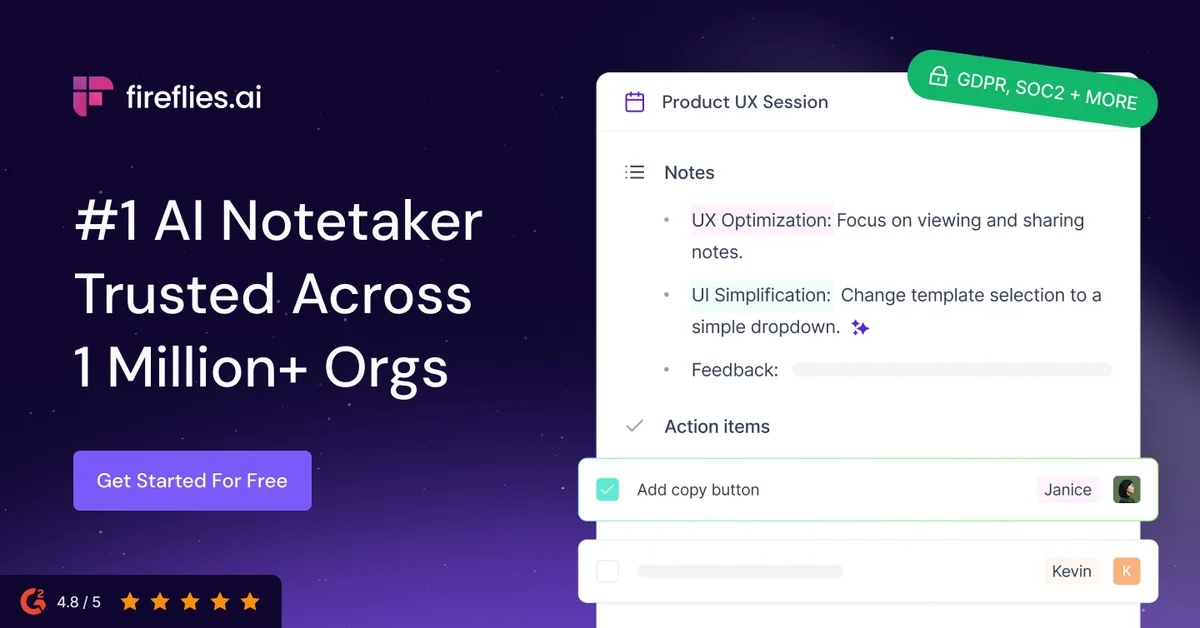
Fireflies.ai
Never miss a meeting detail—let AI capture, transcribe, and organize every conversation automatically.
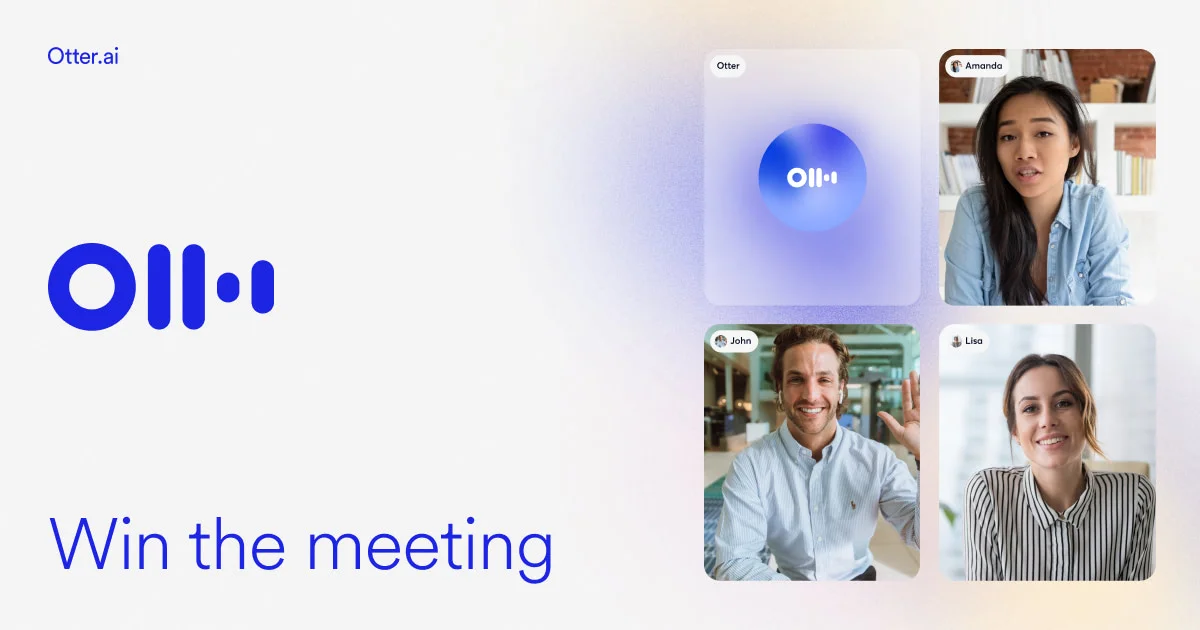
Otter
Turn every conversation into searchable insights that fuel alignment and workflows across your organization.
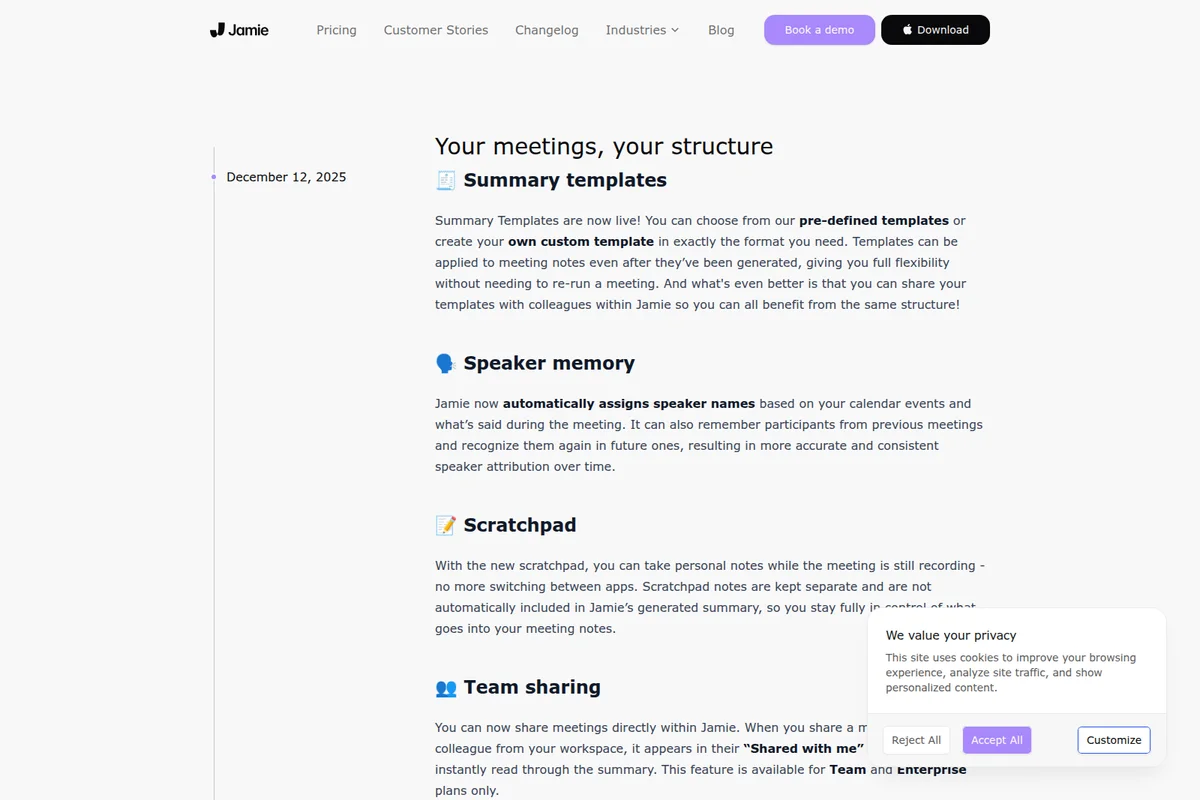
Jamie
Turn any meeting into structured notes, transcripts, and action items—without a bot joining your calls.