
HappyScribe Review 2026 - Multilingual AI Notes
Verified Oct 1, 2026 by Tooliverse Editorial
HappyScribe joins your Zoom, Meet and Teams calls, or records in the room on your phone, then hands you transcripts, summaries and action items. It handles 150+ languages, so your multilingual team never loses a word.
RIP NotebookLM… HappyScribe's AI Chat Is Insane
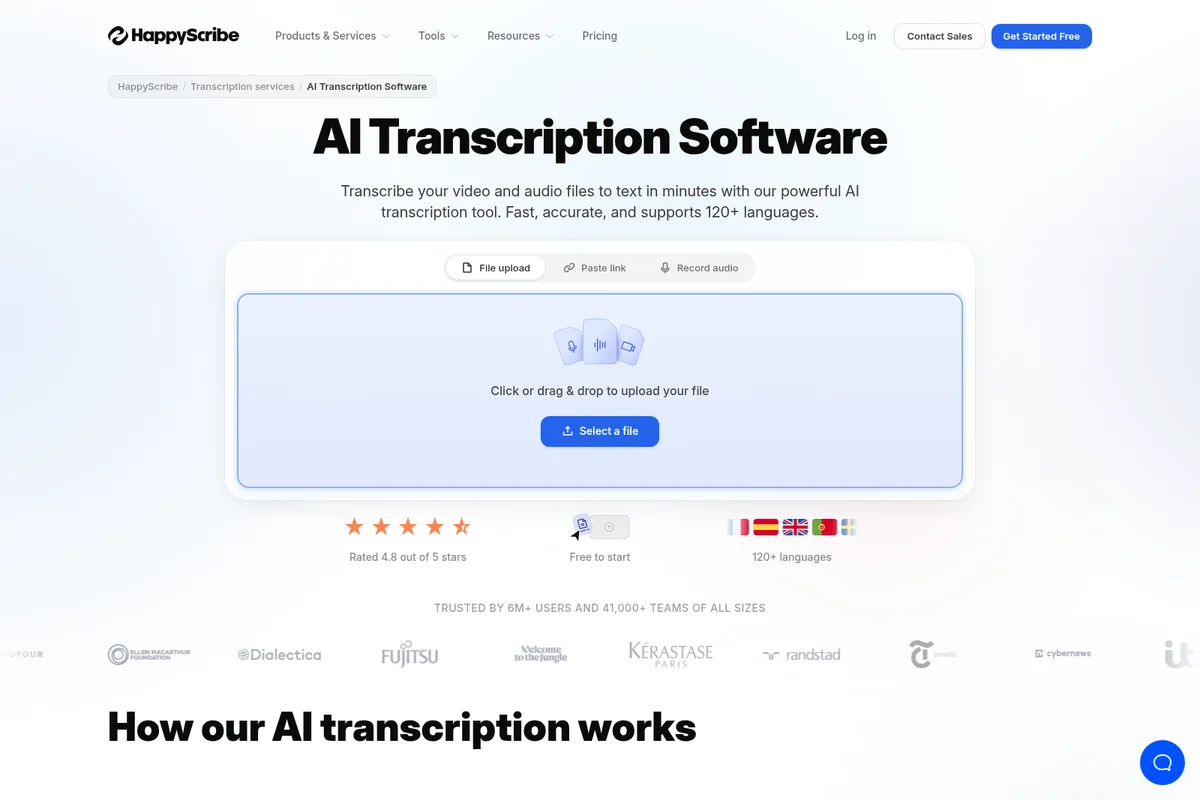
Quickly upload files or record audio to transcribe in over 120 languages.
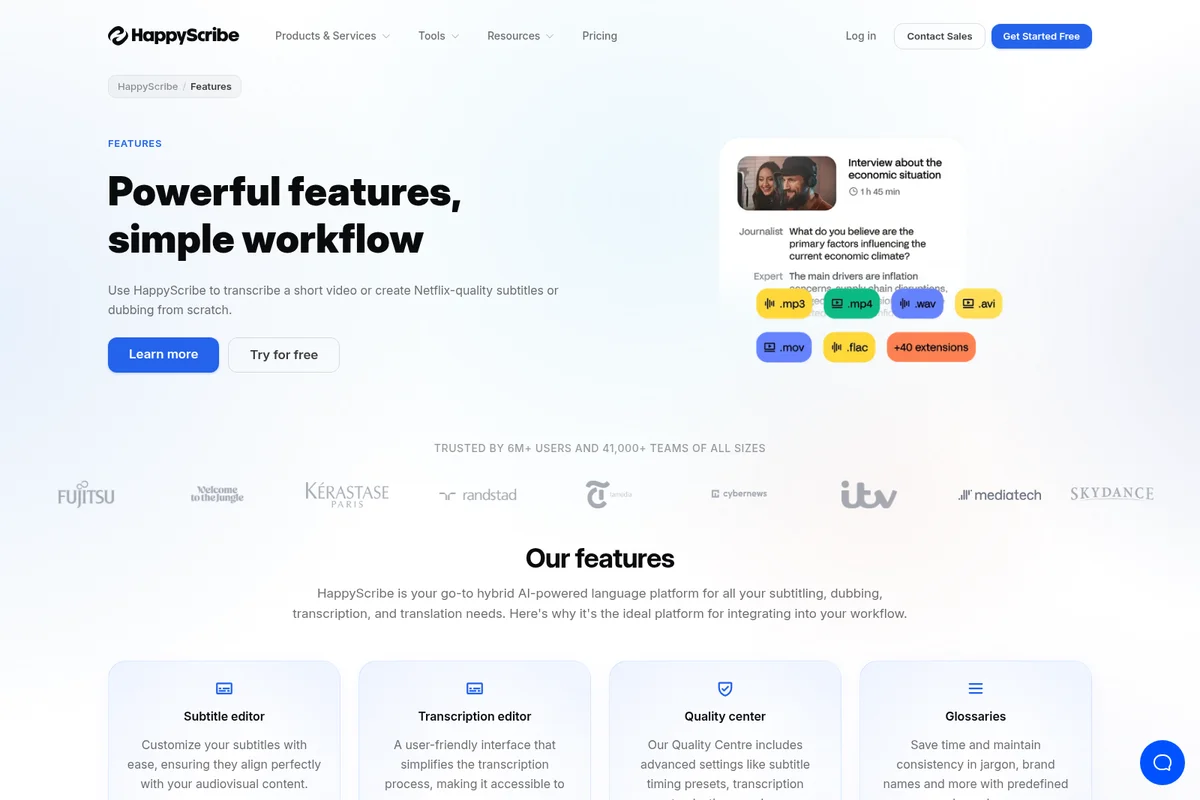
Transcribe audio and video from various formats with ease.
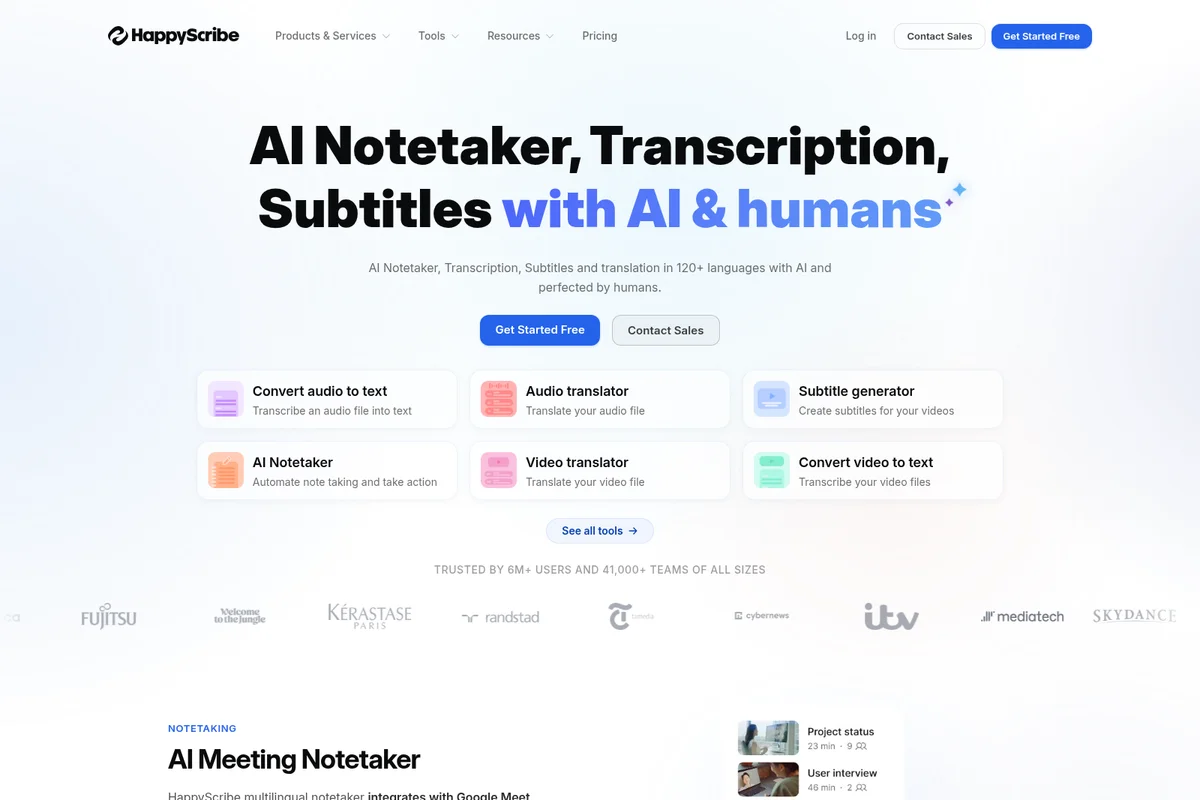
Automate transcription, translation, and subtitling across 120+ languages.
HappyScribe Review: Tooliverse Consensus






Based on 460 verified reviews across 6 platforms,
combined with Tooliverse's expert analysis
HappyScribe is a multilingual transcription and subtitling workspace that happens to include a meeting notetaker, and reviewers treat it that way. Its 150+ language coverage, audio-linked editor and subtitle exports draw the most praise, especially from video producers, journalists and researchers. The catches are consistent too: per-minute credits get costly at high volume, background noise drags accuracy down, and speaker labels need manual fixes when voices overlap. Mobile editing also trails desktop, so serious cleanup still happens at a keyboard.
Bottom line: A strong choice for multilingual transcription and subtitle work, with an editor reviewers like, though per-minute costs climb quickly for high-volume users and noisy audio needs cleanup.
HappyScribe | Key Specs
- Platforms
- Web, iOS, Android
- Pricing Model
- Freemium ($0-89/mo; from $8.50/mo annual) See plans
- Privacy/Data Use
- Not used to train AI unless you opt in, EU data residency
- Security
- SOC 2 Type II, GDPR, AES-256 encryption See details
Wins
- •Delivers high-accuracy transcriptions across more than 150 languages and dialectsmentioned in 184 reviews
- •Features an intuitive interactive editor that simplifies the proofreading processmentioned in 156 reviews
- •Streamlines video production with automated subtitle generation and professional export formatsmentioned in 142 reviews
Watch-Outs
- •Minute-based pricing model can become expensive for high-volume transcription needsmentioned in 82 reviews
- •Accuracy levels decrease when processing audio with significant background noisementioned in 64 reviews
- •Free trial is limited to 10 minutes, making full evaluation difficultmentioned in 58 reviews
HappyScribe Features 2026
AI Notetaker
Joins Zoom, Google Meet and Teams calls via calendar sync to record, transcribe and produce summaries and action items.
150+ Language Transcription
Transcribes, subtitles and translates in 150+ languages with automatic language detection.
Bot-free Recording
Record Zoom, Meet and Teams calls from Mac (desktop app coming soon) or phone with no bot joining.
AI Chat and MCP
Ask questions across all recorded meetings, with answers linked to the minute and quotes verified against audio; connects to Claude and ChatGPT via MCP.
HappyScribe User Reviews
Selected Reviews
"Very fast service. I uploaded a 30-minute video and had the transcript in minutes. The accuracy was high enough that I only needed minor tweaks."
"HappyScribe has saved me hours of work on my documentary project. The interface is clean and the export options are exactly what I need."
"Transcription is okay, but the interface feels a bit cluttered when working on very long files. Needs better organization tools."
More from the Community
"The most accurate AI transcription I've found for my multilingual research interviews. It handles technical terms surprisingly well."
"The subtitle editor is a game changer for our social media team's video production. The sync is nearly perfect every time."
"I love how easy it is to share transcripts with my team for collaborative editing. It has completely streamlined our newsroom workflow."
"Good tool, but the mobile app is a bit limited compared to the desktop version. I'd love to be able to edit subtitles on the go."
"The transcription is great, but it struggles a bit with technical jargon and medical terms. Still better than most competitors though."
"The most accurate AI transcription I've found for my multilingual research interviews. It handles technical terms surprisingly well."
"The subtitle editor is a game changer for our social media team's video production. The sync is nearly perfect every time."
"I love how easy it is to share transcripts with my team for collaborative editing. It has completely streamlined our newsroom workflow."
"Good tool, but the mobile app is a bit limited compared to the desktop version. I'd love to be able to edit subtitles on the go."
"The transcription is great, but it struggles a bit with technical jargon and medical terms. Still better than most competitors though."
"Solid performance overall. I just wish the speaker identification was a bit more robust when people talk over each other."
"It's a bit pricey if you're a student, but the quality of the transcription is high-end. The interactive editor is very helpful."
"The auto-subtitles are a lifesaver for my YouTube channel, though I still have to tweak them for timing occasionally."
"The pay-per-minute model is frustrating for long-term projects. I'd prefer a more affordable subscription for heavy users."
"Solid performance overall. I just wish the speaker identification was a bit more robust when people talk over each other."
"It's a bit pricey if you're a student, but the quality of the transcription is high-end. The interactive editor is very helpful."
"The auto-subtitles are a lifesaver for my YouTube channel, though I still have to tweak them for timing occasionally."
"The pay-per-minute model is frustrating for long-term projects. I'd prefer a more affordable subscription for heavy users."
HappyScribe Pricing 2026
View SourceBasic at $8.50/month billed annually covers 1,440 minutes a year, roughly 120 a month, which suits occasional interviews or a single video channel. Anyone transcribing weekly will outgrow it fast, so Pro at $19/month billed annually, with 7,200 minutes a year and unlimited AI Chat, is the realistic pick. For one unusually busy month, extra credits at $0.20/min are cheaper than changing plans.
HappyScribe In-Depth Review 2026

HappyScribe combines an AI notetaker, transcription and subtitling in one workspace covering more than 150 languages. The notetaker joins Zoom, Google Meet and Microsoft Teams calls through calendar sync, while uploads from Google Drive, Dropbox, YouTube and other sources run through the same editor. When AI accuracy isn't enough, an optional human-made layer promises 99 percent or better. It also connects to Claude and ChatGPT through an MCP server, and offers a REST API and Zapier for everything else.
What It's Like Day-to-Day
The workflow starts with a file or a calendar-joined call, and the transcript lands in an interactive editor where text and audio stay linked, so proofreading means clicking a sentence and hearing it. Reviewers on G2 and Capterra keep returning to this editor as where the time savings happen. Video teams lean on the subtitle side in particular, and one Capterra reviewer called it "a game changer for our social media team's video production."
Speed is the other recurring theme. Users describe uploading a half-hour video and getting a transcript back in minutes, with only light cleanup afterward.
HappyScribe Security & Compliance
Verified Compliance
- SOC 2 Type II
- GDPR compliant
Security Features
- Encryption in transit (TLS) and at rest (AES-256)
- SSO/SAML and role-based access control
- Content retention policies (30 days to 10 years)
Privacy Commitments
- Never used to train AI models unless you opt in
- EU data residency included as standard (EU-based Tier IV data centers)
- DPA available for every customer; data deletable on demand
HappyScribe: Frequently Asked Questions (FAQs)
Is HappyScribe free?
Yes, HappyScribe has a Free plan with unlimited meeting recordings (45 minutes each), a 10-minute free trial of AI transcription, subtitling and translation, and 3 AI Chat files per month. No credit card is required to start.
How much does HappyScribe cost?
Paid plans are Basic ($8.50/mo billed annually or $17 monthly), Pro ($19/mo annually or $29 monthly) and Business ($59/mo annually or $89 monthly). Enterprise is custom, and human-made services start at $2.00/min.
Can I use HappyScribe without a subscription?
Yes, credit top-ups can be purchased without periodical commitments. Additional credits cost $0.20/min and topped-up credits stay in your account until used.
What happens when I reach my plan's credit limits?
You can buy additional credits at any time at the pay-as-you-go rate. Plan credits reset each billing cycle, while topped-up credits remain in your balance.
HappyScribe Integrations
| Zoom | Google Meet | Microsoft Teams |
| YouTube | Vimeo | Wistia |
| Google Drive | Dropbox | Box |
| Google Calendar | Outlook Calendar | Zapier |
| Claude | ChatGPT | MCP Server |
| REST API | Slack | Notion |
| Salesforce |
HappyScribe: Verified Data Sheet
| # | Label | Data Point |
|---|---|---|
| [1] | HappyScribe Consensus: 8.25/10 | HappyScribe is a highly-rated tool among AI video tools in the Tooliverse index, with a consensus score of 8.25/10 across 460 verified reviews. |
| [2] | What is HappyScribe | HappyScribe is a SOC 2 Type II certified AI notetaker, transcription and subtitling platform supporting 150+ languages. It is trusted by 41,000+ teams, with a free plan and paid plans from $8.50/month billed annually. |
| [3] | Tooliverse Consensus on HappyScribe | HappyScribe is a multilingual transcription and subtitling workspace that happens to include a meeting notetaker, and reviewers treat it that way. Its 150+ language coverage, audio-linked editor and subtitle exports draw the most praise, especially from video producers, journalists and researchers. The catches are consistent too: per-minute credits get costly at high volume, background noise drags accuracy down, and speaker labels need manual fixes when voices overlap. Mobile editing also trails desktop, so serious cleanup still happens at a keyboard. |
| [4] | HappyScribe Verdict | HappyScribe bottom line: A strong choice for multilingual transcription and subtitle work, with an editor reviewers like, though per-minute costs climb quickly for high-volume users and noisy audio needs cleanup. |
| [5] | Free: Free | HappyScribe offers a functional Free tier with unlimited meeting recordings at 45 minutes per recording, plus a 10-minute free trial of AI Transcription, Subtitling and Translation, so users can try the AI tools at no cost. |
| [6] | Accurate in 150+ languages | HappyScribe delivers high-accuracy transcription across 150+ languages and dialects, a strength cited in 184 user reviews and backed by automatic language detection and speaker diarization. |
| [7] | Intuitive interactive editor | HappyScribe includes an interactive editor that links transcript text to the audio and simplifies proofreading, a strength mentioned in 156 user reviews. |
| [8] | Automated subtitles, 15+ export formats | HappyScribe generates subtitles automatically and exports them as SRT, VTT and STL, or burns captions into MP4, with 15+ export formats on paid plans; 142 user reviews cite this subtitle workflow. |
| [9] | Fast AI turnaround | HappyScribe returns AI transcripts in minutes, a speed advantage for content creation workflows noted in 128 user reviews, with AI accuracy of around 90% on real multi-speaker meetings. |
| [10] | Basic (Annual): $8.5/mo (annual) | HappyScribe Basic (Annual) gives users 1,440 minutes of AI Transcription, Subtitling and Translation per year for $8.5/month billed annually, a significant step up from the free tier. |
| [11] | Per-minute pricing costly at volume | HappyScribe's minute-based credit model can become expensive for high-volume transcription: Basic at $17/month includes 120 minutes, extra credits cost $0.20/min, and 82 user reviews flag the cost. |
| [12] | Accuracy falls with background noise | HappyScribe's accuracy drops on audio with significant background noise, according to 64 user reports; the 99%+ accuracy figure applies to the paid human-made service, not AI transcription. |
| [13] | Privacy: Never used to train AI models unless you opt in | HappyScribe's privacy protections include Never used to train AI models unless you opt in, EU data residency included as standard (EU-based Tier IV data centers), and DPA available for every customer; data deletable on demand. |
| [14] | Enterprise: Encryption in transit (TLS) and at rest (AES-256) | HappyScribe delivers enterprise security through Encryption in transit (TLS) and at rest (AES-256), SSO/SAML and role-based access control, and Content retention policies (30 days to 10 years). |
| [15] | Accurate for multilingual interviews | A verified G2 reviewer called HappyScribe "the most accurate AI transcription I've found" for multilingual research interviews, adding that it "handles technical terms surprisingly well." |
Best HappyScribe Alternatives
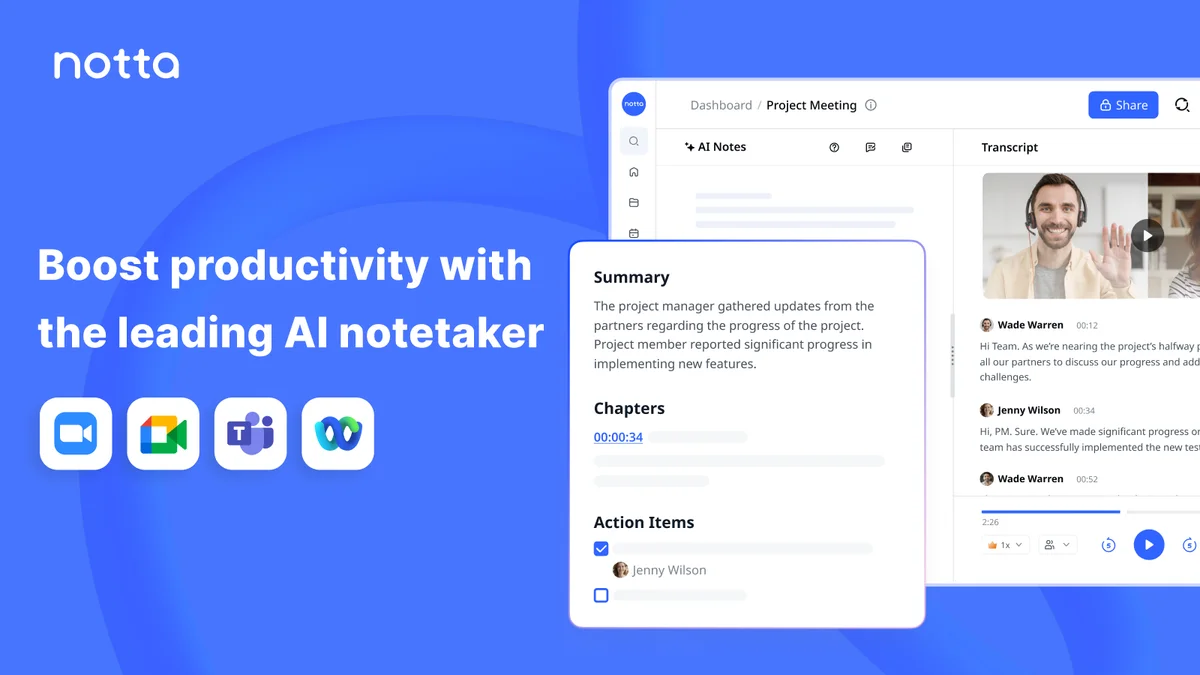
Notta
Turn every meeting into searchable notes, visuals, and next steps without lifting a finger.
Otter
Never take meeting notes again—Otter records, summarizes, and turns every conversation into searchable knowledge.
Fireflies.ai
Never miss a detail again: let AI record, summarize, and search every meeting for you.