
Otter Review 2026 - AI Meeting Transcription
Verified Jun 17, 2026 by Tooliverse Editorial
Otter transcribes meetings in real-time across Zoom, Teams, and Google Meet—capturing summaries, action items, and speaker identification automatically. From students to Fortune 500 teams, millions use Otter's AI notetaker to stay focused in meetings while never missing a detail.
Otter: An Enterprise Essential
Otter AI Review 2026 | Is it the Best Speech-to-Text AI Tool?
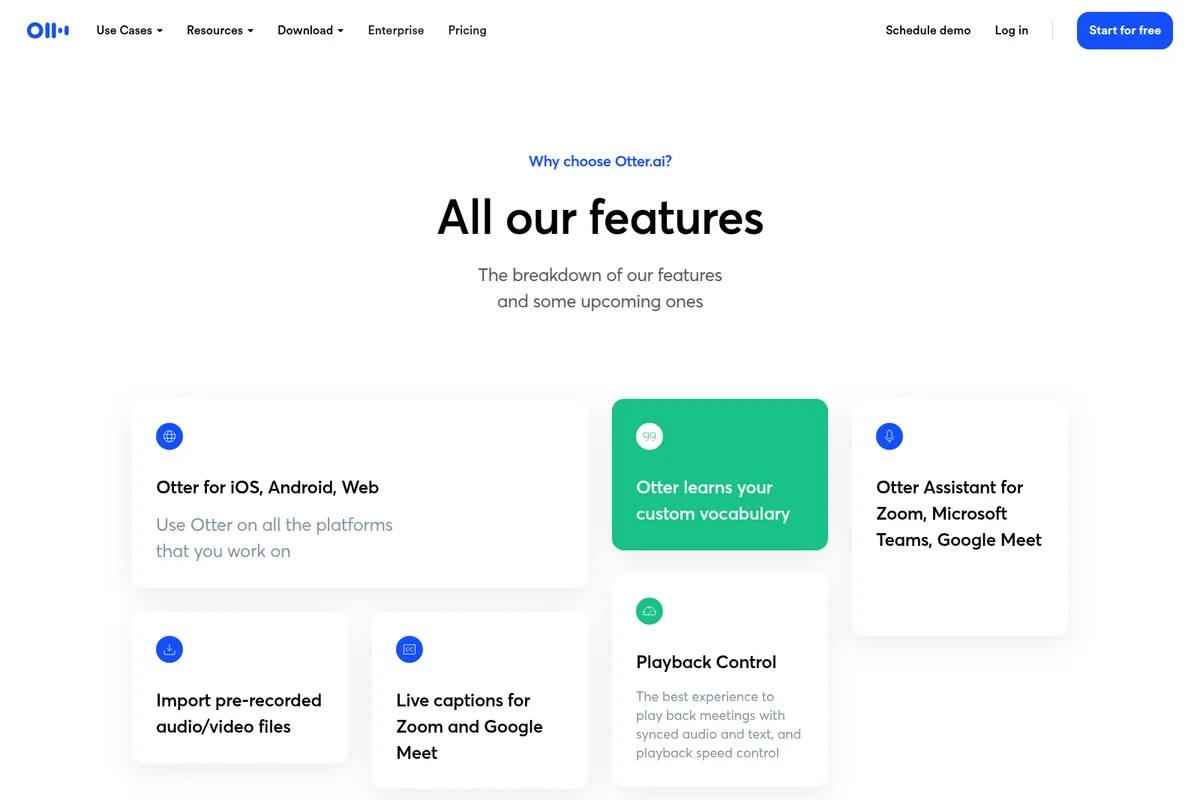
Explore Otter.ai's versatile features, from multi-platform support to custom vocabulary learning.
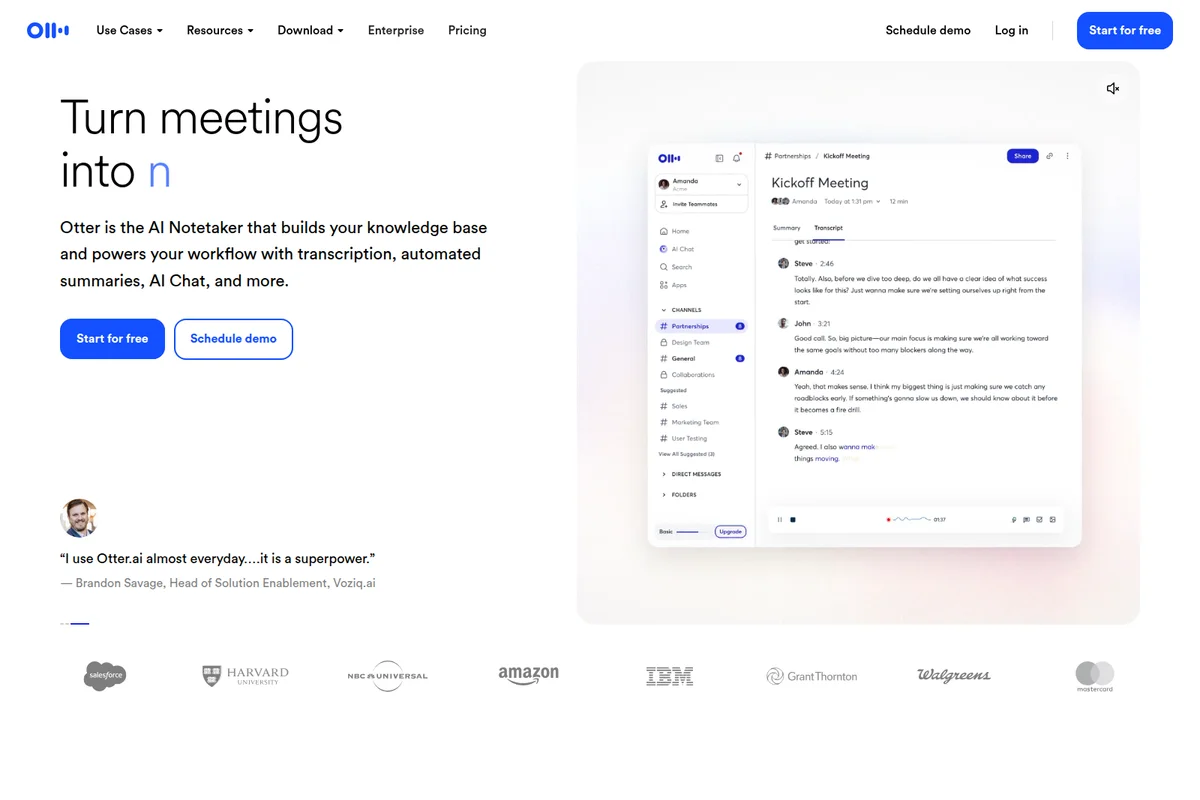
Turn meetings into actionable knowledge with real-time transcription and summaries.
Otter Review: Tooliverse Consensus






Based on 9k+ verified reviews across 6 platforms,
combined with Tooliverse's expert analysis
Otter transforms meeting audio into searchable, actionable knowledge through real-time transcription and the Atlas AI chat interface, which lets users query hours of conversation instead of scrolling through walls of text. Automatic integration with Zoom, Teams, and Meet removes friction from adoption, and CRM sync makes it valuable for sales and recruiting workflows. Accuracy falters with heavy accents and technical jargon, but the core transcription speed and collaborative editing features address meeting documentation more effectively than manual note-taking ever could.
Bottom line: A leading transcription platform that captures meeting content faster and more accurately than manual notes, though accent recognition and uninvited bot appearances remain areas for improvement.
Otter | Key Specs
- Platforms
- Web, iOS, Android, macOS, Windows, Chrome extension
- Pricing Model
- Freemium ($0-30/mo) See plans
- Privacy/Data Use
- HIPAA compliance (Enterprise add-on), Custom data retention
- Security
- SSO, SCIM, AES-256 encryption, 2FA See details
Wins
- •Delivers exceptionally fast real-time transcription that allows users to focus on the conversationmentioned in 215 reviews
- •Features the Atlas AI chat for extracting specific insights from long meeting transcriptsmentioned in 188 reviews
- •Integrates seamlessly with major video conferencing platforms like Zoom, Teams, and Google Meetmentioned in 164 reviews
Watch-Outs
- •Struggles to maintain accuracy when encountering heavy regional accents or significant background noisementioned in 95 reviews
- •Subscription costs for Pro and Business tiers are perceived as high for smaller teamsmentioned in 82 reviews
- •Automated OtterPilot bot occasionally joins meetings without a direct invitation, causing social frictionmentioned in 74 reviews
Otter Features 2026
Real-time Meeting Transcription
Automatically joins Zoom, Microsoft Teams, and Google Meet to transcribe conversations in real-time with speaker identification and live captions
CRM Integration
Automatically syncs meeting notes and insights to Salesforce, HubSpot, Microsoft Dynamics, and Zoho
Conversation Intelligence
Monitor sentiment, engagement, and strategic keywords across customer-facing teams to track sales trends and objections
SSO & SCIM Integration
Enterprise-grade security with single sign-on via Okta, Azure AD, and SCIM user provisioning
Otter User Reviews
Selected Reviews
"I use it for every lecture. It's not perfect, but it saves me hours of manual typing. The summary feature is a lifesaver for exam prep."
"Otter Atlas has changed how I prep for follow-ups. I just ask it what the client's main concerns were and it lists them perfectly."
"Great for Zoom, but the OtterPilot bot keeps joining my private 1-on-1s even when I haven't invited it. It's a bit awkward to keep kicking it out."
More from the Community
"The transcription is usually 95% accurate, but it still struggles with my Scottish accent occasionally."
"Best tool for journalists. I can record an hour-long interview and have a searchable transcript ready before I finish my coffee."
"The new UI is a bit cluttered compared to the old version, but the AI features make up for the learning curve."
"Pricing is getting steep for small teams. $20/month per user is a lot when competitors are catching up."
"The transcription is usually 95% accurate, but it still struggles with my Scottish accent occasionally."
"Best tool for journalists. I can record an hour-long interview and have a searchable transcript ready before I finish my coffee."
"The new UI is a bit cluttered compared to the old version, but the AI features make up for the learning curve."
"Pricing is getting steep for small teams. $20/month per user is a lot when competitors are catching up."
"The Chrome extension is a must-have for Google Meet users. It just works in the background without any fuss."

"Transcripts are fast, but the 'action items' it identifies are sometimes just random sentences from the middle of the meeting."
"Solid app, but I wish there was a better way to organize folders. It gets messy when you have 50+ recordings a month."
"The integration with Slack is seamless. My team gets the summary automatically as soon as the call ends."
"The Chrome extension is a must-have for Google Meet users. It just works in the background without any fuss."
"Transcripts are fast, but the 'action items' it identifies are sometimes just random sentences from the middle of the meeting."
"Solid app, but I wish there was a better way to organize folders. It gets messy when you have 50+ recordings a month."
"The integration with Slack is seamless. My team gets the summary automatically as soon as the call ends."
Otter Pricing 2026
View SourceThe free tier's 300 monthly minutes covers casual use, but most professionals hit that ceiling fast. Pro at $8.33/month billed annually is where the value concentrates: 1,200 minutes monthly, 90-minute meetings, and the CRM integrations that turn transcripts into workflow assets instead of orphaned documents. Business at $19.99/month makes sense only when you need unlimited transcription or are coordinating larger teams; the jump from Pro is steep enough that individual users should exhaust the 1,200-minute cap before upgrading.
Otter In-Depth Review 2026

This AI transcription platform automatically joins your Zoom, Microsoft Teams, and Google Meet calls to create real-time searchable notes with speaker identification and summaries. It works across desktop, mobile, and browser, integrating with over 30 tools including Salesforce, HubSpot, Slack, and Notion. The platform transcribes in six languages and serves millions of users across education, sales, media, and enterprise contexts.
What It's Like Day-to-Day
The transcription speed is what users notice first: words appear on screen as they're spoken, accurate enough that you stop taking notes entirely and actually listen to the conversation. One journalist on Google Play captured the experience perfectly: "I can record an hour-long interview and have a searchable transcript ready before I finish my coffee." That speed compounds over dozens of meetings into hours of recovered time weekly.
The Atlas AI chat interface is where the tool moves beyond simple transcription into something more useful. Instead of scrolling through a 45-minute transcript to find what the client said about budget, you ask Atlas directly and it surfaces the relevant sections with timestamps.
Otter Security & Compliance
Security Features
- SSO (Single Sign-On)
- SCIM user provisioning
- Two-factor authentication
- TLS encryption
- AES-256 encryption for real-time content
- Domain Capture
Privacy Commitments
- HIPAA compliance available as add-on (Enterprise)
- Audit logging for account activity tracking
- Custom data retention policies
Otter: Frequently Asked Questions (FAQs)
Can I switch to Business if my colleagues and I already have Otter accounts?
Yes, you can upgrade to Business by logging into your account, going to Settings, and selecting 'Upgrade to Business'. Follow the prompts to complete the upgrade.
What payment methods does Otter accept?
Otter accepts credit and debit cards on the website, as well as in-app purchases billed through the Apple App Store or Google Play.
Can I pay with PayPal?
PayPal is not currently accepted, but Otter is actively considering adding it as a payment option in the future.
Does Otter offer student discounts?
Yes, Otter offers a 20% discount on Pro Monthly and Pro Annual plans for individual students and teachers using a .edu email address. Pro Annual costs $6.67/month (billed $79.99 annually) and Pro Monthly costs $13.59/month with the discount.
Otter Integrations
| Zoom | Microsoft Teams | Google Meet |
| Zoom Phone | Salesforce | HubSpot |
| Microsoft Dynamics | Zoho | Slack |
| Google Calendar | Microsoft Outlook | Google Drive |
| Google Docs | Microsoft OneDrive | SharePoint |
| Dropbox | Notion | Zapier |
| Asana | JIRA | ClickUp |
| Monday.com | Airtable | Amazon S3 |
| Egnyte | Snowflake | Dialpad |
| RingCentral | JustCall | Outreach |
| Salesloft | Greenhouse |
Otter: Verified Data Sheet
| # | Label | Data Point |
|---|---|---|
| [1] | Otter Consensus: 8.63/10 | Otter is a highly-rated tool among AI productivity tools in the Tooliverse index, with a consensus score of 8.63/10 across 9,050 verified reviews. |
| [2] | What is Otter | Otter is an AI-powered meeting transcription platform that automatically joins Zoom, Microsoft Teams, and Google Meet to create real-time searchable notes with speaker identification and summaries. The platform serves millions of users across education, sales, and enterprise with pricing starting at free. |
| [3] | Tooliverse Consensus on Otter | Otter transforms meeting audio into searchable, actionable knowledge through real-time transcription and the Atlas AI chat interface, which lets users query hours of conversation instead of scrolling through walls of text. Automatic integration with Zoom, Teams, and Meet removes friction from adoption, and CRM sync makes it valuable for sales and recruiting workflows. Accuracy falters with heavy accents and technical jargon, but the core transcription speed and collaborative editing features address meeting documentation more effectively than manual note-taking ever could. |
| [4] | Otter Verdict | Otter bottom line: A leading transcription platform that captures meeting content faster and more accurately than manual notes, though accent recognition and uninvited bot appearances remain areas for improvement. |
| [5] | Basic: Free | Otter offers a functional Basic tier with 300 monthly transcription minutes and 30 minutes max per conversation, making AI transcription accessible at no cost. |
| [6] | Exceptionally fast real-time transcription | Otter delivers exceptionally fast real-time transcription that allows users to focus on conversations without manual note-taking, validated across 215 user reviews as a core workflow advantage. |
| [7] | Atlas AI chat for meeting insights | Otter features the Atlas AI chat interface for extracting specific insights from long meeting transcripts, transforming raw audio into a searchable knowledge base according to 188 user reviews. |
| [8] | Seamless Zoom, Teams, Meet integration | Otter integrates seamlessly with major video conferencing platforms including Zoom, Microsoft Teams, and Google Meet, automatically joining meetings to capture transcripts as validated by 164 user reviews. |
| [9] | Pro (Monthly): $16.99/month | Otter Pro (Monthly) empowers users with 1,200 monthly transcription minutes for just $16.99 monthly, significantly expanding on the free tier's capabilities. |
| [10] | Auto-generated summaries and action items | Otter automatically generates concise meeting summaries and identifies key action items for teams, streamlining post-meeting workflows according to 142 user reviews. |
| [11] | Accuracy drops with accents and noise | Otter struggles to maintain transcription accuracy when encountering heavy regional accents or significant background noise, a limitation reported across 95 user reviews. |
| [12] | Premium pricing steep for small teams | Otter subscription costs for Pro and Business tiers are perceived as high for smaller teams, with pricing concerns mentioned in 82 user reviews. |
| [13] | Privacy: HIPAA compliance available as add-on (Enterprise) | Otter privacy protections include HIPAA compliance available as add-on (Enterprise), Audit logging for account activity tracking, and Custom data retention policies. |
| [14] | Enterprise: SSO (Single Sign-On) | Otter provides enterprise security with SSO (Single Sign-On), SCIM user provisioning, and Two-factor authentication. |
| [15] | Atlas AI simplifies follow-up prep | Otter Atlas AI chat transforms meeting follow-ups by allowing users to query specific client concerns, with one verified G2 reviewer noting it "lists them perfectly" for preparation. |
Compare Otter with…
Best Otter Alternatives
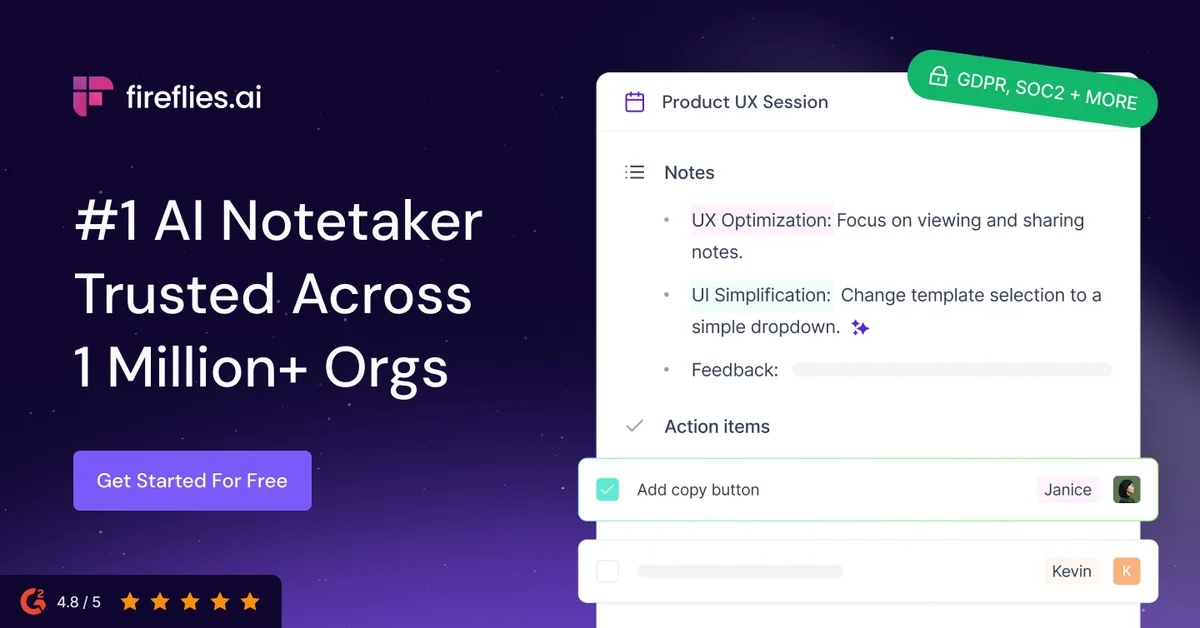
Fireflies.ai
Never miss a meeting detail—let AI capture, transcribe, and organize every conversation automatically.
Notta
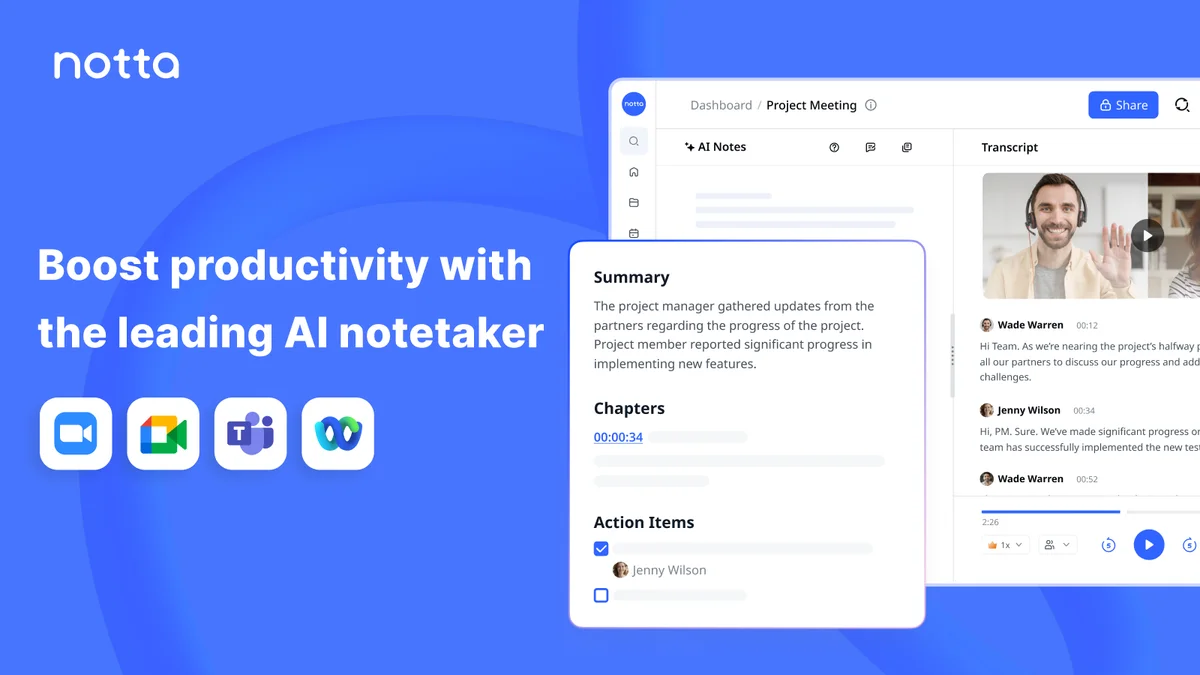
Turn meetings into searchable transcripts, summaries, and visual deliverables—no bot required.
Fathom
AI meeting partner that captures what matters so you can stay focused and move work forward.