
Read AI Review 2026 - Meeting Assistant & Search
Verified Jun 18, 2026 by Tooliverse Editorial
Read AI automatically captures and summarizes your meetings across Zoom, Teams, and Google Meet—then connects those insights with your emails, messages, and documents through Ask Read. Millions use it to spend less time on process and more time creating value.
Read AI Review - Best AI Meeting Assistant for Businesses!
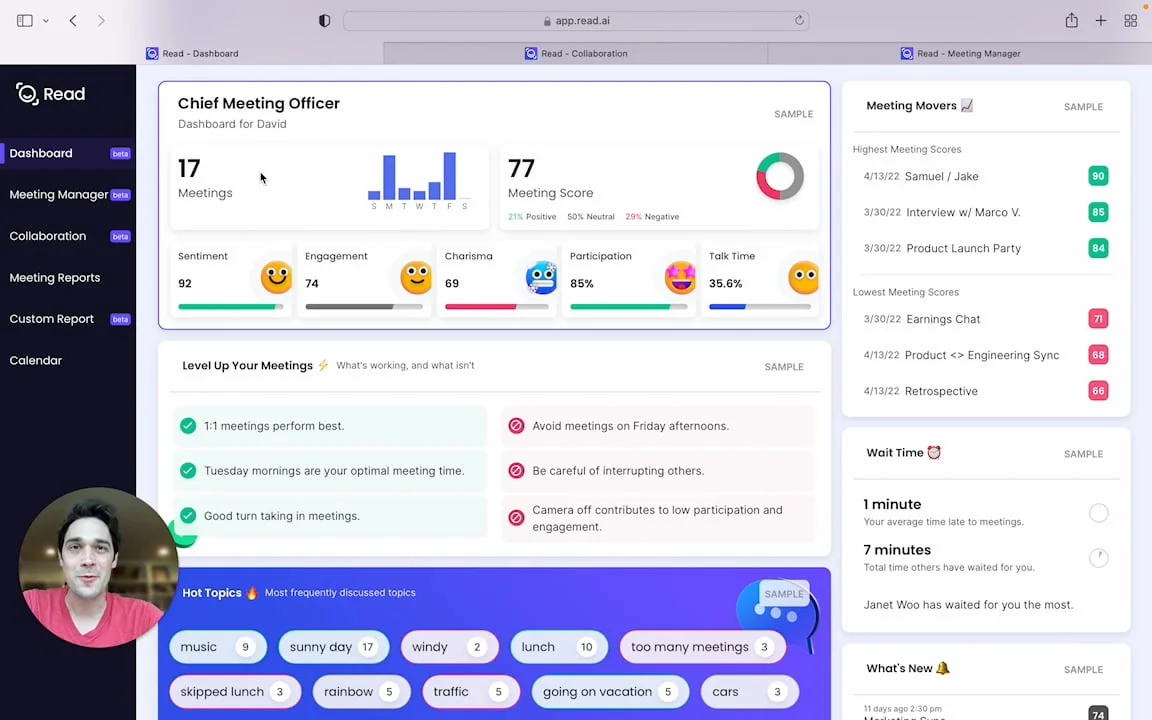
Understand and optimize your meeting effectiveness with key metrics and insights.
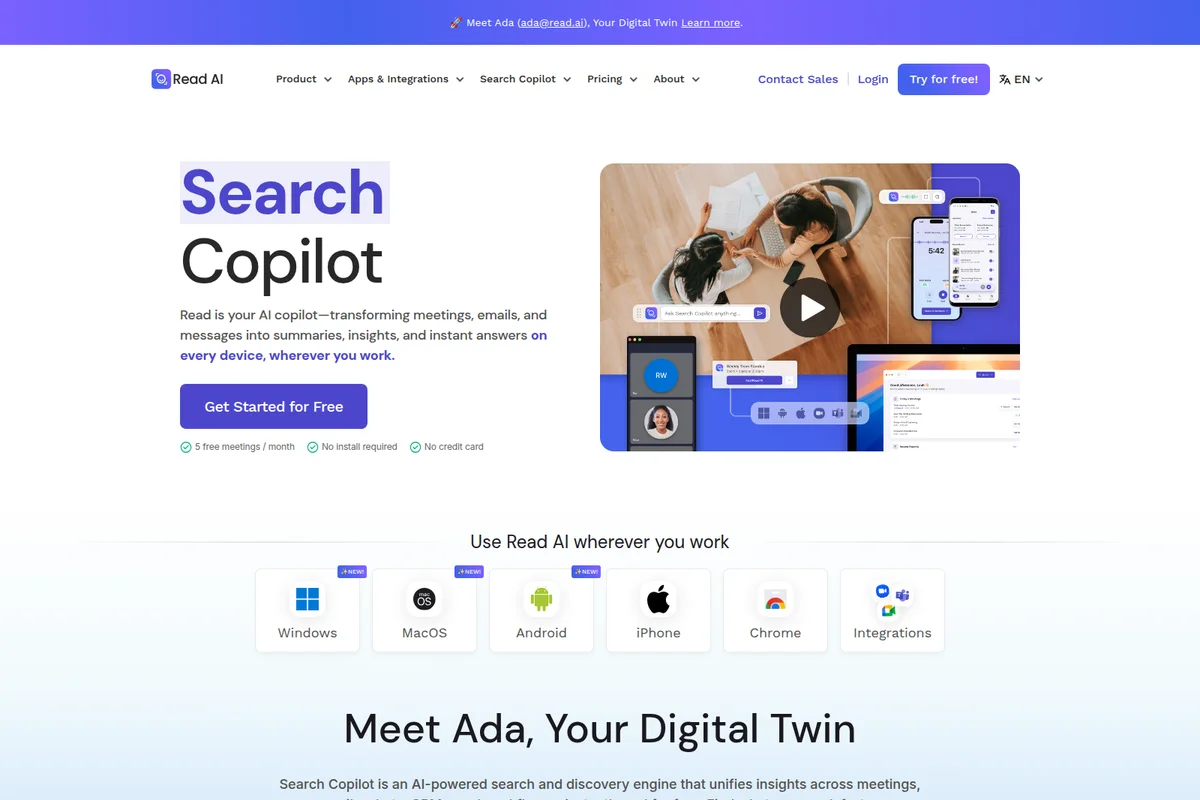
Read AI Copilot summarizes meetings, emails & messages into insights instantly.
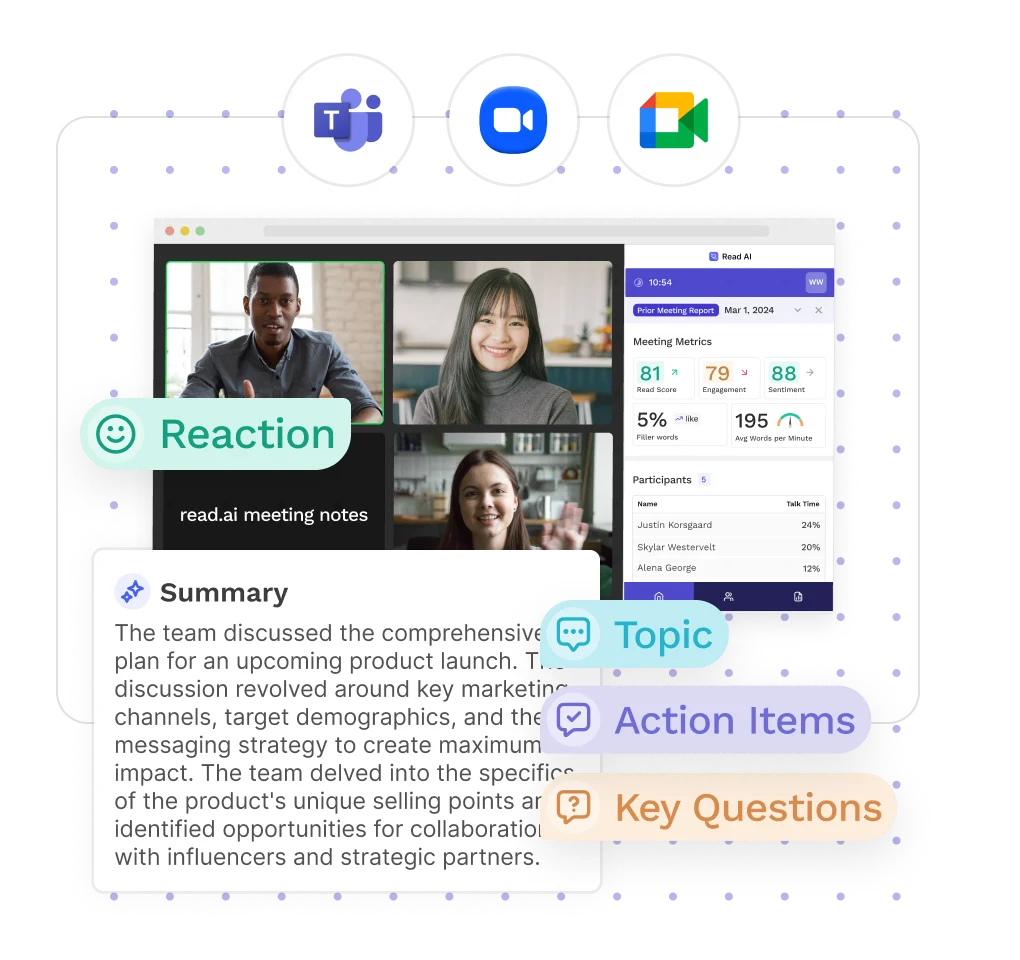
Get instant summaries, key topics, action items, and participant insights from your meetings.
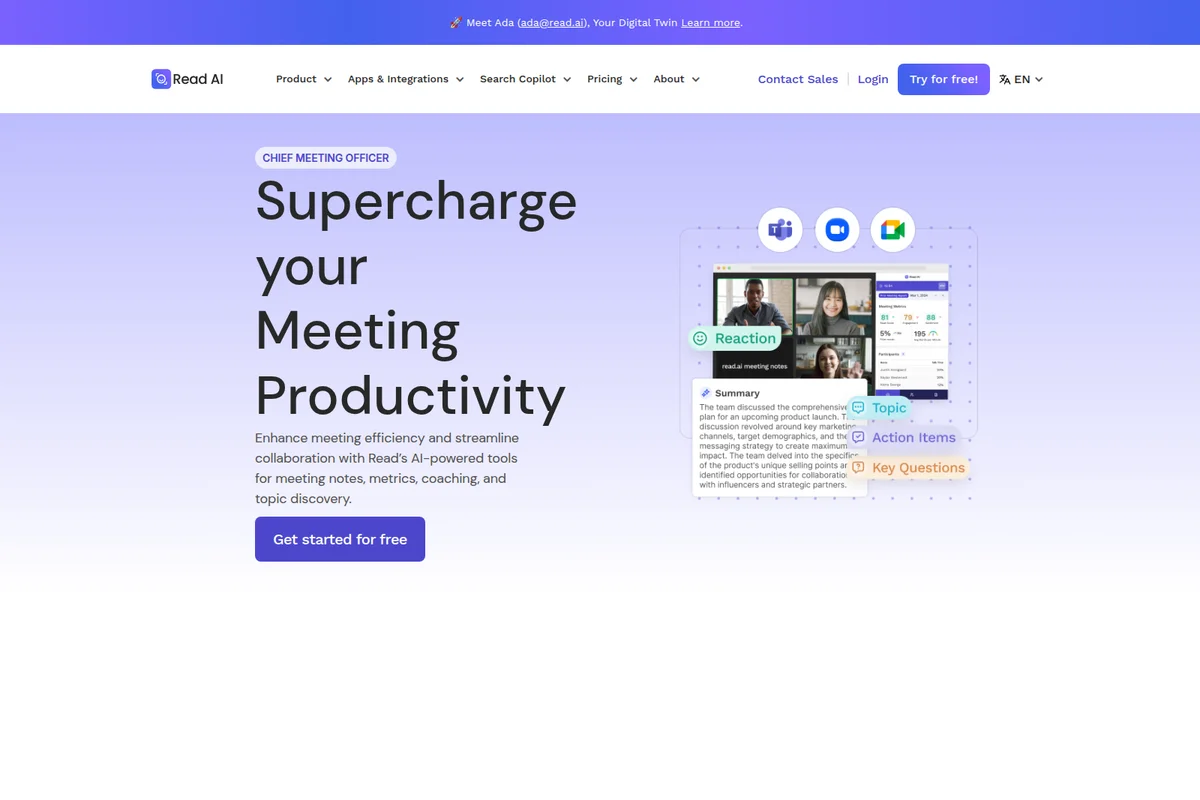
Automatically summarize meetings, identify action items, and track key topics.
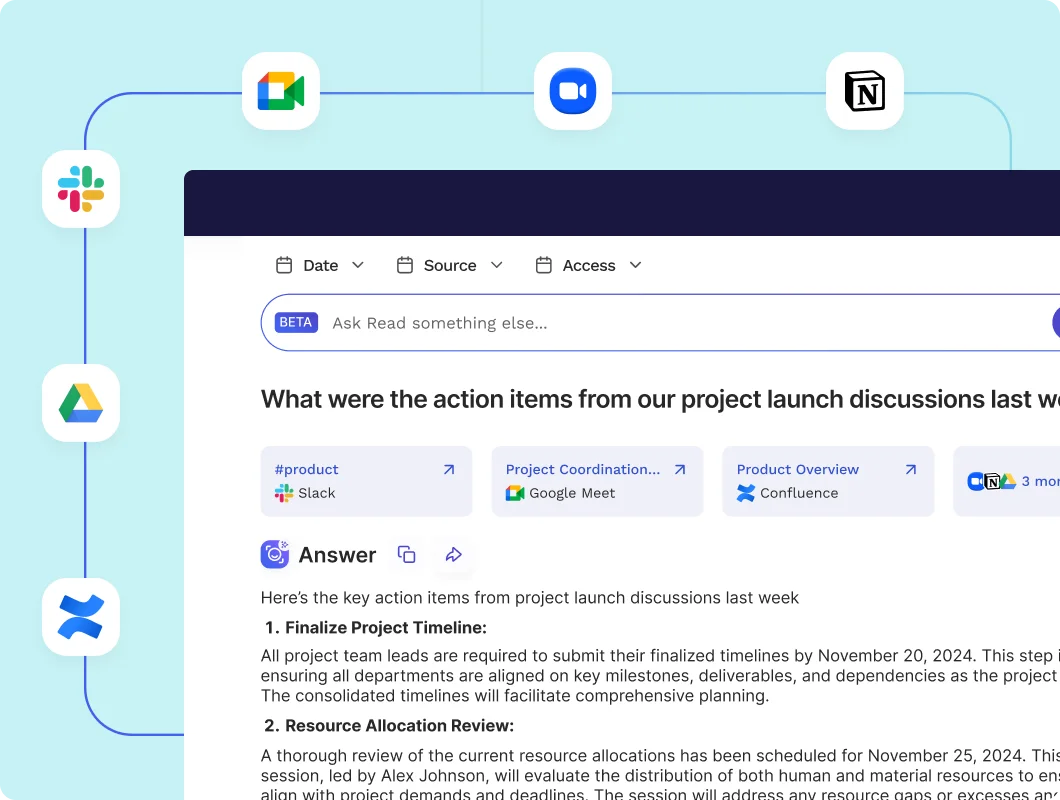
Get AI-generated action items from all your team's discussions and tools.
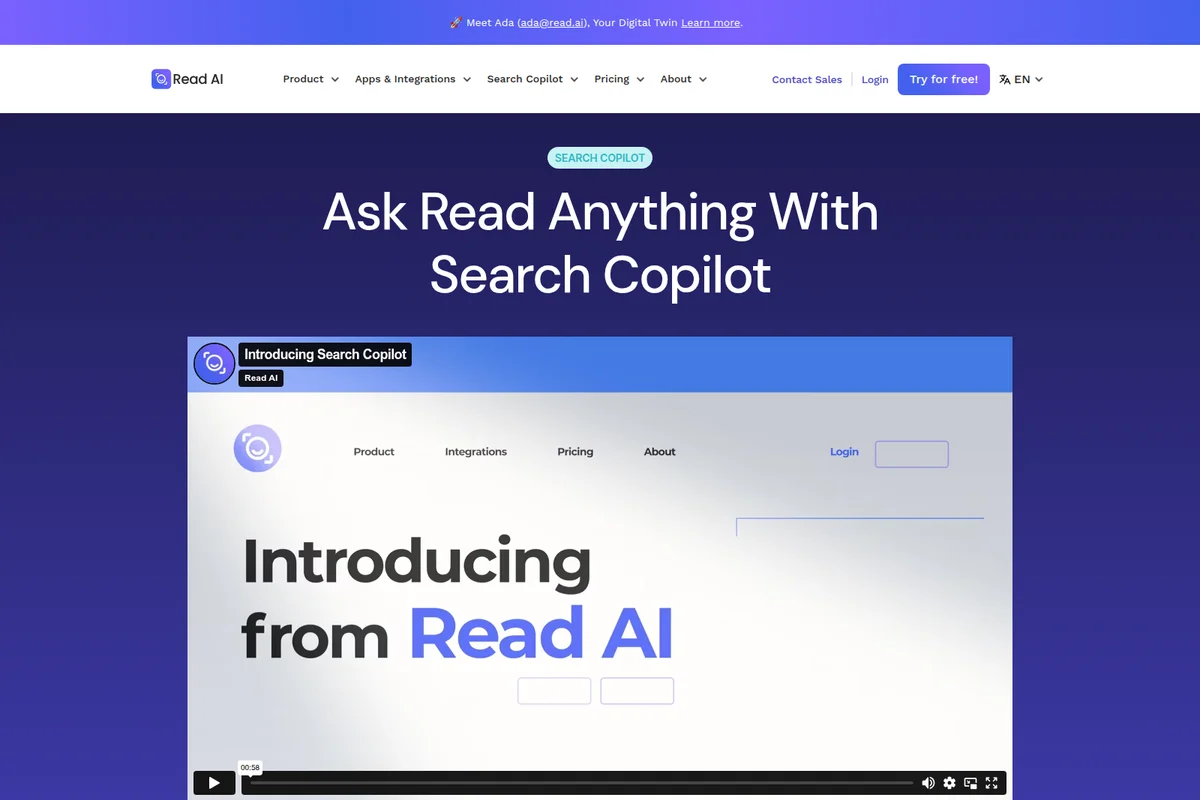
Ask anything and get answers with Read AI's powerful Search Copilot.
Read AI Review: Tooliverse Consensus





Based on 350 verified reviews across 5 platforms,
combined with Tooliverse's expert analysis
Read AI transforms meeting recordings into searchable institutional memory, combining accurate transcription with engagement analytics and cross-platform search that connects discussions to emails, documents, and messages. The platform excels at extracting action items and maintaining context across dozens of conversations, with particularly strong integration depth across Zoom, Teams, and Meet. The automated bot behavior creates friction with external participants unfamiliar with recording tools, and the extensive permission requirements raise privacy concerns for users handling sensitive information, but the core value of never losing track of decisions and commitments keeps professionals coming back.
Bottom line: A strong meeting intelligence platform that captures and connects discussion context across your entire workflow, though you'll need to actively manage bot presence with external participants.
Read AI | Key Specs
- Platforms
- Web, iOS, Android, macOS, Windows, Chrome Extension
- Pricing Model
- Freemium ($0-39.75/user/month) See plans
- Privacy/Data Use
- User controls searchable content, HIPAA compliance available (Enterprise+)
- Security
- SOC 2 Type 2, SAML SSO, SCIM, Encryption at rest and in transit See details
Wins
- •Captures highly accurate meeting summaries and action items that save hours of manual note-takingmentioned in 180 reviews
- •Integrates seamlessly across Zoom, Microsoft Teams, and Google Meet for a unified experiencementioned in 150 reviews
- •Provides unique engagement and sentiment analytics that help improve meeting productivitymentioned in 120 reviews
Watch-Outs
- •The automated bot joining meetings can be perceived as intrusive by external participantsmentioned in 110 reviews
- •Aggressive behavior where the bot follows users to other meetings without explicit consentmentioned in 85 reviews
- •Requires extensive calendar and contact permissions which raises significant privacy concernsmentioned in 60 reviews
Read AI Features 2026
Ask Read (Search Copilot)
AI-powered enterprise search that connects meetings, emails, messages, and documents. Find answers in seconds using natural language queries with citations and direct links to sources. Includes access to Claude and ChatGPT models.
Premium Integrations
Native integrations with Salesforce, HubSpot, Jira, Confluence, Notion, Asana, Slack, Gmail, Outlook, Google Drive, OneDrive. Push meeting reports and action items directly to your workflow tools.
MCP Server & API Access
Programmatic access to meeting data via MCP server (Model Context Protocol) and REST API. Connect Read AI context to Claude, ChatGPT, and custom applications.
Digital Twin (Ada)
AI agent that works even when you can't. Ada can attend meetings on your behalf and represent your context across work communications.
Read AI User Reviews
Selected Reviews
"The recording and minutes taking is pretty handy. The transcripts are very accurate too and the clips of the recording to the action items is very handy. Saves a lot of time."
"Effortless Meeting Summaries, Storage/arrangement Improvement. I like that Read AI is very easy to set up. I also appreciate that I can add it into every meeting at a time."
"While overall helpful, sometimes the AI summaries can feel too general and miss smaller details from conversations. It would also be great to have more customization in formatting the notes."
More from the Community
"I like how easy it is to use and implement during meetings. The platform automatically generates clear, well-structured notes and insights, which saves time and ensures nothing important is missed."
"The summaries are good, but the bot joining every meeting automatically is a bit annoying for my clients who aren't used to it. It's hard to remove once it's in."
"Boost productivity with Read AI's extension—bring the benefits of connected work AI directly to your meetings and calendar. It detects upcoming meetings and prompts you to add Read."
"Handy Recording and Minutes with Impressively Accurate Transcripts. The clips of the recording to the action items or meeting item is very handy too. Saves a lot of time."
"The Read AI mobile app puts the power of Read's AI assistant right in your pocket, so you can capture audio—whether you're in a meeting or on the move."
"I like how easy it is to use and implement during meetings. The platform automatically generates clear, well-structured notes and insights, which saves time and ensures nothing important is missed."
"The summaries are good, but the bot joining every meeting automatically is a bit annoying for my clients who aren't used to it. It's hard to remove once it's in."
"Boost productivity with Read AI's extension—bring the benefits of connected work AI directly to your meetings and calendar. It detects upcoming meetings and prompts you to add Read."
"Handy Recording and Minutes with Impressively Accurate Transcripts. The clips of the recording to the action items or meeting item is very handy too. Saves a lot of time."
"The Read AI mobile app puts the power of Read's AI assistant right in your pocket, so you can capture audio—whether you're in a meeting or on the move."
"Site functions well and video playback is good and doesn't cause any issues even for longer videos. Super useful for video transcriptions as well as saving video."
"I also like that it scores your meetings for reading, engagement and sentiment. Also that I can just download the video if I need to clip portions."
"Game-Changer Call Transcripts with Clear Summaries and Key Takeaways. It is easy for me to create meeting minutes and keep track of the meetings that I did not attend."
"I find it helpful to have a summary of what was worked during the week. The integration with my Google Calendar is also a plus."
"Site functions well and video playback is good and doesn't cause any issues even for longer videos. Super useful for video transcriptions as well as saving video."
"I also like that it scores your meetings for reading, engagement and sentiment. Also that I can just download the video if I need to clip portions."
"Game-Changer Call Transcripts with Clear Summaries and Key Takeaways. It is easy for me to create meeting minutes and keep track of the meetings that I did not attend."
"I find it helpful to have a summary of what was worked during the week. The integration with my Google Calendar is also a plus."
Read AI Pricing 2026
View SourceThe free tier covers 5 meetings monthly with unlimited enterprise search, enough to test whether the summaries and analytics match your workflow. Most professionals who rely on meeting intelligence will hit that limit fast and need Pro at $15 monthly billed annually, which removes meeting caps and adds the premium integrations with Salesforce, HubSpot, Notion, and Jira that make the tool genuinely useful for sales and project teams. Enterprise at $22.50 monthly is worth the step only if you need video playback with highlights for reviewing meeting dynamics or training purposes.
Read AI In-Depth Review 2026

This meeting intelligence platform automatically captures transcripts, summaries, and action items across Zoom, Microsoft Teams, and Google Meet, then makes everything searchable through Ask Read, an AI-powered engine that connects meetings with your email, Slack messages, and documents. The platform serves millions of users globally and holds SOC 2 Type 2 certification, with pricing starting at $15 monthly for annual commitments.
What It's Like Day-to-Day
The core experience centers on what happens after your meetings end. Read AI generates structured summaries with action items, key decisions, and speaker-attributed quotes, and as one G2 reviewer noted, the transcripts are accurate enough that they "save a lot of time" compared to manual note-taking. The engagement and sentiment analytics add a layer most competitors skip: you can see when energy dropped during your presentation, which topics generated the most discussion, and whether participants seemed confused or aligned.
The "For You" feed solves the async problem elegantly. Miss three meetings while heads-down on a project, and you get digestible summaries that let you catch up in minutes instead of watching hour-long recordings.
Read AI Security & Compliance
Verified Compliance
- SOC 2 Type 2
Security Features
- SAML SSO
- SCIM user provisioning
- Encryption at rest and in transit
- Domain capture
Privacy Commitments
- User controls what content is searchable and what remains private
- HIPAA compliance available (Enterprise+ plans)
- Custom data retention policy (Enterprise+ plans)
- Respects existing access controls - only data accessible to you is searchable
Read AI: Frequently Asked Questions (FAQs)
What are my payment options?
You can pay with credit card and will be charged monthly or annually. Read AI emails you a receipt after successful payment. PayPal is not currently accepted. If you're in a Workspace, the Workspace owner manages billing for all users centrally.
How many users can we have with a Pro/Enterprise plan?
All licenses are individual. To create a workspace, you need to buy a license for each person you invite. Free users cannot be part of a Workspace, so you cannot manage users without paid licenses from your Workspace Settings.
Can I buy Enterprise licenses for some users and Pro licenses for others in my workspace?
No, all licenses in a Workspace must be on the same plan.
Do you offer discounts based on amount of licenses?
Yes, Read AI offers discounts for annual licenses: 10% discount for 100+ licenses, 15% discount for 500+ licenses, and 20% discount for 1,000+ licenses.
Read AI Integrations
| Zoom | Microsoft Teams | Google Meet |
| Slack | Gmail | Outlook |
| Google Calendar | Outlook 365 | Zoom Calendar |
| HubSpot | Salesforce | Asana |
| Confluence | Jira | Notion |
| Linear | Google Drive | Microsoft OneDrive |
| Google Docs | Microsoft OneNote | Zapier |
| Anthropic Claude | OpenAI ChatGPT |
Read AI: Verified Data Sheet
| # | Label | Data Point |
|---|---|---|
| [1] | Read AI Consensus: 8.21/10 | Read AI is a highly-rated tool among AI productivity tools in the Tooliverse index, with a consensus score of 8.21/10 across 350 verified reviews. |
| [2] | What is Read AI | Read AI, founded in 2021 by former Foursquare and Snapchat executives, is a SOC 2 Type 2 certified productivity platform that automatically captures meeting notes, transcripts, and summaries across Zoom, Teams, and Google Meet. The platform serves millions of users globally and offers AI-powered search (Ask Read) that unifies meetings, emails, messages, and documents, with pricing starting at $15/month (annual). |
| [3] | Tooliverse Consensus on Read AI | Read AI transforms meeting recordings into searchable institutional memory, combining accurate transcription with engagement analytics and cross-platform search that connects discussions to emails, documents, and messages. The platform excels at extracting action items and maintaining context across dozens of conversations, with particularly strong integration depth across Zoom, Teams, and Meet. The automated bot behavior creates friction with external participants unfamiliar with recording tools, and the extensive permission requirements raise privacy concerns for users handling sensitive information, but the core value of never losing track of decisions and commitments keeps professionals coming back. |
| [4] | Read AI Verdict | Read AI bottom line: A strong meeting intelligence platform that captures and connects discussion context across your entire workflow, though you'll need to actively manage bot presence with external participants. |
| [5] | Free: Free | Read AI provides a functional Free tier with 5 meeting transcripts per month and Unlimited enterprise search, making meeting intelligence accessible at no cost. |
| [6] | Accurate summaries save hours | Read AI captures highly accurate meeting summaries and action items that eliminate hours of manual note-taking, validated as a core productivity gain by 180+ user reviews. |
| [7] | Unified Zoom/Teams/Meet integration | Read AI integrates seamlessly across Zoom, Microsoft Teams, and Google Meet for a unified meeting experience, confirmed as essential functionality by 150+ user reviews. |
| [8] | Pro: $15/user/mo (annual) | Read AI Pro empowers users with Priority report processing for $15/user/month billed annually, significantly expanding on the free tier's capabilities. |
| [9] | Engagement and sentiment analytics | Read AI provides unique engagement and sentiment analytics that help improve meeting productivity and effectiveness, highlighted as a differentiating capability by 120+ user reviews. |
| [10] | For You feed for missed meetings | Read AI features a "For You" feed that summarizes missed meetings in seconds, enabling rapid catch-up on asynchronous discussions according to 90+ user reviews. |
| [11] | Bot presence can feel intrusive | Read AI's automated bot joining meetings can be perceived as intrusive by external participants unfamiliar with recording tools, reported as a friction point in 110+ user reviews. |
| [12] | Bot follows without per-meeting consent | Read AI exhibits aggressive behavior where the bot follows users to subsequent meetings without explicit consent for each session, flagged as problematic in 85+ user reports. |
| [13] | Privacy: User controls what content is searchable and what remains private | Read AI privacy protections include User controls what content is searchable and what remains private, HIPAA compliance available (Enterprise+ plans), and Custom data retention policy (Enterprise+ plans). |
| [14] | Enterprise: SAML SSO | Read AI provides enterprise security with SAML SSO, SCIM user provisioning, Encryption at rest and in transit, and Domain capture. |
| [15] | Saves time with accurate transcripts | Read AI "saves a lot of time" with highly accurate transcripts and action item clips, according to a verified G2 reviewer who rated the recording and minutes-taking capabilities as exceptionally handy. |
Best Read AI Alternatives
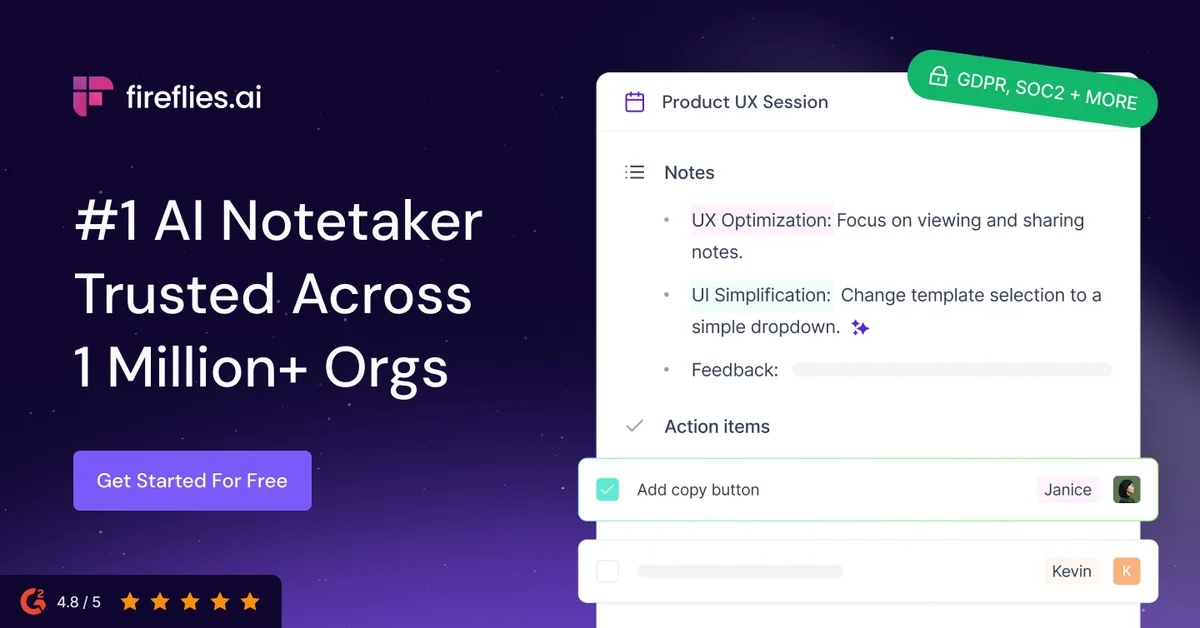
Fireflies.ai
Never miss a meeting detail—let AI capture, transcribe, and organize every conversation automatically.
Otter
Turn every conversation into searchable insights that fuel alignment and workflows across your organization.
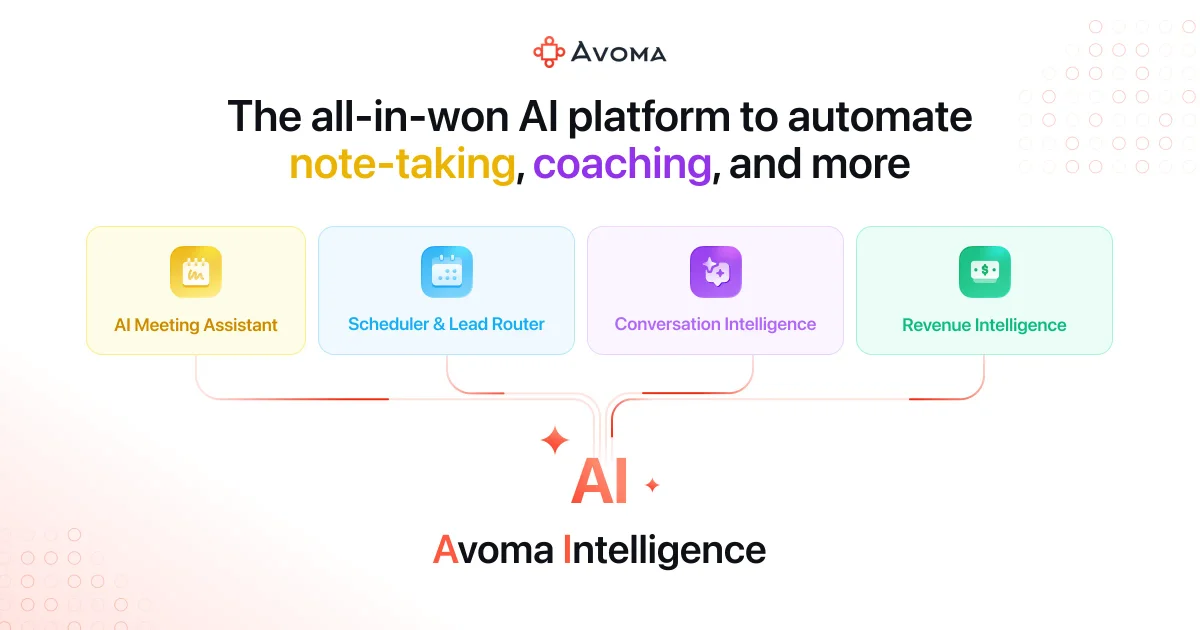
Avoma
Turn every conversation into actionable insights with AI-powered meeting intelligence