
Rendair AI Review 2026 - AI Rendering Tool
Verified Jun 18, 2026 by Tooliverse Editorial
Rendair AI turns architectural drawings into stunning photorealistic renders without expensive software. Upload a sketch, CAD file, or 3D model and watch AI generate professional visualizations instantly—perfect for architects, designers, and real estate professionals who need fast, high-quality renders.
Rendair Ai - Rendering Tools Demo
Finally REAL Control Over AI Visuals? Rendair AI Review
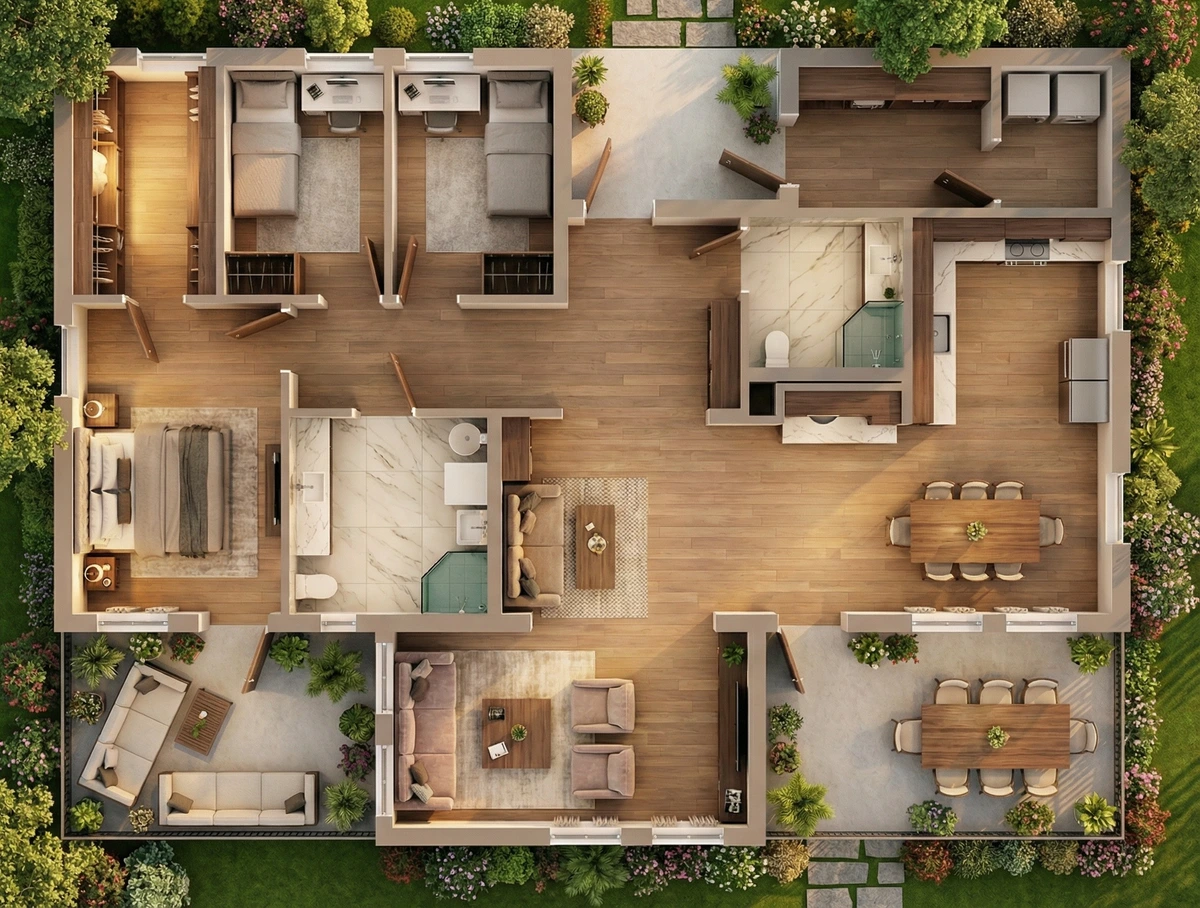
Experience high-fidelity architectural visualizations of entire homes and landscapes.
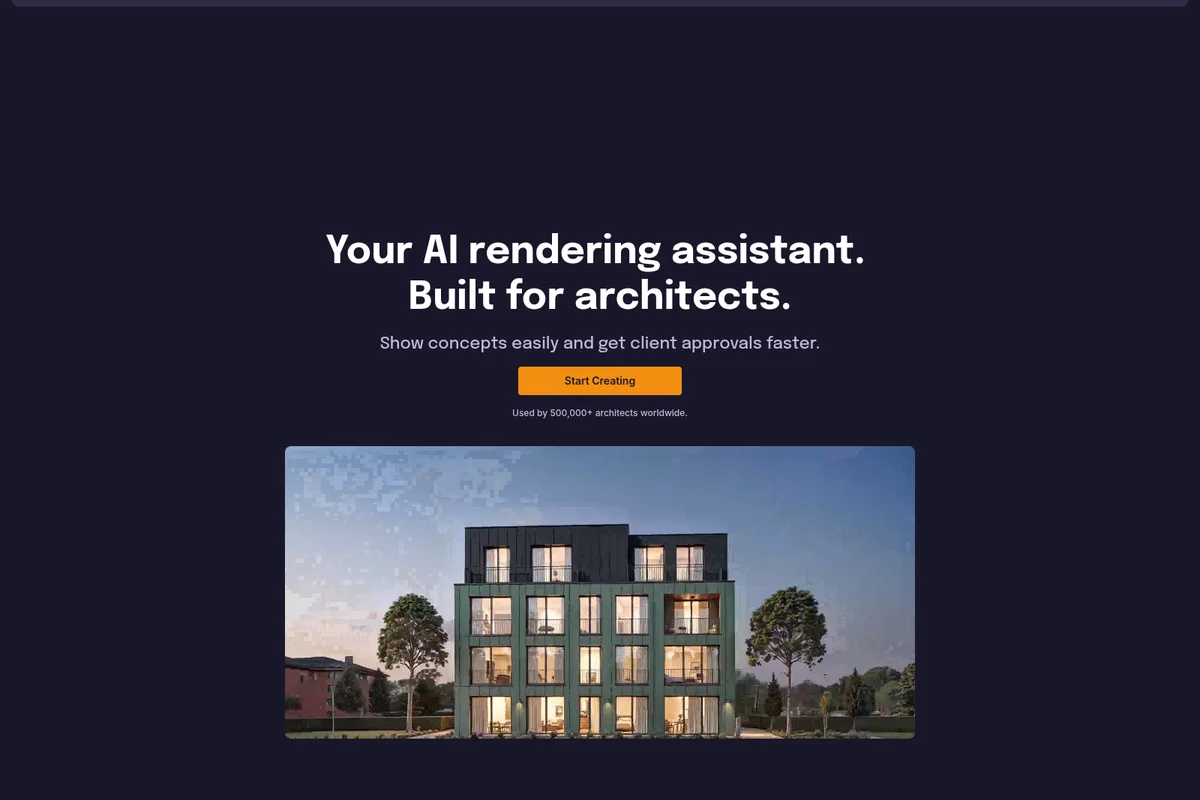
Visualize architectural concepts quickly and secure client approvals faster.
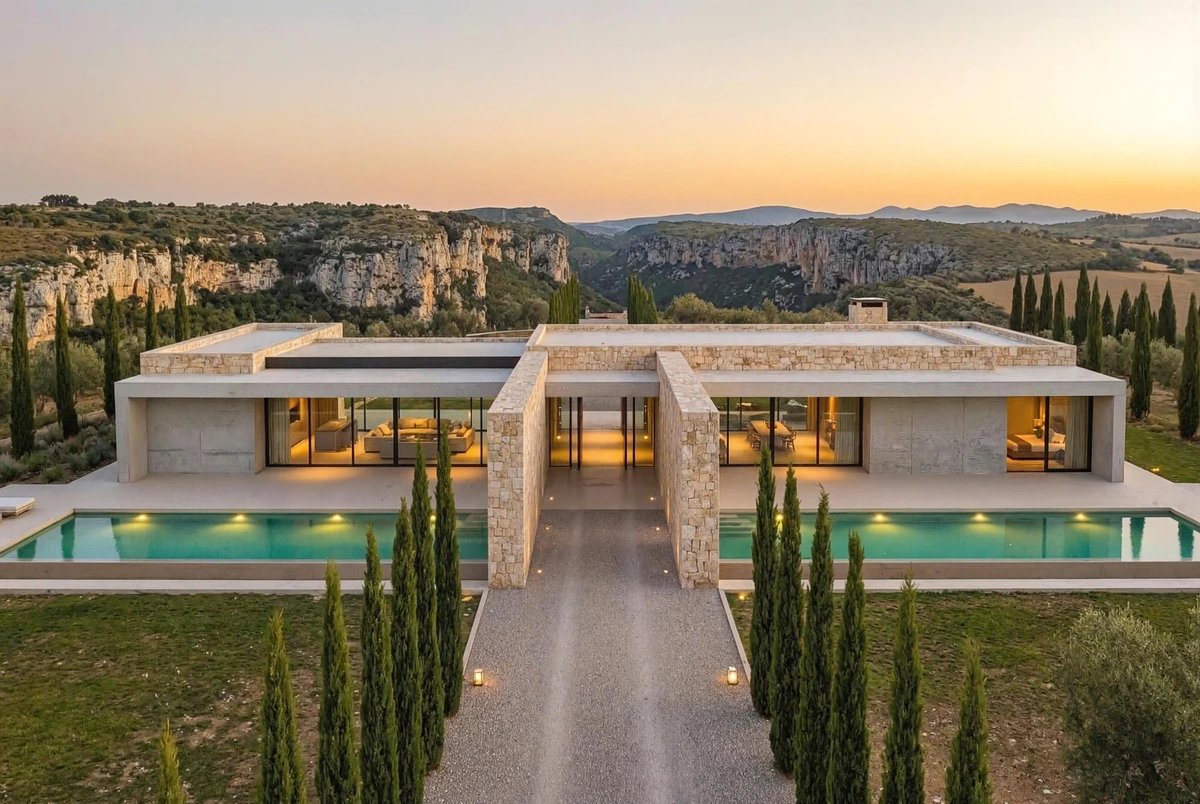
Experience photorealistic architectural visualizations with rendair.
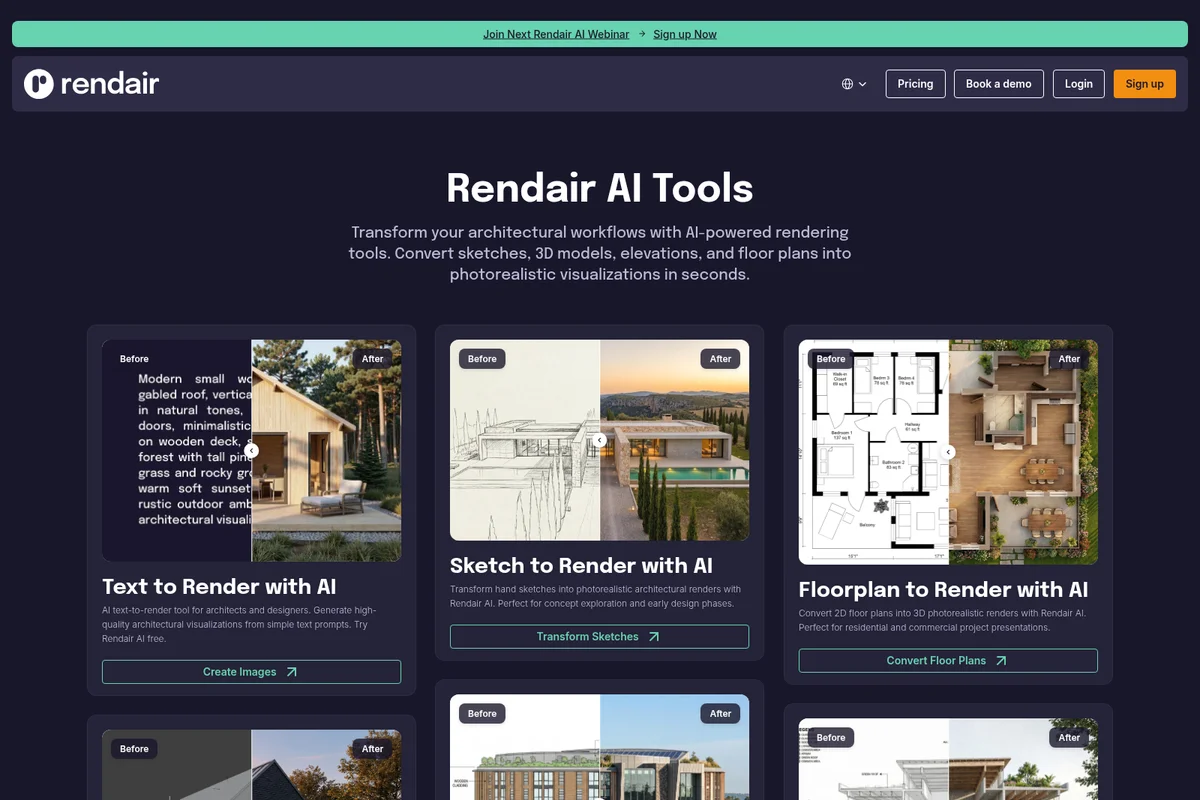
Transform various architectural inputs into stunning photorealistic renders.

Bring your architectural visions to life with stunning photorealistic renders.
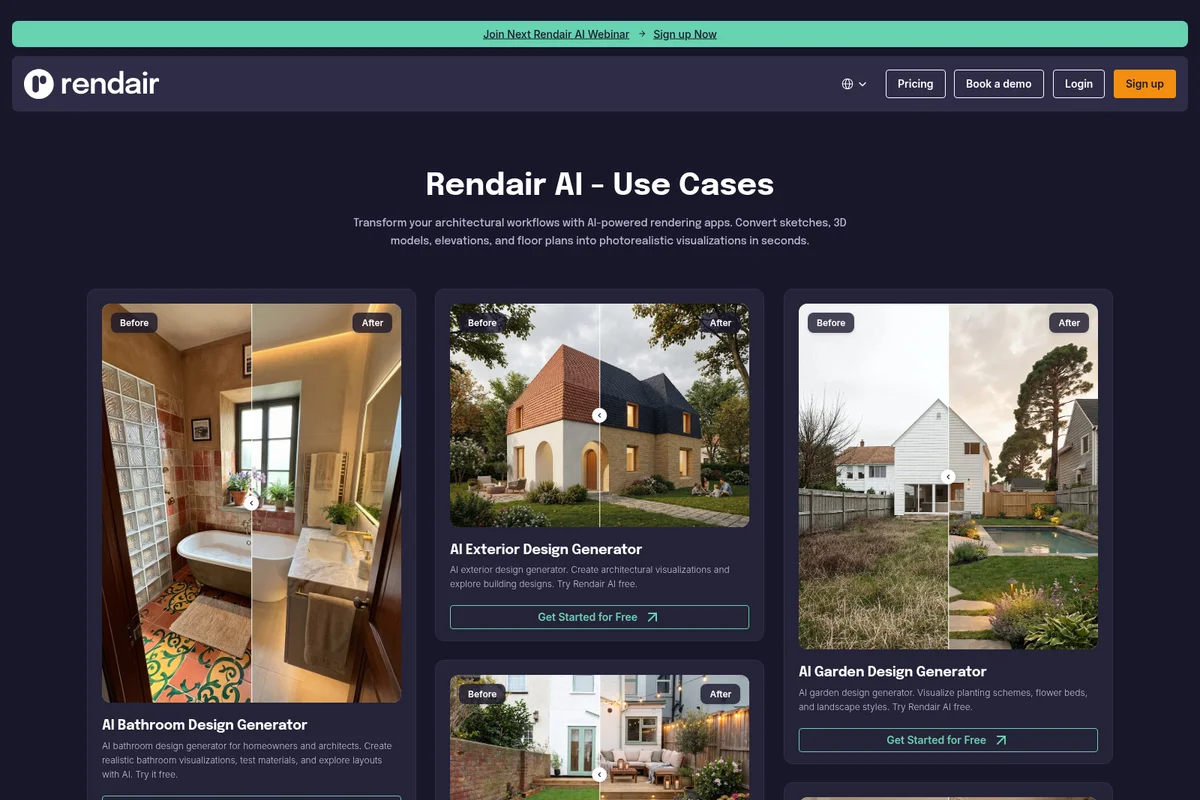
Showcases realistic architectural and landscape visualizations generated by AI.

High-fidelity architectural rendering demonstrating realistic winter environments.
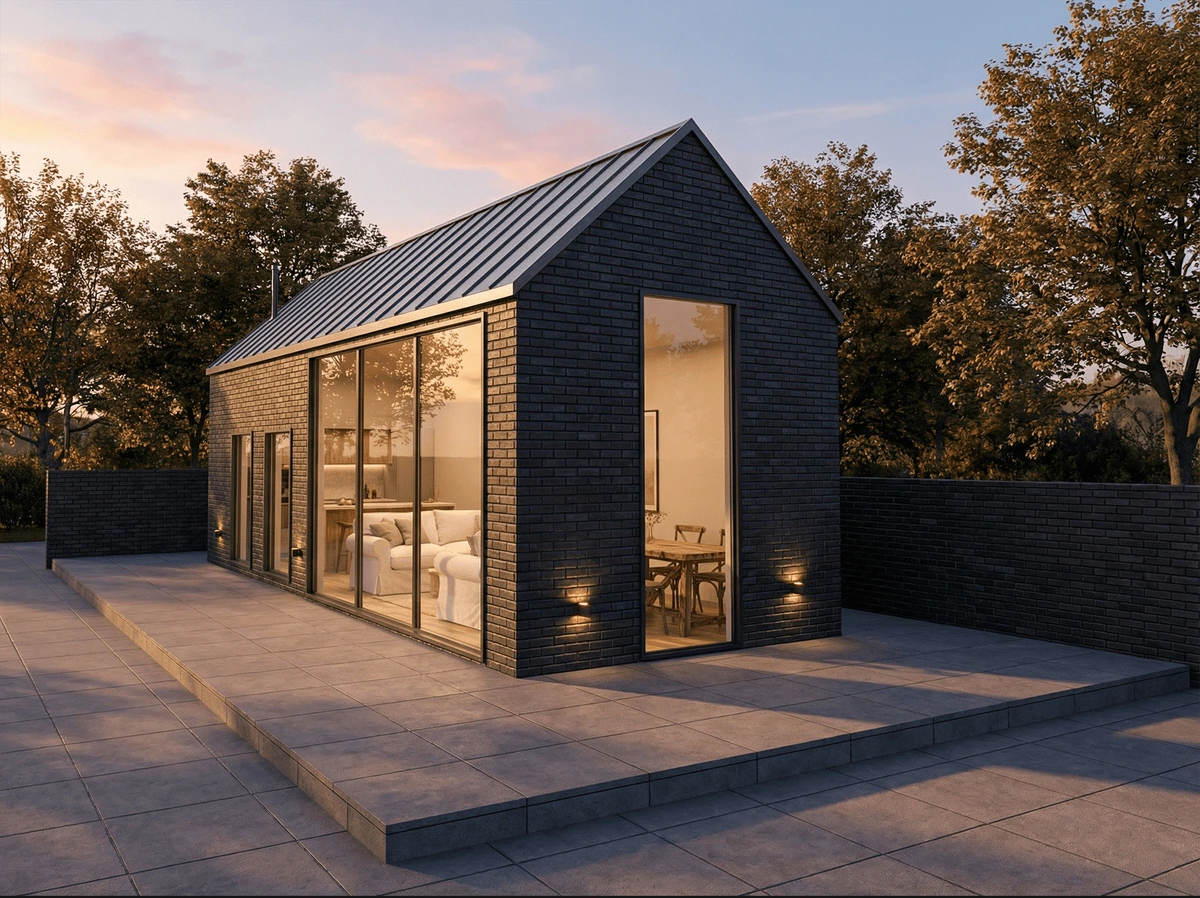
Showcase stunning photorealistic architectural visualizations with ease.
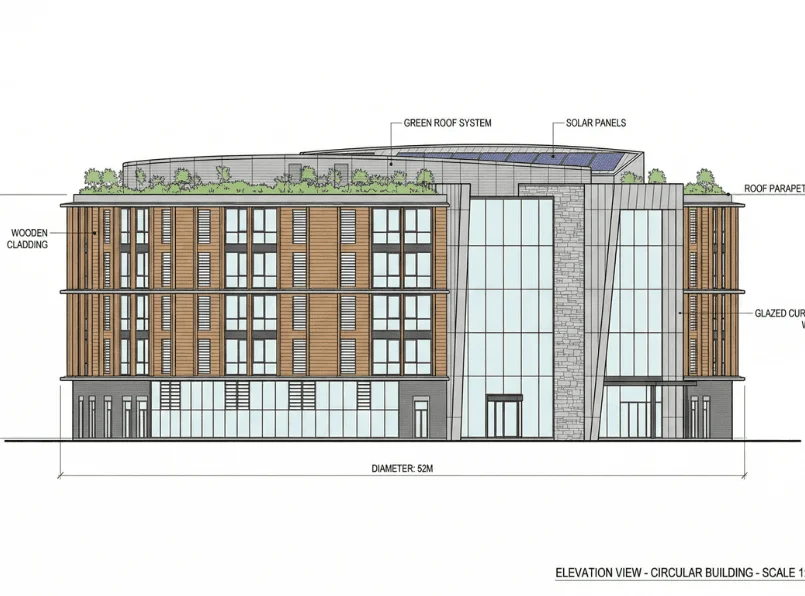
Detailed elevation view of a circular building showcasing sustainable design elements.
Rendair AI Review: Tooliverse Consensus


Based on 210 verified reviews across 4 platforms,
combined with Tooliverse's expert analysis
Rendair AI serves as a high-speed visualization bridge for architects, converting rough sketches and CAD files into photorealistic renders in seconds without expensive rendering software or lengthy processing times. The platform excels at early-stage client presentations with impressive lighting effects and smooth integration into SketchUp and Revit workflows, though the AI occasionally adds unwanted architectural elements and fine-tuning specific material textures remains challenging. The credit-based system with rollover and queue-skipping priority for Pro users addresses the real-world pressure of live design reviews.
Bottom line: A leading architectural visualization platform that accelerates client approval cycles by turning concept sketches into photorealistic renders instantly, though you'll need to review outputs carefully for AI-invented elements.
Rendair AI | Key Specs
- Platforms
- Web
- Pricing Model
- Paid Plans (€7.60-200/mo) See plans
- Privacy/Data Use
- Private Mode available (Pro+), Secure file uploads
- Supported 3D Formats
- OBJ, FBX, GLTF, GLB, STL, PLY
Wins
- •Transforms rough hand sketches into professional-grade architectural renders in secondsmentioned in 68 reviews
- •Provides an incredibly low barrier to entry for high-quality 3D visualizationmentioned in 54 reviews
- •Offers impressive lighting and atmospheric effects that enhance project realismmentioned in 47 reviews
Watch-Outs
- •Occasionally adds architectural elements like windows or doors where they don't belongmentioned in 29 reviews
- •Fine-tuning specific material textures can be difficult with the current AI controlsmentioned in 24 reviews
- •High-resolution exports are locked behind the more expensive subscription tiersmentioned in 19 reviews
Rendair AI Features 2026
3D Model to Render
Transform 3D models (OBJ, FBX, GLTF, GLB, STL, PLY) into photorealistic architectural renders without expensive rendering software
Sketch to Render
Convert hand sketches into photorealistic architectural renders for concept exploration and early design phases
Floor Plan to Render
Convert 2D floor plans into 3D photorealistic renders for residential and commercial project presentations
Elevation to Render
Convert 2D architectural elevations into photorealistic 3D renders for facade studies and design presentations
Rendair AI User Reviews
Selected Reviews
"Rendair has completely changed how I present early-stage concepts to my clients. I can now show them a "finished" look before we even touch V-Ray."
"Best AI tool for architects I've tried so far. It actually understands architectural scale and proportions better than Midjourney."
"The speed is the killer feature here. It's not perfect, and you still need a human eye to check the details, but it saves me hours of setup time."
More from the Community
"Great for quick ideation but lacks the granular control I need for final production renders. I wish I could specify exact RAL colors for materials."
"The sketch-to-render feature is like magic. I uploaded a napkin sketch and got a decent exterior view in under a minute."
"Solid tool for the price. The interface is clean and doesn't overwhelm you with settings like traditional rendering software."
"It's a bit hit or miss with interiors. Sometimes the furniture looks a bit "AI-generated" and uncanny, but for exteriors, it's top-notch."
"As a small firm, we can't afford a full-time visualizer. Rendair lets us compete with much larger offices in our presentations."
"Great for quick ideation but lacks the granular control I need for final production renders. I wish I could specify exact RAL colors for materials."
"The sketch-to-render feature is like magic. I uploaded a napkin sketch and got a decent exterior view in under a minute."
"Solid tool for the price. The interface is clean and doesn't overwhelm you with settings like traditional rendering software."
"It's a bit hit or miss with interiors. Sometimes the furniture looks a bit "AI-generated" and uncanny, but for exteriors, it's top-notch."
"As a small firm, we can't afford a full-time visualizer. Rendair lets us compete with much larger offices in our presentations."
"The new update for Revit integration is a game changer. It fits right into our existing workflow without any friction."
"I use it mostly for atmosphere and lighting inspiration. It's great for seeing how a building might look in different weather conditions."
"Very impressed with the cloud rendering speed. No more hearing my laptop fans scream for three hours while waiting for a frame."
"Customer support is very responsive. They helped me troubleshoot an issue with my model upload within an hour."
"The new update for Revit integration is a game changer. It fits right into our existing workflow without any friction."
"I use it mostly for atmosphere and lighting inspiration. It's great for seeing how a building might look in different weather conditions."
"Very impressed with the cloud rendering speed. No more hearing my laptop fans scream for three hours while waiting for a frame."
"Customer support is very responsive. They helped me troubleshoot an issue with my model upload within an hour."
Rendair AI Pricing 2026
View SourceThe Student plan at €7.60 monthly gives architecture students commercial-quality renders at a price that fits academic budgets, but most practicing professionals should start at Pro for €39 monthly. That tier adds the commercial license you need for client work, queue-skipping priority that matters during live presentations, and private mode for confidential projects. The 1,500 monthly credits translate to roughly 75 high-resolution exports or 1,500 standard renders—enough headroom for most small firms. Team Pro makes sense only if you're coordinating four or more people who all need simultaneous access to shared project files.
Rendair AI In-Depth Review 2026

This web-based platform converts sketches, 3D models, CAD drawings, and floor plans into photorealistic renders using AI. It works directly in your browser without software installation, accepting formats from OBJ and FBX to hand-drawn JPGs. The core promise is simple: upload your input, describe what you want, and get a finished render before your coffee cools. For architects juggling client meetings and tight deadlines, that speed fundamentally changes how early-stage design conversations happen.
What It's Like Day-to-Day
The sketch-to-render workflow is where Rendair AI makes its strongest impression. Upload a napkin sketch of an elevation, add a text prompt describing materials and context, and watch it generate a photorealistic exterior in under a minute. The AI interprets architectural intent surprisingly well, understanding that a rectangle with a peaked top is a gable roof, not a decorative element. One Product Hunt reviewer noted it "has completely changed how I present early-stage concepts to my clients" by showing finished looks before touching traditional rendering software.
The lighting and atmospheric controls add depth that generic AI image generators miss.
Rendair AI Security & Compliance
Security Features
- Private Mode for confidential projects
Privacy Commitments
- Uploaded files are secure
- Projects can be kept private with Private Mode (Pro and Team plans)
Rendair AI: Frequently Asked Questions (FAQs)
What is Rendair AI?
Rendair AI is an AI-powered platform for architectural visualization that transforms sketches, 3D models, elevations, floor plans, and photos into photorealistic renders without traditional rendering software.
How do credits work in Rendair AI?
Credits are consumed per action with varying costs: 1 credit per image creation, 1 credit per image edit, 2 credits per upscale, and 20 credits per video generation. Unused credits never expire as long as your subscription stays active.
Can I use Rendair AI images commercially?
Yes, images generated with Pro and Team Pro plans include a commercial license allowing use in marketing brochures, MLS listings, and client presentations. Student and AI Creator plans do not include commercial rights.
What does Private Mode mean in Rendair?
Private Mode (available on Pro and Team plans) keeps your projects confidential and prevents them from being visible to other users, ensuring client confidentiality for sensitive projects.
Rendair AI: Verified Data Sheet
| # | Label | Data Point |
|---|---|---|
| [1] | Rendair AI Consensus: 9.02/10 | Rendair AI is one of the highest-rated AI design tools in the Tooliverse index, with a consensus score of 9.02/10 across 210 verified reviews. |
| [2] | What is Rendair AI | Rendair AI is a web-based architectural visualization platform that converts sketches, 3D models, CAD drawings, and floor plans into photorealistic renders using AI. The platform serves architects, designers, and real estate professionals with pricing starting at €7.60/month (Student plan). |
| [3] | Tooliverse Consensus on Rendair AI | Rendair AI serves as a high-speed visualization bridge for architects, converting rough sketches and CAD files into photorealistic renders in seconds without expensive rendering software or lengthy processing times. The platform excels at early-stage client presentations with impressive lighting effects and smooth integration into SketchUp and Revit workflows, though the AI occasionally adds unwanted architectural elements and fine-tuning specific material textures remains challenging. The credit-based system with rollover and queue-skipping priority for Pro users addresses the real-world pressure of live design reviews. |
| [4] | Rendair AI Verdict | Rendair AI bottom line: A leading architectural visualization platform that accelerates client approval cycles by turning concept sketches into photorealistic renders instantly, though you'll need to review outputs carefully for AI-invented elements. |
| [5] | Student Plan: $7.6/mo (annual) | Rendair AI Student Plan delivers 250 credits per month for $7.6/month billed annually. |
| [6] | Sketch-to-render in seconds | Rendair AI transforms rough hand sketches into professional-grade architectural renders in seconds, validated as a core strength by 68 user reviews. |
| [7] | Low barrier to 3D visualization | Rendair AI provides an exceptionally low barrier to entry for high-quality 3D visualization without requiring expensive rendering software like V-Ray or Enscape, according to 54 user reviews. |
| [8] | Advanced lighting and atmosphere | Rendair AI delivers impressive lighting and atmospheric effects that enhance project realism across weather conditions and time-of-day scenarios, validated by 47 user reviews. |
| [9] | Student Plan: $9.5/month | Rendair AI Student Plan empowers users with 250 credits per month for just $9.5 monthly. |
| [10] | Instant design iteration | Rendair AI streamlines the client feedback loop by enabling instant design iterations, allowing architects to generate multiple visualization options during presentations, according to 42 user reviews. |
| [11] | Adds unwanted elements occasionally | Rendair AI occasionally adds unwanted architectural elements like windows or doors where they don't belong, requiring manual review and refinement iterations, according to 29 user reports. |
| [12] | Material control limitations | Rendair AI's fine-tuning controls for specific material textures can be difficult to master, with users reporting challenges achieving exact RAL colors or custom finishes, according to 24 user reports. |
| [13] | Privacy: Uploaded files are secure | Rendair AI privacy protections include Uploaded files are secure and Projects can be kept private with Private Mode (Pro and Team plans). |
| [14] | Enterprise: Private Mode for confidential projects | Rendair AI provides enterprise security through Private Mode for confidential projects on Pro and Team tiers. |
| [15] | Transforms client presentations | Rendair AI "has completely changed how I present early-stage concepts to my clients" by showing finished visualizations before traditional rendering begins, according to a verified Product Hunt reviewer. |
Compare Rendair AI with…
Best Rendair AI Alternatives
ArchiVinci
Turn sketches into photorealistic architecture renders in seconds—no 3D modeling, no GPU, just AI.
Visoid
Transform 3D models and sketches into photorealistic architectural visualizations in minutes with AI.

Spacely AI
Turn sketches into photorealistic renders in under 60 seconds—no modeling skills required.