
tl;dv Review 2026 - AI Meeting Notes & CRM
Verified Oct 21, 2026 by Tooliverse Editorial
tl;dv sits in your calls so you don't have to take notes. It records, transcribes in 30+ languages, writes the summary, updates your CRM, and drafts the follow-up, trusted by 2M+ users.
Make our competitors jealous. Use tl;dv.
How to Use tl;dv for Meeting Notes
Cut through busywork and make every meeting count with AI agents.
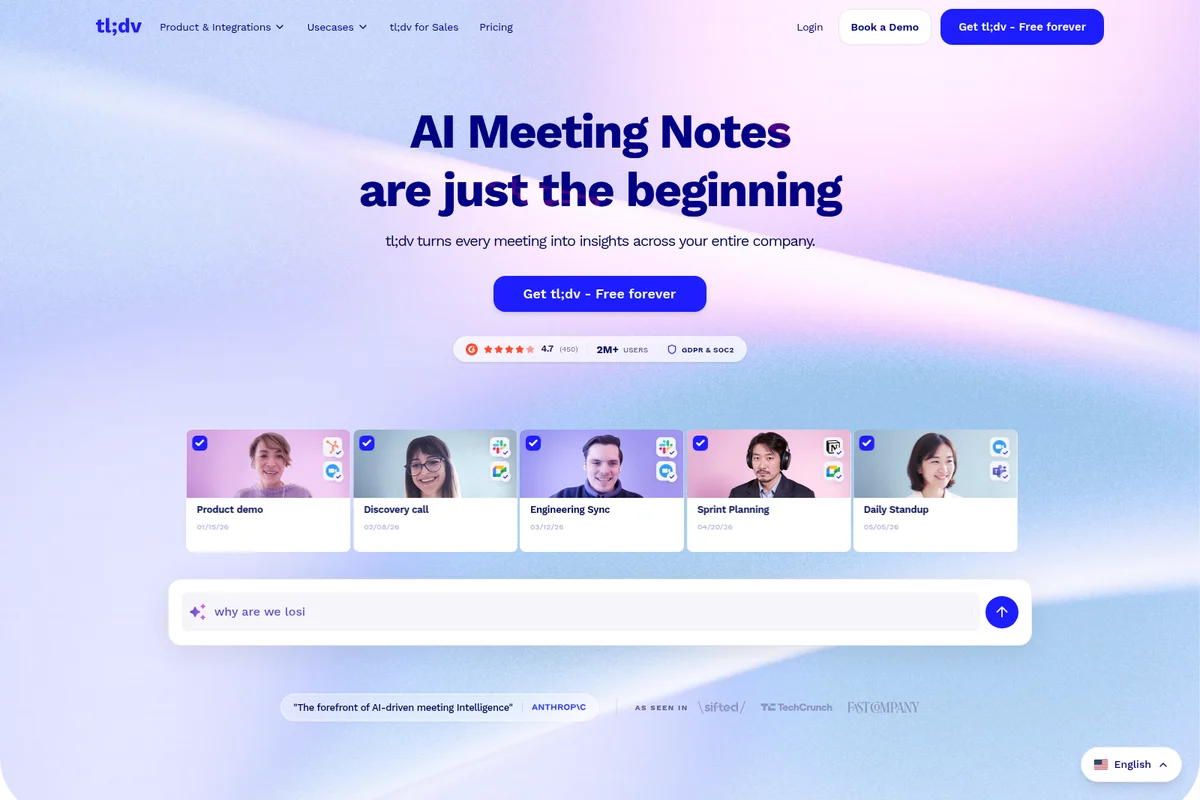
Effortlessly turn every meeting into actionable insights with AI notes.
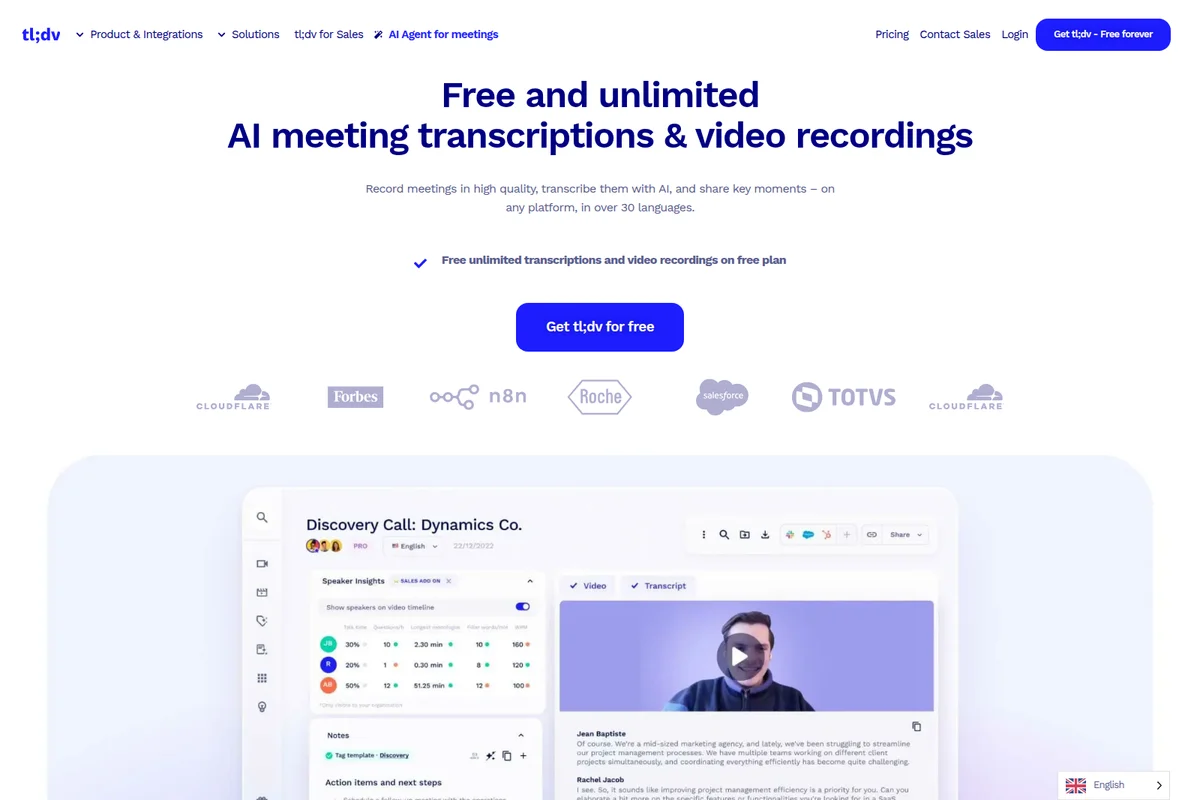
Review AI-generated meeting transcripts, speaker insights, and video recordings.
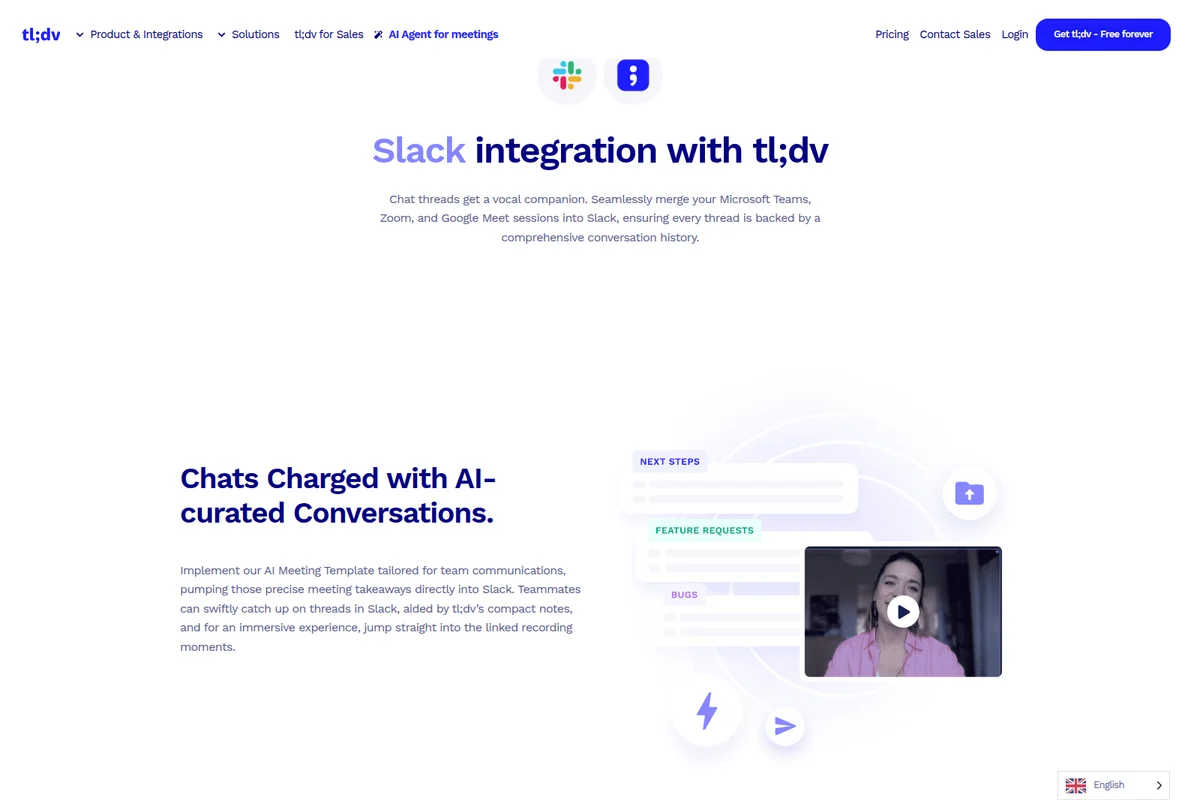
Seamlessly merge meeting insights into Slack for comprehensive conversation history.
tl;dv Review: Tooliverse Consensus







Based on 8k+ verified reviews across 7 platforms,
combined with Tooliverse's expert analysis
tl;dv turns meetings into a searchable video library, and its timestamped clips beat written recaps for async updates. Unlimited recordings and transcription in 30+ languages on the free plan, plus tight Zoom, Meet, and Teams integration, keep adoption easy. The catches: AI notes cap at ten meetings on free, transcription slips with heavy accents or technical jargon, and the visible bot can feel awkward on sensitive client calls. Teams that share moments more than they write minutes get the most from it.
Bottom line: A top-tier meeting recorder whose shareable clips and generous free plan make async updates painless, though AI note caps, accent-sensitive transcription, and a visible bot call for some caution.
tl;dv | Key Specs
- Platforms
- Web, iOS, Android (per pricing page), API
- Pricing Model
- Freemium ($0-29/seat/mo, Enterprise custom) See plans
- Privacy/Data Use
- No AI training on customer data, EU data hosting
- Security
- SOC 2 Type II, GDPR, AES-256 encryption See details
Wins
- •Excels at creating and sharing timestamped clips for efficient async updatesmentioned in 1,240 reviews
- •Offers a generous free plan with unlimited recordings and searchable transcriptsmentioned in 1,150 reviews
- •Delivers highly accurate transcription across more than 30 different languagesmentioned in 980 reviews
Watch-Outs
- •Free plan restricts full AI summaries after the first ten meetingsmentioned in 640 reviews
- •Transcription accuracy noticeably declines with strong accents or technical industry jargonmentioned in 520 reviews
- •Visible recording bot can occasionally create friction during sensitive client callsmentioned in 410 reviews
tl;dv Features 2026
Multi-Meeting AI Insights
Analyzes many meetings to surface trends, feature requests and objections, with scheduled AI reports.
Sales Coaching & Playbook Monitoring
Tracks playbook adherence and objection handling, and offers AI-selected clips for rep onboarding.
Automatic CRM Updates & Follow-ups
Logs call notes and CRM outcomes automatically and drafts follow-up emails and next-step tasks for review.
AI Meeting Agents
Agentic workflows built from recording, transcription, filtering, summarization, integration and scheduling blocks.
tl;dv User Reviews
Selected Reviews
"tl;dv has completely changed how we handle customer research. Being able to just snip a 30-second clip of a user saying exactly what they need and dropping it into Slack is a game changer."
"I've tried Otter and Fireflies, but tl;dv's video-first approach is what won me over. Seeing the speaker's face while reading the transcript adds so much context that text-only tools miss."
"The mobile app is great for recording in-person meetings, but I wish I could see the AI summaries right there instead of having to go to my laptop. It's a bit of a disconnected experience right now."
More from the Community
"The transcription is surprisingly good even for my non-native English team members. We use it for every internal sync now. The only downside is the bot can be a bit awkward when it joins a call with external clients."
"I love the free tier for recording everything, but the 10-minute summary limit on the free plan is a bit of a bummer once you hit it. Still, the searchable transcript is worth it alone."
"Best meeting recorder I've used. The 'Ask tl;dv' feature across multiple meetings is like having a second brain that actually remembers what we decided three weeks ago."
"Integrations with HubSpot and Slack are seamless. It saves me at least 3 hours a week on manual data entry after sales calls. Highly recommend for any AE."
"The transcription is surprisingly good even for my non-native English team members. We use it for every internal sync now. The only downside is the bot can be a bit awkward when it joins a call with external clients."
"I love the free tier for recording everything, but the 10-minute summary limit on the free plan is a bit of a bummer once you hit it. Still, the searchable transcript is worth it alone."
"Best meeting recorder I've used. The 'Ask tl;dv' feature across multiple meetings is like having a second brain that actually remembers what we decided three weeks ago."
"Integrations with HubSpot and Slack are seamless. It saves me at least 3 hours a week on manual data entry after sales calls. Highly recommend for any AE."
"The UI is so clean. I didn't even need a tutorial to get started. It just works. My only gripe is that it sometimes struggles with very fast talkers or when people talk over each other."
"A bit pricey for the Business tier, but the coaching features and playbooks are essential for our scaling sales team. The ROI is definitely there if you use the insights."
"Good tool, but I've had a few issues with the bot not showing up to scheduled meetings if the calendar invite was updated last minute. Customer support was helpful though."
"The UI is so clean. I didn't even need a tutorial to get started. It just works. My only gripe is that it sometimes struggles with very fast talkers or when people talk over each other."
"A bit pricey for the Business tier, but the coaching features and playbooks are essential for our scaling sales team. The ROI is definitely there if you use the insights."
"Good tool, but I've had a few issues with the bot not showing up to scheduled meetings if the calendar invite was updated last minute. Customer support was helpful though."
tl;dv Pricing 2026
View SourceFree records and transcribes without limit, but AI notes and Ask AI stop after ten uses each, and retention tops out at three months. That's enough to judge the product, not to depend on it. Pro at $18/seat/month billed annually removes those caps and suits individuals and small teams. Business adds multi-meeting insights and sales coaching, worth paying for only if those are the reason you're buying.
tl;dv In-Depth Review 2026

tl;dv joins Google Meet, Zoom, and Microsoft Teams calls, records them, transcribes in more than 30 languages, and writes AI notes after each meeting. The hook is its video-first design: you mark a moment, cut a clip, and share it, so a long meeting becomes a library people can actually search. Newer layers add automatic CRM updates, drafted follow-ups, and insights across many meetings, while a free plan covers unlimited recordings.
What It's Like Day-to-Day
The core loop is simple enough that reviewers rarely dwell on setup. The bot joins from your calendar, the transcript sits beside the video, and clicking a line jumps you to that moment. A Chrome Web Store reviewer says they needed no tutorial, which fits the 720 reviews that praise the almost nonexistent learning curve. Seeing the speaker's face while reading the words also adds context that text-only notetakers miss, according to a Product Hunt founder who compared it with Otter and Fireflies.
Clipping is where tl;dv builds its reputation, with 1,240 reviews citing it.
tl;dv Security & Compliance
Verified Compliance
- SOC 2 Type II
- GDPR compliant
- EU AI Act compliant
Security Features
- AES-256 encryption
- Single Sign-On (SSO)
- SCIM provisioning and custom SSO (Enterprise)
Privacy Commitments
- No customer data is used to train AI
- Data hosted and stored in the EU; privately hosted AI on request
- Metadata anonymized and meetings chunked and randomized before processing with Anthropic
tl;dv: Frequently Asked Questions (FAQs)
Is tl;dv free?
Yes, tl;dv offers a Free Forever plan with no time limit and no credit card required. It includes unlimited recordings and transcription in 30+ languages; AI notes and Ask AI are limited to 10 each.
How much do tl;dv paid plans cost?
Pro costs $18 per seat/month and Business $29 per seat/month, both billed annually. Enterprise pricing is custom.
What is tl;dv?
tl;dv is an AI-powered notetaker that records, transcribes and summarizes meetings and delivers actionable insights. The name stands for "Too Long, Didn't View".
Does tl;dv work with Zoom, Google Meet and Microsoft Teams?
Yes, tl;dv integrates with Google Meet, Zoom and Microsoft Teams for recording, transcription and summaries.
tl;dv Integrations
| Google Meet | Zoom | Microsoft Teams |
| HubSpot | Salesforce | Slack |
| Notion | Trello | Asana |
| Zapier | Aircall |
tl;dv: Verified Data Sheet
| # | Label | Data Point |
|---|---|---|
| [1] | tl;dv Consensus: 8.94/10 | tl;dv is a highly-rated tool among AI productivity tools in the Tooliverse index, with a consensus score of 8.94/10 across 8,684 verified reviews. |
| [2] | What is tl;dv | tl;dv, operated by tldx Solutions GmbH, is a SOC 2 Type II AI meeting notetaker that records, transcribes and summarizes calls and updates CRMs. It serves 2M+ users, with a free plan and paid plans from $18/seat/month. |
| [3] | Tooliverse Consensus on tl;dv | tl;dv turns meetings into a searchable video library, and its timestamped clips beat written recaps for async updates. Unlimited recordings and transcription in 30+ languages on the free plan, plus tight Zoom, Meet, and Teams integration, keep adoption easy. The catches: AI notes cap at ten meetings on free, transcription slips with heavy accents or technical jargon, and the visible bot can feel awkward on sensitive client calls. Teams that share moments more than they write minutes get the most from it. |
| [4] | tl;dv Verdict | tl;dv bottom line: A top-tier meeting recorder whose shareable clips and generous free plan make async updates painless, though AI note caps, accent-sensitive transcription, and a visible bot call for some caution. |
| [5] | Free: Free | tl;dv offers a functional Free tier with unlimited video recordings and unlimited transcription in 30+ languages, putting AI meeting tools within reach at no cost. |
| [6] | Timestamped clips for async updates | tl;dv excels at creating and sharing timestamped clips that keep async updates short, a strength cited in 1,240 user reviews, with reviewers describing clips dropped directly into Slack instead of full recordings. |
| [7] | Generous free plan, unlimited recordings | tl;dv offers a Free Forever plan at $0 with unlimited video recordings and searchable transcripts, a benefit praised in 1,150 user reviews; AI notes and Ask AI are capped at 10 each on that plan. |
| [8] | Accurate transcription in 30+ languages | tl;dv delivers accurate transcription in 30+ languages according to its pricing and homepage specifications, a capability validated by 980 user reviews; its About page claims a broader 100+ languages at over 95% accuracy. |
| [9] | Pro: $18/seat/mo (annual) | tldx Solutions GmbH's tl;dv Pro empowers users with Premium transcription quality for $18/seat/month billed annually, significantly expanding on the free tier's capabilities. |
| [10] | Works with Zoom, Meet, and Teams | tl;dv integrates with Zoom, Google Meet, and Microsoft Teams for recording, transcription, and summaries, a workflow strength cited in 850 user reviews, and reaches 5,000+ further apps via Zapier. |
| [11] | Free plan caps AI notes at 10 meetings | tl;dv restricts full AI summaries on the $0 Free plan to 10 meetings with AI notes and 10 Ask AI queries, a limit raised in 640 user reviews; unlimited AI notes require Pro at $18/seat/month billed annually. |
| [12] | Accuracy drops with accents and jargon | tl;dv shows reduced transcription accuracy with strong accents and technical industry jargon, according to 520 user reports, so teams in specialized fields may need to proofread transcripts. |
| [13] | Privacy: No customer data is used to train AI | tl;dv protects privacy with a policy that No customer data is used to train AI, Data hosted and stored in the EU; privately hosted AI on request, and Metadata anonymized and meetings chunked and randomized before processing with Anthropic. |
| [14] | Enterprise: AES-256 encryption | tl;dv provides enterprise-grade security with AES-256 encryption, Single Sign-On (SSO), and SCIM provisioning and custom SSO (Enterprise). |
| [15] | Clips are a game changer for research | A verified G2 reviewer noted that tl;dv lets them "snip a 30-second clip of a user saying exactly what they need" and drop it into Slack, calling it "a game changer" for customer research. |
Best tl;dv Alternatives
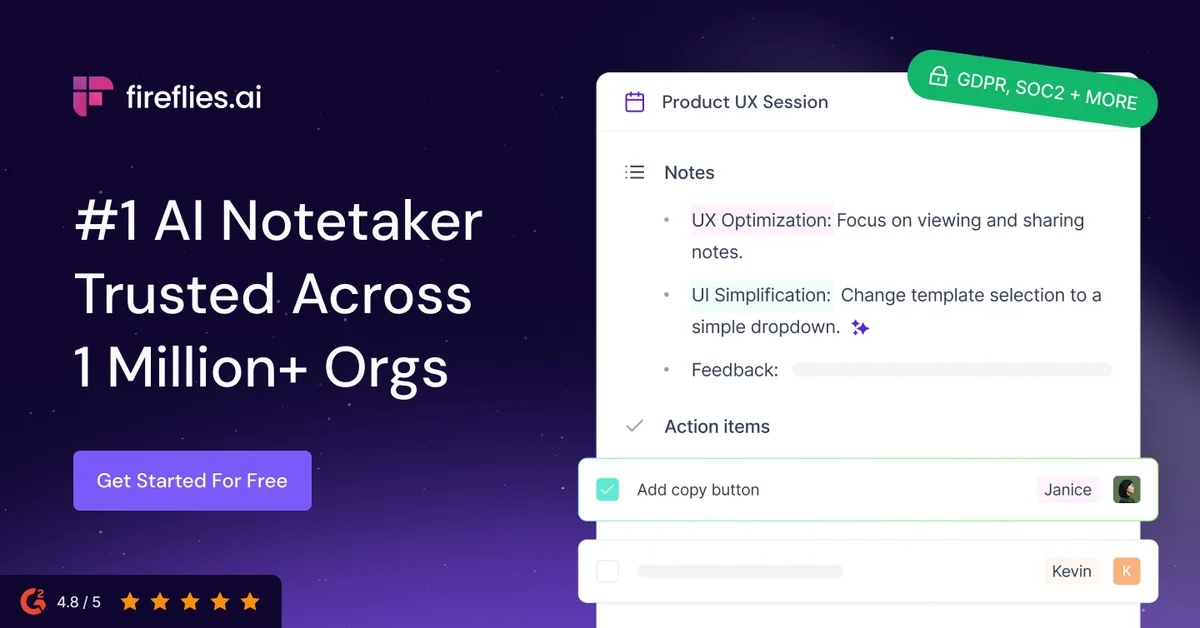
Fireflies.ai
Never miss a detail again: let AI record, summarize, and search every meeting for you.
Fathom
Capture every meeting, get instant summaries and action items, and stay fully present in the conversation.
Otter
Never take meeting notes again—Otter records, summarizes, and turns every conversation into searchable knowledge.